You type a sentence, wait a few seconds, and a 808 rolls out of your speakers under a snare that actually snaps. That is where AI beat making for rap is right now. The catch is that the same tool gives you a muddy, generic loop if you feed it a lazy prompt, and a record-ready instrumental if you feed it a sharp one. The difference is almost never the model. It is the words you choose and the handful of settings you flip before pressing generate.
This article gives you both halves: a prompt formula you can reuse, ten rap beat prompts you can copy today, and the settings that decide whether your beat sounds like a demo or like something an artist would pay for.
What an AI Beat Maker Actually Does
An AI beat maker takes a text description of a sound (genre, tempo, mood, instruments) and generates audio that matches it. Modern models do not stitch together preset loops. They generate the waveform itself, which is why two prompts that differ by a single word, like "dusty" versus "crisp," can produce noticeably different drum textures.
Beats vs. Full Songs
Most music models on PicassoIA can output a full song with vocals and structure. For rap, that is rarely what you want. A rapper needs a clean instrumental with space in the midrange where the voice will sit. If the model adds a sung hook or a melodic lead in the exact frequency range of a vocal, you will spend an hour fighting it in the mix.
So the first decision is simple: instrumental or vocal? For a beat you plan to rap over, choose instrumental every time.
Why Rap Is Harder Than It Looks
Rap beats live and die on small things. The pocket between the kick and the snare. How far behind the grid the hi-hats sit. Whether the 808 has a long tail that rings into the next note or a short one that stays out of the way. A prompt that only says "hip hop beat" leaves all of that to chance, and chance tends to produce the most average option.
💡 Tip: Think like a producer briefing a session player. You would never say "play something hip hop." You would say "slow, behind the beat, dusty drums, one muted bass note on the downbeat." Write the same way.
After a lot of test runs, the prompts that consistently land follow one structure. Fill in five blocks, in this order, and keep the whole thing under 60 or 70 words.
Five Building Blocks
| Block | What to write | Example |
|---|
| Genre and era | The subgenre, not just "rap" | 90s boom bap, Atlanta trap, UK drill |
| Tempo | A number, plus a feel word | 88 BPM, laid back |
| Drums | Kick, snare, hats, with texture | punchy kick, cracking snare, rolling hats |
| Bass and melody | One bass idea and one melodic idea | sub 808 with long glide, minor piano loop |
| Mix notes | Space, loudness, vocal room | instrumental, space for vocals, no lead vocals |
Skip any block and the model fills the gap with its default. Two blocks are the usual culprits for bland results: tempo (models guess, and often land on mid-tempo pop) and mix notes (without them you get a crowded arrangement).
Words That Steer the Drums
Certain words change the drums more than anything else. Use them on purpose:
- Dusty, vinyl, sampled: gives boom bap its crackle and rounded transients.
- Crisp, tight, punchy: sharper snares, shorter kicks, more modern.
- Rolling hi-hats, triplet hats: the classic trap hat pattern with fast bursts.
- Sliding 808, long tail: bass notes that glide and ring out.
- Swing, behind the beat, laid back: relaxes the groove and pulls the snare late.
- Sparse, minimal: fewer elements, more room for a vocal.
Rap Beat Prompts to Copy
Here are ten prompts, grouped by style. Paste them as they are, then tweak one variable at a time so you can hear what each change does.
Boom Bap
1. Classic New York
90s boom bap instrumental, 90 BPM, dusty vinyl drums, hard kick, cracking snare with slight swing, warm upright bass, chopped soul piano sample, tape saturation, no vocals, space for rapping
2. Jazzy Underground
Jazz rap instrumental, 86 BPM, laid back groove, muted trumpet sample loop, brushed hi-hats, round sub bass, vinyl crackle, mellow and smoky, instrumental only
3. Gritty Street
Hardcore boom bap, 94 BPM, aggressive kick and snare, dark minor string loop, distorted bass, raw lo-fi mix, tense mood, no lead vocals
Trap
4. Atlanta Banger
Atlanta trap instrumental, 140 BPM half time, booming 808 with long slide, crisp snare, rolling triplet hi-hats with fast bursts, dark bell melody, sparse arrangement, space for vocals
5. Cinematic Trap
Dark cinematic trap beat, 70 BPM, heavy sub bass, orchestral strings in a minor key, slow snare on the third beat, ominous pad, wide stereo, instrumental
6. Bouncy Club Trap
Bouncy club trap, 150 BPM, punchy kick, snappy claps, quick hat rolls, playful synth pluck, big 808 drop on the chorus, energetic, no vocals
Drill
7. UK Drill
UK drill instrumental, 142 BPM, sliding 808 bass with sharp glides, skippy snare pattern, sparse hi-hats with triplet fills, icy piano melody, menacing mood, instrumental only
8. Brooklyn Drill
Brooklyn drill beat, 140 BPM, deep sliding bass, tight snare, dark choir pad, minimal drums with space, aggressive but spacious, no vocals
Melodic and Lo-fi Rap
9. Melodic Rap
Melodic rap instrumental, 130 BPM, soft guitar loop, warm 808, crisp hi-hats, emotional minor chords, airy pad, space for a sung hook, instrumental
10. Late-night Lo-fi
Lo-fi hip hop beat for rapping, 82 BPM, dusty drums, mellow electric piano, soft vinyl noise, relaxed groove, minimal bass, nostalgic, instrumental only
💡 Tip: Change only one thing between runs. Swap "dusty" for "crisp," or move from 90 to 96 BPM. If you change five things at once, you will never know which one fixed the beat.
Settings That Matter
Prompts get the credit, but the generation settings quietly decide how usable the file is. Here is what to look at on a model like Music 2.6.
Instrumental or Vocal
The instrumental toggle is the single most important switch for rap. With it on, the model skips vocals completely, and the prompt becomes your only instruction. With it off, the model may sing over your beat, which is fine for a full demo but a headache if you plan to record your own verse.
Format and Quality
| Setting | Recommended | Why |
|---|
| Audio format | WAV for final, MP3 for sketches | WAV keeps the low end intact |
| Sample rate | 44100 Hz | Standard for music production |
| Bitrate | 256000 (highest) | Cleaner highs on hats and snares |
| Lyrics field | Empty for beats | Avoids unwanted vocal lines |
If you will drop the file into a DAW and process it further, always export WAV. MP3 compression smears the transients on hi-hats and can make 808s sound softer than they are.
Structure Tags
When you do want arrangement control, lyrics-style tags such as [Intro], [Verse], [Hook], [Bridge] and [Outro] tell the model where to build and where to pull back. For a pure instrumental, you can use a few of them to push the beat toward a drop or a stripped-back break, though results vary, so treat the tags as suggestions, not commands.
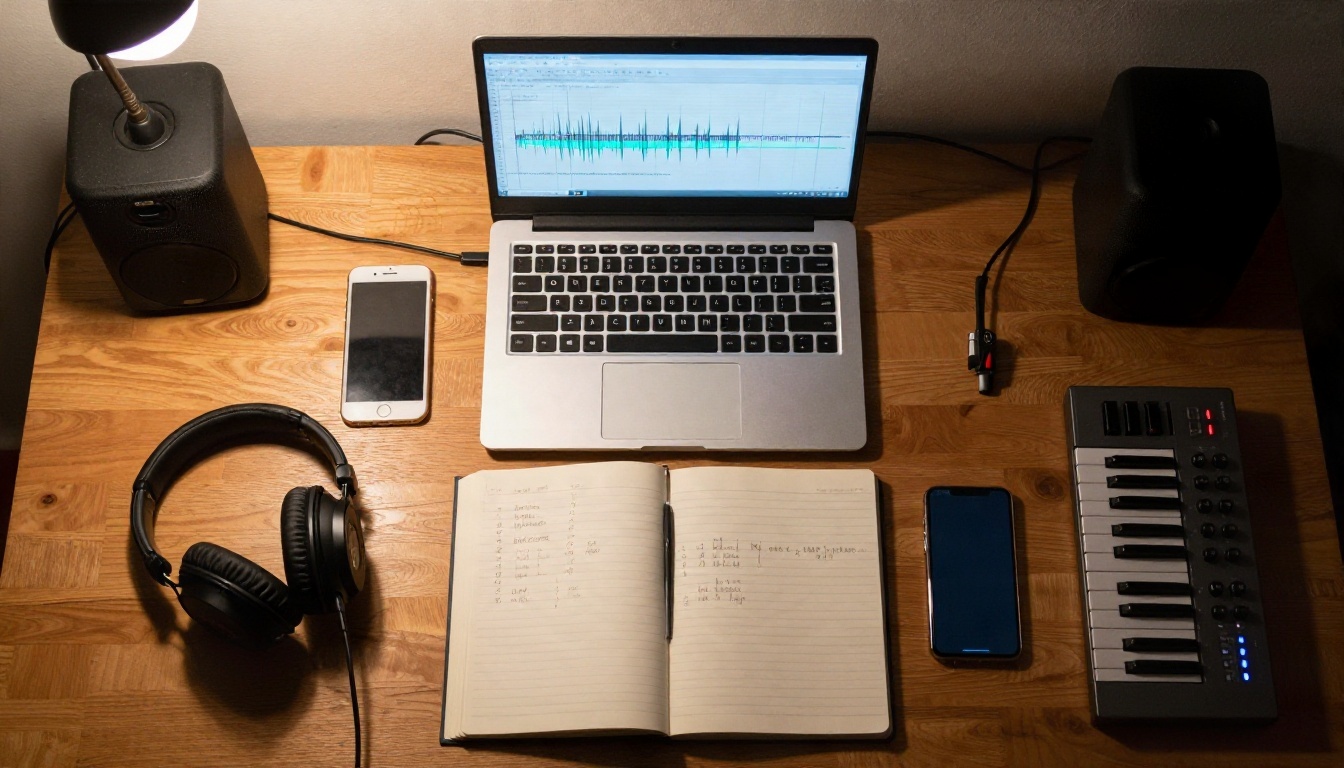
How to Use Music 2.6 on PicassoIA
Music 2.6 is a solid starting point for rap beats because it exposes the exact controls above: an instrumental switch, format choices, and a prompt field up to 2000 characters. Here is the workflow.
- Open the model page. Go to the Music 2.6 page on PicassoIA and sign in.
- Turn on the instrumental option. This tells the model to generate music without vocals. The prompt becomes required, so do not leave it empty.
- Paste your prompt. Start with one of the ten examples above. Keep it focused: genre, BPM, drums, bass, melody, mix notes.
- Leave the lyrics field empty. For an instrumental beat, you do not need lyrics. Keep the lyrics optimizer off, since it only writes words when the lyrics field is blank and vocals are wanted.
- Pick the output format. Use MP3 for quick drafts. Switch to WAV when you like a result and want to download it for your DAW.
- Keep the sample rate at 44100 and the bitrate at the maximum. These are the defaults, and there is little reason to lower them.
- Generate, listen on real speakers, and iterate. Change one word, run again, compare. Save the two or three best takes.
💡 Tip: Generate at least four versions of the same prompt. AI models vary run to run, and the best take is often the third or fourth, not the first.
Which Model Fits Your Sound
PicassoIA hosts several music models, and they do not all behave the same. Here is a practical way to choose:
| Model | Best for | Notes |
|---|
| Music 2.6 | Rap beats with instrumental control | Full songs or instrumentals, WAV output, structure tags |
| Music 2.5 | Full songs with vocals | Good when you want a rough demo with a sung hook |
| Lyria 3 Pro | Longer, polished tracks | Useful when you need a full-length piece |
| Lyria 3 | Quick original ideas | Fast sketching of moods and textures |
| ElevenLabs Music | Song ideas from a text prompt | Another voice and arrangement flavor to compare |
| Stable Audio 2.5 | Textures, loops and sound design | Handy for layering under a beat |
| Music 01 | Lyrics in, song out | Older option for lyric-driven tracks |
A simple workflow: sketch ideas in a fast model, then refine the winner in Music 2.6. Run the same prompt across two or three models, keep the one whose drums feel right, and spend your remaining generations polishing that direction.
Fix Weak Beats, Then Finish the Track
Even good prompts miss sometimes. These are the three problems that show up most, and how to correct them.
Muddy Low End
If the kick and the 808 blur into one boom, the prompt probably asked for too many low elements. Try:
- Add "short kick, long 808 tail" or the reverse, so the two do not fight.
- Remove extra bass instruments like "upright bass" when you already have a sub.
- Add "clean low end, tight bass" to the mix notes.
Generic Drums
When the groove feels like a stock loop, the fix is texture and swing. Replace "hip hop drums" with something specific such as "dusty sampled drums, snare slightly behind the beat". Naming a decade or a sub-style, like "late 90s," also pulls the sound away from the default.
Wrong Tempo Feel
Models sometimes treat BPM loosely. Trap is a good example: a 140 BPM trap beat is usually felt as half time, so it sounds like 70. Put both in the prompt: "140 BPM, half time feel". For drill, mention the sliding bass and skippy snare explicitly, since the tempo alone is not enough to land the style.
Record Over It
Once you have a beat you like, download the WAV, drop it into your DAW and set the project tempo to match. Leave the first two or four bars empty so you have room for a vocal intro. Record your vocal on a separate track, with the beat at a comfortable volume so you can hear yourself without pushing the mic.
Mix and Arrange
AI beats often arrive as a single stereo file, which means you cannot separate the drums from the melody. That is fine, but a few moves help it feel finished:
- Cut a little in the 200 to 500 Hz range to open room for the vocal.
- Add a gentle compressor on the vocal, not the beat.
- Arrange by muting and unmuting sections, repeating or looping the best bars to build a verse and hook structure.
- Bounce a short loop and test it in a car or on cheap earbuds. If it still hits there, it will hit anywhere.
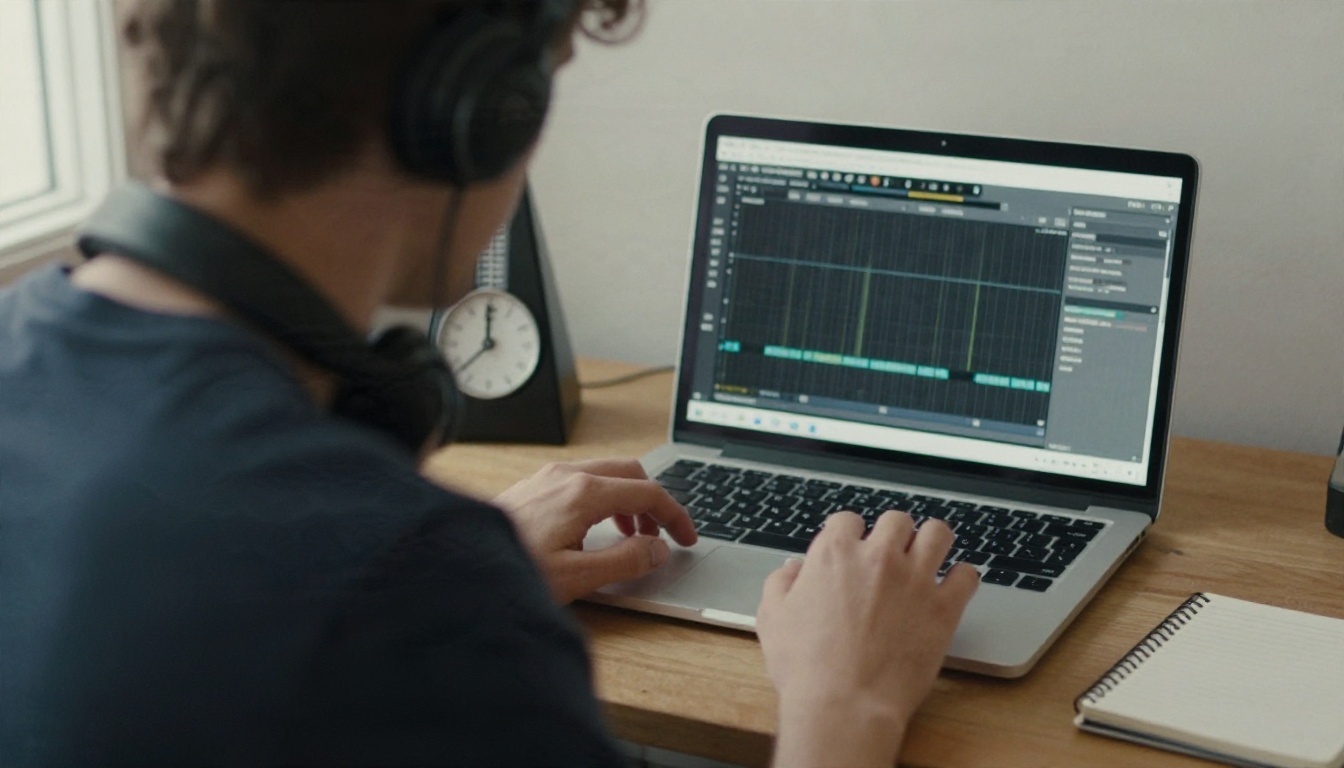
💡 Tip: Keep a prompt notebook. When a beat works, save the exact words, BPM and settings. Next month you will be able to rebuild that sound in one click instead of guessing.
Make Your First Beat Today
You do not need a studio, a sample library or a producer friend to start. You need one clear prompt and ten minutes. Pick a style from the list above, paste it into Music 2.6 with the instrumental option on, and generate four takes. Change a single word, run it again, and trust your ears.
If you want to compare sounds, open the same prompt in Lyria 3 Pro or Stable Audio 2.5, then keep the version that makes your head nod. When you are ready to try more tools, browse everything on PicassoIA's full model list and build your own rap workflow, from the first drum hit to the final bounce. The beat is one sentence away.


