You have a loop in your head, a free evening, and zero interest in paying for a studio suite or filling out a ten-field registration form. That is exactly why an AI beat maker free of cost is such a popular search. Type a few words describing the vibe, wait a short while, and a drum pattern with bass and melody comes back ready to download. No sample packs, no plugin hunting, no piano roll.
But the phrase "free, no sign up, no copyright" hides a lot of fine print. Some tools really do let you press play without an account. Others let you listen but lock the download button. A few promise royalty-free output while their terms say something slightly different. This article sorts the real offers from the marketing, compares online and app options, and gives you prompts you can paste right away.

What "Free" Really Means
Before picking a tool, it helps to read the three words in your search one at a time. Each one means something different depending on who is advertising.
The truth about "no sign up"
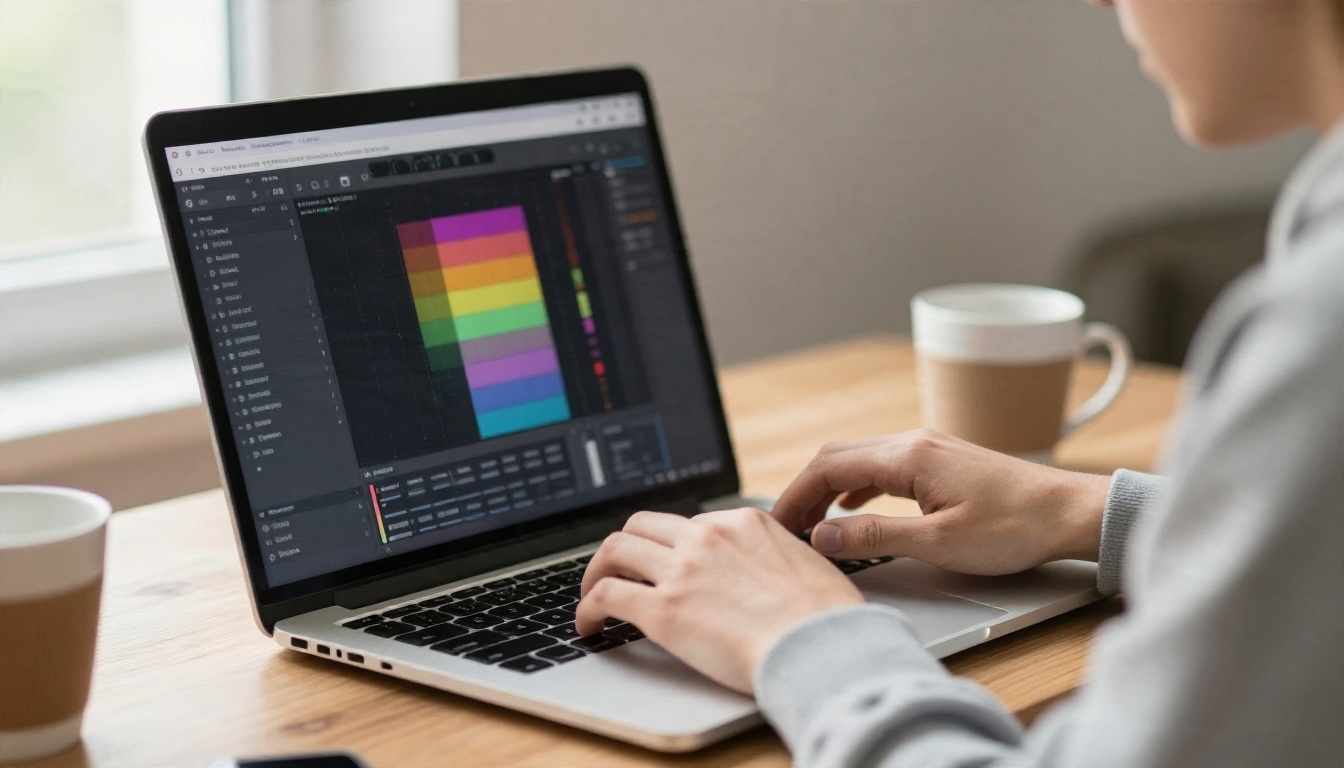
Browser-based beat makers fall into three camps. The first lets you generate and download without any account. The second lets you generate and preview, then asks for an email before saving. The third gives a handful of free credits per day and ties them to a login so the counter can be tracked.
In practice, the second and third camps are far more common. A small free allowance is cheaper for a company to run than unlimited anonymous generation, because every beat costs real compute. So when a page says "no sign up needed", check whether that applies to the download or only to the demo.
💡 Quick test: generate one beat, then try to export it as MP3 or WAV. If the export works with no email and no watermark, the "no sign up" claim holds.
The truth about "no copyright"
Nobody can promise that a beat has "no copyright" in the legal sense. What tools actually offer is a license. The wording you want to look for is royalty-free or commercial use allowed, and it should apply to the plan you are on, including the free one.
Three things worth checking in the terms:
- Commercial use on the free tier. Some platforms allow personal use on free plans and require a paid plan for monetized videos or streaming releases.
- Attribution. A few generators ask for a credit line in your description.
- Ownership of the output. Rules on AI-generated audio vary by country, and the legal picture is still settling. A license from the tool is not the same thing as a registered copyright.
Free tiers, credits and watermarks
Here is how the common free models usually work:
| Free model | What you get | Typical catch |
|---|
| Anonymous demo | Instant beat, short preview | Download locked or low quality |
| Daily credits | A few generations per day | Account needed to track credits |
| Free trial | Full features for a limited time | Card or email required |
| Open sample tool | Loops and one-shots | Not generated, just a library |
Online Beat Makers vs App Options
You can make beats in a browser tab or on your phone. Neither is better in every case. It comes down to where you work and how much control you want.
Browser tools
An online beat maker has the lowest barrier: open a page, type, listen. Nothing to install, and it works on a school laptop, a work machine, or a borrowed computer. Most also let you pull the audio into any editor afterwards.
The downside is internet dependence and, usually, less hands-on control over individual drum hits. You steer through words instead of a grid.
Phone and tablet apps
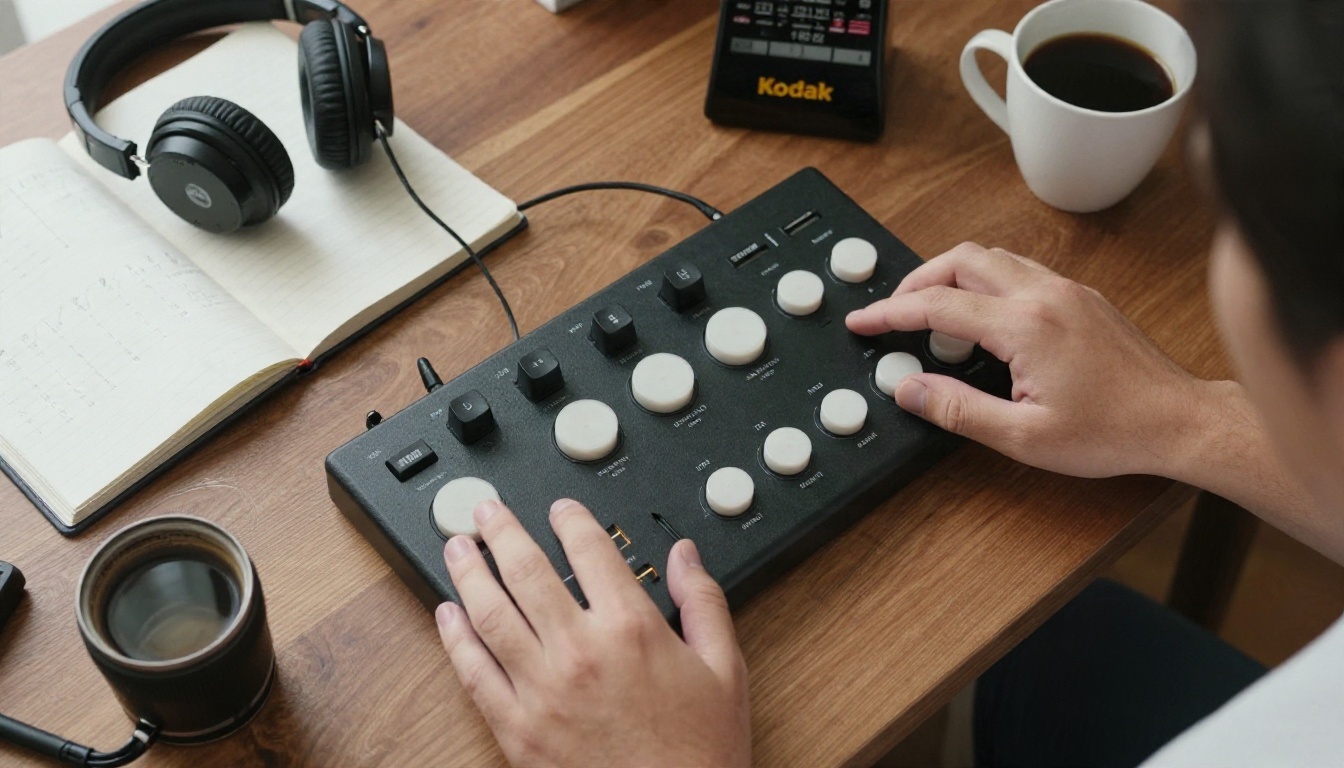
Beat apps shine when inspiration hits on the bus. They tend to include a tap-pad interface, a few loops, and sometimes an AI generation button. Many of them hide exports and extra sounds behind subscriptions, so read the store listing carefully.
If you work from a phone, a smart combination is to generate the raw beat in a browser, then send the file to your phone and layer vocals or an extra drum fill in an app.

Side by side
| Factor | Browser tool | Phone app |
|---|
| Install needed | No | Yes |
| Works offline | No | Sometimes |
| Control over single drums | Low to medium | Medium to high |
| AI generation from text | Common | Less common |
| Export quality on free plan | Varies | Often limited |
| Best for | Fast ideas, full instrumentals | Tapping out patterns on the go |
How an AI Beat Maker Works
Understanding the basics makes your results better, because it tells you what to put in the prompt.
From words to waveform
Most current systems take a text description and generate audio directly, instead of stitching samples together. Tempo, genre, instruments and mood in your prompt shape the result. The more specific you are about BPM, drum feel and instruments, the less the model has to guess.
That is also why two runs with the same prompt can sound different. Each generation is a new attempt, not a saved project. If you like a version, download it immediately.

Models that make music on PicassoIA
PicassoIA hosts a set of music models, and each one leans toward a different job:
- Music 2.6 is a strong first pick for full songs and instrumentals, and it is a good place to start without spending anything extra.
- Music 2.5 generates full tracks, including vocals, if you want a hook sung over your beat.
- Lyria 3 and Lyria 3 Pro come from Google and handle detailed arrangements, with the Pro version aimed at longer pieces.
- Stable Audio 2.5 works well for loops, textures and instrumental backing tracks.
- Music from ElevenLabs composes tracks from a text prompt and is handy when you want a polished, ready-to-use result.
💡 If you only want a quick drum-and-bass loop, try Stable Audio 2.5. If you want a full instrumental with an intro, hook and outro, start with Music 2.6 or Lyria 3.
Make a Beat on PicassoIA Step by Step
Here is a simple workflow using Music 2.6. The same flow applies to the other music models listed above.

Step 1: Open the model page
Go to the Music 2.6 page in the AI music generation collection. You will see a prompt box and the options for the model. Depending on how many free generations are available, you may be asked to log in to save your results, so it is worth checking that on the page itself.
Step 2: Write a tight prompt
Use a formula with four parts: genre, tempo, instruments, mood. For example:
"Instrumental lo-fi hip hop beat, 82 BPM, dusty vinyl crackle, soft Rhodes chords, mellow upright bass, relaxed swung drums, no vocals."
Putting "no vocals" or "instrumental" in the prompt matters. Otherwise some models add a sung part.
Step 3: Set length and lyrics
If the model gives a lyrics field, leave it empty or use an instrumental marker for a pure beat. Keep your first test short. A one-minute clip is enough to judge the groove, and shorter generations finish faster.
Step 4: Generate and listen twice
Listen once for the overall vibe, then again with attention on the drums only. Are the kick and snare clear? Does the bass fight them? If something sounds off, change one thing in the prompt rather than rewriting everything.
Step 5: Download and use
Download the file and name it with the BPM and key, such as lofi_82bpm_Am. Future you will be grateful when sorting a folder of twenty takes.
Prompts That Work
These prompts follow the same four-part pattern. Copy them, change the BPM, and see what happens.

Lo-fi and chill
"Instrumental lo-fi beat, 78 BPM, warm electric piano, vinyl crackle, soft brushed snare, deep sine bass, nostalgic late-night mood."
Great for study streams, background tracks and short videos.
Trap and rap
"Hard trap instrumental, 140 BPM, heavy 808 sub bass, crisp hi-hat rolls, sparse dark piano melody, punchy clap on beats 2 and 4, no vocals."
If the 808 sounds muddy, add "clean tight 808, short decay" to the prompt.
Boom bap
"Classic boom bap hip hop beat, 90 BPM, dusty drum break, jazzy sampled horn feel, warm upright bass, head-nod groove, instrumental."
Drill and dance
"UK drill instrumental, 142 BPM, sliding 808 bass, sharp snare, eerie strings, minimal arrangement."
"Upbeat house beat, 124 BPM, four-on-the-floor kick, offbeat open hi-hat, bright plucked synth, rolling bassline."
Prompt cheat sheet
| Goal | Words to add |
|---|
| Cleaner drums | "tight, punchy, dry kick and snare" |
| More space | "sparse arrangement, minimal layers" |
| Warmer sound | "tape warmth, soft saturation" |
| No singing | "instrumental, no vocals" |
| Looping friendly | "steady groove, 8 bar loop, no intro" |
Staying Clear of Copyright Trouble
Making a beat is easy. Posting it without a surprise claim takes a bit more care.
A short safety checklist
- Never name a real artist or song in the prompt if you plan to publish. Describe the sound instead: "dusty drums and warm electric piano" rather than the name of a famous producer.
- Keep your license text. Save a screenshot or note of the terms on the day you generated the beat.
- Do not upload someone else's audio as a reference unless you have the rights to it.
- Check the plan you used. Free and paid tiers may carry different commercial permissions.
- Keep the original files. If a dispute ever comes up, dated source files help.
Why claims still happen
Streaming and video platforms use automated matching to spot audio. A beat that resembles an existing track, or one that another user uploaded after generating a similar loop, can sometimes trigger a flag. It is not common, but it happens. If you get a claim, dispute it with your license and your project files.
💡 For monetized content, a good habit is to layer at least one original element on top: a recorded vocal, a played melody, or a custom drum fill. That makes the final track clearly yours.
Polish Your Beat Without a Studio
A raw generated beat is a good start. A few small steps can make it feel finished.

Trim, loop and layer
Cut the silence from the start, find a clean 8 or 16 bar section, and loop it. A short loop with a strong groove is more useful than a rambling three-minute track. Then add one extra layer, such as a vocal chop or a recorded guitar line.
Add vocals or voice
If you want a sung hook, run the beat through a music model that supports vocals, such as Music 2.5, or record your own voice over it. The platform also has text-to-speech and lipsync models if you are building a music video around the track.
Export for each platform
Use WAV when you plan to edit more, and MP3 for uploads and sharing. Keep a copy at the highest quality available, then compress copies as needed.
Mistakes Beginners Make
These come up again and again:
- Vague prompts. "Make a cool beat" gives a random result. Add genre, BPM and instruments.
- Too many instruments. Five or six named instruments can clutter the mix. Stick to three or four.
- Ignoring tempo. If you plan to rap over it, pick a BPM you can actually perform at.
- Not saving the winner. Generations do not always come back. Download anything you like right away.
- Skipping the terms. One minute reading the license beats a week fighting a takedown.
- Expecting a finished record. Treat the output as a strong sketch that you shape.
Make Your Own Beat Today
A free AI beat maker is only as useful as the prompt you give it and the license behind it. Pick a model, write a four-part prompt, download your favorite take, and keep your terms handy. That is the entire loop.
PicassoIA gives you a full set of music models in one place, from Music 2.6 and Lyria 3 to Stable Audio 2.5, plus image and video models to build cover art and clips for your track. Try one prompt from this article, change a single word, and listen to what shifts. You can browse every available model at picassoia.com/en/all-models and start making your own beat in a few minutes.


