AI Beat Maker From Vocals: Build a Beat Around Your Voice, Free Online
You have a voice, a melody in your head and no producer. This article shows how an AI beat maker can build drums, bass and harmony around your vocal idea, which models to use, and how to layer your real recording on top.
You hum a melody in the shower, record it on your phone, and then it just sits there. No drums, no bass, no producer friend who owes you a favor. That gap between a raw voice and a finished track is exactly where an AI beat maker from vocals earns its place. You bring the voice, the lyrics or the mood, and the model builds the rhythm section, harmony and arrangement around it.
This article walks through how that process really works, what the tools can and cannot do today, which models on PicassoIA suit a vocal-led project, and how to blend your own recording with a generated beat so the result sounds like one song instead of two files fighting each other.
What a Vocal Beat Maker Does
A beat built around a voice has to respect a few things the singer already decided: the tempo, the mood, the phrasing and the space where words land. A good beat leaves room for syllables, hits accents where the lyric hits them, and shifts energy when the verse becomes a chorus.
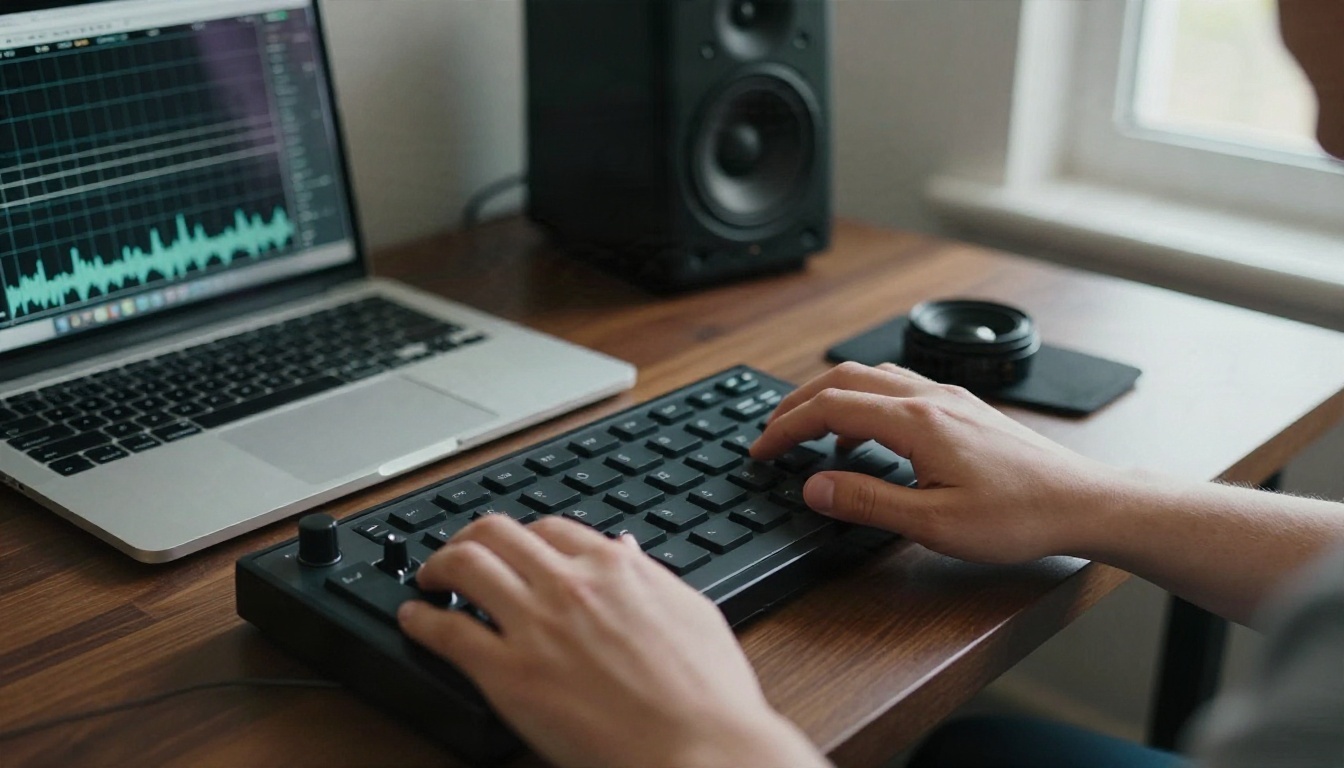
Traditional producers do this by ear. They loop the vocal, tap out a kick and snare pattern, add a bass line that follows the melody, and arrange sections around the lyric. AI music models compress that work into a prompt and a lyric sheet.
The Honest Limit of Today's Tools
Here is the part many "free online beat maker" pages gloss over. Most of the music generation models on PicassoIA take text instructions and lyrics as input, not an uploaded audio file. You cannot drag a vocal recording into Music 2.6 and have it listen to your exact take.
That does not make the workflow useless. It changes it. Instead of "analyze my recording," you describe what your recording already contains: the genre, the speed, the emotion, the lyrics, the structure. The model then composes a track that matches that description, and you decide whether to keep its generated vocal or lay your own voice over an instrumental version.
💡 Tip: Think of the prompt as a producer's brief. The more your description reflects the real vocal (tempo, mood, lyric sections), the closer the beat will feel to something made for you.
Two Ways to Build Around a Voice
Approach
What you provide
What you get
Best for
Full song generation
Lyrics, genre, mood
A track with generated vocals and instruments
Demos, song ideas, quick drafts
Instrumental generation
Genre, tempo, mood, no lyrics
A beat with no vocals
Layering your own recorded voice
Hybrid workflow
Both of the above, run separately
A generated vocal for reference plus a clean beat
Writers who want to hear the idea first
The hybrid route is the one most songwriters end up using. You generate a full song to hear how the lyric might sit, then generate an instrumental in the same style and record your real take on top.
Prep Your Voice Before You Generate
The better your input, the less you will regenerate. Ten minutes of prep saves an hour of trial and error.
Capture Tempo and Mood
Before you open any tool, pin down three numbers and words:
Tempo in BPM. Tap along to your vocal idea on a metronome app. Ballads sit around 60 to 80, lo-fi and hip hop around 75 to 95, pop around 100 to 125, dance tracks around 120 to 130.
Mood. One or two honest words: wistful, defiant, playful, tender, restless.
Reference feel. Describe a texture rather than naming an artist: "dusty drums, soft piano, warm bass."
Write Lyrics With Structure Tags
Models that accept lyrics respond well to labeled sections. Music 2.6, for example, reads tags such as [Intro], [Verse], [Pre Chorus], [Chorus], [Bridge] and [Outro] to shape the arrangement. A short, clean lyric sheet gives the model a skeleton to build the beat on.
[Verse]
Streetlights hum a song I almost know
Footsteps keeping time on the wet concrete

[Chorus]
Carry me home, carry me slow
Let the quiet turn the volume down low
Keep lines short and rhythmic. Long, crowded lines force the model to rush syllables, and the beat ends up sounding hurried.
Record a Clean Reference
Even though the model will not ingest it, a rough recording of your own melody is still your best reference. Play it back while you read the generated result. You will hear immediately whether the tempo and phrasing match your intent.
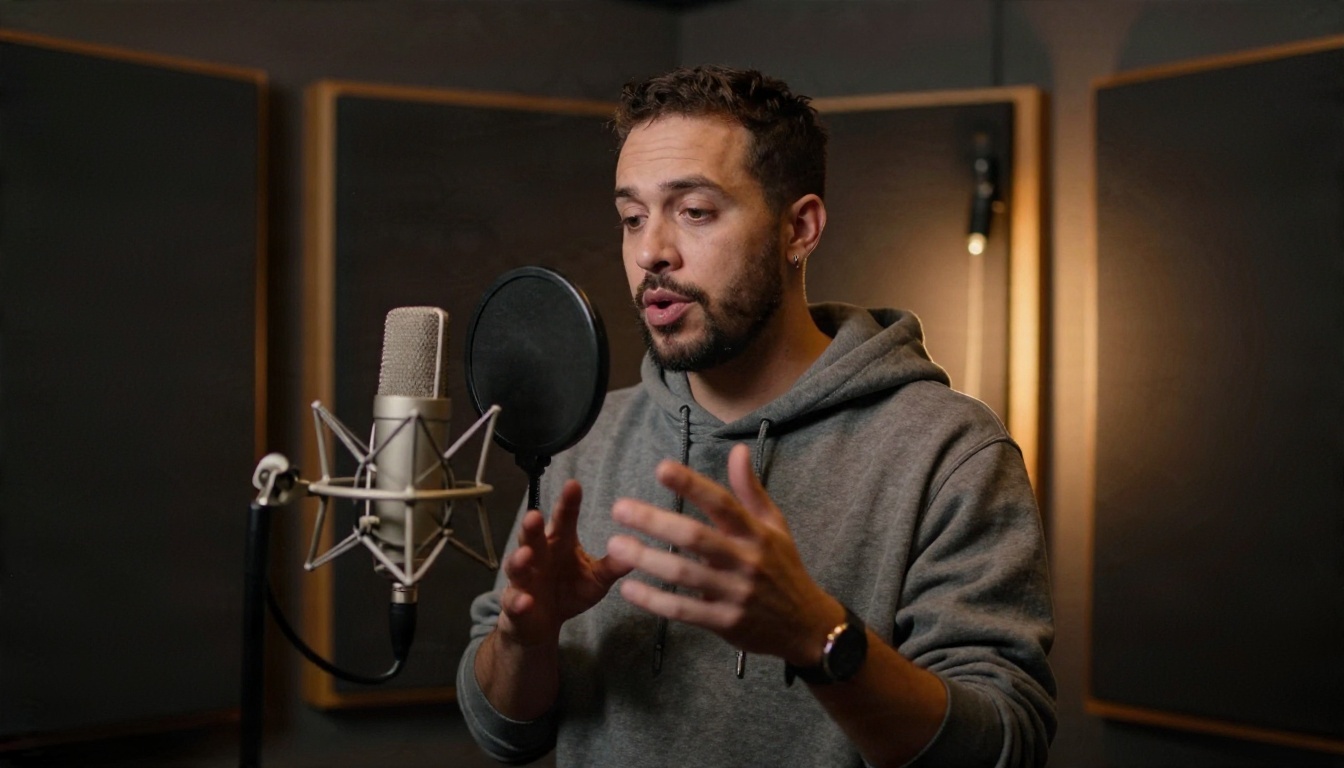
If you plan to lay your voice over an instrumental later, record in a quiet room, keep the microphone a hand's width from your mouth, and use a pop filter. A clean vocal is far easier to blend than a noisy one.
Best Models for Vocal-Led Beats
PicassoIA hosts several music generation models. They differ in how much control you get, how long the output runs and how vocal-friendly they are.
If your project starts from lyrics, this is the best first stop. It produces vocals, melody, harmony and arrangement from one prompt, and its instrumental mode gives you a beat with no singer when you want to record over it. Output goes up to 256 kbps MP3 or lossless WAV at 44.1 kHz, which matters once you start mixing.
Lyria 3 and Lyria 3 Pro for Detail
Lyria 3 and Lyria 3 Pro lean toward rich, cinematic arrangements. They suit ballads and atmospheric pieces, where the beat is a slow bed for a voice rather than a loud groove. The Pro version aims at full-length songs, handy when your lyric has several verses.
Stable Audio and ElevenLabs for Loops
Stable Audio 2.5 and ElevenLabs Music work well when you want short, clean beat ideas. Generate a handful of eight-bar grooves, pick the one that fits your vocal phrasing, and build from there. For earlier-generation options, Music 01, Music 1.5 and Lyria 2 are still available if you like their sound.
How to Use Music 2.6 on PicassoIA
This walkthrough uses Music 2.6 because it handles both a sung track and a beat-only version.
Open the model page. Go to the Music 2.6 page on PicassoIA.
Write the style prompt. Describe genre, mood and scene in one sentence, up to 2000 characters. Example: "Lo-fi hip hop, 82 BPM, dusty drums, warm bass, soft piano, late-night mood."
Paste your lyrics. Add your structured lyric sheet with tags like [Verse] and [Chorus]. Lyrics can run up to 3500 characters.
Or let it write lyrics. If you have none yet, leave the lyrics empty and turn on the lyrics optimizer, which generates words from your prompt.
Switch to instrumental when needed. Turn on is_instrumental to get a beat with no vocals. In that mode the prompt is required and lyrics are ignored.
Pick the audio format. Choose WAV for mixing, MP3 for quick sharing. Keep the sample rate at 44100 and bitrate at 256000 for the best fidelity.
Generate and listen. Play the result against your own melody. Regenerate with small prompt changes until the groove fits.
Parameter Tips That Save Time
Change one thing per run. Swap only the tempo or only the instrument list so you can hear what caused the difference.
Put tempo in the prompt as a number. "82 BPM" gives the model a firmer target than "slow."
Name three instruments, not ten. A short list keeps the arrangement open for a vocal.
Export WAV for the final pass. Compressed files lose detail when you stack a vocal on top.
💡 Tip: Generate the sung version and the instrumental version with the same prompt wording. The two will share a feel, which makes swapping the generated voice for your real one far smoother.
Genre Recipes That Work
Prompts are shorthand for a producer's taste. These starting points give you a dependable base to adjust.
Genre
Tempo
Prompt starter
Trap
130 to 145 BPM
"Trap, 140 BPM, hard 808 bass, crisp hi-hats, sparse dark piano, confident mood"
"Acoustic folk pop, 92 BPM, fingerpicked guitar, light percussion, heartfelt"
Trap and Hip Hop
Rap vocals need pocket: steady space between drum hits where words can land. Ask for "sparse" or "minimal" arrangements so the beat does not crowd the verse. If your flow is fast, favor a half-time feel, where the snare lands slower than the tempo suggests, which gives rapid syllables room to breathe.
Lo-fi and Chill
Lo-fi beats are forgiving for soft or breathy voices. Warm chords, a slow swing and a touch of tape noise cover small flaws in a home recording. Request "gentle" drums and "low-passed" textures so the vocal sits clearly above the instruments.
Pop and Singer-Songwriter
For melodic voices, describe the emotional arc: "quiet verse, lifting pre-chorus, full chorus." The structure tags in your lyrics reinforce it. Keep the verse instrumentation thin so the chorus feels like a real arrival.
Layer Your Real Voice Over the Beat
Generated vocals are fine for demos. When the song is yours, you will want your own voice on it. This is where the hybrid workflow pays off.
Match Tempo First
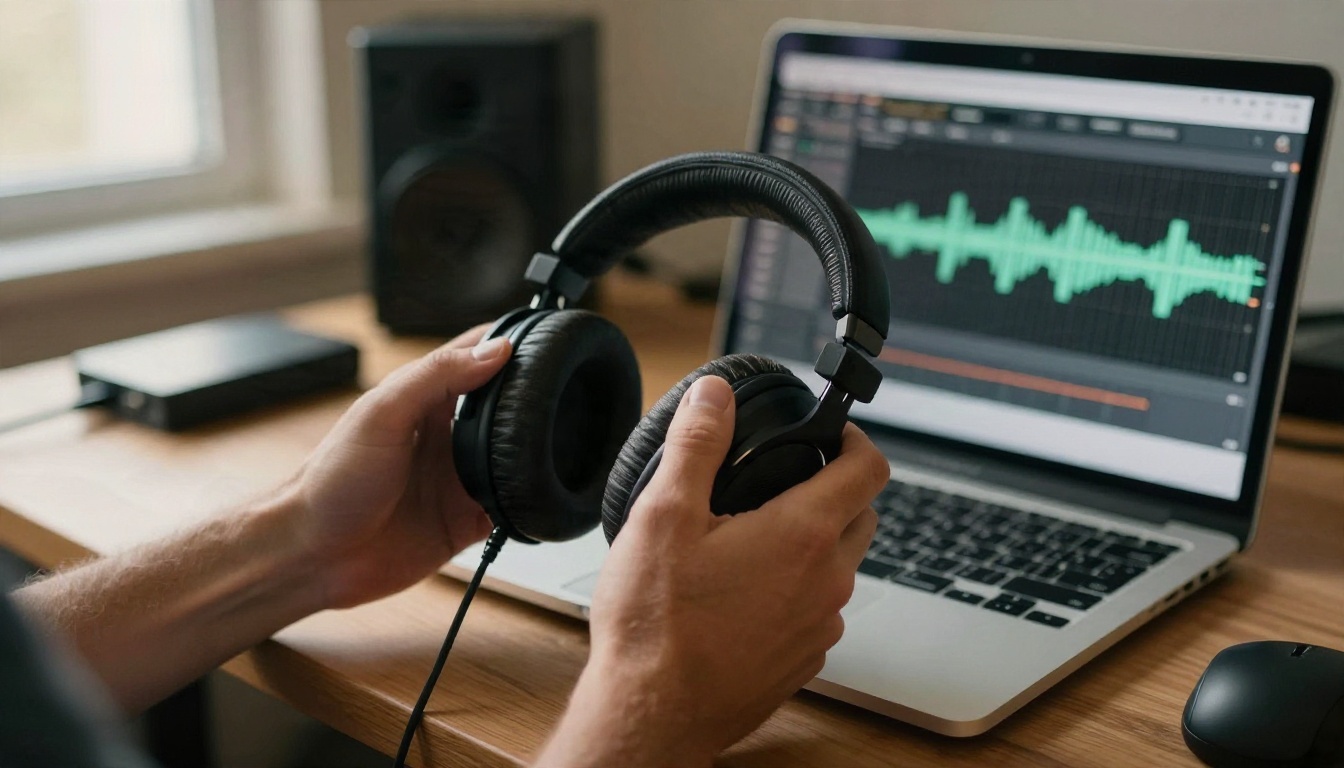
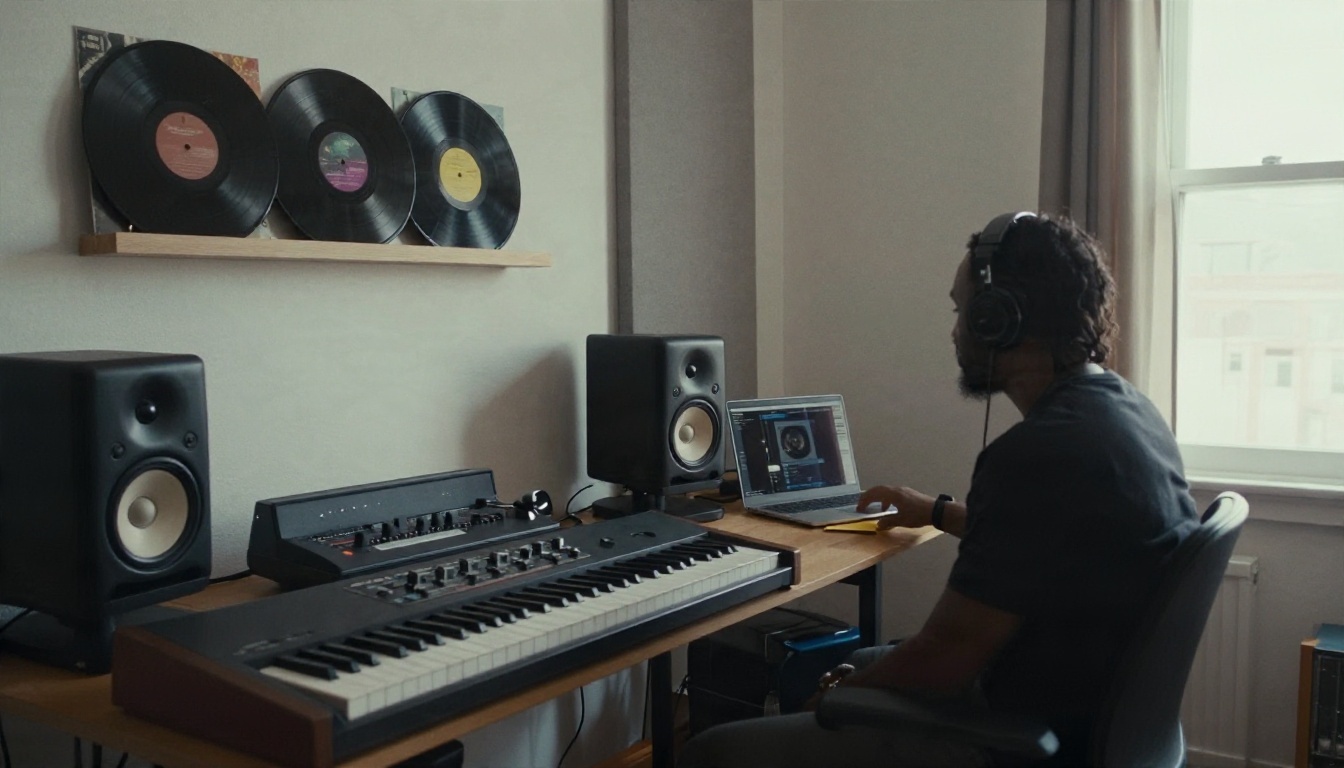
Load the instrumental into any free audio editor or DAW. Set the project to the tempo you wrote in your prompt, then record your vocal against the playback with headphones on. If the beat drifts slightly from the stated tempo, nudge your phrasing or time-stretch the vocal by a small percentage rather than re-recording everything.
Mix Levels and Space
A simple mix order works for most home projects:
Set the beat level first, so the loudest part peaks around minus 10 dB.
Place the vocal about 3 to 6 dB above the loudest instrument.
Cut low rumble from the vocal below roughly 80 Hz.
Add a short reverb, then lower it until you barely notice it.
Check on cheap speakers and earbuds. If words disappear, raise the vocal or thin out the beat.
💡 Tip: Play the finished track for someone who has not heard it. If they hum the chorus afterward, the beat and vocal are working together.
Common Mistakes to Avoid
Most weak results come from a short list of habits.
Overloading the prompt. Twelve instruments and four genres produce mush. Pick one genre, one mood, three instruments.
Ignoring tempo. Skipping the BPM number leaves the groove to chance, and your vocal timing will fight it.
Writing crowded lyrics. Too many syllables per line force rushed phrasing.
Skipping structure tags. Without [Verse] and [Chorus], the arrangement can feel flat.
Expecting the model to hear your file. Describe the vocal instead, then layer the real recording afterward.
Judging after one run. Generate three or four takes, then pick the best groove.
Make Your First Beat Today
You do not need a studio, a producer or years of theory to hear your voice sit on a real groove. Write four lines, pick a tempo, choose a mood and let the model build the band. Start with Music 2.6 for a sung draft, switch on instrumental mode for a clean bed, then record your own take and mix it in.
Try three versions of the same lyric in different genres: lo-fi, pop and acoustic. You will quickly learn which style flatters your voice. When you are ready to compare more engines, browse everything at picassoia.com/en/all-models and keep experimenting on PicassoIA until the track sounds like you.