Want to go beyond static bikini transformations? PicassoIA lets you turn any photo into a bikini image AND animate it into a video. The process takes seconds, and the results look incredibly realistic.
This tutorial shows you exactly how to create bikini transformation videos using two powerful tools: the image editor for the transformation and the image-to-video generator for animation.
Here are three real examples of photos transformed into bikini videos. Each video was created in under a minute.
Video 1: Pink Dress to Pink Bikini
Before:
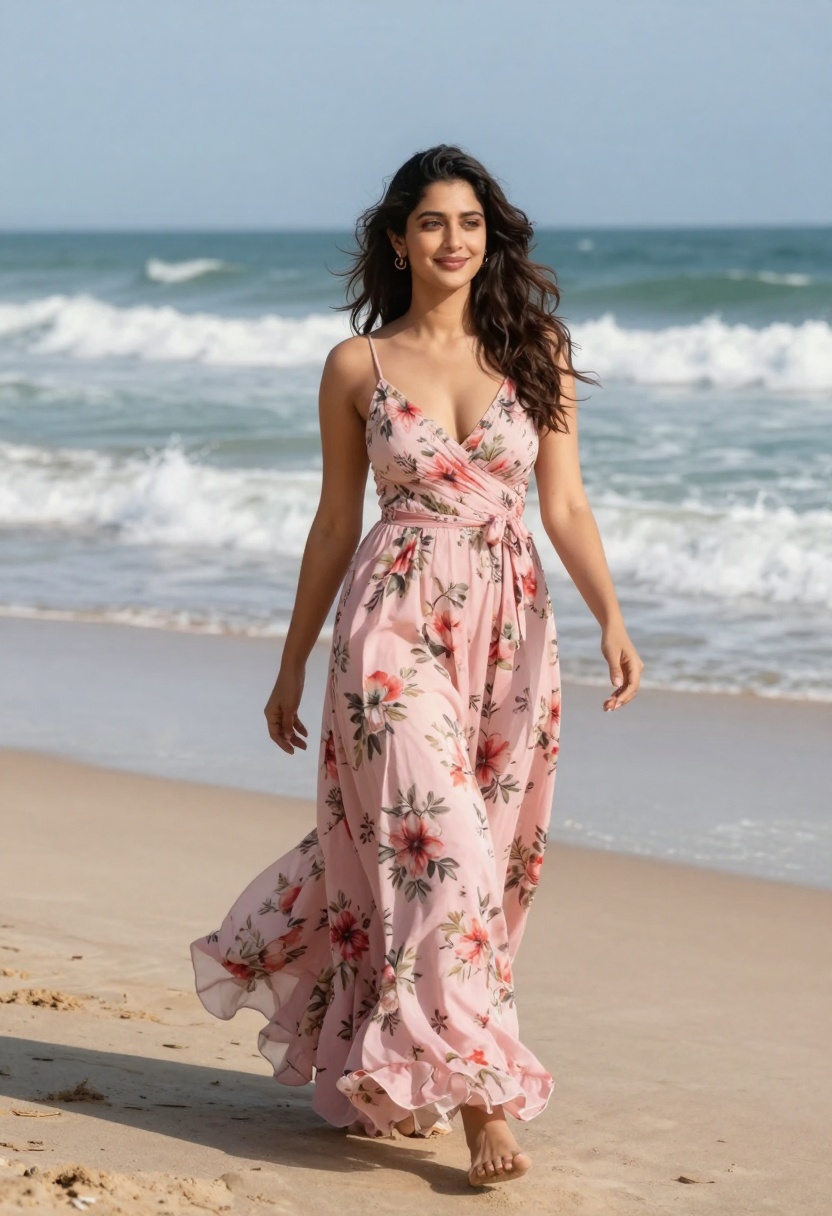
After:
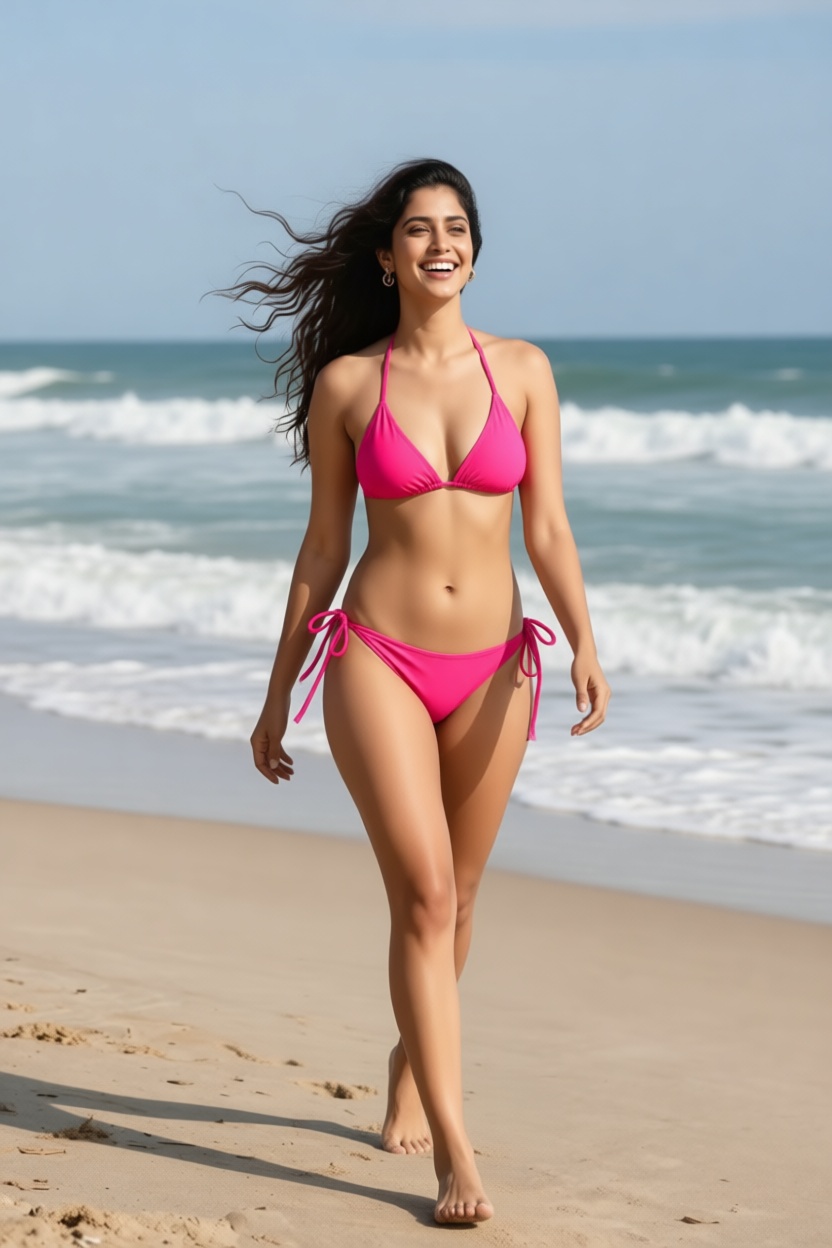
Animated Video:
Video 2: Casual Outfit to White Bikini
Before:
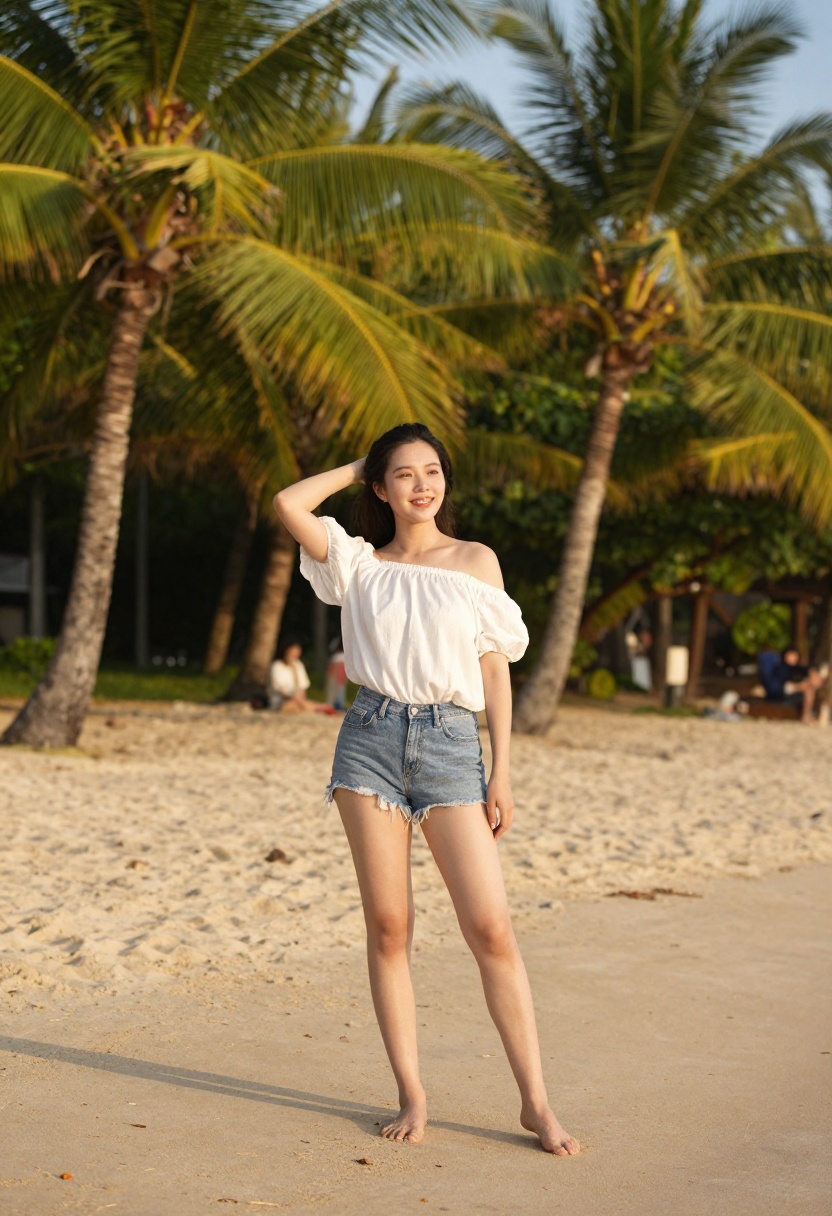
After:
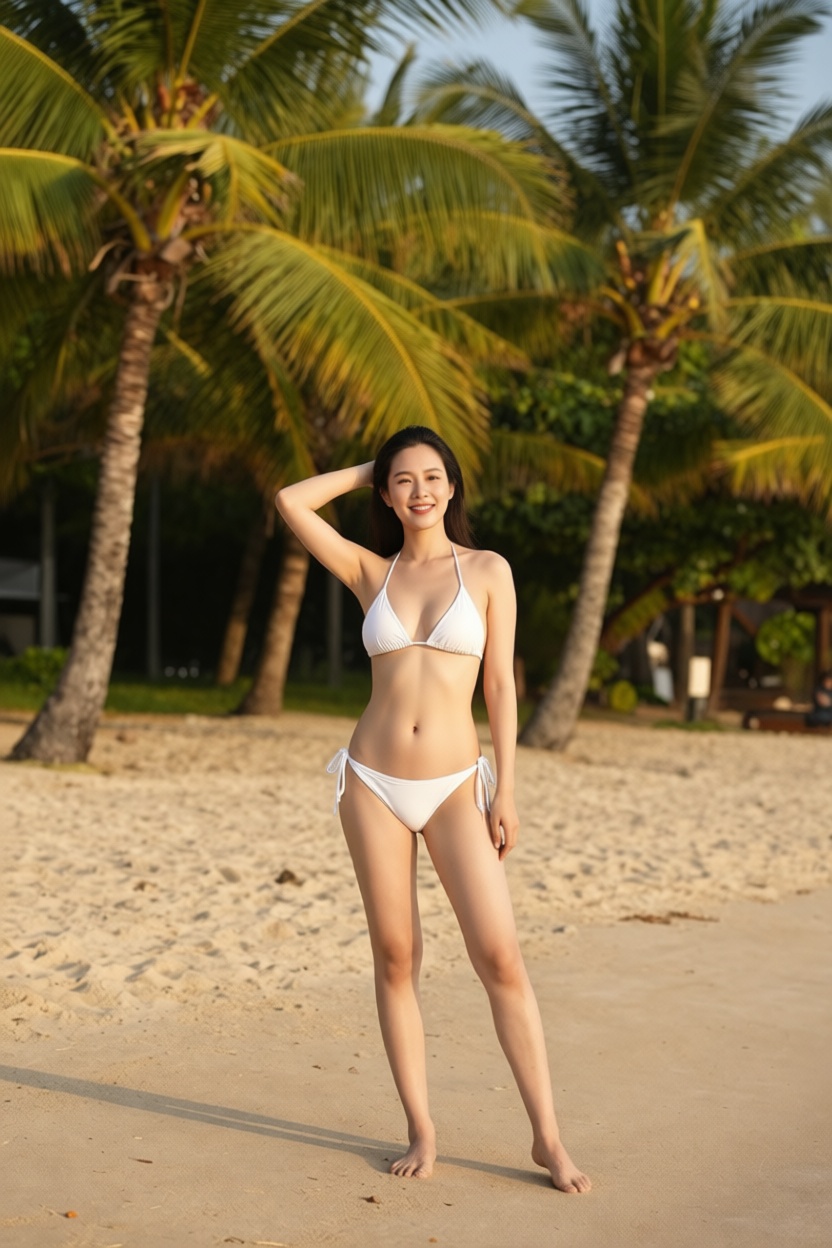
Animated Video:
Video 3: Blue Sundress to Blue Bikini
Before:
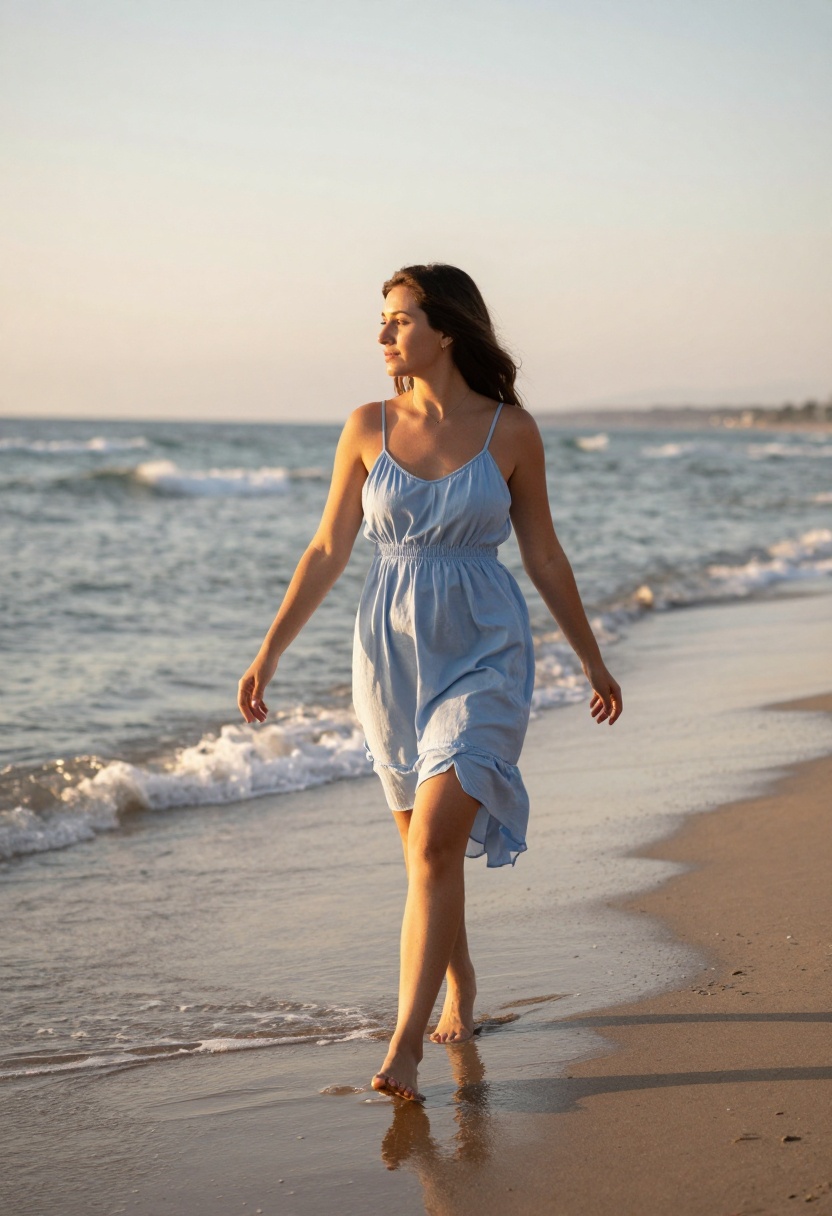
After:
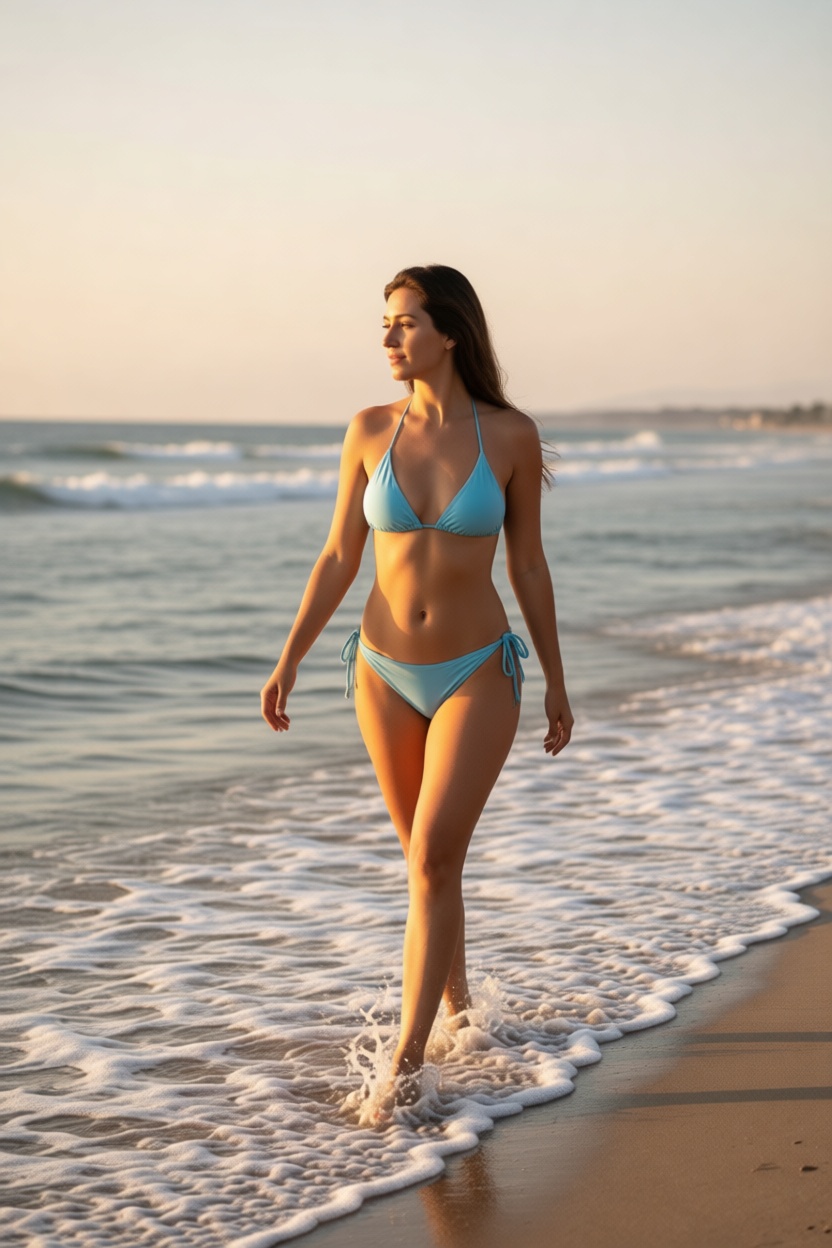
Animated Video:
More Before & After Examples
Example 1: Sweater to Red Bikini
Before:
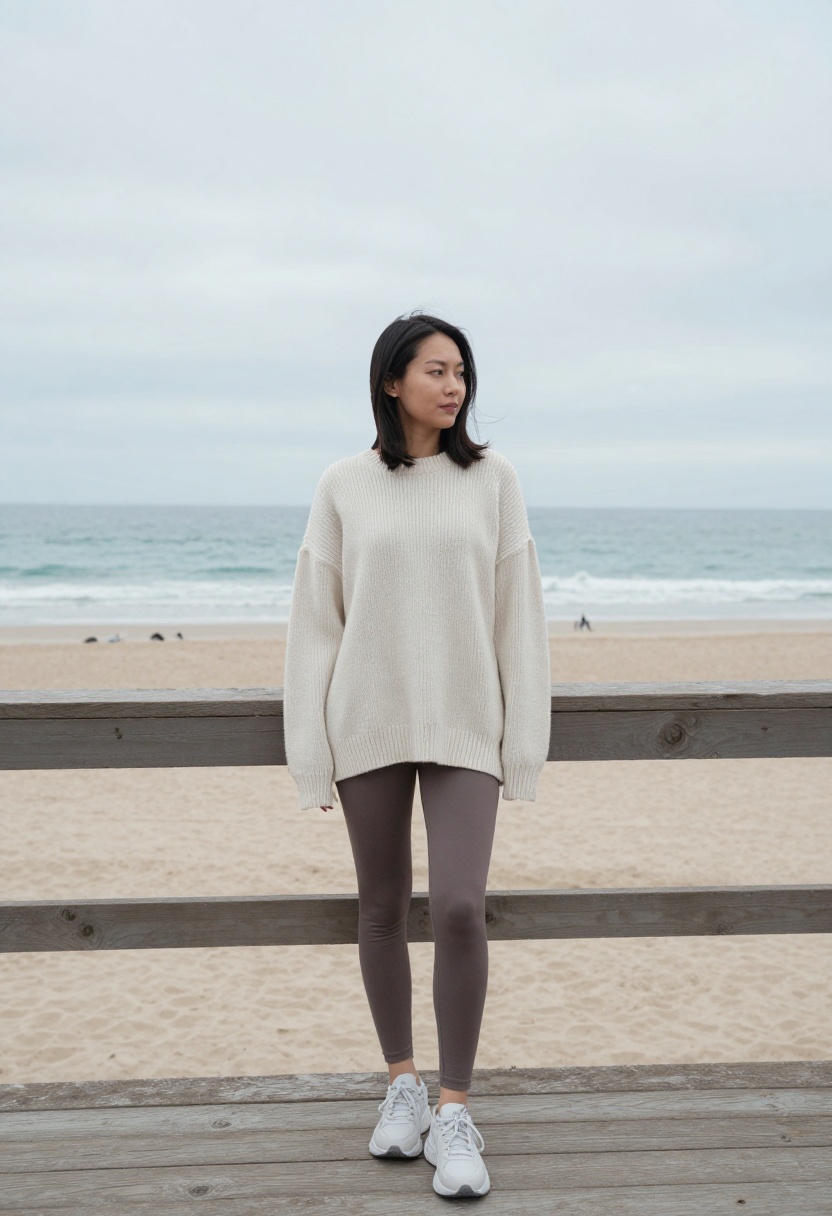
After:
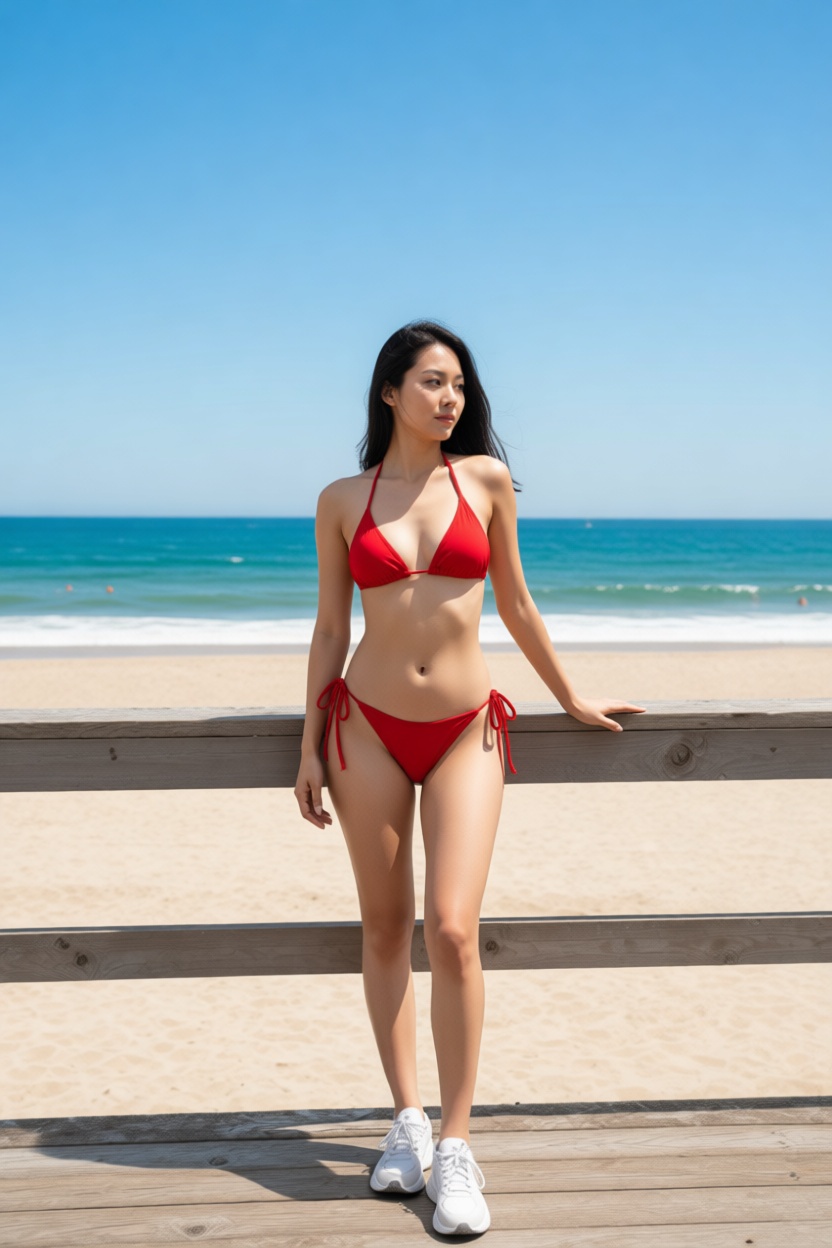
Prompt: "Woman wearing red string bikini on beach boardwalk, ocean view, photorealistic, bright sunny day, confident sexy pose"
Example 2: Leather Jacket to Black Bikini
Before:
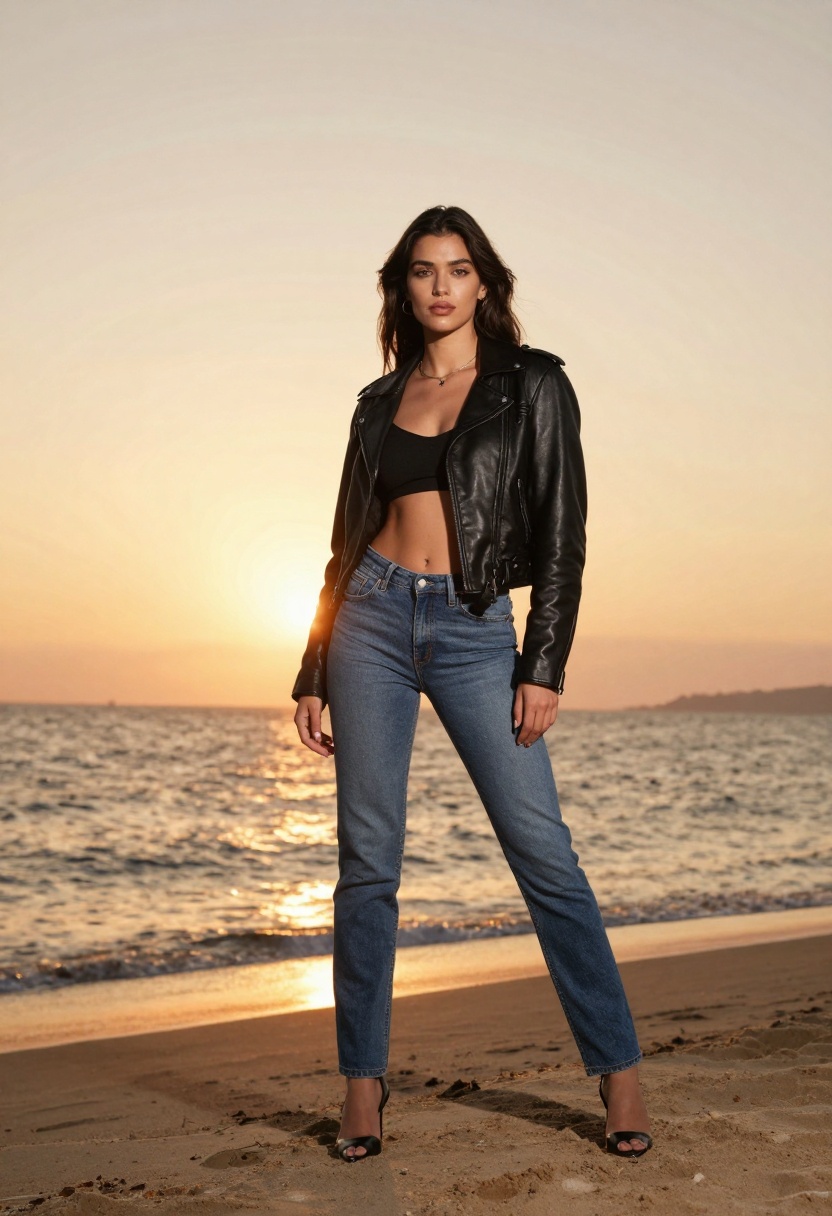
After:
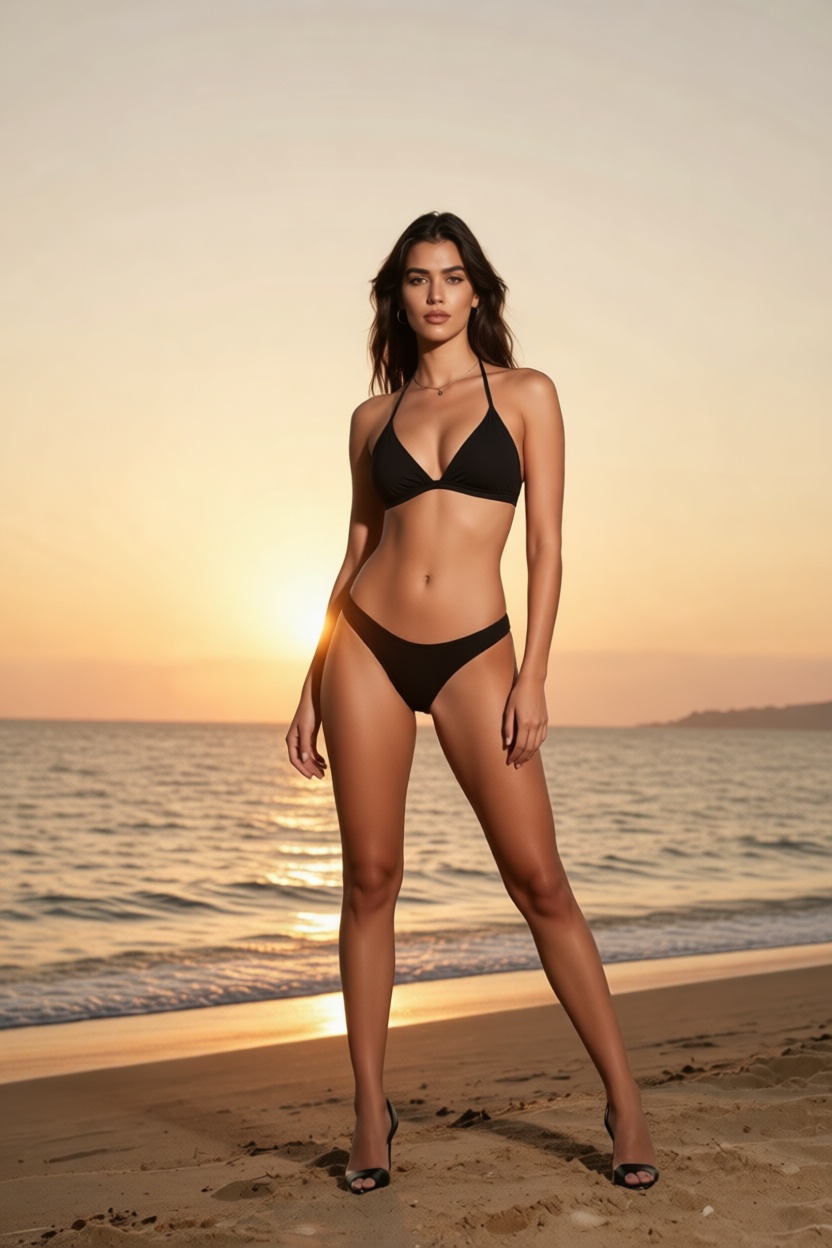
Prompt: "Woman wearing black brazilian bikini at beach during sunset, photorealistic, warm golden lighting, sexy confident pose"
How to Create Bikini Videos
The process uses two PicassoIA tools in sequence:
Step 1: Transform the Photo
Go to PicassoIA Edit Image, upload your photo, and use a bikini transformation prompt:
- "Woman wearing [color] bikini, beach background, photorealistic, natural lighting"
Step 2: Generate the Video
Take your transformed bikini image and go to PicassoIA Image to Video. Upload the bikini image and describe the motion:
- "Woman in bikini walking on beach, ocean waves, wind in hair, natural movement"
Step 3: Download
Both tools generate results in seconds. Download your video and share it anywhere.
Why PicassoIA for Bikini Videos?
| Feature | Other Tools | PicassoIA |
|---|
| Image + Video | Separate platforms | All in one |
| Price | Pay per generation | $4/month unlimited |
| Restrictions | Heavy content filters | Open-source freedom |
| Speed | Minutes | Seconds |
Get Unlimited Access for $4/month
Video Prompts That Work
Copy these prompts for your own bikini videos:
- "Woman in pink bikini walking on beach, waves crashing, wind blowing hair, sunny day"
- "Woman in white bikini by palm trees, gentle breeze, golden hour lighting, relaxed movement"
- "Woman in black bikini at sunset beach, waves on feet, romantic atmosphere, natural motion"
The key is describing natural movement that matches the beach setting.
Try PicassoIA Edit Image
Try PicassoIA Image to Video
View Pricing


