A few years ago, a swimwear shoot meant a photographer, a stylist, a plane ticket and a lucky forecast. Today you can type two sentences and get a sun-soaked beach portrait in under a minute. That shift is why AI bikini models have become one of the most searched topics in image generation, and why so many people are asking the same practical questions. Which creator is free? What should the prompt say? What does a good result look like? And where can you run it online without installing anything?
This article answers all of that in plain language. You will find the generators worth your time, a working prompt formula, ten prompts you can paste right now, real examples across beach, pool and studio scenes, fixes for the flaws that ruin most results, and a comparison table of online options. Everything here stays in tasteful, non-explicit swimwear photography: glamour, lifestyle and fashion, not anything pornographic.
💡 Quick answer: The fastest free route is Seedream 4.5 for first renders and the PicassoIA Image Editor Pro for unlimited edits and retries.
What AI Bikini Models Actually Are
An AI bikini model is a synthetic person, generated from a text description or a reference photo, wearing swimwear in a believable setting. There is no real model behind the picture. The face, the skin, the fabric and the light all come from an image generation model trained on enormous numbers of photographs.
The best results do not look like "AI art". They look like a frame from a magazine shoot: natural skin texture, believable water, correct shadows, and a lens look that matches real cameras.
How the Generators Work
Modern text to image models turn your prompt into a picture by starting from noise and refining it step by step until it matches your words. The more specific your description of subject, light and camera, the closer the result lands to a real photograph.
Three inputs shape almost everything you get:
- The prompt: subject, outfit, setting, light and lens.
- The model: each one has its own taste for skin, color and detail.
- The reference image (optional): useful when you want the same face or pose across several shots.
Who Uses Them
The audience is wider than most people expect.
- Swimwear and resort brands that need concept boards and campaign mockups before booking a shoot.
- Social media creators building virtual influencer accounts with a consistent look.
- Travel and hospitality marketers who want a lifestyle visual for a destination they cannot photograph in season.
- Illustrators and designers who need a reference pose or lighting study.
- Hobbyists who simply enjoy making beautiful photographs from an idea.
Free Creators That Deliver
Not every generator handles swimwear gracefully. Some refuse any prompt with the word "bikini", some produce rubbery skin, and some bury you in watermarks. The models below are the ones that reliably give clean, photorealistic swimwear images.
Seedream 4.5 First
Seedream 4.5 is where I would start. It follows long, detailed prompts closely, renders skin with real pores and fine hair instead of plastic smoothing, and gets water, sand and sunlight right more often than not. It also outputs high resolution images, which matters when you plan to print or crop.
It is also quick to iterate with. Change the hair color, swap the bikini from white to terracotta, move the scene from a beach to a pool, and each new render comes back in seconds.
PicassoIA Image Editor Pro
The PicassoIA Image Editor Pro is the one to open once you have a render you almost love. It offers unlimited generations, so you can retry as many times as it takes without watching a credit counter.
Use it to:
- Change the swimsuit color or style on an existing image.
- Fix a small flaw such as an odd finger or a stray strap.
- Relight a scene, turning midday glare into golden hour.
- Move the same person into a new location.
Other Models Worth Trying
Different models give different looks, so keeping a short list helps. Each of these is on PicassoIA and works well for swimwear photography.
💡 Workflow tip: Draft with a fast model, then rerun your best prompt in Seedream 4.5 for the final image. You save time and still get the strongest detail.
How to Use Seedream 4.5 on PicassoIA
Here is the exact process for going from blank page to finished swimwear photo.
Step by Step
- Open the model page. Go to Seedream 4.5 on PicassoIA.
- Paste your prompt. Use the formula in the next section: subject, outfit, setting, light, lens, texture.
- Choose a 16:9 or portrait ratio. Landscape suits beaches and pools. Portrait (3:4 or 2:3) suits fashion and social posts.
- Generate. Your first image arrives in seconds.
- Adjust one thing at a time. Change only the light, or only the outfit, so you know what caused each improvement.
- Send favorites to the Editor Pro. Open the PicassoIA Image Editor Pro for color swaps, small fixes and relighting.
- Upscale if needed. Run the final through a super resolution model before printing.
Settings That Matter
A few habits make a bigger difference than any hidden setting.
- Be specific about light. "Golden hour sun from camera left" beats "nice lighting" every time.
- Name a lens. "85mm f/1.8" nudges the model toward portrait compression and soft backgrounds.
- Keep the ratio matched to the scene. Wide for landscapes, tall for single-subject fashion.
- Reuse a seed when the tool offers one. It keeps composition steady while you tweak the details.
- Generate batches. Make four versions and pick the best. It is faster than perfecting a single render.
Prompts That Work
Vague prompts produce generic pictures. A structured prompt produces something that looks directed.
The Prompt Formula
Build every prompt from six blocks, in this order:
- Subject and pose: age range, hair, skin tone, what she is doing.
- Outfit: bikini color, cut and fabric, plus any accessory.
- Setting: location, time of day, background elements.
- Light: direction, quality, color temperature.
- Camera: lens, aperture, angle, distance.
- Texture and finish: skin detail, film stock, grain.
Here is the formula in action:
A woman in her mid twenties with wavy honey-brown hair, wearing a sage green triangle bikini, standing waist-deep in turquoise water at golden hour, warm low sun from the left, 85mm f/1.4, shallow depth of field, visible skin pores and water droplets, Kodak Portra 400 film grain, photorealistic.

Ten Ready Prompts
Copy any of these and adjust the details.
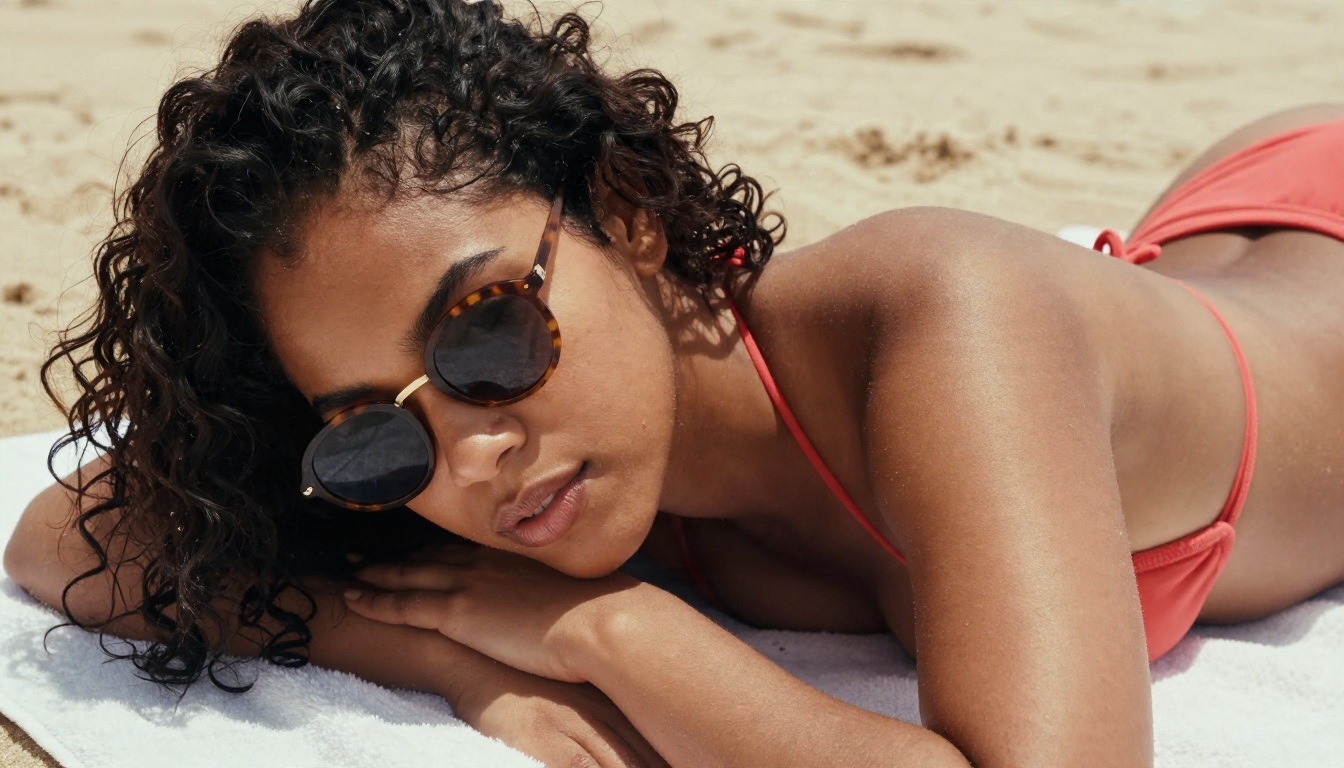
- Woman with dark curly hair in a coral red bikini top, lying on a white towel on warm sand, tortoiseshell sunglasses in her hair, shot from above, 50mm f/2, Kodak Portra 400.
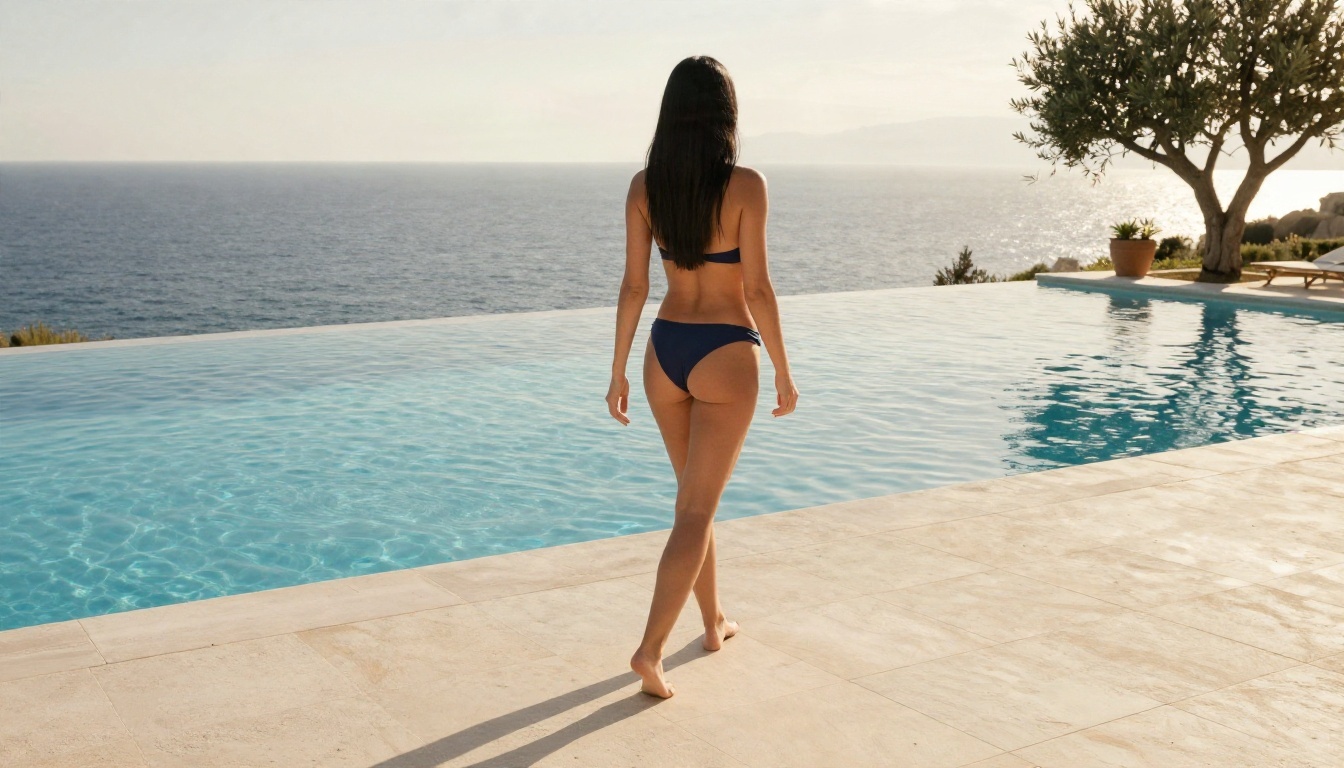
- Woman with long black hair in a navy high-waisted bikini beside an infinity pool, late afternoon sun, low angle, 35mm f/2.8, reflections on water.
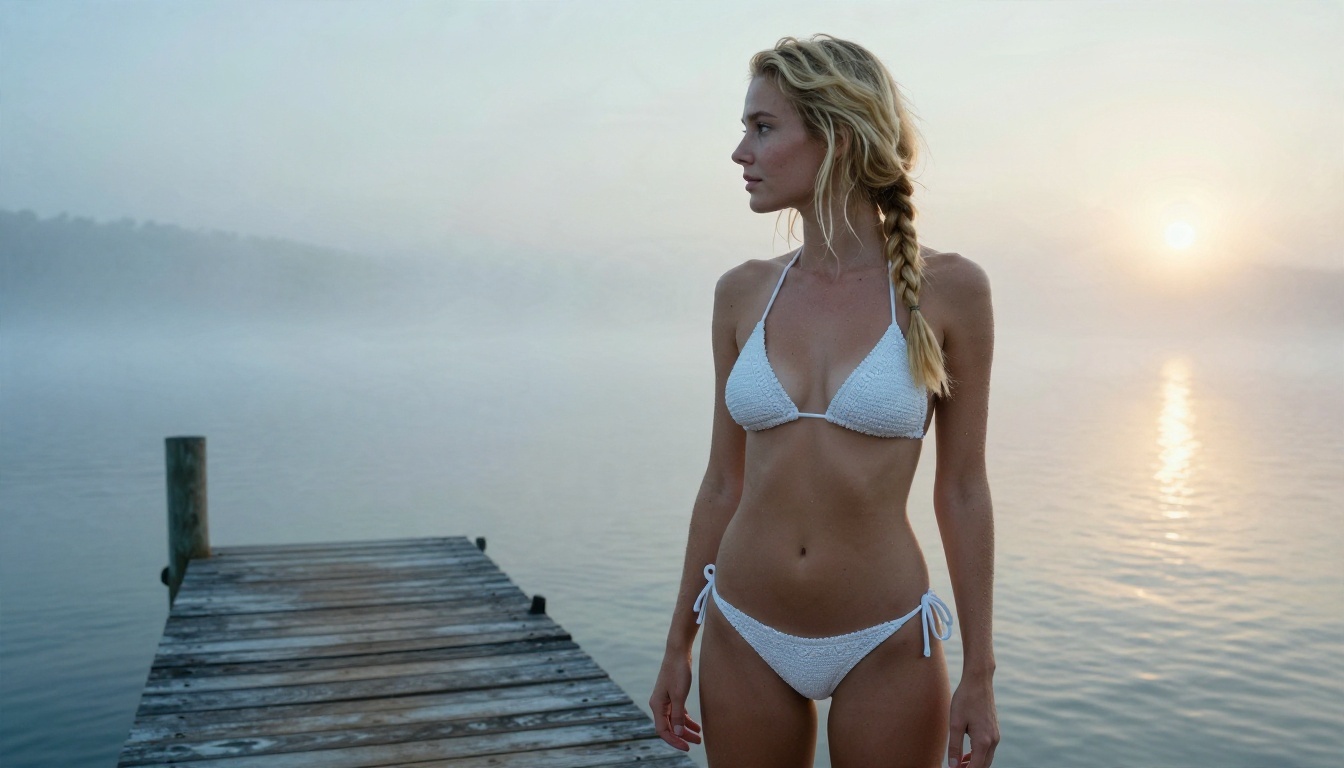
- Blonde woman with a loose braid in a white crochet bikini on a wooden dock at sunrise, misty lake, cool blue light with warm glow behind, 70mm f/2.
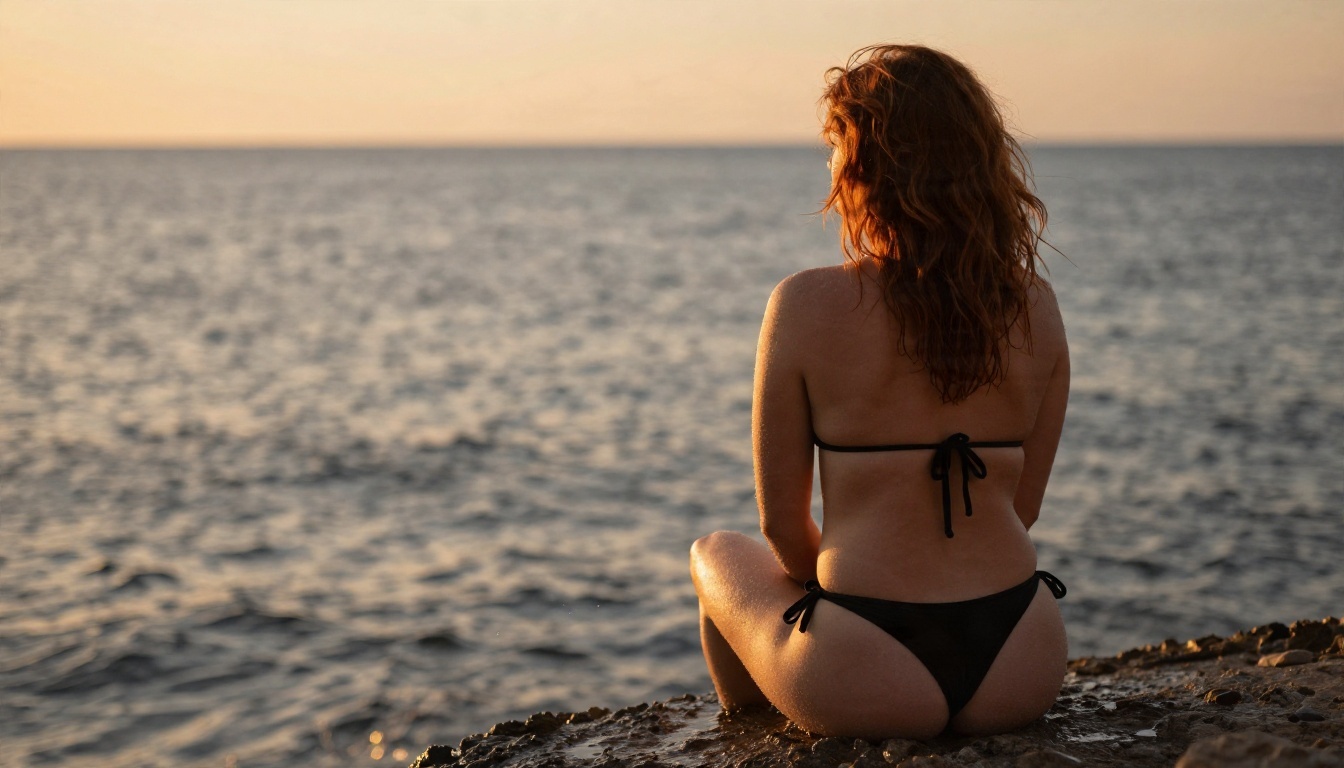
- Woman with auburn hair in a black string bikini seen from behind on a rocky shoreline at dusk, 85mm f/1.8, warm orange light.
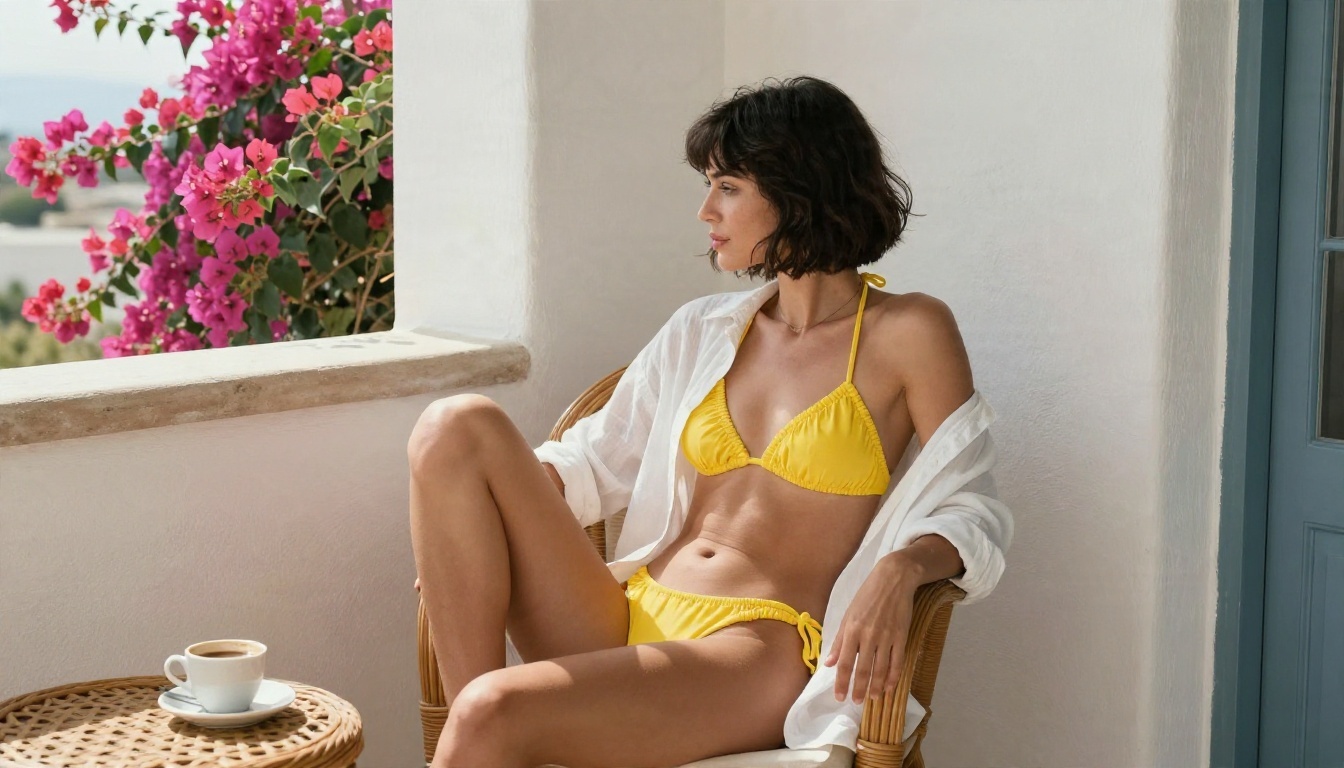
- Woman with a short dark bob in a yellow ruched bikini and loose linen shirt on a Mediterranean balcony, morning window light, coffee on a small table.
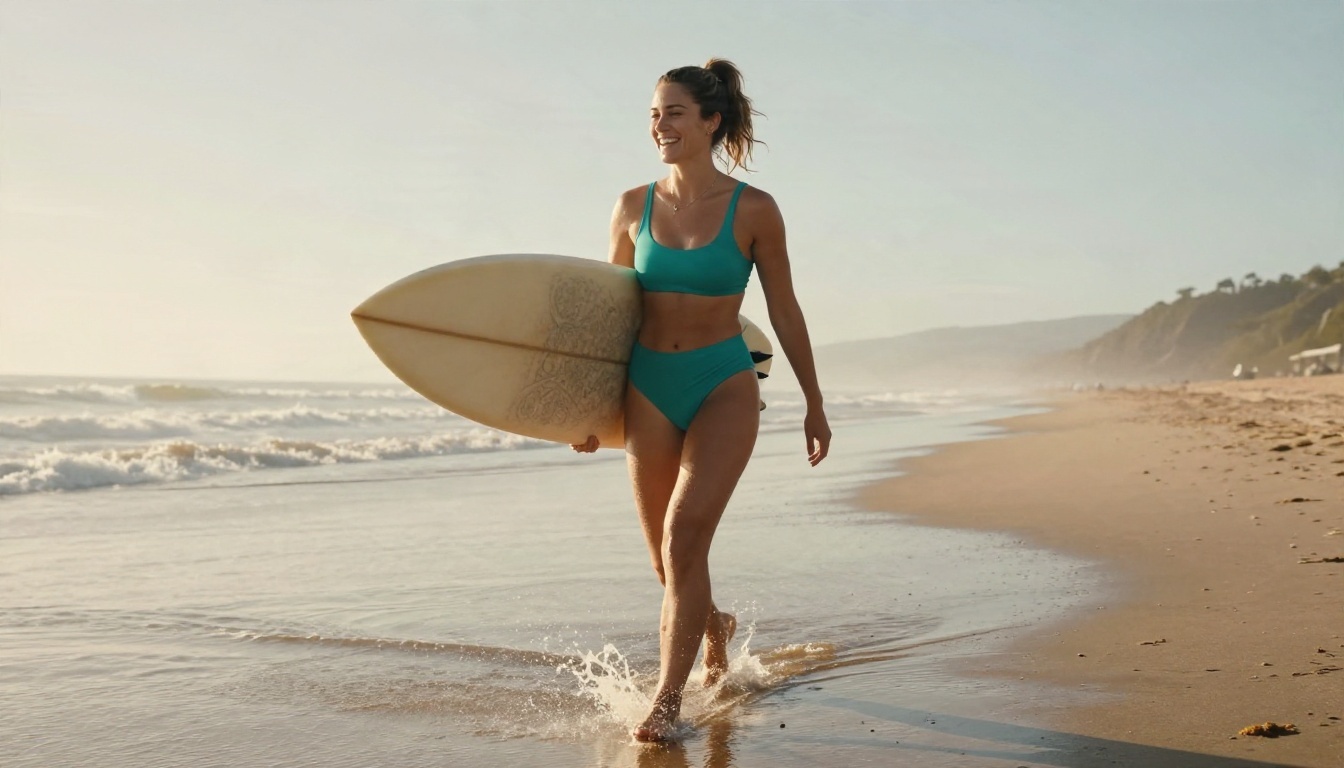
- Woman with a high ponytail in a teal sporty bikini carrying a surfboard across wet sand at low tide, backlit by early sun, 24mm f/2.8.
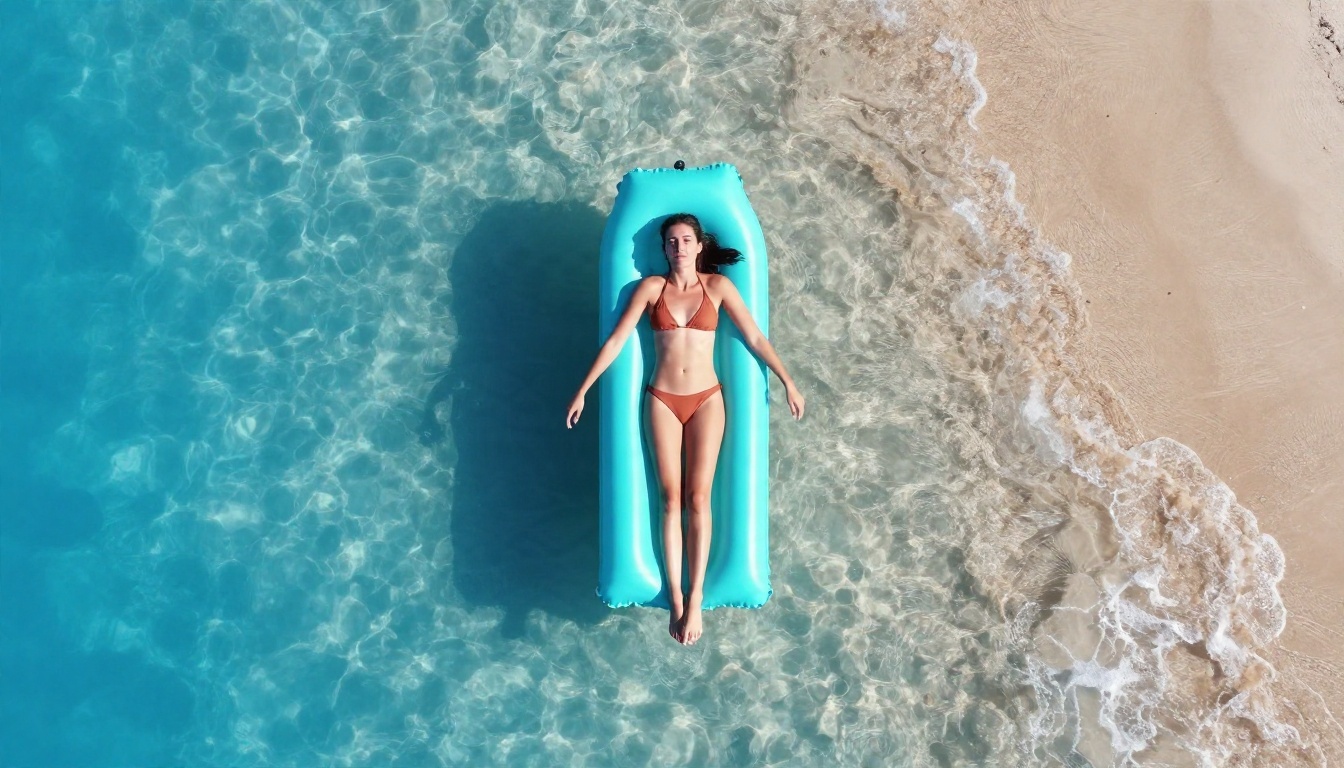
- Aerial top-down shot of a woman in a terracotta bikini floating in clear shallow water over rippled sand, bright noon light, drone at 24mm.
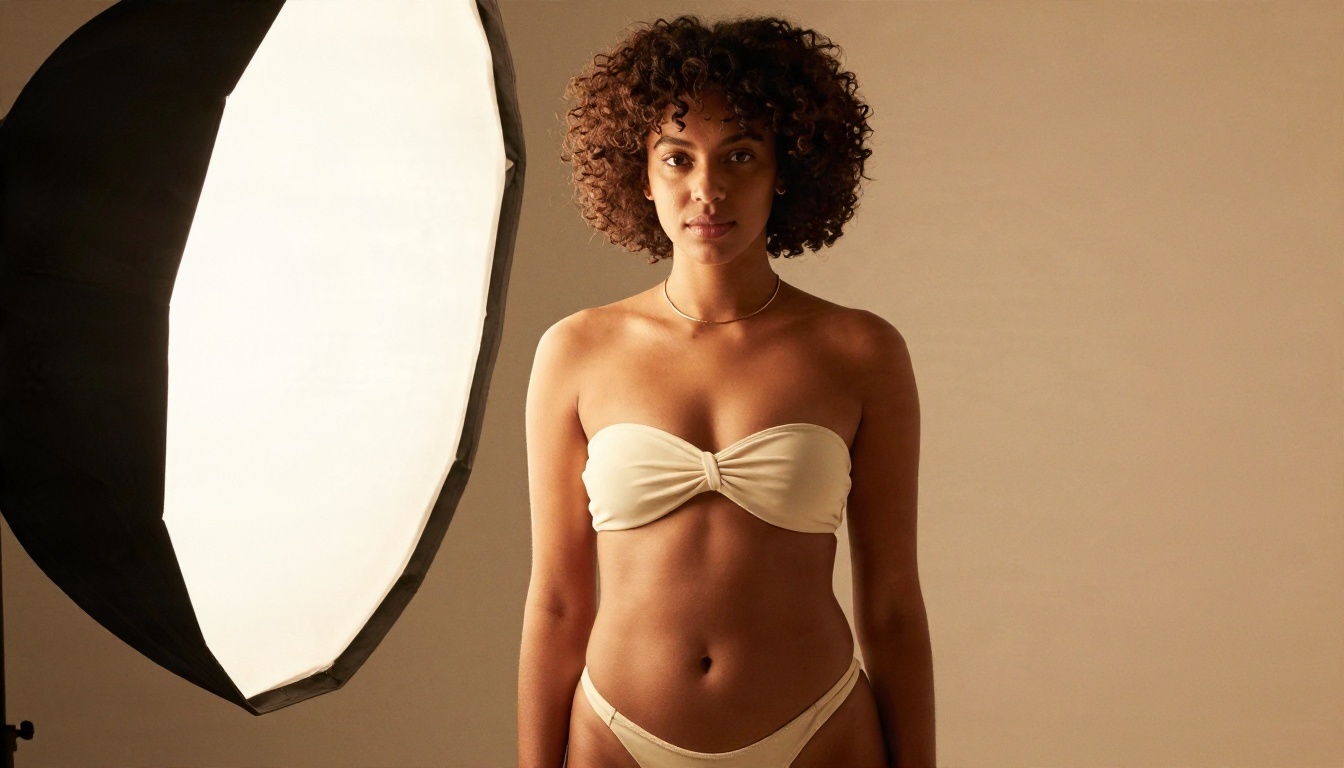
- Studio portrait of a woman with short natural curls in a cream bandeau bikini and gold necklace, warm beige backdrop, softbox from front left, 105mm f/2.8.
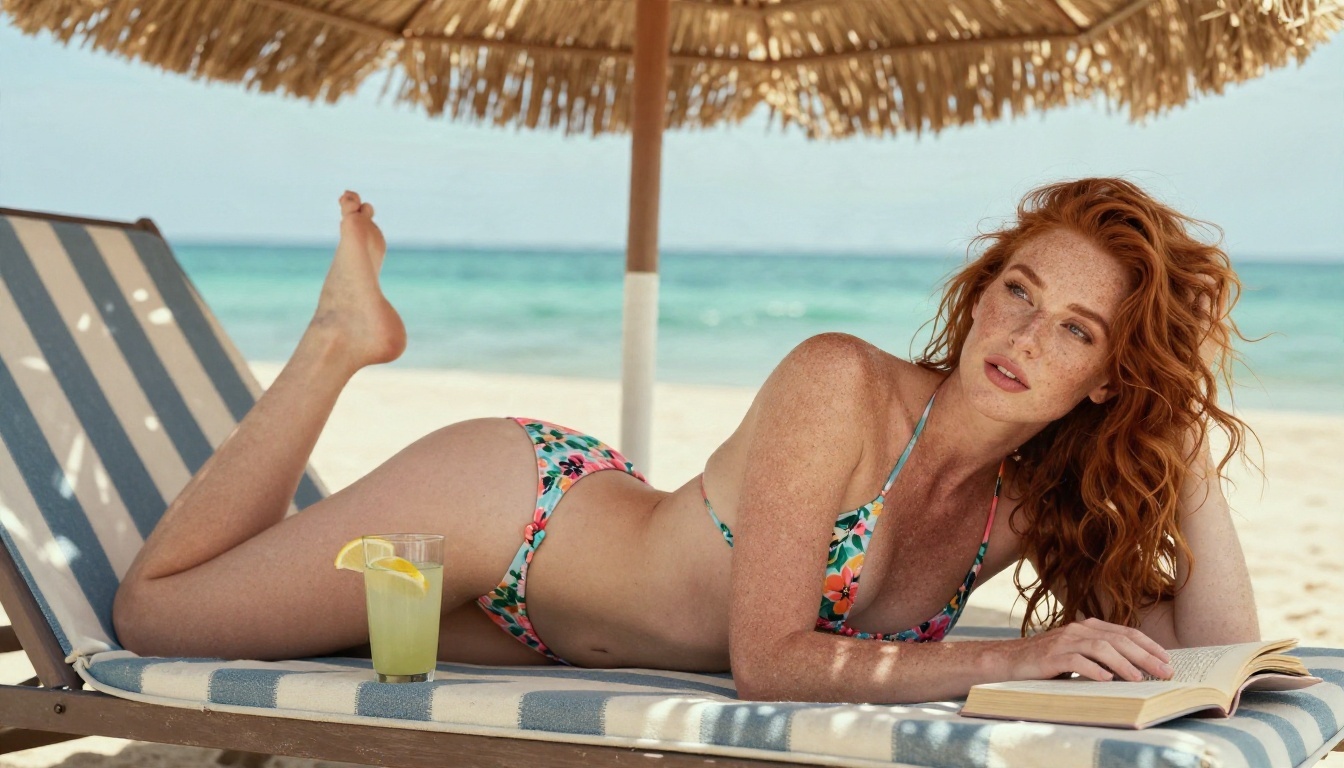
- Woman with red wavy hair and freckles in a floral bikini on a striped lounger under a straw umbrella, holding a paperback, lemonade on the sand, 35mm f/2.
- Woman in a white bikini and wide-brim straw hat walking through shallow surf at sunset, camera at knee height, 50mm f/1.8, warm backlight and sea spray.
💡 Avoid words like "perfect", "flawless" or "airbrushed". They push models toward waxy, over-smoothed skin. Ask for "natural skin texture, fine pores and faint freckles" instead.
Examples by Scene
The same prompt structure works across very different settings. Here are three families of scenes and what makes each one succeed.
Beach and Water
Water scenes are the hardest test. Good renders show believable foam, wet skin that catches highlights, and sand that clumps naturally. Backlight at sunrise or sunset gives a glowing edge to hair and shoulders.
Aerial and rocky shoreline compositions add variety for a portfolio or a social grid.
Pool and Villa
Pools give you clean geometry, reflective surfaces and warm stone tones. Keep the background simple, one tree or a terrace wall, so the subject stays the focus. Mention the time of day, because pool light changes drastically between noon and golden hour.
Studio and Lifestyle
A seamless backdrop and a single softbox give you a controlled fashion look. Lifestyle scenes, like reading under an umbrella, feel candid and sell a mood better than a stiff pose.
Fix Common Problems
Even strong models slip. These are the issues you will see most, and the quick way out of each.
Hands and Anatomy
Hands, straps and tied knots cause most visible errors. A few habits help:
- Describe the hand action simply: "one hand lifting wet hair" works better than a complex gesture.
- Add "five fingers, natural proportions" to the prompt.
- Choose poses where hands rest on a surface, hold an object or stay out of frame.
- If a single flaw remains, fix it with inpainting in the PicassoIA Image Editor Pro rather than regenerating the whole image.
Plastic Skin and Odd Fabric
Two other flaws show up often.
| Problem | Cause | Fix |
|---|
| Waxy, over-smooth skin | Words like "perfect" or "flawless" | Ask for pores, freckles, fine hair |
| Flat, studio-looking light | No light direction in the prompt | Name direction and time of day |
| Melted straps or ties | Complex outfit description | Choose simple cuts: triangle, bandeau, high-waist |
| Mismatched shadows | Several light sources implied | Specify one main light, one soft fill |
| Muddy water | Generic "ocean" wording | Add foam, ripples, clear turquoise shallows |
💡 Rule of thumb: If the picture looks fake, the fix is almost always more physical detail in the prompt, not more adjectives about beauty.
Online Options Compared
You do not need a gaming PC or a software install. These browser-based options all run on PicassoIA, so you can switch between them in one place.
A few practical notes before you publish anything:
- Keep it non-explicit. Swimwear, glamour and lifestyle photography is the sweet spot, and it also keeps your images usable on most platforms.
- Use synthetic faces only. Do not try to recreate a real person's likeness without their permission.
- Label AI images when you post commercially or on platforms that ask for disclosure.
- Check the terms of any site where you publish, since each has its own rules on adult-adjacent content.
If you want to see every option in one list, browse all PicassoIA models and filter by text to image.
Your Turn to Create
You now have the full set of tools: a free creator, a prompt formula that works, ten prompts to start from, and fixes for the flaws that trip people up. The only thing left is to make something.
Here is a simple first session:
- Open Seedream 4.5 and paste prompt number one or number two from the list above.
- Generate four versions and pick your favorite.
- Open the PicassoIA Image Editor Pro and change the bikini color, move the scene to sunset, or fix any small detail. Retry as often as you like.
- Try a second model, such as Z Image Turbo, with the same prompt and compare the looks.
Picasso IA puts all of these models in one browser tab, so you can test, compare and refine without juggling accounts. Pick a beach, pick a light, write your first prompt, and see how close a few lines of text can get to a real swimwear shoot. When you are ready for more, head to picassoia.com/en/all-models and try a new model with the same idea.


