A birthday photo is a frozen second. The candles are lit, everyone is mid-laugh, and then the moment is gone. An AI birthday video generator from image gives that second a few more seconds of life: the flame flickers, a smile widens, the camera drifts closer. You upload one picture, describe the motion, and get a short clip you can send to the birthday person before the cake is even cut.
The catch is that most tools in this space want a subscription, a login, or a logo stamped across the corner of your video. This article shows how to get a clean birthday clip online, for free and without a watermark, which photos work best, which prompts produce natural motion, and which models on PicassoIA are worth your time.
What This Generator Actually Does
From Still Photo to Moving Clip
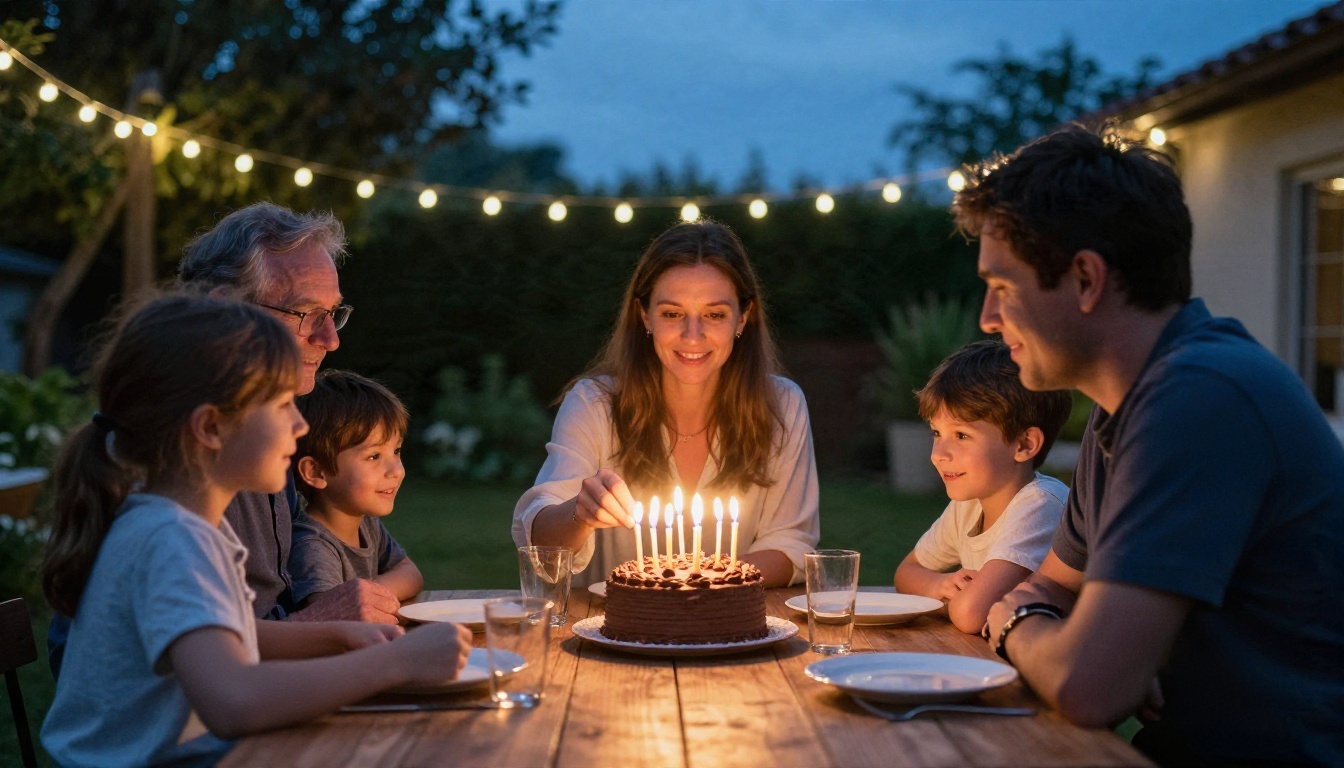
An image-to-video model takes your picture as the first frame and predicts how the scene would continue. It does not paste filters on top. It generates new frames in which hair moves, light shifts, fabric sways and a camera glides through the space. Most birthday clips land between 5 and 10 seconds, which is exactly the length people watch to the end on a phone.
Some models also generate native audio: room tone, soft music, a crackle of candles or party chatter. If you want a spoken birthday message on top, you can pair the clip with a text to speech model afterwards.
Who Uses It
- Parents who want to animate a baby's first birthday photo.
- Friends sending a surprise clip instead of a plain "happy birthday" text.
- Grandchildren bringing an old family photograph back to life for a grandparent.
- Small businesses posting a birthday offer or a customer shout-out.
- Couples turning an anniversary or birthday selfie into a short story post.
💡 Tip: The emotional payoff is highest with real photos of real people you love. A slightly imperfect photo with genuine expression beats a polished stock image every time.
Why Free and Watermark-Free Matters
The Watermark Problem
A watermark on a birthday video feels like a billboard in the middle of a family gathering. It distracts from the faces, it cannot be cropped without cutting the frame, and it signals "made in five seconds with a trial tool." For a personal gift, that matters.
Many free generators work like this: you get a preview with a big logo, and the clean export sits behind a paywall. Others give you three credits and then ask for a card. That is not really free, it is a demo.
What Free Really Means
PicassoIA lists several video models as free and unlimited, including Picasso IA Video, which accepts text or an image, and Seedance 2.5 Lite, which is described as an unlimited generator for clips of up to 10 seconds. That means you can try five versions of the same photo without watching a credit counter.
💡 Always check your first export. Download one clip, open it, and confirm the corners are clean before you build a whole birthday campaign around a tool.
| Feature | Typical "free" tool | Truly free workflow |
|---|
| Watermark | Logo on every frame | Clean MP4 |
| Number of tries | 2 to 3 credits | Many retries |
| Login wall | Required early | Minimal friction |
| Clip length | 3 seconds | 5 to 10 seconds |
| Audio | Silent | Native audio on some models |
| Commercial use | Often blocked | Check each model page |
Best Photos to Start With
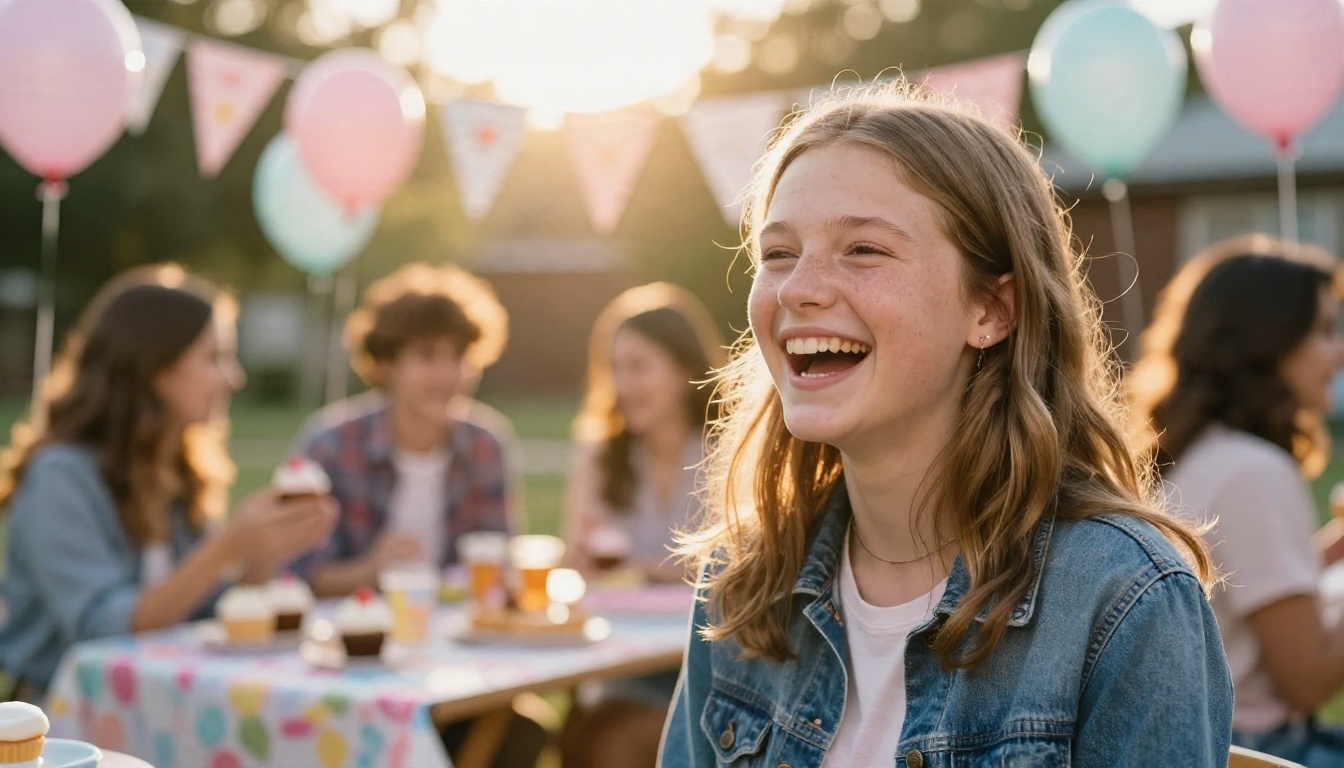
The photo decides about 70 percent of the result. A model can invent motion, but it cannot invent a face that is not there.
Pick a Sharp Subject
Choose a picture where the main person is in focus, large in the frame and clearly lit. A medium shot or a close-up works better than a wide group photo where each face is only a few pixels wide. Resolution matters too: anything above roughly 1000 pixels on the short side gives the model enough detail to hold identity steady.
Light and Expression
Soft, directional light from a window or the golden hour gives the model clear depth cues. Natural expressions, such as a half smile or mid-laugh, animate beautifully because there is already implied movement. A stiff, posed face tends to produce stiff results.
Photos to Skip
- Heavily filtered pictures with extreme skin smoothing.
- Dark party shots with motion blur and red-eye.
- Tiny faces in the back row of a crowd.
- Screenshots with interface elements, captions or stickers.
- Photos where hands cover half the face.
If your favorite picture is soft or small, run it through a super resolution model first. A sharper first frame gives the video model more to work with.
How to Use Picasso IA Video
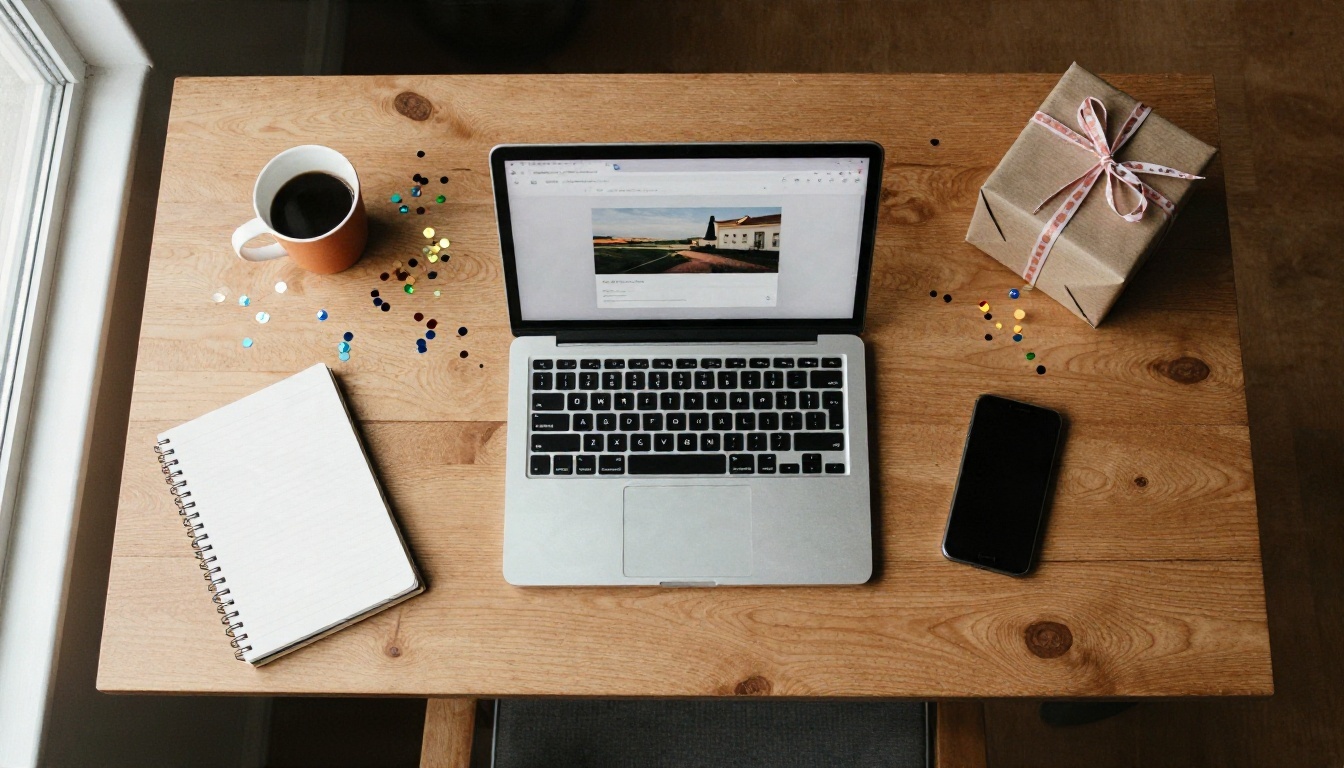
For a free, no-watermark birthday clip, Picasso IA Video is the simplest place to begin. The steps below apply to most image-to-video models on the platform.
Step 1: Upload Your Photo
Open the model page and add your birthday picture as the image input. Use a JPG or PNG straight from your phone gallery. If the model lets you pick an aspect ratio, match it to where the clip will live: vertical for stories and reels, horizontal for a TV or a family chat.
Step 2: Write a Short Motion Prompt
Describe what moves, not what the photo already shows. Keep it to one or two sentences. A reliable pattern is:
subject action + camera move + light or atmosphere
For example: "The woman smiles and looks up from the cake, the candle flame flickers softly, slow camera push-in, warm window light."
Step 3: Generate, Review, Repeat
Press generate and wait for the clip. Watch it three times:
- First pass: does the face still look like the same person?
- Second pass: is the motion believable, or does something melt?
- Third pass: does the mood match the occasion?
Because the model is free, regenerate with a slightly different prompt instead of settling for a clip that is "almost right." Change one thing at a time: the camera move, the subject action, or the lighting.
Step 4: Download and Check
Download the MP4 and watch it full screen on your phone. Confirm there is no watermark, then send it.
💡 Quick test: If the result is too wild, shorten the prompt. Models often overreact to long lists of actions.
Prompts That Work for Birthdays
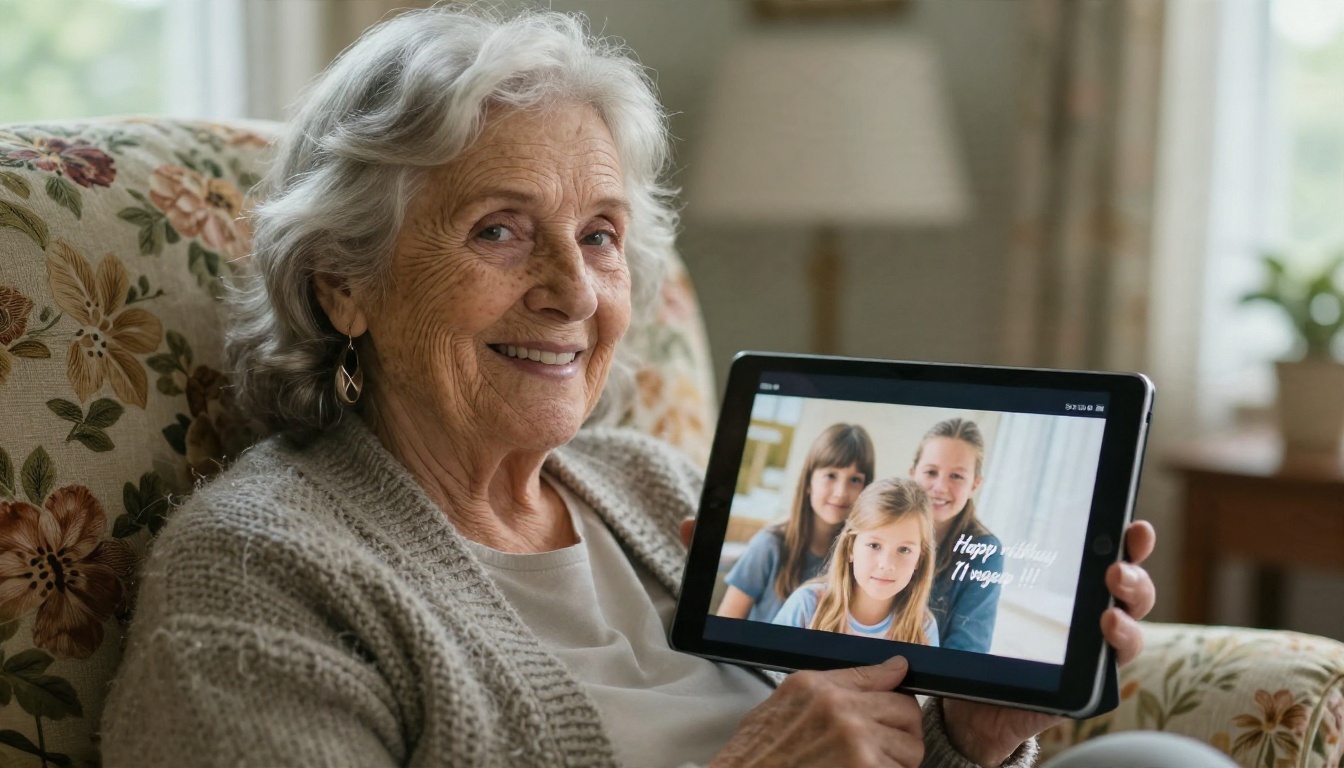
Good birthday prompts are small and specific. You want a gentle gesture, not an action movie.
Candles and Cake
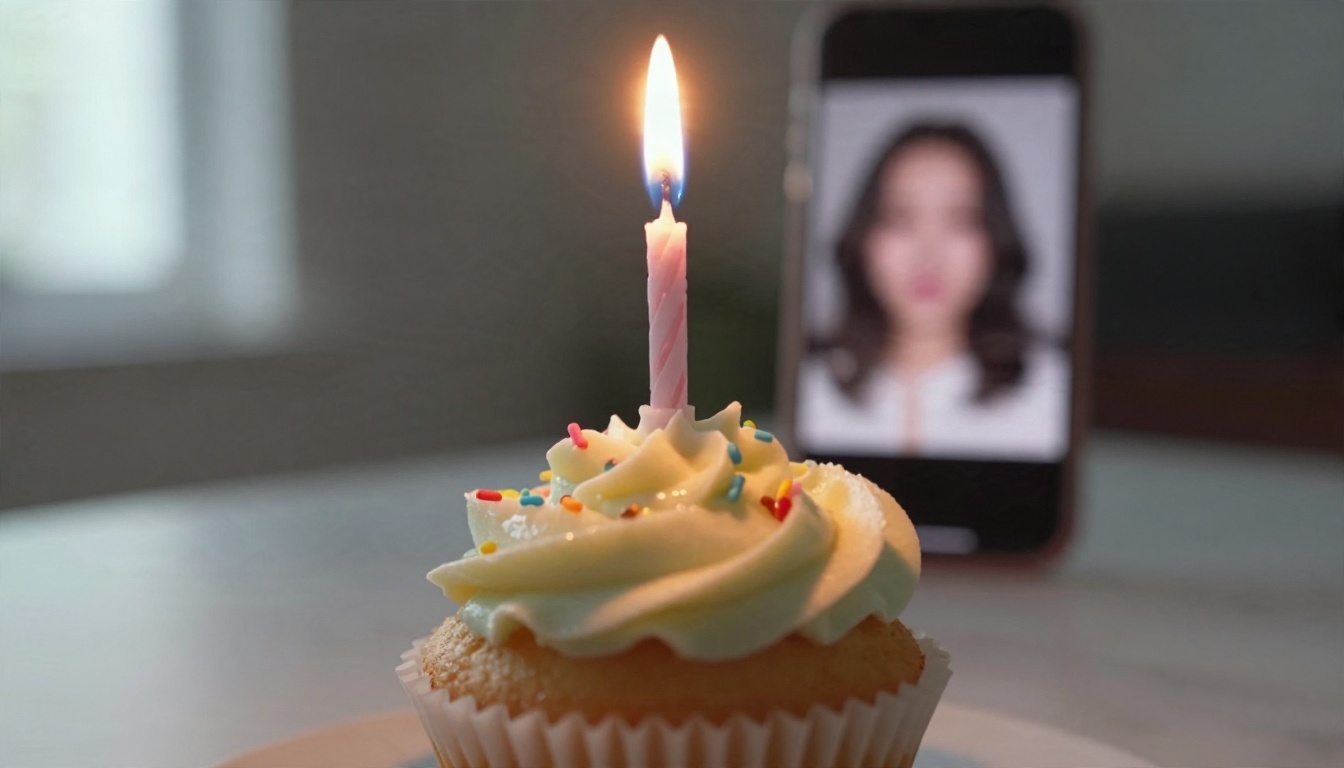
Candle flames are the most rewarding element to animate. Ask for a soft flicker, a slow push-in and a breath of wind. Avoid asking the model to blow out the candles in one go, because that is a fast, complex motion that often breaks.
Party Moments
Group scenes work best when you describe ambient motion rather than individual actions: balloons swaying, confetti drifting, string lights twinkling, people clapping softly in the background. Keep the main subject doing one small thing.
Portraits and Family Photos
For a portrait of a grandparent or a child, ask for natural micro-movements: a blink, a smile growing, hair moving in a light breeze, a very slow camera drift. These feel like a living photograph, which is what most people want.
Ready-to-Use Prompt Ideas
| Photo type | Prompt to try |
|---|
| Birthday cake close-up | "Candle flame flickers gently, soft steam from a mug nearby, slow dolly-in, warm evening light." |
| Kid portrait | "The child grins and glances at the camera, balloons sway behind, gentle handheld motion." |
| Grandparent photo | "She smiles slowly and her eyes brighten, light curtains move in the window, steady shot." |
| Friends at a party | "Friends laugh and raise their cups, confetti falls slowly, camera drifts left." |
| Backyard party | "Golden hour light shifts, paper lanterns sway, the girl turns toward the camera and laughs." |
| Couple selfie | "They lean closer and smile, hair moves in a light breeze, slow zoom-in." |
💡 Pro move: Add a line such as "natural motion, realistic skin, no distortion" at the end. It nudges the model toward subtle, believable movement.
Other Models Worth Trying
No single model is best for every photo. If one gives a rubbery face, another may keep it steady. Here are the options worth keeping in your toolbox.
Make the Source Image First
You do not need an existing photo. If you want a birthday card scene, generate the first frame with an image model such as Seedream 4.5 or Nano Banana, then pass it to a video model. Nano Banana is also handy for edits: remove a messy background, add balloons, or fix a closed eye before animating.
Add Voice and Music
A silent clip is fine, but sound lifts it. Pair your video with a short spoken message from a text to speech model, or a soft acoustic track from an AI music generator. Both live in the PicassoIA model library, and a 10-second clip with a simple voice line feels like a proper greeting card.
Common Mistakes and Fixes
Faces Warp or Drift
This usually happens when the face is tiny, blurred or partly covered. Use a closer crop, sharpen the photo first, and ask for less movement. A prompt like "subtle smile, steady camera" beats "dancing and laughing wildly."
Motion Is Too Wild
Long prompts with many verbs produce chaotic results. Reduce the instruction to one subject action and one camera move. If the model still overdoes it, try a different one from the table above.
Wrong Aspect Ratio
A horizontal photo forced into a vertical frame gets cropped awkwardly. Crop the photo to your final format before uploading, so you control what stays in frame.
Where to Share It
- Messaging apps: send the MP4 directly so quality is preserved.
- Stories and reels: use a vertical version with the face in the upper two thirds.
- Family screens: a horizontal clip looks best on a TV.
- Printed cards: add a QR code that links to the video.
💡 Surprise factor: Send the clip at the exact hour the person was born, or at midnight. A small timing detail turns a nice video into a memorable one.
Make Your First Birthday Video Today
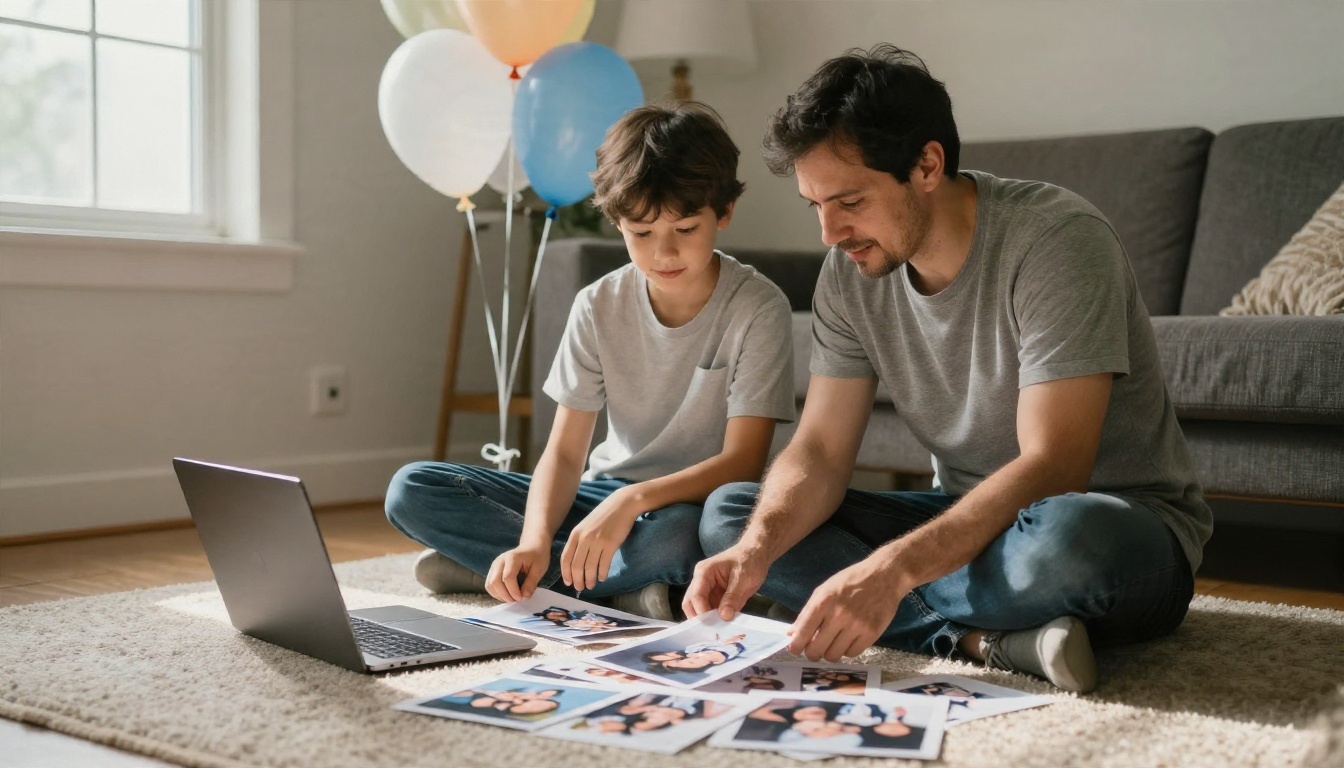
You already have what you need: one good photo, one short sentence and a few minutes. Pick the picture that makes you smile, open Picasso IA Video, and write a prompt about a single gentle movement. Generate three versions, keep the best one, and send it.
If the first result is not quite right, change only one thing and try again. Swap in Wan 2.5 I2V for smoother motion, or Kling v3 Video for a more cinematic push-in. When you want to see everything available, browse the full list at picassoia.com/en/all-models.
Birthdays only come once a year, but a photograph that moves can be replayed all year long. Start with one picture and see what happens.


