AI Birthday Video Prompt: Examples for Girl, Boy and Baby, Free to Copy
Twelve ready to paste AI birthday video prompts for a girl, a boy and a baby, with a simple formula, sound tips, common mistakes and a model picker so your first clip already looks like a real family memory.
Most birthday videos made with AI look wrong for the same reason: the prompt says "happy birthday" and nothing else. The model fills the gaps with generic balloons, a stiff smile and a cake that floats. A prompt that names the age, the light, the camera move and the one small thing that happens in five seconds gives you a clip that feels like someone filmed it in your backyard. Below you will find twelve prompts for a girl, a boy and a baby. Every one is free to copy, paste and tweak.
Why Birthday Prompts Work Best
Birthday scenes are one of the easiest things to prompt well. They have a clear subject, a built in story (the wish, the candle, the gift) and a familiar look that video models have seen thousands of times. The trick is to describe a single moment, not a whole party.
What a Good Prompt Contains
A strong birthday video prompt answers six questions in one or two sentences:
Who is in the frame, with age and one visible detail (a yellow dress, a paper crown).
Where the scene happens (kitchen table, garden, nursery).
What happens from the first second to the last.
How the camera moves (slow push in, handheld, static).
What the light is doing (golden hour, candle glow, window light).
What it sounds like, if your model generates audio.
The Formula to Reuse
Keep this order and you will rarely get a messy result:
Part
Example
Why it matters
Subject
A seven year old girl in a yellow dress
Sets age, clothing, focus
Setting
Wooden table in a sunny backyard
Prevents random backgrounds
Action
She takes a breath and blows out one candle
Gives the clip a beginning and an end
Camera
Slow dolly in at eye level, 85mm look
Controls the feel
Light
Golden hour from the left, warm rim light
Makes skin look natural
Sound
Soft clapping, a few kids singing
Adds life when audio is supported
💡 Tip: One action per clip. A five second video cannot hold a candle blow, a gift opening and a dance. Make three clips and join them.
Prompts for a Birthday Girl
Girls' birthday clips usually lean on movement and soft color: a twirl, a candle, a tea table. Use the age in the prompt, because "little girl" can mean anything from two to twelve.
Twirl in the Living Room
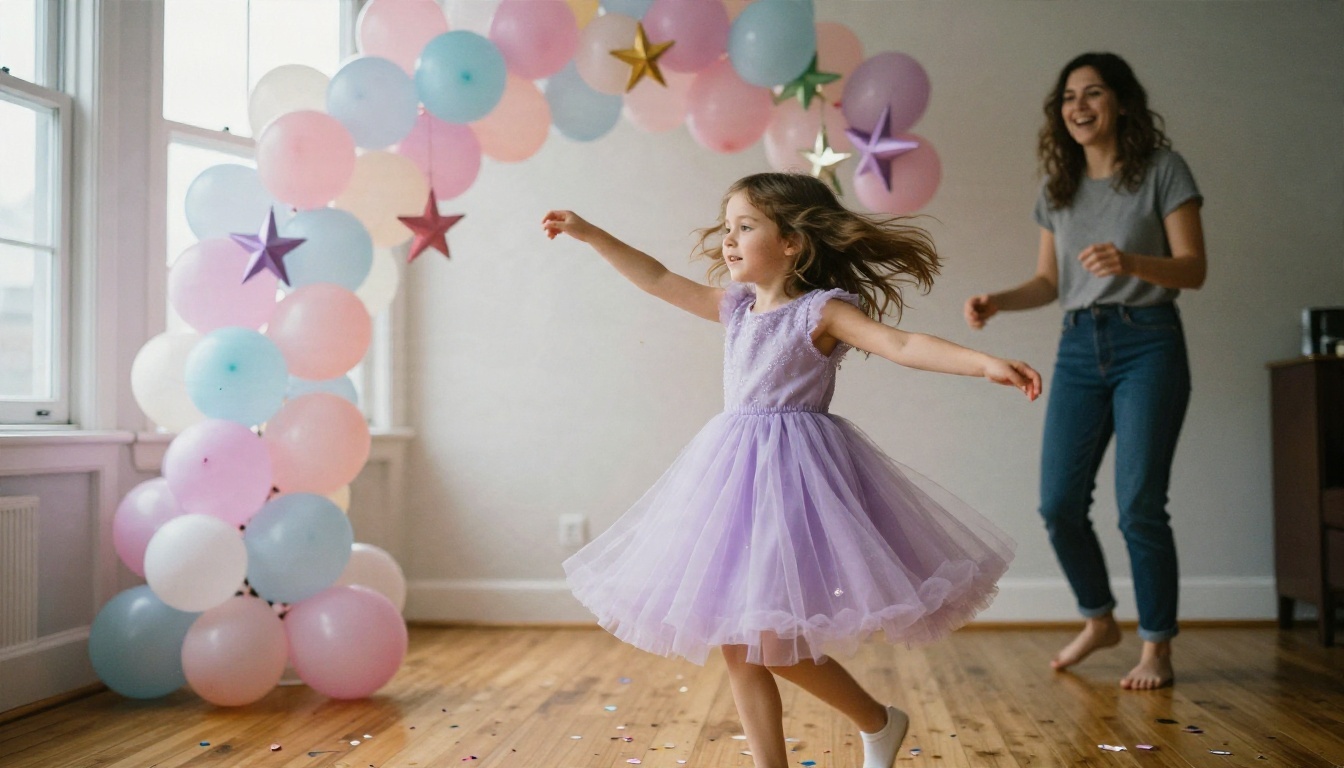
A six year old girl in a lilac tulle dress twirls in a living room decorated with pastel balloon arches and paper stars. Her mother laughs in the background holding a phone. Low camera near floor level, slow orbit around the girl, soft window light from the left, confetti on a wooden floor, shallow depth of field, natural film grain, realistic fabric movement. Sound: giggles and soft clapping.
This one works because the camera moves around a subject that is already moving. The fabric gives the model something to animate naturally.
Garden Tea Party
A five year old girl in a white sundress pours pretend tea into a tiny porcelain cup at a garden table with pink cupcakes and a vase of daisies. She looks up and smiles at the camera. Static medium shot at eye level, 50mm lens look, dappled afternoon light through leaves, gentle breeze moving her hair. Sound: birds, distant laughter.
Candle Wish in the Garden
A seven year old girl in a soft yellow dress sits at a rustic wooden table with a strawberry cake and one pink candle. She closes her eyes for a second, takes a breath and blows out the flame. Smoke curls upward. Slow push in from medium shot to close up, golden hour light from the left, paper bunting swaying behind her, shallow depth of field. Sound: a short "happy birthday" sung by a small group, then cheering.
💡 Tip: Mention the smoke. It forces the model to animate the moment after the candle goes out, which is where most clips fall apart.
Prompts for a Birthday Boy
Boys' party clips tend to be about speed and surprise: unwrapping, running, a themed cake. Give the model a clear direction of motion and it will behave.
Gift Unwrapping Surprise
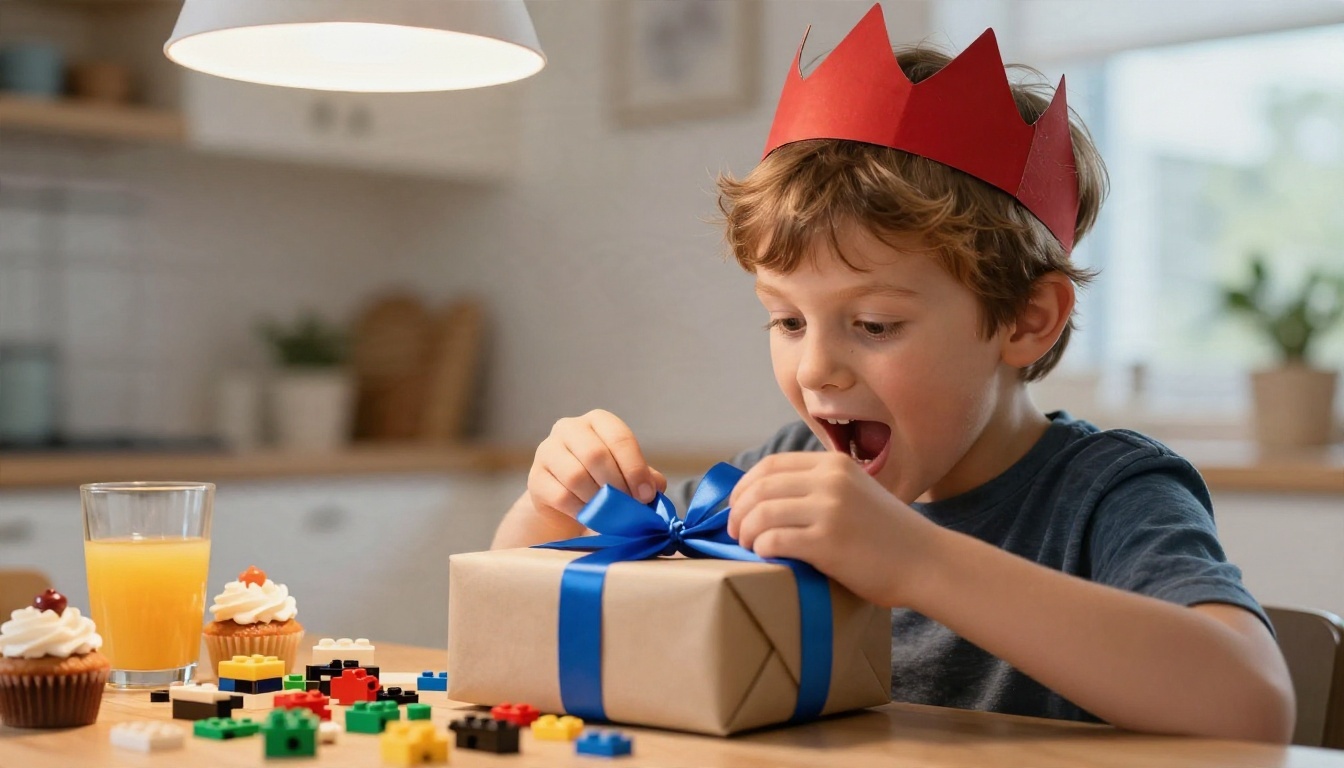
Close up of a six year old boy in a red paper crown tearing the blue ribbon off a gift box on a kitchen table. He lifts the lid, his mouth opens in surprise and colorful building blocks spill onto the table. Handheld camera with slight shake, eye level, warm pendant light plus daylight from the right, cupcakes and orange juice blurred in the background. Sound: paper ripping, a loud "wow".
Dinosaur Party Run
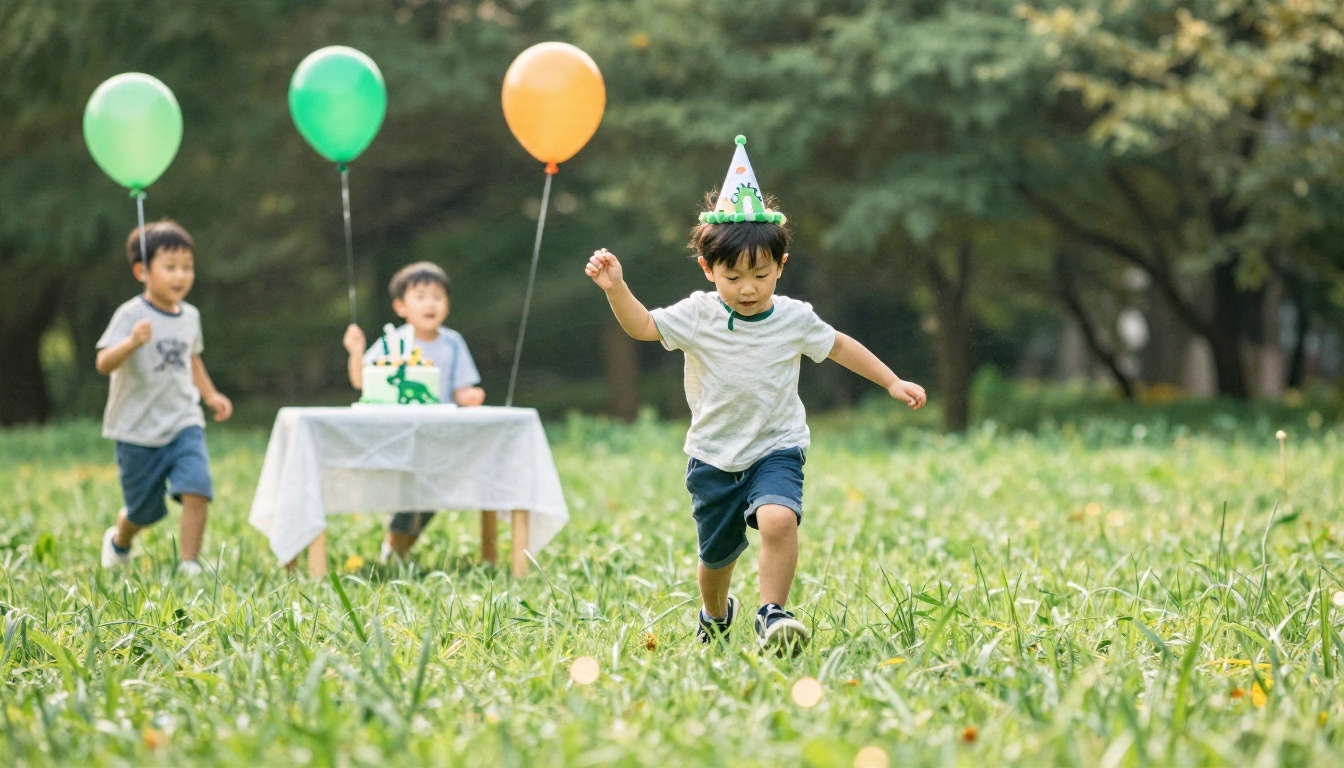
Low angle shot near grass level. A four year old boy in a dinosaur party hat runs across a sunny lawn toward a table with a green dinosaur cake, arms raised. Other children chase him, green and orange balloons float overhead. Camera tracks backward in front of him, bright midday sun, grass blades in foreground blur. Sound: kids shouting happily, a party horn.
The word "tracks backward" tells the model the camera moves away from the subject, so the boy stays centered and gets bigger in the frame.
Backyard Dusk Party
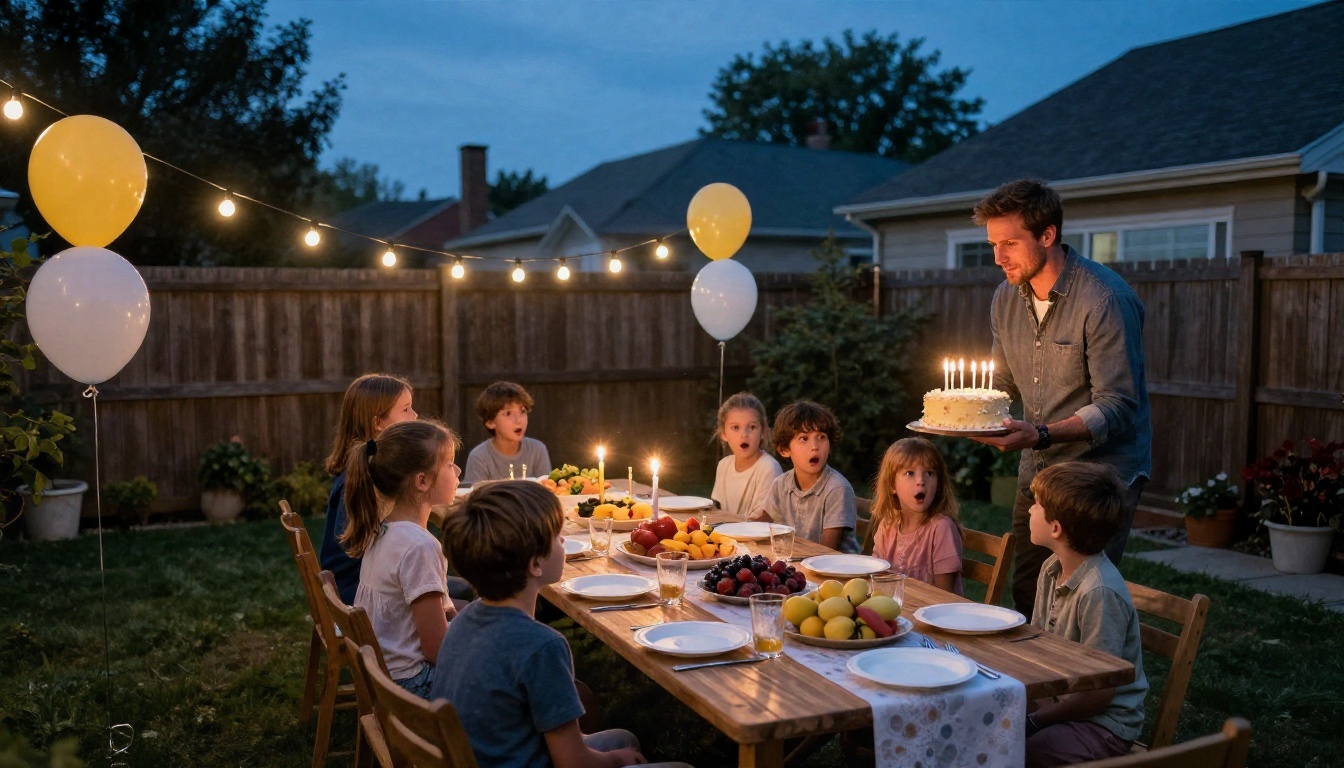
Wide shot of a backyard birthday party at dusk. Children sit around a long wooden table under string lights while a father carries a lit cake toward them. Candle glow lights surprised faces, balloons tied to the fence, fruit platters on the table. Slow dolly forward from a slightly high angle, warm bulbs against a deep blue evening sky. Sound: crowd singing, then applause.
Prompts for a Baby
Baby birthdays, especially the first one, are about tiny gestures: hands, frosting, a quiet look. Slow and soft prompts work best here, and you should avoid quick cuts or fast camera moves.
Smash Cake Chaos
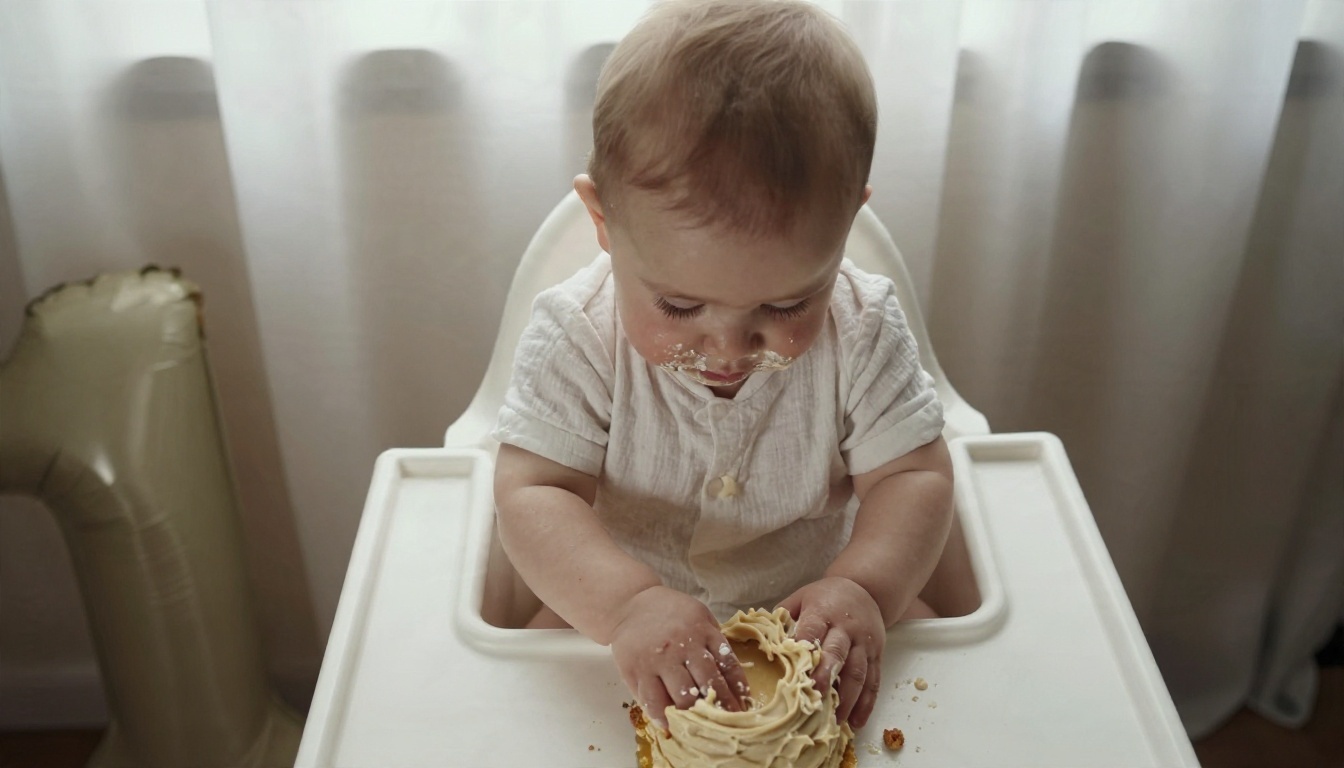
Overhead top down shot of a one year old baby in a white linen onesie sitting in a high chair. The baby pushes both hands into a small beige smash cake, then looks up with frosting on the cheeks and giggles. A gold number one balloon sits beside the chair. Cream muslin backdrop, soft diffused window light from above left, subtle handheld drift. Sound: baby laughter, a parent saying "good job".
First Candle
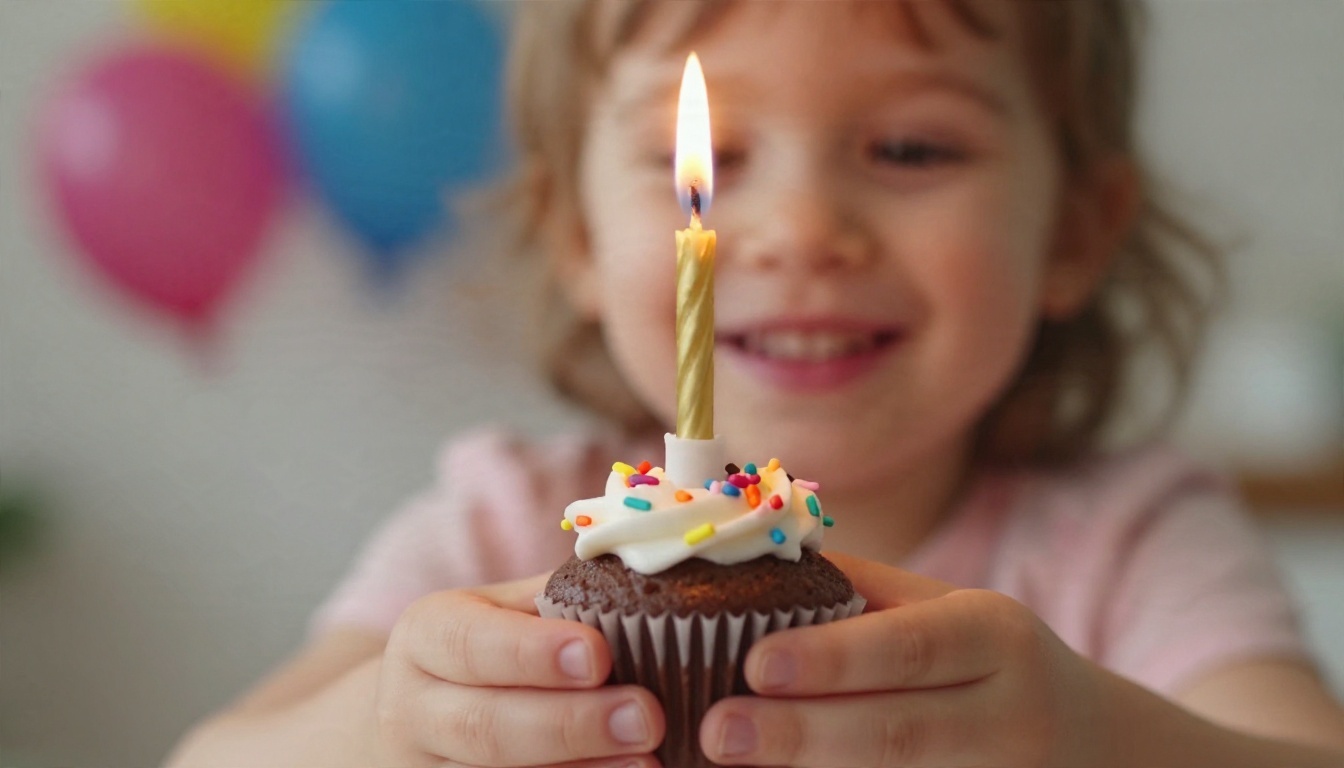
Macro close up of a toddler's small hands holding a chocolate cupcake with a single lit candle. The tiny flame flickers, a soft breath blows it out and a thin line of smoke rises. Background of blurred balloons and a smiling family. Warm candlelight with cool window fill from the left, extreme shallow depth of field, very slow push in. Sound: quiet room, a gentle "yay".
Nursery Lullaby
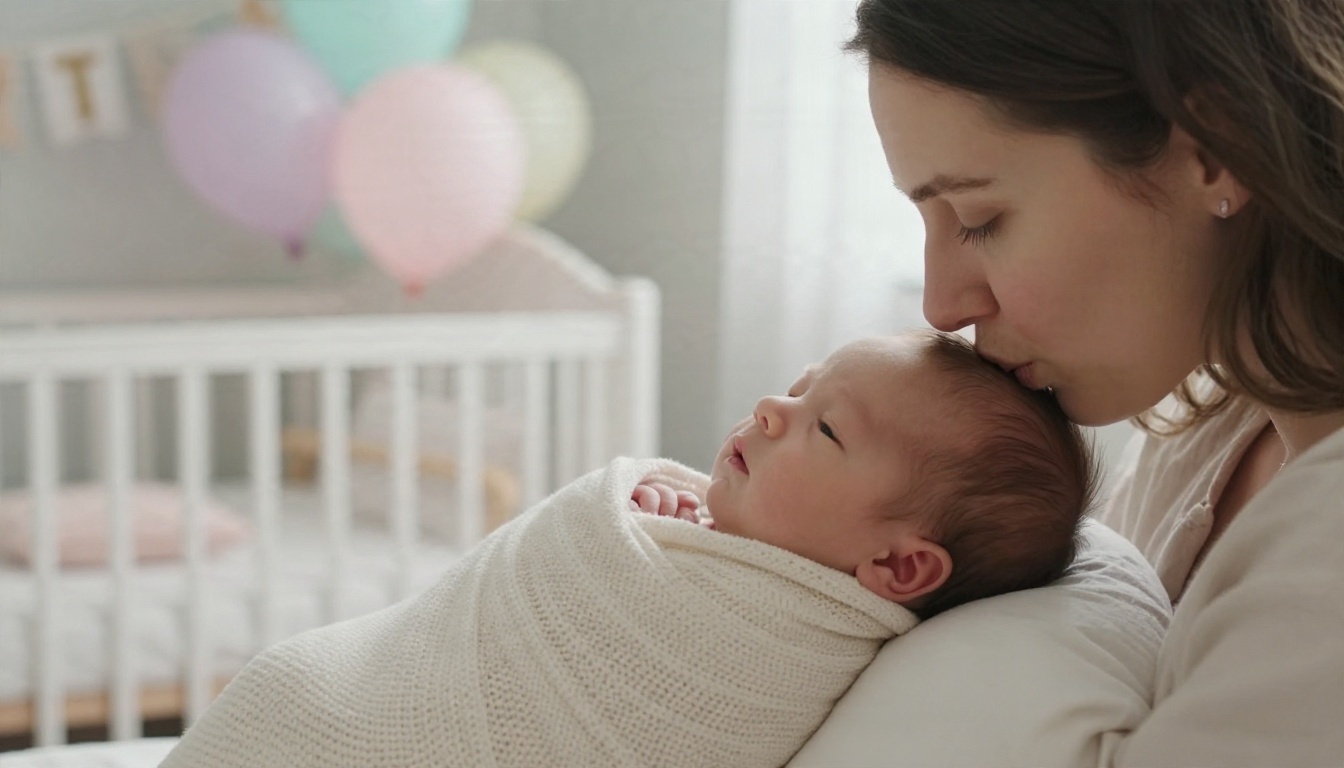
Side profile of a mother gently kissing the forehead of her baby wrapped in a cream knit blanket. A small first birthday banner and pastel balloons hang blurred in the nursery behind them. White crib and wooden rocking chair in the background. Very slow lateral camera slide, soft diffused window light from the right, 85mm look. Sound: soft lullaby hum.
💡 Tip: For babies, write "slow" and "gentle" in the camera line. Fast motion on a small face is where models produce odd distortions.
Add Sound and Voice
Silent birthday clips feel strange. Many current video models can generate synchronized audio, so describe it in the same prompt: the song, the clapping, the giggles. If your chosen model does not do audio, you can build it yourself:
Generate the clip with a silent model.
Create a short spoken greeting with a text to speech model, using the child's name.
Add a light background song from an AI music model.
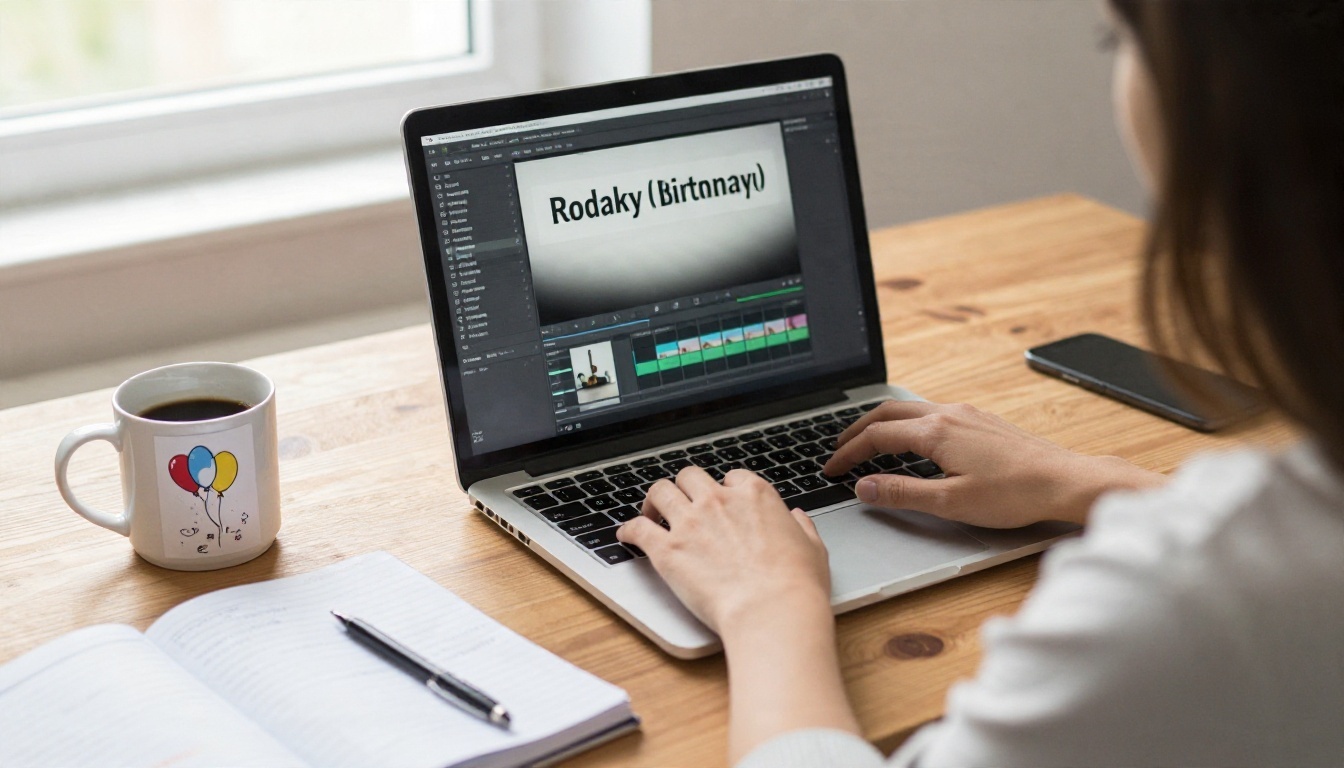
Join everything in a video editor.
Prompt line for audio: "Sound: a small group sings happy birthday slightly off key, then cheers and applause." The "slightly off key" part is what makes it feel real and not like a studio recording.
Lip Sync for a Greeting
If you want a grandparent or a character to say "Happy birthday, Lucas" on screen, generate a still portrait first, then use a lip sync model with your audio file. Only use photos of people who have agreed to it, and be careful with photos of children that are not your own.
How to Use Veo 3.1 Fast on PicassoIA
Veo 3.1 Fast is a good first stop for birthday clips because it handles faces, candles and ambient sound in one pass. Here is how to run any prompt from this article:
Open the model page on PicassoIA and sign in.
Paste your prompt into the text field. Start with one of the examples above and change the age, clothing and setting.
Choose the format if the page offers it: 16:9 for a TV or computer, 9:16 for phone stories.
Generate and watch the full clip once without judging it.
Adjust one thing at a time. If the face looks stiff, add "natural unposed expression". If the camera moves too much, write "static camera" or "very slow push in".
Save the best take and generate two or three variations of the same prompt, since each run gives a different result.
💡 Tip: Keep a text file of prompts that worked. Next year you change the age number and you are done.
Start From a Photo Instead
If you already have a good birthday photo, an image to video model such as Wan 2.5 I2V Fast can animate it. Write only the motion in the prompt: "the girl blows out the candle, smoke rises, slow push in". The photo already defines everything else.
Mistakes That Ruin Birthday Clips
After many tests, the same problems appear again and again. Here is what to avoid and what to write instead.
Mistake
What you get
Better prompt line
"Happy birthday scene" only
Generic balloons, no story
Name one action: "blows out one candle"
Too many people
Merged faces, extra hands
Limit to one or two main subjects
Five actions in one clip
Rushed, confusing motion
One action per five seconds
No camera direction
Random zooms
"Slow push in at eye level"
Asking for text on the cake
Garbled letters
Leave text out and add it later in an editor
Harsh or no light description
Flat, plastic skin
"Golden hour from the left, soft window light"
Keep the Style Real
Words like "photorealistic", "natural film grain" and "candid documentary" pull the result toward a home video look. Avoid anything that says "cinematic fantasy" or "glowing", because a birthday is more touching when it looks like something your family could have actually filmed.
Do Not Overload the Party
A table with forty items looks impressive in a prompt and chaotic on screen. Pick three props: cake, balloons, one gift. Everything else will be implied by the model.
Which Model Fits Which Clip
Different models have different strengths. This table is a starting point, not a rule. Try the same prompt on two models and keep the better one.
A five second clip is small, but it can do a lot of work:
Invitations: a short animated clip of balloons and the child's age, sent by message.
Slideshow openers: begin a photo montage with a candle moment.
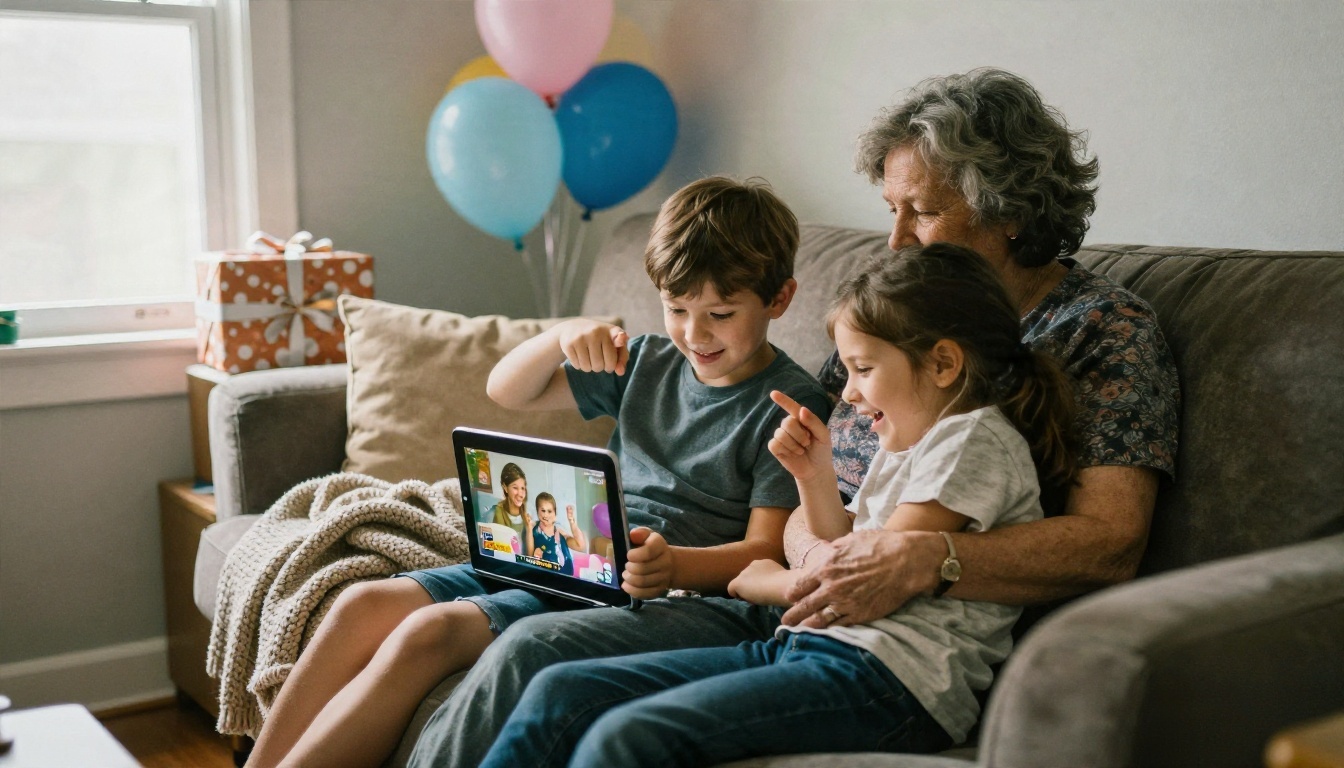
Grandparent surprises: a personal greeting sent to family who live far away.
Social stories: vertical 9:16 versions with a quick title added in an editor.
Thank you messages: a gentle clip of the child opening a gift, sent to the person who gave it.
Build a Three Clip Story
The simplest structure that always works:
Arrival: the child enters the room with balloons (girl twirl or boy running prompt).
The wish: the candle close up.
The mess: smash cake, gift paper or a laugh.
Generate each clip with the same clothing and setting words in all three prompts. Copy the exact description of the child's outfit and hair, and the faces will look much more consistent from clip to clip.
Change the Age and Theme Fast
The prompts above are templates. Swap three things and you have a new one:
Age: "four year old" becomes "nine year old". The model adjusts height, proportions and play style.
Theme: dinosaur becomes space, pirate, unicorn or football. Mention only the cake and one prop.
Season: change "sunny lawn" to "snowy porch with warm lights" for a winter party.
Make Your Own Birthday Video Today
You now have twelve prompts, a formula that fits on one line and a list of mistakes to dodge. The fastest way to see what works is to run one. Open PicassoIA, choose a video model like Kling v3 Video or Veo 3.1 Fast, paste the candle prompt, change the age and the color of the dress, and press generate. Make a second version with a different camera move. Then try the baby prompt for a sibling or a cousin.
Birthdays only come once a year, but a good prompt can be reused every time. Browse all available models at picassoia.com/en/all-models, keep your best prompts in a note, and start your first clip now.