A reader spots a strange hand, a smudged tree line, or a face that feels slightly wrong, and within hours a social media thread has turned a debut novel into a public trial. That scene has played out several times now, and it shows no sign of slowing down. The AI book cover controversy is not really about software. It is about trust, money, credit, and who gets to decide what a book looks like on the shelf.
If you are an author, you are probably stuck between a tight budget and a loud audience. If you are a reader, you may simply want to know what you are buying. This article lays out what has actually happened, what Amazon asks of self-publishers, where authors stand legally and morally, and which alternatives let you ship a strong jacket without a fight.
💡 Quick answer: AI-made jackets are not banned on Amazon KDP, but undisclosed AI-generated material is a risk. Readers, contests, and some publishers react badly when AI use is hidden. Being open, using human-directed work, and checking quality are the safest path.
Why Readers Push Back
Reader anger is rarely about a single image. It builds from a few repeating complaints, and each one deserves a fair hearing.
The Trust Problem
A jacket is a promise. It tells a browsing reader what mood, genre, and level of craft to expect. When someone finds out the art was machine-made and nobody said so, the reaction is often: what else was cut corners on? That jump from image to prose is not always fair, but it is common, and it is the main reason hidden AI use causes more damage than disclosed AI use.
Readers also feel misled when a book is priced like a traditionally produced hardcover but the art looks like a quick prompt result. Price and presentation send a signal, and a mismatch stings.
The Artist Livelihood Argument
Illustrators and jacket designers have been the loudest voices. Their concern is simple: image models were trained on huge collections of existing artwork, and the people who made that work were not asked or paid. Add to that a real fear that publishers will swap commissions for generated images to save money, and you get an industry argument that is part moral, part economic.
Many artists point out that jacket work is one of the few steady paid gigs available to illustrators. When a publisher replaces a commission with a generated image, that income vanishes. For a working freelancer, this is not abstract.
The Tells That Get Noticed
Readers have become sharp at spotting generated images. Common giveaways include:
- Hands with the wrong number of fingers or fused joints
- Fabric and hair that melt into the background
- Perfectly smooth skin with no pores or asymmetry
- Background objects that repeat or make no physical sense
- Lettering that looks almost right but fails on close reading
Most of these are fixable with better tools and a careful eye, but a rushed upload will show every flaw at thumbnail size and at full size.
Controversies That Set the Tone
A few public cases explain why so many authors are nervous. They also show that the response has moved from online grumbling to formal consequences.
Bloomsbury and Tor
In 2023, Bloomsbury faced backlash over an AI-generated wolf image on a Sarah J. Maas edition. Many readers suspected a cost-saving move, and the criticism was heated because the author's fans are numerous and vocal. Around the same time, Tor apologised after an AI-generated image turned up on one of its jackets, in what appeared to be an accidental inclusion from stock material.
Those two cases taught publishers a lesson: even a stock image can carry AI origins, and "we didn't know" does not calm an angry audience.
The Ockham Awards Disqualifications
The sharpest example came from New Zealand in late 2025. Organizers of the Ockham NZ Book Awards disqualified two novels, Obligate Carnivore and Angel Train, because the jackets used AI-assisted art. The publisher, Quentin Wilson Publishing, said the awards' new AI eligibility rule arrived too late for work already designed, and the authors were not blamed for the artwork decisions. They still lost their place in the competition.
That case matters for a simple reason: authors can be penalized for decisions made by someone else. A separate dispute involved a publisher defending a jacket as the work of "a talented artist" after a reader pointed to a stock listing that tagged the image as AI-generated. The author said she had no idea AI was involved and was working with the publisher to change it.
Later in 2026, Hachette pulled a horror novel from shelves after accusations of AI use and announced that future authors would have to disclose algorithmic help. Whatever the details of that specific title, the message to the industry was clear: disclosure is turning into a standard clause.
What Amazon Actually Asks of Authors
Self-publishers care most about Amazon KDP, so here is what the public reporting says. Note that much of what circulates comes from third-party blogs rather than Amazon itself, so read the current KDP help pages before you upload.
Generated vs Assisted
Amazon's policy draws a line between two categories:
| Category | Meaning | Disclosure expected? |
|---|
| AI-generated | AI created the text, images, or translation | Yes |
| AI-assisted | You made the work and used AI to refine or edit it | No |
Under that split, a jacket produced mostly by a prompt falls into the generated bucket. A photograph you took and then cleaned up with a retouching tool sits closer to assisted. The grey zone is large, and Amazon has not drawn every edge of it in public.
The Private Disclosure Box
During title setup, KDP asks whether the book contains AI-generated content. Multiple sources report that the answer is private to Amazon and does not appear on the product page. Reports also say there is no public AI badge as of 2026.
This is why some authors assume the question does not matter. That is a mistake, because the box has existed since 2023 and several accounts say Amazon has been paying more attention to it in 2026. The exact timing of that tighter enforcement is unclear, so treat any specific month with caution.
What Happens If You Skip It
Reported consequences of undisclosed AI-generated material include a title being pulled from sale, sometimes with little warning, and possible action against the account. One source also mentions a daily cap on AI-generated uploads per account, but only a single source made that claim, so check it before relying on it.
The practical takeaway: answering honestly costs you nothing visible to readers, while answering falsely can cost you a catalog.
💡 Tip: Keep a short record of how each jacket was made: the tool, the prompt, edits, and dates. If Amazon, a contest, or a reader ever asks, you can answer in two minutes.
Authors Caught in the Middle
Most authors do not choose their own jacket art. Traditional contracts usually give the publisher final say, and that is where the sharpest conflicts appear.
Contracts and Consent
The New Zealand Society of Authors has been preparing revised contract wording that would require publishers to obtain prior written consent before using generative AI in areas such as jacket design. Other author groups have pushed in the same direction. If you are negotiating a deal, ask for three things in writing:
- A statement of whether AI will be used on any part of the book's design
- The right to approve or reject the final jacket
- A clause explaining who bears responsibility if AI use is later alleged
Awards and Contests
Competitions are adding AI clauses fast. Before entering any prize, read the eligibility page for the year you are applying, not the year before. A rule written after your book was designed may still apply to you, as the Ockham case showed. When in doubt, email the organizers and keep their reply.
Alternatives to Fully AI Jackets
If the backlash worries you, there are several paths that avoid most of it. Each carries a different cost and risk level.
| Option | Typical cost | Backlash risk | Best for |
|---|
| Human designer | Medium to high | Very low | Series, traditional pitches |
| Custom photography | Medium | Very low | Thrillers, memoirs, literary fiction |
| Licensed stock photo | Low | Low to medium | Nonfiction, tight budgets |
| Public domain art | Very low | Low | Classics, poetry, historical work |
| AI-assisted original | Low | Medium (lower if disclosed) | Experimental or niche titles |
Hire a Human Designer
A professional brings genre knowledge that no prompt can fake. They know what a romance thumbnail needs, how a thriller title should sit, and how to prepare print-ready files with spine and bleed. Many designers also work with existing artwork you supply, so a hybrid is possible.
When you hire one, put your AI position in writing. Some designers refuse AI entirely, some use it quietly, and some are open about it. Ask directly.
Commission Photography
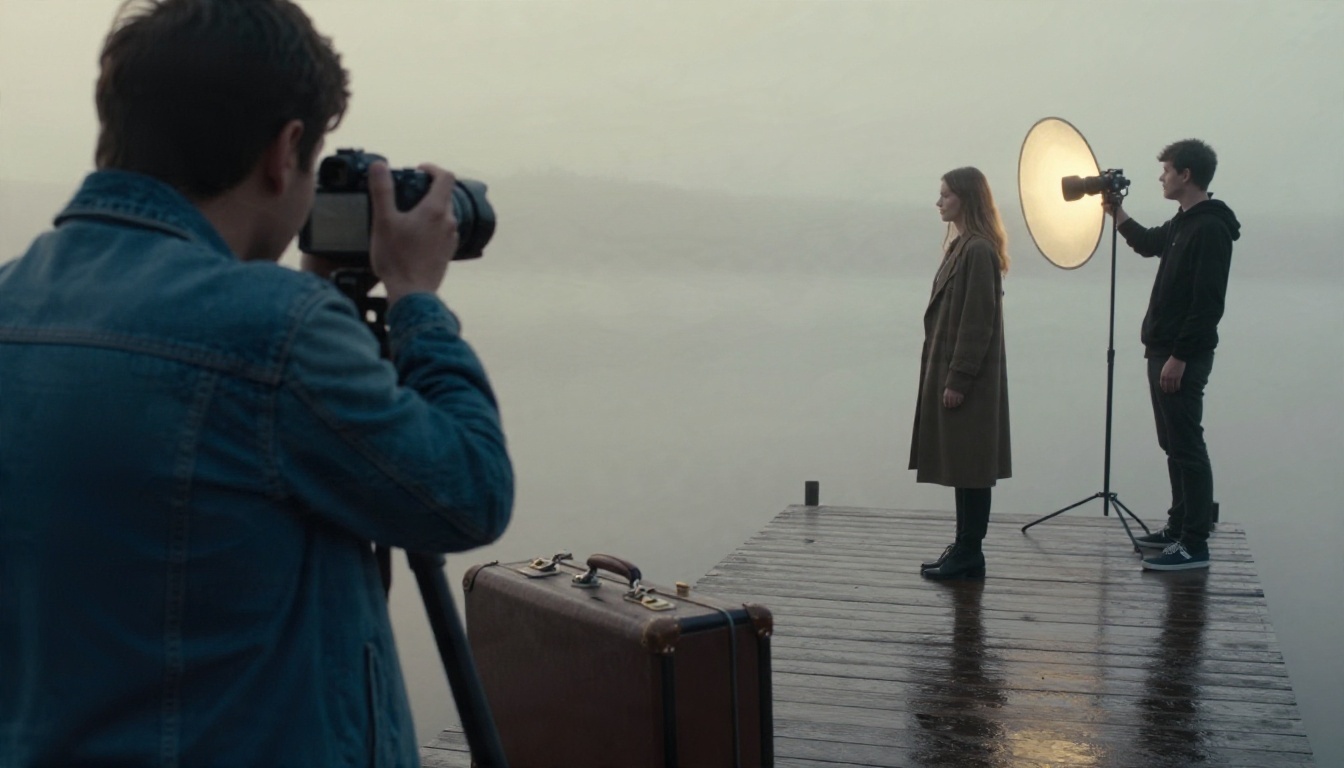
A single afternoon with a photographer, a model, and a few props can produce a striking and fully original image. Moody pier shots, closeups of objects, and landscapes work especially well for literary titles.
Stock Photos and Public Domain Art
Licensed stock is cheap and fast, but remember the Tor lesson: some stock libraries now carry AI-generated images, and not every listing labels them clearly. Check the contributor's profile and the license terms. Public domain paintings offer a safer route for classics and poetry, as long as you confirm the specific museum's reuse rules.
A Responsible AI Workflow
Some authors will still choose AI, and many have good reasons: no budget, a niche genre, or a desire to experiment. The goal then is to reduce the things readers resent most.
Treat AI as a Starting Point
The strongest results come from people who bring their own direction: sketches, reference photos, mood boards, and clear intent. Use generation to produce a base image, then refine it, compose the typography yourself, and make sure the final piece reflects your decisions. A jacket that was clearly art-directed by a person feels very different from a first-pass output.
A sensible workflow looks like this:
- Write a short brief: genre, mood, palette, and a single focal subject
- Collect three to five real reference images for lighting and composition
- Generate several options and pick the strongest, not the fastest
- Fix flaws in an editor: hands, edges, odd background objects
- Upscale for print and add the title and author name yourself
- Record your process for disclosure
Check Quality Before You Publish
Print jackets need far more resolution than a social post. A common target is a file around 300 DPI at full trim size. If your base image is small, a super resolution tool such as Real-ESRGAN can upscale it by 4x before you add text.
Then run a short inspection at both thumbnail size and full size. Look at hands, eyes, teeth, jewelry, and anywhere two objects overlap. Ask one honest friend who reads in your genre whether anything feels off.
Which model suits which job? Here is a quick comparison of options available on PicassoIA:
| Model | Strength | Good for |
|---|
| Seedream 4.5 | Sharp detail, up to 4K output | Realistic scenes, portraits, atmosphere |
| Nano Banana Pro | Strong prompt following, editing | Iterating on a chosen image |
| Ideogram v4 Quality | Better handling of lettering | Concepts that need short words |
| Imagen 4 | Clean photographic realism | Landscapes, objects, still life |
| GPT Image 2 | Flexible instruction following | Complex scene descriptions |
| Qwen Image 3 | Photorealistic output | Natural textures and lighting |
Be Open About It
Disclosure does not have to be dramatic. A single line in your acknowledgments or on your author site, such as "Jacket art created with AI assistance and art-directed by the author," is enough for most readers. The pattern from every controversy above is that concealment turns a debate into a scandal.
Some readers will still object, and that is their right. But a calm, honest statement gives you something to point to, and it is far better than silence when the thread appears.
How to Use Seedream 4.5 on PicassoIA
If you decide to build a jacket concept with AI, Seedream 4.5 is a solid first stop thanks to its sharp detail and high-resolution output. Here is a simple routine.
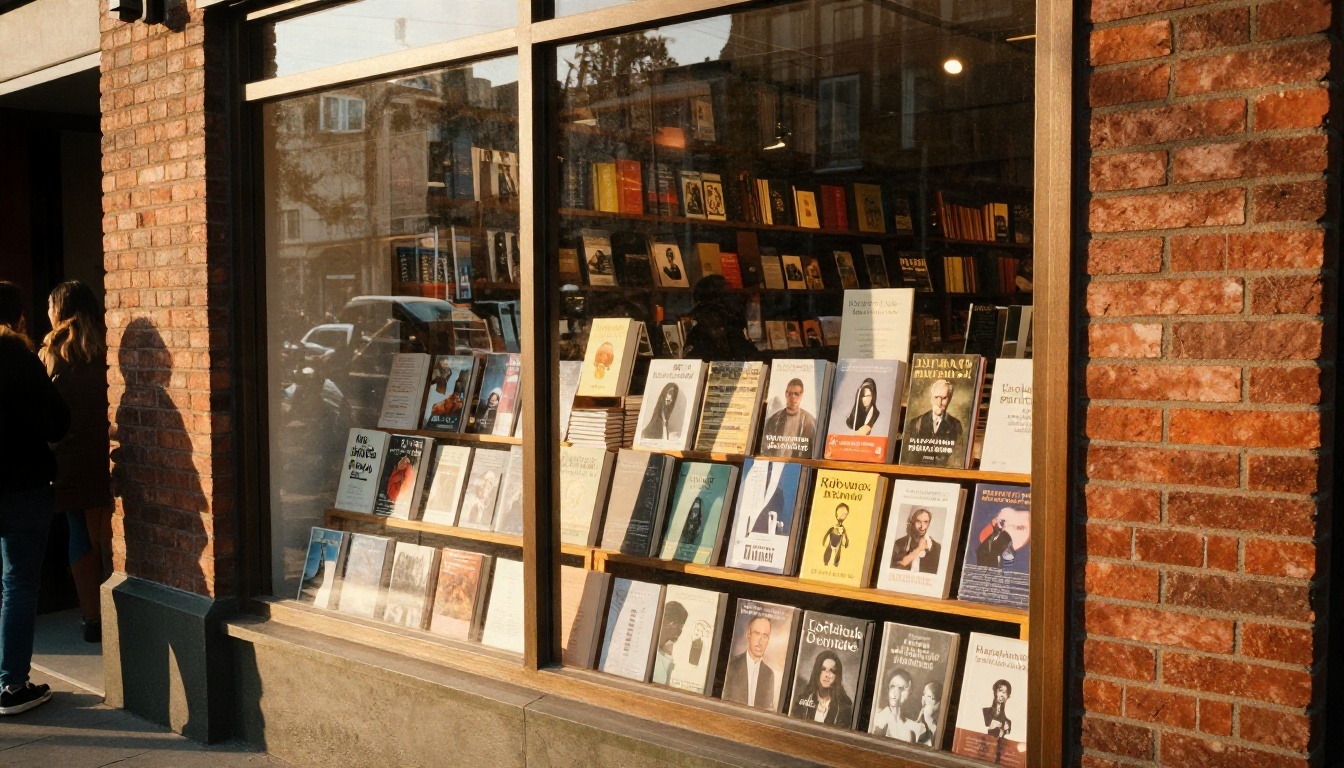
- Open the model page. Go to the Seedream 4.5 page on PicassoIA and choose the text-to-image tool.
- Write a focused prompt. Name one subject, one setting, one light source, and one mood. For example: "A lone lighthouse on a rocky shore at dusk, low fog, cold blue light, shot on 85mm, film grain."
- Leave room for the title. Mention open sky, dark water, or empty negative space where your typography will sit.
- Pick the aspect ratio. Jackets are usually portrait. Choose a tall ratio such as 2:3 for standard trade paperbacks.
- Generate several options. Run a handful of variations and save the best two or three.
- Refine with an editing model. Use Nano Banana Pro to adjust a specific area, such as swapping an object or fixing an awkward detail.
- Upscale for print. Pass the chosen image through Real-ESRGAN before adding text in your layout software.
- Record your process. Save the prompt, model name, and date for your disclosure notes.
💡 Prompt tip: Describe lighting and lens details the way a photographer would. Phrases like "soft window light from the left, 50mm, shallow depth of field" push the output toward believable realism and away from the plastic look readers spot instantly.
Try It Yourself Today
The argument over AI book art will not end soon, and it should not be settled by silence. Readers deserve honesty, artists deserve respect, and authors deserve realistic options. You can hold all three values and still make a strong, professional jacket.
If you want to experiment safely, start by generating concept images on PicassoIA. Test a few moods, compare models, and see which direction fits your story. Use the results as references for a human designer, as a base you art-direct yourself, or as a mood board for a photoshoot. Browse the full model list at picassoia.com/en/all-models, pick a model, and run your first prompt. Whatever path you choose, keep your records, tell the truth, and let the book itself earn the loudest reaction.


