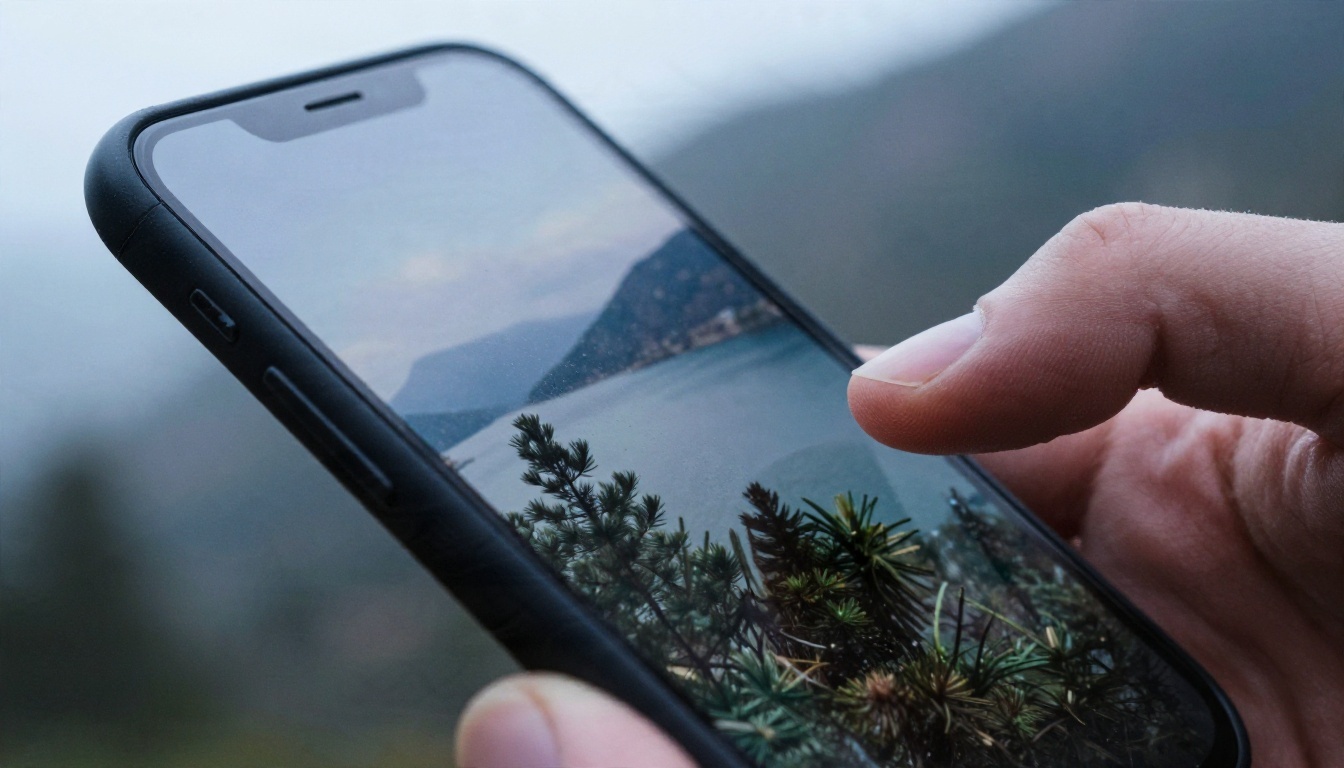
You nailed the shot. The light was perfect, the framing is clean, and then you open Instagram and the caption box just sits there, blinking. Ten minutes later you've typed a sunset emoji, deleted it, and typed it again. That gap between a great photo and a great caption is exactly where an AI caption generator for photo uploads earns its place. You hand it the image, tell it what voice you want, and get a handful of options in seconds.
This article walks through how these tools really work, which free options are worth your time, the exact prompts that produce captions that sound like a person wrote them, and a full set of examples for travel, food, selfies, fashion and small business posts.
How an AI Caption Generator Reads Your Photo
Most people assume the tool "sees" the picture the way you do. It doesn't. It converts the image into a description of objects, people, mood, colors and setting, then hands that description to a language model that writes the text. Knowing this split explains why some captions feel spot on and others feel generic.

Vision First, Writing Second
Modern multimodal models handle both steps inside one system. Models such as Gemini 3.5 Flash, Qwen3.7-Plus and Kimi K2.5 accept an image alongside your text instructions. They read the scene, then write a caption in whatever tone you request. Older tools used a separate image tagger followed by a text template, which is why their output often sounded like "a woman sitting at a table with a cup."
What the Model Picks Up
A good vision model notices far more than the obvious subject:
- Setting and time of day: golden hour, overcast street, indoor tungsten light
- Mood: calm, playful, energetic, nostalgic
- Objects with personality: the half eaten croissant, the bicycle against the wall
- Clothing, colors and textures: knit sweater, linen shirt, weathered stone
- Composition cues: wide landscape, tight portrait, overhead flat lay
What It Still Misses
The model can't know the story behind the photo. It doesn't know this was your first trip abroad in six years, or that the café belongs to your sister. It also can't verify names, locations or dates unless you supply them. That missing context is the single biggest reason AI captions feel hollow, and the fix is simple: tell it one true detail.
💡 Quick rule: Give the generator one fact the image cannot show. A place name, a feeling, or a reason the moment mattered. That single line lifts the output from decent to personal.
"Free" covers a wide range. Some tools are truly free, some give you three captions before asking for a card, and some stuff watermarks or hashtags you didn't ask for into the result. Here's the honest breakdown.

Free Chat Models You Can Use Today
A general purpose multimodal model is usually a better caption writer than a single purpose caption app, because you control the prompt. On PicassoIA you can try several in the same session:
A practical workflow is to let a vision model write the first draft, then pass the best draft to a text model such as GPT 5.6 Luna or Claude Sonnet 5 for tone polishing.
Dedicated Caption Apps and Their Limits
Standalone caption websites and phone keyboards with built in AI are convenient, but they tend to share the same weaknesses:
- Fixed tone menus. You pick "funny" or "inspirational" and that's it.
- No memory of your voice. Every caption starts from zero.
- Hashtag stuffing. Thirty tags nobody asked for.
- Daily caps. Great until you batch a week of posts.
A chat model fixes all four, because you can paste a few of your own old captions and say "write like this."
💡 Free tier tip: Run your first draft on a fast model, since caption writing rarely needs a heavyweight reasoning engine. Save the stronger models for rewriting a post you really care about.
How to Use Gemini 3.5 Flash on PicassoIA
Gemini 3.5 Flash is a strong first pick for caption work: it reads images, responds quickly, and handles tone instructions well. Here's the exact flow.

Step by Step
- Open the model page. Go to the Gemini 3.5 Flash page on PicassoIA.
- Attach your photo. Use the image input to add the picture you plan to post.
- Write the instruction. Paste a prompt from the next section, and swap in your real details.
- Ask for variety. Request five captions in different lengths so you can mix and match.
- Run it and pick one. Read each aloud. If one makes you smile or sounds like something you'd say, that's your winner.
- Refine. Reply with "shorter," "less cheesy," or "add a question at the end" until it fits.
Parameter Tips
- Temperature: If the model exposes this setting, a mid to high value gives livelier wording. Drop it when you want safe, consistent business captions.
- Length instruction: Put the word limit in the prompt itself, for example "under 20 words." It works more reliably than a settings slider.
- Output count: Always ask for several options. The third or fourth is often the best.
- Language: State the language explicitly if you post in more than one.
Prompts That Produce Better Captions
The prompt matters more than the model. A lazy prompt such as "write a caption" returns lazy captions. Treat the prompt like a short creative brief.
The Base Prompt
Copy this and fill in the brackets:
"Look at this photo and write 5 Instagram captions. Voice: [casual / witty / warm / minimal]. Context: [one true detail about the moment]. Length: under [20] words each. No more than [2] emojis. No hashtags. Avoid cliches like 'living my best life.'"
That last line is gold. Telling the model what to avoid removes the stock phrases that make AI captions easy to spot.
Tone Modifiers That Work
Swap the voice slot for one of these to change the entire feel:
| Tone | What it sounds like | Best photo type |
|---|
| Dry and witty | Short, understated, a little self aware | Selfies, friend groups |
| Warm and reflective | One calm sentence, no exclamation marks | Travel, landscapes |
| Playful | Wordplay, light puns | Food, pets |
| Polished brand voice | Clear benefit, soft call to action | Product and business posts |
| Minimal | Three to six words | Fashion, portraits |
Length and Hashtag Control
Captions work in three lengths, and it helps to request each one on purpose:
- One liners (3 to 8 words): sit well under bold, simple images
- Mid length (15 to 30 words): the everyday sweet spot
- Story captions (60 to 120 words): suit travel posts and personal moments
For hashtags, ask separately: "Now suggest 5 specific hashtags, no generic ones like #love or #instagood." A short, focused set usually beats a wall of tags.
Instagram Caption Examples by Photo Type
Theory is nice, but you came for the real thing. Below are examples written from a short prompt plus one true detail for each image. Use them as a pattern, not as copy to paste.
Travel Photos
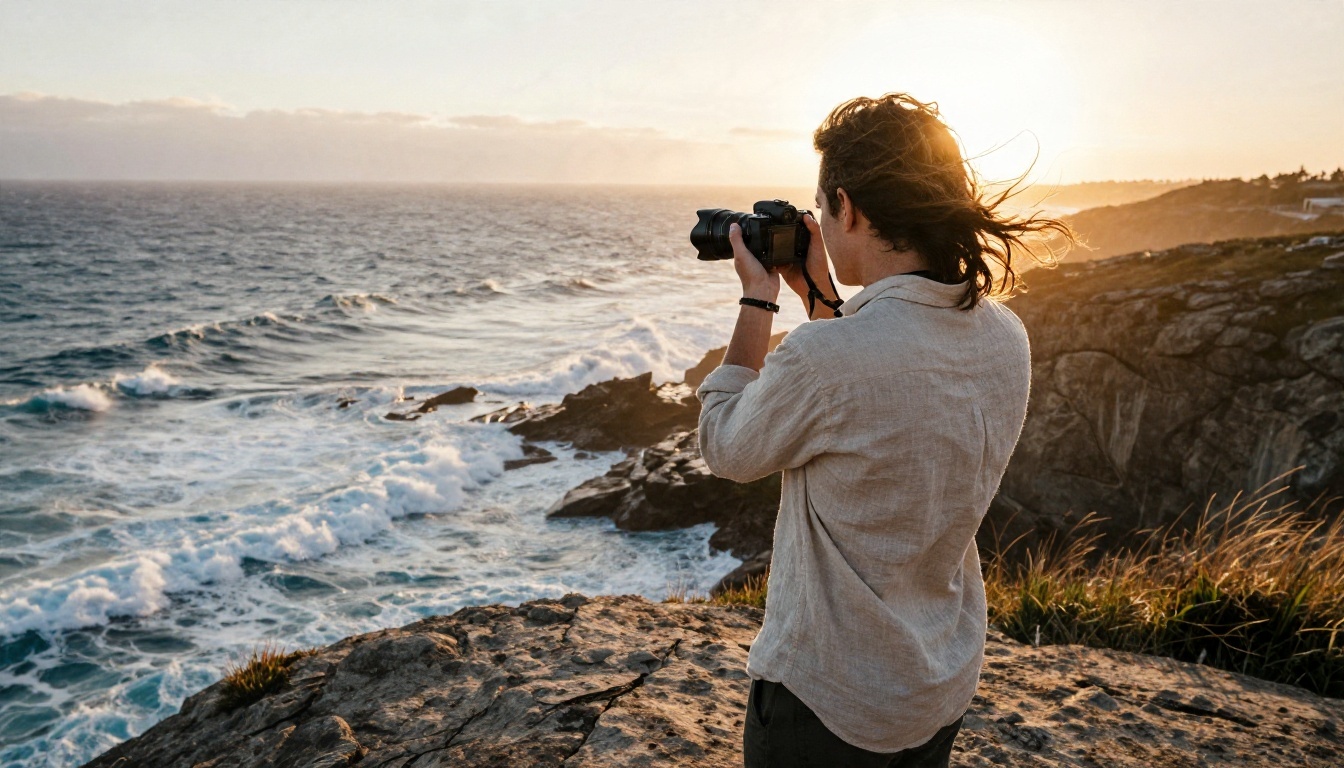
Context given: "First time seeing the Atlantic from this side."
- The wind did most of the talking. I just stood there and listened.
- Some horizons make your to do list feel very small.
- Salt in my hair, no plans until Thursday.
- Edge of the map, middle of a good week.
Notice how each one picks a single sensory detail (wind, salt, horizon) instead of listing the destination.
Food Photos
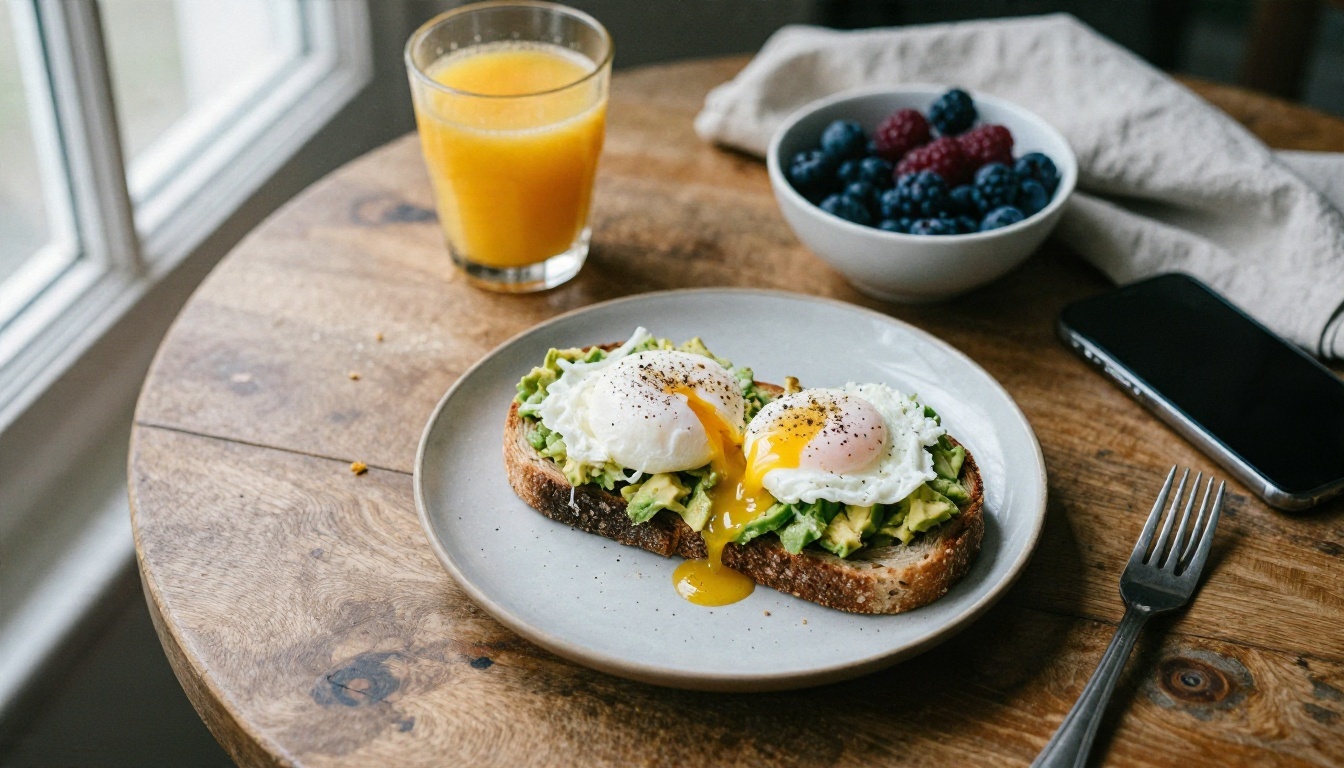
Context given: "Sunday brunch, the only meeting I take seriously."
- Sunday brunch: the only meeting I never reschedule.
- Runny yolk. Zero regrets.
- Eggs, toast and nowhere to be.
- Dear Monday, please wait. I'm still eating.
Food captions land best when they stay short and let the photo carry the appetite.
Selfies and Friends
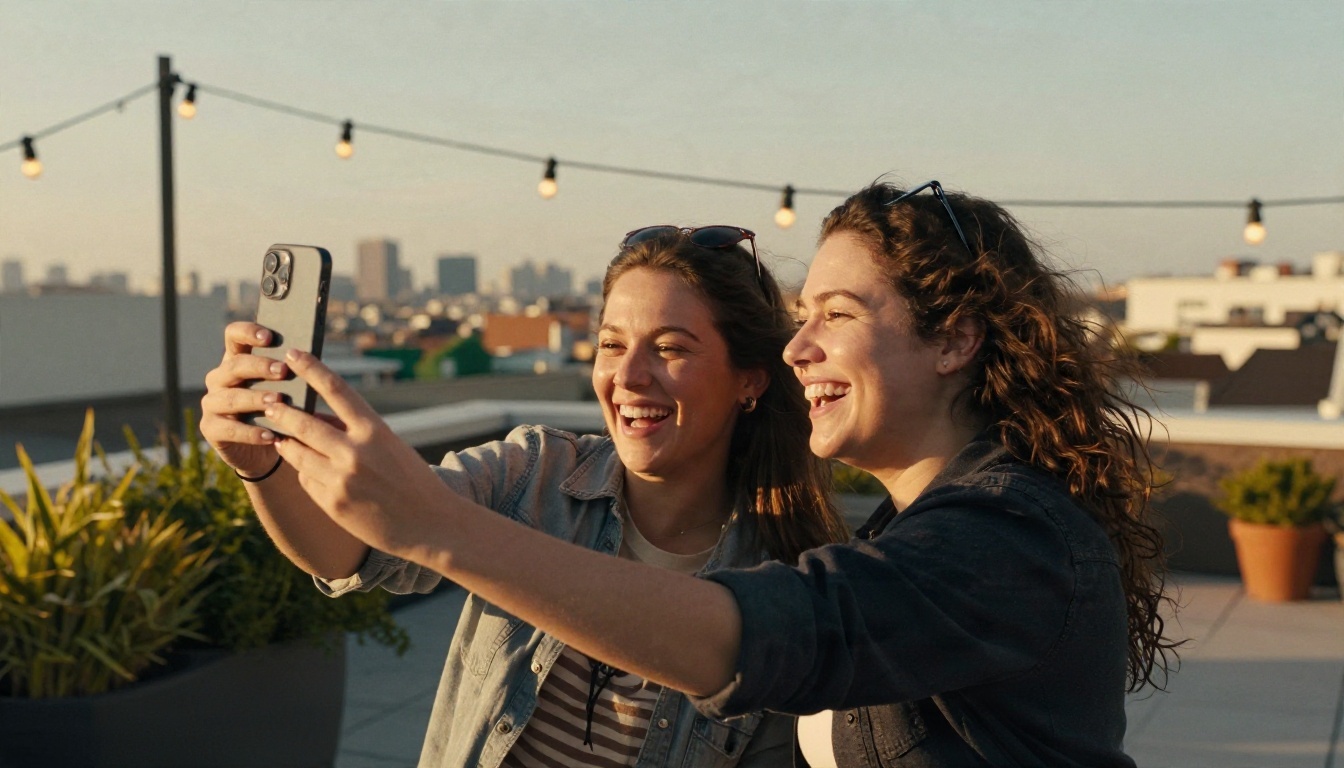
Context given: "Rooftop with my oldest friend, we were laughing at nothing."
- Twelve years in and we still laugh at the exact same things.
- Proof that the best plans are the unplanned ones.
- Rooftop, sunshine, and a friend who knows too much about me.
- We were supposed to take one photo. This is photo forty.
Group and selfie posts reward warmth and a small inside joke feel. If the generator misses it, add the inside joke yourself.
Fashion and Street Style
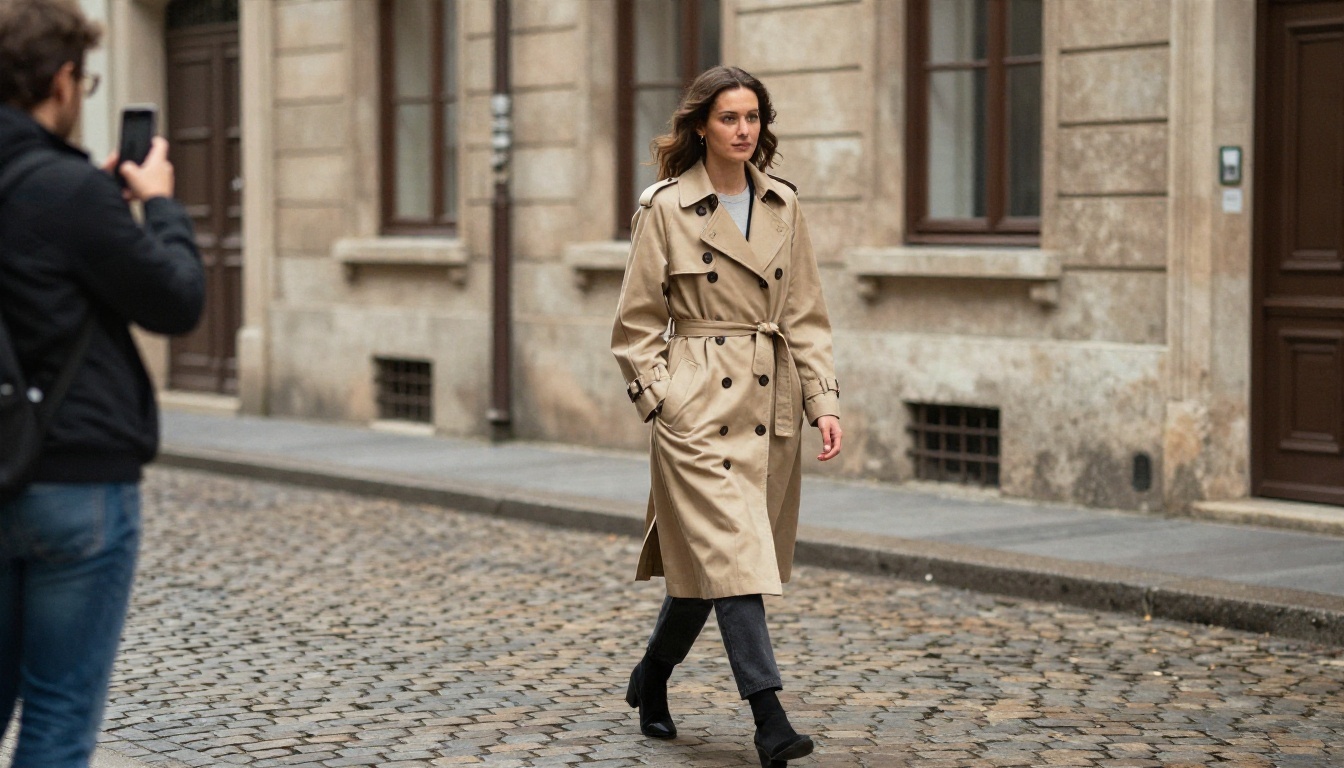
Context given: "Thrifted trench, first rainy day of autumn."
- Rain is just weather with good taste.
- Thrifted. Worn in. Not going anywhere.
- Trench season has opened.
- Cobblestones, a coat with a past, and a friend with a camera.
Fashion wants restraint. If a caption is longer than a line, it usually fights the outfit.
Small Business and Product Posts

Context given: "New batch of hand thrown mugs, only 24 made."
- 24 mugs. Each one slightly different, none of them rushed.
- Fresh out of the kiln and ready for your morning.
- Made by hand, in small batches, for slower mornings.
- Only 24 in this batch. Link in bio when you're ready.
For brands, give the model your actual voice rules and a call to action, then edit the result. Never let it invent prices, shipping claims or product facts. Those details must come from you.
Three Mistakes That Make Captions Sound Robotic
Even a strong model produces stiff output when the setup is wrong. These are the three patterns that show up again and again.
1. Posting the first result untouched. The first draft is rarely the best. Generate five, pick one, then change a word or two so it matches how you speak.
2. Skipping the personal detail. A caption with no true detail reads like a stock photo. One real fact ("my grandmother's recipe," "our last day in Lisbon") makes it unmistakably yours.
3. Letting the tone drift between posts. If Monday sounds witty, Tuesday sounds like a motivational poster and Wednesday sounds like a press release, followers notice. Save a short voice note, such as "dry, warm, never more than two emojis," and paste it into every prompt.
Here's a quick checklist to run before you post:
- Does it sound like something you'd say out loud?
- Is there at least one specific, true detail?
- Did you cut cliches like "living my best life" or "good vibes only"?
- Is the first line strong enough to show before the "more" cut off?
- Are the facts (names, places, prices) accurate?
💡 First line matters most. Instagram truncates long captions, so the opening sentence has to earn the tap on "more." Put the hook first and the context after.
Pairing Captions With Better Images
A strong caption can't rescue a weak picture, and a strong picture deserves more than "nice day." If you're building a content calendar and don't have a fresh photo for every post, you can create original, photorealistic visuals and then caption them with the same workflow.
PicassoIA lists text to image models such as Qwen Image 3 and GPT Image 2.5 Flare that produce natural looking scenes from a written description. A simple loop works well:
- Generate or choose the photo.
- Feed it to a vision model with the base prompt.
- Pick the best caption and add your personal detail.
- Check the result against the checklist above, then post.
This is also a handy approach for mockups, product scenes, and seasonal posts you want to plan ahead. If you do use generated visuals, say so where a platform or a client expects it, and keep captions honest about what the image shows.
Write Your Next Caption on Picasso IA
You now have the whole process: a vision model that reads the photo, a prompt that carries your voice, one true detail for personality, and a quick checklist before you hit share. None of it takes more than a couple of minutes once you've saved your base prompt.
The fastest way to see the difference is to try it on a photo you already have. Open Gemini 3.5 Flash, attach the picture sitting in your camera roll, paste the base prompt from above, and ask for five options. Then compare it against Qwen3.7-Plus or Kimi K2.5 and see which voice feels closest to yours. When you need a fresh visual to go with the words, try Qwen Image 3 and write the caption for something you created yourself.
Want to see everything available in one place? Browse the full lineup at picassoia.com/en/all-models, pick a model, and write your next caption in the time it takes the coffee to cool.


