You record a Reel, say "yaar, ye feature ekdum zabardast hai, but pricing thodi high hai", and the auto caption comes back as a confused English sentence about a "zebra dust" and "tidy hi". Anyone who creates content in Hinglish has seen this. Captions matter more than ever, because a big share of viewers watch Reels with the sound off, and a wrong subtitle is worse than none.
The good news: free tools have improved a lot, and you can get clean Hinglish subtitles in a few minutes if you know which tool to pick and what to check afterwards. This article compares the free options, explains where accuracy falls apart, and shows a repeatable workflow, including how to run your audio through a transcription model on PicassoIA.
💡 Quick answer: For short, clear Reels, free tools get you roughly 80 to 90 percent of the way there. The remaining errors sit in names, slang and English words pronounced the Indian way. Plan for a five minute proofread every time.
What Hinglish Does to Speech Models
Most speech recognition systems were trained on one language per recording. Hinglish breaks that assumption in the middle of a sentence.

Why code-switching trips captions
When you say "Mera laptop hang ho gaya, so I restarted it", the model has to decide, word by word, whether it is hearing Hindi or English. Many tools pick one language for the whole clip. If you pick English, Hindi words get forced into the closest English-sounding word. If you pick Hindi, English words such as "restarted" may be written in Devanagari or mangled.
Better systems handle both languages inside one model, which is why large multilingual models tend to do well on Hinglish. Tools that only wrap an English engine do not.
Roman script or Devanagari?
Hinglish is usually typed in Roman script: "kya haal hai" rather than "क्या हाल है". That is how people text and comment, so it is also what most Reels viewers read fastest. The problem is that many engines output Devanagari for Hindi words and Roman for English words, giving you a mixed result that looks odd on screen.
Your options:
- Ask the tool for Roman output or "Hinglish" mode if it has one.
- Transcribe in Hindi, then convert to Roman with a language model.
- Keep Devanagari if your audience reads it comfortably.
💡 If you want to switch scripts in bulk, paste the transcript into a large language model on PicassoIA and ask for "Hinglish in Roman script, keep English words unchanged".
Free is a moving target. Plans, watermarks and minute limits change often, so check the current limits before you commit to a workflow. Here is how the main options compare at the time of writing.
| Option | Cost | Hinglish handling | Export | Main drawback |
|---|
| Instagram captions sticker | Free | Weak, English-first | Stays inside Instagram | Can say "no captions found" or skip your language |
| CapCut auto captions | Free tier | Decent for Hindi, lower for mixed speech | Burned-in video, sometimes SRT | Watermarks and paywalled features on some styles |
| Web caption tools such as Capsai and Captiq | Free tier with minute limits | Marketed for Hindi, English and mixed speech | SRT or burned-in | Accuracy claims come from the vendors |
| Speech to text models on PicassoIA | Pay as you go | Strong multilingual models | Plain text you can turn into SRT | You format the subtitles yourself |
Instagram's built-in captions sticker
It is free and sits right inside the editor, which makes it tempting. The catch is that it is tuned for English. Users report "no captions found" messages when the language or region is not supported, and accuracy drops quickly with accents or fast speech. Another limit: you cannot edit captions after the Reel is published, so a typo stays live.
Use it only for quick Stories where nobody will notice a slip.
CapCut, Capsai, Captiq and similar
These are the tools most Indian creators reach for. CapCut supports Hindi captions, though independent-style comparisons note that accuracy on heavy code-switching is noticeably lower than on pure Hindi. Web tools like Capsai and Captiq advertise Hindi, English and mixed Hinglish captions, with SRT downloads or burned-in video. Captiq mentions a free tier of about 15 minutes a month and claims 95 percent plus accuracy.
Treat that number carefully. It is a vendor claim, not a benchmark, and it will not hold for a noisy street clip. Several of these tools also add a watermark on free plans, which can ruin a branded Reel.
Using a transcription model directly
The third route skips the caption app. You upload your audio to a speech to text model, get a clean transcript, fix it, and then import the text as subtitles in your editor. It takes one extra step, but you control the language setting, the style prompt and the final wording.
PicassoIA hosts GPT 4o Transcribe, GPT 4o Mini Transcribe and Gemini 3 Pro for this job.
How Accurate Are They Really
Short answer: accurate enough to save time, not accurate enough to publish untouched.

What vendors claim
You will see numbers like "95 percent accurate" on landing pages. These are usually measured on clean studio audio in one language. Almost every comparison page for Hindi caption tools is written by a vendor that ranks its own product first. That does not make the tools bad, but it means you should not trust the figures without testing.
One pattern shows up across sources: free tools do better than Instagram's sticker on Hinglish, and cloud-based multilingual models do better than lightweight on-device ones.
Where errors show up
From practical use, errors cluster in the same places:
| Error type | Example | How often it happens |
|---|
| Proper nouns and brands | "Zomato" written as "so motto" | Common |
| English words with an Indian accent | "Schedule" or "data" misheard | Common |
| Slang and fillers | "arre", "bas", "matlab" dropped or mis-spelled | Very common |
| Numbers and prices | "do hazaar paanch sau" written in odd formats | Occasional |
| Background music | Lyrics mixed into the transcript | Frequent on Reels with trending audio |
| Fast speech | Words merged or skipped | Depends on speaker |
💡 Rough rule from testing: expect around one error every two or three sentences in casual Hinglish. That is not a measured benchmark, so run your own clip to see where your voice lands.
A quick test you can run
Record a 30 second clip with three things in it: a brand name, a price, and a sentence that switches language twice. Run the same clip through two or three tools. Count the mistakes, not the percentage. The tool that produces the fewest edits on your voice wins, no matter what the landing page says.
How to Use GPT 4o Transcribe on PicassoIA
If you want more control than a caption app gives you, this is the simplest route. GPT 4o Transcribe takes an audio file and returns text, and it accepts MP3, MP4, WAV, M4A, OGG and WebM, so you can even upload the video file itself.
Step by step
- Open the model page on PicassoIA and choose the speech to text tool.
- Upload your audio file. Export the voice track from your phone or editor. Clean audio without music gives far better results.
- Set the language. Use the ISO code
hi for Hindi, or en for English. For Hinglish that is mostly English words with some Hindi, pick the language that carries most of your sentences, then test both.
- Add a style prompt. This is where Hinglish gets better. Write a short sample in the style you want, for example: "Yaar, ye phone ekdum mast hai, but battery thodi weak hai." The model uses the prompt as a hint for spelling and tone.
- Keep temperature at 0 for the most predictable text.
- Run it and copy the transcript.
- Proofread and then paste it into your editor as subtitles.
Settings that matter
| Setting | Recommended value | Why |
|---|
| Language | hi or en, test both | Changes how mixed words are written |
| Prompt | Short Hinglish sample with your brand names | Teaches spelling of names and slang |
| Temperature | 0 | Reduces random rewording |
| Audio | Voice only, no music | Stops lyrics leaking into text |
💡 For a cheaper pass on long recordings, try GPT 4o Mini Transcribe. For tricky clips with heavy slang, Gemini 3 Pro is worth a comparison run, since it is a general multilingual model and follows instructions about script and spelling.
Fixing Captions Before You Post
Even a good transcript needs a pass. Viewers forgive an accent, but they notice a caption that says something odd.
The five minute proofread
Do it in this order:
- Names and brands first. Search the transcript for every proper noun.
- Numbers and prices. Check each one against what you actually said.
- Slang and fillers. Decide whether to keep "matlab" and "arre" or cut them for readability.
- Line breaks. Keep each caption line to around 32 characters, two lines at most.
- Play it with the sound off. If it reads naturally without audio, it is ready.
A custom word list helps a lot. Keep a notes file with your recurring names, product terms and spellings, and paste it into the style prompt every time.
Burned-in subtitles or SRT
| Format | Best for | Downside |
|---|
| Burned-in captions | Reels, Shorts, TikTok | Cannot be edited later |
| SRT file | YouTube, Facebook, LinkedIn | Platform styling is basic |
| Both | Repurposing one video across platforms | Extra export time |
Instagram does not let you upload an SRT with a Reel in most cases, so burned-in text is the norm there. Keep an SRT copy anyway for YouTube and for later edits.
Styling for Reels
Keep the text inside the safe area, away from the bottom buttons and the caption box. Use a bold sans-serif font, white text with a thin dark outline, and highlight one word at a time only if it matches the speech rhythm. Roman script Hinglish at a large size reads better on a small phone than Devanagari at the same size, but test it with your own audience.

Real Situations and What Works
Different creators need different setups. Here is what tends to work in practice.
Street interviews and noisy locations
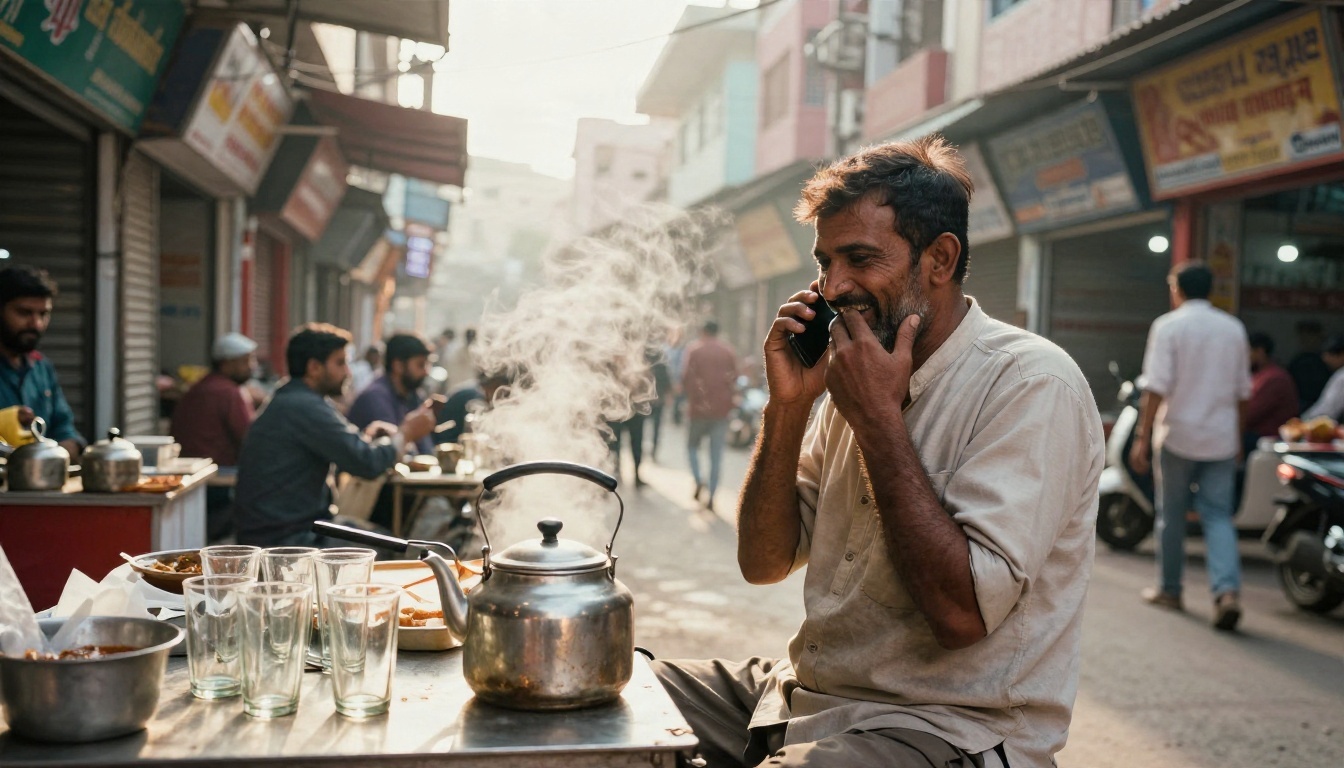
Wind, traffic and crowd noise are the worst enemies of any caption tool. Use a clip-on mic, record a few seconds of the speaker's voice close to the mouth, and avoid music under the interview. If the original is too noisy, transcribe from a clean voice-over you record afterwards.
Small business promos
A shop owner showing products in a mix of Hindi and English needs captions that spell product names right. Put those names in the style prompt and keep a reusable list. For catalogue style videos, short punchy lines work better than full transcripts.

Talking head and podcast clips
Long recordings are where a transcription model beats a caption app. Transcribe the full episode once, then cut the best moments and reuse the corrected text as subtitles. You save the proofreading time on every clip.
Going Beyond Captions
Once your Hinglish text is clean, it opens other doors.
Dubbing and voiceovers
Need the same Reel in English, Tamil or Bengali? Dubbing translates videos into more than 90 languages while keeping the voice. If you want a fresh narration from your corrected script, Realtime TTS 2 generates natural voiceovers from a text prompt.
Editing the video itself
If the clip needs a different background, lighting or a small visual fix before you add subtitles, P Video Edit lets you edit a video with a text prompt. For bigger restyling, Aleph 2 and Modify Video can change a whole clip from a single instruction.
💡 Edit the picture first and add captions last. If you change the video length after captioning, the timing shifts and you have to redo it.
Try It on Your Next Reel
Pick one short clip from your phone, extract the audio, and run it through GPT 4o Transcribe with a Hinglish style prompt. Compare the result with what CapCut or Instagram gave you. Count the edits, keep the winner, and save your word list for next time.
When your captions are clean, extend the same workflow to dubbing, voiceovers and video edits. Everything above is available on PicassoIA, so you can test the speech to text models, the dubbing tool and the video editors from one place. Browse the full catalogue at picassoia.com/en/all-models and start with a 30 second clip today.


