You shot the clip, trimmed it to eleven seconds, picked the audio, and now the cursor blinks in an empty caption box. Ten minutes later you are still deleting and retyping the same sentence. That tiny moment is where most posts stall, and it is exactly where AI captions for Instagram earn their place. A good language model can give you twenty options in the time it takes to sip your coffee, and a good prompt can make those options sound like you instead of like a brochure.
This article walks through how a free caption generator actually works, which models are worth using, the prompts that produce usable lines on the first try, and a set of Reels caption examples you can adapt today. No filler, just the workflow and the copy.
What an AI Caption Generator Does

An Instagram caption generator is a language model with a narrow job: take a short description of your post and return text that fits the platform. You give it context, such as what is in the photo, who the audience is and what tone you want, and it returns several drafts. You pick, trim and post.
The generator does not see your followers or know your inside jokes. It predicts plausible text. That is why the quality of the input decides the quality of the output, and why a vague request like "write a caption for my beach photo" produces the same sunny cliché everyone else gets.
Why captions still matter
Instagram is a visual app, but the caption does quiet, heavy work. It sets the context for a Reel, gives search something to read, prompts people to comment, and tells a stranger in two seconds whether your account is for them. Reels with a clear first line tend to hold viewers longer, because the text on the post and the hook in the video reinforce each other.
Captions also affect saves and shares. A post that teaches a small trick, tells a short story or asks a real question gives people a reason to act. A post with three palm tree emojis does not.
Where AI helps and where it does not
AI is strong at volume, variation and structure. It is weak at lived detail. Use it for the scaffolding, then add the specific thing only you know.
| Task | AI does it well | You should add |
|---|
| First line hooks | Twenty options in seconds | Pick the one that sounds like you |
| Length and rhythm | Trims to a limit, fixes flow | Your natural phrasing |
| Hashtag sets | Relevant clusters by topic | A check against your niche |
| Story and humor | A decent skeleton | The real moment, name or place |
| Call to action | Clear, varied wording | A question you actually care about |
💡 Rule of thumb: let AI write the first draft, then spend your time on the last 20 percent. That last stretch is what readers feel.
Free Generators You Can Use Today
You do not need a dedicated caption app. A general chat model handles captions well, and many are available at no cost on PicassoIA, with the added benefit that you can switch models until the voice fits. Here is a practical shortlist.
Picking the right model
There is no single winner, and that is the point. Models differ in temperament. One will lean punchy and playful, another will lean warm and reflective. A reasonable routine:
- Run your prompt through a fast model like Luna to get a wide spread of ideas.
- Take the two best lines and ask Claude Sonnet 5 to rewrite them in a more human, less polished voice.
- If the photo matters more than the idea, upload it to Gemini 3.5 Flash or Qwen3.7-Plus and ask for captions based on what is visible.
When to use an image-reading model
If you have a folder of photos and no idea what to say, a vision-capable model saves real time. It can name the objects, the mood and the setting, then suggest captions that match. You still supply the story. A model can tell you the photo shows a steaming cup on a stone wall at sunrise. It cannot tell you that this was the first morning of a trip you saved two years for.
Using GPT 5.6 Luna Step by Step

Since speed matters when you are batching a week of content, GPT 5.6 Luna is a sensible default. Here is how to use it on PicassoIA.
- Open the model page. Go to the GPT 5.6 Luna page on PicassoIA and open the chat or prompt box.
- Paste a structured prompt. Use the base formula in the next section instead of a one line request.
- Ask for a specific number of options. "Give me 8 captions" beats "give me some captions."
- Set the length limit up front. Say "under 150 characters" for Reels or "3 short paragraphs" for carousel posts.
- Iterate once or twice. Reply with "make options 3 and 6 funnier, drop the emojis" and the model adjusts.
- Switch models if it feels flat. Paste the same prompt into Claude Sonnet 5 and compare.
💡 Tip: save your best prompt as a note on your phone. Reusing a tested prompt is faster than inventing a new one for every post.
Prompts That Actually Work
Most weak captions come from weak prompts. The fix is not complicated: give the model a role, the facts, the voice and the limits.
The base prompt formula
Copy this and fill in the brackets:
Act as an Instagram copywriter for [type of account]. Write 8 caption options for a Reel about [what happens in the video]. Audience: [who they are]. Tone: [casual, dry, warm, bold]. Start every caption with a different hook. Keep each under [number] characters. End 3 of them with a question. No hashtags in the text. Avoid cliché phrases.
The last line matters more than it looks. Telling a model to avoid clichés and vary the hooks cuts the "Living my best life" output by a large margin.
A voice matching prompt
Models copy what they see. Paste three of your own past captions and ask for new ones in the same register.
Here are 3 captions I wrote: [paste]. Study the sentence length, humor and punctuation. Now write 6 new captions for a Reel about [topic] that sound like the same person wrote them.
This single habit does more to remove the robotic feel than any amount of editing afterward.
Prompts by niche
| Niche | Add this to your prompt |
|---|
| Travel | "Mention one sensory detail: a smell, a sound or a texture." |
| Food | "Write like a friend recommending a dish, not a menu." |
| Fitness | "Be honest about effort. No miracle claims." |
| Small business | "Include one concrete reason to visit or buy this week." |
| Personal brand | "Open with a small confession or a strong opinion." |
| Humor | "Dry, understated, one joke maximum." |
Reels Caption Examples

Reels captions have a different job from photo captions. The video carries the emotion, so the text should add context, a hook or a reason to rewatch. Keep the first line short, because Instagram cuts the caption after a couple of lines and the rest hides behind "more."
Travel and outdoors
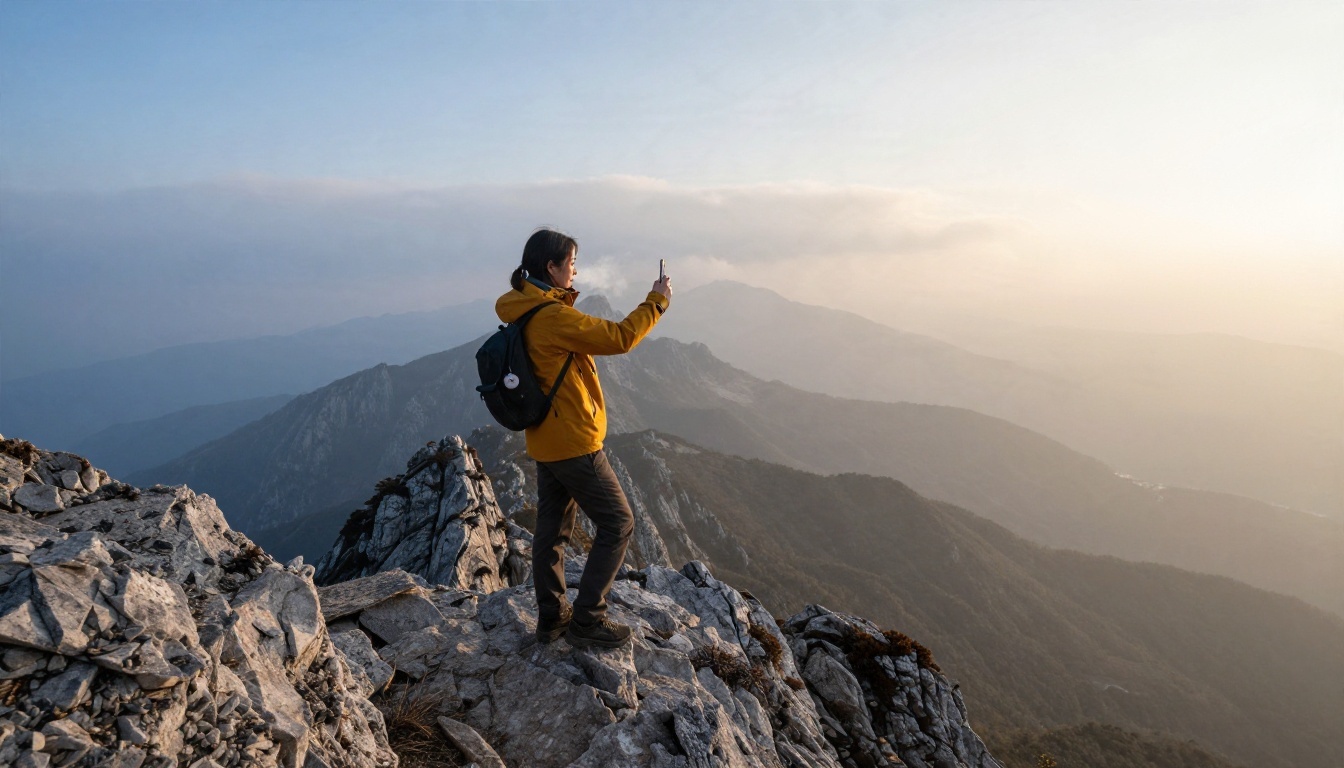
- "4:50 a.m. alarm. Worth every minute of regret."
- "The trail was 11 km. The view lasted about nine minutes. Still the best trade I made this year."
- "Packed light, forgot gloves, found a better sunrise. Net win."
- "Nobody warns you that the summit is quiet. I liked that."
- "Save this if you are planning a ridge hike and want the exact start time."
Food and small business
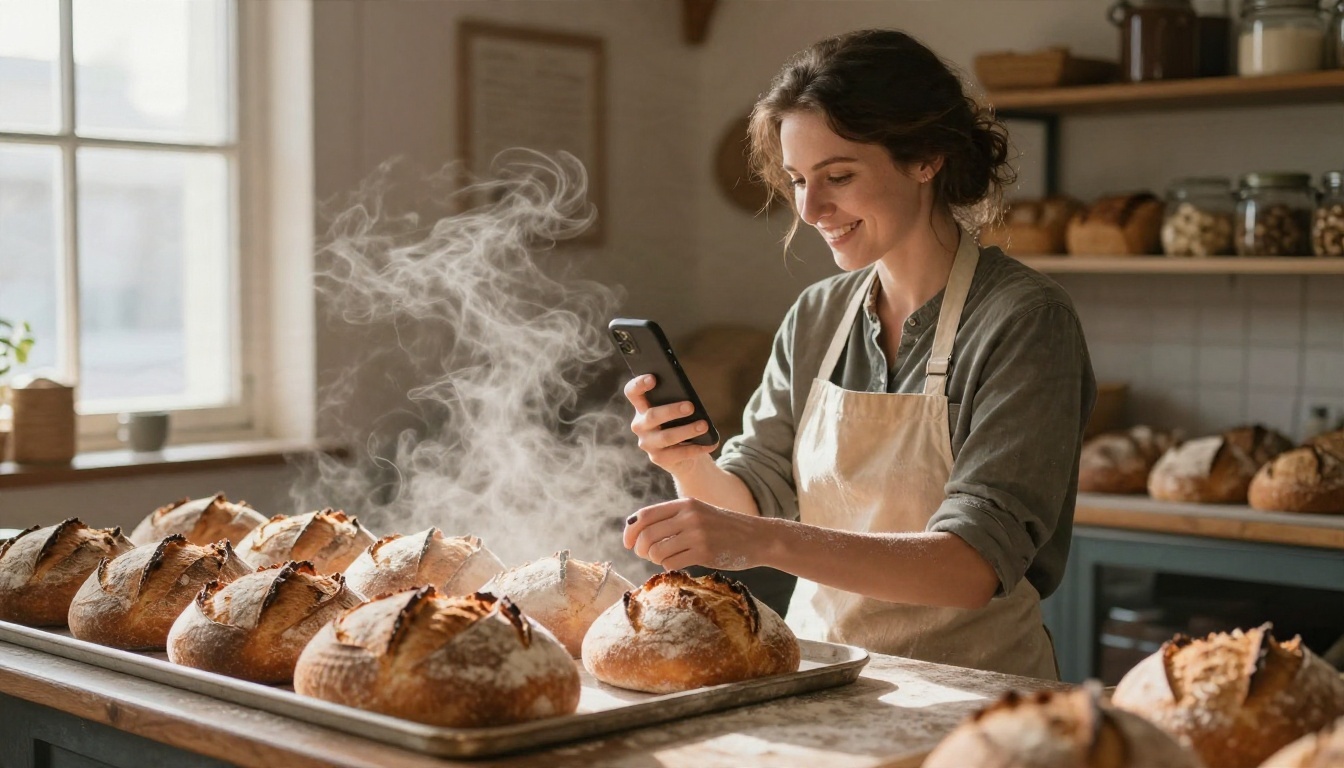
- "These came out of the oven at 6:10. By 8:00 there will be three left."
- "Same flour, same water, 36 hours of patience. That is the whole secret."
- "Tuesday special: a warm loaf and a free slice of whatever I baked on Monday."
- "Crust you can hear from across the room."
- "Tag the person who would eat the whole loaf on the walk home."
For a shop, the winning pattern is a concrete detail plus a reason to act now. AI is excellent at producing variations of this pattern once you supply the real facts: opening hours, the price, the offer.
Fitness and wellness

- "Week 6. The weights did not get lighter. I got stronger."
- "Rest day is still part of the plan. Say it with me."
- "Three exercises, twenty minutes, no equipment. Full list in the next slide."
- "I used to dread Mondays. Now I schedule legs on them."
- "Progress photo? No. Progress habit: 5 workouts, 5 weeks."
Friends, humor and behind the scenes

- "Fourteen takes to get one that looks effortless."
- "We said we would leave at nine. It is now the next morning."
- "Photo dump from a weekend that deserved more sleep."
- "This is the only photo where everyone's eyes are open. Posting it anyway."
- "Caption pending. Friendship permanent."
💡 Pattern to steal: the best humor captions state a small, specific fact and then stop. Do not explain the joke.
Caption craft comes down to three adjustable parts. Treat them separately and ask the AI for each one on its own.
Hooks that stop the scroll
A hook is the first line, and it decides whether people expand the caption. Strong hook types include:
- The specific number: "I tested 12 tripods so you do not have to."
- The mild confession: "I almost deleted this clip."
- The direct promise: "Three edits that fixed my lighting."
- The contrarian line: "Stop posting every day."
- The open loop: "The last second of this video is the point."
Ask your model: "Give me 10 hooks for this Reel, each using a different type from this list."
How many hashtags to use
Instagram has said publicly that a small number of relevant tags works better than a pile of them. Three to five targeted tags is a safe range. Ask the AI to sort suggestions into broad, mid size and niche, then pick one or two from each group. Avoid banned or spammy tags, and never reuse an identical block of thirty tags on every post.
Caption length by format
| Format | Good length | Style |
|---|
| Reel, entertainment | 1 short line | Punchy hook, optional question |
| Reel, educational | 2 to 4 lines | Summary plus "save this" |
| Carousel | 3 to 6 lines | Context for the slides |
| Photo with a story | 1 to 3 paragraphs | Personal, with line breaks |
| Product or offer | 2 to 3 lines | Detail, price, how to act |
Mistakes That Make Captions Sound Robotic

Followers can smell a generic caption quickly. These are the habits that give it away.
Posting the first draft
The first output is the average of everything the model has seen. Always change at least one phrase. Better, merge two options and cut anything you would not say out loud.
Leaving the stock phrases in
Watch for "elevate your", "in a world where", "let's dive in", "game on" and the row of sparkle emojis. Add a line to the prompt that bans them, and delete any that slip through.
Skipping the real detail
A caption that could sit under any photo belongs under none. Add a name, a place, a number, a time of day. One true detail beats three polished adjectives.
Overusing questions and calls to action
If every post ends with "What do you think?" people stop answering. Ask a real question only when you want the answer, and vary the ask: save, share, tag, reply.
💡 Quick test: read the caption aloud. If you would not say it to a friend, rewrite it.
Pair Captions With Better Visuals
A strong caption under a flat image still underperforms. If you are creating your own visuals, a text to image model on PicassoIA can supply backgrounds, product mockups and cover frames for carousels. Nano Banana Pro handles detailed 4K scenes and edits, while Seedream 4.5 is a solid choice for sharp, realistic lifestyle imagery. Generate the image first, describe it in a sentence, then feed that description to your caption prompt so the words and the picture match.
A workflow that takes about ten minutes per post:
- Write a one sentence idea for the post.
- Generate or choose the visual.
- Run the base prompt with the idea and the tone.
- Pick two captions, merge them and add one real detail.
- Run a hashtag prompt and keep four tags.
- Schedule and move on.
That routine also scales. Do it on a Sunday and you have a week of posts with consistent voice and no daily panic.
Your Next Caption Starts Here
You now have the pieces: a free generator, a prompt formula, a voice matching trick and a set of Reels caption examples to borrow from. The only thing left is to try it on a post you already have waiting. Open GPT 5.6 Luna, paste the base prompt, fill in the brackets, and compare the result against a second model such as Claude Sonnet 5 or Gemini 3.5 Flash.
Then go one step further and build the visual on the same platform. Generate the image, write the caption, and post both within the same sitting. Browse every text and image model at picassoia.com/en/all-models, experiment with different tones, and keep the combinations that sound most like you. The blank caption box gets a lot less intimidating once you have a process.


