You do not need an animation studio, a drawing tablet or a month of free time to make a cartoon anymore. You need one clear sentence. An AI cartoon video generator from text reads that sentence, invents the characters, moves them through a scene and, with the right model, even adds voices and sound. The part nobody mentions is that results swing wildly depending on how you write the prompt and which voice you pair with it. This article fixes both problems, shows what you can do for free, and gives you prompts you can paste straight in.
What a Text to Cartoon Generator Does
From sentence to moving scene
A text to video model takes your description and predicts a short sequence of frames that match it. When you ask for a cartoon style, the model leans on everything it has seen about flat colors, bold outlines, exaggerated expressions and squash and stretch motion. You are not drawing anything. You are directing.

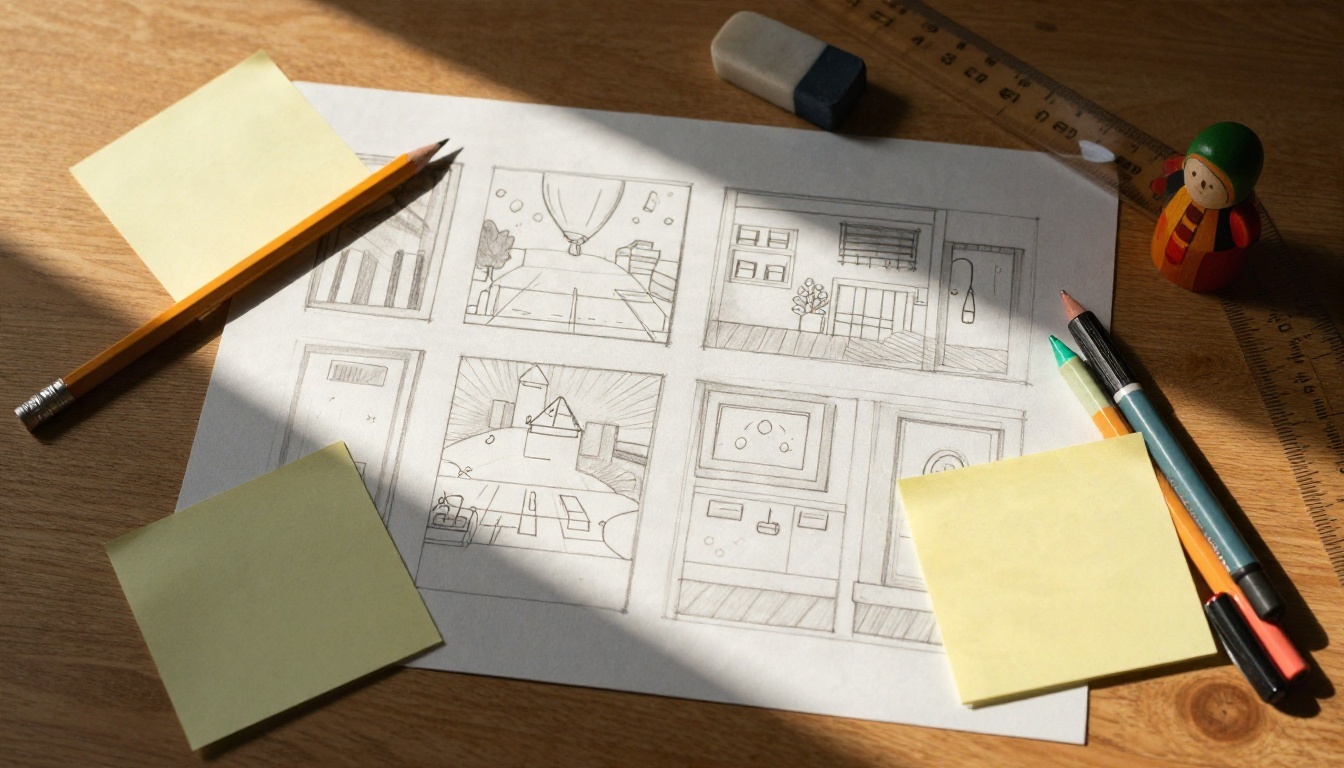
Most current models produce clips between 5 and 10 seconds, and some stretch much longer. A single clip is one shot. A finished cartoon is usually several shots joined together, the same way a real animated short is built from separate scenes.
What free really means
Free comes in three flavors, and the difference matters before you spend an evening on a tool:
- Free and unlimited: no credit counter, you can regenerate until the shot is right.
- Free with a daily quota: fine for testing, annoying for a full project.
- Free trial with a watermark: good for a demo, not for publishing.
💡 Tip: Unlimited generation changes how you work. Cartoon prompts rarely land on the first attempt, so a tool that lets you retry ten times without a bill is worth more than a slightly sharper model that charges per clip.
Seedance 2.5 Lite as the starting point
Seedance 2.5 Lite is listed as a free and unlimited text to video generator with clips up to 10 seconds. That length is enough for one complete beat of a cartoon: a character walks in, notices something, reacts. It handles flat, colorful styles well when the prompt names the look clearly, and it is the model I would use for every draft.
If you want a bit more headroom on the same family, Seedance 2.0 Mini adds native audio, and Seedance 2.5 pushes clip length up to 30 seconds for longer scenes.
When to pay for more
Free models are excellent for drafts and most social clips. A paid model earns its place when you need tighter character consistency, sharper motion or built in dialogue.
A sensible workflow: draft everything in the free model, pick your three best shots, then re-render only those in a premium model if the quality gap bothers you.
How to Use Seedance 2.5 Lite on PicassoIA
Here is the exact flow for turning a sentence into a cartoon clip with Seedance 2.5 Lite.
- Open the model page. Go to the Seedance 2.5 Lite page on PicassoIA and find the prompt box.
- Write one scene, not a whole story. One character, one action, one location. Keep it under 60 words.
- Name the style first. Start with words like "2D cartoon, bold outlines, flat colors, bright palette" so the model commits to the look before reading the action.
- Pick the duration. Use 5 seconds while testing. Move to the full 10 seconds only after the motion looks right.
- Choose the aspect ratio. Use 16:9 for YouTube, 9:16 for Shorts, Reels and TikTok.
- Generate, review, adjust one thing. Change only one element per retry: the camera, the action or the style. Changing three things makes it impossible to see what helped.
- Download the best take and repeat for the next scene.
💡 Tip: Save every prompt that works in a note. When you want the same character in shot two, you paste the same character description word for word. Consistency comes from repeating text, not from hoping.
Cartoon Prompts That Work
The five part formula
Prompts for cartoon video follow a pattern that rarely fails:
- Style: "2D cartoon, thick outlines, flat shading, saturated colors"
- Character: one sentence with species, clothing and one memorable trait
- Action: a single verb with a clear start and end
- Setting: where it happens and the time of day
- Camera: "static wide shot", "slow push in", "side tracking shot"

Ten prompts to copy
Paste these as they are, then swap the character or setting:
- 2D cartoon, thick black outlines, bright flat colors. A round orange fox in a blue scarf tiptoes across a snowy rooftop at night and slips on ice, arms flailing. Slow push in.
- Classic Saturday morning cartoon style. A tiny robot waters a giant sunflower with a teacup, the flower bends down to drink. Static medium shot, warm sunlight.
- Storybook cartoon, soft pastel colors. A sleepy bear in pajamas opens a refrigerator and a cloud of butterflies flies out. Side view, gentle camera drift.
- Retro 1930s rubber hose cartoon. A dancing coffee cup tap dances on a diner counter, steam curling like a tail. Wide shot, black and white with grain.
- Cute chibi style, pastel palette. A girl with twin buns races a snail along a garden path, the snail wins. Low angle tracking shot.
- Flat vector cartoon explainer. A friendly cloud character pours rain into a river that fills a glass jar. Clean white background, static camera.
- Bold comic book cartoon. A pigeon in a tiny cape lands on a skyscraper ledge and strikes a hero pose. Dramatic low angle, golden hour.
- Claymation inspired cartoon, handmade textures. A potato family eats dinner and the smallest potato rolls off the table. Static wide shot.
- Anime inspired cartoon, soft cel shading. A boy and his fox spirit watch fireflies rise over a quiet pond. Slow pan right.
- Preschool cartoon style, rounded shapes. A yellow school bus with a smiling face yawns, stretches and rolls out of a garage. Side tracking shot.
Style words that hold up
Not every style word behaves the same. Based on repeated testing, these combinations stay stable between retries:
| Style phrase | What you get | Risk |
|---|
| "2D cartoon, thick outlines, flat colors" | Clean, graphic shots | Low |
| "Storybook, soft pastel" | Gentle, kid friendly look | Low |
| "Rubber hose, 1930s" | Wobbly retro motion | Medium, may add grain |
| "Claymation inspired" | Handmade texture | Medium, faces can drift |
| "Anime inspired, cel shading" | Expressive eyes and hair | Medium, hands can warp |
Picking Voices for Cartoon Characters
Built in audio or a separate voice
Some video models now produce sound together with the picture. Veo 3.1 Lite and Sora 2 can generate dialogue, footsteps and ambience in the same pass, which is the fastest route for a casual clip.
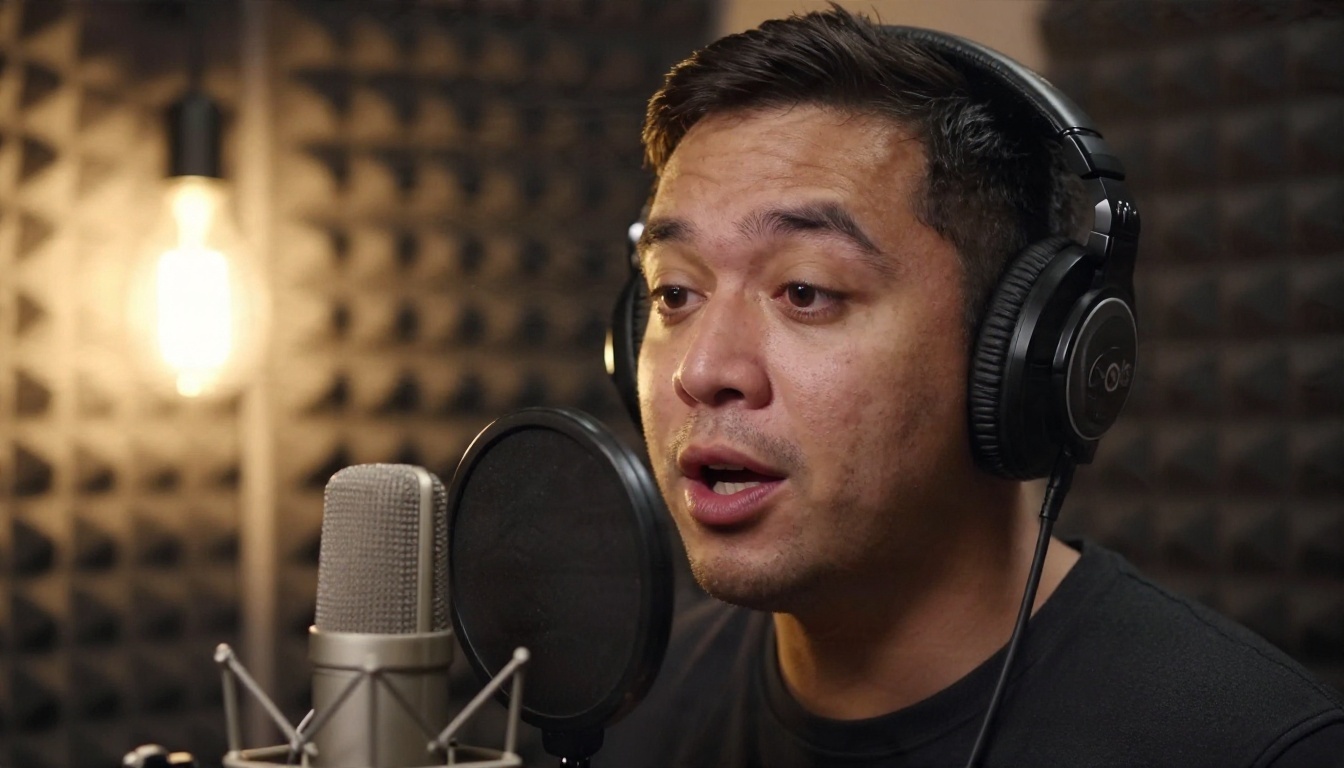
The alternative is to generate the silent video first and add a voice afterward. That takes a little longer but gives you control: you pick the exact voice, the exact line and the exact timing.
Voice casting by character type
Match the voice to the character the way a casting director would. These text to speech models on PicassoIA cover most needs:
Syncing dialogue to the clip
Cartoon dialogue does not need perfect lip movement. Classic limited animation fakes it with simple mouth flaps. Three tricks make AI cartoon voices feel natural:
- Keep lines short. A 5 second clip holds about 12 to 15 spoken words.
- Add a beat of silence. Start the voice 0.3 seconds after the video begins, so the character appears to react before speaking.
- Use sound effects. A tiny boing or pop on every big movement hides small sync gaps and adds personality.
If you want to translate a finished cartoon, ElevenLabs Dubbing can convert it into more than 90 languages, which is a fast way to reach new audiences with the same animation.
Real Examples by Use Case
Kids stories at bedtime
Parents and early childhood creators use cartoon generators to produce short, repeatable stories: a sleepy bear, a lost balloon, a counting game. Short clips, soft palettes and a slow narrator voice work best. A 60 second story with six shots can be drafted in one evening.

Example workflow: write six prompts in the same style line, generate each in Seedance 2.5 Lite, then record one narration with Speech 2.8 HD and lay it over the clips.
Classroom explainers
Teachers turn dry topics into short animated characters: a cloud that explains the water cycle, a red blood cell on a delivery route, a coin that explains savings. Simple flat styles keep students focused on the idea rather than on detail.

💡 Tip: For lessons, write the explanation first and the visual prompt second. If the script is clear, the shot list almost writes itself.
Social shorts and brand mascots
Vertical cartoon clips perform well because they are quick to read on a phone. A mascot that reacts to a trend, a product that comes alive, a joke told in 8 seconds: all are natural fits.

Generate in 9:16, keep the character in the center third of the frame so interface buttons do not cover them, and finish with a still frame that holds for one second so viewers can read a caption.
Common Mistakes and Fixes
Mistake: too many actions in one prompt
"A dog runs, jumps over a fence, catches a ball, then dances" produces mush. Models handle one clear action per 5 seconds. Split it into four shots.
Mistake: changing the character description
If shot one says "orange fox with blue scarf" and shot two says "red fox in a scarf", you get two different foxes. Copy and paste the same character line into every prompt.
Mistake: skipping the camera instruction
Without a camera note, the model picks something random. A single phrase like "static wide shot" or "slow push in" stabilizes the result and keeps the character readable.
Mistake: judging the first render
The first generation is a sketch. Look at motion, then expression, then color. Fix the biggest problem first and rerun.
| Problem | Fast fix |
|---|
| Character morphs mid clip | Shorten to 5 seconds, simplify the outfit |
| Style drifts toward realism | Put the style phrase first and repeat it at the end |
| Background too busy | Add "plain pastel background" |
| Movement looks stiff | Use verbs like "bounces", "wobbles", "slides" |
| Face looks odd | Ask for "simple round eyes, small mouth" |
When a clip needs a polish pass
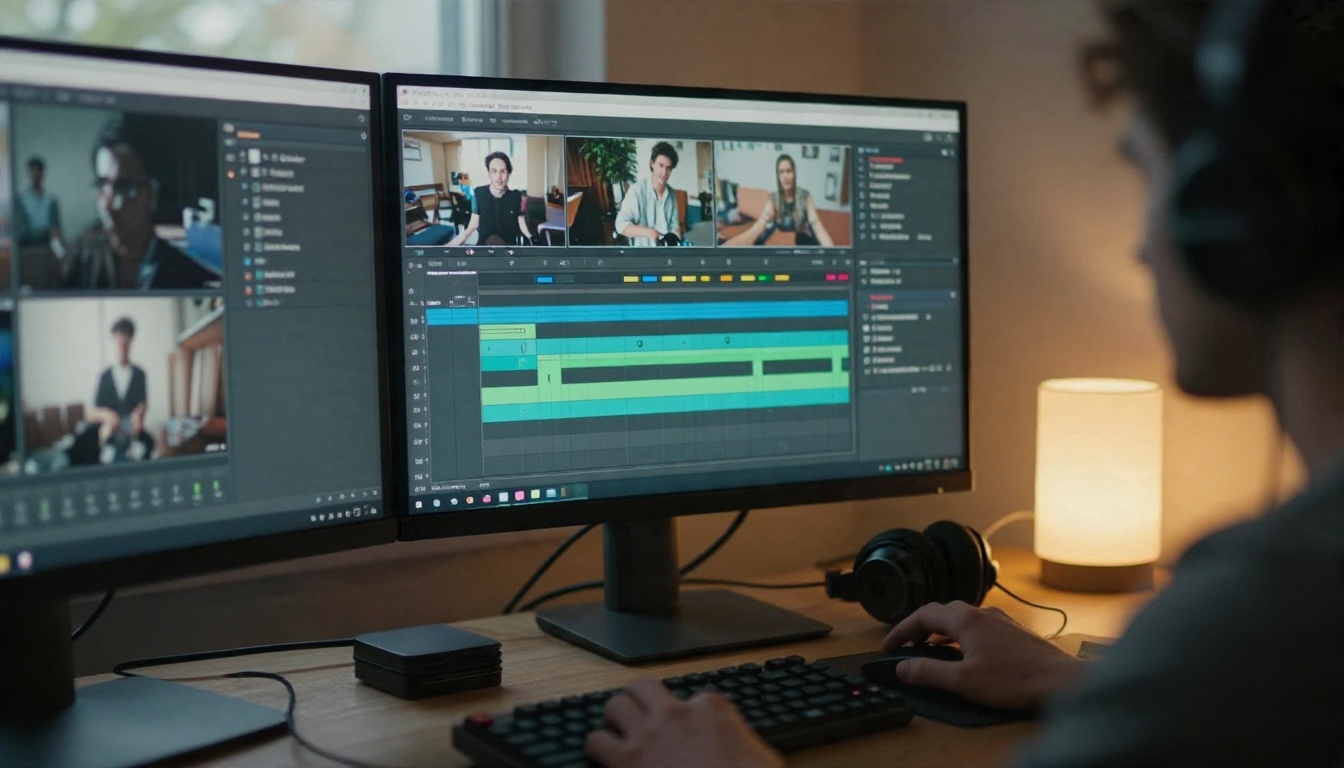
Once you have the shots, assemble them in any editor, add music and fix small quality issues. Music from ElevenLabs can compose a short theme from a text prompt, and the video enhancement tools on PicassoIA can upscale or clean up a clip if the render looks soft.

Make Your First Cartoon Today
Pick one character, write one sentence and press generate. That is the whole barrier now. Open Seedance 2.5 Lite, paste the fox on the snowy rooftop prompt from above, and watch what comes back in a minute or two. Change the animal, the weather or the style line, and generate again. The free, unlimited setup means experimenting costs you nothing but time.
When one clip works, build the second shot with the same character line, record a narration with Speech 2.8 HD or ElevenLabs V3, and stitch them together. If you want to try premium motion later, Kling v3 Video and Veo 3.1 Lite are one click away.
Browse every video, voice and music model in one place at picassoia.com/en/all-models, pick your tools and start building your own cartoon world with Picasso IA.


