You type a few lines, press generate, and a few seconds later an adult character stares back at you with real skin texture, believable fabric, and light that looks like it came from an actual window. That is what a modern AI character generator NSFW workflow feels like in 2027. The catch is that most tools either bury you in filters, lock the good features behind a paywall, or hand you plastic faces that fall apart after the second render.
This article walks through how these generators work, what "free" and "uncensored" actually mean in practice, which models are worth your time, and how to write prompts that produce photorealistic glamour portraits. You will also find real examples, a step-by-step tutorial, and fixes for the mistakes that waste the most credits. Everything here focuses on non-explicit, suggestive, attractive imagery of fictional adult characters: swimwear, silk, lace, evening wear, and boudoir mood, never anything pornographic.
💡 Quick answer: For the best photorealistic results, start with Seedream 4.5, then move to PicassoIA Image Editor Pro when you want unlimited generations and fast edits.
What an NSFW AI Character Generator Does
An NSFW AI character generator turns a written description into an image of a fictional adult person. You describe the hair, skin, outfit, pose, setting, light, and camera, and the model paints a photograph that matches. The "NSFW" part simply means the tool does not panic at words like lingerie, bikini, silk slip, or boudoir, which many mainstream generators block on sight.
How the Technology Works
Text to image models are trained on huge collections of photographs paired with captions. When you write "85mm lens, soft window light, freckles," the model recalls how those words look in real photos and rebuilds that pattern from noise. Newer models handle skin pores, flyaway hair, and fabric folds far better than older ones, which is why 2027 portraits look less like illustrations and more like magazine shoots.
Why People Use Them
The reasons are practical, not mysterious:
- Creators build original fictional characters for stories, comics, and social accounts.
- Photographers and designers mock up glamour or swimwear concepts before a real shoot.
- Game and fiction writers need a face and a wardrobe for a recurring persona.
- Hobbyists simply enjoy making attractive, tasteful portraits without hiring a studio.
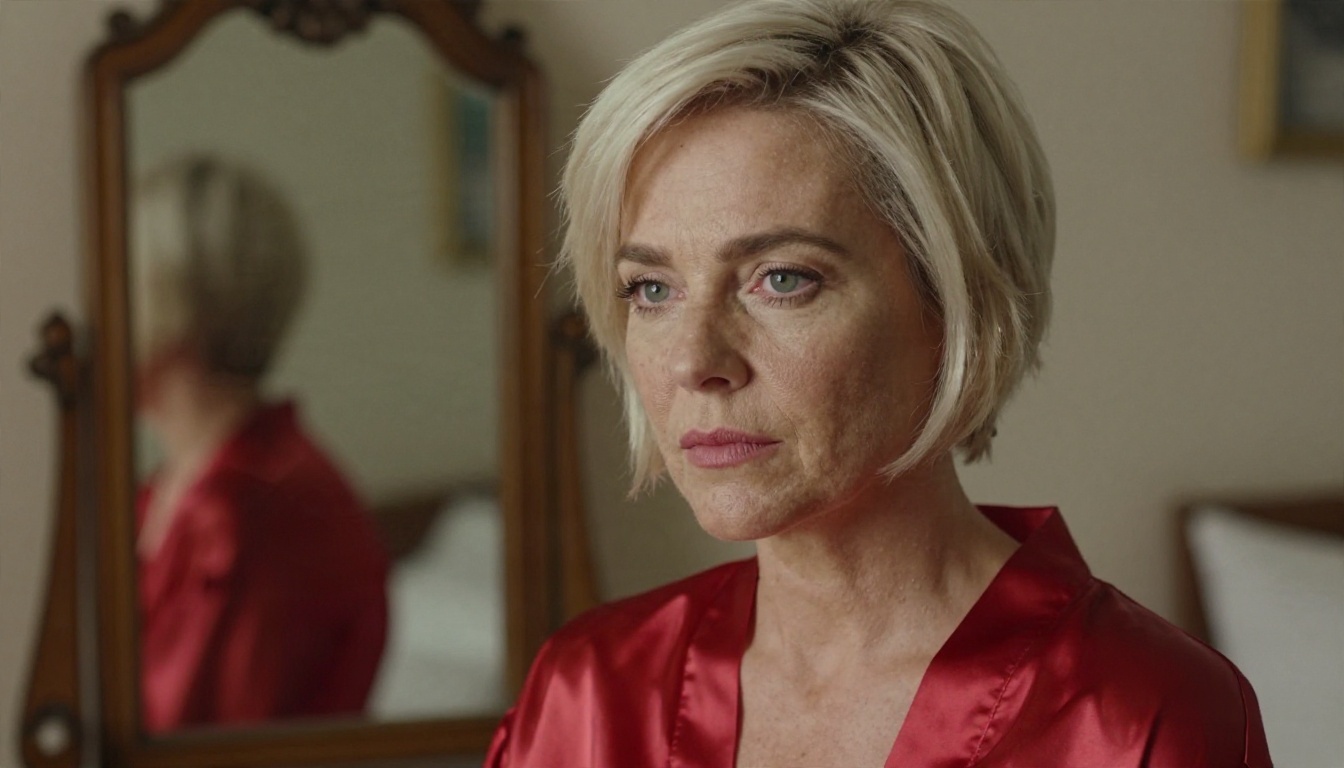
Free vs Uncensored: What You Get
These two words get thrown around like they mean the same thing. They do not. A tool can be free and heavily filtered, or uncensored and expensive. The sweet spot is a platform where adult glamour prompts run without constant refusals and where the number of generations does not drain your wallet.
The Real Meaning of Free
Most "free" generators give you a handful of credits, then ask for a subscription. Others watermark every file, cap resolution, or put you in a queue behind paying users. Before you commit time to a tool, check four things:
- How many images you get before the limit hits.
- Whether outputs are watermarked.
- Whether you can download full resolution.
- How long you wait per image.
Where Filters Get in the Way
Filters are not always obvious. Sometimes the tool refuses outright. Other times it silently rewrites your prompt, swaps a bikini for a sundress, or blurs a result. Both are frustrating when you are trying to make a simple beach or boudoir portrait. A good uncensored workflow lets adult fashion and glamour prompts through as written, while you stay responsible for keeping them tasteful and legal.
| Feature | Typical filtered tool | Uncensored friendly workflow |
|---|
| Swimwear and lingerie prompts | Often refused or rewritten | Runs as written |
| Free generations | 5 to 20 credits | Much higher, or unlimited |
| Watermarks | Common | Rare |
| Speed | Queue based | Seconds per image |
| Photorealism | Hit or miss | Consistent with the right model |
⚠️ Ground rules: Only create fictional adult characters. Never recreate a real person's face without permission, and never depict anyone under 18. Keep your output suggestive and tasteful rather than explicit.
Best Models for NSFW Characters
Not every model handles adult glamour well. Some are tuned for landscapes and product shots, others for anime. For photorealistic characters, you want strong skin detail, natural light, and good anatomy. Here is the order I would try them in.
Seedream 4.5 First
Seedream 4.5 is my first pick for photorealistic NSFW characters. It produces sharp faces, believable skin, convincing fabric, and clean hands, and it follows long prompts closely. If you describe silk, lace, wet skin, or golden hour rim light, it actually delivers those details instead of averaging them away.
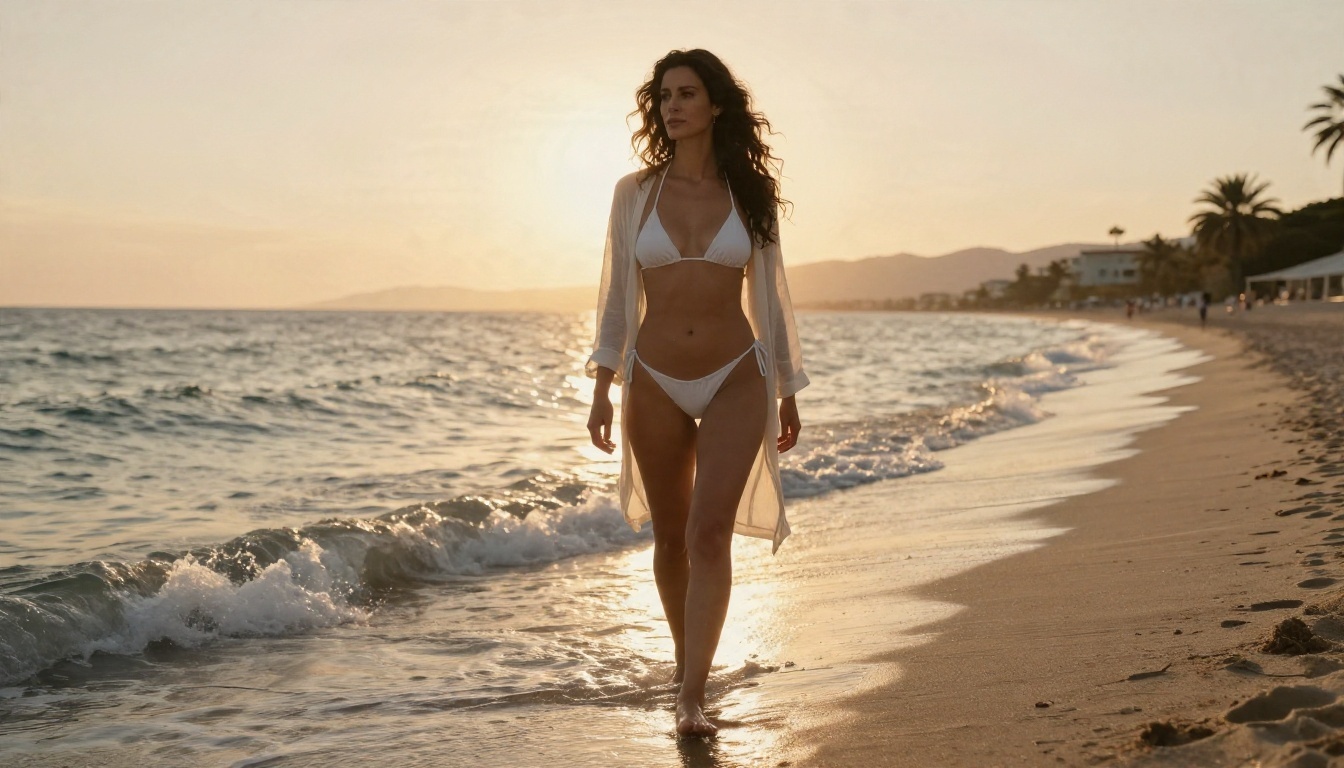
Image Editor Pro for Unlimited Runs
PicassoIA Image Editor Pro is where you go when one render is not enough. It offers unlimited generations, which matters because the best portrait is rarely the first one. You can generate, tweak the outfit, change the background, shift the lighting, and run it again without watching a credit counter. It is also fast, so iteration feels natural instead of painful.
Other Strong Picks
Once you have your base character, these models give you different looks and speeds:
How to Use Seedream 4.5 on PicassoIA
Here is the exact flow I use for a new character. It takes about two minutes.
- Open the model page. Go to Seedream 4.5 on PicassoIA and open the prompt box.
- Write the subject first. Start with age range, hair, skin, and expression. Example: "adult woman in her late twenties, long wavy chestnut hair, warm olive skin, calm half smile."
- Add the outfit and pose. Be specific about fabric: "black silk slip dress with lace trim, seated sideways on a white linen bed."
- Describe the light. Write the direction and quality: "golden morning light from tall windows on the left, soft shadow on the right side of the face."
- Name the lens and film look. "85mm f/1.8, shallow depth of field, Kodak Portra 400, fine film grain."
- Set the aspect ratio. Choose 16:9 for scenes and wide settings, or a portrait ratio for close-ups.
- Generate, then review. Check hands, eyes, and fabric edges first. If something is off, change one detail in the prompt and run again.
- Send the best result to Image Editor Pro. Use Image Editor Pro to change outfits, backgrounds, or lighting without starting over.
💡 Parameter tip: Change only one thing per run. If you rewrite the whole prompt each time, you will never know which phrase fixed the problem.
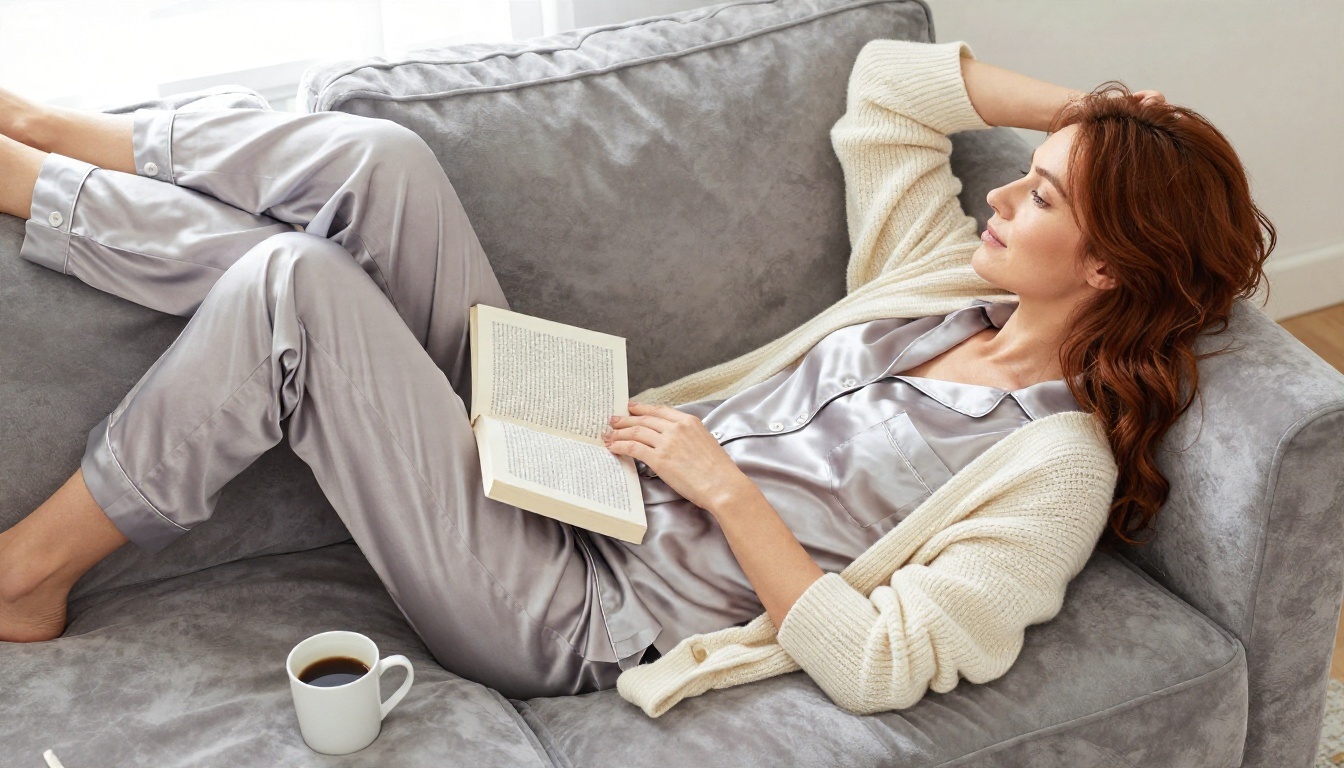
Prompts That Actually Work
Prompts are the part where most people lose quality. They write "sexy girl, hot, 4k, masterpiece" and wonder why every output looks the same. Real photographs are described with real photographic language.
The Prompt Formula
Use this order every time:
Subject + outfit + pose + setting + lighting + camera + texture details
The more physical detail you give, the less the model has to guess. Mention skin texture (freckles, pores, natural sheen), fabric behavior (satin sheen, lace thread, linen creases), and small environmental touches (a glass of water, a brass lamp, a book).
5 Copy Ready Prompts
Paste these into Seedream 4.5 and adjust to taste.
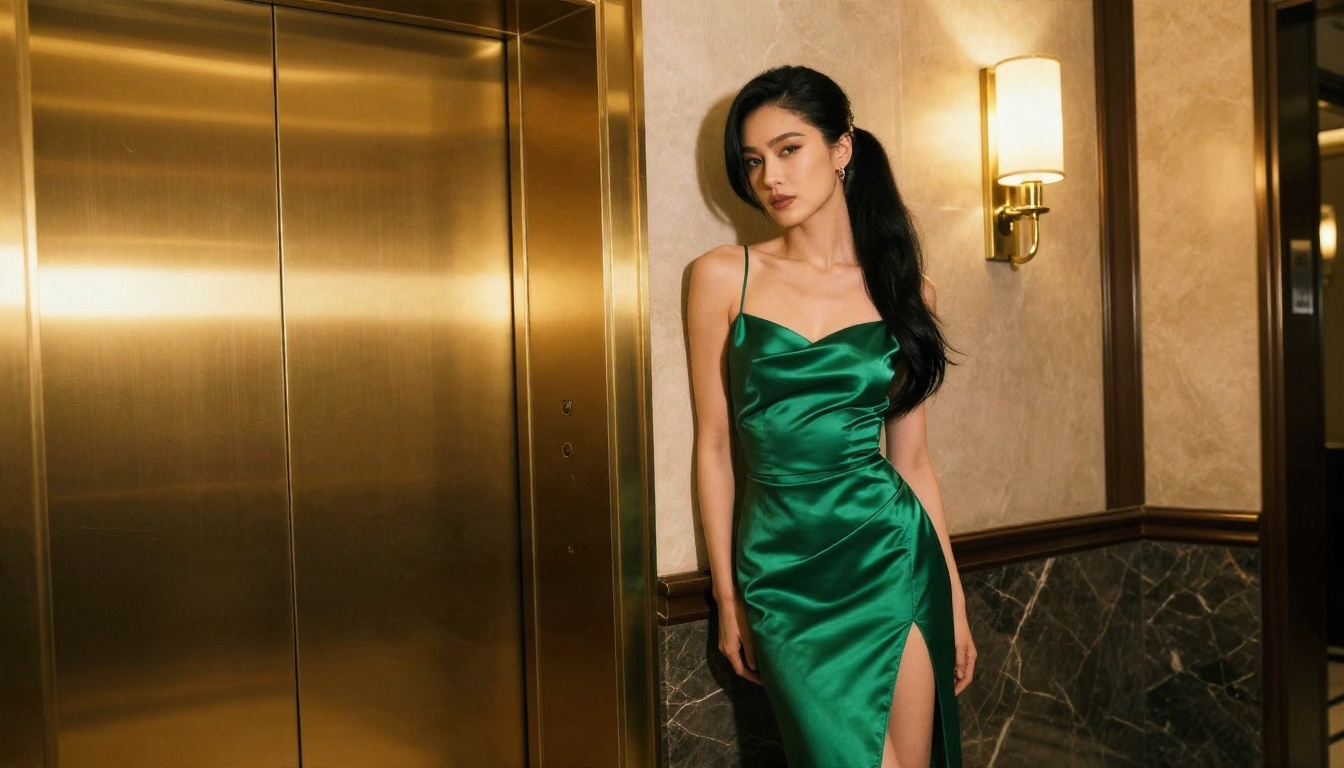
1. Hotel glamour
"Adult woman with a sleek black ponytail in a fitted emerald satin cocktail dress with a high slit, leaning against a brass elevator door in a dim luxury hotel corridor, warm wall sconce light from the right, 35mm f/1.8, polished marble reflections, fine film grain, Kodak Portra 400, raw photography."
2. Beach golden hour
"Adult woman with long dark curls in a white bikini and sheer linen wrap, walking barefoot on a quiet beach at golden hour, low sun behind her creating rim light, 35mm f/2.8 at a low angle, damp skin glow, sand texture, Kodak Portra 400."
3. Loft morning
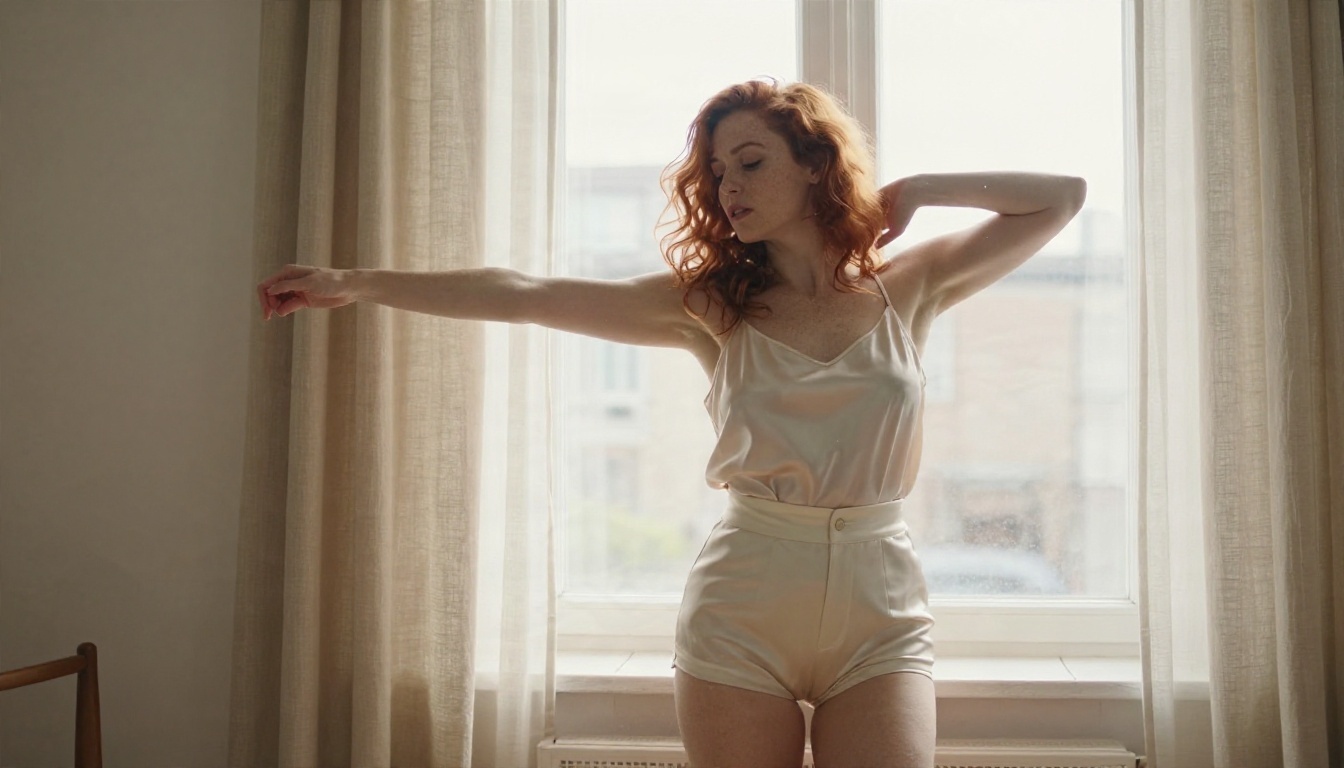
"Adult woman with copper red wavy hair and light freckles in a cream silk camisole and high waisted shorts, stretching by an open window in a sunlit loft, early light with dust motes, 50mm f/2, wooden floorboards, soft natural skin."
4. Candlelit dinner
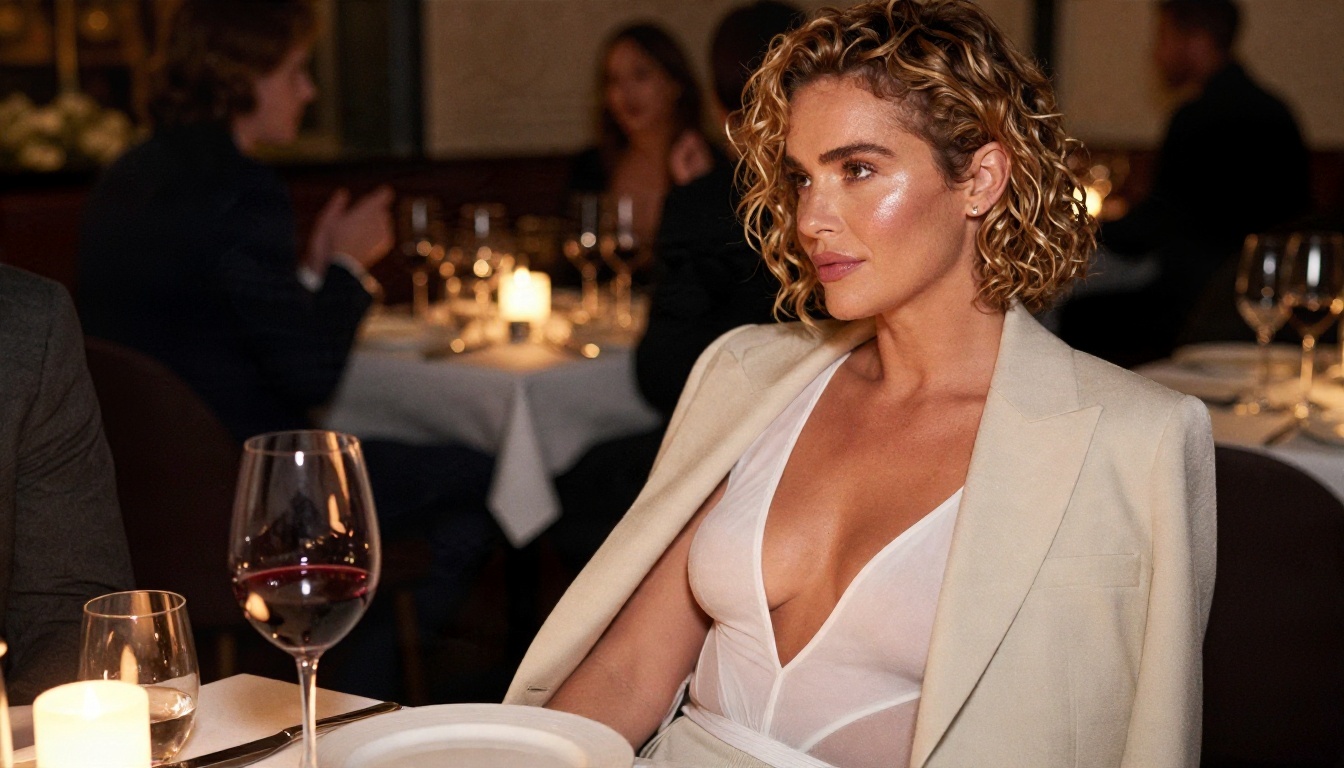
"Adult woman with short natural curls in a white sheer sleeved bodysuit under a tailored blazer, seated at a candlelit restaurant table with red wine, warm tungsten light from the left, 85mm f/1.4, creamy bokeh."
5. Dusk portrait
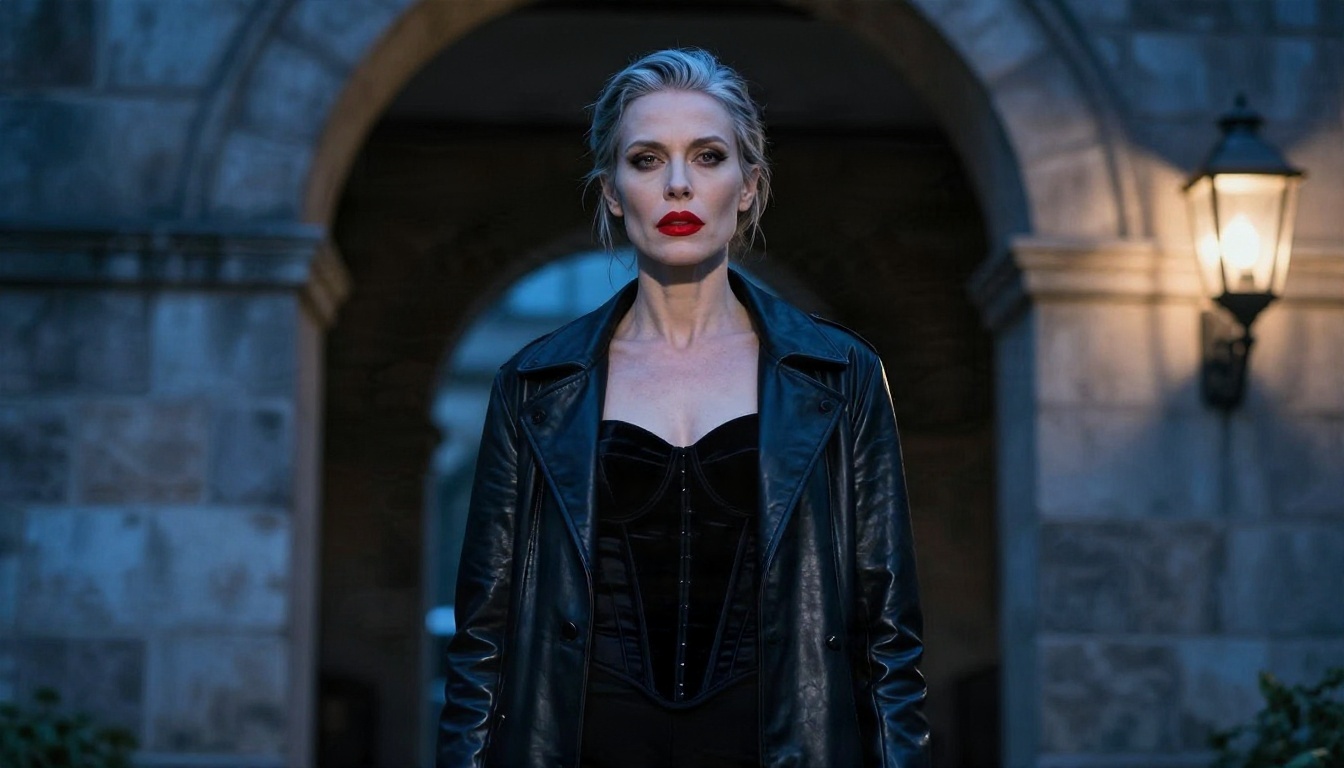
"Adult woman with pale skin and silver streaked dark hair, bold red lipstick, black velvet corset style top and a long leather coat, standing in an arched stone doorway at dusk, blue hour ambient light with a warm lantern on the right, 85mm f/1.8."
Lighting and Lens Words
These short phrases change the mood more than any adjective:
| Phrase | Effect |
|---|
| Golden hour rim light | Warm glow on hair and shoulders |
| Soft window light from the left | Gentle, flattering shadow shaping |
| Warm tungsten candlelight | Intimate, amber evening feel |
| Blue hour ambient light | Moody, cinematic dusk |
| 85mm f/1.4 | Tight portrait, creamy background blur |
| 35mm f/2.8 | Wider scene with the setting visible |
| Kodak Portra 400 | Warm skin tones, pastel color, soft grain |
Examples by Scene
Prompts are easier to trust once you see what they produce. These examples all came from the same style of prompt: adult fictional characters, real photographic language, and no explicit content.
Everyday Glamour at Home
Soft, casual, and intimate shots tend to look the most believable. A silk camisole by a sunlit window or a cozy cardigan on a velvet sofa gives the model simple shapes and natural light to work with. These scenes also hide fewer mistakes, so they are a good test of whether a model can handle skin and fabric properly.
Evening Wear and Restaurants
Evening scenes reward good lighting words. Warm tungsten, candle glow, and shallow depth of field turn a basic portrait into something that looks like a lifestyle campaign. A plunging neckline under a tailored blazer is suggestive without being explicit, and it keeps the focus on mood.
Pools, Villas, and Swimwear
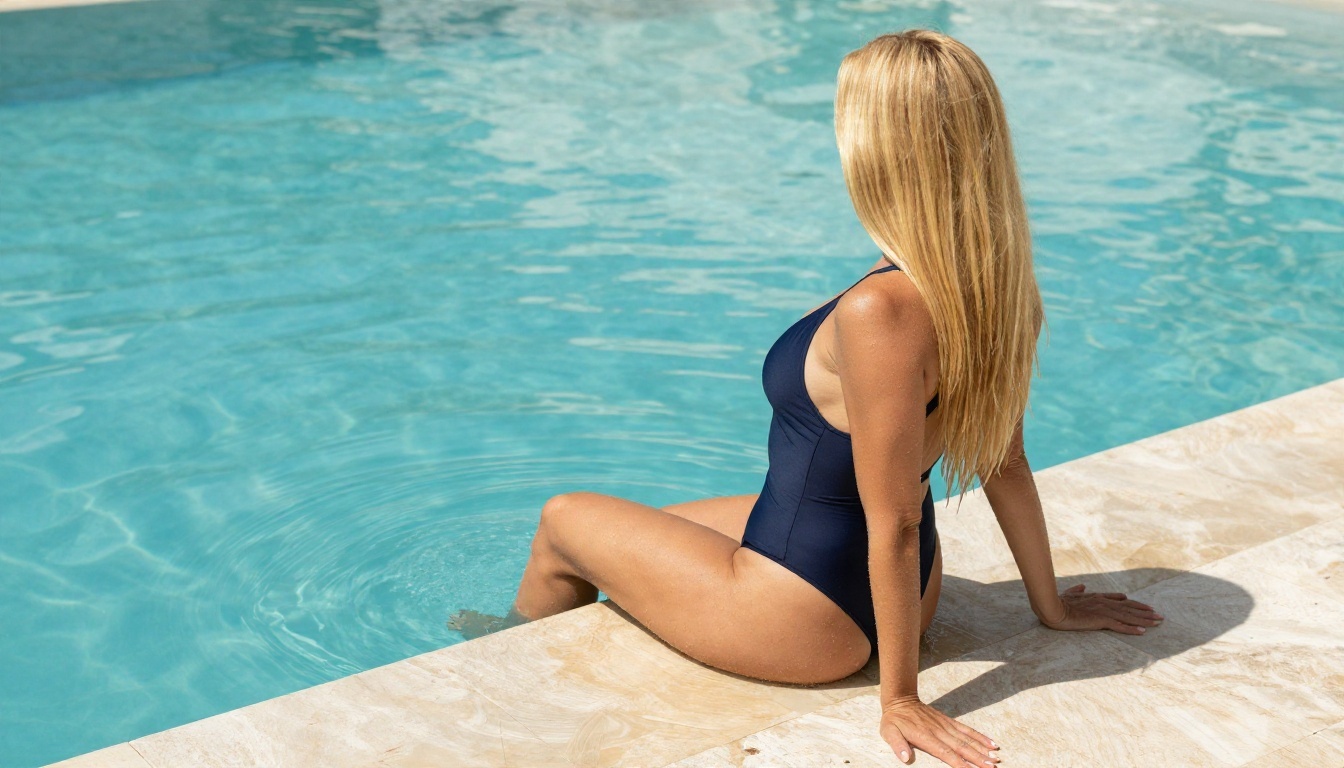
Swimwear is the most requested category, and also the one where weaker models stumble: wet skin, water reflections, and hands in water all expose fake rendering. Seedream 4.5 handles droplets and ripples well. Describe the water, the stone, and the sun direction so the lighting stays consistent across the whole frame.
Keep One Character Consistent
The hardest problem is not making one great image. It is making the same woman appear in ten of them. Without a plan, the face drifts, the hair color changes, and the freckles disappear.
Lock the Description
Write a character sheet and paste it at the start of every prompt. Keep it short and physical:
"Adult woman in her late twenties, long wavy chestnut hair, warm olive skin, hazel eyes, light freckles across the nose, calm half smile."
Never paraphrase it between runs. Even swapping "chestnut" for "brown" can shift the face. Change only the outfit, setting, and light after the character block.
Edit Instead of Rewrite
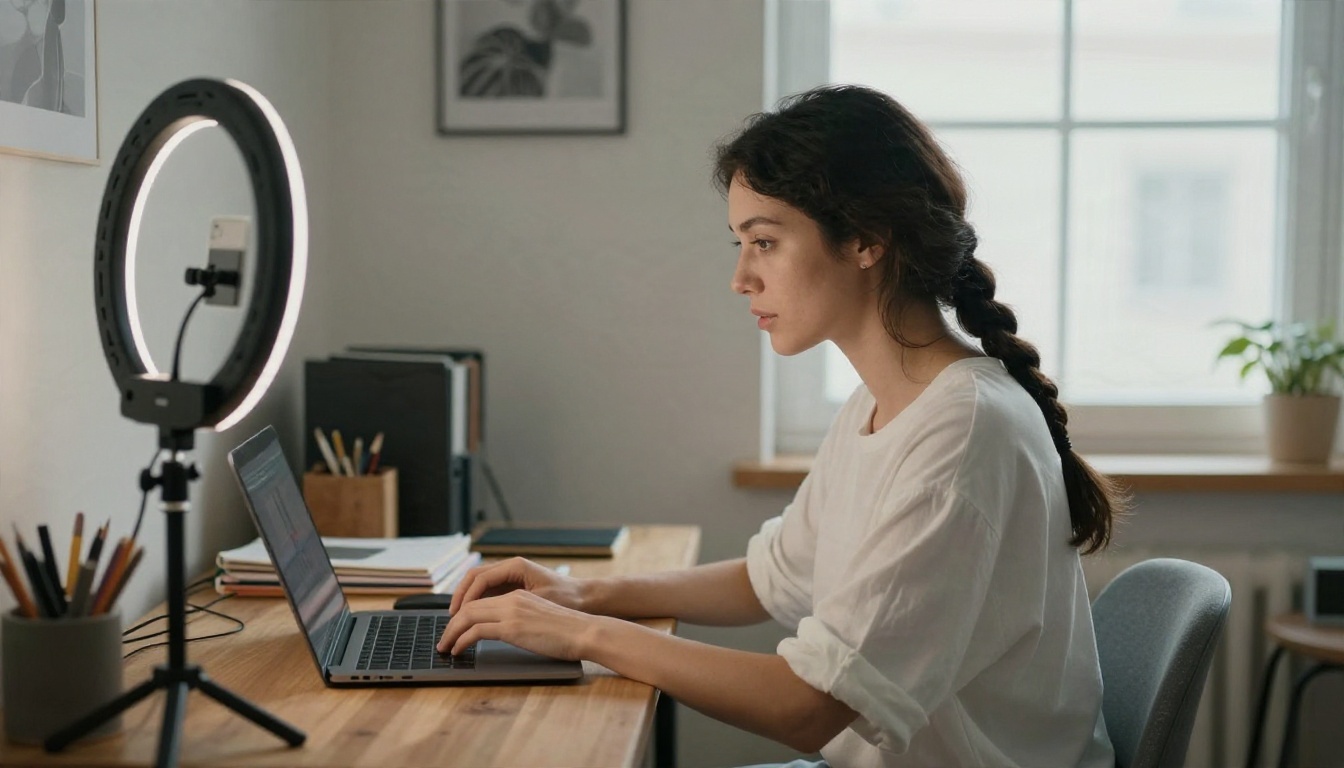
When you like a face, do not regenerate from scratch. Send the image to PicassoIA Image Editor Pro and change one element at a time: the dress, the background, the time of day. Because it offers unlimited generations, you can test as many variations as you want, and the face stays far more stable than it would with a fresh prompt.
💡 Workflow tip: Keep a folder of your best portraits and the exact prompts that made them. Reuse the winning character block and only swap the scene.
Common Mistakes to Avoid
Most bad results come from a short list of habits. Fix these and your hit rate improves right away.
Writing Vague Prompts
"Beautiful woman, sexy, realistic" tells the model almost nothing. Replace adjectives with physical facts: fabric, light direction, lens, location. A prompt of 50 to 75 words with real detail beats a 10 word prompt every time.
Stacking Too Many Styles
Mixing "film noir, pastel, neon, vintage, cinematic, glossy" confuses the model and flattens the result. Pick one photographic look, such as Kodak Portra 400 with natural light, and commit to it. Avoid effects that push the image toward illustration or CGI if you want a believable photo.
Ignoring Hands and Edges
Check hands, jewelry, straps, and hair edges before you celebrate a render. These are the places where artifacts appear. If something looks wrong, add a calmer pose: "hands resting in lap," "one hand touching the hair." Simple poses give cleaner anatomy.
Forgetting the Rules
Keep every character fictional and clearly adult, and keep the content tasteful. Do not use a real person's likeness without consent. Staying inside those lines protects you, protects others, and keeps your accounts and posts safe on every platform.
Make Your Own Characters Today
You now have the full workflow: pick a photorealistic model, write a physical character block, describe the light and the lens, and iterate until the portrait looks like a real shoot. Start with Seedream 4.5 for your hero images, then open PicassoIA Image Editor Pro to run unlimited variations of outfits, backgrounds, and moods without counting credits.
If you want more variety, try Flux 2 Klein 9B Base LoRA, Z Image Turbo, or Realistic Vision v5.1 and compare the results side by side. Every model reads the same prompt a little differently, and that is where your own style starts to show.
Pick one of the five prompts above, paste it in, and generate your first character in the next two minutes. When you want to see everything else available, browse the full catalog at picassoia.com/en/all-models and build the character that only you would have imagined.


