You have a character in your head. Maybe it is a sarcastic dragon for your indie game, a warm narrator for a YouTube series, or a gravelly detective for a tabletop campaign. What you do not have is a voice actor, a studio, or a budget. That gap is exactly why the AI character voice generator became one of the most searched tools in audio. Type a line, pick a voice, and a few seconds later you hear your character speak.
But the market is crowded and confusing. Some tools are free but robotic. Some sound stunning but lock the good voices behind a paywall. Others promise voice cloning and leave you with a muffled copy of your own microphone noise. This article sorts through all of it: what is actually free, which apps fit which job, how cloning works, and which voice models are worth your time.
What a Character Voice Generator Does
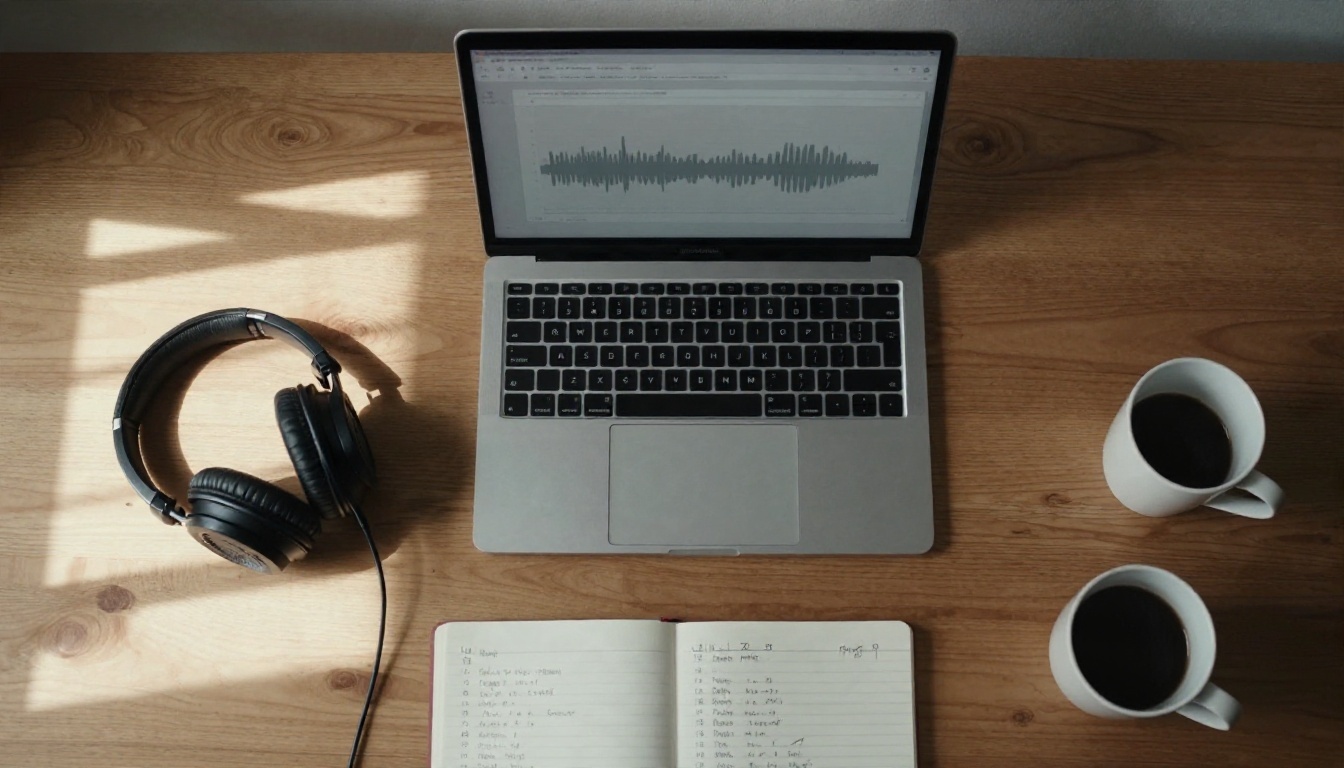
A character voice generator turns written text into spoken audio with a specific personality. Older text to speech tools read a sentence in one flat tone. Modern ones let you control age, accent, mood, pacing, and emotion, so the same line can sound tired, excited, or threatening.
Text to Speech vs Voice Cloning
These two terms get mixed up constantly, so here is the plain difference.
| Feature | Text to speech | Voice cloning |
|---|
| Input | Your script | Your script plus a voice sample |
| Voice source | Preset library | A real person's recording |
| Best for | Fast narration, many characters | One consistent, recognizable voice |
| Setup time | Seconds | A few minutes to prepare a sample |
| Risk | Voices may sound generic | Needs permission from the speaker |
Text to speech is the quick route. Voice cloning is the personal route. Many creators use both: presets for background characters, a cloned voice for the lead.
Who Actually Uses These Tools
The audience is wider than most people expect.
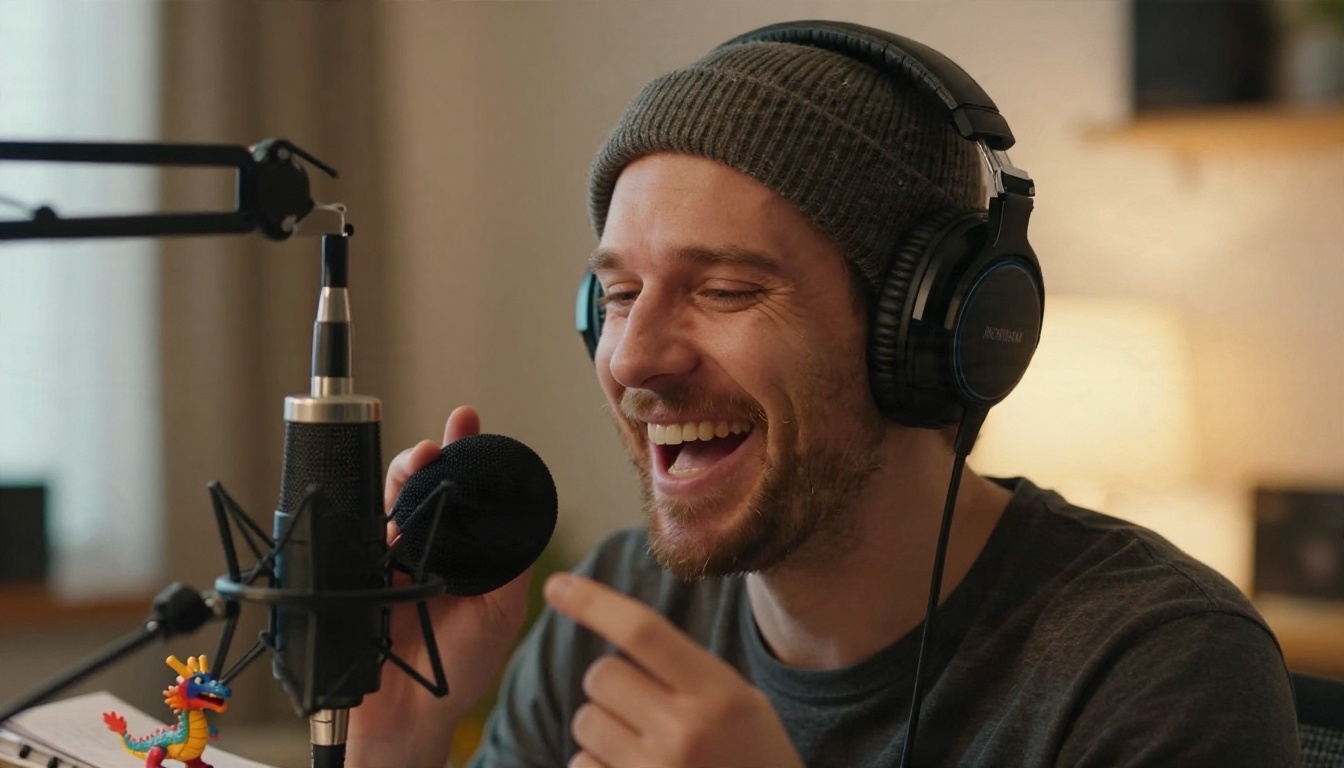
- Game developers who need hundreds of lines for NPCs before a studio is affordable.
- Video creators who want a consistent narrator without recording every take.
- Tabletop players who give each villain a distinct voice for their sessions.
- Animators who test dialogue timing before hiring talent.
- Podcasters and audiobook authors who want a draft read-through.
Free Options Worth Your Time
Free tools are a fair place to start, as long as you know what "free" means in this market. It rarely means unlimited and unrestricted.
What Free Plans Really Give You
Most free tiers work the same way: a monthly allowance of characters or minutes, a smaller set of voices, lower audio quality, and often a rule against commercial use. Some add a watermark or a spoken tag at the end. Others cap how long each clip can be.
💡 Tip: Before you build a project around a free voice, read the usage terms. A voice that is fine for a private tabletop game may not be allowed in a monetized video or a released game.
Browser-based tools and phone apps tend to be the easiest entry points. Open-source models are the other free path, and they have improved fast. They cost nothing per character, but you need a capable computer and some patience to run them.
Free Tool Types Compared
| Type | Cost | Quality | Limits | Good for |
|---|
| Browser free tier | Free | Medium to high | Monthly character cap | Short clips, tests |
| Phone voice changer apps | Free with ads | Low to medium | Preset effects only | Fun, quick jokes |
| Open-source models | Free | High | Needs a strong computer | Technical users |
| Platform with free trial credits | Free to try | High | Credits run out | Judging quality before paying |
The honest summary: free is great for testing a voice, writing a script, and checking whether the idea works. When you need consistent quality, commercial rights, or cloning, a paid or credit-based platform saves time.
Where Free Plans Fall Short
Three problems show up again and again. First, consistency. A free voice may sound slightly different from one generation to the next. Second, emotion. Cheap voices read every sentence the same way. Third, rights. If a project earns money, unclear licensing can become an expensive problem later.

Best Apps by Use Case
There is no single winner. The right app depends on what you are making.
Games and Tabletop Roleplay
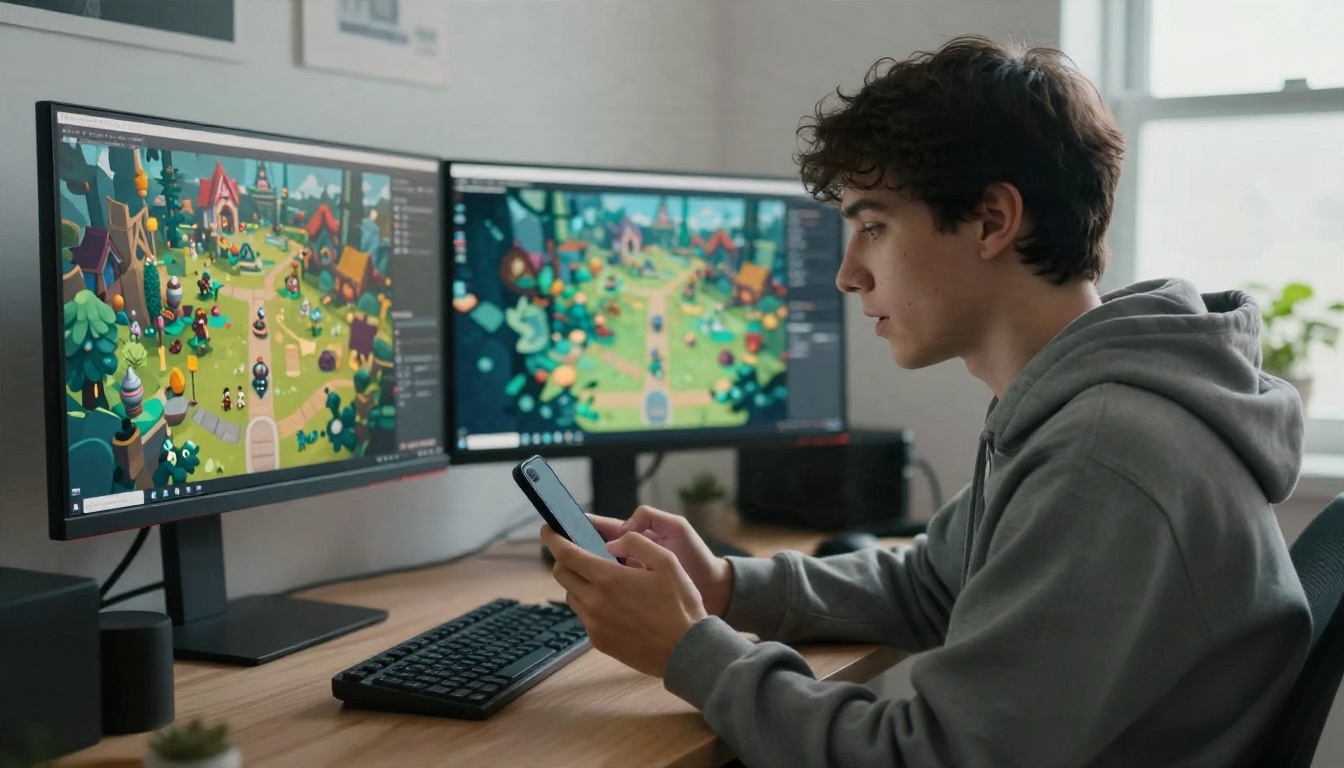
For games you need many distinct voices and fast iteration. Look for tools that offer a large preset library, style prompts such as "old wizard, slow, raspy", and the ability to regenerate a single line without redoing the whole scene. Latency matters if you want voices to respond live inside a game, so low-latency models are worth testing.
Video, Animation, and Lip Sync
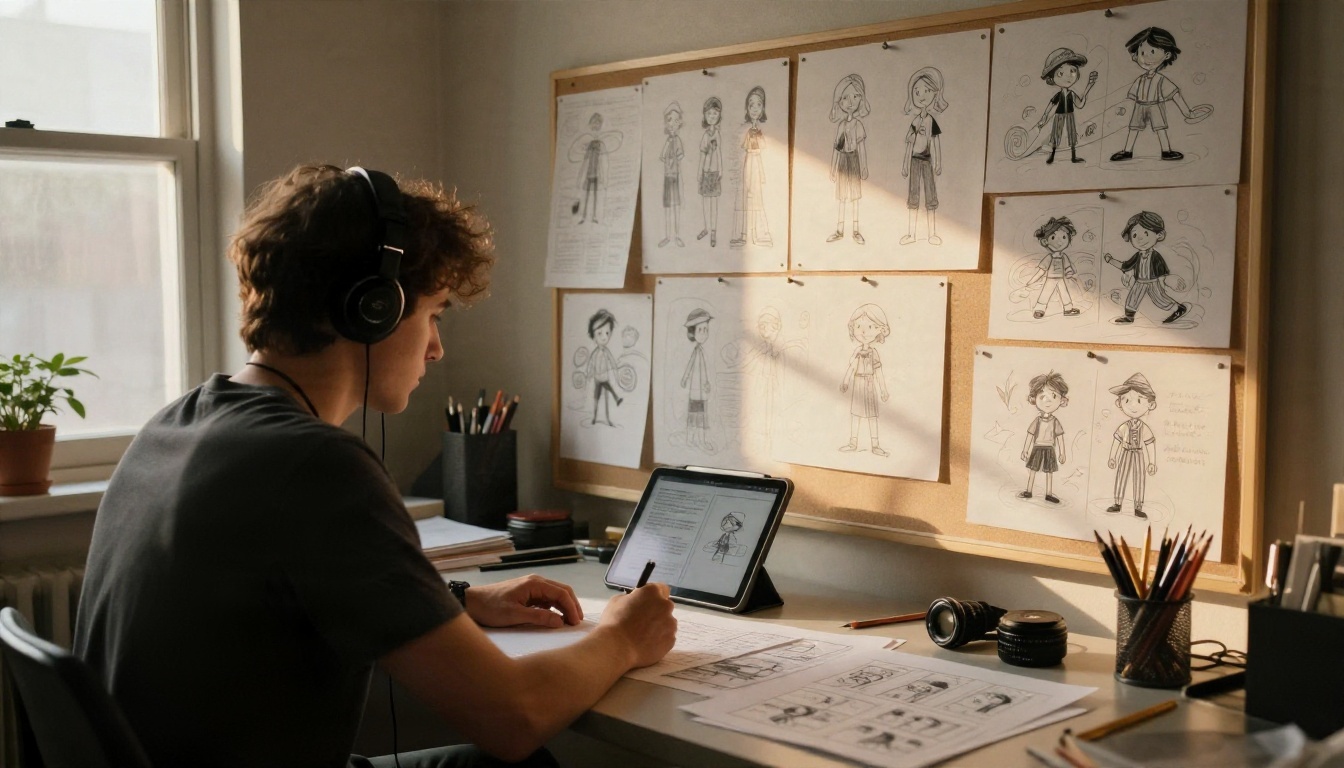
Video work needs steady voices and clean timing. Generate the audio first, then match it to the picture. If your character is on screen, a lip sync model such as Lipsync 2 can line up mouth movement with the generated speech, which makes a talking character feel far more believable.
Podcasts, Audiobooks, and Narration
Long-form audio rewards calm, natural pacing and stable pronunciation. High-definition models handle punctuation and pauses better. Break long chapters into sections, generate each, then edit them together. That keeps the quality steady and lets you fix a single paragraph without redoing an hour of audio.
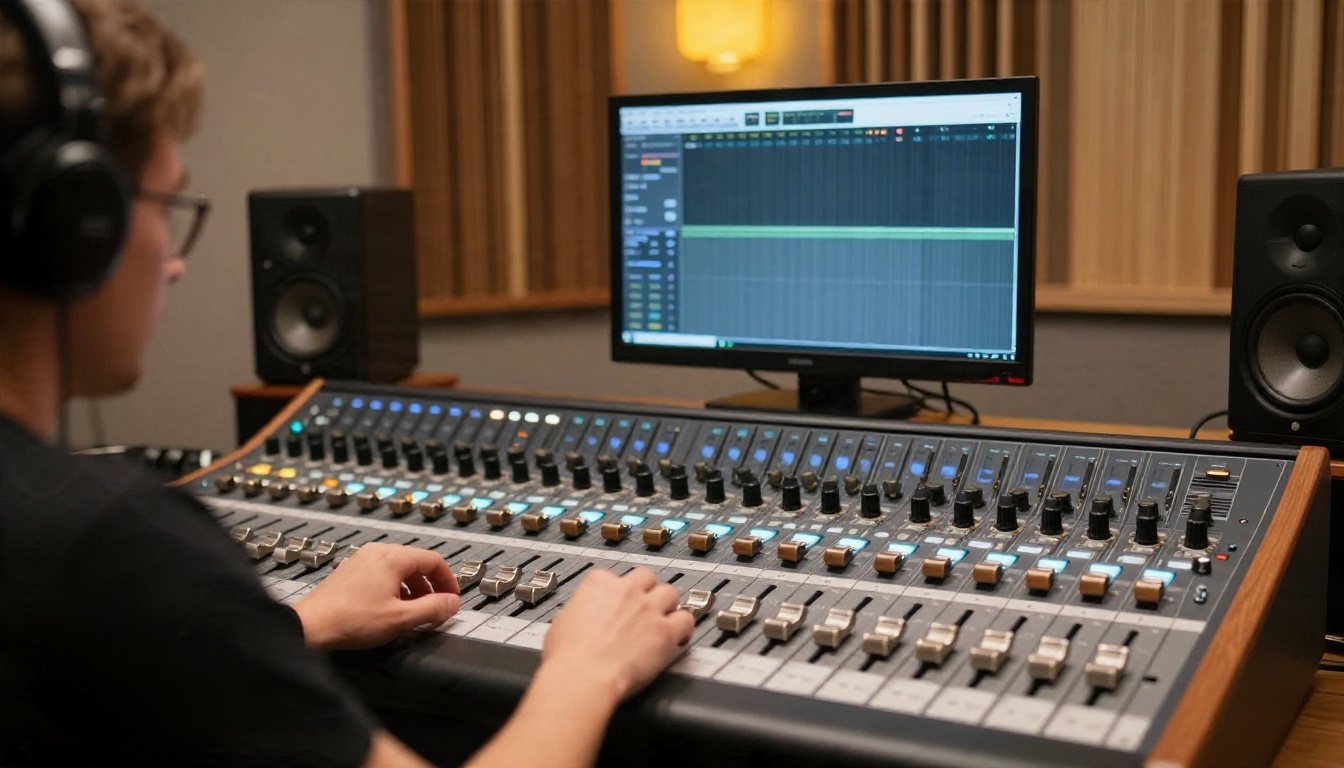
Here is a quick view of which feature matters most for each job:
| Project | Top priority | Second priority |
|---|
| Indie game | Voice variety | Speed of generation |
| YouTube narration | Natural pacing | Consistent tone |
| Tabletop campaign | Distinct personalities | Free or low cost |
| Animation test | Emotion control | Lip sync support |
| Audiobook draft | Stable long reads | Pronunciation control |
Voice Cloning Without the Headache
Cloning sounds technical, but the process is simple: give the model a clean recording of a voice, and it learns the sound well enough to speak new sentences in it. The quality of the result depends far more on your sample than on the model.
Record a Clean Sample
The best clone starts with the best recording. Use a quiet room, a decent microphone placed a hand-width from your mouth, and soft furnishings to absorb echo. A blanket hung behind the mic works surprisingly well. Speak naturally, at the pace you want the clone to use, and avoid background music or fans.

A good sample checklist:
- Length: several seconds for quick cloning models, longer for higher fidelity.
- Clarity: no clipping, no room echo, no background noise.
- Range: a few emotions if you want the clone to sound expressive.
- Format: a clean WAV or high-bitrate MP3.
Consent and Rights Basics
Only clone a voice if you own it or have clear permission from the speaker. Cloning a celebrity, a colleague, or a family member without consent can create legal trouble and damage trust. If you hire a voice actor, put the cloning permission in writing. For your own voice, you are free to experiment, which makes it the safest starting point.
💡 Tip: If you want a character that does not belong to any real person, design a voice from a text description instead of cloning one. No consent questions, no rights worries.
Cloning or Designing a Voice
Cloning copies something real. Designing builds something new from a description such as "young woman, confident, slight rasp, mid-tempo". For fictional characters, designing is often the better option. For a brand narrator or your own channel voice, cloning keeps everything consistent.
Best Voice Models on PicassoIA
PicassoIA collects several text to speech and cloning models in one place, so you can compare them on the same script instead of juggling accounts. Here are the ones worth trying for character work.
Qwen3 TTS and Chatterbox
Qwen3 TTS lets you clone a voice or design your own from a written description, which is ideal for fictional characters. Chatterbox is built around voice cloning with emotion control, so you can push a line toward calm or intense. Its sibling Chatterbox Pro targets polished voiceovers.
ElevenLabs Models
Three ElevenLabs models are available: V3 for expressive, natural delivery, v2 Multilingual for projects in many languages, and Turbo v2.5 when speed matters more than the last bit of polish.
MiniMax Speech and Voice Cloning
Speech 2.8 HD targets studio-quality voiceovers, while Speech 2.8 Turbo trades a little polish for speed. The dedicated Voice Cloning model creates custom voices from your own recording. Older Speech 2.6 HD and Speech 2.6 Turbo remain handy for quick comparisons.
Gemini and Inworld Options
Gemini 3.1 Flash TTS offers a wide set of voices across more than 70 languages. For live, interactive characters, the Inworld family is built for low latency: Realtime TTS 2, Realtime TTS 1.5 Mini, and Realtime TTS 1.5 Max. For non-live work, TTS 1.5 Mini and TTS 1.5 Max are fast, and they support 15 languages.
Build a Character Voice Step by Step
Here is a workflow that works for nearly any project, from a tabletop villain to a video narrator.

Write a Voice Brief First
Before you touch any tool, write three lines about the character: age, attitude, and speaking speed. For example: "Fifties, dry humor, slow and deliberate." This brief becomes your prompt or your sample direction, and it keeps every line consistent.
Pick a Model and Test One Line
Choose a model from the list above and generate a single sentence. Do not write the whole script yet. Listen on headphones and on a phone speaker, because voices that sound great on one can fall apart on the other.
Adjust Pace, Pauses, and Emotion
Small script edits change a voice dramatically. Short sentences feel urgent. Commas create breath. Ellipses slow things down. If the model supports emotion settings, change one thing at a time so you know what caused the difference.
Generate in Short Batches
Generate each scene separately instead of one huge file. If a line sounds off, you redo thirty seconds instead of ten minutes. Name your files by scene and line number so editing later takes minutes instead of hours.
Add Lip Sync If a Face Is on Screen
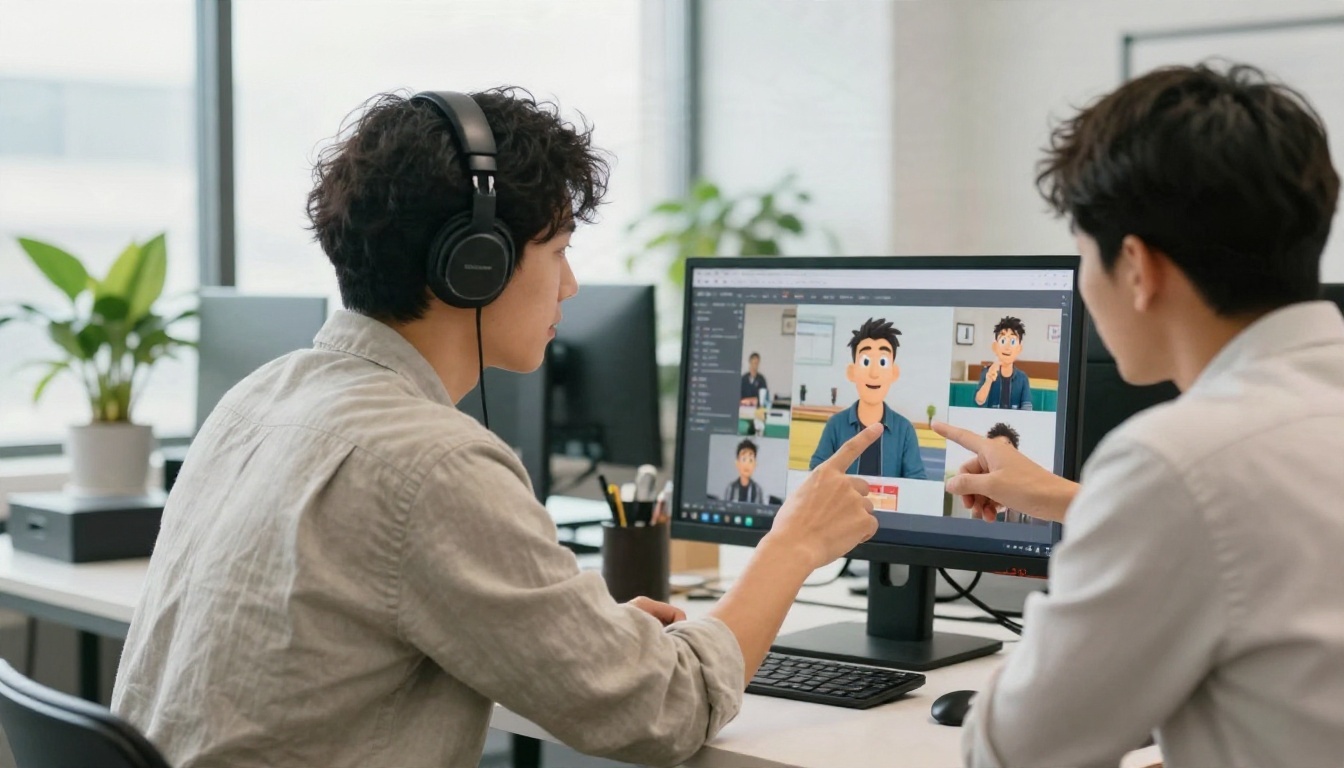
When the character appears in video, run the audio through a lip sync model like Lipsync 2. It matches mouth movement to speech, which removes the uncanny "dubbed" feeling.
Common Mistakes That Ruin Voices
Even the best model cannot rescue a poor setup. Watch for these.
- Writing for the eye, not the ear. Long, nested sentences sound awkward when spoken. Read your script out loud first.
- Ignoring pronunciation. Fantasy names and brand names trip up most models. Spell them phonetically in the script when needed.
- Using a noisy cloning sample. Echo and background hum get copied into every future line.
- Mixing voices carelessly. If two characters share a similar pitch, listeners lose track of who is talking. Pick voices with clearly different tone and speed.
- Skipping the rights check. Confirm that your voice, preset, or sample is cleared for the way you plan to publish.
💡 Tip: Keep a short "voice bible" document with the model name, settings, and sample file for each character. When you return to the project months later, you can recreate the same voice in minutes.
Try Your Own Character Voice
You do not need a studio, a cast, or a big budget to give your characters a voice. Write the brief, pick a model, test one line, and refine from there. Every model mentioned above sits in one place on PicassoIA, so you can run the same script through several voices and choose the one that fits.
Start with Qwen3 TTS if you want a designed voice, or try Voice Cloning with a clean recording of your own. Pair the audio with Lipsync 2 when your character needs a face. For more tools across images, video, and audio, browse everything at picassoia.com/en/all-models and start building your cast today.


