You stare at a blank page, type half a sentence into a chat box, and a reply shows up in four seconds. Whether that reply is useful depends on three things: which tool you picked, what you asked it for, and how much of the answer you let into your final draft. Most disappointment with AI chat for writing comes from getting one of those three wrong, usually the second one.
This article is built around what writers actually do at the desk. You will see which free tools are worth opening, ten story prompts you can paste right now, real before and after edits, and a blunt list of limits that no model has removed yet.

What AI Chat Does Well for Writing
A chat model is a fast, tireless, slightly overeager writing partner. It has read an enormous amount of text, so it is good at pattern work: structure, rhythm, alternatives, and the boring middle of a draft. It is much weaker at the thing that makes writing worth reading, which is a specific person noticing a specific thing.
Where it earns its place
💡 Rule of thumb: use chat for options, not for answers. Ask for five, pick one, rewrite it in your own words.
The tasks where writers report the best return are the unglamorous ones:
- Breaking a blank page: ask for ten possible first lines, throw nine away, keep the spark.
- Outlining: turn a messy paragraph of notes into a clean scene list or article skeleton.
- Rewriting at different lengths: compress 400 words to 120, or stretch a bullet into a paragraph.
- Tone checks: "Make this sound warmer without adding exclamation marks."
- Name and title brainstorming: characters, chapters, product pages, newsletter subject lines.
- Line editing: catching repeated words, tangled sentences and passive voice.
Where it quietly fails
It fails in ways that read fine on the surface. Facts get invented with total confidence. Every character ends up speaking in the same polite, balanced register. Endings arrive tied with a bow. If you have ever read a draft that felt smooth and empty at the same time, you have met the typical failure.

"Free" covers a wide range, from a generous trial to a capped daily allowance. The useful question is not "is it free" but "what does the free version stop me from doing mid-draft."
Models you can try on PicassoIA
PicassoIA gathers many chat models in one place, so you can run the same prompt through different engines and compare. Several are described on their pages as free to use. A sensible shortlist for writers:
- Llama 4 Maverick Instruct: a good all-round chat model for brainstorming and rewrites.
- Granite 4.1 8B: a compact model for quick drafts, summaries and line edits.
- Gemini 3.5 Flash: fast replies, handy when you want twenty variations in a row.
- GPT 5.6 Luna: quick text replies with a natural conversational tone.
- Claude Sonnet 5: a stronger pick when you need longer, more careful prose and consistent tone.
- DeepSeek R1: a reasoning model, useful for plot logic and untangling timelines.
Well-known standalone chat apps such as ChatGPT, Claude and Gemini also offer free tiers. Their allowances and model versions change often, so check the current limits on their own pages before building a routine around them.
A quick comparison by task
| Writing task | What to look for | Good starting point |
|---|
| Brainstorming ideas | Speed, many variations | Gemini 3.5 Flash, GPT 5.6 Luna |
| Fiction scenes | Consistent tone, longer replies | Claude Sonnet 5 |
| Line editing | Obeys "change only X" | Granite 4.1 8B, Llama 4 Maverick |
| Plot logic and outlines | Step-by-step reasoning | DeepSeek R1 |
| Short marketing copy | Punchy, many options | GPT 5.6 Luna |

What free tiers usually limit
Expect some mix of these:
- Message caps that reset daily or every few hours.
- Shorter context, meaning the chat forgets your early chapters sooner.
- Slower or smaller models during busy hours.
- No saved projects, so you paste your style notes in every session.
The workaround is cheap: keep a one-page "style sheet" in a text file (narrator voice, banned words, character names, tense) and paste it at the top of each new chat. It takes ten seconds and removes most of the drift.
Story Prompts That Actually Work
A weak prompt gets you the average story: a lighthouse keeper, a mysterious letter, a twist. A strong prompt gives the model constraints, and constraints are where originality comes from.
The five-part prompt
Most good writing prompts contain the same five ingredients:
- Role: who the model is helping you as (editor, co-writer, critic).
- Task: exactly one job.
- Context: genre, point of view, tense, audience.
- Constraints: length, banned clichés, things that must happen.
- Output format: three options, a table, one paragraph, no commentary.
Compare these two:
| Weak prompt | Strong prompt |
|---|
| "Write a story about a lost dog." | "Write a 300-word opening in close third person, past tense. A retired bus driver finds a dog with a cut collar at a closed ferry terminal. No dialogue, no backstory, end on an unanswered question." |
Ten prompts to copy
Paste these, then swap the bracketed parts for your own material.
- "Give me eight first lines for a [genre] story set in [place]. Each must start with an action, not a description."
- "I will paste a scene. List five things the main character wants that they never say out loud."
- "Write the same two-sentence moment from three different narrators: a child, a skeptic and someone who is lying."
- "Here is my outline. Point out three places where the stakes do not rise."
- "Rewrite this paragraph without using the words [list]. Keep the meaning, change the rhythm."
- "Interview my character [name] in ten questions a stranger would never think to ask."
- "Suggest six small, physical details that suggest [emotion] without naming it."
- "Take this dialogue and remove everything that could be cut without losing a fact or a feeling."
- "Give me five endings that are not a twist, a reunion or a death."
- "Act as a tough editor. Mark the three weakest sentences below and say why, in one line each."
💡 Tip: end any prompt with "Ask me three questions before you answer." The questions it asks often reveal what you forgot to decide.

Real Examples, Before and After
Abstract advice only goes so far, so here are three small edits that show what a good exchange looks like.
Fixing a flat opening
Draft: "It was a rainy day and Maya was feeling sad about moving away from the town she grew up in."
Prompt: "Rewrite this as a concrete image. No weather report, no named emotion, under 25 words."
Result: "Maya peeled her name off the mailbox in strips, the wet paper curling around her thumb."
The edit works because the model was told what to remove. Without the "no named emotion" rule, you would likely get something longer and more explained.
Rewriting stiff dialogue
Draft: "I am very upset that you did not call me yesterday as you promised."
Prompt: "Make this sound like a tired sister who is trying not to start a fight. Give me three versions, shortest first."
Result (one of three): "You said you'd call. It's fine. I just kept the phone on the table all evening."
Notice the last line is not an instruction you gave it. That is the model finishing a pattern, and it is exactly the sort of suggestion you should accept or reject on taste, not on trust.

Tightening an essay paragraph
For essays and reports, ask the model to diagnose before it rewrites. A simple sequence:
- "List the main claim of this paragraph in one sentence."
- "Which sentences do not support that claim?"
- "Rewrite only the paragraph's first and last sentence. Leave the middle alone."
You stay in control of the argument, and the model does the mechanical work. If you skip step one, the rewrite often drifts into a slightly different claim than the one you meant.
The Limits You Should Respect
Every chat model has limits, and they are not the same as "it makes small mistakes." Some are structural.
Facts and invented quotes
Chat models predict plausible text. They do not look things up unless a tool is attached, and even then they can misread. Names, dates, statistics, book titles and quotations can all be made up in a convincing tone. If a sentence in your draft contains a number or a name, verify it somewhere independent before it goes anywhere public.
Voice and repetition
Left alone, models gravitate to the same moves: rule of three, neat closing lines, a gentle moral. Readers spot this quickly. The fix is simple but needs effort: give a sample of your own writing, ask the model to describe your habits, then edit its output against that description rather than accepting it.
Memory and long drafts
A chat has a window of text it can see at once. In a long session, early details slip: an eye color changes, a minor character reappears after leaving the story. For a novel, work scene by scene, and carry a short "story bible" of facts in every new chat.
Honesty with readers and teachers
Rules differ by school, publisher and employer. Some require disclosure, some forbid generated text, some ask only that the final work be yours. Check the policy before you submit, and keep your drafts and notes so you can show how the piece came together.
| Limit | What it looks like | Simple defense |
|---|
| Invented facts | Confident but wrong names, dates, quotes | Verify every claim independently |
| Generic voice | Smooth, balanced, forgettable | Feed it your own samples, edit hard |
| Short memory | Details change between scenes | Paste a story bible each session |
| Over-agreeing | Praises weak drafts | Ask for the three weakest parts |
| Policy risk | Work rejected or flagged | Read the rules, keep drafts |
A Workflow That Keeps Your Voice
The writers who get the most from chat tend to follow a loop, not a one-shot request.

The four-pass loop
- Think first. Write three messy lines yourself about what the piece must do.
- Ask for options. Request several directions, never a finished piece.
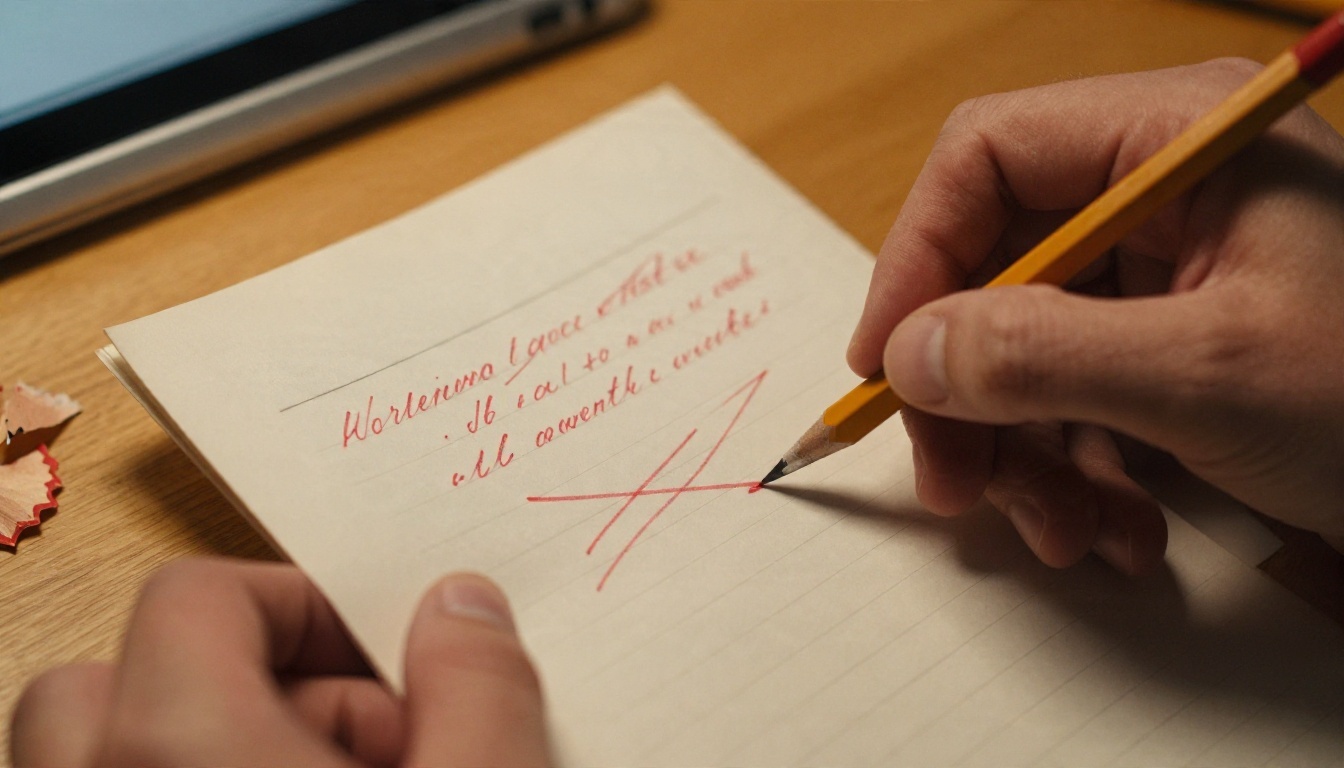
- Rewrite by hand. Type the chosen option out in your own words. Retyping is where your voice returns.
- Ask for critique. Paste your version and request the three weakest spots, then fix them yourself.
When to switch models
If one model keeps producing the same tone, run the same prompt through another. On PicassoIA you can send an identical request to Claude Sonnet 5, then to Llama 4 Maverick Instruct, and compare which one lands closer to the voice in your head. Differences are often larger than people expect, especially in dialogue and humor.
Writing for freelancers and marketers
For short commercial copy, flip the order: ask for twenty headlines with Gemini 3.5 Flash, choose three, then ask for a sharper version of each with a specific audience in mind. Measure the results against real-world response, not against how polished the sentences feel.

Old Habits, New Partner
Writing tools have always arrived with a worry attached. The typewriter was said to make prose mechanical, the word processor was said to make it sloppy. What survived in every case was the same: the writers who kept deciding what to say, and treated the tool as something that helps with how to say it.
A chat model is closest to a very quick, very well-read intern. It will take any task you hand over, it will occasionally invent something to be helpful, and it will never know your story the way you do. Give it narrow jobs, check its work, and keep the final pass for yourself.
Try It on Your Own Draft
Pick one paragraph you have been avoiding. Paste it into a chat model, use the five-part prompt from above, and compare two models side by side. Keep what sounds like you and cut the rest.
You can start with the free-to-try models on PicassoIA, such as Llama 4 Maverick Instruct and Granite 4.1 8B, then move to Claude Sonnet 5 when you want longer, steadier prose. When the story is done and needs a cover, a character portrait or a mood board, Picasso IA also has image models to turn your scenes into pictures. Browse everything at picassoia.com/en/all-models and run your first experiment today.


