Search for an AI chatbot 18+ and you will get a messy pile of results: apps that promise "no limits," sites that bury a paywall behind the third message, and a growing list of legal notices about who is allowed to chat at all. Most people just want three things. They want a free way to try it, a bot that can hold a character through a long story, and a clear answer on age rules. This article sorts all three out in plain language, so you can pick a tool without wasting an evening.
💡 Quick answer: "18+" is an age gate set by the operator, and it is not a promise of explicit content. Free tiers exist, but they usually trade away memory, speed, or message count. Good roleplay depends far more on memory and persona control than on how "unfiltered" a bot claims to be.
What "18+" Really Means for Chatbots
The label gets thrown around loosely, so it helps to separate two ideas that people constantly mix up.
Age gate versus content filter
An age gate decides who may enter. A content filter decides what the model will say once you are inside. A service can have a strict gate and a loose filter, or the reverse. When a site says "18+ only," it is describing the first idea. It tells you nothing about how mature the conversation can get.
In practice, most mainstream assistants keep fairly firm limits on sexual content no matter how old you are. Specialist companion and roleplay platforms are more flexible, but each one writes its own rules, and those rules change often. Always read the current content policy of the specific service instead of trusting a marketing line.
Why the 18+ label exists
There are three reasons operators add it. First, legal exposure: lawmakers in several regions have moved against companion chatbots that interact with minors. Second, payment processors and app stores demand age controls for anything romantic or mature. Third, brand safety, since advertisers and partners do not want to be attached to a scandal.
For you as a user, that means the label is a mix of legal protection and business protection. It is useful information, but it is not a quality signal.

Free AI Chatbot 18+ Options That Work
Free is a spectrum. Some tools are generous and some are bait. Here is how the main categories compare.
| Option type | What you get free | Typical catch | Best for |
|---|
| Companion apps with a free tier | A handful of daily messages, basic persona | Memory and speed locked behind a subscription | Testing the vibe |
| General assistants | Long, capable chats | Firm limits on mature themes | Story drafting and dialogue practice |
| Open model hosts | Free access to smaller models | Slower, shorter replies | Tinkerers |
| Community roleplay sites | Huge character libraries | Quality varies wildly, ads, uneven moderation | Browsing ideas |
| Self hosted models | Unlimited use on your own hardware | Needs a decent GPU and setup time | Privacy minded users |
Free tiers and what they cost you
Nothing is truly free. When you do not pay with money, you usually pay with limits: a daily message cap, a short memory window, a slower queue at busy hours, or ads between replies. Some services also use your conversations to improve their models, so check the data settings before you share anything personal.
A useful rule: if a free tier forgets your character after twenty messages, it is not a roleplay tool, it is a demo.
Open models and general assistants
If your goal is creative writing with adult themes handled with taste, a strong general model often beats a dedicated companion app. On PicassoIA you can chat with models such as Claude Sonnet 5, GPT 5.6 Luna, Gemini 3.5 Flash, Deepseek v3 and Llama 4 Maverick Instruct. Each one follows its own content rules, so expect romance, tension, and character drama, not a free pass for explicit material.

What free costs you in time
Time is the hidden price. Setting up a persona on a weak model means rewriting it every session. A better model with a smaller daily allowance can save you an hour of frustration. Count your useful messages per day, not the total.
Roleplay Features Worth Having
Roleplay is where chatbots separate into good and forgettable. Here is what to look for.
Memory that survives the session
The single most important feature is long memory. A bot that remembers the name of your character's sister, the argument from yesterday, and the setting of the scene feels alive. One that forgets feels like talking to a goldfish. Look for models with large context windows, and write a short "story so far" note you can paste back in when a session resets.
Persona and scene control
Strong roleplay tools let you set:
- Who the character is: voice, habits, history, flaws
- Where the scene happens: place, time, mood
- How the story moves: pacing, point of view, tense
- What is off the table: topics you do not want, which any good bot will respect
Weak tools give you one text box and hope for the best.

Tone, flirting, and boundaries
Mature roleplay does not need to be graphic to be gripping. Slow tension, banter, jealousy, and longing are what keep people coming back. A good bot lets you set the heat level yourself and keeps to it. It should also be able to step out of character when you ask, which is an underrated safety feature.
💡 Tip: Open your prompt with a short "rules of the scene" paragraph. Two or three sentences about tone and limits make replies far more consistent than a long character sheet.

Age Limits and Verification Rules
This is the part that is changing fastest, so treat any article, including this one, as a snapshot and check current rules where you live.
Self declaration is fading
The old model was a checkbox: "I confirm I am 18." It costs the operator nothing and stops nobody. Many services are moving away from it, and regulators in several places want something stronger for companion style chatbots.
ID and face checks
Newer systems use one of these methods.
| Method | How it works | Privacy trade off |
|---|
| Checkbox | You tick a box | None, but weak |
| Date of birth plus signals | The service estimates age from behavior | Moderate, can misjudge |
| Facial age estimation | A selfie is analyzed for an age range | Image processed, usually deleted |
| Document check | You upload an ID | Strongest, but most sensitive |
| Third party verifier | An outside company confirms 18+ and shares only a yes or no | Often the best balance |
If a service asks for an ID, look for a clear statement on how long the data is kept and who sees it. A verifier that returns only "over 18, yes or no" is a better deal than a site that stores a photo of your passport.
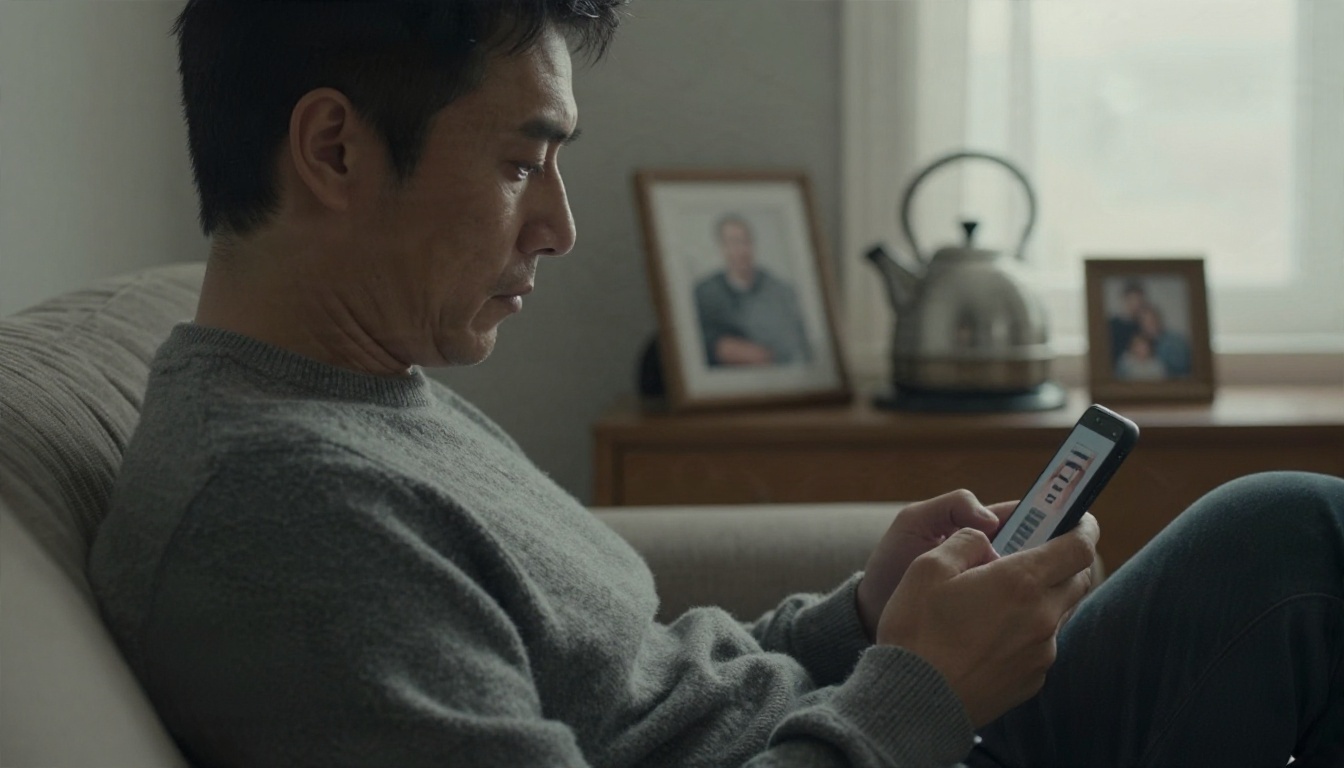
Laws shifting by region
Lawmakers in the United States have introduced and passed a mix of rules aimed at companion chatbots and minors. California's SB 243 took effect at the start of 2026, and several other states and federal bills have proposed age checks or limits on certain chatbot features for minors. Other countries, including Australia, have also tightened age assurance rules. Details differ a lot by place, and some proposals have not become law, so the safe approach is simple: if a service asks you to confirm your age, answer honestly, and if you are under 18, skip adult chatbots entirely.
⚠️ Heads up: Using someone else's ID or a fake date of birth to get past a gate usually breaks the service's terms and can get your account closed.
Privacy and Safety Checklist
Adult conversations are personal. Treat them that way.
Protect your data
Before you commit to a service, run through this short list:
- Read the data policy. Does it say chats are used for model improvement?
- Check deletion. Can you wipe your history and account in a few clicks?
- Use a separate email. It keeps your main inbox out of it.
- Skip real names and addresses. Invent details for your character and yourself.
- Avoid sharing photos of real people. Never upload someone's face without their consent.

Keep the habit healthy
Companion chatbots can be fun, comforting, and creative. They can also pull you in. If you notice you are skipping sleep, ignoring friends, or spending more than you planned, set a time limit or take a break. A bot is a tool for storytelling and company, and it works best as one part of a life, not a replacement for it.
Models on PicassoIA for Chat Personas
PicassoIA gives you one place to try several language models and compare how each one handles character voice, memory, and tone.
Pick the right model
If you build your own chat experience and need to screen messages, Llama Guard 4 12B is a content moderation model that can help flag problem inputs and outputs.

Build a persona prompt
A simple structure works on almost any model. Paste it as your first message:
- Role: "You are Mara, a witty bookshop owner in her thirties."
- Voice: "Dry humor, warm, never rushes."
- Setting: "A rainy evening, the shop is about to close."
- Rules: "Keep the tone romantic and tasteful. Stay in character unless I write OUT."
- Memory note: "Story so far: we met last week when I asked about a rare edition."
Then reply naturally. If the bot drifts, remind it of the rules in one line instead of rewriting everything.
💡 Tip: Run the same persona prompt through two different models and compare the first five replies. You will know within minutes which one fits your style.
Adding Images to Your Characters
A character feels more real when you can see them. Image models let you give your persona a face, a wardrobe, and a setting, with tasteful, glamour style visuals.
Seedream 4.5 for portraits
Seedream 4.5 is the first model to try. It produces sharp, photorealistic portraits with natural skin texture and believable lighting, and it handles glamour and swimwear style scenes without fuss. It is also fast and gives you a lot of room for artistic adult imagery that stays non explicit.
Try a prompt like this: "Photograph of a stylish adult woman on a sunlit villa terrace, golden backlight, 85mm lens, natural skin texture, soft film grain."

Image Editor Pro for tweaks
Once you have a base portrait, PicassoIA Image Editor Pro lets you change outfits, backgrounds, lighting, and small details through plain text instructions. Its biggest advantage is that generations are unlimited, so you can iterate as many times as you like until the character looks exactly right.
A simple workflow:
- Generate a base portrait with Seedream 4.5.
- Open it in Image Editor Pro.
- Ask for one change at a time: "change the dress to deep green," "make the background a candlelit lounge."
- Save your favorite version as the reference for your character.
⚠️ Always keep it consensual: Create invented characters only. Do not generate images of real people, and never create anything involving minors.
Start Creating on PicassoIA
The best way to judge an AI chatbot 18+ is to test it with your own story. Pick two language models from the table above, paste the same persona prompt, and see which one keeps your character alive the longest. Then give that character a face with Seedream 4.5 and refine the look in Image Editor Pro, where you can generate without limits.
If you want to see every model available for text, images, voice, and more, browse the full list at picassoia.com/en/all-models. Try a chat persona today, generate your first portrait, and see how far a good prompt can take you.