It is 9:40 on a Tuesday night, the algebra worksheet is half finished, and your teenager just typed the whole problem into a chatbot. Within seconds there is a neat answer on the screen. Was that studying, or was that copying? The honest answer is that it depends on how the chatbot was used, and that is exactly what this article is about.
An AI chatbot for school can explain a tricky concept at midnight, quiz a student before a test, and rephrase a confusing textbook paragraph in plain words. It can also invent facts, hand over answers that skip the thinking, and collect more personal information than a family realizes. Below you will find what works, what to avoid, which free options are worth a look, and the real limits nobody should ignore.

What a School Chatbot Actually Does
A chatbot built on a large language model predicts useful text based on patterns in huge amounts of writing. It does not "know" your child's curriculum, and it does not check facts the way a teacher or a textbook editor does. It is a fast, patient, always available conversation partner, and that is both its strength and its risk.
Homework tasks it handles well
Used properly, a chatbot is a strong study helper for a range of everyday tasks:
- Explaining a concept in simpler words, or with an everyday example
- Breaking a problem into steps so a student can see the logic
- Generating practice questions on a topic, with answers hidden until the student tries
- Checking grammar and structure in a draft the student wrote alone
- Summarizing a long reading so the student knows what to look for before reading it properly
- Making flashcards from class notes
💡 Quick test: if the student could explain the final answer out loud to a classmate afterward, the chatbot helped. If they cannot, it did the work for them.
Tasks it should never own
Some jobs belong to the student, full stop. Handing these over defeats the purpose of homework and often breaks school rules:
- Writing an essay or lab report that will be submitted as the student's own work
- Solving graded take-home tests
- Producing citations or sources without checking they exist
- Answering personal reflection prompts, where the teacher wants the student's own voice
Most schools do not ban chatbots outright. A common pattern is to allow limited use for brainstorming, research, and study support while prohibiting AI-written assignments. Rules often differ from teacher to teacher inside the same building, so a quick check of the syllabus or class policy saves a lot of trouble.
Smart Ways to Get Homework Help
The difference between a helpful session and a lazy one usually comes down to the first sentence the student types.

Ask for hints, not answers
Instead of pasting a problem and pressing enter, try a prompt like this:
"I'm working on this problem. Don't give me the answer. Give me only the first step as a hint, then wait for me to try the next one."
That single instruction changes the whole session. The chatbot becomes a tutor who nudges, rather than a vending machine that dispenses solutions. Students who use hints tend to remember the method on the next test, which is the point.
Turn it into a quiz partner
Quizzing is one of the best uses. A student can say: "Ask me five questions about the causes of World War I, one at a time. Tell me if I'm right only after I answer." Retrieval practice like this beats rereading notes, and a chatbot never gets tired of asking another round.

Check every answer
Treat the chatbot like a smart classmate who is sometimes confidently wrong. After a solution appears, the student should:
- Re-do the problem on paper without looking
- Compare the method with the class notes or textbook
- Ask the chatbot, "What is one thing in your answer that could be wrong?"
- Bring any disagreement to the teacher
That last question is surprisingly useful. Chatbots often catch their own slips when asked to review their work.
Safe Use Rules for Families
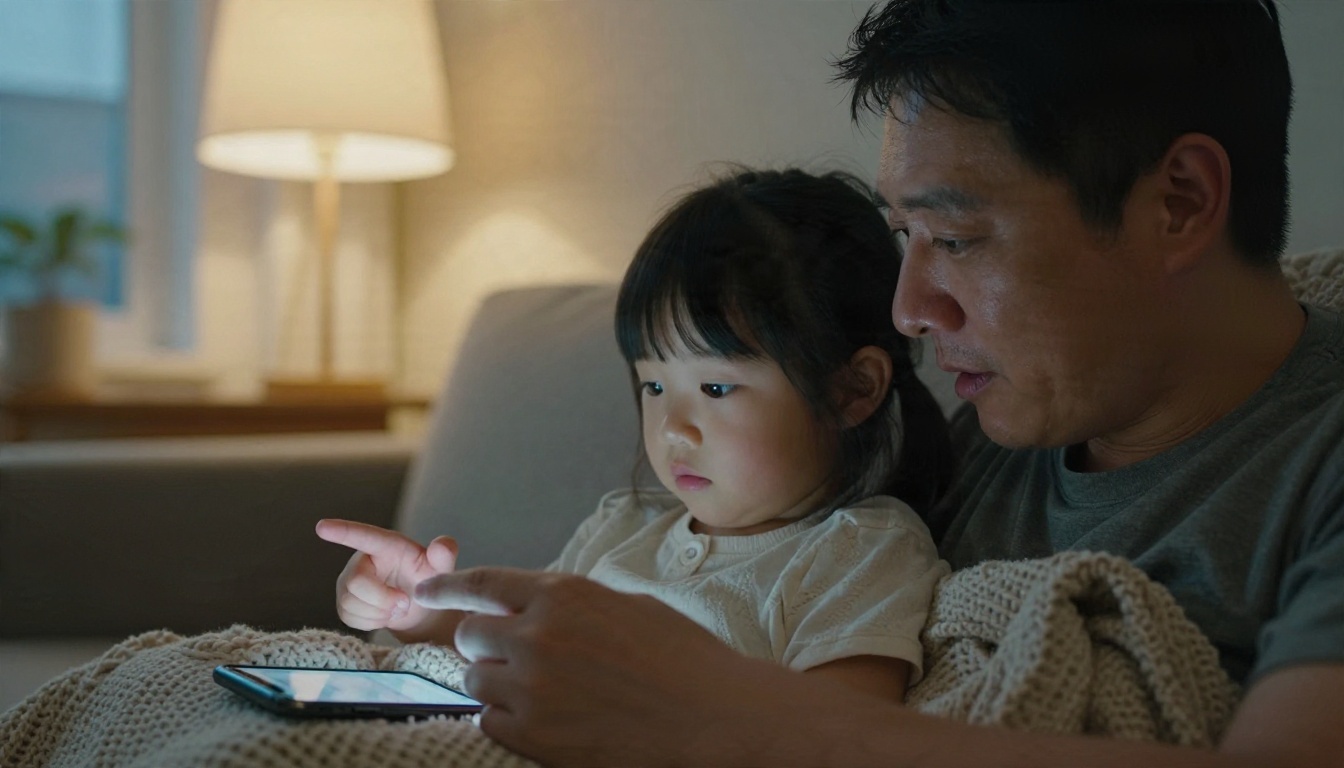
Safety is not just about content. It is also about privacy, habits, and honesty. Many children assume a friendly, conversational chatbot is a private diary. It is not. Anything typed into a chat may be stored, reviewed, or used to improve a product, depending on the service and its settings.
Protect personal data
Teach one simple rule: never type anything you would not write on a postcard. That means no full name, home address, school name, phone number, passwords, photos of other people, or details about family problems. If a homework question needs context, replace real names with made-up ones.
Agree on a house rule
Families who set a rule early argue less later. A workable version looks like this:
- Chatbot use happens in a shared room for younger kids, not behind a closed bedroom door
- The student tries the work first, then asks for help
- Any chatbot help gets mentioned to the teacher when the class asks for it
- If something feels strange, rude, or scary, the child shows an adult without fear of losing the device
For parents who want to check what is being sent, a safety-focused model such as Llama Guard 4 12B is built to classify whether text is safe or unsafe. It is a content moderation tool rather than a tutor, but it shows how filtering layers work behind a school-ready product.
What teachers expect
Teachers are mostly asking for transparency. A short line such as "I used a chatbot to quiz myself, and I wrote the essay on my own" goes a long way. Where a district has approved a specific tool, students should use that one for class work and keep the rest for personal study.
💡 For parents: schools in several countries now pair chatbot use with filtering, monitoring, and privacy protection for under 18s. Ask your child's school which tools are approved and what data they collect.
Free Options Worth Trying
Price should never be the reason a student falls behind, and there are real free routes. Still, "free" usually comes with limits: message caps per day, slower replies, fewer features, or data used to improve the product.

Free versus paid: the real trade
| Feature | Typical free access | Typical paid access |
|---|
| Daily message limit | Capped, resets each day | Much higher or none |
| Speed at busy hours | Can slow down | Usually prioritized |
| File and image upload | Limited | Broader |
| Longer reasoning | Sometimes restricted | Often included |
| Privacy controls | Basic | More options |
For most homework, a free tier is enough. A student who asks ten thoughtful questions in an evening rarely hits a limit.
Picking a model for the job
Different assistants suit different tasks. Here are several available on PicassoIA, all worth a test run on the same homework question so you can compare:
| Model | Good for | Notes |
|---|
| Gemini 3.5 Flash | Quick explanations, chat, and images | Fast replies suit short study sessions |
| Gemini 3 Flash | Fast chat and vision | Handy when a photo of a worksheet is involved |
| GPT 5.6 Luna | Fast text replies | Good for drafts and rewording |
| Claude Sonnet 5 | Writing feedback and planning | Strong at gentle, structured explanations |
| Kimi K2 Thinking | Step by step reasoning | Useful for math and logic problems |
| Qwen3.7-Plus | Text and image reading | Helpful for diagrams and charts |
| Granite 4.1 8B | Free chat and simple code | A light model for basic questions |
Availability and free limits can change, so check each model page for the current details before planning a whole semester around one tool.
How to Use Gemini 3.5 Flash on PicassoIA
If you want a fast starting point for homework questions, Gemini 3.5 Flash is a sensible first choice because replies come quickly and it handles both text and images. Here is a simple routine.
- Open the model page on PicassoIA and find the prompt box.
- Set the role first. Type something like: "You are a patient tutor for a 9th grade student. Never give final answers. Give hints and ask me questions."
- Paste only the problem, with no names or school details.
- Answer the chatbot's question before asking for the next hint. This keeps the student doing the thinking.
- Ask for a check. Once the student has a final answer, type: "Here's my answer and my steps. Tell me where I went wrong, but don't rewrite it for me."
- Finish with a mini quiz. Ask for three similar practice questions and try them alone.
💡 Parameter tip: if the model page lets you adjust response length or creativity, keep replies short and the setting low. Homework help works better with calm, predictable answers than with long, flashy ones.
Try the same prompt on a second model from the table above. Comparing two explanations of the same idea is a study skill in itself, because students quickly see which one made sense to them.
Where Chatbots Fall Short
Even the best assistant has weak spots, and students should know them before trusting one with a grade.
Wrong answers delivered confidently
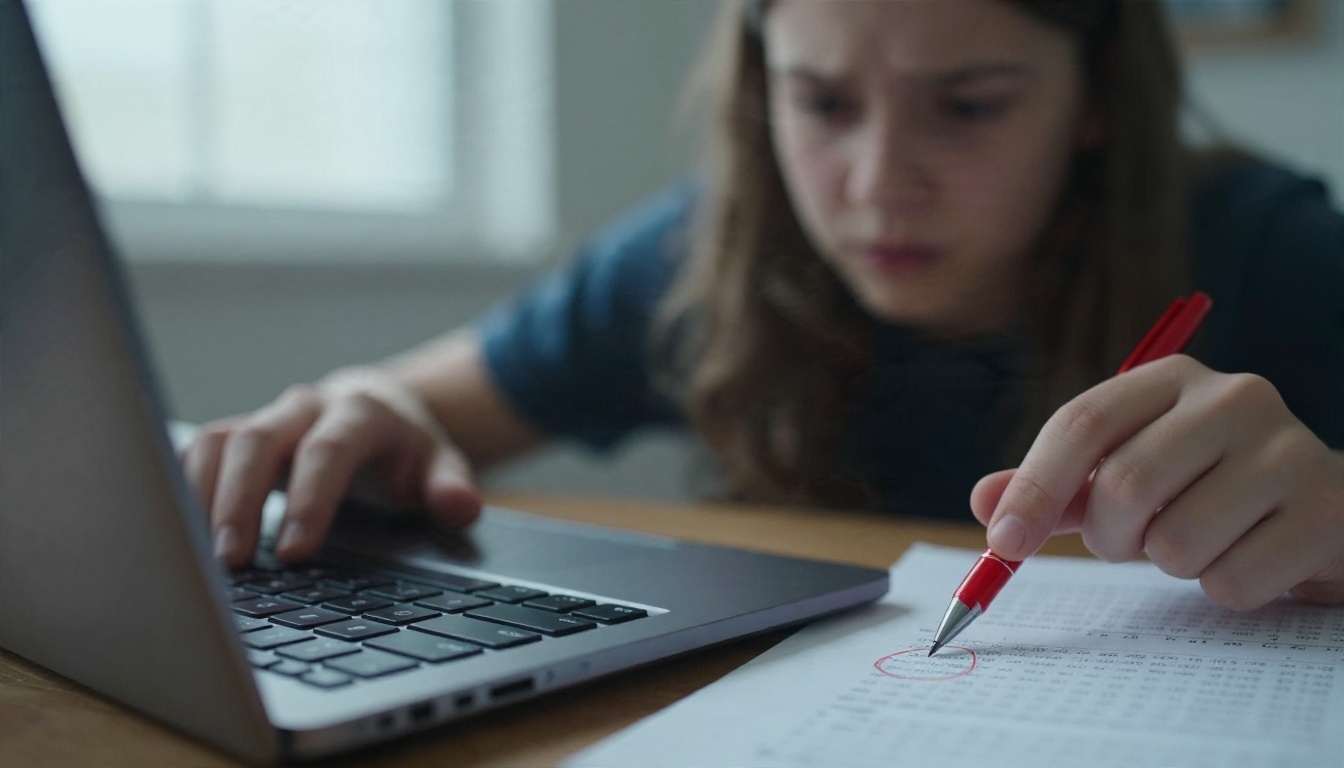
Chatbots can "hallucinate," which means they produce text that sounds right but is false. Invented quotes, fake book titles, and made-up statistics are common examples. The tone never changes, so a wrong answer sounds just as sure as a correct one. The fix is simple: verify anything that will be handed in against a textbook, class notes, or a trusted reference.
Weak spots by subject
| Subject | Common problem | What to do |
|---|
| Math | Arithmetic slips in long calculations | Re-check each step by hand |
| History | Mixed up dates and names | Confirm in the textbook |
| Science | Oversimplified or outdated claims | Compare with class material |
| English | Bland, generic phrasing in essays | Write in your own voice first |
| Languages | Natural but slightly off grammar for rare cases | Ask the teacher about doubtful points |
| Research | Fake or unverifiable sources | Find the source yourself |
There is also a quieter limit: a chatbot cannot see the student's classroom. It does not know what the teacher emphasized, which method the class uses, or how the rubric rewards effort. A perfect-looking answer in the wrong method can still lose points.
Rules by Age Group
Needs change as children grow. This table offers a starting point that families can adjust.
| Age | Suggested setup | Main focus |
|---|
| 6 to 9 | Adult sits beside the child, shared device | Curiosity questions, no personal data |
| 10 to 12 | Short sessions, adult checks history | Explanations, spelling, practice quizzes |
| 13 to 15 | Clear house rules, occasional spot checks | Hints, study plans, draft feedback |
| 16 to 18 | More freedom, open talks about honesty | Research help, exam prep, time planning |
Many chatbot services set a minimum age in their terms, often 13 and sometimes 18 without a parent or school account. Read the terms for the specific product before a child signs up.
Signs the habit has gone wrong
Watch for these warning signs:
- The student cannot explain their own homework
- Grades on tests fall while homework scores rise
- Writing suddenly sounds very different from in-class samples
- Late-night chats that replace sleep
- Secrecy about what the chatbot said
None of these means a ban is the right answer. Usually, a calm talk and a reset of the rules fixes it. A chatbot that is used to practice, not to skip effort, is a plain study tool like a calculator or a dictionary.
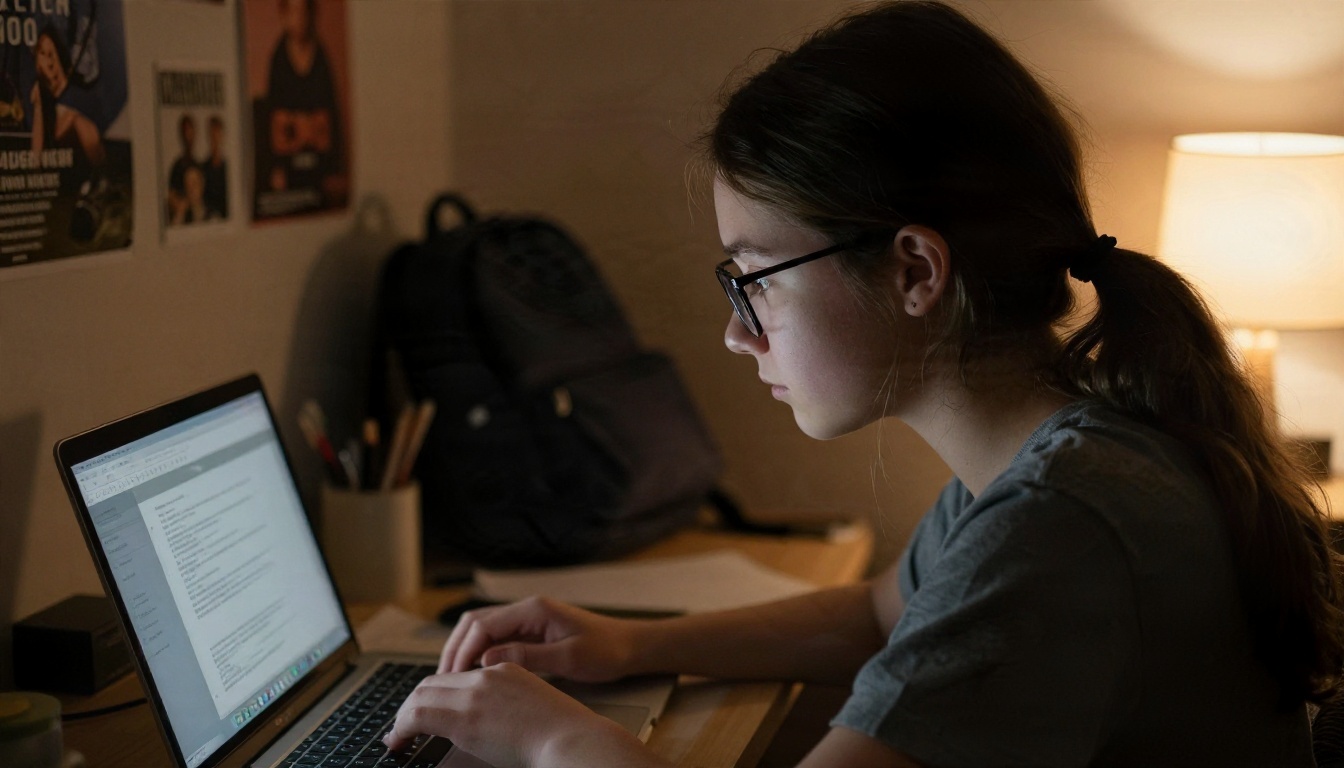
Try It Yourself on Picasso IA
The best way to judge an AI chatbot for school is to test it on a real question, together. Pick one homework problem your student has already solved, ask two or three different assistants to explain it using hints only, and see which explanation feels clearest. That five minute experiment tells you more than any review.
Picasso IA puts a wide set of language models in one place, from fast chat models like Gemini 3.5 Flash and GPT 5.6 Luna to step by step thinkers like Kimi K2 Thinking. The platform also offers image, video, voice, and music tools, so a student can turn a history report into a visual project or a science summary into a narrated presentation, all with original work as the base.
Start with one model, one rule, and one honest conversation about how to use it. Then browse every option at picassoia.com/en/all-models, run your own tests, and build a study routine that keeps the student's own thinking at the center.


