Type a dark plot twist into a mainstream chatbot and you often get a polite refusal, a lecture, or a reply so watered down it kills the scene. That is why searches for an AI chatbot with no censor keep climbing. Writers want villains who sound menacing. Game masters want horror that actually unsettles. Hobbyists want a companion that stays in character instead of stopping to remind them it is an AI.
The honest picture is more mixed than the ads suggest. Plenty of free tools loosen their filters. None of the big hosted ones are truly limitless, and the free tiers cap memory and message volume far more often than they cap topics. This article sorts out what "uncensored" means in practice, which kinds of free platforms people use, which roleplay prompts hold a character together, and where the walls still are.
💡 Quick take: Fewer filters is real and useful for fiction. "No rules at all" is a marketing line. Pick a tool based on memory, privacy and how it handles your story, not on that slogan.
What "No Censor" Really Means

Filters vs Hard Limits
Two different things hide behind the word "censorship."
Soft filters are the tone and topic restrictions a provider tunes into a model. They make a chatbot refuse a gritty murder scene, soften a villain's speech, or add warnings nobody asked for. Some platforms dial these back, especially ones built for fiction.
Hard limits are the lines that stay put almost everywhere: sexual content involving minors, instructions for real-world violence, targeted harassment, and content built around real, identifiable people. Hosting companies, payment processors and app stores all pressure platforms to hold these lines. A site that claims otherwise is either lying or about to be shut down.
Knowing which category a refusal falls into saves a lot of frustration. A soft filter can be worked around by choosing a different tool. A hard limit is not worth fighting.
Why People Want Fewer Filters
The demand is not as shady as it sounds. Common reasons include:
- Fiction with real stakes: crime novels, war stories and horror need characters who do bad things convincingly.
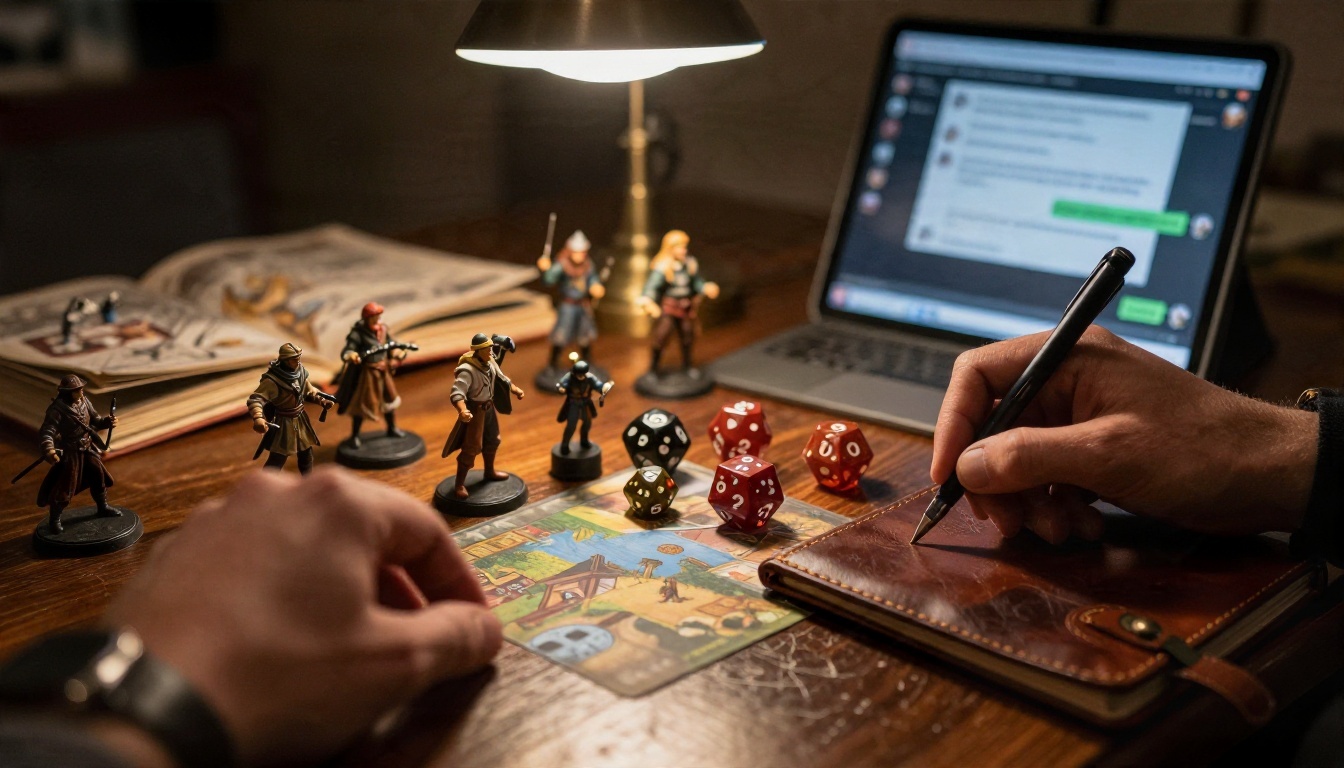
- Tabletop campaigns: a game master needs a chatbot that can narrate a brutal battle without flinching.
- Companion chat: people want a persona that keeps its personality across a long conversation.
- Mature themes handled with care: grief, addiction and abuse show up in serious writing, and over-cautious replies can feel dismissive.
- Less moralizing: many users just dislike being lectured mid-story.
Related searches you will see around this topic include unfiltered AI chat, NSFW filter off, Character AI alternatives, uncensored roleplay and AI companion free. They all point at the same itch: a chatbot that follows the story instead of policing it.
Free Online Options Worth Trying

The landscape changes monthly, and many "best of" lists online are written by sites that earn commissions from the products they rank. Treat any specific number below as a snapshot from reviews published in 2026, and check current pricing on the platform itself before relying on it.
Hosted Character Platforms
These are the closest thing to a one-click experience. You open a site, pick a character from a library, and start talking.
- SpicyChat is a large platform with a big catalogue of user-made characters. Reviews describe its free tier as limited by context size, meaning the bot remembers only the last stretch of conversation.
- CrushOn AI is often named as one of the more generous free tiers, with a daily message allowance reported at around 50 and a library of over a thousand characters. Daily caps change, so verify before you commit.
- Character AI remains the best known name, but it tightened its filters and conversation limits over time, which is exactly why many users went looking for alternatives.
The upside is variety and zero setup. The downside is that your chats live on someone else's servers, and the rules can change without notice.
Bring Your Own Model Frontends
Janitor AI is a good example of a different approach. It offers a polished chat interface and character library, but for the least restricted experience you connect your own model through an API key or a locally hosted one. That makes it free to use in principle, though it asks for some technical comfort. If you are happy pasting an API key into a settings box, you gain control over which model answers.
This route has a catch: the filter you meet is then the filter of whichever model you plug in. A strict model behind a friendly interface is still a strict model.
Privacy First Chat Apps
Venice.ai gets recommended mainly for privacy. Reviews mention basic use without an account, with message limits that tighten at peak times on the free plan. If you care more about not tying chats to an identity than about a huge character library, this category is worth a look.
Quick Comparison
| Type | Setup effort | Free limits | Filter looseness | Privacy |
|---|
| Hosted character sites | None | Daily messages, short memory | Medium to loose | Stored on their servers |
| Bring-your-own-model frontends | Medium | Depends on your model | Depends on your model | Depends on the provider |
| Privacy-first apps | Low | Peak-hour message caps | Medium | Strongest of the three |
| Local model on your PC | High | None, only your hardware | Loosest | Stays on your machine |
💡 Tip: If a site demands a card "to verify your age" before showing a single message, read its privacy policy first. Real age checks exist, but so do data grabs.
Running a Model on Your Machine
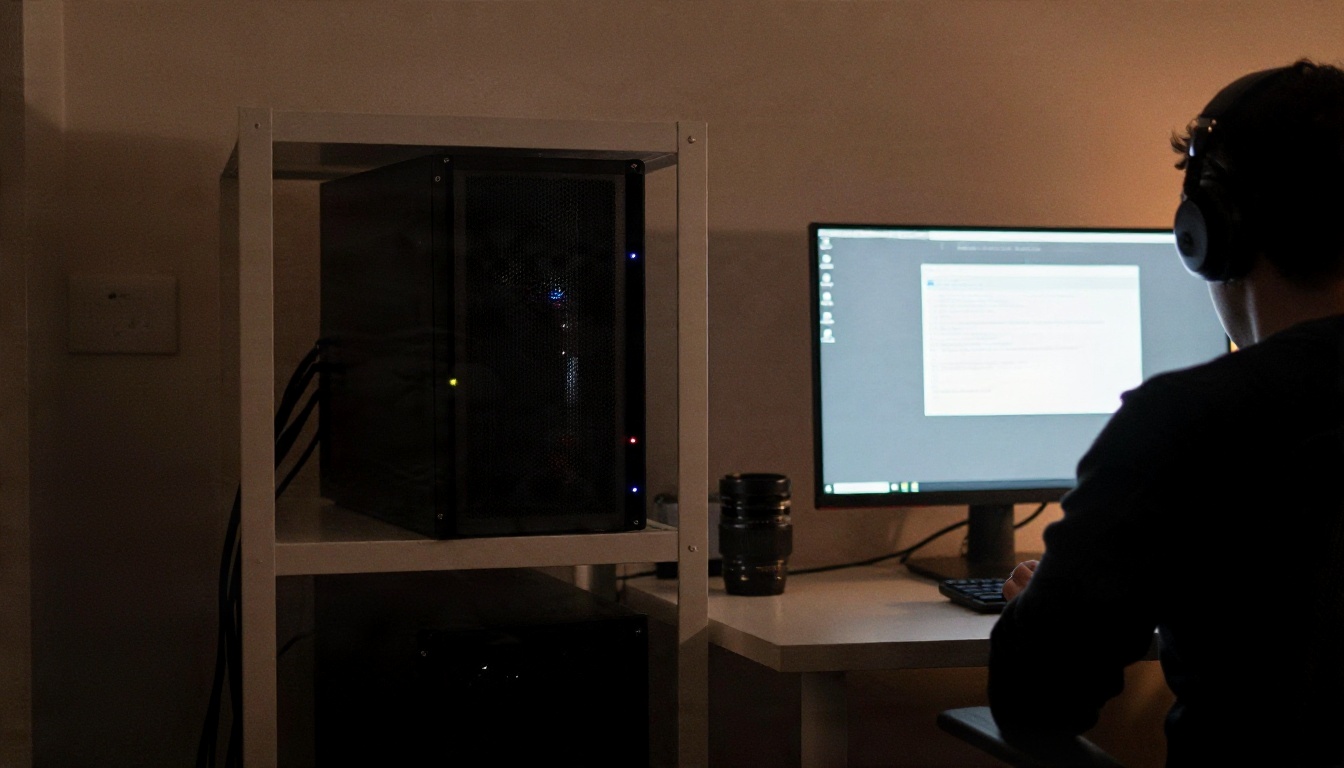
The other route skips websites entirely. Open-weight language models can run on a personal computer through tools such as Ollama, LM Studio or the SillyTavern frontend. Because nothing is sent to a provider, there is no hosted moderation layer between you and the model.
What You Need
- A reasonably recent GPU with enough video memory for the model size you pick. Small models in the 7B to 13B range run on modest cards. Larger ones want serious hardware.
- Disk space: a single model file can run from a few gigabytes to tens of gigabytes.
- A frontend: a chat interface that supports character cards, system prompts and long-term memory features.
- Patience: expect an evening of tweaking before replies feel good.
Trade-offs
Running locally gives the most control and the best privacy. It also means the quality depends on the model you choose and the hardware you own. Small local models can lose the plot faster than large hosted ones, repeat themselves, or forget details. Tuned fiction models help, yet they still reflect their training data, and some variants are tuned for chat, not for sustained storytelling.
Local also moves responsibility to you. No moderation layer means you decide where the line sits, and the same legal limits around minors, real people and harassment apply to you regardless of where the model runs.
Roleplay Prompts That Actually Work

A loose filter does not write a good scene by itself. Most weak roleplay comes from weak setup, not from refusals. These patterns work across hosted sites, frontends and local models.
Set the Scene First
Start the first message with a short block that fixes four things: who the character is, where you are, what the tone is, and what the bot should not do. For example:
You are Mara Voss, a retired smuggler running a failing bar in a rain-soaked port town. Tone: dry, guarded, darkly funny. Stay in character. Write in third person, past tense, two to four paragraphs per reply. Do not speak or act for my character.
That last line is the single most useful sentence in roleplay. Without it, many bots start narrating your character's actions for you.
Five Prompt Templates
Copy these and change the details.
- The noir interrogation: "You are a weary detective in 1948 Chicago questioning my character about a missing ledger. Keep answers short and clipped. Reveal one clue only if I press you twice."
- The horror slow burn: "Narrate an abandoned research station in winter. Build dread through small details, sounds and absences. Never confirm what is out there. End every reply on an unsettling note."
- The fantasy game master: "Act as game master for a gritty low-magic campaign. Describe consequences honestly, including injury and loss. Offer three options at the end of each scene, plus the choice to do something else."
- The rival who stays a rival: "Play Kael, my character's smug rival at a mercenary guild. He respects strength, hates charity and never apologizes. Do not soften him over time unless I earn it in the story."
- The slow-burn romance: "Play Elena, a guarded art restorer. Build the relationship gradually across many scenes. Keep the tone tender and tense, and fade to black before anything explicit."
The last template is deliberate. Slow-burn romance works best when the tension carries the scene, and a fade-to-black instruction keeps the story in territory that nearly every platform and model handles smoothly.
Keep the Character Consistent
Characters drift. After forty or fifty messages, a gruff mercenary can turn into a cheerful assistant. Three habits help:
- Restate the character every 20 to 30 messages in one short line.
- Use an out-of-character note in brackets when the bot goes off track: [OOC: Kael would never say that. Rewrite the reply colder.]
- Keep a running summary at the top of the chat covering facts that matter, such as names, injuries and promises. Paste it back whenever the bot forgets.
Limits You Will Still Hit

Memory and Message Caps
On free plans, the wall is usually not a banned topic. It is context size. A free tier might remember roughly the last twenty messages, so your carefully built backstory evaporates. Others cap daily messages or slow replies during busy hours.
| Limit | What it feels like | Workaround |
|---|
| Short context window | Bot forgets names and past events | Pin a summary, repeat key facts |
| Daily message cap | Chat locks until tomorrow | Spread sessions, shorten replies |
| Queue at peak hours | Slow or delayed answers | Chat off-peak |
| Reply length cap | Scenes feel clipped | Ask for "two paragraphs, then wait" |
Hard Rules That Never Move
Even the loosest hosted platforms keep a few lines closed. Expect refusals or account bans for:
- Sexual content involving minors, in any framing.
- Content targeting real people, such as sexual scenarios about celebrities or classmates.
- Detailed instructions for weapons, malware or other real-world harm.
- Harassment and threats aimed at actual individuals.
These rules exist for good reasons, and attempts to jailbreak around them tend to end with a banned account. If you hit one, the better move is to rework the scene, not to push harder.
Privacy and Data
Free chat sites are businesses. Read what they say about logging, training on your conversations and deleting data. A few habits keep you safer:
- Use a throwaway email for sign-ups.
- Never share your real name, address, workplace or financial details with a character.
- Remember that "private" mode on a hosted site still means someone else holds the logs.
- Treat any chat with a companion bot as something that could one day be read by a third party.
Emotional safety matters too. A companion that always agrees and never sleeps can be comforting, but if a chat starts replacing every human conversation in your week, it is worth stepping back.
Build Characters With PicassoIA

PicassoIA is not a character-chat site, and it does not market its language models as unfiltered. The hosted models come with their providers' safeguards, so they will decline the hard-limit material above. What they do well is the writing side of roleplay: planning a character, drafting a world, keeping continuity notes and writing intense fiction with real dramatic weight, including villains, loss and fear.
Write With PicassoIA Language Models
Pick a model for the job:
A simple workflow: open one of these, paste the scene-setting block from the prompt section, ask for a character sheet with voice, habits, secrets and speech quirks, then keep that sheet as your pinned reference when you move into a roleplay tool. If you run community spaces, Llama Guard 4 12B is a moderation model that classifies text against safety categories, which shows how the filter side of this topic works from the inside.
💡 Parameter tip: For creative writing, a higher temperature gives livelier dialogue, while a lower one keeps names and facts steady. Switch between them depending on whether you are drafting or fixing continuity.
Give Your Character a Face
Once a character exists in words, a portrait makes them feel real. For adult-leaning glamour and character art, start with Seedream 4.5. It produces sharp, photorealistic portraits from a text description, and it handles attractive, suggestive styling such as evening wear, swimwear and glamour lighting without fuss. Paste the character's looks from your sheet, add a camera and lighting line, and generate.

To adjust a portrait, such as changing an outfit, the setting or the mood, use PicassoIA Image Editor Pro. It offers unlimited generations, so you can iterate as many times as you like without watching a counter, which is a real relief compared with the capped free tiers described earlier. Outputs stay tasteful and non-explicit, built around style and atmosphere.
Steps that work well:
- Write a two-sentence visual description from your character sheet.
- Generate three to five variations in Seedream 4.5 with the same wording.
- Pick the closest one and refine it in Image Editor Pro with short edit prompts.
- Keep the winning prompt saved so the character looks the same every time.
If you want more variety, browse the full catalogue at picassoia.com/en/all-models, where text, image and other models sit side by side.
Try It Yourself Today

The best uncensored chatbot setup is the one that matches how you actually play. If you want zero setup, a hosted character site with a loose filter is the fast route. If you want privacy and control, a local model is worth the evening of tinkering. If you want a bit of both, a frontend plus your own model sits in the middle. Whichever you pick, bring a good scene-setting block, a pinned summary and a clear idea of what you will not ask for.
Then give your character a story and a face. Open a language model on Picasso IA to build the character sheet and draft the opening scenes, generate a portrait with Seedream 4.5, and refine it with PicassoIA Image Editor Pro as many times as you want. Start with the noir detective or the horror station template above, change three details, and see how far a well-written setup gets you. When you want more tools, the full list is waiting at picassoia.com/en/all-models.


