If you've spent time in any corner of the internet that overlaps anime, AI, and personal connection, you've heard about AI waifu chatbots. But most people have no idea what actually powers them, what makes one feel real while another feels like a poorly tuned autocomplete. This breakdown covers every layer of the stack: the large language models that give them personality, the voice synthesis that makes them speak, and the image generation that brings their look to life.
The LLM Layer: Where Personality Lives
The single most important factor in whether an AI waifu chatbot feels convincing is the quality of the large language model underneath it. A weak model breaks immersion fast. A strong one lets you forget you're talking to software.
What the Model Actually Does
Large language models don't just generate responses. They maintain conversation context, infer emotional tone, and adapt to the character persona you've set. When you tell a model "you are Hana, a shy but playful 21-year-old who loves astronomy," a strong LLM holds that frame across dozens of exchanges without losing thread.
The models that do this best right now:
- GPT 5 by OpenAI: Exceptional context retention and nuanced emotional responses. One of the top picks for long roleplay sessions.
- Claude 4 Sonnet by Anthropic: Strong at maintaining character voice without drifting into generic phrasing.
- Gemini 3 Flash by Google: Fast, conversational, and surprisingly natural in informal exchanges.
- Deepseek R1 by DeepSeek: Open source, capable reasoning, and useful when you want a model with more flexible content policies.
- Kimi K2 Instruct by Moonshot AI: Excellent at agentic, multi-turn instruction-following, which maps well to character persistence.
💡 Tip: For the most convincing waifu chatbot experience, pick a model with a large context window. The longer it remembers, the more consistent the personality becomes over time.
Persona Persistence: The Real Challenge
Any LLM can play a character for five messages. The challenge is session-long coherence: remembering that she hates coffee, that she's nervous around strangers, that her favorite season is winter. This requires either a model with a very long context window or an external memory layer that feeds relevant details back into each prompt.
GPT 5.1 and Claude Sonnet 5 both handle extended context well. For open-source alternatives with fewer restrictions on content, Llama 4 Maverick Instruct offers solid performance with more flexibility.
She Actually Speaks: AI Voice Synthesis
Text-based waifu chatbots were the first generation. The current wave adds voice output, and the gap in perceived intimacy between silent chat and spoken response is massive. Hearing a character respond in a warm, distinctive voice changes the entire interaction.
Voice Cloning for Character Voices
The best TTS models in 2025-2026 don't just read text aloud. They inject emotion, pacing, and tonal variation that closely mirrors natural speech. Voice cloning takes this further: you can provide a short reference clip and the model learns the vocal fingerprint.
On PicassoIA, the leading options for this are:
- ElevenLabs V3: Studio-quality voice output with exceptional emotional range. Supports cloning from a reference clip in 30+ languages.
- Speech 2.8 HD by MiniMax: Studio-level clarity with multiple voice presets. Fast turnaround, ideal for real-time responses.
- Qwen3 TTS: Unique in that it lets you both clone an existing voice and design a new one from scratch. Useful when you want a truly custom character voice.
- Chatterbox Pro by Resemble AI: Built-in emotion control. You can dial in warmth, excitement, or nervousness as separate parameters.
- Gemini 3.1 Flash TTS: 30 voices across 70+ languages. Useful when building a multilingual AI companion.
Matching Voice to Personality
The voice you choose needs to match the character's archetype. A soft, breathy voice fits a gentle introvert. A bright, energetic voice fits a cheerful extrovert. This isn't just aesthetics. Users consistently report that voice-personality mismatches break immersion more severely than any other single factor.
| Character Archetype | Recommended Voice Style | Best Model |
|---|
| Shy and gentle | Soft, slow, slight breathiness | ElevenLabs V3 |
| Energetic and playful | Bright, fast-paced, expressive | Chatterbox Pro |
| Mysterious and cool | Low, measured, deliberate | Speech 2.8 HD |
| Warm and nurturing | Natural warmth, mid-range pitch | Qwen3 TTS |
Generating Her Look: What AI Image Models Produce
A waifu chatbot without a visual identity is just text. Image generation is what makes her tangible. Whether you want a fixed portrait for your companion's profile or the ability to generate new poses, outfits, and scenarios on demand, the image model you choose determines your ceiling.
Why Photorealism Beats Stylized Art for Immersion
There's a counterintuitive finding that runs through most user experience research in this space: photorealistic AI images tend to produce stronger emotional responses than stylized anime art, even among users who came to waifu chatbots because they love anime. The reason is perceptual. Photorealism activates different cognitive processes. It feels more present, more immediate.
The image generation stack on PicassoIA is built around photorealistic output, and the models that perform best here lead with Seedream 4.5 as the clear first pick.
Seedream 4.5: The Top Pick
Seedream 4.5 by ByteDance is the strongest all-around model for waifu image generation. It accepts NSFW prompts, supports image editing alongside text-to-image generation, and produces output in under 3 seconds. The realism level is exceptional: skin texture, lighting, and facial expression all render at a quality that rivals professional photography.
One important note: the newer Seedream 5 Lite does not support NSFW content. Stick with Seedream 4.5 for uncensored generation.
PicassoIA Image Editor Pro: Unlimited Generations
PicassoIA Image Editor Pro is the choice for volume. It's an img2img model, meaning you feed it a reference image and it generates a variation, edit, or stylistic change in under a second. Its biggest differentiator: unlimited generations on Elite and Infinite plans. Generating 1,000 images costs nothing extra. Compare that to models like Nano Banana 2, where 1,000 generations would run roughly $100. PicassoIA Image Editor Pro also includes a 3-generation free trial with no credit card required.
💡 For waifu creators: Use Seedream 4.5 to generate your base reference portraits. Then pipe those into PicassoIA Image Editor Pro to generate outfit variations, poses, and scene changes at unlimited scale.
Best NSFW AI Models on PicassoIA
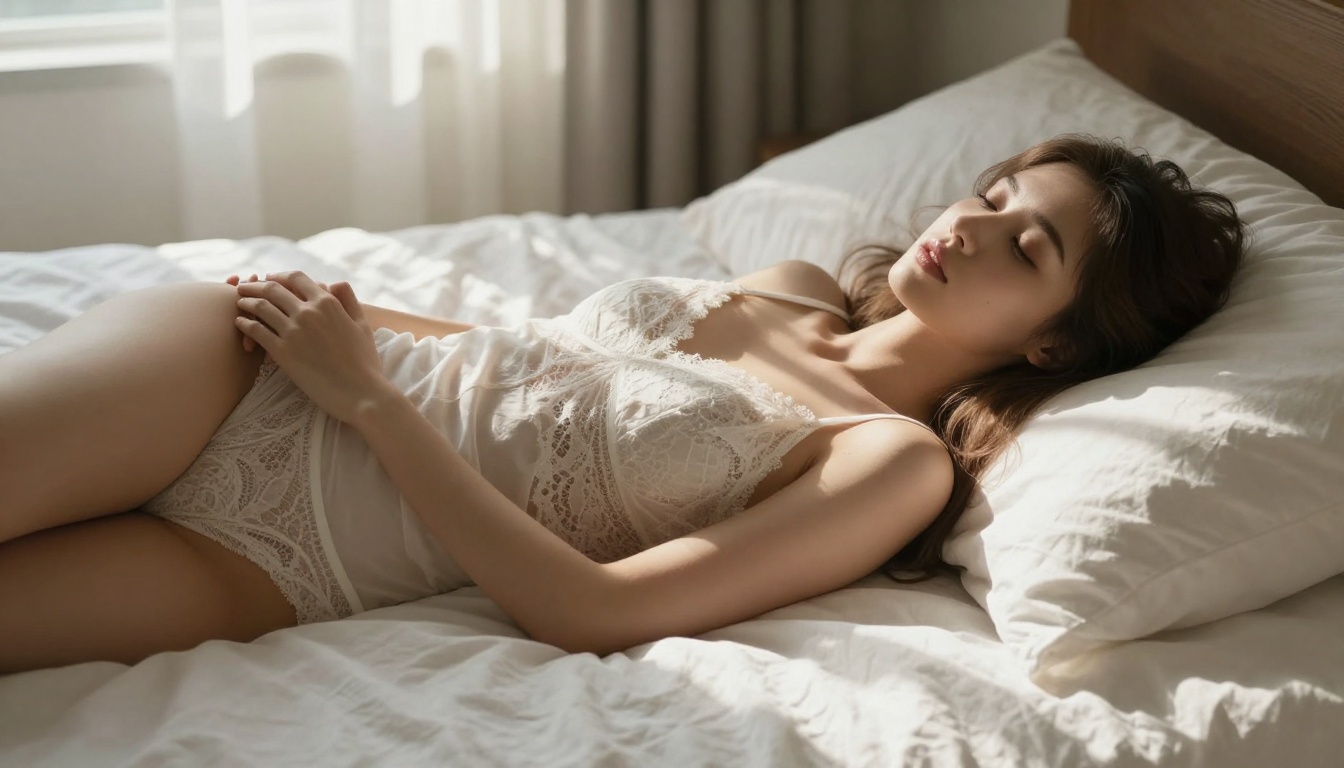
PicassoIA's full lineup of NSFW-capable models covers every use case in the waifu content creation pipeline:
- Seedream 4.5 by ByteDance: The top pick. Realistic, fast (under 3 seconds), accepts NSFW and supports image editing.
- PicassoIA Image Editor Pro: Img2img with unlimited generations on Elite/Infinite plans. Under 1 second per output.
- Qwen Image 2: Open source. Edit or generate any image in seconds with very detailed realism.
- Grok Imagine Image: Realistically converts any image to bikini format or similar aesthetic edits.
- Recraft V4: Very realistic text-to-image results, text-input only.
- P-Image: NSFW text-to-image in under 1 second. Good for rapid iteration.
Unlike mainstream AI platforms with heavy content filters, PicassoIA gives creators full creative freedom with uncensored, high-performance models.
How to Build Your Own AI Waifu on PicassoIA
You don't need to be a developer to put together a complete AI waifu experience. PicassoIA's platform connects every tool in the stack. Here's how to do it from scratch.
Step 1: Design the Character
Write out a character sheet before you open any model. Define:
- Name and age
- Personality traits (3-5 adjectives)
- Speech patterns (formal/casual, verbose/clipped)
- Backstory (2-3 sentences)
- Visual identity (hair color, eye color, typical clothing style)
This character sheet becomes your system prompt for the LLM, your voice direction for TTS, and your generation prompt for images. Consistency across all three layers is what separates a convincing AI companion from a disconnected collection of outputs.
Step 2: Generate the Base Portraits
Go to Seedream 4.5 and generate 3-5 base portraits using detailed photorealistic prompts. Include lighting direction, camera lens specifics, and texture details. RAW 8K photography language in the prompt consistently improves output quality.
Once you have your base, run variations through PicassoIA Image Editor Pro to generate outfits, scenarios, and expressions without rebuilding from scratch each time.
Step 3: Build the Voice
Head to the text-to-speech section and select a model that fits your character's archetype. ElevenLabs V3 is the most flexible for custom voice design. If you have a reference clip from an anime voice actor or a recording you made yourself, Qwen3 TTS handles cloning with excellent fidelity.
Step 4: Set Up the Chat Persona
Choose your LLM from the large language models section. For most use cases, GPT 5 or Claude Sonnet 5 will give you the most consistent character behavior. Paste your character sheet as the system prompt. Start with a short calibration exchange to test whether the model holds the persona correctly before committing to a long session.
💡 Common mistake: Users set a system prompt and then ask the model to break character to "test" it. This actually trains the conversation context away from the persona. Keep every message in-frame.

The Real Appeal: Why People Use Waifu Chatbots
This is the question most tech-focused articles skip. The honest answer has multiple layers.
Companionship Without Social Pressure
Social anxiety is extremely common. For many users, an AI companion provides a low-stakes environment to practice emotional expression, vulnerability, and conversation. The AI doesn't judge. It doesn't get tired of the same topic. It doesn't make you feel embarrassed for being enthusiastic about something niche.
Creative and Narrative Play
A significant portion of waifu chatbot users aren't interested in simulated relationships at all. They're writers, game designers, and worldbuilders using the AI as a collaborative creative partner. They build characters, test dialogue, and iterate on backstory. The "waifu" framing is incidental. The tool is a character development sandbox.
The Parasocial Upgrade
Parasocial attachment to anime characters has existed since the medium began. AI chatbots don't create this attachment. They extend it. Instead of a static character in a finished story, you have a dynamic entity that responds to you specifically. For people who already have strong affection for a particular character archetype, this is a qualitative change in what that connection can be.

What's Still Hard: The Unresolved Problems
No waifu chatbot is perfect. The problems that remain are structural.
Persona Drift
Even the best LLMs drift over a very long session. The character who was shy and reflective in message 1 becomes increasingly generic by message 200. Some platforms address this with memory injection, feeding the original character sheet back into the context every N messages. Others require manual re-prompting. Neither solution is elegant, but GPT 5.1 and Grok 4 currently show the best resistance to drift over long sessions.
Voice Latency
Real-time voice response from a TTS model introduces latency. The current best in class, Realtime TTS 2 by Inworld and Flash v2.5 by ElevenLabs, bring response time down to 120-200ms, which is approaching conversational naturalness. But streaming text-to-speech over a chat pipeline still adds perceptible delay that breaks the illusion of spontaneity.
Visual Consistency
Generating a consistent face across multiple images remains genuinely hard. Without fine-tuning or a LoRA trained on your specific character, even the same model with the same prompt produces subtle facial differences between generations. PicassoIA Image Editor Pro partially solves this by using an existing image as the reference, preserving more visual consistency between outputs than pure text-to-image approaches.
Build Your AI Waifu at PicassoIA
Every tool discussed in this article is accessible in one place. PicassoIA hosts over 91 text-to-image models, 75 large language models, and 24 text-to-speech models on a single platform. You don't need to manage API keys across five different services or wire together a custom integration pipeline.
Start with Seedream 4.5 for image generation, pick your voice from the TTS collection starting with ElevenLabs V3, and set up your chat persona using GPT 5 or any of the 75 LLMs available.
The full catalog, including every NSFW-capable generator, is at picassoia.com/en/all-models. If you're serious about building a compelling AI companion, that's where it starts.