Every December the same thing happens. You buy the tiny Santa hat, set up the tree, grab the treats, and your dog shakes the hat off in two seconds, stares at the ceiling, and walks away. An AI Christmas photo with your dog fixes that. You upload one clear picture of your pet, type a short description of the scene you want, and a few seconds later you have a holiday portrait that looks like a pro photographer spent an afternoon on it.
This article gives you the exact prompts, a straight comparison of free apps, plenty of Santa ideas, and a simple workflow that keeps your dog looking like your dog and not a random lookalike.
Why AI Beats the Real Shoot
A real Christmas photo session with a dog is a negotiation. The dog wants to move, the light changes every minute, and the hat never stays on. AI removes most of those problems.
Here is what you gain:
- No stress for the dog. Nobody has to wear a costume that itches. Your dog stays relaxed at home while the costume is added digitally.
- Any setting you can imagine. Snowy porch, cozy fireplace, forest walk, Santa's workshop. No travel, no props to buy.
- Fast iteration. If the first result is not right, change three words in the prompt and try again.
- Great for dogs that are no longer with us. Many people use an old photo of a senior or lost pet to create a warm holiday memory. It is one of the most meaningful uses of the technology.
💡 Tip: The best results come from one sharp, well-lit reference photo of your dog's face. Spend two minutes taking that photo and everything else gets easier.
What the Search Intent Really Is
People searching for this topic usually want one of three things: a Christmas card image, a funny Santa-themed picture for social media, or a keepsake portrait. The workflow is the same for all three, only the prompt style changes. Cards want clean backgrounds and room for text. Social posts want humor and bold color. Keepsakes want soft light and emotion.
Free Apps Compared
You do not need to pay to get a decent result. Free tiers have limits, but for one or two holiday images they are usually enough. Here is how the common options stack up in practice.
| Option | Best for | Pet likeness | Free limit | Watch out for |
|---|
| Dedicated pet photo apps | Quick Santa hat overlays | Medium | A few images, often watermarked | Watermarks, subscription prompts |
| Chat-based assistants with image tools | Casual one-off edits | Medium | Daily cap | Fur color can drift |
| Text-to-image platforms | Full custom scenes | High with a reference | Varies by model | Needs a good prompt |
| Photo editor apps with AI stickers | Hats, antlers, bow ties | High (your real photo stays) | Usually generous | Looks pasted on |
If you want a fully custom scene, a text-to-image platform with reference support wins. Models like Nano Banana are built for editing a photo you already have, which means your dog's face, markings, and ear shape carry over into the new scene. Seedream 4.5 is a strong pick when you want crisp, detailed 4K output with realistic fur. For quick experiments, Flux Schnell returns images in seconds, which is handy when you are testing ten prompt variations.
Overlay Apps vs Real Scene Generation
Overlay apps place a hat on your existing picture. That is fine if your photo is already good. Scene generation rebuilds the whole picture around your dog, including lighting, shadows, and the background. The second approach looks far more natural because the light on the hat matches the light on the fur.
Prompts You Can Copy Today
A good prompt has five parts: the dog, the costume or props, the setting, the light, and the camera. Skip any one of them and the result gets generic. Replace the breed and color with your own.
The formula:
[Breed and color] dog wearing [Christmas item], [pose], in [setting], [light direction], shot on [lens], realistic fur texture, natural film grain.
The Classic Fireplace Portrait
A golden retriever wearing a red knitted Santa hat sitting beside a lit Christmas tree, warm firelight from the right, soft window light from the left, 50mm f/1.8 lens, shallow depth of field, realistic fur texture, Kodak Portra 400 film grain.
This is the safe, warm, card-ready option. It works for almost every breed.
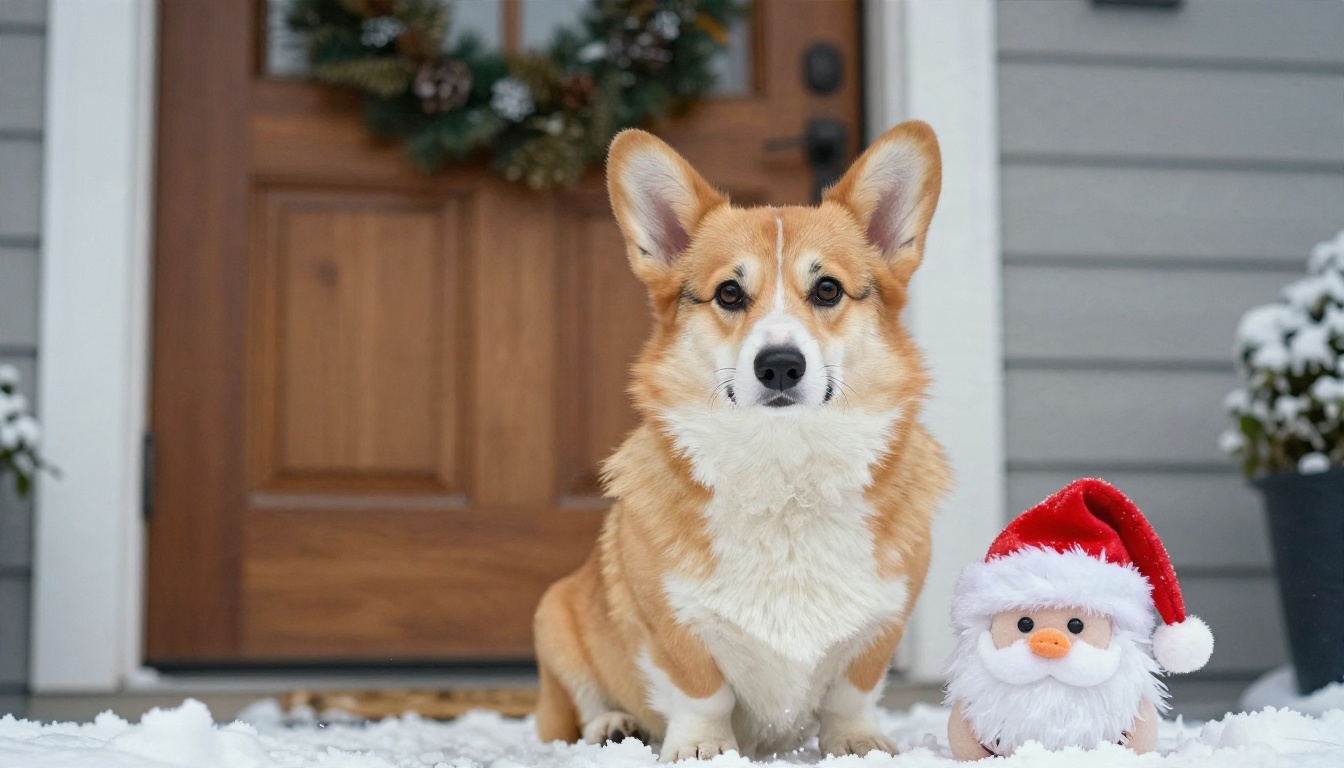
The Snowy Porch Close-Up
A corgi wearing a tiny Santa hat on a snowy front porch with a pine wreath on the door, soft overcast daylight, snowflakes on its whiskers, 85mm lens, eye-level shot, realistic textures.
Close-ups hide imperfect backgrounds and put all attention on the face. If your dog has expressive eyebrows or a big smile, this is the one.
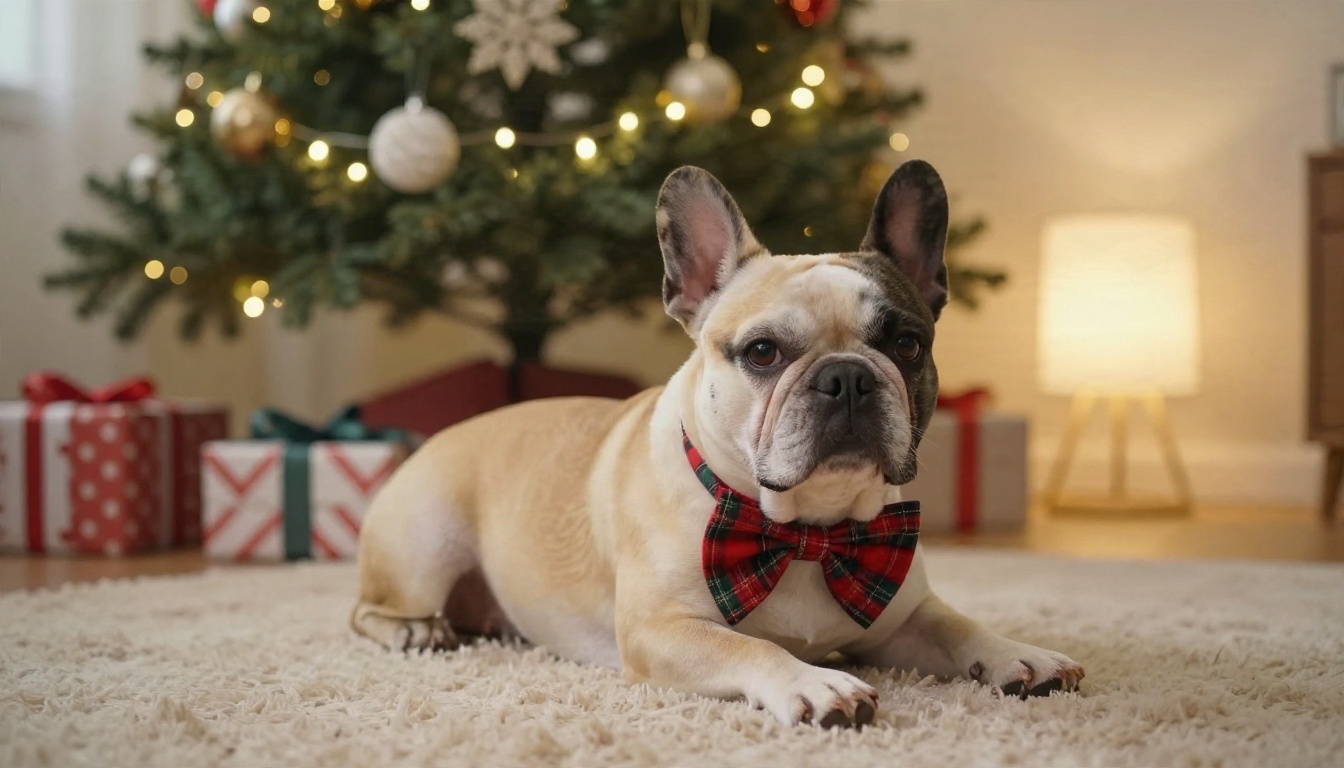
The Cozy Low-Angle Tree Shot
A French bulldog lying on a wool rug in front of a decorated Christmas tree, red and green plaid bow tie, string lights softly blurred behind, wrapped presents around, floor lamp light from the right, 35mm lens, low angle.
Low angles make small dogs feel heroic and give the picture a storybook feel.
💡 Tip: Always name the light. "Warm firelight from the right" produces a far better result than "nice lighting". The model uses it to place shadows on fur, hat, and floor.
Santa Ideas That Actually Work
Santa is the heart of this theme, and there are more ways to do it than a plain red hat. Here are the ideas people ask for most, with the prompt wording that tends to work.
- Dog as Santa. Full red coat, white trim, black belt, tiny round glasses. Add "sitting upright in a velvet armchair" so the pose reads as human-like but still natural.
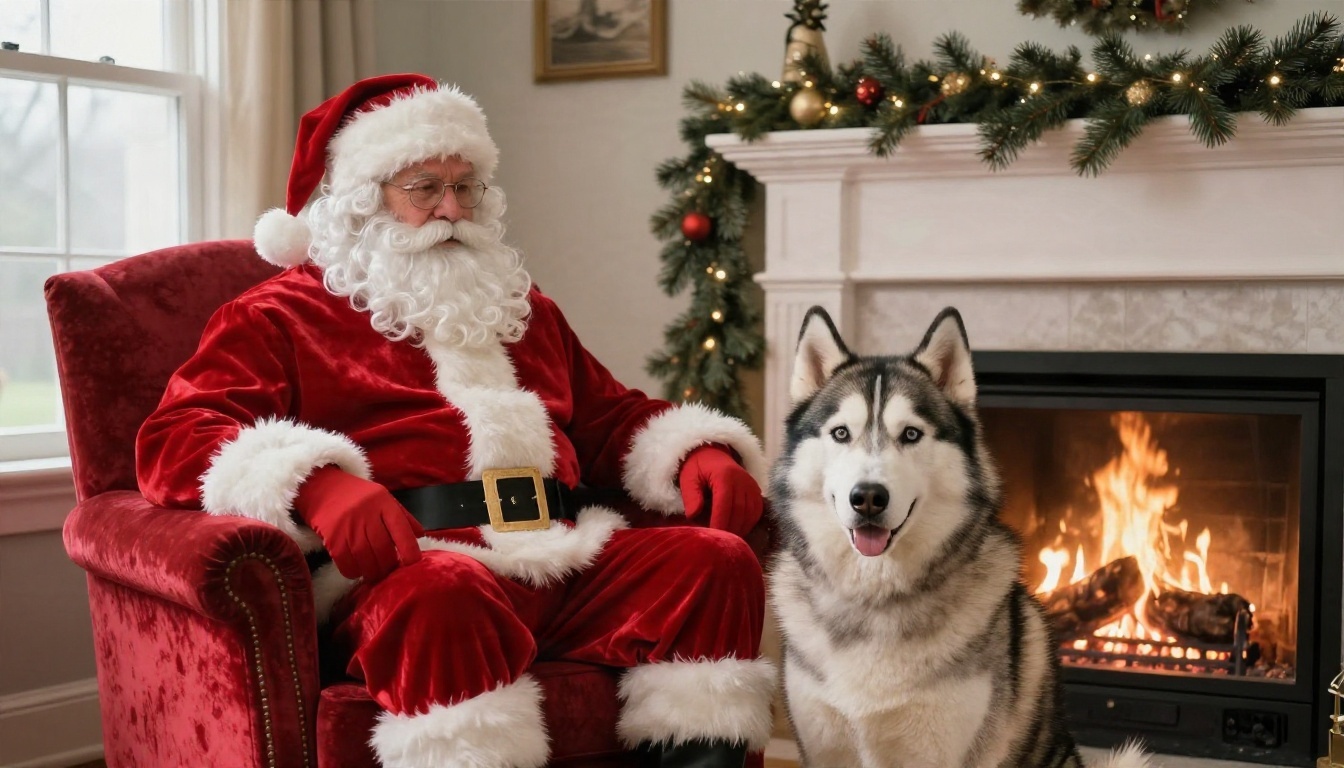
- Dog on Santa's lap. A real-looking man in a Santa suit with the dog calmly beside him. Good for big breeds such as huskies or shepherds.
- Dog as a reindeer. Soft antlers, a red nose, and a knitted sweater. Works great for short-haired breeds like dachshunds.
- Dog with Santa's sack. A burlap sack of gifts at its feet, snow falling in the background.
- Santa's workshop helper. A wooden workshop shelf, small toys, warm lantern light, and a dog in an elf collar.
- The naughty list. A funny one: shredded wrapping paper, a guilty expression, and a ribbon stuck on one ear.
Costume Details That Add Realism
Small items make the picture feel photographed instead of generated. Ask for knitted wool, velvet, faux fur trim, brass bells, or a holly collar. Real materials get real texture, and that texture is what sells the image.
How to Use Nano Banana on PicassoIA
Nano Banana is a good first choice because it edits your own photo instead of inventing a dog from scratch. That keeps the markings and face shape you recognize.
Steps:
- Open the model page and choose the image-editing input where you can add a reference picture.
- Upload one clear photo of your dog. A front-facing, well-lit shot with the whole face visible is ideal. Avoid sunglasses, harsh flash, or a blurry nose.
- Write the prompt using the formula above. Start with "Keep the same dog" so the model preserves its face and coat, then describe the new scene.
- Set the aspect ratio. Use 16:9 for banners and email headers, 4:5 for social posts, and 5:7 for printed cards.
- Generate, compare, and refine. Change only one thing at a time, such as the hat color or the light direction, so you can see what works.
- Upscale if you plan to print. Use a super-resolution model to push the image to print size.
Parameter tips:
| Setting | Suggested approach |
|---|
| Reference photo | One sharp face shot, natural light |
| Prompt length | 40 to 80 words, all five parts |
| Variations | Generate 3 to 4, pick the best |
| Hat or costume | Describe material and color, not just "Santa hat" |
| Background | Name two or three specific objects |
For sharper fur and more fine detail in the final image, try the same prompt on Seedream 4.5 and compare. Different models render fur differently, so it is worth running one prompt through two of them.
Making Your Dog Look Like Your Dog
The most common complaint is a result that looks like a cousin of your pet, not your pet. A few habits fix most of it.
Use a Strong Reference
The cleaner the reference, the better the likeness. Natural window light, eye-level angle, and the full head in frame give the model everything it needs: eye color, nose shape, ear position, and coat pattern.
Describe the Unique Features
Add one line that names what makes your dog special. "White blaze on the chest, one floppy ear, brown patch over the left eye." Models respond to that kind of detail.
Keep the Costume Simple
Too many accessories confuse the result. One hat or one sweater is enough. If you want both, add them in a second pass instead of one huge prompt.
Watch the Common Errors
| Problem | Fix |
|---|
| Extra paws or odd legs | Choose a seated or lying pose, not mid-jump |
| Wrong fur color | State the exact color and name the breed |
| Plastic-looking hat | Add "knitted wool" or "velvet with faux fur trim" |
| Flat lighting | Name a light source and direction |
| Strange eyes | Use a close-up reference with open eyes |
Photos With You in the Frame
A dog portrait is sweet. A picture with the whole family is the one people frame. You can place yourself next to your dog by uploading both photos as references, or by generating the scene first and then using a face swap tool to place real faces in it.
The Matching Pajama Morning
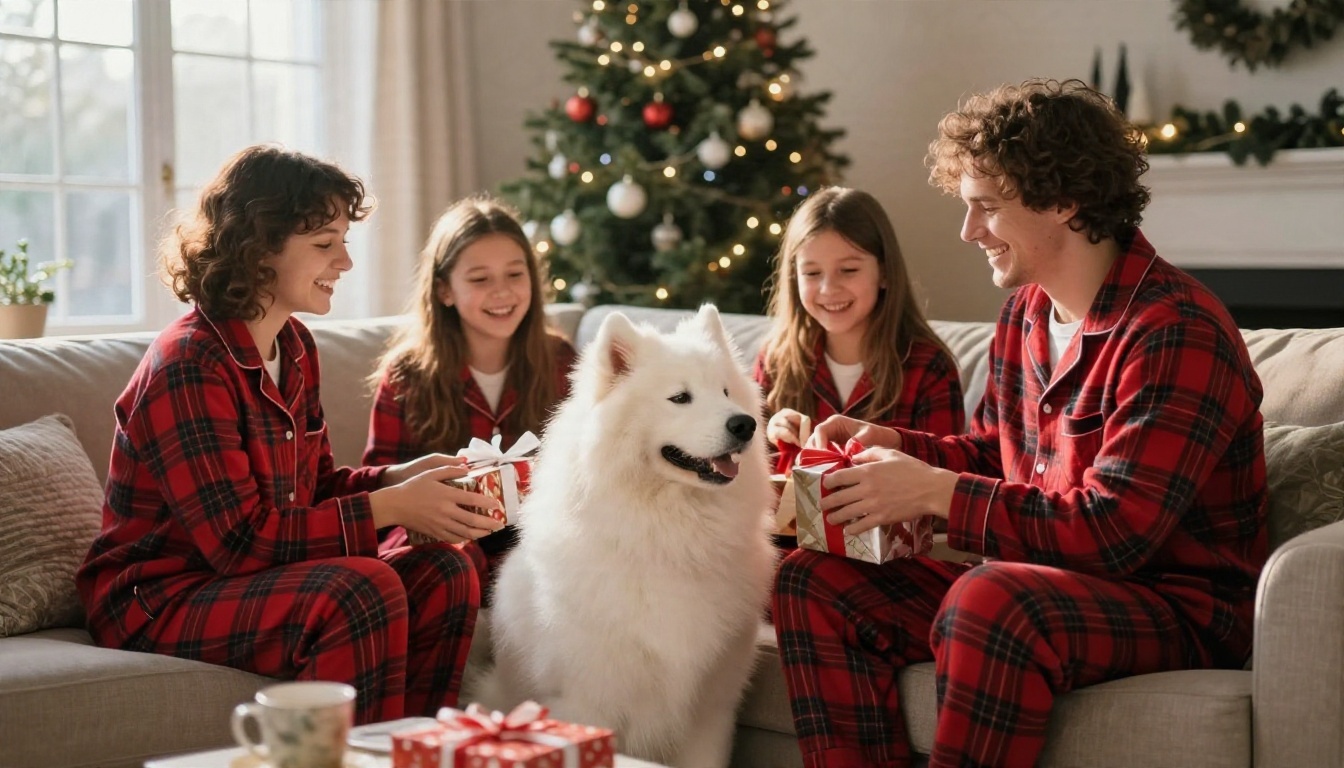
A family of four in matching red plaid pajamas on a sofa with a fluffy white Samoyed between them, opening presents on Christmas morning, golden sunlight from the left window, tree in the background, 50mm lens, candid laughter.
It is the most requested family scene, and it works because the setting is simple and the light is soft.
The Winter Walk
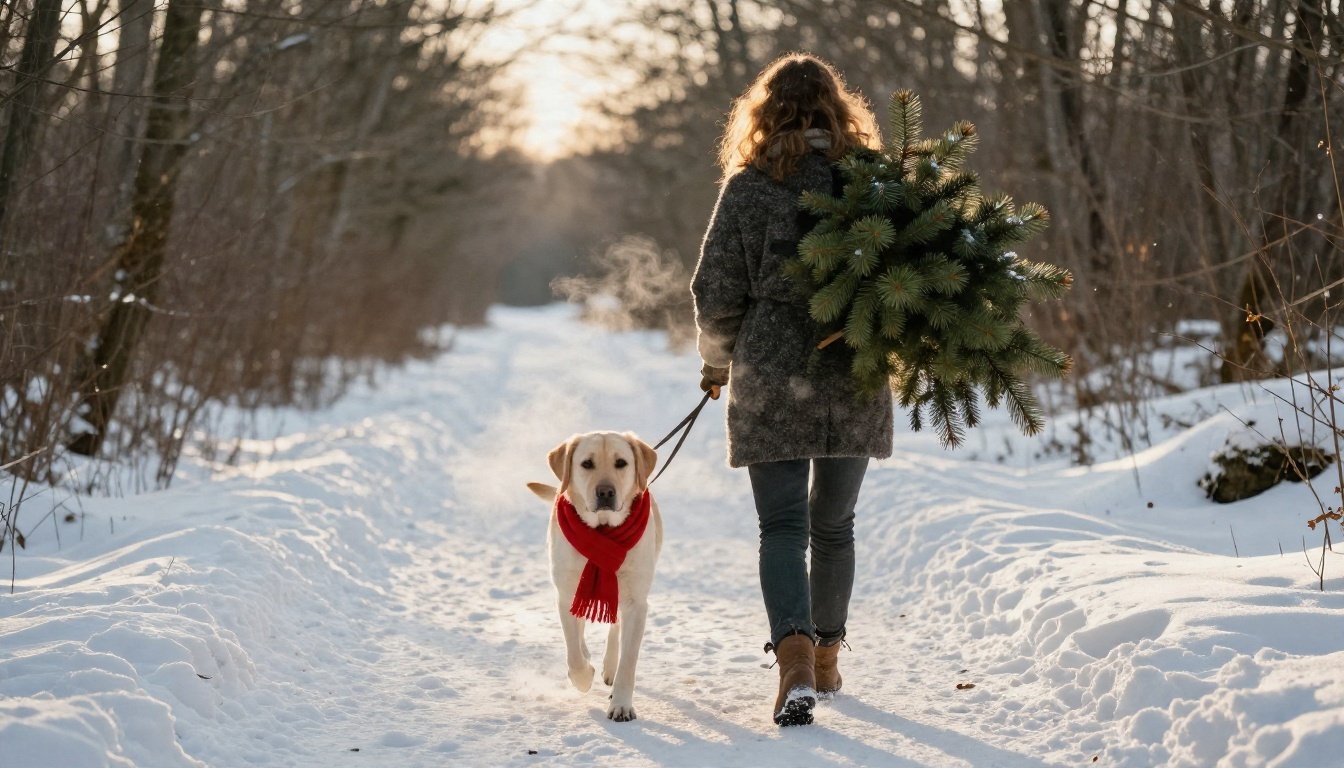
A woman and her Labrador walking along a snowy forest path at golden hour, the dog in a red scarf, the woman carrying a small fir tree, low sun behind them, breath mist in the cold air, 35mm lens.
It feels like a real outdoor tradition and makes a lovely wide card image. Rim light from the low sun gives the fur a soft glow.
💡 Tip: For card layouts, ask for "empty snowy space in the upper third of the frame". That leaves room for a greeting without covering the dog.
Style Choices for Every Use
Not every picture needs the same mood. Pick the look that fits where the image will be shown.
| Use | Mood | Prompt keywords |
|---|
| Printed Christmas card | Warm, classic | fireplace, wool, soft amber light, centered dog |
| Social media post | Funny, bold | Santa suit, big expression, bright red, close-up |
| Memorial keepsake | Gentle, quiet | window light, senior dog, muted tones, holly collar |
| Phone wallpaper | Clean, simple | snowy background, vertical frame, space at top |
| Gift for a relative | Personal, detailed | name the dog's features, add a small present |
The Senior Dog Portrait
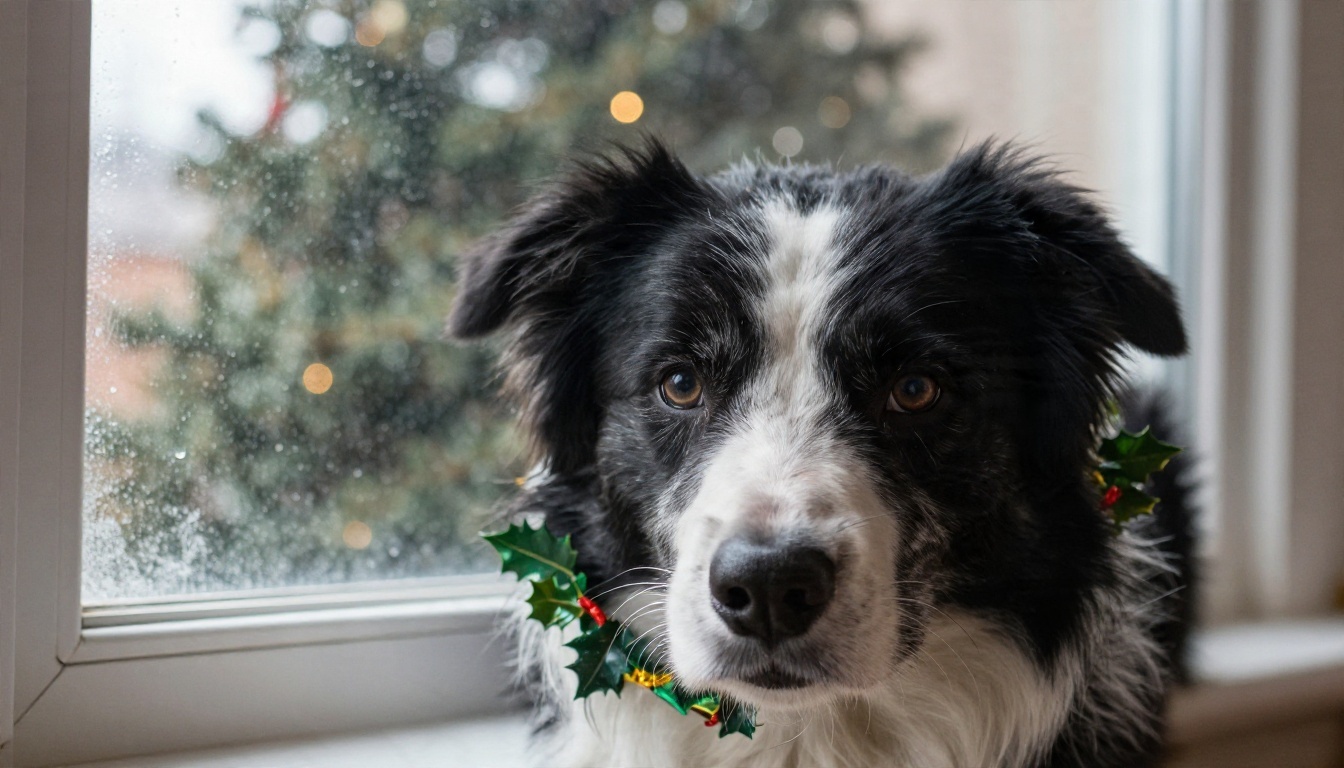
For older dogs, a quiet close-up carries the most emotion. Frosted window light, a graying muzzle, and a small holly collar say more than any elaborate scene.
The Funny Reindeer
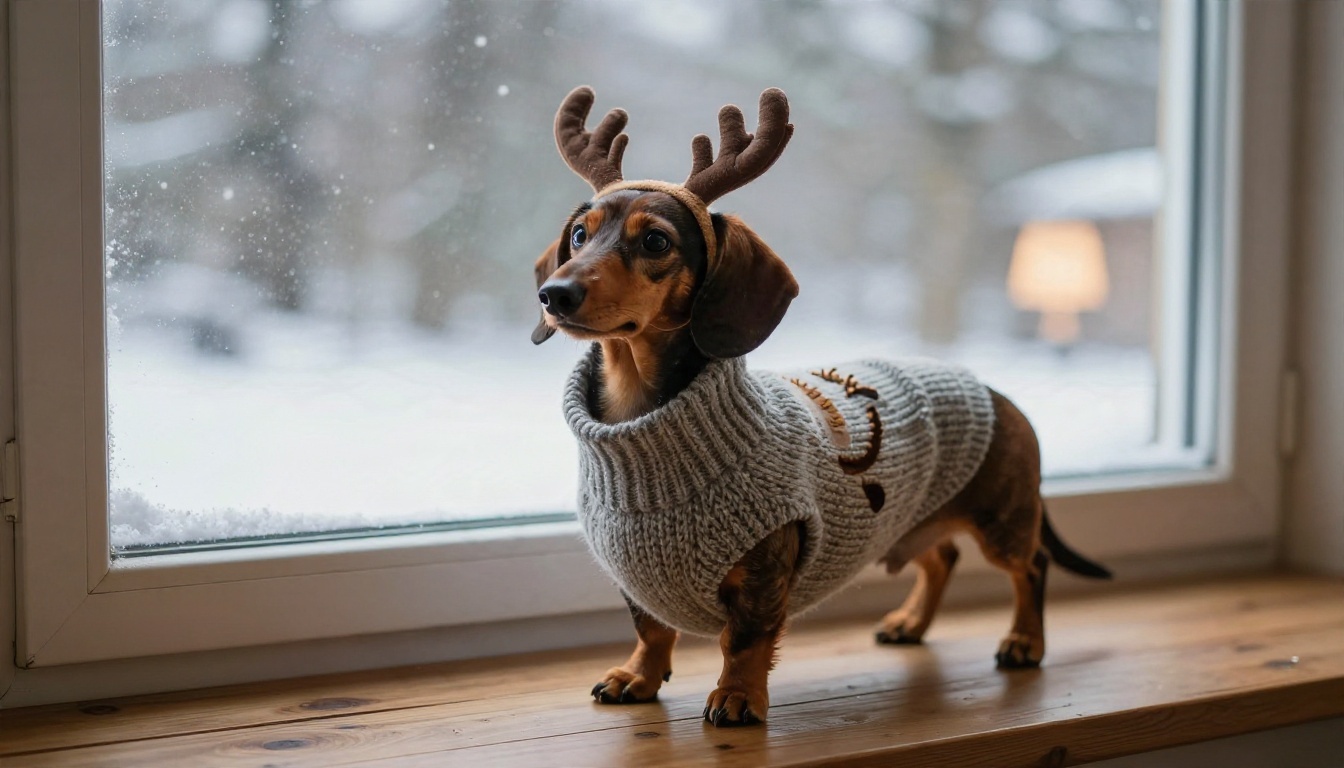
A dachshund in a knitted reindeer sweater and antlers standing by a snowy window is the kind of picture that gets shared in family group chats. Humor works best when the dog stays calm and the costume does the talking.
From Image to Printed Card
Once you have a picture you love, a few steps turn it into something you can hand out.
- Upscale it. A card printed at 5 by 7 inches needs far more pixels than a social post. Run it through a super-resolution model first.
- Remove or swap the background if you want a plain color behind your dog. A background removal model does this in seconds.
- Add a short greeting. Keep it to a few words. Text generated by image models can be unreliable, so add it in any design editor afterward.
- Check the colors on paper. Red and green print differently than they look on screen, so order one sample first.
You can also turn your favorite still into a short moving clip for messaging apps, but a clean still image is still the best choice for cards and prints.
Quick Answers for Dog Owners
Is it free? Many apps and platforms offer a free tier or a few free generations. It is enough for a handful of holiday pictures.
Will it work with a black dog? Yes, but name the light source clearly. Dark fur needs rim light or a bright background so the details show.
Can I use a photo of a dog that passed away? Yes. Use the clearest picture you have and keep the scene simple. Many owners say this is the most touching way they have used AI.
Does it work for cats and other pets? The same prompts work. Replace the breed and adjust the costume size.
How many tries will I need? Plan for three to six generations per scene. The first result is rarely the best one.
Make Your Own Holiday Portrait
You already have everything you need: one good photo of your dog and a few lines from the prompts above. Pick a scene, paste the prompt, swap in your dog's breed and color, and see what comes back. Try the same idea on Nano Banana, Seedream 4.5, and Flux Schnell and keep the one that looks most like your best friend.
Open PicassoIA, upload your dog's picture, and make this year's Christmas card the one everyone asks about. Browse every available model at picassoia.com/en/all-models and start experimenting today.


