AI Code Generator for Website: HTML, Live Preview, Free Tools and Prompts
Type a sentence, get a working web page. This article shows how an AI code generator for a website produces clean HTML, how live preview speeds up edits, which free tools are worth testing, and the exact prompts that work.
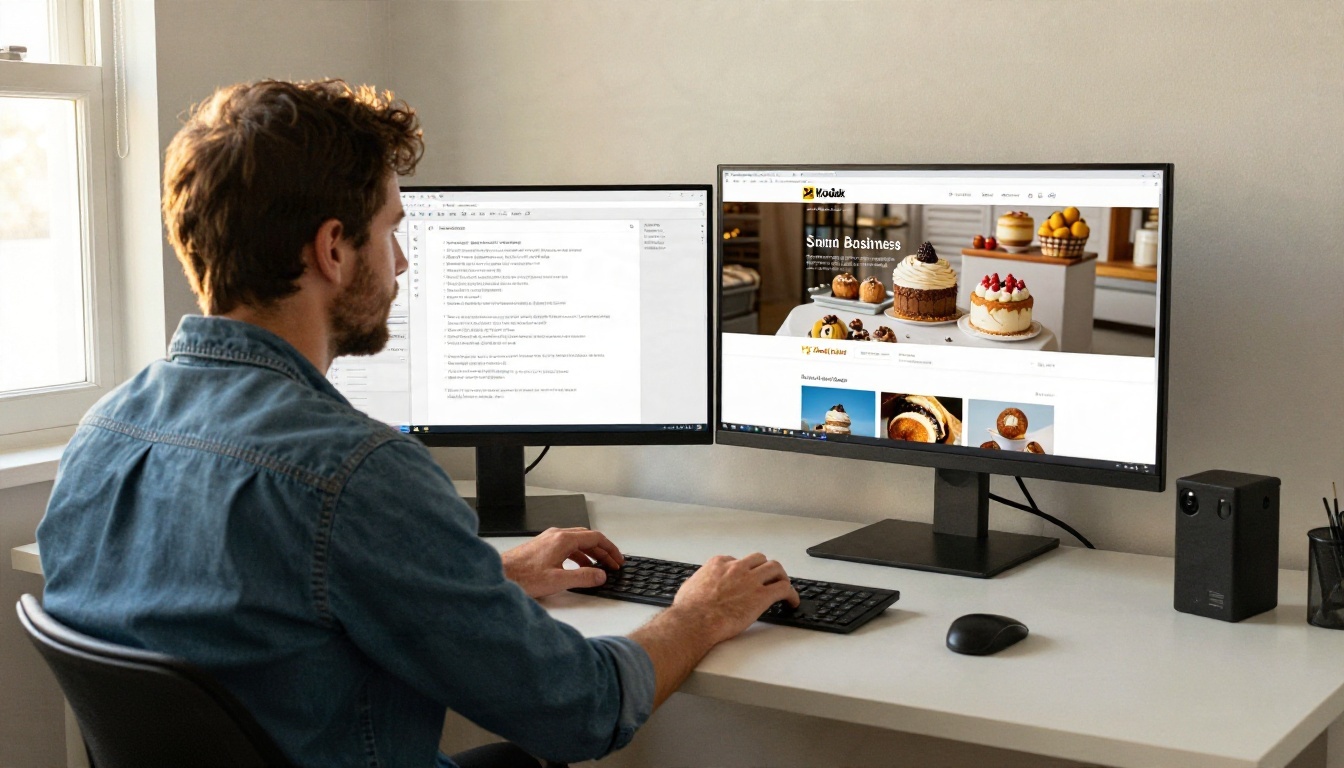
You describe a page in one sentence. Ten seconds later, a full HTML file sits on your screen, styled, responsive, and ready to open in a browser. That is what an AI code generator for a website does today, and it has moved from party trick to a normal part of how small businesses, freelancers, and developers ship pages.
But the results vary wildly. Some prompts return a clean, readable file with sensible headings and a working mobile layout. Others return a wall of div tags with inline styles and a contact form that does nothing. The difference usually comes down to three things: the model you pick, the way you ask, and whether you can see the result immediately through a live preview.
This article walks through all three. You will see how HTML generation works, which free tools make sense for a first project, how to build a prompt that gets usable code on the first try, and how to run the whole process on PicassoIA with a large language model.
What an AI Website Code Generator Does
At its core, a code generator is a large language model trained on a huge amount of public code and documentation. You give it a request in plain English, and it predicts the HTML, CSS, and JavaScript that best match that request. It does not "know" your brand or your customers. It knows patterns: what a pricing table usually looks like, how a sticky header is built, how a form is wired.
Search intent behind the tool
People who look for this tool usually fall into three groups:
Non-coders who need a simple site for a shop, event, or portfolio and do not want to pay a developer for a one-page job.
Designers who want a working draft of a layout so they can show a client something real instead of a static mockup.
Developers who are tired of writing the same navigation bar and footer for the fortieth time.
Each group wants something slightly different, yet all of them want the same thing: usable code with the least back and forth.
What it can and cannot do
A good model can produce a landing page, a restaurant menu, a portfolio grid, a blog template, a simple calculator, or a signup form with client-side validation. It handles semantic HTML, flexbox and grid layouts, media queries, and small bits of vanilla JavaScript without trouble.
It struggles with things that need real servers: payments, user accounts, databases, and anything that relies on private keys or secrets. You can still generate the front end of those features, but you will wire the back end separately.
💡 Quick rule: If the feature can run entirely inside a browser tab, AI can usually build it in one pass. If it needs a server, expect to build the page with AI and the logic by hand or with a separate service.
How HTML Generation Really Works
Most people picture the model "designing" a site. In practice it writes text, and that text happens to be valid markup. Understanding this one fact changes how you prompt.
A single file versus a project
For a first page, ask for one self-contained HTML file with the CSS inside a style tag and any script inside a script tag. You can save it, double-click it, and see the result. No build tools, no folders, no installation.
Once you outgrow that, you can ask for separate index.html, styles.css, and script.js files. Models handle this fine, but a single file is far easier to preview, paste, and fix.
What clean output looks like
Here is a tiny sample of what good generated code looks like. Notice the semantic tags, the readable class names, and the responsive rule at the bottom.
If your output looks like this, you are in good shape. If it is full of inline styles on every tag, ask the model to "move all styles into one style block and use class names."
Live Preview Changes Everything
Reading code is slow. Looking at a page is fast. A live preview panel renders the generated HTML right next to the code, so you see mistakes the moment they appear: a button that is too small, a heading that wraps badly, a color that fights with the background.
The edit loop that works
The fastest workflow has four steps and takes about two minutes per round:
Generate the first version from a clear prompt.
Open it in a preview, or just save the file and refresh the browser tab.
Write down what looks wrong in plain words ("the hero text is too close to the top, the buttons look cramped on mobile").
Send that note back to the model with the current code and ask for a revised file.
Treat the model like a junior colleague who types very fast. Give short, specific feedback each round instead of rewriting the whole brief.
Preview without any special tool
You do not need a fancy editor. A saved .html file opens in any browser. For a split view, keep the model chat on one half of your screen and the browser tab on the other. Browser developer tools also let you test phone widths, so you can check the responsive behavior in seconds.
💡 Tip: Always test at three widths: a phone around 375 pixels, a tablet around 768, and a laptop around 1280. Most layout bugs from generated code show up at the phone width first.
Free Tools Worth Trying First
You can start without paying anything. Several web tools offer a prompt box plus a rendered preview, and a few of them let you copy the code without creating an account. Names such as CSSPicker's HTML generator, Playcode, and various AI site builders come up often in searches. Their free limits change often and many are self-reported, so check the current terms before you build anything important on them.
What "free" usually means
What you see
What it often means
Free to try
A handful of generations per day, then a wait or a paywall
Free preview
You can see the site but not publish it on your own domain
Free export
You can copy the code, which is the part that matters most
No signup
Faster to test, but your history may not be saved
The safest habit is simple: always copy the code out and keep it in your own folder. A site you can export is a site you own.
Free language models on PicassoIA
If you want more control than a template-driven builder gives you, a raw language model is the better route. PicassoIA lists several models that write code well, and some are free to use for text tasks:
Granite 8B Code Instruct 128K accepts a much longer input, which helps when you paste in a big file and ask for edits.
DeepSeek V3 writes text and code and handles multi-section pages without drifting.
Granite 4.1 8B is a lighter option for chat and quick code fixes.
Which Model Fits Which Job
Not every model suits every page. A short landing page is a small task. A multi-page site with a filterable gallery and form logic is a bigger one. Matching the model to the job saves time.
Start with a fast model for the first draft. If the layout is right but the code is messy, hand that draft to a stronger model and ask it to clean up. If the layout is wrong, go back to the prompt before you switch models. In my experience, a vague prompt hurts results far more than a mid-tier model does.
💡 Screenshot trick: A model that accepts images, such as Qwen3.7-Plus, can look at a screenshot of a page you like and write HTML that follows its structure. Use this for inspiration and always change the text, colors, and images so the result is your own.
Prompts That Return Usable Code
The prompt is where most people lose time. A short sentence like "make me a website" gives the model nothing to hold onto, so it guesses, and guesses are generic. A good prompt has five parts.
The five-part prompt
Purpose: what the site is and who it is for.
Sections: the exact blocks you want, in order.
Style: colors, fonts, mood, and spacing in plain words.
Technical limits: single file, no external libraries, mobile first.
Output rule: "Return only the code, no explanation."
Prompt you can copy today
Build a single-file HTML page for a neighborhood bakery called Sunrise Bakery. Sections in order: sticky header with logo text and three menu links, hero with headline and an "Order for pickup" button, a three-card grid of best sellers, an opening hours table, and a footer with address and phone. Style: warm cream background, terracotta buttons, serif headings, generous spacing. Technical: semantic HTML, CSS inside a style tag, no external libraries, responsive from 375 pixels up. Return only the code.
"Countdown in vanilla JavaScript, schedule table, map placeholder"
Restaurant
"Menu with category tabs, dietary icons as text labels, reservation form"
Product page
"Image gallery with thumbnails, size selector, add to cart button with no back end"
Personal blog
"Article list, reading time label, dark mode toggle saved in local storage"
Revision prompts that save time
After the first draft, use targeted follow-ups instead of starting over:
"Increase the contrast of the body text so it passes accessibility checks."
"Replace pixel font sizes with rem units."
"Add alt text to every image and a skip link at the top."
"Break the CSS into logical groups with short comments."
"Reduce the page to the minimum code needed. Remove anything unused."
How to Use Claude Sonnet 5 on PicassoIA
A language model on PicassoIA works as a chat-style tool: you write a prompt, press run, and read the answer. Here is the process for building a page with Claude Sonnet 5, which is described on its page as a coding-focused model.
Paste your five-part prompt. Use the bakery example above as a template and swap in your own business, sections, and colors.
Run it. Wait for the full file to appear. Long pages take a little longer than short ones.
Copy the code. Paste it into a plain text file and save it as index.html.
Preview it. Double-click the file to open it in your browser, then resize the window to test phone and laptop widths.
Send feedback. Return to the model, paste the current code, and write your list of fixes in short, concrete lines.
Repeat until it feels right. Two or three rounds are normal for a polished page.
Tips for better results
Paste the code back every time. The model edits what you give it, so include the latest file in each follow-up.
Ask for one change type per round. Layout fixes in one pass, copy edits in another, accessibility in a third.
Switch models for variety. If you dislike the style, run the same prompt on GPT 5.6 Sol or Gemini 3.5 Flash and compare the drafts side by side.
Keep a prompt library. Save the prompts that worked. Reusing them for the next client or project is where the real time savings come from.
Mistakes That Break Generated Sites
Even with a good prompt, some problems show up again and again. Knowing them in advance makes review quick.
Five common problems
Missing viewport tag. Without it, the page looks tiny on phones. Check that the meta name="viewport" line is in the head.
Fake form behavior. A generated form often looks right but sends nothing. Plan a real handler or a form service before you launch.
Invented links and images. Models love placeholder links and image paths that do not exist. Replace every one of them.
Weak accessibility. Look for missing alt text, low-contrast colors, and buttons made from plain divs.
Outdated or odd libraries. If you asked for no libraries and the code still pulls in three scripts, ask the model to rewrite without them.
A short review checklist
Does the page have one h1 and a logical heading order?
Do all images have alt text?
Does the layout hold at 375, 768, and 1280 pixels?
Do all links go somewhere real?
Is there a clear page title and meta description for search?
💡 Safety note: Never paste passwords, private keys, or customer data into a prompt. Describe the structure of what you need and keep real secrets out of any chat.
From Draft to Live Site
Once the page looks right in your browser, you still need to put it somewhere people can reach it. A single HTML file is easy to host because it needs no server software. Any basic static hosting service will serve it, and many small businesses stay on this setup for years.
Before you publish
Read the text out loud. Models repeat phrases and slip in claims you cannot back up.
Replace stock sentences with details only you know: your prices, your hours, your story.
Compress images so the page loads quickly on a phone connection.
Add a real contact method and test it yourself.
Keep a backup copy of the final files in two places.
When to bring in a developer
AI covers a lot of ground on the front end, but some jobs still call for a person: payment flows, login systems, custom integrations, and anything with legal weight such as privacy and cookie handling. A smart pattern is to let the model produce the base page, then hand a clean file to a developer for the parts that need real engineering. That keeps the paid hours short and focused.
Try It on PicassoIA Today
You do not need a design degree or a coding background to get a first page on screen this afternoon. Pick a small project, such as a one-page site for a hobby, a local event, or a side business. Write the five-part prompt, run it on Claude Sonnet 5, and open the result in your browser. Then try the same prompt on a second model and compare which draft feels closer to what you pictured.
PicassoIA puts many language models in one place, so you can test code generation without juggling accounts and subscriptions. When your site needs visuals, banners, product shots, or short clips to go with the code, the same platform has image and video models too. Browse everything at picassoia.com/en/all-models, pick a model, and build your first page. The first draft takes minutes, and every round after that gets sharper.