AI Coloring Page Prompt Ideas: Simple Line Art Examples to Copy
Looking for AI coloring page prompts that actually produce clean, printable line art? This article gives you copy-and-paste prompts for animals, flowers, mandalas, vehicles and cozy scenes, plus tips on line weight, white space, printing and fixing messy results.
You type "coloring page of a cat" into an image generator and get back a furry, shaded, gray-toned picture that no crayon can fill in. Sound familiar? The problem is rarely the AI. It is the prompt. A good coloring page needs bold outlines, empty interior space and a plain white background, and the model only gives you those if you ask for them in plain words.
This article is a swipe file. Below you will find copy-and-paste prompts for animals, flowers, mandalas, vehicles and cozy scenes, along with the reasoning behind each one so you can adapt them. Every example is built around simple line art: thick uniform strokes, no shading, no gray fills, no tiny details that frustrate small hands.
What Makes a Good Coloring Prompt
Before the examples, a quick look at why most first attempts fail. Image models are trained on millions of finished illustrations, so their default is to add depth, texture and shadow. A coloring page is the opposite: it is an unfinished picture on purpose.
The Four Parts of Every Prompt
Nearly every prompt in this article follows the same skeleton:
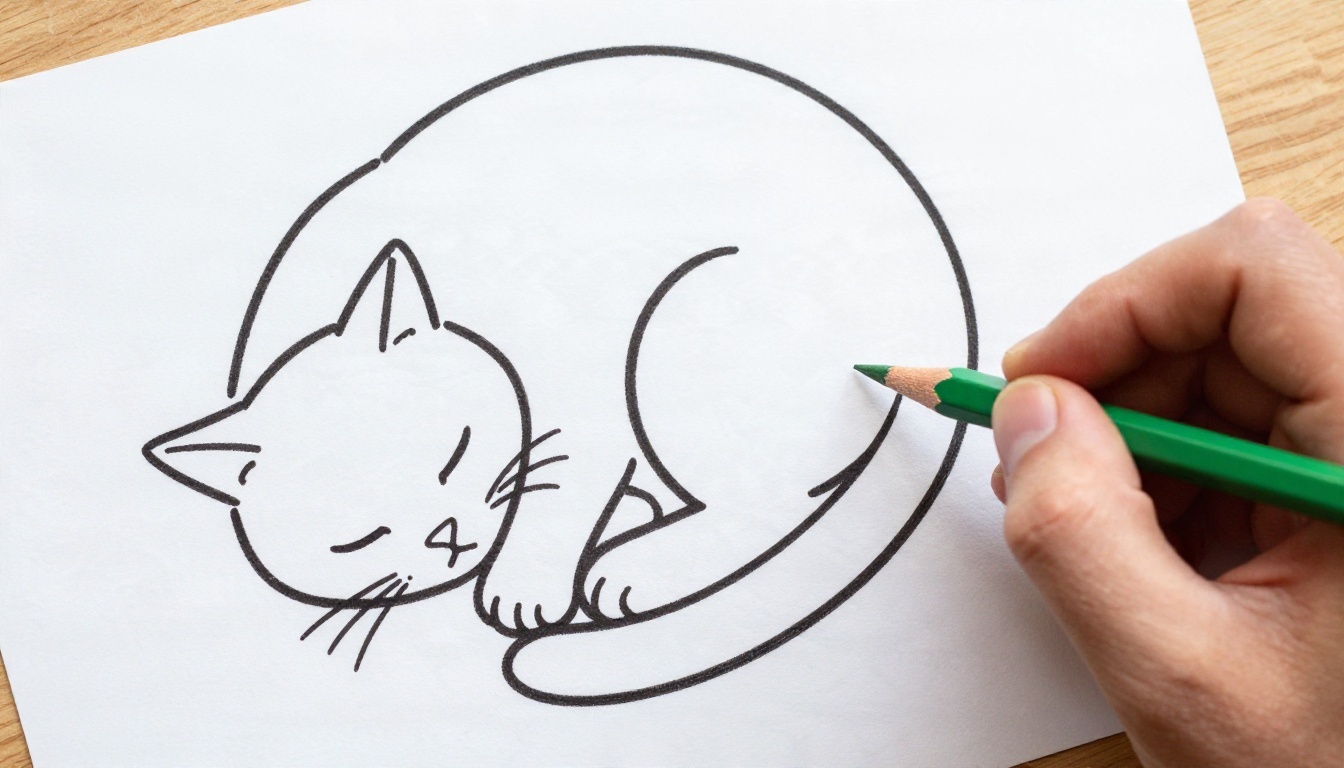
Subject: what is being drawn ("a sleeping cat curled in a ball").
Style words: "simple line art", "coloring book page", "clean black outlines".
Restrictions: "no shading, no gray fill, no hatching, no text".
Background: "plain white background" and, optionally, a simple frame or ground line.
💡 Tip: Put the restrictions near the end of the prompt in a short list. Models tend to respect the last few instructions more than the middle ones.
Line Weight and White Space
Two phrases change results more than anything else. "Thick, even outlines" keeps the strokes bold enough to print and trace. "Large open shapes" tells the model to avoid cramming in detail. For toddlers, add "very simple". For adults who enjoy fine work, swap in "medium line weight with intricate patterns".
Audience
Line weight phrase
Detail phrase
Toddlers (2 to 4)
extra thick outlines
one single large subject, very simple
Kids (5 to 8)
thick even outlines
a few small background elements
Teens and adults
medium outlines
repeating patterns, fine decorative details
Seniors, large print
extra thick outlines
big shapes, high contrast, few elements
Animal Prompts to Copy
Animals are the safest place to start. They have recognizable silhouettes, so even a minimal outline reads clearly.
Cat, Fox and Owl
Copy this one and replace the animal:
Coloring book page of a sleeping cat curled in a ball, simple line art, thick even black outlines, large open shapes for coloring, plain white background, no shading, no gray fill, no text
Variations that work well with the same structure:
A fox sitting among a few large leaves, with the leaves drawn as simple outlines.
An owl on a branch, with round eyes and a feather pattern made of three or four big scallops.
A hedgehog with a smiling face, spikes drawn as short bold triangles.
A rabbit holding a carrot, one ear folded over.
The words "curled in a ball" or "sitting" matter. Static, compact poses produce cleaner outlines than running or jumping animals, which often generate tangled limbs.
Dinosaurs for Small Hands
Dinosaurs are a reliable hit with kids, and they tolerate chunky stylization well.
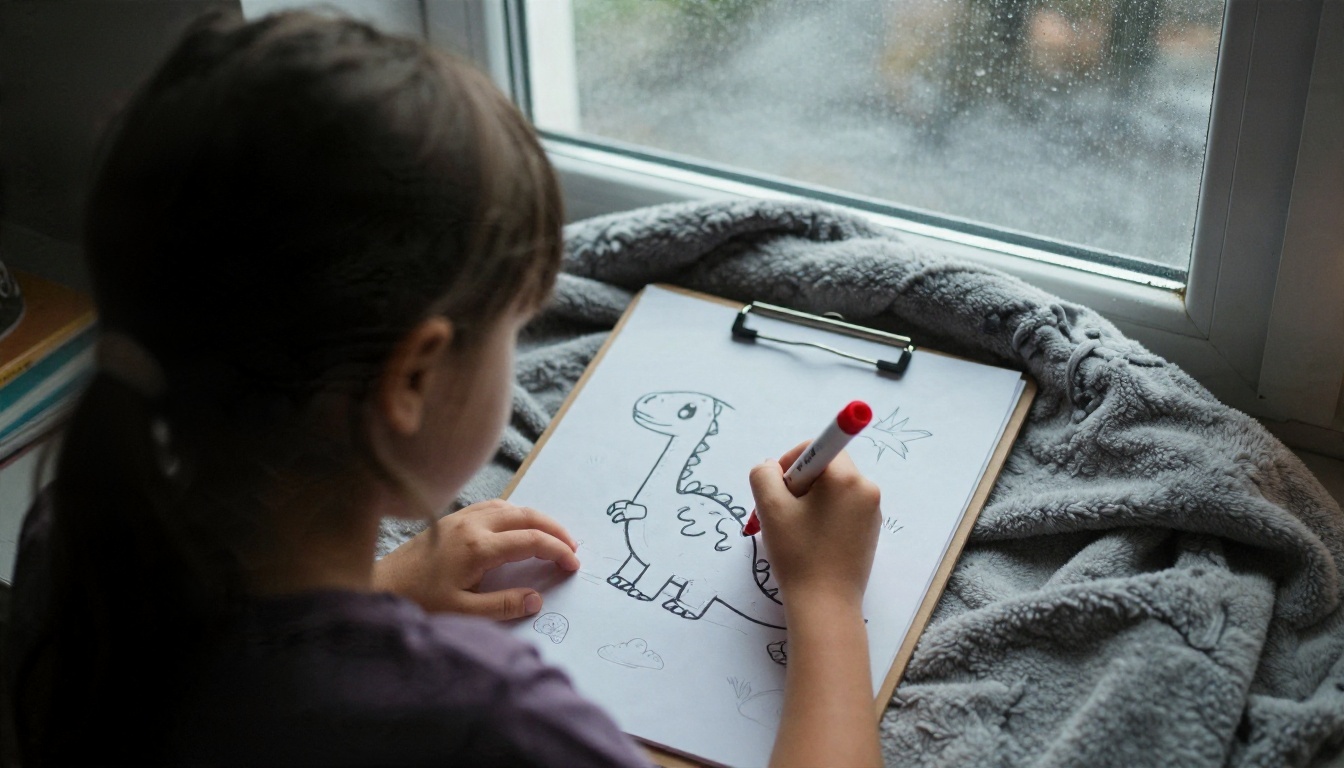
Coloring page of a friendly cartoon triceratops walking on grass, simple line art, very thick black outlines, big rounded shapes, three small flowers on the ground, white background, no shading, no text
Why the "friendly cartoon" part? Without it, many models drift toward a realistic museum-style skeleton with dozens of tiny scales. Asking for rounded, friendly shapes keeps the spaces big enough for a crayon.
💡 Tip: Want a set? Keep the style words identical and only change the subject. A batch of ten animals generated with the same wording will look like pages from one coloring book.
Nature and Garden Prompts
Plants are forgiving subjects because their shapes are naturally outlined: petals, leaves and stems already behave like coloring zones.
Flowers and Botanicals
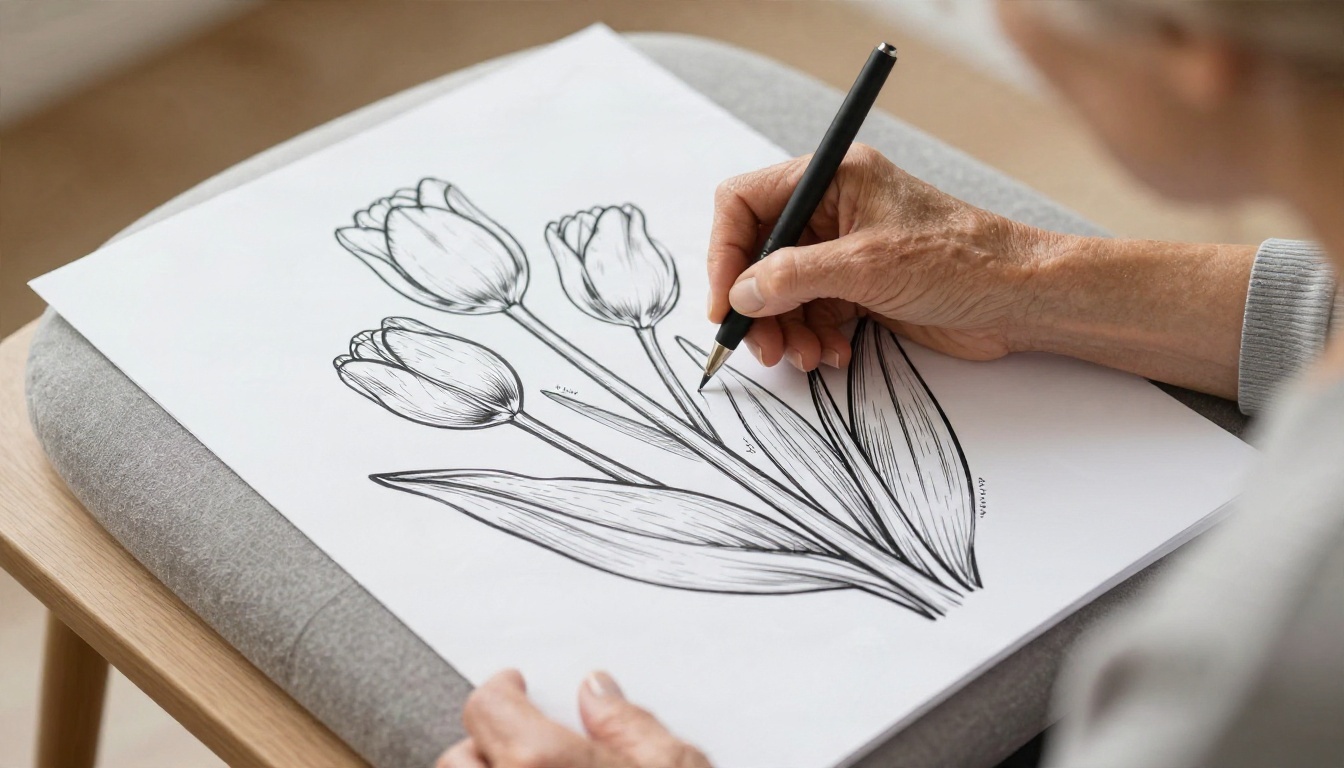
Coloring page of a bouquet of tulips in a simple vase, large petals, thick clean black line art, no shading, no gray, plain white background, plenty of empty space inside each petal
Other floral prompts to try:
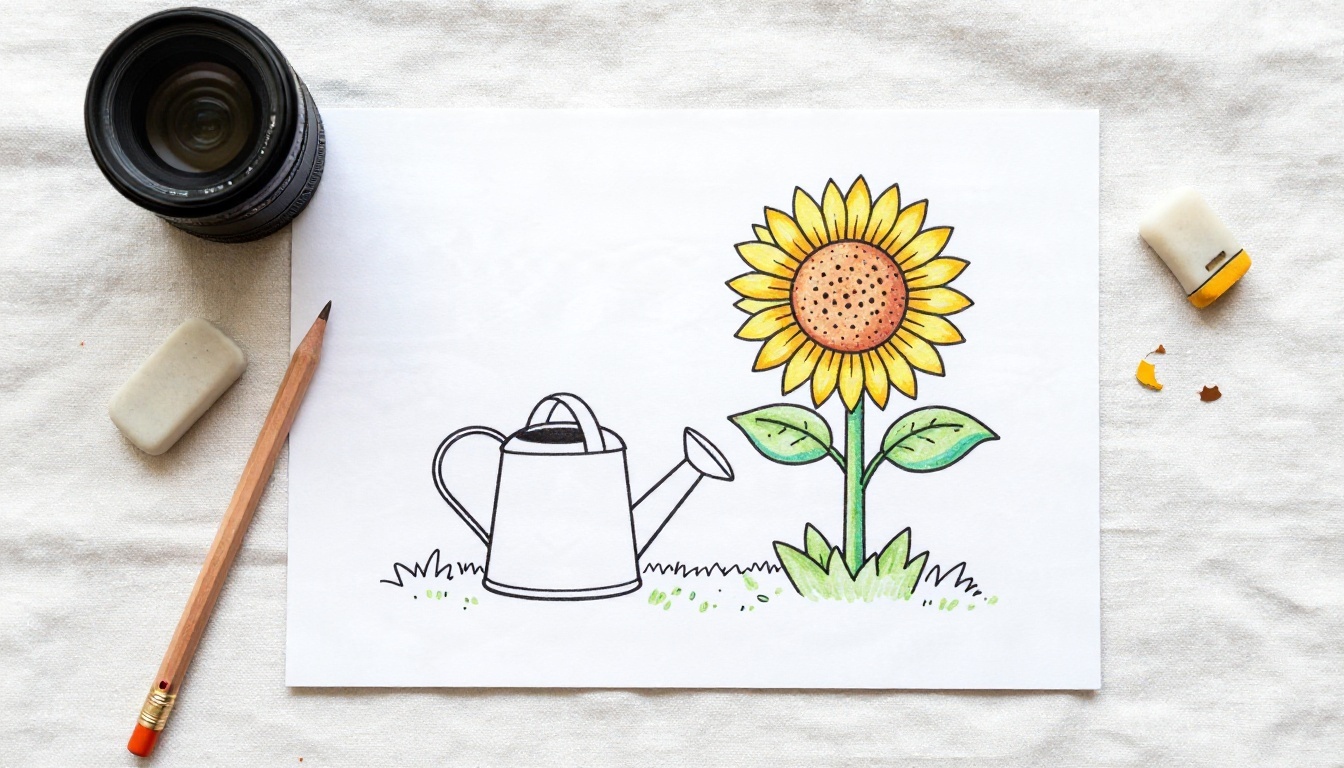
A single large sunflower with a simple circle center and ten big petals.
A watering can beside two daisies, the can drawn with a plain curved spout.
A wreath of oversized leaves and berries, evenly spaced.
A potted succulent with five thick leaves.
Large print versions of the tulip prompt are especially popular with seniors, who often prefer big, high-contrast shapes and a calmer pace.
Seashells, Mushrooms and Leaves
Small natural objects are underrated. Try a single object centered on the page with generous margins:
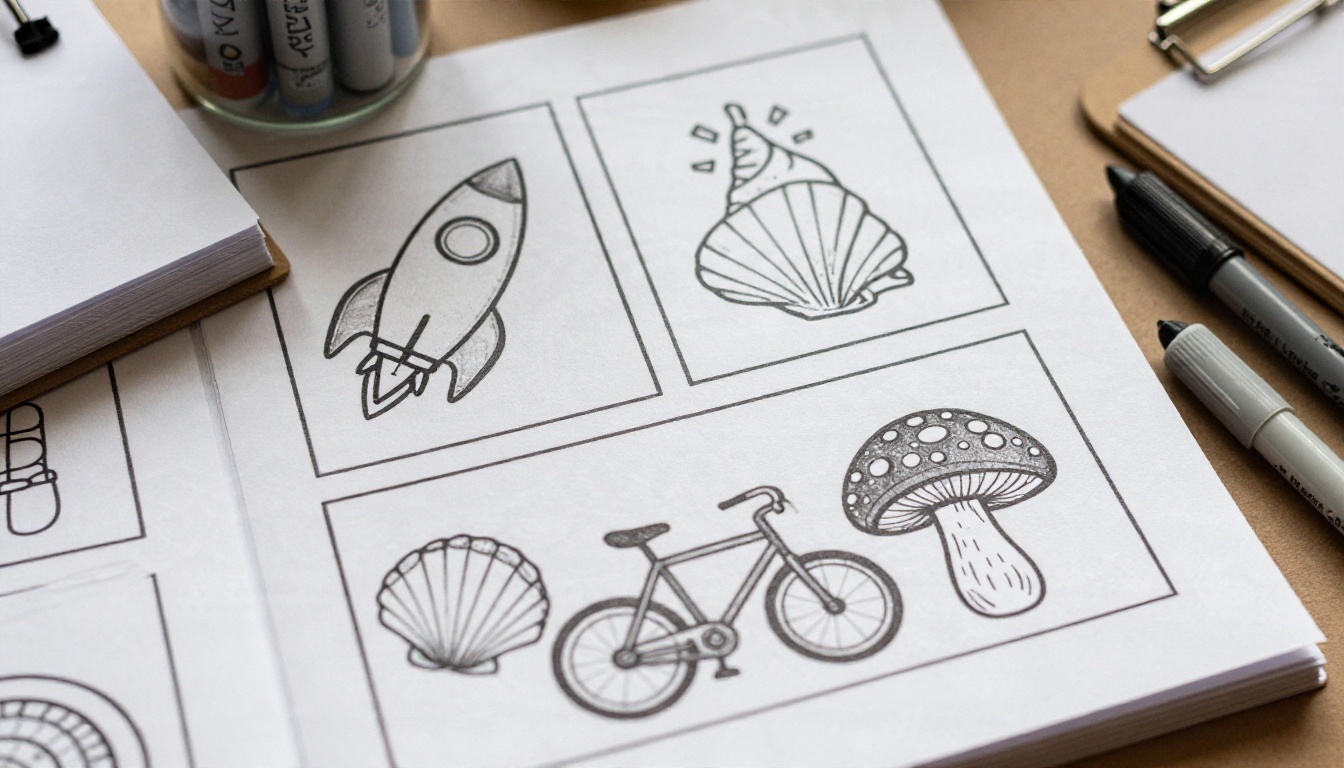
Coloring page of a large spiral seashell on a sandy shore line, simple line art, thick even outlines, a few small wave lines in the background, white background, no shading
The same pattern works with a mushroom with spots, a pinecone, an acorn pair or a maple leaf. Because there is only one subject, the AI has fewer chances to add clutter.
Mandalas and Patterns
Mandalas are where prompt wording gets finicky. Symmetry is something image models approximate rather than calculate, so you need to steer them.
Simple Mandalas
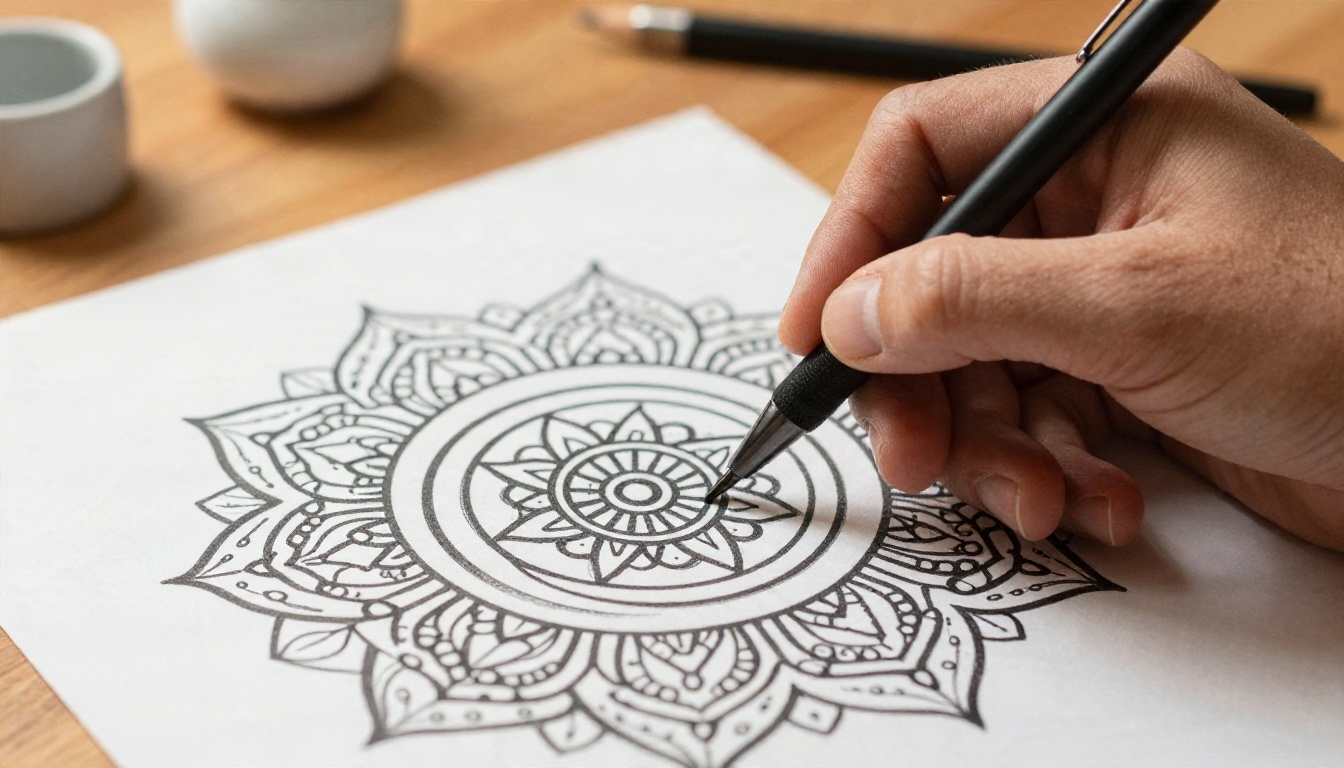
Coloring page of a simple round mandala with eight large petals radiating from the center, symmetrical, thick clean black outlines, few details, large open spaces, white background, no shading, no gray
Notice the number. "Eight large petals" gives the model a countable target and usually produces better symmetry than "a symmetrical mandala" alone. Four, six, eight and twelve tend to be the most reliable counts.
Patterns for Adults
If you want something more relaxing and detailed, bump up the complexity step by step instead of asking for "very detailed" outright. That phrase tends to produce noisy, hairline results.
Coloring page of a floral mandala with three concentric rings of leaves, petals and dots, medium line weight, evenly spaced elements, crisp black outlines on white, no shading, no gray fill
Complexity
Prompt addition
Typical result
Low
"one ring of large petals"
Clean, quick to color
Medium
"two or three rings, alternating petals and dots"
Relaxing, 30 to 45 minutes
High
"four rings, small repeating motifs, medium line weight"
Detailed, needs fine pens
Scene and Object Prompts
Once single subjects feel easy, try small scenes. The rule is simple: one hero, two or three supporting elements, one ground line.
Cozy Everyday Objects
Teapots, bicycles, houses, lanterns and bowls of fruit make charming pages and are fun to color in unexpected palettes.
Coloring page of a cozy kitchen window with a teapot, two cups and a small plant on the sill, simple line art, thick outlines, large shapes, no shading, plain white background
Other ideas in the same spirit:
A bicycle with a basket of flowers
A little house with a round door and a chimney
A bowl of three oversized lemons with leaves
A hot air balloon over simple rolling hills
Vehicles and Space
For kids who prefer machines, give the model some limits so the engineering stays cartoon-friendly:
Coloring page of a chunky rocket ship flying past a ringed planet and three stars, simple line art, very thick outlines, rounded shapes, no tiny details, plain white background, no shading
Swap in a fire truck, a tractor, a submarine or a train. The phrases "chunky" and "rounded shapes" are doing the heavy lifting here, because they stop the model from adding rivets, wires and control panels.
💡 Tip: If a scene comes out too busy, add "only three objects in total" to the prompt. Counting is one of the most effective ways to control clutter.
How to Use Recraft v4.1 SVG on PicassoIA
For crisp, vector-style outlines, Recraft v4.1 SVG is a strong pick because it produces clean shapes that scale without blurring. There is also a higher-tier option, Recraft v4.1 Pro SVG, if you want extra polish for print sheets.
Step by Step
Open the model page on PicassoIA and find the prompt box.
Paste one of the prompts above. Start with a single subject, such as the sleeping cat.
Choose a square or portrait aspect ratio if the option is available. Portrait fits a standard letter or A4 sheet best.
Generate and look at the result at full size before deciding anything.
Adjust one thing at a time. If the lines are thin, add "extra thick outlines". If there is gray fill, repeat "no gray fill, pure black lines on white".
Save the file and print it, or open it in any viewer and fit it to the page.
If you would rather experiment with raster results, Ideogram v4 Quality follows detailed instructions closely, and it handles short bits of text well when you want a title like "Hello" at the top of a page. Flux Schnell is a fast way to test twenty ideas in a row before choosing the best one, and Seedream 4.5 is worth trying when you want a more refined, balanced composition.
Fix Common Problems
Problem
What to add to the prompt
Gray shading or soft gradients
"pure black outlines on pure white, no shading, no gradients"
Lines too thin
"extra thick, bold, even outlines"
Too many tiny details
"large simple shapes, minimal detail, only three elements"
Background is cream or gray
"plain pure white background, no texture, no paper"
Random text or signatures
"no text, no letters, no signature, no watermark"
Uneven or broken lines
"closed shapes, continuous outlines, no gaps"
Print, Test and Refine
A page that looks perfect on a screen can still print badly. A few habits save paper and patience.
Paper and Printer Settings
Use 90 to 120 gsm paper for pencils and crayons. Markers bleed on thin copy paper, so place a spare sheet underneath.
Print in black and white or "grayscale" mode. It uses less ink and keeps lines sharp.
Choose "fit to page" rather than scaling by hand, and leave a small white margin.
Print one test page first. Check that the smallest spaces are still big enough for the tool you plan to use.
💡 Tip: Hand a printed page to a child before making a whole batch. If they skip a section, it is usually too small or too confusing. Adjust the prompt with "larger shapes" and try again.
Build a Themed Set
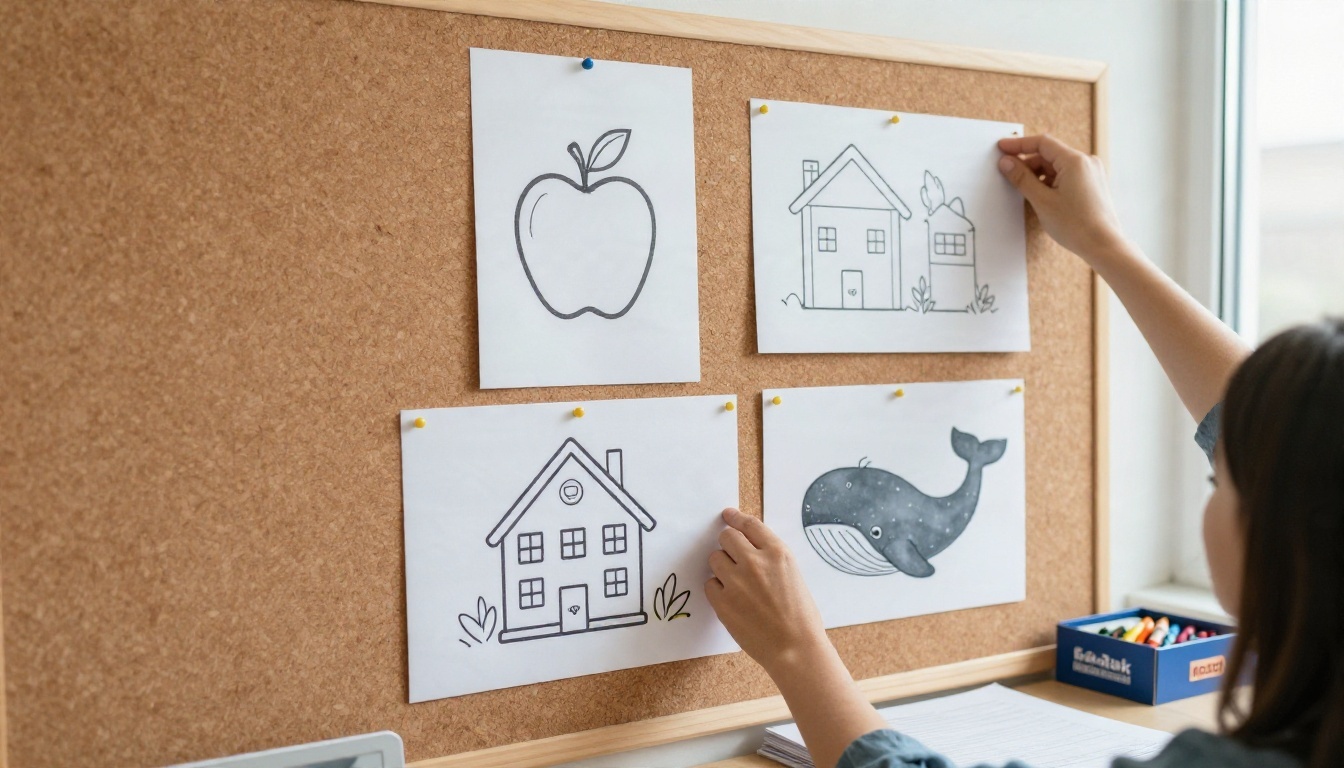
Sets feel more valuable than single pages. Pick a theme and keep your style words fixed:
Theme
Ten subject ideas
Farm
cow, hen, barn, tractor, pig, sheep, haystack, scarecrow, duck pond, apple tree
teapot, cupcake, loaf of bread, whisk, jar of jam, lemon bowl, kettle, mug, tray, pie
Sets also work well for classrooms, birthday parties, waiting rooms and long car rides. A themed pack of eight or ten pages, stapled together, becomes a small coloring book with almost no effort.
Prompt Formulas You Can Reuse
If you want to invent your own, these templates are worth bookmarking. Fill in the brackets and keep the rest.
Basic template:
Coloring book page of [subject] [pose or action], simple line art, thick even black outlines, large open shapes, plain white background, no shading, no gray fill, no text
Kid-friendly template:
Cute cartoon [subject] with a big smile, coloring page for toddlers, extra thick outlines, very simple, one large subject, white background, no shading
Adult relaxation template:
Coloring page of [subject] surrounded by [flowers, leaves, geometric shapes], medium line weight, evenly spaced decorative patterns, crisp black outlines on white, no shading
Scene template:
Coloring page of [hero object] with [two supporting objects] and a ground line, simple line art, thick outlines, white background, only three objects in total, no shading
A Quick Word on Consistency
Reusing the exact same style words across a batch is the single best way to get matching pages. Change only the subject, keep the rest word for word, and test a couple of seeds if the model offers one. If a page turns out nearly perfect except for one stray detail, regenerate with the stray detail named in the "no" list. For example, "no background clutter" or "no border".
Make Your Own Pages Today
You now have more than twenty prompts and four reusable templates. The fastest way to improve is to run them, compare the results and adjust one phrase at a time. Start with the sleeping cat or the eight-petal mandala, print them, and watch where a pencil or crayon slows down. That tells you exactly what to change.
Head over to Picasso IA, open a text-to-image model such as Recraft v4.1 SVG or Ideogram v4 Quality, and paste in your first prompt. Make a page for a child, a classroom, a rainy afternoon or just for yourself. Then try a theme set of ten, and see how quickly a pile of blank paper becomes a collection of pages that nobody else has. If you want to see what else the platform offers, browse the full list at picassoia.com/en/all-models.