Every kid has a story in their head: a dragon who is afraid of fire, a robot dog who wants to be a chef, a class pet that saves the school. The hard part has always been getting it onto paper. Drawing six consistent panels takes hours, and most children give up after two. An AI comic generator for kids removes that wall. Your child brings the idea, the AI draws the panels, and the two of you decide what stays. Done right, it is safe, easy, and in many cases free.
This article walks through how to set it up in a way that protects your child, how to build a first comic in under an hour, which free options are worth trying, and how to write prompts that give you friendly, consistent characters instead of random pictures.
What Makes a Comic Generator Kid-Safe
Not every AI image tool is built for children. Some are open-ended and will draw almost anything a person types. Before a child touches one, decide what "safe" means in your house. For most families it comes down to three things.
Content filters that actually work
Look for tools that refuse violent, scary, or adult prompts instead of just warning about them. Test it yourself first. Type a few borderline prompts (nothing graphic, just edgy) and see what comes back. If the tool draws something you would not show a seven-year-old, it is not the right choice for unsupervised use.
💡 Tip: Run your own "red team" test for five minutes before the first session. It is the fastest way to know where a tool's limits are.
Privacy and accounts
Most AI platforms set a minimum age for accounts, so the adult should own the account, and the child works under supervision. Beyond that, a few rules keep personal data out of the picture:
- Never upload photos of your child's face or school.
- Use a nickname for the main character, not the real name.
- Do not type addresses, school names, or phone numbers into prompts.
- Keep the generated files in a folder you control, not a public gallery.
An adult in the room
The best safety feature is still a parent, teacher, or older sibling sitting nearby. This is not about hovering. It is about turning the screen into a shared project. Kids tend to ask better questions when someone is curious alongside them, and you will spot problems early.
Easy Steps to Make Your First Comic
You do not need a script, a software degree, or a graphics tablet. You need a small idea and about forty-five minutes.
Pick a tiny story
Short beats long. A four-panel comic has a beginning, a problem, a twist, and an ending, and that is plenty. Ask your child three questions:
- Who is the main character?
- What do they want?
- What goes wrong?
If they can answer those, you have a story. "A shy octopus wants to join the school band, but he has eight drumsticks and keeps dropping them" is already a comic.
Write it panel by panel
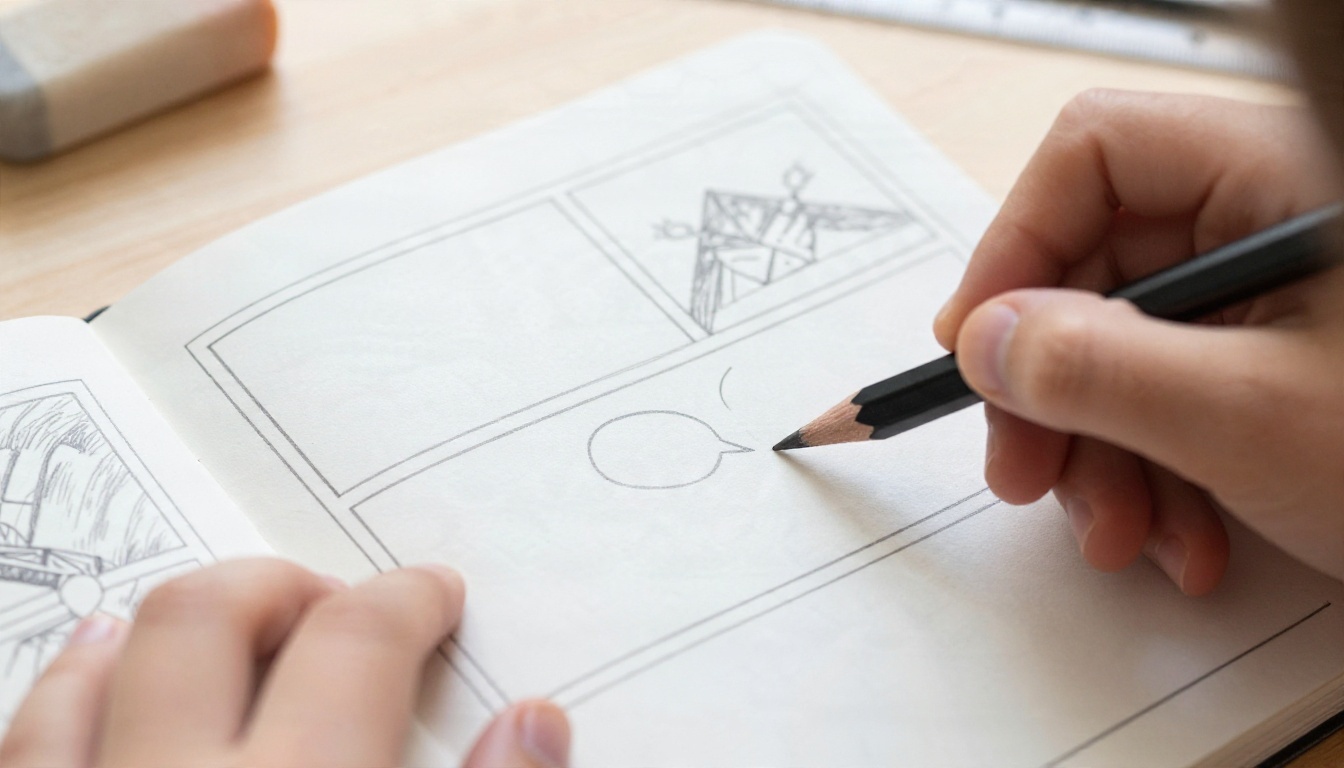
Grab paper and a pencil. Divide a page into four boxes and have your child write or sketch what happens in each one in a single sentence. This planning step matters more than any AI setting, because the generator can only draw what you describe. Vague input gives vague panels.
Keep characters consistent
This is where most first attempts go wrong. The octopus looks purple in panel one and green in panel three. The fix is a character sheet: one short description you paste at the start of every prompt. For example: "a small purple octopus with big round eyes, a red bow tie, and a yellow drum." Same words every time, same character, or very close to it.
Add speech bubbles last
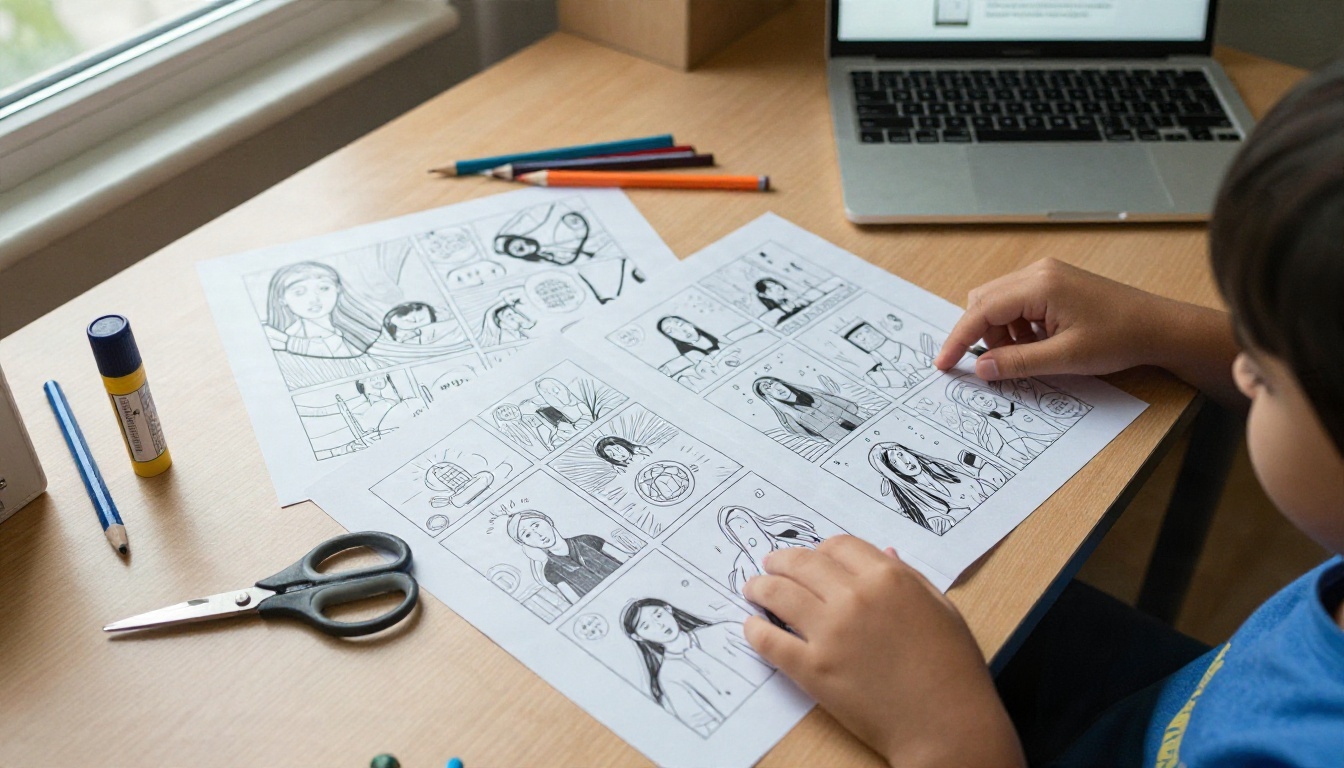
Many image models struggle with lettering, so let the AI draw the scene and add the words yourself. Kids love this step. They can write dialogue by hand on a printout, type it in a free document editor, or place it with a simple slide tool. It also keeps spelling and sentence work in the loop, which teachers appreciate.
Free Ways to Make Comics
"Free" deserves a careful definition. Almost every AI platform offers some kind of free access, but limits change often, so check the current terms before you plan a big project.
Free tiers and trial credits
Several platforms give new users a small daily or starter allowance of image generations. For a four-panel comic you need roughly four to twelve images, which usually fits inside a free allowance if you plan well. Planning matters here: every wasted attempt uses up a credit, so write the panel list before you open the tool.
The paper and AI hybrid
The cheapest approach costs almost nothing. Your child draws the characters by hand on paper. You photograph the drawings and use them as a reference for what to describe in your prompts. The AI generates backgrounds and scenes, and your child adds the hand-drawn hero. The comic feels personal because it is partly theirs.
Free budget checklist
| Item | Cost | Notes |
|---|
| AI image generator | Free tier or trial credits | Adult-owned account |
| Layout | Free slides or document editor | Any four-box grid works |
| Lettering | Pencil, pen, or text boxes | Do it by hand for extra charm |
| Printing | Home printer or school copier | Fold and staple into a booklet |
| Story planning | Paper | The most valuable step |
How to Use Nano Banana on PicassoIA
Nano Banana is a good fit for kids' comics because it handles both generating a new image and editing an existing one. That means you can create a character, then ask for small changes ("same character, now holding an umbrella") without starting from scratch.
Step-by-step
- Open the model page. Go to the Nano Banana page on PicassoIA with the adult account.
- Write the character sheet. Paste your short description, such as "a friendly purple octopus with a red bow tie, soft picture-book illustration, clean outlines, bright colors."
- Add the scene. Put the panel action after the character: "playing a yellow drum on a school stage, curious classmates watching."
- Choose a wide format. A landscape ratio like 16:9 leaves room for speech bubbles at the top.
- Generate and review together. Look at the result with your child. Does it match the story? If yes, save it. If not, change one thing, not five.
- Reuse the character for the next panel. Keep the same character sheet and change only the scene line.
Prompt tips that save credits
- Change one detail at a time. Small edits teach the child what each word does.
- Name the mood. "Cozy," "silly," or "brave" steers the whole picture.
- Say what you do not want. "No dark shadows, no scary faces" is a useful safety layer on top of the platform's filters.
- Keep backgrounds simple. Fewer objects means fewer odd surprises.
💡 Tip: Ask the child to "direct" the panel out loud before typing. Kids are natural storyboard artists once they are given the role.
Models Worth Trying for Kid Comics
Different models have different strengths. Here are three on PicassoIA that suit family projects, and what each one does well.
| Model | Best for | Why parents like it |
|---|
| Seedream 4.5 | Polished, detailed scenes | Sharp results suited to a final printed page |
| Flux Schnell | Fast drafts | Quick turnaround keeps a child's attention |
| Imagen 4 | Clear, clean compositions | Reliable with simple, well-written prompts |
Draft fast, polish slowly
A good workflow uses two speeds. Start with a quick model like Flux Schnell to test ideas. Children can see four or five variations in a few minutes, pick a favorite, and feel in control. Once the story is locked, switch to a higher-detail option like Seedream 4.5 for the final panels.
When to use Imagen 4
If your child writes longer, more descriptive prompts, Imagen 4 follows instructions closely. It suits older kids who want to specify the camera angle ("looking up at the giant robot") or the time of day ("sunset behind the castle").
Prompts That Work for Kids
A prompt is just a sentence with a job. Teach your child a simple formula and they will get better results in minutes.
The four-part formula
Character + Action + Place + Mood.
- Character: "a small purple octopus with a red bow tie"
- Action: "carrying a drum up a staircase"
- Place: "inside a bright school hallway with paper stars on the wall"
- Mood: "cheerful, warm colors, picture-book style"
Put it together and you get a prompt a seven-year-old can write and a model can follow.
Prompt examples by age
| Age | Sample prompt |
|---|
| 5 to 6 | "A happy red fox eating a big cookie in a sunny garden, picture-book style" |
| 7 to 9 | "A brave fox with a blue scarf climbing a hill at sunrise, friendly adventure comic panel" |
| 10 to 12 | "Low angle view of a young explorer fox with a lantern at a cave entrance, warm light, curious mood, clean comic style" |
Mistakes to avoid
- Overloading the prompt. Ten ideas in one sentence confuse the model.
- Changing the character description. Even small word swaps change the look.
- Asking for text in the image. Add words yourself afterward.
- Skipping the review. Always look at every image together before saving it.
Classroom and Family Ideas
Once your child has made one comic, the format opens up more projects than you would expect.
Turn homework into a comic
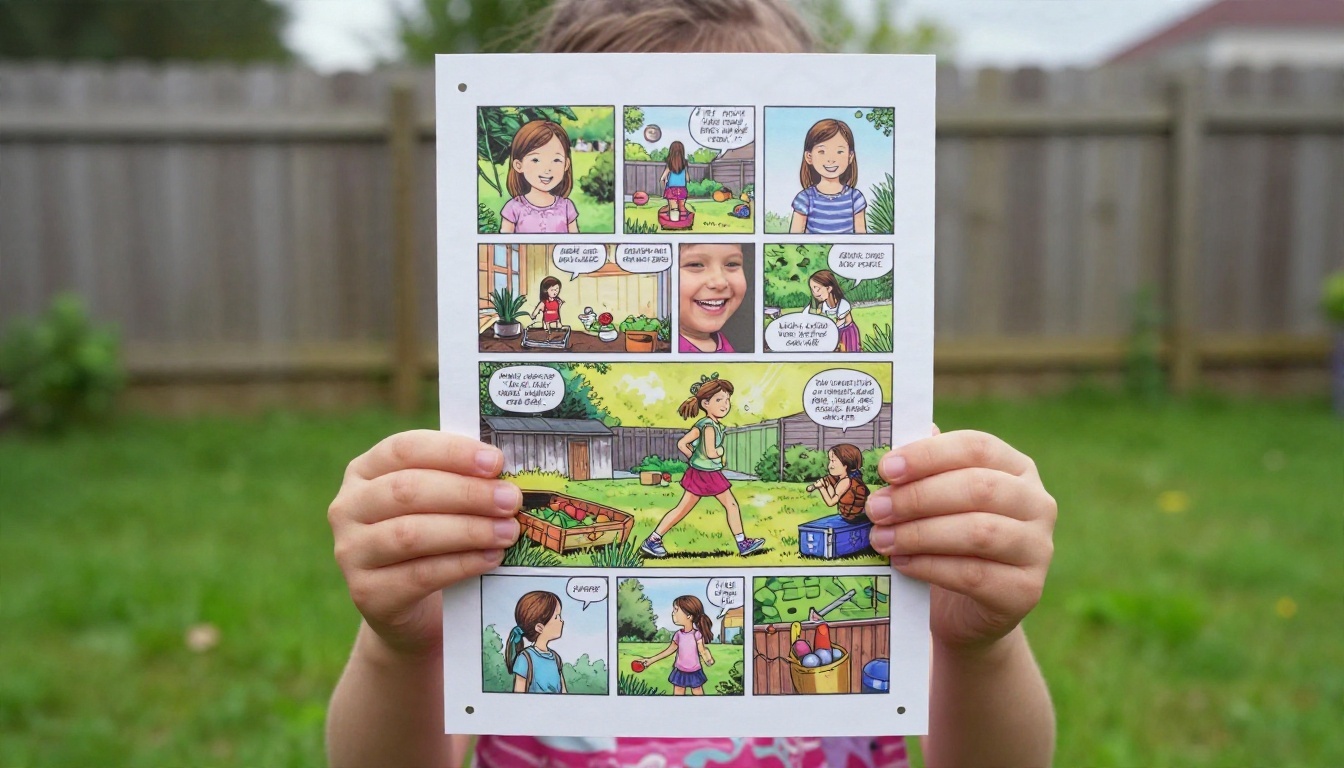
A history lesson becomes a four-panel story. A science concept becomes a character explaining it to a confused friend. Kids who dislike worksheets often put real effort into a comic, because they are the author and the audience.
Family storytelling nights
Pick a theme on Friday, let each person write one panel line, and generate the pictures together. The results are usually wonderfully odd, and they make great keepsakes. Print them, staple them, and keep a shelf of them.
Share it offline first
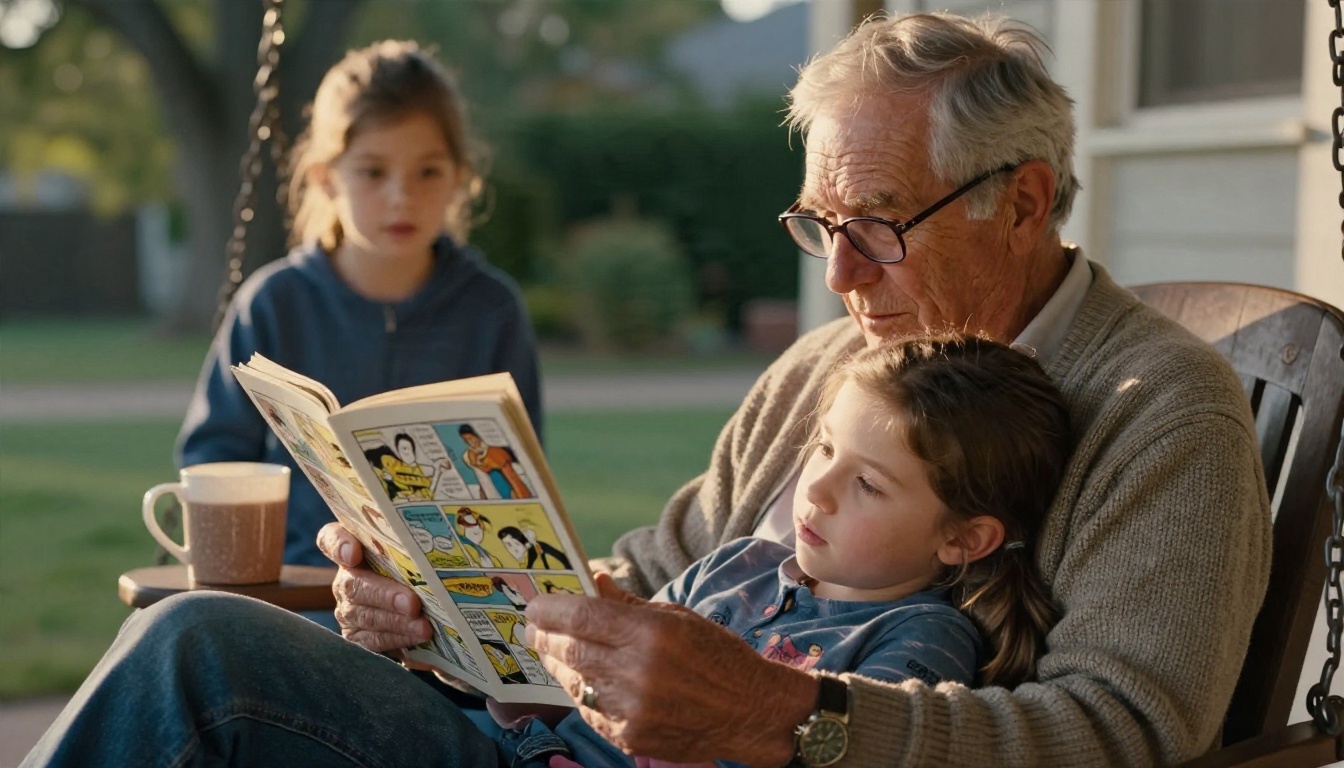
Print the comic and hand it to a relative before posting anything online. Reading a physical booklet with a grandparent is a different experience from showing a screen, and it keeps the project private and personal.
Build a series
When a character works, keep the character sheet. Next week's comic can bring the octopus back for a new adventure. Series teach children about continuity, planning, and patience, which are real storytelling skills.
Quick Safety Checklist
Print this and keep it near the computer.
Start Making Your Comic Today
You now have everything you need: a short story, a character sheet, a four-part prompt formula, and a safety routine that keeps the adult in the loop. The only thing left is to try it. Pick a tiny idea tonight, sit down with your child, and generate your first panel. If you want a reliable place to start, open Nano Banana on Picasso IA, then try Flux Schnell for quick drafts and Seedream 4.5 for the final pages. Experiment with different characters, moods, and settings, and see how far a single sentence can go. You can browse more options at picassoia.com/en/all-models.
Your child's first comic may be four panels long, a little silly, and slightly crooked. That is exactly what makes it worth keeping.


