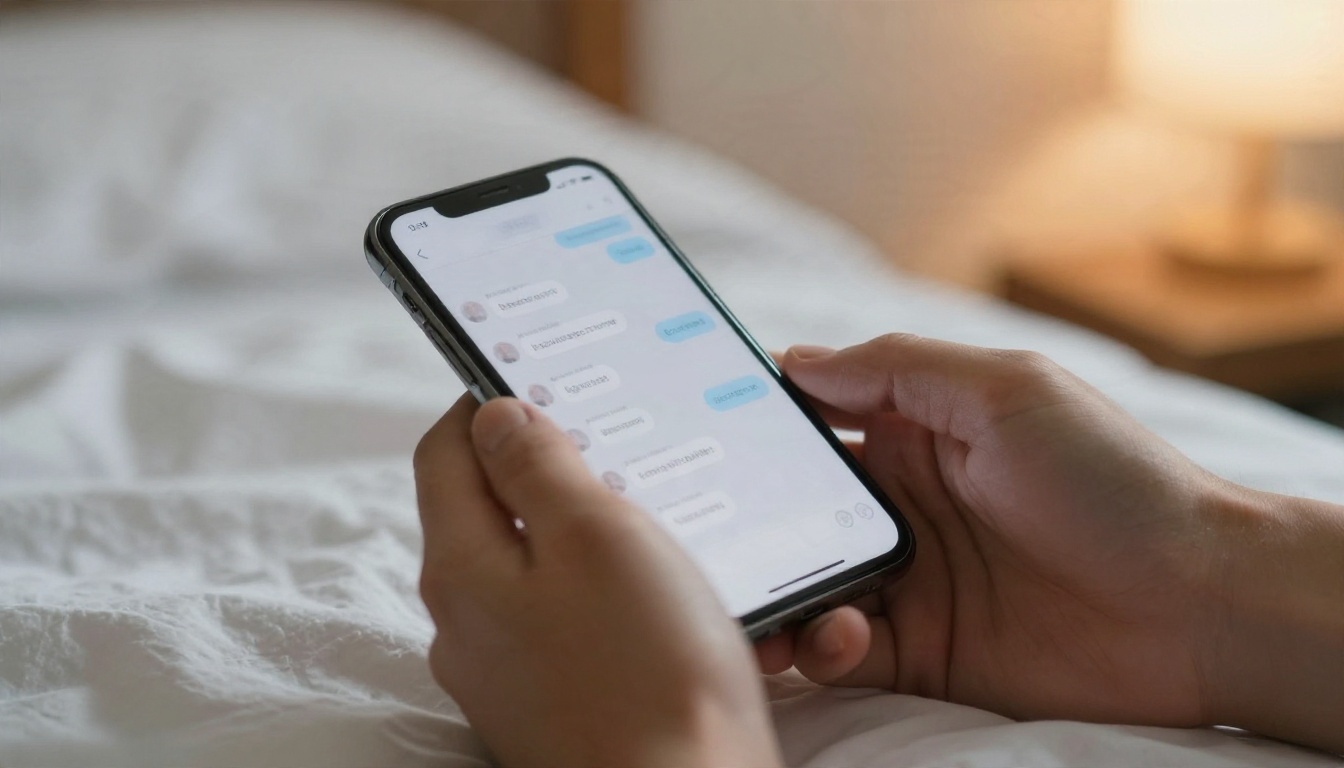
It is 11 p.m., the apartment is quiet, and you are typing to someone who always answers. That is the pitch of every AI companion app for adults: a chat partner that remembers your day, matches your humor, and never gets tired. Millions of people now use these apps for conversation, flirting, roleplay, or simply company. The catch is that the category grew faster than its rules. Age checks are inconsistent, privacy policies are vague, and "free" often ends after a handful of messages.
This article sorts through the noise. You will see what a good companion app should offer, where the real safety risks sit, what free plans usually include, which features justify a paid tier, and which alternatives give you more control over your own conversations and images.
💡 Quick answer: Pick an app that verifies age properly, lets you delete your data, tells you plainly how it uses chat logs, and keeps its free tier usable. If an app fails two of those four, keep looking.
What Adults Actually Want From Companions
Before comparing apps, it helps to name the real need. People rarely download a companion app because they want a gadget. They want one of a few specific things.
Chat, Voice, and Roleplay
The core product is text conversation with a persistent character. Around it sit three popular extras:
- Voice calls with a synthetic voice that reacts in real time
- Roleplay and storytelling with scenarios you set up yourself
- Selfie or avatar images that give the character a face
Adults use these modes differently. Some want a late-night confidant, others want collaborative fiction, and others want flirtation without social pressure. A good app supports all three without forcing you into one lane.
Who Uses These Apps
The audience is wider than the stereotype. Remote workers who live alone, people who recently moved cities, writers testing dialogue, adults with social anxiety who want low-stakes practice, and couples who use roleplay bots as a creative game. What they share is a preference for privacy and control. That makes the safety questions below more important, not less.
Is an AI Companion App Safe?
Safe is not one thing. It is at least four: age protection, data privacy, emotional wellbeing, and content control. Most reviews only touch one.
Age Checks That Hold Up
Adult-oriented apps carry a responsibility to keep minors out. In practice, the picture is uneven. A 2026 regulator report from Australia found that many companion providers relied on app store ratings or a birthdate typed in at signup. That is a checkbox, not a barrier. Some larger platforms have moved toward real age assurance, and at least one popular service restricted open-ended chat for under-18 accounts in certain regions.

What to look for:
- A real verification step, such as ID or facial age estimation, not only "I am over 18"
- A clear policy on what happens to the verification data afterward
- Separate rules for adult content, so mature features are not on by default
If an adult app lets you into explicit territory after a single tap, treat that as a warning about the company's priorities, not a convenience.
Where Your Data Goes
This is the biggest practical risk. Companion chats are intimate. Researchers at child-safety organizations have warned that these apps routinely collect sensitive material: photos, voice notes, mood information, and in some cases health details. Privacy reviewers have also flagged cases where an app's store listing said one thing, its website said another, and its policy said a third.

Run this five-minute check before you share anything personal:
| Question | Good answer | Warning sign |
|---|
| Are chats used to train models? | Opt-out available, clearly worded | Buried in terms, no opt-out |
| Can you delete your account and logs? | One-tap deletion, confirmed by email | "Contact support" only |
| Is data shared with advertisers? | No, or strictly opt-in | "Partners" with no list |
| Where is data stored? | Stated region, encryption mentioned | Not mentioned anywhere |
| Who can read your chats? | Staff access limited and logged | No statement |

💡 Practical rule: Never type your full name, workplace, address, or financial details into a companion chat. Treat it like a diary stored on someone else's server.
Emotional Safety Signals
The third layer is how the product treats you. Healthy apps let you leave without guilt. Unhealthy ones use manufactured neediness: a character that sulks when you log off, sends "I miss you" pushes at 2 a.m., or locks affection behind a payment. Investigative reporting in 2026 pointed to companies earning money by tuning romantic chatbots to deepen attachment. That is a business model, not a feature.
Green flags:
- Notification controls you can fully switch off
- A character that stays warm when you pause the subscription
- Clear labelling that you are talking to AI
- Easy export or reset of conversation memory
Free Options: What You Really Get
Almost every app advertises a free tier. The details matter more than the label.
Typical Free Tier Limits
Across the category, free plans tend to cap one or more of the following:
- Daily message count, often a few dozen messages
- Memory length, so the character forgets older chats
- Voice minutes or voice access altogether
- Image generation, usually blurred or locked
- Model quality, with the best responses reserved for paid users

A free tier is genuinely useful when it lets you hold a real conversation for a week and judge the personality. It is a trap when it only lets you build a character and then hits a paywall at the first interesting moment.
Free Tier Red Flags
Watch for these before you invest time in a character:
- Credit systems that drain on every message, making the free allowance vanish within minutes
- Trial subscriptions that renew at a high price with the cancel button hidden
- Pressure pop-ups timed to emotional moments in a chat
- No stated price until after signup
💡 If you want unlimited text conversation without a subscription, a general chat model is often a better free starting point than a dedicated companion app. More on that below.
Features Worth Paying For
Not every premium perk deserves your money. This table separates the useful from the decorative.
| Feature | Worth paying for? | Why |
|---|
| Long-term memory | Yes | Makes conversation feel continuous |
| Natural voice calls | Yes, if you like voice | Quality varies a lot between apps |
| Custom character creation | Yes | Gives control over tone and boundaries |
| Selfie generation | Maybe | Depends on image quality and rules |
| Cosmetic outfits and skins | Rarely | Mostly revenue, little value |
| Extra "affection levels" | No | Often a monetized attachment loop |
Memory and Personality
Memory is the feature that separates a companion from a chatbot. A good one recalls that your sister's wedding is next month and asks how the toast went. A weak one repeats the same opening line every session. When you test an app, spend your first conversation planting five small facts, then check a day later whether they stick.
Personality control matters just as much. Look for sliders or free-text instructions that set humor, formality, and boundaries. You should be able to say "no jealousy, no guilt trips" and have the character respect it.
Voice and Visuals
Voice is where quality gaps show up fastest. Listen for latency, because a two-second pause kills the illusion. Expressive pacing and the ability to interrupt the character mid-sentence are signs of a better system.

Visual features are the most variable. Some apps generate consistent faces. Others produce a different person every time, which breaks immersion. If images matter to you, ask for a sample before paying, and read the rules on adult content carefully. Reputable products state what is allowed and what is blocked, and they never allow anything involving minors or real people without consent.
Alternatives to Dedicated Companion Apps
A dedicated app is not your only route. Many adults get a better result by combining general-purpose tools they control.
General Chat Models as Companions
Modern language models hold warm, funny, and thoughtful conversations when you give them a character brief. You write the personality once, paste it at the start, and you have a companion without a subscription funnel or an affection meter. You also decide what to share.
These models on PicassoIA work well for conversational and creative chat:
For a persona that stays consistent, start your chat with a short brief: name, tone, three interests, and two rules (for example, "never guilt me for leaving"). Re-paste it if the conversation drifts.
💡 Mainstream models apply their own safety rules, so they will decline some adult roleplay. That is a trade-off: fewer surprises, but less freedom than apps built for mature fiction. Choose based on what you want.
If you build your own companion bot or community space, Llama Guard 4 12B is a free moderation model that screens messages for unsafe content. It is a useful safety layer for anyone running a chat tool for others.
Real-World Connection
An honest alternative is the one that does not use a screen at all. Companion apps work best as a supplement. If you notice that you are skipping plans to stay in a chat, treat that as information.

Many users find a split works well: AI for late-night conversation and creative play, people for everything that needs a hug.
Build Your Companion's Look Safely
Many adults want a visual identity for their character: a portrait, a style, a mood. You can make that outside any companion app, with full control over the result and no data handed to a chat platform. This is where PicassoIA fits. It is not a companion app. It gives you the image models to create the look yourself.
Seedream 4.5 for Portraits
Seedream 4.5 is the first model to try. It produces sharp, photorealistic portraits with convincing skin texture, fabric sheen, and natural light, and it handles tasteful glamour, fashion, and boudoir-style imagery with fewer restrictions than most mainstream tools. It is fast, and it works for non-explicit adult content, such as elegant evening wear, soft lighting, and editorial poses.

Steps for a consistent character look:
- Write a fixed description of your character: age (adult), hair, eye color, signature clothing.
- Add a lighting line, such as "warm lamp light from the left, shallow depth of field."
- Name the camera feel, for example "85mm lens, film grain."
- Reuse the same description every time, changing only the setting or outfit.
- Generate several versions and keep the one that feels right as your reference.
Image Editor Pro for Edits
Once you have a portrait you like, PicassoIA Image Editor Pro is the next tool. It offers unlimited generations, which matters when you are iterating on a face, an outfit, or a background. Use it to adjust clothing, change the setting, fix small details, or keep the same character across different scenes without paying per attempt.
Good edit prompts are short and specific: "change the dress to deep green, keep the face and pose the same."
Rules for Adult Image Work
Adult image creation stays safe when you follow a few firm rules:
- Adults only. Every character must be clearly an adult.
- No real people. Do not recreate a real person's face or likeness without their consent.
- Keep it non-explicit. Suggestive and beautiful is fine. Pornographic material is not what these tools are for.
- Store files privately. Keep your character library on your own device.
For a wider set of options, browse everything at picassoia.com/en/all-models, including more image generators, upscalers, and editing tools.
Setting Healthy Boundaries
A companion app can be a pleasant part of your routine. A few habits keep it that way.

Set a time window. Decide that conversations happen in the evening, not during work or meals. Silence push notifications so the app waits for you, not the other way round.
Watch your spending. Subscriptions plus in-app purchases add up. Set a monthly ceiling before you start, and check your statement after the first month.
Check how you feel afterward. Ask yourself whether you finish a session calmer or emptier. If it is the second, shorten the sessions or switch tools.
Keep a human anchor. Tell one friend or family member that you use these apps. It removes secrecy, which is where most unhealthy patterns grow.
Know when to talk to a professional. If a chat becomes your only source of comfort, or you feel distress when you cannot access it, a counselor can help far more than any app.
💡 Rule of thumb: A good companion app leaves you more ready for your day. A bad one leaves you wanting another session.
Quick Comparison Before You Decide
| Your priority | Best route |
|---|
| Maximum privacy | General chat model with your own character brief |
| Voice calls and avatars | Dedicated companion app with strong verification |
| Free and unlimited text | General chat model from the list above |
| A visual identity for your character | Seedream 4.5, then Image Editor Pro |
| Long-term roleplay | Dedicated app with proper memory, or a long-context chat model |
Try It Yourself on PicassoIA
You do not have to accept a bundled subscription to get a companion experience. Write a character brief and start a conversation with Claude Sonnet 5 or GPT 5.6 Luna. Then give your character a face with Seedream 4.5 and refine the look in PicassoIA Image Editor Pro, where generations are unlimited.
Start with one portrait and one short conversation. Change a detail, run it again, and see how quickly the character becomes yours. Then browse the rest of the catalog at picassoia.com/en/all-models and build the setup that fits you.


