You download an app, create a character, send three messages, and then a pop-up asks for $19.99 before the conversation goes anywhere interesting. Sound familiar? That is the standard experience with an AI companion for adults in 2027. The free plan lets you say hello. The paid plan lets you actually talk.
This article sorts out what is genuinely free, what voice and video calls look like in practice, how much people end up paying, and how to build a companion of your own from chat, voice and image models if you would rather skip the subscription treadmill.
💡 Quick answer: Free plans almost always give you text chat with limits. Voice calls usually sit behind a paid tier. Real video calls are rare, and most "video" features are animated avatars. Expect roughly $10 to $20 per month for a full-featured plan.
What an Adult AI Companion Is
An AI companion is a chatbot built around a persistent character. Instead of answering one-off questions, it remembers your name, your job, your bad week, and the joke you made on Tuesday. The adult label means the product is intended for people over 18 and typically allows romantic, flirty or emotionally close conversations that general assistants steer away from.
Text, Voice, Video: The Three Layers
Every companion product stacks up the same three layers:
- Text chat: the base layer, powered by a large language model that writes the replies.
- Voice: a text-to-speech engine reads those replies aloud, and a speech-to-text engine listens to you.
- Video or avatar: a face that moves, blinks and lip-syncs to the voice, sometimes with a camera-style call screen.
Most of the price difference between plans comes from layers two and three, because voice and video cost real compute for every minute you use them.
Who Actually Uses Them
The audience is wider than the stereotype. People use companions to practice conversation before a date, to wind down after a late shift, to roleplay stories, to stay company during a move to a new city, or just because talking to something patient at 1 a.m. feels better than doomscrolling. Others want flirtation and romance with no real-life stakes. All of those are legitimate uses, as long as you stay honest with yourself about what the product is.

Free Options That Actually Work
Free is real, but it is a demo more than a relationship. Here is the pattern that shows up across Replika, Character.AI, Nomi and Kindroid.
What Free Plans Include
- Basic text chat with one character.
- A daily or hourly cap on messages. Kindroid, for example, has been reported to allow around 50 messages per day on its free tier.
- Limited memory, so the companion forgets details faster.
- A starter selection of avatars and personality traits.
For casual use, that is enough to find out whether the format suits you. Plenty of people stay on free text chat for months and never feel shortchanged.
Where Free Stops
Voice calls, video calls, selfie-style image generation, deeper memory, romantic modes and group chats are the usual paywalled extras. Several 2026 comparisons agree that no major platform offers real-time voice with a fully free plan. If one claims to, read the fine print: it is often a few minutes a day or a trial window.
| Feature | Typical free plan | Typical paid plan |
|---|
| Text chat | Yes, with message caps | Unlimited or very high cap |
| Voice calls | Rarely | Yes |
| Video calls | No | Only on a few apps |
| Long-term memory | Short | Deep and editable |
| Image generation | No or limited | Included or credit based |
| Romantic mode | Often locked | Unlocked on higher tiers |
💡 Tip: Test one app for a week on the free plan before paying. If you do not open it on day four, a subscription will not change that.
Voice Chat Quality Compared
Voice is where an AI companion starts to feel like someone rather than something. It is also where the cheapest apps cut corners.

What Makes a Voice Feel Real
Three things decide whether a voice call is pleasant or awkward:
- Latency. If the reply takes four seconds, the rhythm of conversation dies. Good systems answer in under a second.
- Interruptions. A real conversation lets you cut in. Apps that make you wait for the full sentence feel like voicemail.
- Emotional range. Flat reading versus warmth, hesitation, a laugh, a whisper. This is where premium voice models pull ahead of the free ones.
Replika's paid Pro tier, priced at about $19.99 per month or $69.99 per year in recent reviews, includes voice calls. Nomi and Character.AI also place unlimited voice behind a subscription. Prices change often, so check the app store listing before you commit.
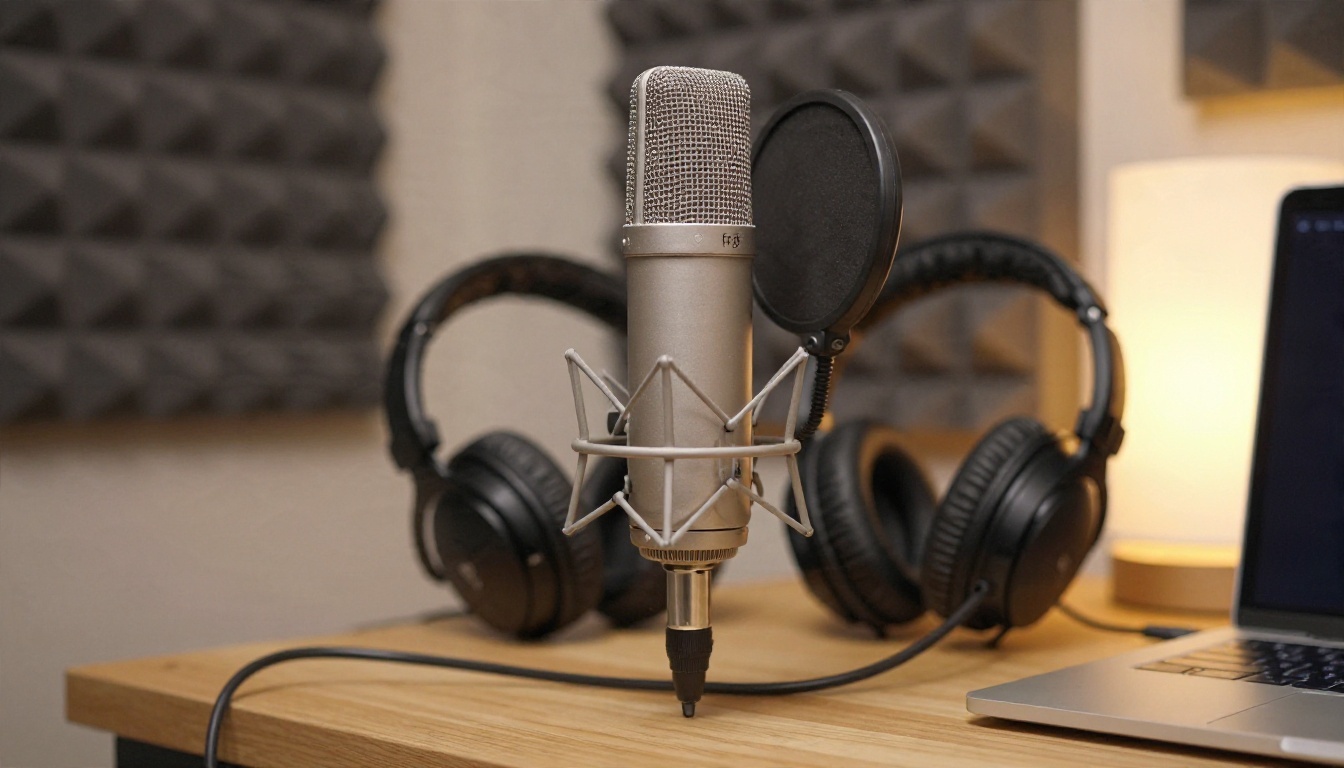
Build Your Own Voice on PicassoIA
If you want control over the voice itself, you can pick from dedicated speech models instead of accepting whatever voice an app ships with. A few worth testing:
Write a few lines in your companion's personality, generate them with two or three voices, and pick the one that does not make you cringe on the third listen.
The Video Call Reality Check
Here is the part marketing pages blur. When an app advertises a "video call," it can mean very different things.
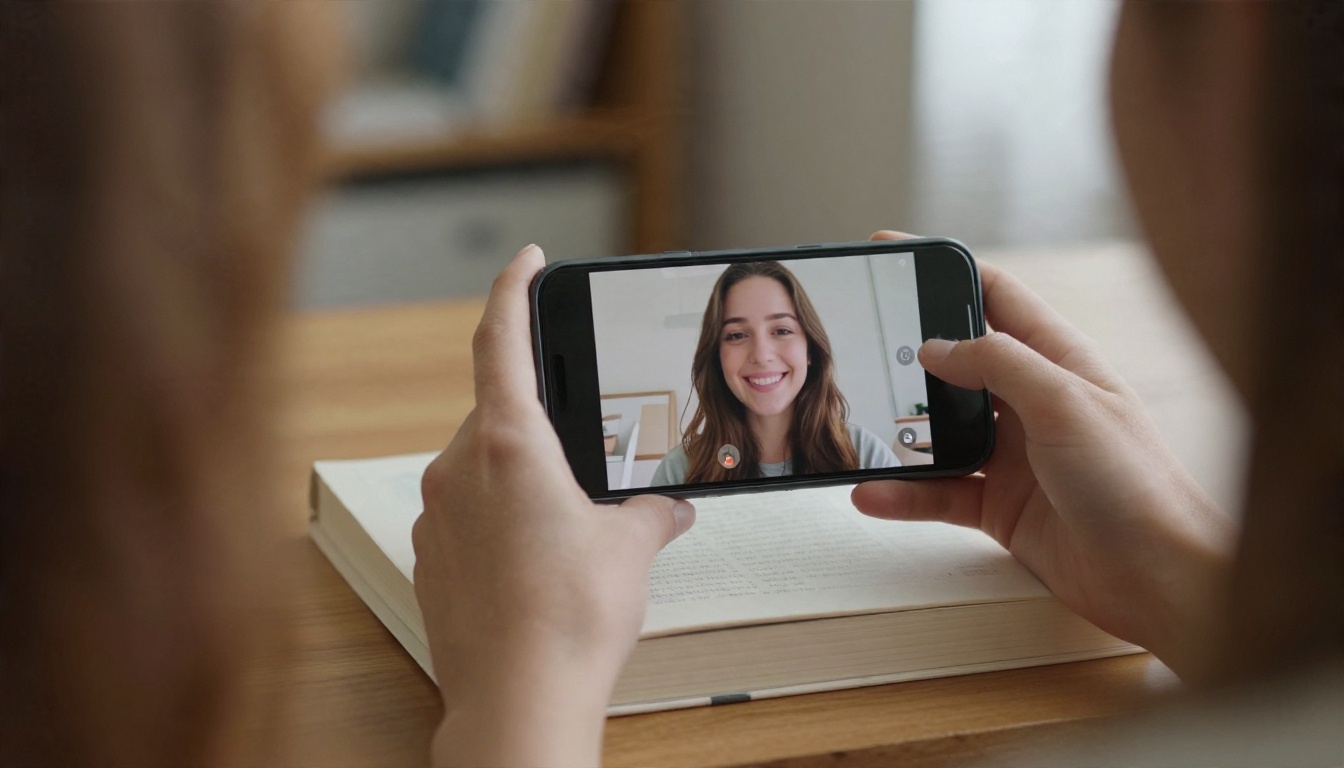
Real Video vs Animated Avatars
No AI companion is a person on the other end of a camera. What you get is one of these:
- Animated avatar call: a 3D or stylized character that moves while a voice speaks. This is the most common version.
- Photoreal talking face: a generated face lip-synced to the audio, closer to a real video call, but still limited in motion and slower to respond.
- Pre-rendered clips: short generated videos triggered by certain phrases.
Replika is the most frequently named app with video call features in 2026 reviews, and I could not find a reliable source confirming true video calls on Character.AI, Nomi or Kindroid. Treat any promise of a lifelike live video partner with skepticism, and check recent user reviews, not the ad copy.
If you want a talking face of your own design, P Video Avatar creates talking avatar videos from an image and audio. Lipsync Precision and Lipsync Speed sync voice to existing footage. These are creation tools, not a live call service, so think of them as a way to produce a personal clip rather than a real-time chat.
The Real Cost of Companions
Prices look small until you add them up.

Monthly Price Ranges
| Tier | Typical monthly cost | What you usually get |
|---|
| Free | $0 | Text chat with limits |
| Entry paid | $5 to $10 | More messages, some customization |
| Standard paid | $10 to $20 | Voice calls, memory, images |
| Premium or lifetime | $20 plus, or a one-time fee | Highest limits, early features |
Annual plans usually cut the monthly rate by 25 to 40 percent. Replika's yearly option, for example, works out to under $6 a month compared with $19.99 on monthly billing, according to recent reviews. Always verify current numbers on the official store page, because these apps change tiers and names often.
Hidden Costs
- Credits and gems. Some apps sell a subscription and then charge extra for images or special outfits.
- Auto-renewal. Annual plans renew quietly. Set a calendar reminder.
- Feature drift. A feature you paid for can be moved to a higher tier later. Screenshot what your plan includes the day you buy it.
- Emotional cost. If you find yourself paying more to keep a character alive, pause and ask whether that spending matches your goals.
💡 Budget rule: Decide your monthly ceiling before you open the app, not while the paywall is on screen.
Privacy and Safety Basics
An adult companion hears things you might not tell a friend. That makes privacy a purchasing criterion, not an afterthought.

Settings to Check First
- Data retention. Can you delete your chat history and your account, and does deleting actually remove stored data?
- Training use. Does the company use your conversations to train models? Look for an opt-out.
- Voice recordings. Are your audio clips stored, and for how long?
- Age gates and content filters. Reputable apps verify adults and let you control content intensity.
- Payment privacy. Check how the charge appears on your statement if that matters to you.
Healthy Use Habits
A companion works best as an addition to your life, not a replacement for it. Keep these in mind:
- Set a daily time window, especially for voice calls.
- Do not share financial details, passwords, home addresses or identifying documents with any chatbot.
- Keep real friendships on the calendar.
- If a conversation starts to feel like a compulsion, step away for a few days. Talk to a professional if loneliness or low mood is weighing on you.

Build Your Own Companion on PicassoIA
PicassoIA is not a ready-made companion app with a monthly romance plan. It is a collection of AI models that you can combine to build your own character: the brain, the voice, the face and the photos. If you like control and dislike paywalls, this route makes sense.
Step 1: Pick a Chat Model
The chat model writes the personality. Test a few with the same character prompt and keep the one whose replies feel closest to your idea:
Write a short character sheet with name, age, speaking style, interests, humor, and boundaries. Paste it at the start of each session, since stand-alone models do not keep your memory between chats the way a dedicated app does.
💡 Tip: Add a line like "Keep replies under three sentences, as if speaking aloud." It makes the text work far better when you pipe it into a voice model.
Step 2: Give Her or Him a Voice
Take those short replies and generate speech with one of the voice models listed above, such as ElevenLabs v3 or Speech 2.8 HD. Stick to one voice per character so it stays recognizable.
Step 3: Create the Face and Photos
Visuals are where PicassoIA is strongest. For adult-oriented, tasteful, non-explicit imagery such as glamour portraits, swimwear and lifestyle shots, start with these in order:
- Seedream 4.5 for sharp, photorealistic 4K portraits with natural skin texture.
- PicassoIA Image Editor Pro for unlimited generations and quick edits, so you can keep iterating on the same character without worrying about credits.
- Seedream 5 Pro for crisp 2K output.
- Qwen Image 3 Pro for another photorealistic look.

Keep a fixed description of your character's face, hair and style, and reuse it word for word in every prompt. That is how you get a recognizable person across many images.

💡 Prompt formula: subject and pose, environment, light direction, lens, texture details. For example: "woman in a silk robe on a stone balcony at sunrise, golden backlight, 85mm f/1.4, visible skin texture, film grain."
Step 4: Add a Talking Clip
Once you have a portrait and a voice line, P Video Avatar turns them into a short talking video. It will not hold a live conversation, but it works well for greetings, birthday messages or a morning hello.
Free Plan vs Build Your Own
| Typical companion app | Building on PicassoIA |
|---|
| Setup time | Minutes | An hour or so |
| Live voice call | Yes, on paid tiers | No, you generate audio clips |
| Memory | Built in | You paste your character sheet |
| Customization | Limited to app options | Full control over voice, face, style |
| Image generation | Often capped or paid | Unlimited with Image Editor Pro |
| Cost | $10 to $20 monthly | Pay for what you generate |
The honest trade-off: an app gives you convenience and live calls. Building gives you ownership, variety and no lock-in. Plenty of people do both, using an app for daily chat and PicassoIA for custom visuals and voice messages.
Start Creating Your Own Companion
If you came here wondering whether to pay for a companion app, the practical order is simple. Try a free plan for a week. Decide whether you want voice or video enough to pay for it. Set a monthly ceiling. Check the privacy settings before you share anything personal.
And if you would rather shape the character yourself, open Picasso IA and start with a portrait. Write a detailed prompt for your character, run it through Seedream 4.5, refine it with PicassoIA Image Editor Pro, then add a voice from the text-to-speech models. Within an afternoon you can have a face, a voice and a style that belong to you. Browse every model at picassoia.com/en/all-models and see what you can build.


