Two people, one golden evening, zero photographers. That is what a good AI couple photo maker gives you today, and you do not need to install anything to get it. Open a browser, type a few lines describing the scene, and a few seconds later you have a portrait with real skin texture, believable light, and hands that actually have five fingers.
Not long ago, "AI couple photos" meant waxy faces, melted fingers, and two people who looked like they had been cut out and pasted side by side. The newest image models changed that. They understand how two bodies sit close together, how light wraps around a cheek, and how a linen dress wrinkles when someone leans in for a hug.
This article shows how the tools work, which models give the most natural results, how to write prompts that avoid the usual traps, and how to run the whole process for free in a browser tab.
How an AI Couple Photo Maker Works

An AI couple photo maker is an image generator pointed at one specific subject: two people, usually in a romantic, affectionate, or happy moment. Under the hood it is the same technology that makes any AI picture. You describe the scene, the model builds it pixel by pixel from patterns it absorbed during training.
Text Prompts vs Photo Uploads
There are two main ways to make a couple photo:
- Text to image: you describe both people, the place, the light, and the mood. The model invents everything. This is the best route when you want a fresh, generic couple for a card, a story, a mood board, or a wedding website.
- Image editing with references: you upload a photo of yourself, your partner, or both, and ask the model to place you in a new scene. Models such as Nano Banana and PicassoIA Image Editor Pro are built for exactly this kind of instruction-based editing.
Text to image is faster and needs nothing but an idea. Editing with references keeps real faces recognizable, which matters if the picture is meant to look like you and your partner.
Why No App Is Needed
Everything runs on remote servers. Your browser sends the prompt, the server does the heavy computing, and the finished image comes back to your screen. There is no download, no phone storage to free up, and no subscription banner blocking the screen every time you tap a button. A laptop, a tablet, or an old phone all work the same way.
💡 Quick tip: If a site asks you to install an app before it shows a single result, close the tab. Browser based generation is faster to try and easier to leave.
What Makes Results Look Realistic
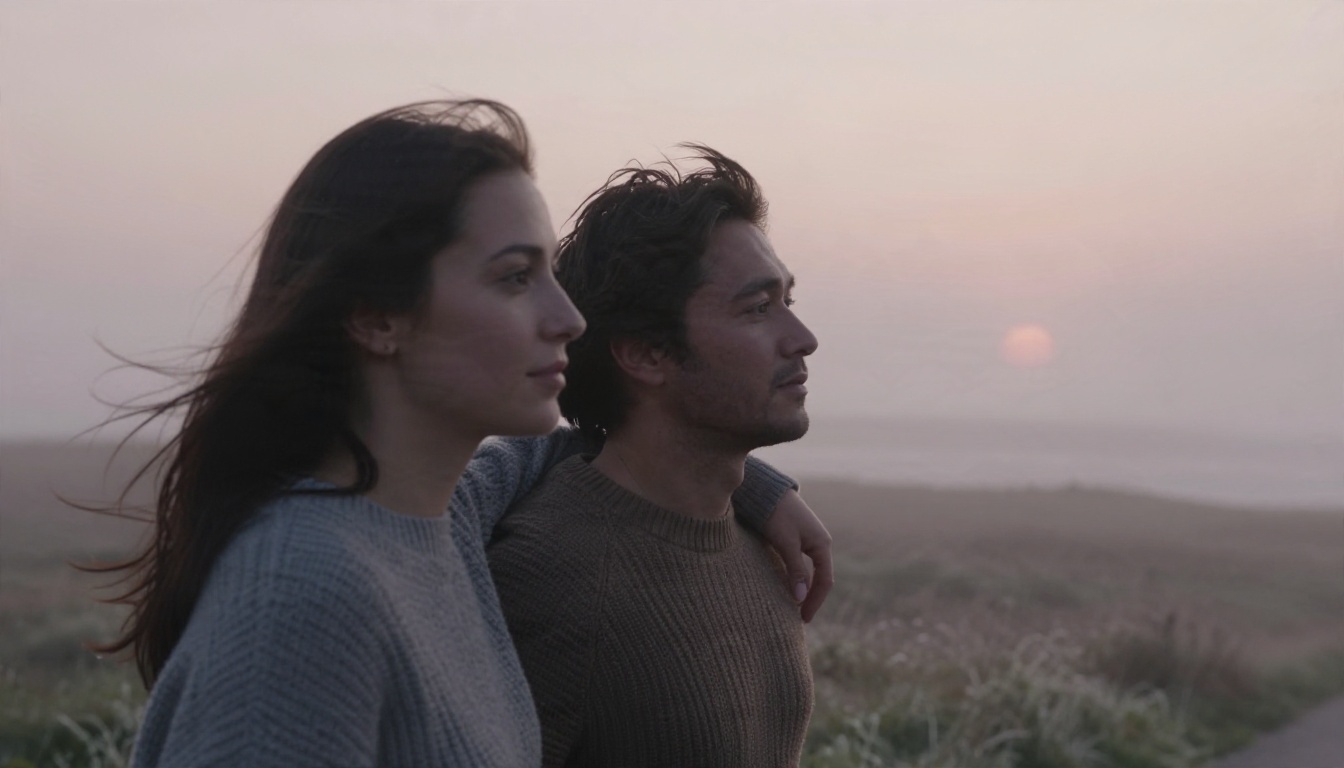
People spot AI images in under a second, usually because of a handful of tells. A realistic result avoids all of them at once. Here is what separates a photo that passes from one that does not.
Light and Lens Choices
Real photographs follow optical rules. When you name a lens, a time of day, and a light direction, the model borrows from thousands of real photos that obey those rules.
- 85mm f/1.8 gives the flattering, softly blurred background typical of portrait work.
- 35mm f/2 feels candid and documentary, perfect for a couple walking or laughing.
- Golden hour from behind creates a warm rim light on hair and shoulders.
- Overcast daylight is forgiving, hiding harsh shadows and keeping skin tones even.
Prompts that include these details nearly always beat prompts that just say "beautiful couple, high quality."
Skin, Hair, and Hands
Skin is where cheap generators fall apart. Look for visible pores, tiny freckles, light stubble, and uneven color around the nose and cheeks. Ask for them directly: "natural skin texture, faint freckles, flyaway hairs lit from behind."
Hands remain the hardest part. Tell the model what the hands are doing, such as "his hand gently cupping her jaw" or "fingers interlaced." A specific action gives the model a clear shape to follow, while a vague pose invites extra fingers.
Keeping Two Faces Distinct
The classic failure in couple photos is the "twin effect," where both people share the same nose, the same smile, and the same hair. Fix it by describing each person separately: age, hair color and length, clothing, and expression. Two short descriptions beat one long vague one.
Best Free Models for Couple Portraits
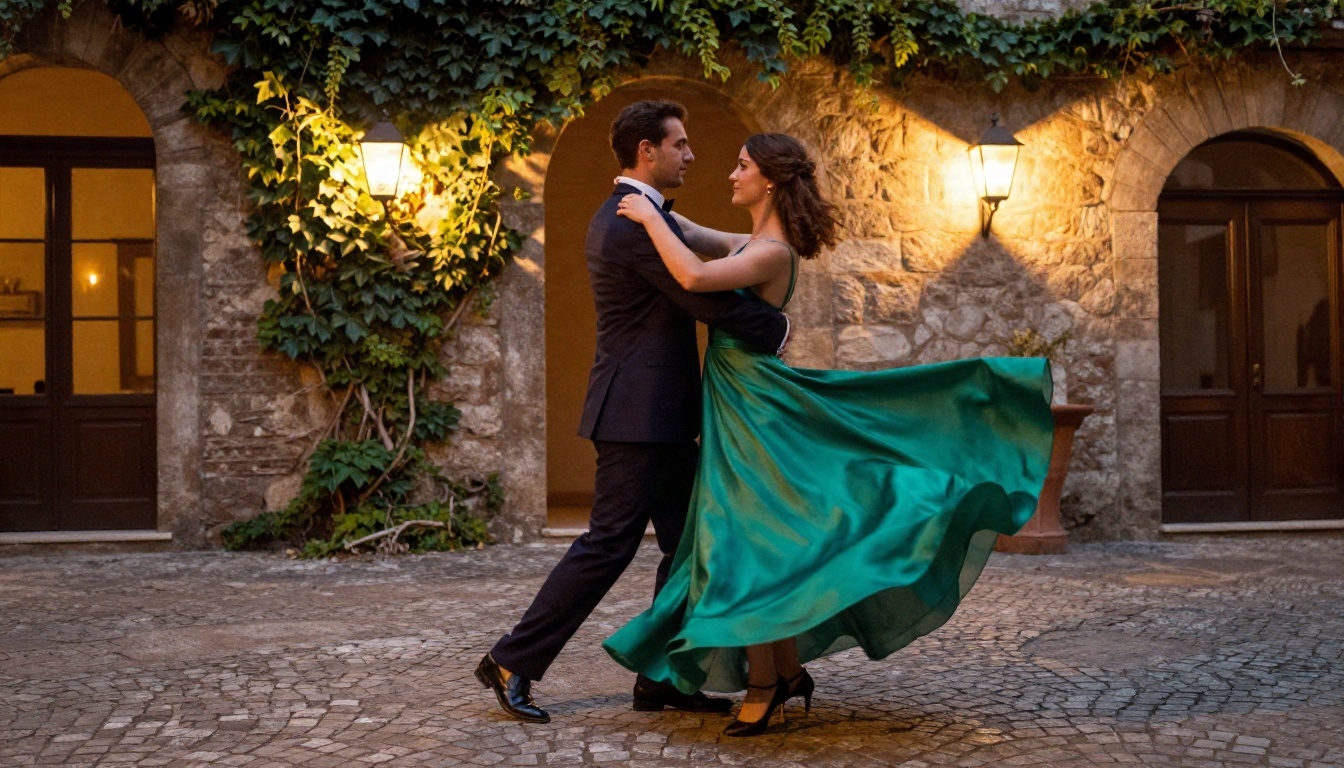
Not every model handles two people equally well. After testing a range of options, these are the ones that consistently deliver natural pairs.
Seedream 4.5 for Everyday Couple Shots
Seedream 4.5 is the model I reach for first. It handles close faces, interlocked arms, and layered clothing without the mushy edges that older models produce. It also respects lighting instructions very well, so "warm light from camera left" actually lands on the left side of the faces.
Nano Banana Pro for Real Faces
If you want the couple in the image to be you and your partner, Nano Banana Pro is a strong pick. Upload a clear photo of each person, then describe the new scene. Good source photos are front facing, evenly lit, and without sunglasses or heavy filters.
Qwen Image 3 and Flux 2 Klein
Qwen Image 3 follows long prompts closely, which helps when your scene has many parts: a rooftop, a table, two coffee cups, an olive tree. Flux 2 Klein 4B Base is the speedy option. Use it to test ten ideas in the time another model finishes two, then move the best idea to a heavier model for the final render.
How to Use Seedream 4.5 on PicassoIA
Here is the full path from blank page to finished couple photo, using Seedream 4.5 as the example.
- Open the model page. Go to the Seedream 4.5 page on PicassoIA. You can use it straight from the browser.
- Write the prompt. Paste a scene description (see the formula below).
- Choose the aspect ratio. Pick 16:9 for banners and wedding websites, 4:5 or 3:4 for social posts, and 1:1 for profile pictures.
- Generate. Press the generate button and wait a few seconds for the first image.
- Review the details. Zoom in on hands, eyes, and teeth. If something looks off, change one phrase in the prompt and run it again.
- Save the best one. Download it, or send it to an upscaler if you need a larger print.
A Prompt Formula That Works
Use this order every time:
[Two people with separate descriptions] + [what they are doing] + [place] + [light direction and time of day] + [lens and camera angle] + [skin and fabric texture] + [film look]
Example:
A woman in her late twenties with wavy chestnut hair and a cream linen sundress rests her forehead against a man's temple. He has light stubble and a faded navy shirt with rolled sleeves. Both laugh with eyes half closed. Sunlit rooftop terrace at golden hour, warm light from camera left, 85mm f/1.4, shallow depth of field, natural pores and freckles, Kodak Portra 400 film grain.
Settings Worth Adjusting
- Aspect ratio: match your end use before generating, since cropping later cuts into faces.
- Seed: if you like a result and want a small change, reuse the same seed and edit only one phrase.
- Batch size: generate several versions at once. Two people means more chances for small errors, so more options help.
💡 Quick tip: Avoid stacking adjectives like "stunning, gorgeous, perfect, ultra detailed masterpiece." Specific nouns such as "linen dress," "terracotta tiles," and "string of bulbs" do far more for realism.
Prompt Ideas for Every Mood
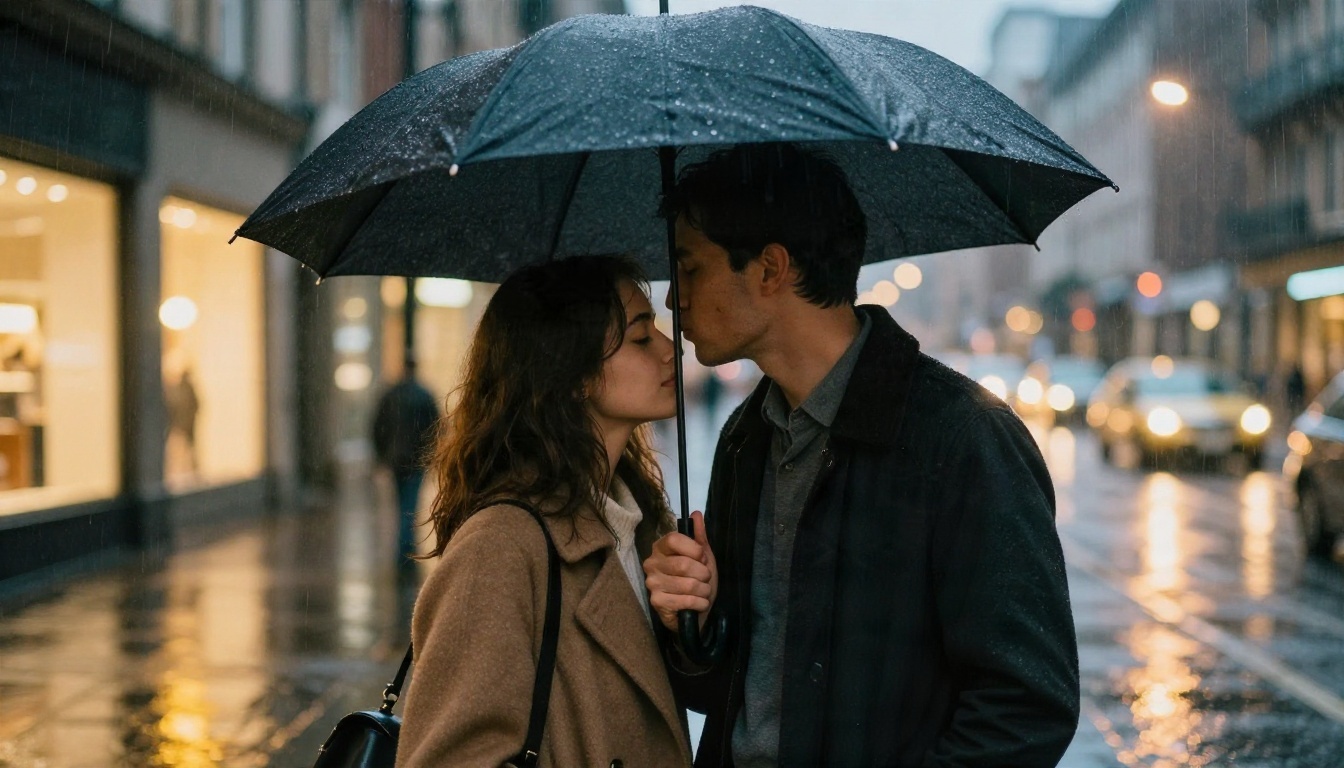
Once the formula feels natural, swapping the setting gives you an entire photo series. Here are scenes that consistently produce good results.
Romantic Outdoor Scenes
- A couple walking a coastal path at sunrise, his arm around her shoulders, wool sweaters, sea haze behind them.
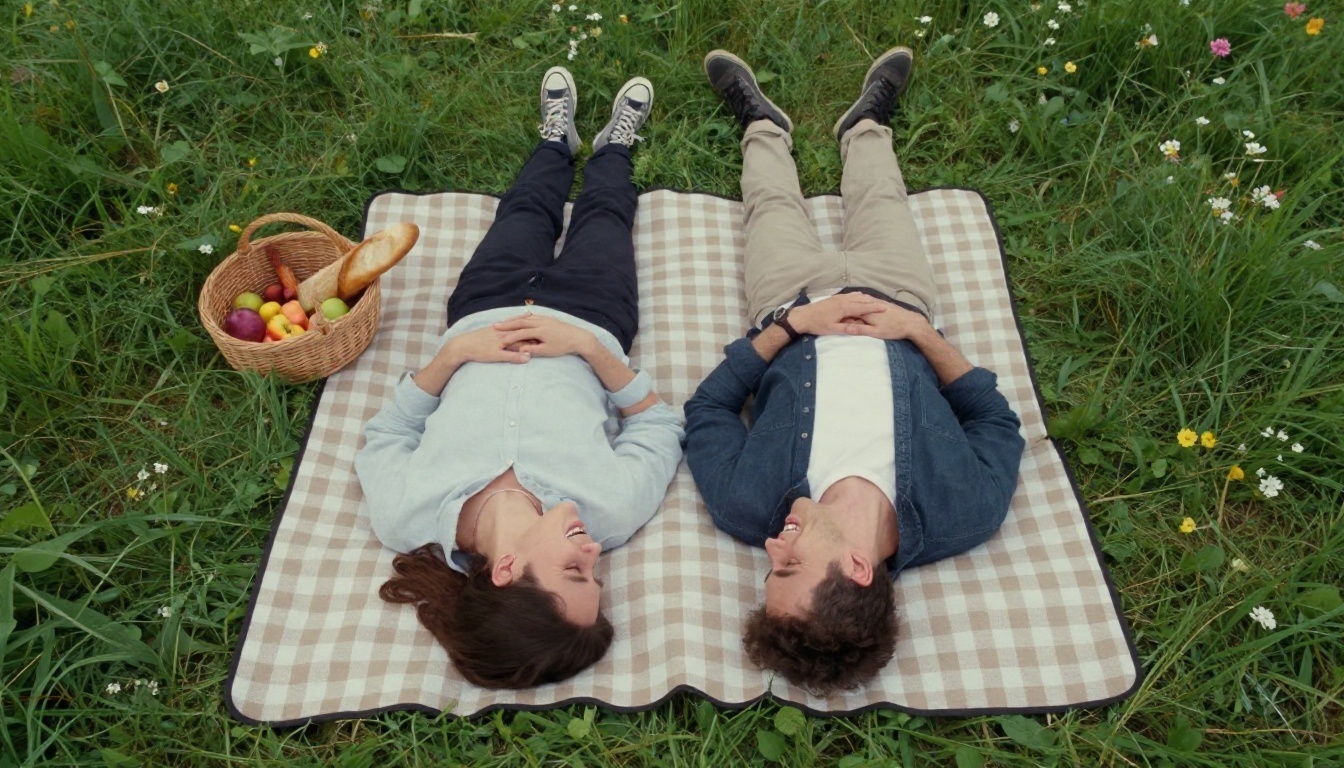
- A spring picnic seen from above, faces turned toward each other, wicker basket, wildflowers.
- A snowy pine forest, chunky scarves, foreheads touching, visible breath in the cold air.
Evening and Night Photos
- Slow dancing in a candle-lit stone courtyard, silk dress swirling, lantern light from above.
- A rainy street shot under a clear umbrella, wet asphalt reflecting warm shop windows, a kiss on the forehead.
- A rooftop at dusk with string lights and two cups of coffee on a wooden table.
Travel and Beach Looks
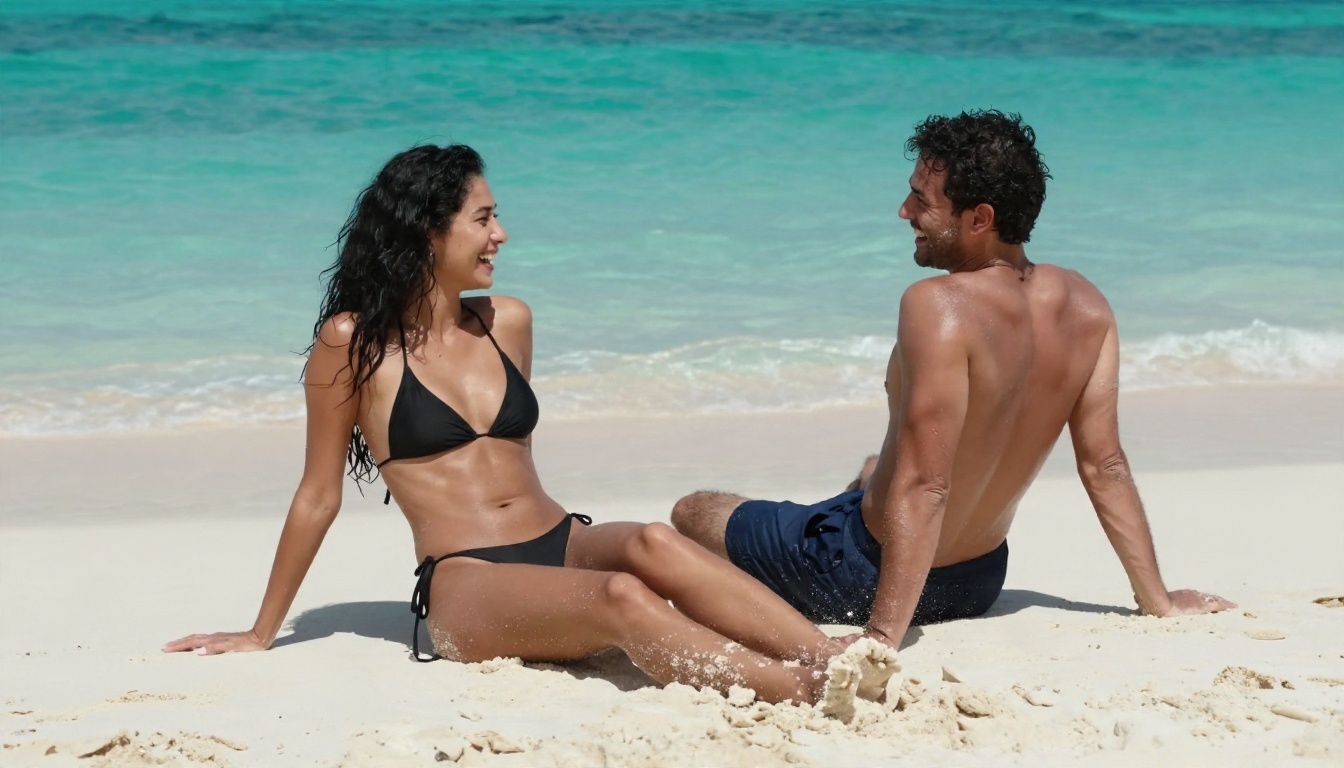
For vacation themes, keep clothing simple and the light bright. Swimwear is fine for a tasteful, glamour style beach shot as long as the pose stays relaxed and natural. Name the exact fabric and the sun direction, for example "black bikini with a sheer sarong, bright sunlight from above right, wet skin sheen, white sand grains."
Close-Up Detail Shots
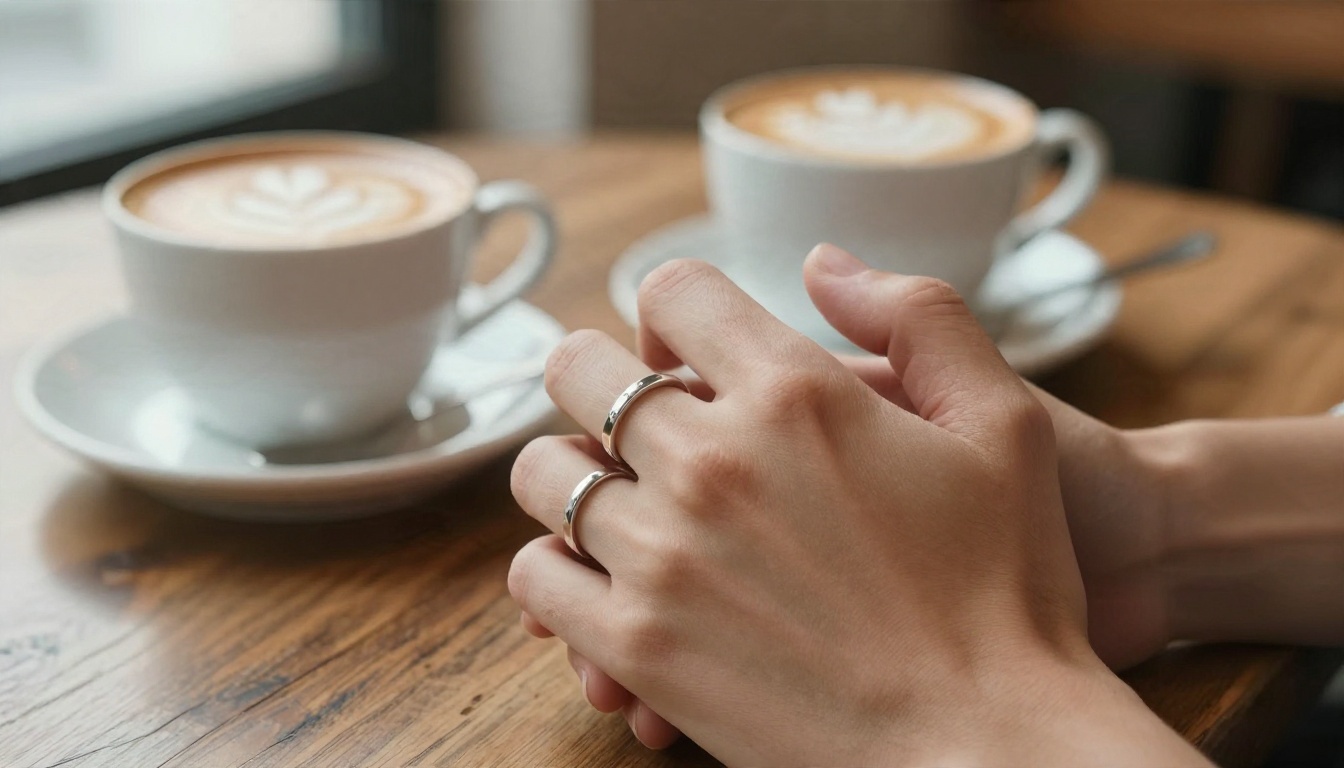
Not every couple photo needs two faces. A close-up of interlocked hands with matching rings on a café table, two cappuccinos beside them, tells a love story with no faces at all. It is also one of the safest compositions for realism, because a macro lens look hides most of the usual AI problems.
Fixing Common Couple Photo Problems
Even the best model slips now and then. Most problems have a quick fix, and you rarely need to start from scratch.
| Problem | Likely Cause | Fix |
|---|
| Both people look like twins | One shared description | Describe each person separately |
| Extra or fused fingers | No hand action in the prompt | State what each hand is doing |
| Plastic, waxy skin | Words like "perfect" or "flawless" | Ask for pores, freckles, stubble |
| Lighting looks mismatched | No light direction given | Name one light source and its side |
| Soft or blurry details | Low output size | Upscale the final image |
| Strange background text | Signs or shop fronts in scene | Say "no text, no logos" |
Merged Bodies and Awkward Poses
When two people stand very close, limbs can blend together. Add clear spatial words: "his left arm around her waist, her right hand on his chest." If the issue persists, simplify the pose first. Side by side with a head tilt is easier than a full embrace, and you can always move to the complex pose once the base scene works.
Mismatched Light and Color
A common sign of an artificial picture is when each person seems lit by a different source. One light source named once, plus a time of day, solves this in most cases. If you only need to fix a background, Generate Background can swap it without touching the people in the foreground.
Sharpening the Final Image
Download sizes from quick models can be modest. Run your favorite result through Real ESRGAN to upscale it up to 4x. Fine details such as eyelashes, knit wool, and stitching become crisp enough for a framed print.
Real Uses for Couple Photos
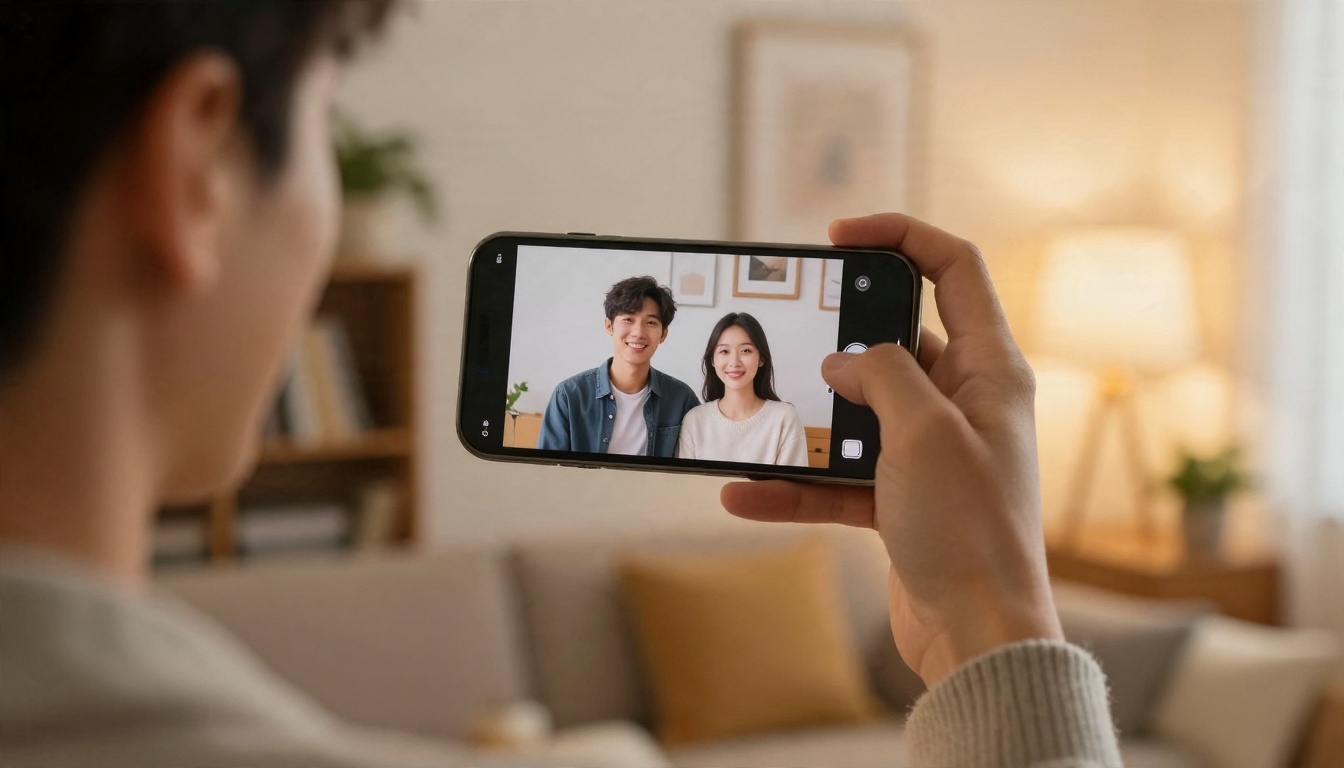
A couple picture is more useful than it first sounds. People use these images in many ways, from personal keepsakes to professional projects.
Personal Projects
- Save-the-date cards and wedding websites when you want a polished image without scheduling a shoot.
- Anniversary gifts such as a framed portrait or a photo book with scenes from places you always wanted to visit together.
- Long distance relationships: place two people in the same room, even when they live in different countries.
- Social media posts that need a clean, attractive image for a story or profile banner.
Work and Creative Projects
- Blog and brand visuals for dating, travel, or lifestyle content, where licensed stock photos are expensive and repetitive.
- Storyboards and mood boards for photographers and videographers planning a real shoot.
- Book covers and fiction art for writers who want a character couple that matches the story. Keep faces generic, so the characters still feel invented.
💡 A word on consent: only use a real person's face with their permission. A couple photo that features a friend, an ex, or a stranger without agreement is a problem no matter how realistic it looks. If you want an imaginary pair, use text to image instead of uploading photos.
Changing Details After the Fact
Once you have a base image you like, small changes are fast. Change Haircut swaps a hairstyle without regenerating the whole scene, and P Image Try On lets you dress either person in a different outfit. Together they turn one good portrait into a whole series.
What Free Really Means Here
Free tools vary a lot, so check these points before you commit time to one:
- Watermarks: some free tiers stamp a logo across the picture. Try one generation first and look at the corners.
- Daily limits: a cap of three images per day is not enough for a couple project, where you often need ten tries to get one perfect frame.
- Resolution: make sure the output is large enough for your screen or print.
- Privacy: read what happens to uploaded photos before you add faces of real people.
- Commercial use: if the picture will appear on a business page, check the license terms.
The practical approach is to draft with a fast model, refine with a strong one, and upscale only the winner. That way you spend your generations where they count.
Create Your Own Couple Photos Today
You already have everything you need: a browser, a scene in your head, and a few lines of text. Start with one of the prompts above, change the setting to somewhere that matters to you, and run it on Seedream 4.5. If you want real faces in the picture, upload your own photos to Nano Banana Pro or PicassoIA Image Editor Pro.
Try three versions of the same scene, one at golden hour, one under rain, one in snow, and compare them. You will see quickly how light direction changes the whole feeling of a couple portrait. Then pick your favorite, upscale it, and put it on the wall, on the website, or in a message to the person in the picture.
Open Picasso IA, write your first prompt, and see how close a free online AI couple photo maker can get to the real thing.


