You have that one photo. The two of you on a cliff path, a kitchen at sunrise, a rooftop the night everything felt easy. It sits on your phone, perfect and frozen. Now imagine the wind lifting her hair, his hand tightening on her waist, the waves rolling in behind you, all in a five second clip you can send to someone or keep for yourself. That is what AI couple photo to video does, and it takes minutes, not hours.
This article walks through how the technology works, which photos animate well, which models give the most natural results for couples, and the prompts and settings that keep faces from melting. There is also a step by step section for Wan 2.7 I2V on PicassoIA, plus a list of mistakes that waste generations.
Why Couple Photos Come Alive So Well
Couple photos are some of the best material for image to video models. Two people in close contact give the model clear cues: shared body weight, touching hands, leaning heads, matching expressions. Those cues translate into believable motion like a slow sway, a laugh, a turn toward each other.
💡 Quick truth: the model does not know your story. It reads shapes, light and posture, then predicts what could plausibly happen next. Your job is to give it a good first frame and a simple, believable instruction.
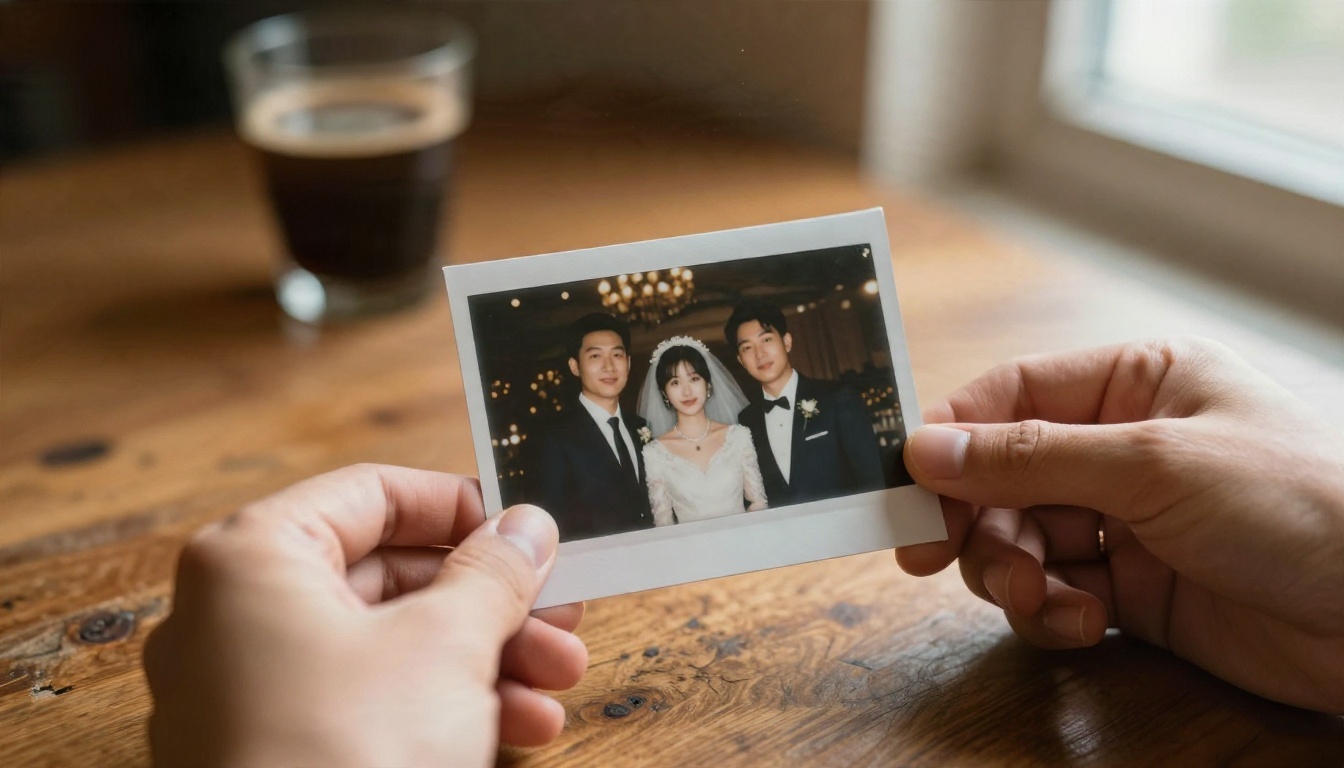
What Actually Moves in the Clip
When you turn a couple picture into a moving clip, most of the motion falls into four buckets:
- Micro movements: blinking, breathing, a soft smile growing, eyes shifting toward each other.
- Hair and clothing: strands lifting in wind, a scarf shifting, fabric settling.
- Environment: waves, leaves, snow, steam from a kettle, passing light.
- Camera: a slow push in, a gentle drift sideways, a subtle parallax that gives depth to a flat photo.
The most convincing clips combine two of these, not all four. A slow push in plus hair in the wind looks cinematic. A push in plus dancing plus rain plus a spinning camera looks like a glitch.
Which Photos Work Best
Not every photo is a good starting point. Here is a quick reference.
| Photo type | Animation result | Notes |
|---|
| Two faces clearly visible, medium shot | Excellent | Best balance of detail and motion room |
| Tight close-up of a kiss or forehead touch | Very good | Keep motion minimal |
| Wide landscape with a small couple | Good | Environment moves, faces stay stable |
| Group photo with extra people | Mixed | Extra faces can drift |
| Heavy filters, blur, or low resolution | Weak | Upscale and clean it first |
| Faces turned away or covered by sunglasses | Safe | Fewer identity problems, less emotion |
How AI Turns a Still Into Motion
Image to video models start from your photo as the first frame, then generate the following frames by predicting how pixels should change over time. Modern models also use what they have seen in millions of clips to understand how bodies, fabric and light behave.
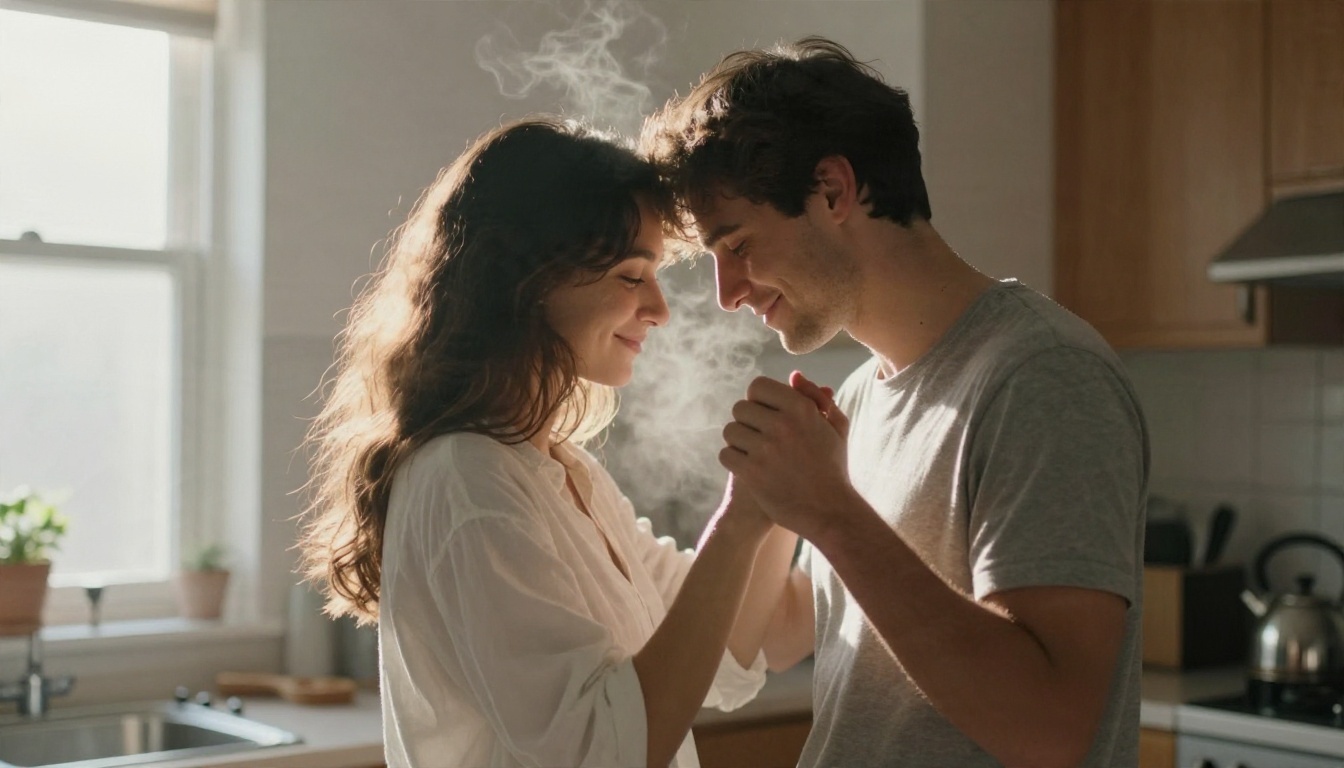
Image to Video in Plain Words
Think of it as handing a film director a single frame and a note. The director reads the frame, reads your note, and shoots five seconds. If the note is vague, the director guesses. If the note is overloaded, the director panics. A clear note with one or two actions gets the best take.
Many current models also generate native audio, such as wind, waves, distant chatter or a soft room tone. That alone makes a couple clip feel like a real memory instead of a looping GIF.
Why the First Frame Matters Most
The first frame sets identity, lighting, color and composition. Everything after it is built on that foundation. A sharp, well lit photo with open space around the couple gives the model room to move the camera. A cramped, noisy photo forces it to invent detail, and that is where faces start to warp.
If your photo is small or soft, run it through a super resolution tool first. If it is old or damaged, use AI image restoration to repair noise, scratches and blur before you animate it.
Best Models for Couple Clips
PicassoIA hosts a long list of image to video models, and each has a personality. For couples, you want stable faces, soft motion and believable skin. Here are the ones worth testing first.
For Soft, Romantic Motion
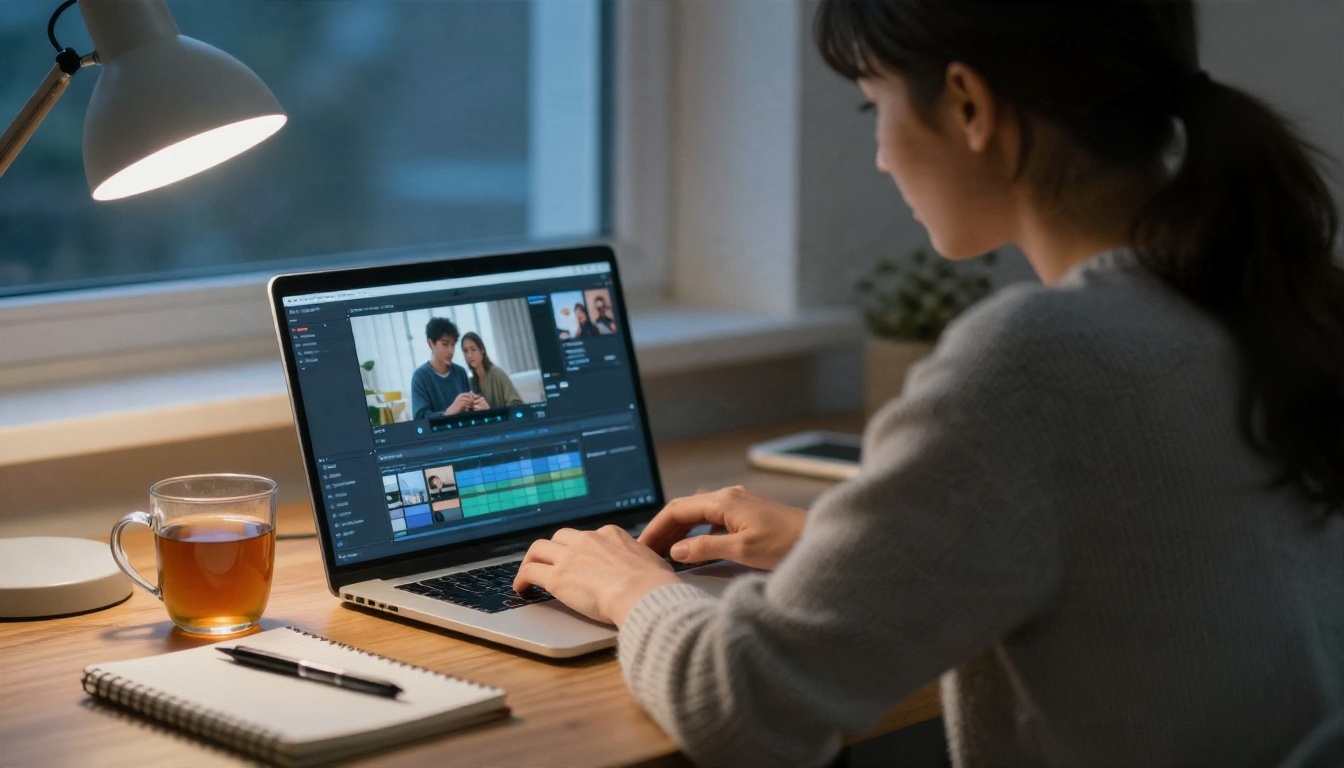
Kling v3 Video is a strong pick when you want a slow, film like feel: a gentle push in, a breeze, a subtle lean. Wan 2.7 I2V tends to stay close to the original photo, which matters when you care more about keeping the faces exactly as they are than about dramatic camera work.
If you want sound that fits the scene, try Veo 3.1 Fast. Waves, wind and room tone make a beach or street clip feel alive.
For Speed and Free Tries
Couple clips often need three or four attempts before one feels right. That is normal. Seedance 2.5 Lite is listed as a free and unlimited option, which makes it a smart place to test prompts before you spend time on a final version. Hailuo 2.3 Fast and P Video Animate are good for quick drafts when you just want to see if a photo has potential.
💡 Workflow tip: draft with a fast model, pick the best motion idea, then re run that same prompt on a higher fidelity model for the final clip.
How to Use Wan 2.7 I2V on PicassoIA
Wan 2.7 I2V is built to animate a single image, which is exactly what a couple photo needs. The exact option names can vary slightly as the model page updates, but the flow is the same.
Step 1: Prepare Your Photo
Open the Wan 2.7 I2V page and upload your image. Before you do, check these points:
- Resolution: at least 1080 pixels on the long side is a safe target.
- Faces: both faces should be sharp, with no heavy motion blur.
- Framing: leave some breathing room around the couple so the camera has space to move.
- Clean up: remove stray objects, fix scratches, and upscale if needed.
Step 2: Write the Motion Prompt
Describe what moves, how the camera behaves, and what the light does. Use short, concrete sentences. For example:
The couple stands close together on a cliff path. Her hair lifts gently in the sea breeze. She leans her head against his shoulder and they both smile softly. The camera makes a very slow push in. Warm golden hour light stays steady. Grass sways in the foreground.
Notice the structure: subject and starting pose, then action over time, then camera, then light. You are writing a tiny film script of five seconds.
Step 3: Pick Settings and Generate
Choose the shortest duration first, since short clips drift less. Pick the highest resolution the model offers if you plan to share it. If the model offers a seed, keep the same seed while you tweak the prompt, so you can see what each change does. Generate, watch the clip with sound off first to judge the faces, then with sound on to judge the mood.
💡 Check the first and last second. Faces often drift most at the end of a clip. If the last second looks off, shorten the duration or reduce the motion in your prompt.
Prompts That Work for Couples
Prompts for couples are different from prompts for landscapes or products. You are describing human warmth, so the movement needs to be small, specific and believable.
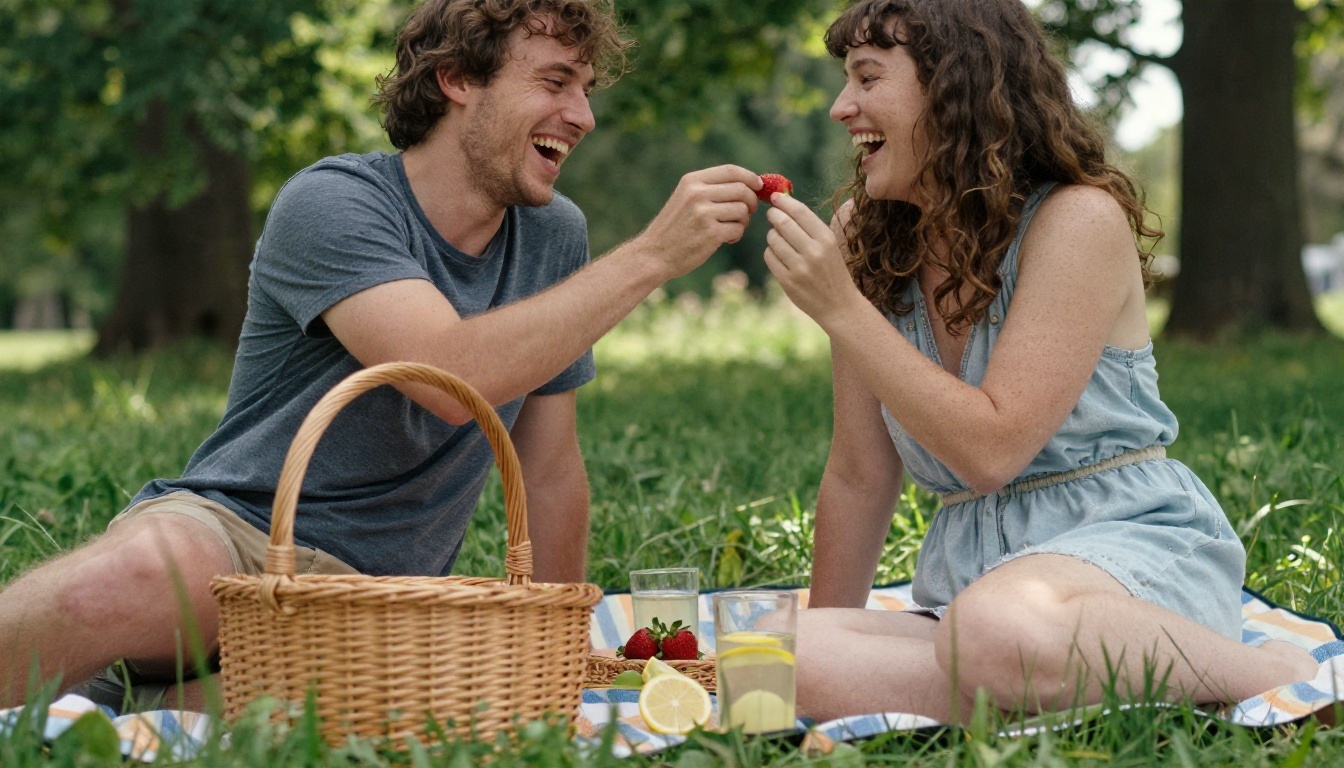
Gentle Everyday Moments
For picnics, kitchens, coffee dates and walks, keep the action simple:
- She laughs, he glances at her and smiles. Sunlight flickers through leaves above them. The camera drifts slightly to the right.
- They sway slowly, foreheads touching, eyes closed. Steam rises from the kettle behind them. Soft morning light, steady camera.
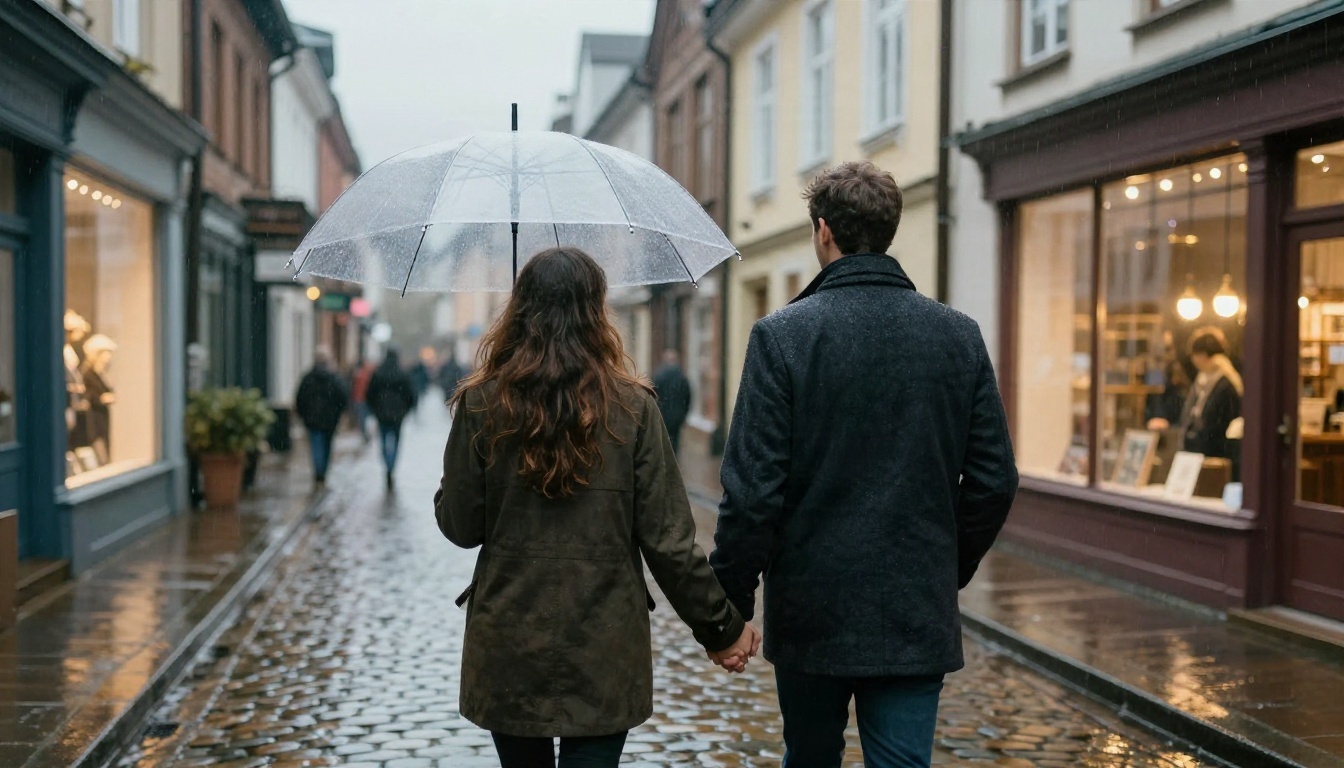
- They walk forward hand in hand. Rain falls lightly on the umbrella. The camera follows at walking pace.
Everyday scenes work because the motion is already half implied in the photo. The model only has to continue it.
Romantic and Dramatic Scenes
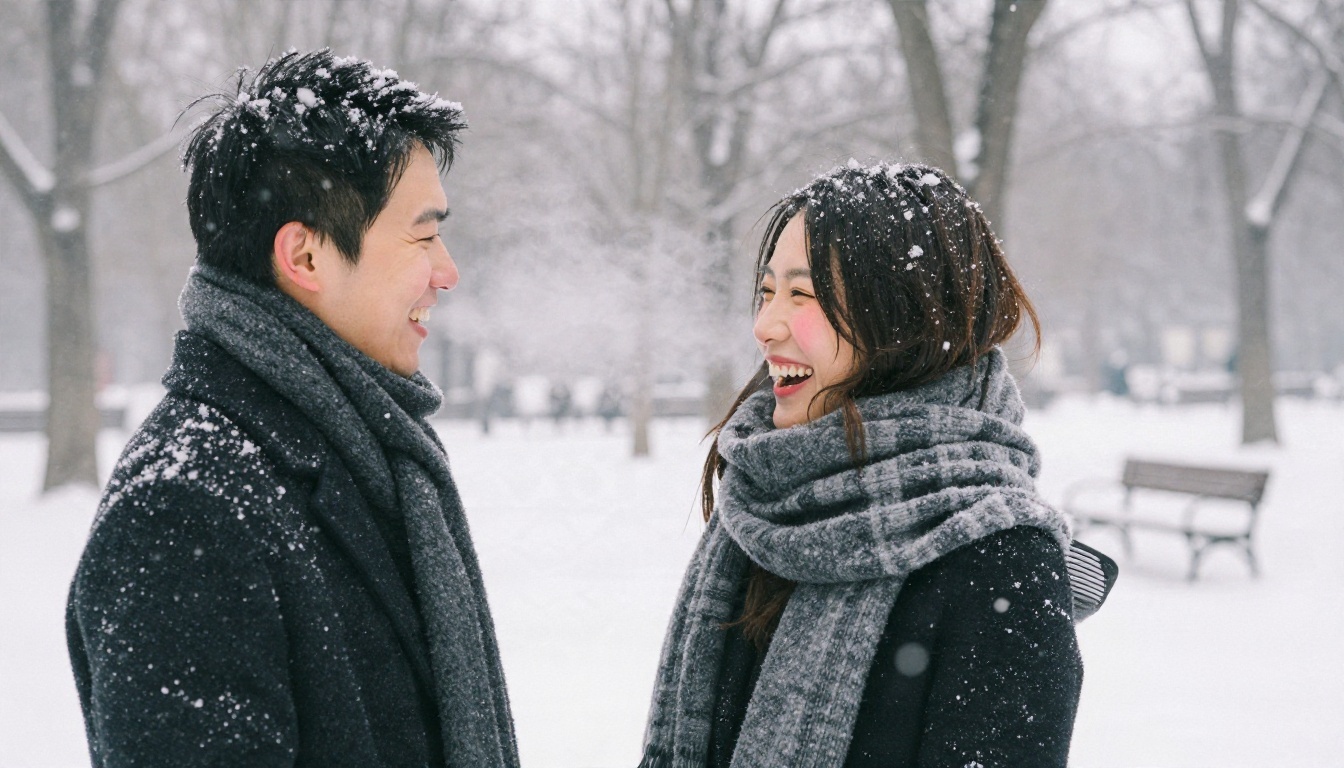
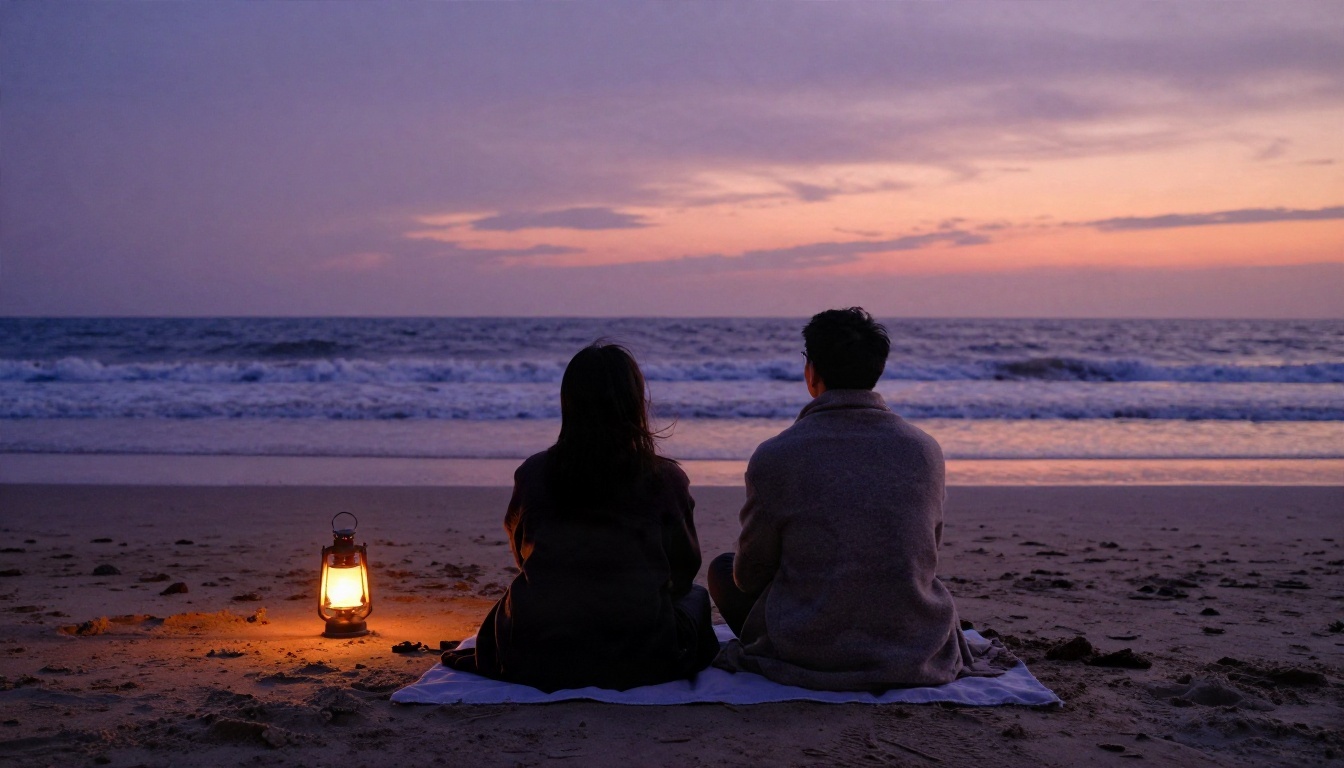
Rooftops, beaches and winter parks give you atmosphere to play with, which means you can lean on the environment instead of on the faces.
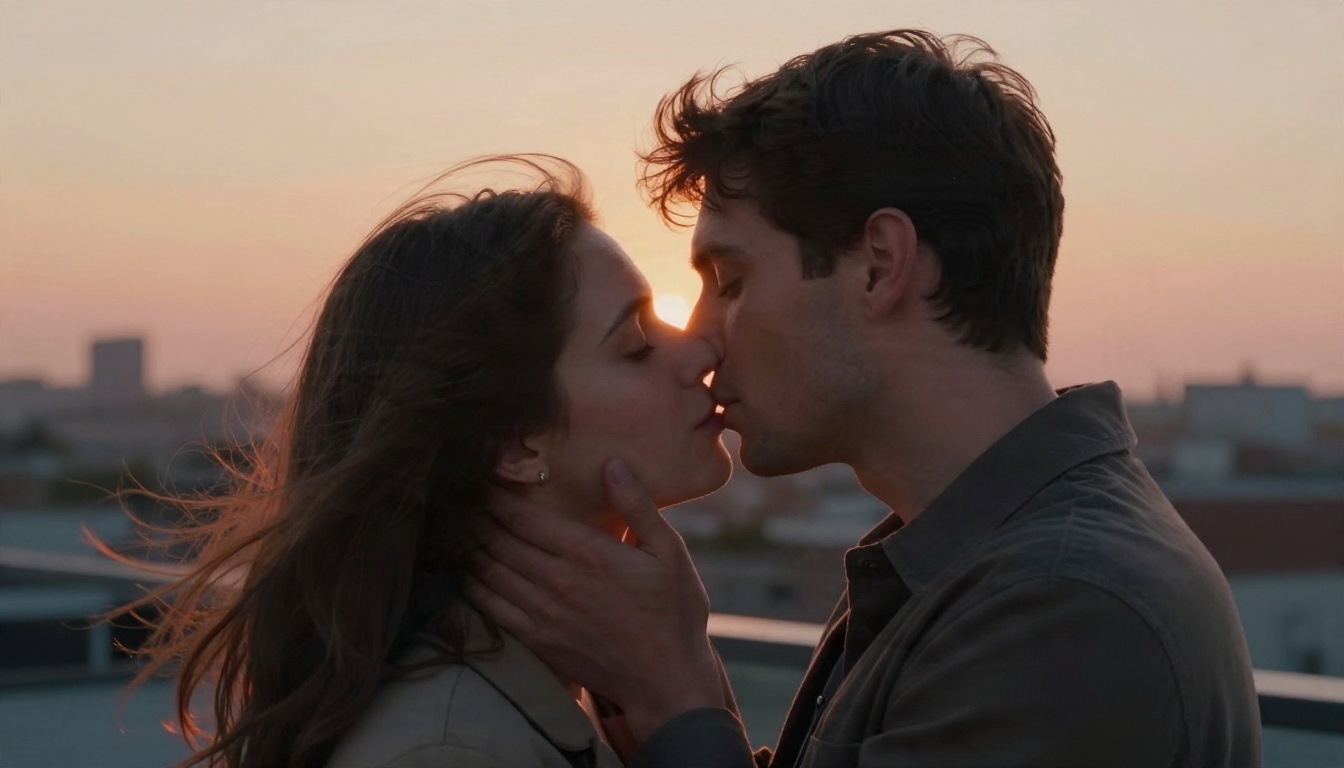
- Rooftop at sunset: Her hair lifts in the breeze. He brushes her cheek with his thumb. The city lights flicker softly in the background. Very slow push in.
- Snowy park: Snow falls gently. She brushes snow from his shoulder and they laugh. Their breath is visible in the cold air. Static camera with a very slight drift.
- Beach at dusk: They sit wrapped in a blanket. Small waves roll in. The campfire glow flickers on their faces. The camera rises slowly.
💡 Rule of thumb: one emotional action (a laugh, a lean, a touch) plus one environmental motion (wind, snow, waves) plus one camera move. Three ingredients, no more.
Mistakes That Ruin the Clip
Most failed couple clips come from the same few problems. Fixing them before you generate saves a lot of retries.
Asking for Too Much Motion
Prompts like "they dance, spin, kiss, and walk away while the camera orbits" almost always break. Bodies overlap, hands merge and faces slide. Keep to one gentle action. If you want a longer story, generate several short clips and join them in a video editor.
Letting Faces Drift
Faces drift when the photo is low resolution, when the faces are tiny in the frame, or when the prompt asks for big head turns. To protect likeness:
| Problem | Fix |
|---|
| Faces look slightly different by the end | Shorten the clip and lower the motion |
| Eyes look odd or glassy | Upscale the photo first and avoid extreme close-ups |
| Hands merge or add fingers | Describe a simple hand action, or hide hands in the frame |
| Skin turns plastic | Ask for natural skin texture and soft film grain in the prompt |
| Camera movement feels jerky | Use words like "very slow" and "steady" |
Another trick: if your original photo is imperfect, regenerate a cleaner version first. Models like Nano Banana can edit an existing picture, and Seedream 4.5 can create a fresh couple scene from a text description when you do not have a usable photo yet. Then send the cleaned image into your video model.
Ideas Worth Trying
Once you have the workflow, the same method opens up many uses.
Anniversary and Wedding Clips
A wedding portrait with a slow push in and a light breeze is a lovely anniversary message. Add a soft music bed from an AI music generator, or a voice message made with a text to speech tool, and you have a small film in under an hour.
Memorial and Family Photos
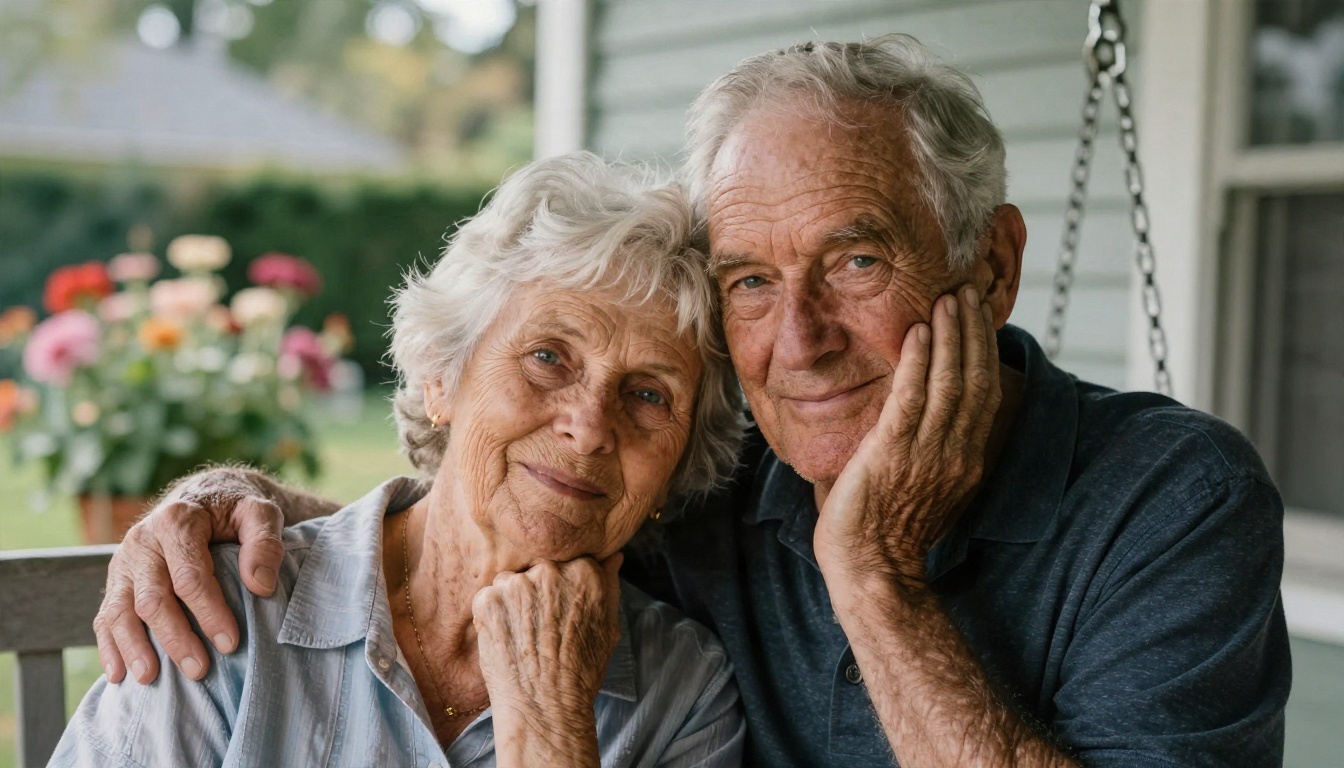
Older couples are a touching use. A porch swing portrait where the two of them smile and settle closer is a gentle way to bring a treasured photo to life. For these, use the lowest motion level, a calm prompt and a steady camera. Restore the original first if it is scratched or faded, and always keep the original file safe.
💡 A note on consent and respect: only animate photos of people who are happy to be animated, or whom you have the right to remember. Keep clips honest and kind, and do not present them as real footage when sharing publicly.
Make Your Own Moving Couple Clip
You do not need a camera crew or an editing suite. You need one good photo, a short and clear motion prompt, and a model that treats faces gently. Start with a fast draft on Seedance 2.5 Lite, refine the idea, then run the winning prompt on Wan 2.7 I2V or Kling v3 Video for the final take.
Pick the photo you keep going back to. Write three sentences: what the couple does, what the camera does, what the light does. Press generate, and watch a frozen moment finally move.
Ready to try it? Open PicassoIA, upload your couple picture and experiment with a few prompts today. When you want to compare more options, browse every video and image model at picassoia.com/en/all-models.


