You have a photo, a song stuck in your head, and zero interest in installing another app that wants your contacts and a weekly subscription. Good news: an AI dance video maker online free really does exist, and it runs entirely in a browser tab. Better news: you can get a clean, watermark-free dance clip from one picture in a couple of minutes. The catch is in the details, because "free" and "no app" mean very different things depending on the tool. This article walks through what those promises actually deliver, the limits you will hit, and the alternatives worth switching to when a free tier runs dry.
What "Free, No App" Really Means
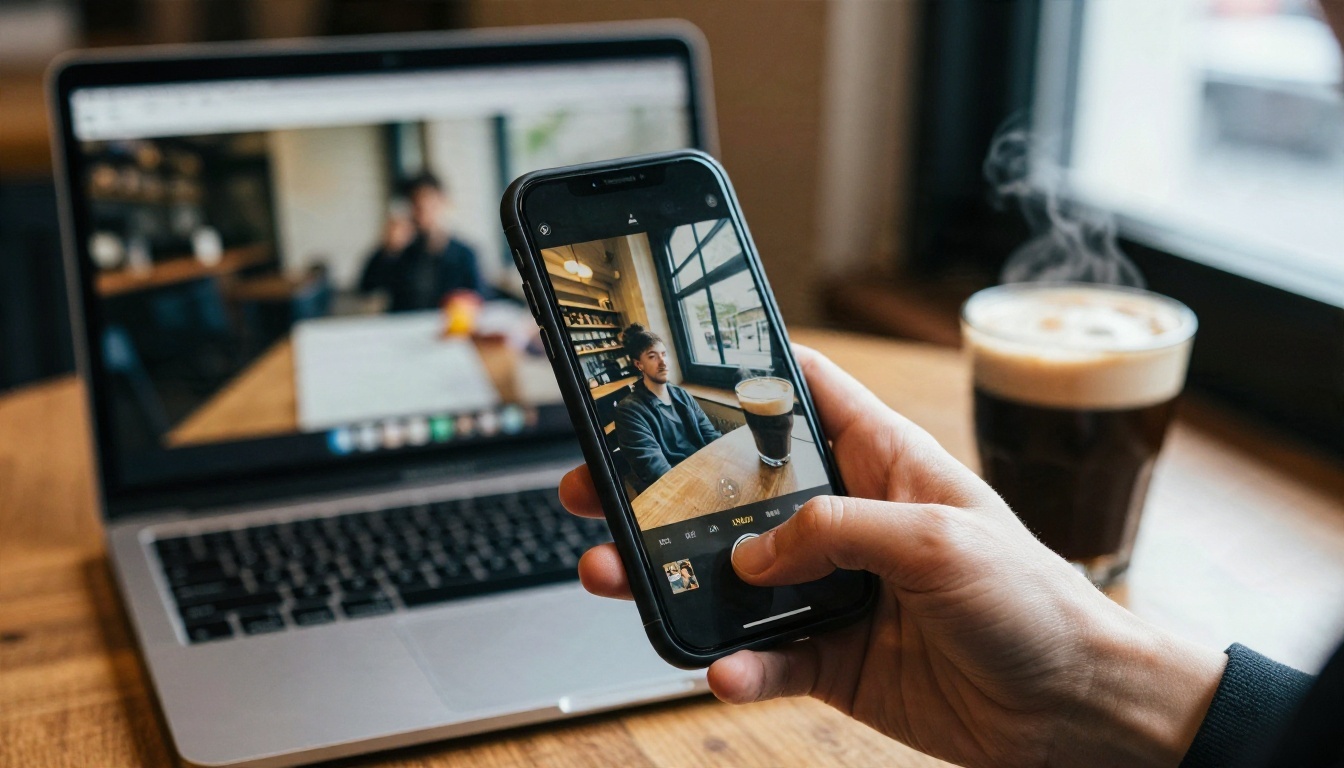
When a site says it is a free AI dance generator with no download, it usually means three things: you upload a photo in the browser, you pick a dance template or reference clip, and you wait while a server does the heavy lifting. Nothing gets installed. Your phone or laptop only plays the final MP4.
The Browser-Only Promise
Browser-based tools are genuinely convenient. There is no storage hit, no permissions pop-up, and the same account works on a phone, a tablet and a desktop. For a quick birthday clip or a meme, that is hard to beat.
It also means the processing happens on the provider's GPUs, which cost real money. That is the root of every limit in the next section. Someone pays for those seconds of compute, and if it is not you, it is usually an ad, a watermark, or a queue.
Where the Catch Hides
From my own look at the current crop of free dance makers in early November 2026, the pattern is consistent. Several of them, including Filmora's dance generator, Vidnoz and Aitubo, put a watermark on free exports or restrict clean exports to paid plans, sometimes with one trial export for new users. Others, such as Dreamlux and Somio, advertise watermark-free free tiers, but those are the vendors' own claims, so test with a throwaway photo before you build a project around them. Movely offers a big template library for photo dances, and its export rules are not obvious up front.
💡 Quick test: Always export one sample clip before you commit time to a tool. Check for a corner watermark, an end card, a resolution drop and a hidden duration cap.
The Limits You'll Actually Hit
Almost every free dance maker trades something for the price tag. Here is how those trade-offs usually look.
| Limit | What it looks like | How much it hurts |
|---|
| Watermark | Logo in a corner or an end card | High for public posts |
| Clip length | 3 to 10 seconds per export | Medium, you can stitch clips |
| Resolution | 480p or 720p on free plans | Medium on big screens |
| Queue time | Minutes to hours at peak times | High if you are on a deadline |
| Daily credits | A handful of generations per day | High while you iterate |
| Template lock | Only preset dances, no custom motion | Medium to high |
Watermarks and End Cards
A watermark is the loudest limit and the easiest to spot. An end card is sneakier, since it adds a second or two of branding after your dance. If you plan to post on TikTok, Reels or Shorts, either one looks like an ad and tends to kill reach.
Short Clips Only
Most free dance generators cap output at a few seconds. That is fine for a loop, but a full chorus needs 10 to 15 seconds. Tools that allow longer clips almost always put them behind a paywall.
Queues and Daily Credits
Free users wait behind paying ones. If a generation takes four minutes on a quiet morning, expect much longer on a Friday night. Daily credit caps add another squeeze: dance results vary a lot, so you rarely nail it on the first try.
How Photo to Dance Video Works
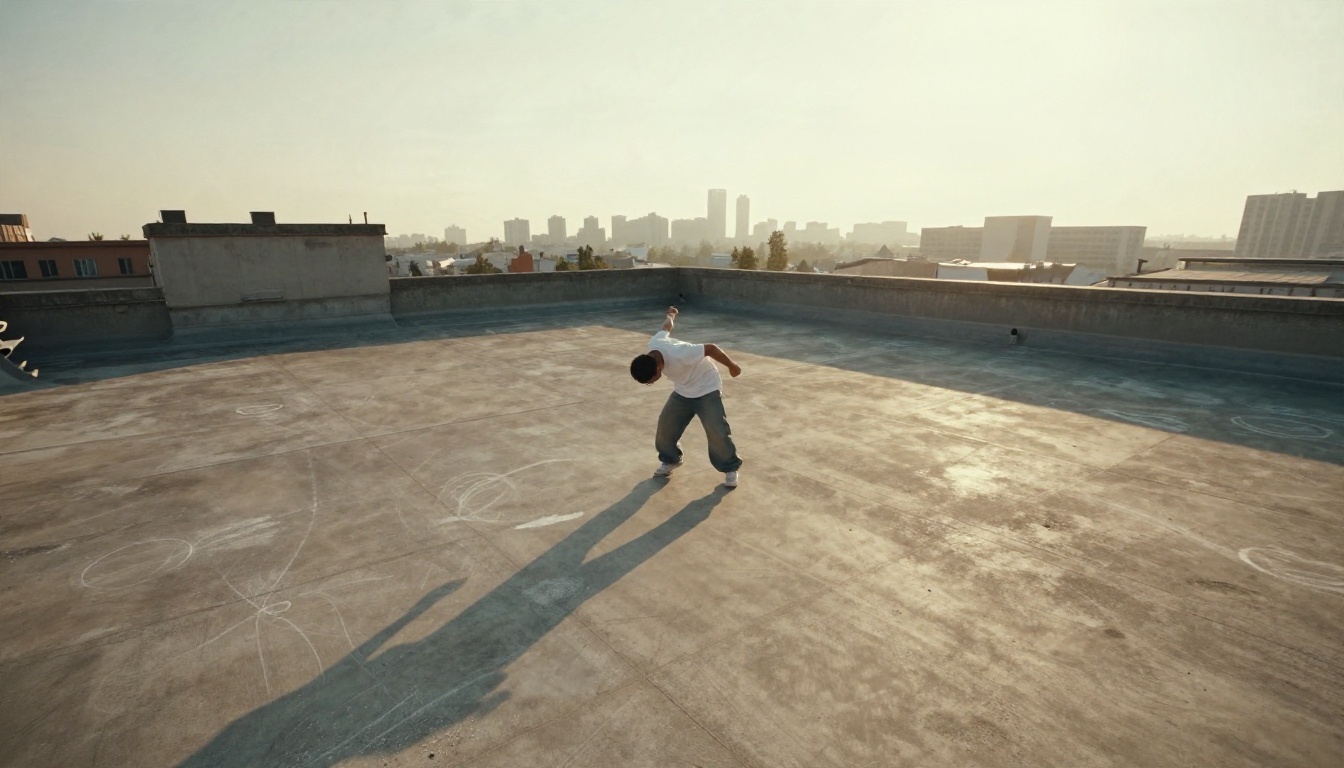
Under the hood, two approaches power nearly every AI dance maker. Knowing which one a tool uses tells you what you can control.
Motion Transfer From a Reference Clip
You upload a character image and a short video of someone dancing. The model reads the body movement in the reference and applies it to your character, keeping the face, outfit and background from your photo. This gives you the most control, because the choreography is real and you choose it.
Models such as Kling v3 Motion Control and Dreamactor M2.0 are built around this idea of animating a character image with motion from another source.
Prompt-Driven Animation
The second approach skips the reference video. You upload a photo, write a sentence like "she spins slowly, then claps to the beat", and the model invents the motion. It is faster to set up and works well for light, natural movement. Complex choreography is where it can drift, with limbs doing odd things.
Seedance 2.5 Lite fits this style and is listed as a free and unlimited video generator with clips up to 10 seconds, which makes it a practical place to test ideas without watching a credit counter.
How to Make a Dance Video on PicassoIA
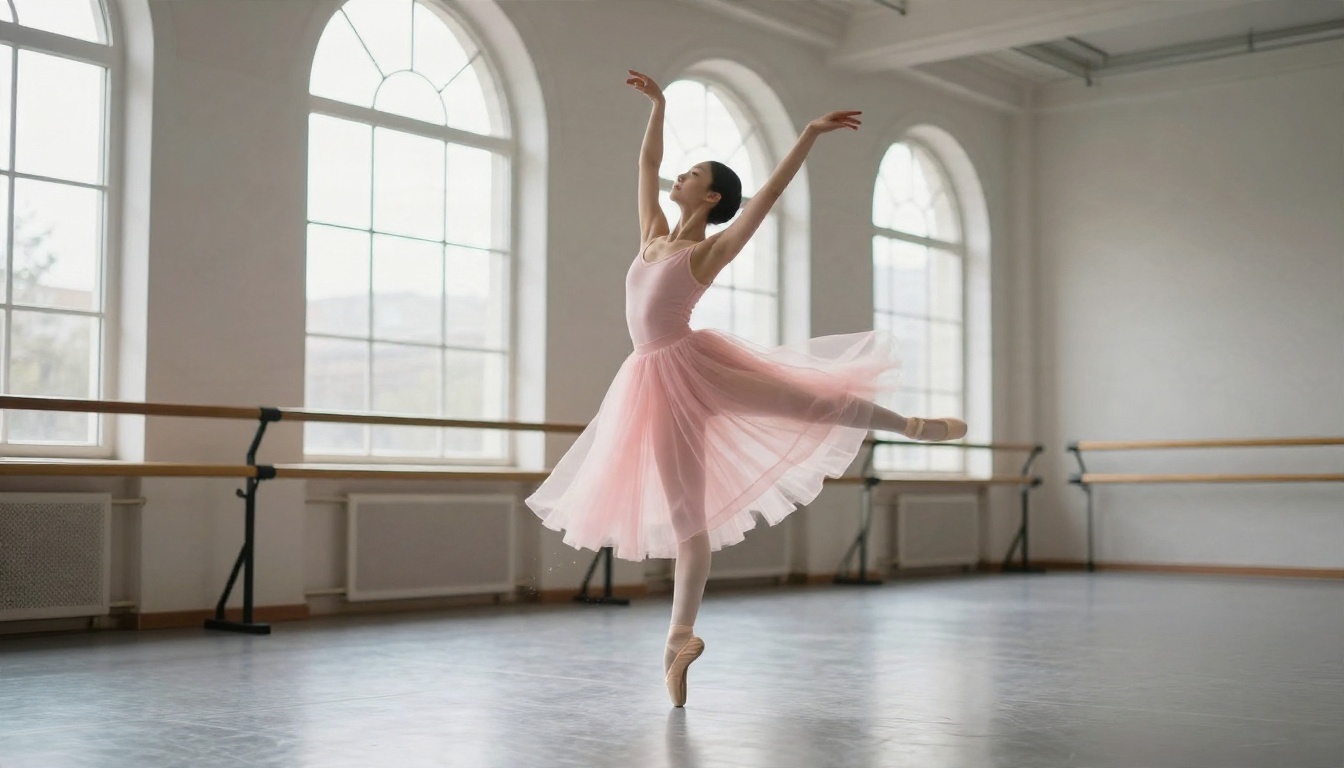
PicassoIA runs everything in the browser, so the no-app promise holds. Here is a workflow that works for both approaches.
Step by Step
- Pick your model. For a free, longer prompt-driven clip, open Seedance 2.5 Lite. For copying a specific routine, open Kling v3 Motion Control.
- Upload your photo. Use a full-body or at least waist-up image with clear arms and a plain background.
- Add motion. Either upload a short reference dance clip, or write a prompt that describes the movement in order: what starts, what changes, what the camera does.
- Set the duration. Start with 5 seconds to check the motion, then extend once you like what you see.
- Generate and review. Watch for face drift, hand glitches and foot sliding. Adjust the prompt and run it again.
- Download the MP4. No watermark hunt, no extra export steps.
Parameter Tips That Save Time
- Describe the order of motion. "Steps left, spins, then points at the camera" beats "dancing happily".
- Name the camera. "Static tripod shot" keeps the frame steady. "Slow dolly in" adds drama but can distort limbs.
- Keep one subject. Group photos confuse motion transfer. Crop to one person for the first test.
- Match the aspect ratio to where you will post. Vertical for Shorts and Reels, wide for YouTube.
💡 Pro move: Generate your starting photo too. If you do not have a good full-body picture, make one with Nano Banana Pro or Seedream 4.5, then animate it.
Best Alternatives When Free Runs Out
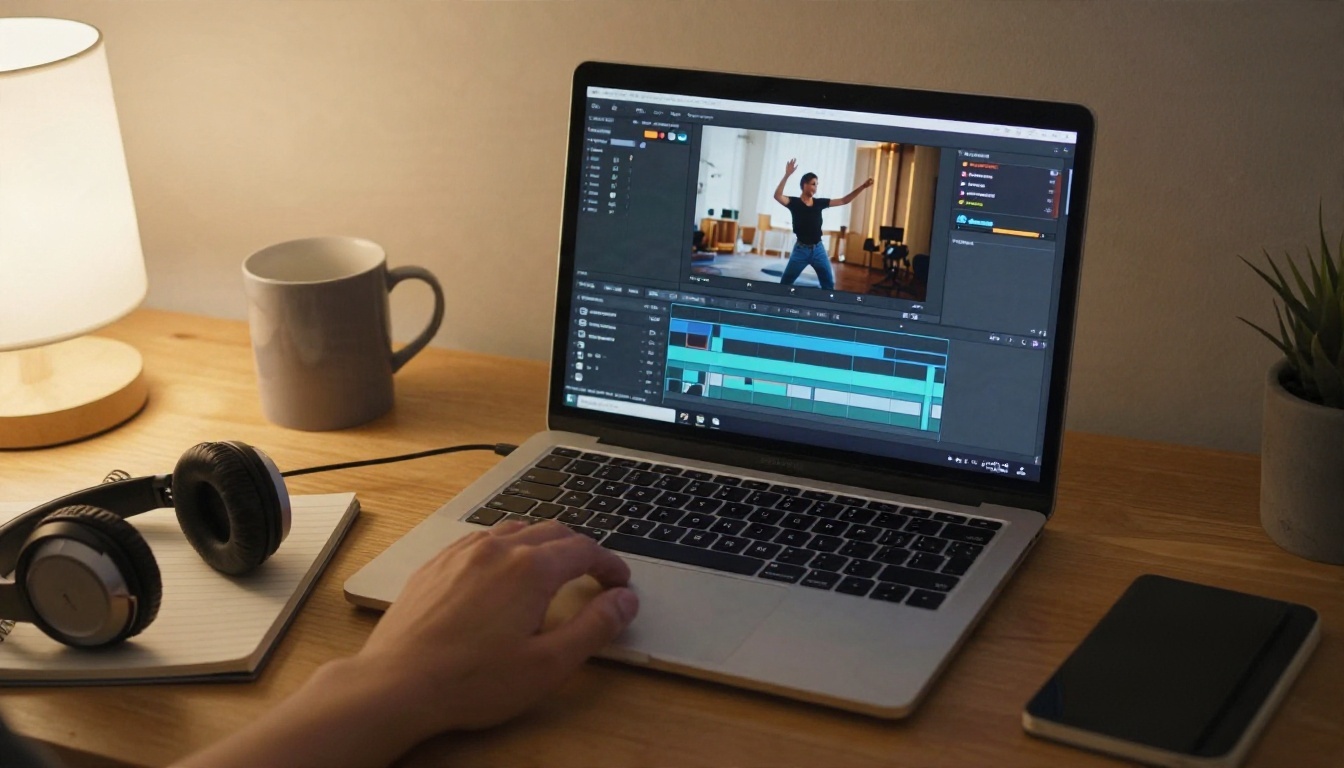
Sometimes a free tier is plenty. Other times you need longer clips, sharper detail or tighter control. These are the models worth reaching for.
Kling v3 Motion Control for Real Choreography
If you want your character to hit the same steps as a reference video, this is the strongest fit. Film yourself or a friend doing the routine, upload that clip with the character image, and the movement carries over. It is the closest thing to "teach the AI this dance".
Seedance for Length and Value
Seedance 2.5 stretches to 30 seconds, which is enough for a full verse and chorus without stitching. Pair it with the Lite version: test the idea there, then run the final take on the longer model.
Dreamactor for Characters
Dreamactor M2.0 is useful when your subject is not a standard portrait, such as an illustrated mascot, a brand character or a pet-style figure that you want to move like a person.
Wan, Hailuo and Veo for Fast Photo Animation
When you only need a quick, natural movement, Wan 2.5 I2V Fast and Hailuo 2.3 Fast turn a still into motion with little waiting. For a more polished look at higher resolution, Veo 3.1 Fast is a strong pick.
Photo and Sound Tips That Matter
The model is only half the result. Your input and your audio decide whether the clip looks believable or uncanny.
Pick the Right Photo
The best source images share a few traits:
- Full body or waist-up with arms visible and not hidden behind the torso.
- Even lighting, with no harsh shadows across the face.
- A simple background, so the model does not warp furniture or signs while the body moves.
- Natural pose, standing straight or slightly angled. Extreme crops and heavy filters cause trouble.
- High resolution, since a blurry photo gives you a blurry dancer.
A photo that is soft or small can be sharpened before animating. The platform offers super resolution tools for this, so a decent but low-quality snapshot can still become a usable first frame.
Add Music and Sound
Many dance generators output silent clips, or put a generic loop behind them. Add your own track in a video editor, or generate effects that match the movement with Video To SFX v1.5, which adds synced sound to an existing clip. Footsteps, claps and fabric swishes make a short dance feel far more real than silence.
If you want your character to sing or speak over the dance, Omni Human 1.5 turns a photo into a lipsync video. Cut the two clips together and you have a performance.
💡 Licensing note: Using a trending song in a personal post is usually fine on social platforms that license it in-app. Uploading it into a file you publish elsewhere is not. When in doubt, use royalty-free or generated music.
Match the tool to the job, not the other way round.
When a Free Template Site Is Enough
Use a free template maker when you want a funny two-second reaction, a greeting for a friend, or a throwaway test. Accept the watermark, accept the short clip, and move on.
When You Need More Control
Switch to a motion transfer model when you want a specific routine, longer duration or consistent faces from clip to clip. This matters most for creators who post regularly and want a recognizable character. A short checklist helps:
- Need more than 10 seconds? Choose a longer model.
- Need your own choreography? Use motion control with a reference clip.
- Need no branding on the file? Check the export before you pay.
- Need many attempts? Pick the option without a daily credit cap.
Mistakes That Ruin Dance Clips
These are the errors that show up again and again, and each has a quick fix.
Using a Cropped or Busy Photo
A cut-off hand or a cluttered room gives the model nothing solid to hold on to. Retake the photo with the full figure in frame and a clear backdrop.
Overloading the Prompt
Writing a paragraph of choreography confuses prompt-driven models. Stick to two or three actions in order, then run a second clip for the next part and join them.
Ignoring Hands and Feet
Hands and feet are where AI dance clips usually break. Feet slide, fingers merge. Keep the framing slightly wider so small errors are less visible, or pick a pose where hands rest on hips or hold a prop.
Skipping the Test Run
Never spend a long, high-resolution generation on an untested prompt. Run a 5-second draft first, check the motion, then commit.
Make Your First Dance Clip Today
You do not need an app, a watermark or a subscription to get a good dance video. Start with one clear photo, pick a model that matches the length and control you want, and run a short test before the final take. If you want to try it right now, open Seedance 2.5 Lite for a free and unlimited first draft, then step up to Kling v3 Motion Control when you want real choreography on your own character.
Experiment with a few photos, a few prompts and a few songs. The first clip is rarely the best one, but the fifth usually is. Browse every video, image and audio model at picassoia.com/en/all-models and build your own dance clip in the browser today.


