You open Instagram, see a dancer spinning through golden light, and think: I could make that without a studio, a crew or a single dance lesson. Then you type "girl dancing" into an AI video generator and get a rubbery, wobbling figure with six fingers and a face that melts halfway through. The tool is not the problem. The AI dance video prompt is. A dance is the hardest thing you can ask a video model to do, and vague words give vague motion.
This page gives you free, copy-ready examples that work for vertical Reels, plus the logic behind them so you can write your own. Every prompt below is built around the same idea: describe the body, the beat, the camera and the light in the order a director would.
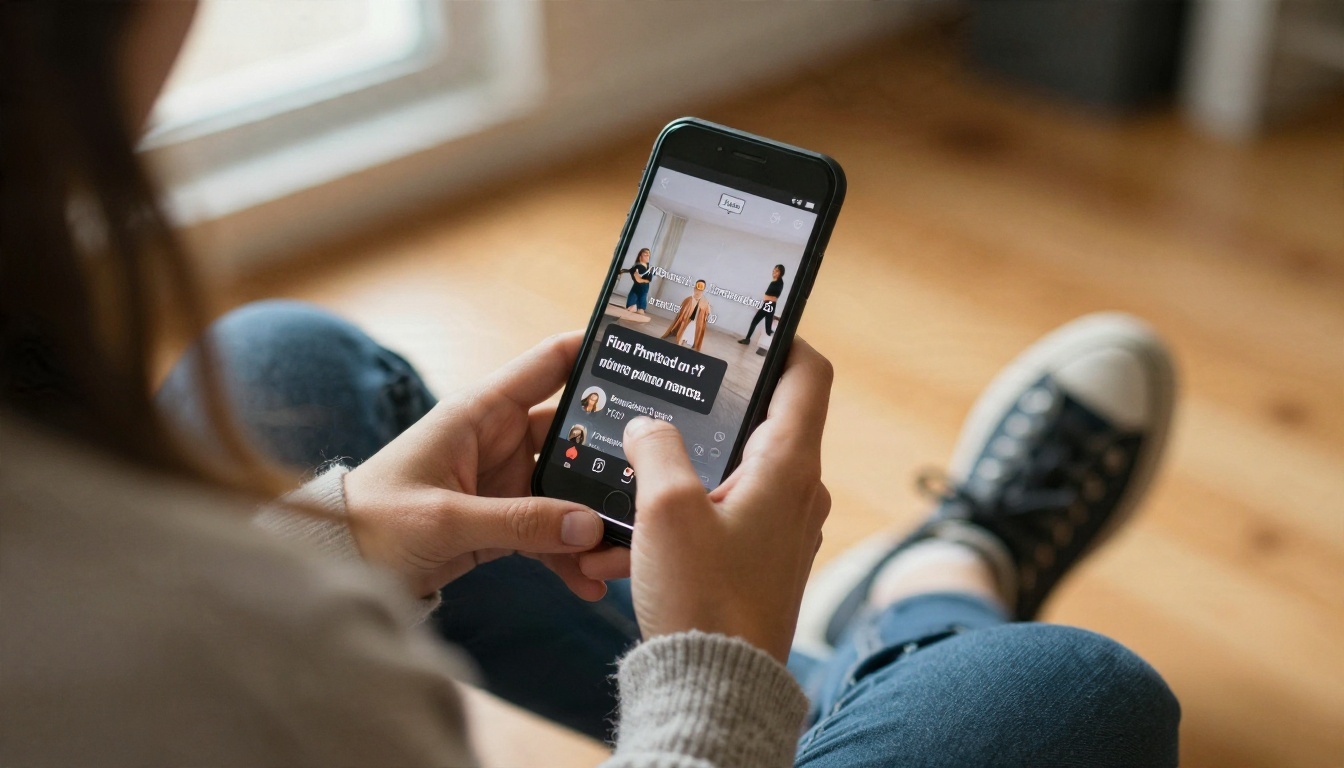
Why Dance Prompts Fail
Most beginners write prompts like captions. "A woman dancing on a beach" describes a still photo, not a movement. The model has to guess the tempo, the type of dance, how far the camera sits and whether the clip should loop. Guessing is where the glitches come from.
Motion Needs Verbs, Not Adjectives
"Beautiful energetic dancing" tells the model nothing it can animate. Compare it with "she steps left, pivots on her right foot, and sweeps her arm overhead as her hair follows." The second version gives the model a sequence. Sequences produce smooth motion because each part of the body has a job.
Five Seconds Is Short
Most image-to-video and text-to-video models give you a clip of about five to ten seconds. That is room for one move and one finish, not a full routine. Prompts that cram a spin, a jump, a floor drop and a bow into one clip produce chaos. Pick one signature move per clip and stitch clips together later in your editor.
The Camera Is Part of the Dance
A static wide shot makes a dancer look small and stiff. A slow push-in or a gentle orbit adds energy without asking the body to do more. If you do not mention the camera, the model picks one for you, and it usually picks the least interesting one.
💡 Quick rule: one dancer, one move, one camera motion, one light source per prompt. Add a second element only after the first one looks clean.
After testing dozens of variations, the structure that gives the most reliable results is short and boring, which is exactly why it works.
| Slot | What to write | Example |
|---|
| Subject | Who, what they wear, body type, hair | A woman in her twenties, cream crop top, olive trousers, long wavy hair |
| Dance style | Genre plus the exact move | Contemporary, a slow half spin with one arm rising |
| Timing | Tempo and rhythm words | Smooth, unhurried, on a steady slow beat |
| Setting | Place and surface | Sunlit loft studio, oak floor, tall windows |
| Camera | Lens feel and movement | Eye level, slow dolly in, shallow depth of field |
| Light | Direction and color | Warm backlight from the left, soft bounce fill |
| Finish | How the clip ends | Ends in a held pose, hair settling |
Order Matters
Put the subject and the move first. Models weigh early words more heavily, so a prompt that opens with "cinematic golden hour lighting" can bury the dancer. Lead with the person, then the motion, then the world around them.
Keep It Under 80 Words
Long prompts feel safer but they create conflicts. If you ask for "fast energetic hip hop" and "slow graceful movement" in the same paragraph, the model averages them into mush. A tight 40 to 80 word prompt beats a 200 word essay almost every time.
Eight Free Prompts to Copy
Paste these straight into any text-to-video model, or use them as the motion prompt after you upload a still image. Change the outfit, location or hair to make them yours.
1. Rooftop Hip Hop Jump
Prompt:
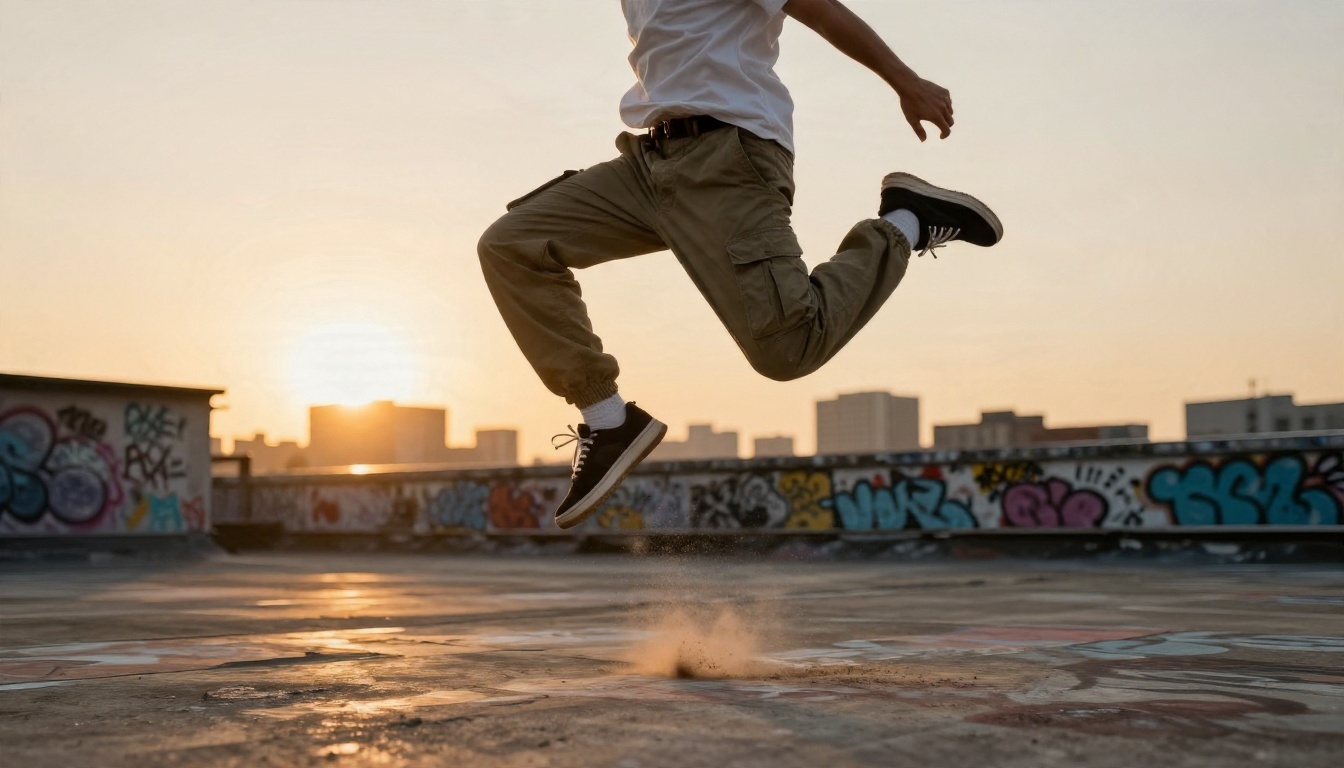
A male hip hop dancer in baggy cargo pants and a white t-shirt stands on a concrete rooftop at golden hour. He bounces twice on the beat, then explodes into a high jump with arms thrown wide, landing in a low crouch. Low angle camera, slow push in, city skyline softly blurred behind him, warm sunlight from the right, dust lifting from his sneakers. Natural, realistic motion.
Why it works: the bounce before the jump gives the model a wind up, which makes the jump look physically believable. The low angle exaggerates height, a trick Reels creators use constantly.
2. Street Salsa Turn
Prompt:
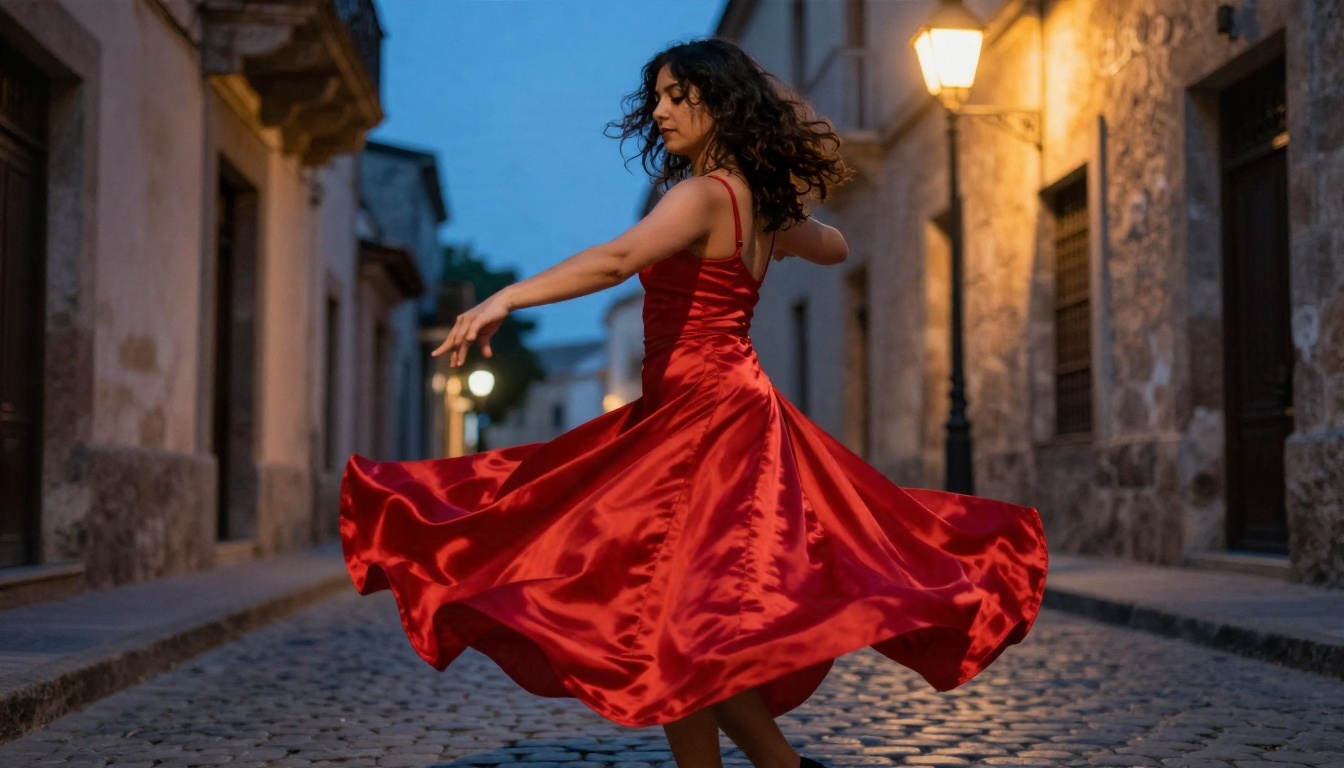
A woman in a flowing red satin dress dances a slow salsa turn on an old town cobblestone street at dusk. She steps forward, spins once with her skirt opening into a wide circle, and finishes with a smile toward the camera. Medium shot, camera glides gently around her, warm street lamp light from the right and blue twilight on the left, realistic satin sheen.
Why it works: skirts and dresses give the model visible physics to follow. Fabric movement hides small errors in limbs and makes the whole clip feel more expensive.
3. Contemporary Studio Leap
Prompt:
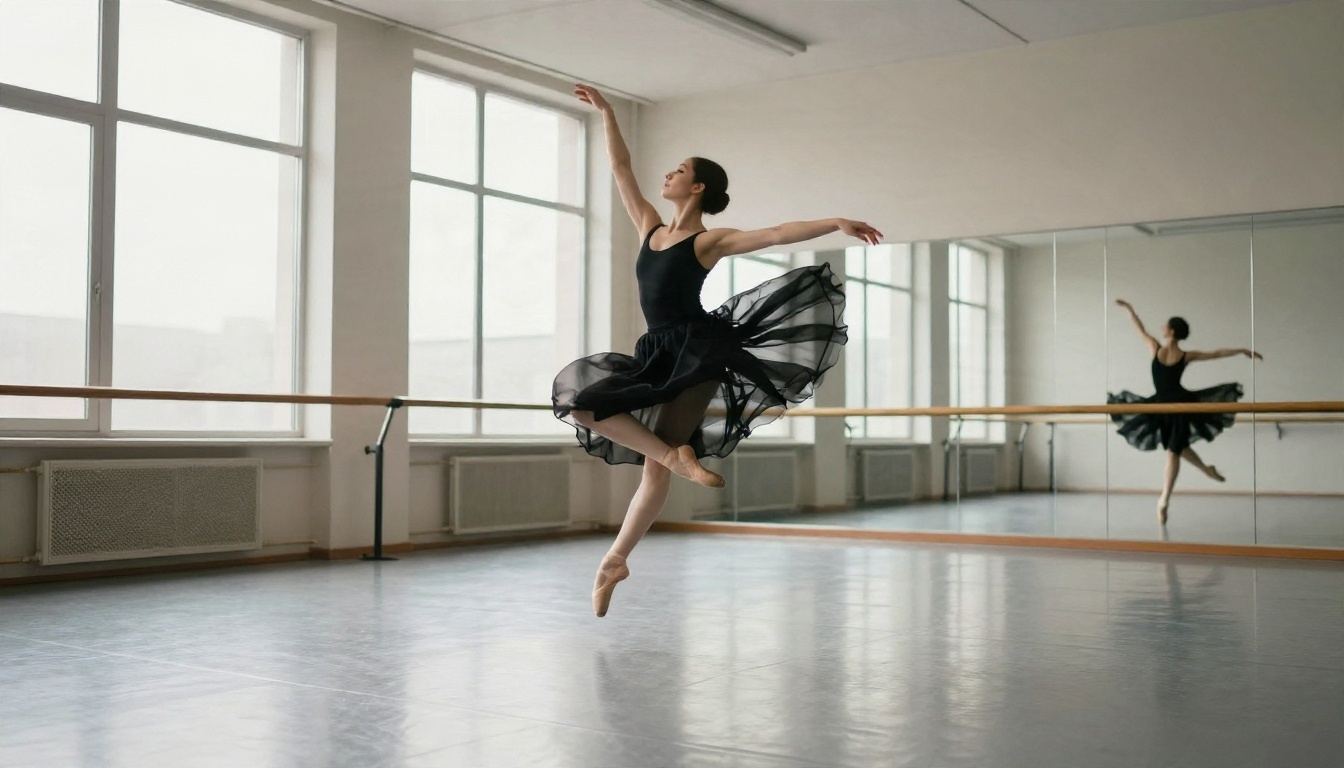
A contemporary dancer in a black leotard and loose chiffon skirt runs two steps and leaps across an empty ballet studio with long mirrors and tall windows. Her back leg extends, arms open, skirt trailing, then she lands softly and exhales. Wide shot, camera tracks sideways at her pace, soft diffused daylight from the left, polished wooden floor reflections.
Why it works: the run up and soft landing bracket the leap, so the movement has a beginning and an end inside five seconds.
4. Sunrise Beach Duo
Prompt:
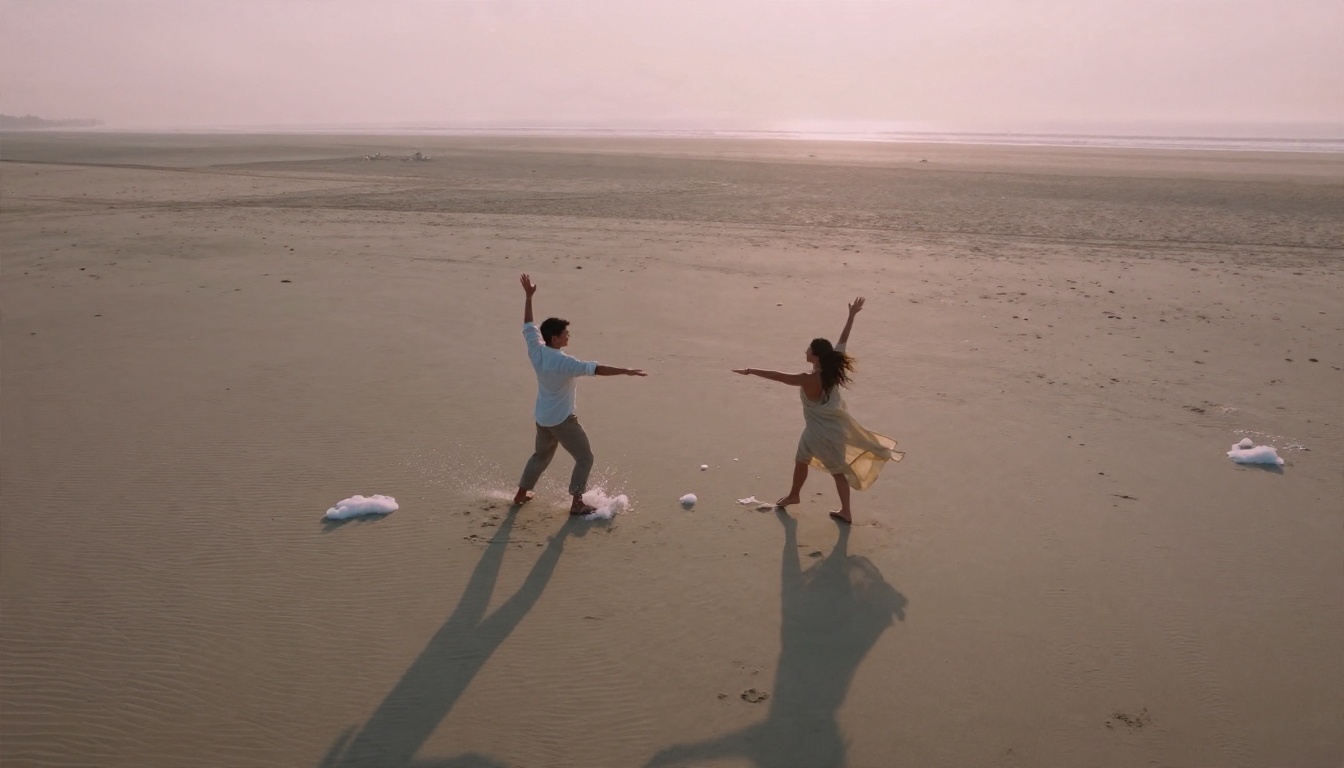
Aerial top down view of two friends in linen outfits dancing a mirrored routine on a sandy beach at sunrise. They step apart, turn together, and clap once on the beat. Long shadows stretch across rippled sand, small waves reach their feet, camera slowly rises and rotates. Pink and gold morning light, soft realistic textures.
Why it works: two dancers are hard, but "mirrored" and a single clap gives the model a simple rule to follow. The aerial angle also keeps faces small, which reduces face drift.
5. Backyard Trend With Friends
Prompt:
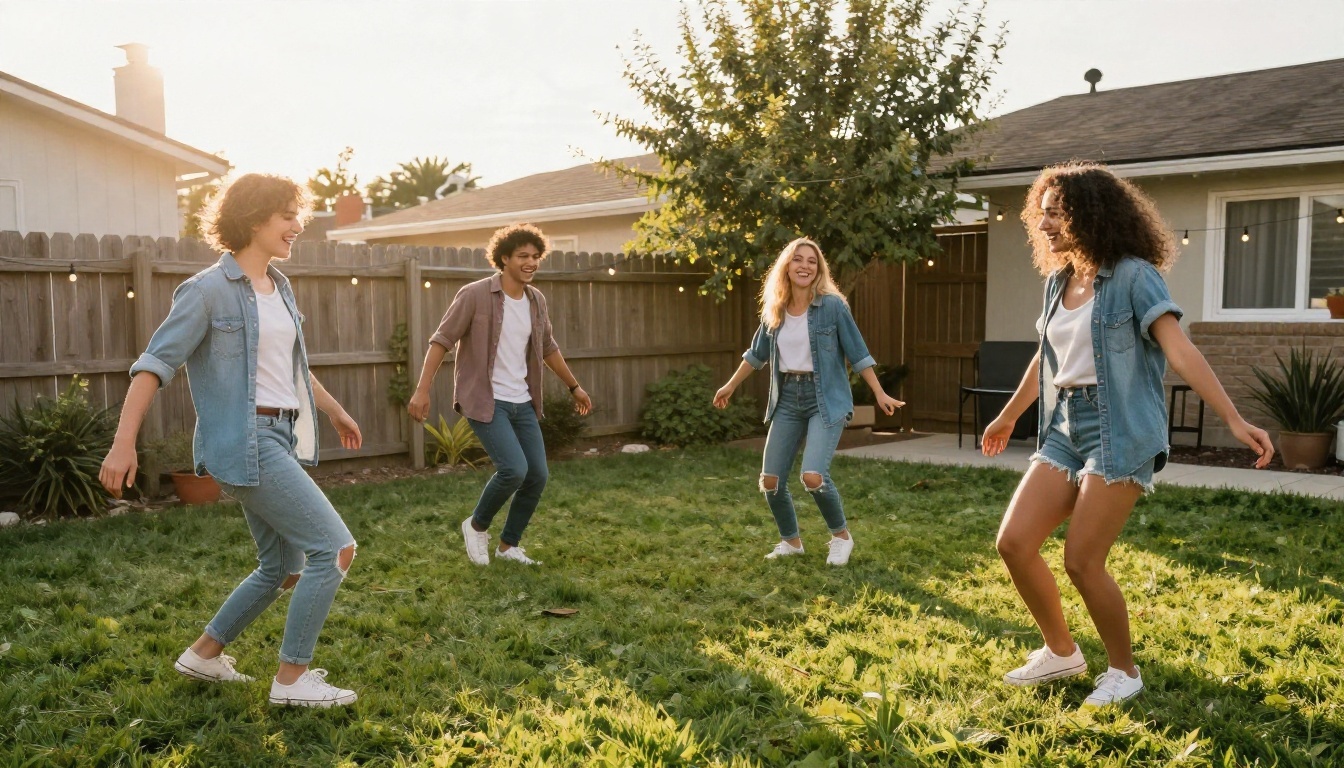
Four friends in denim and sneakers perform a synchronized shuffle in a sunny backyard with string lights and a wooden fence. They step right, step left, then all pop their shoulders on the beat and laugh. Handheld phone style camera at chest height, slight natural shake, late afternoon sun behind them with soft flare.
Why it works: asking for a handheld phone look makes imperfection feel intentional. It matches the style of real trend videos on Instagram, so the clip blends into the feed.
6. Golden Hour Solo Spin
Prompt:
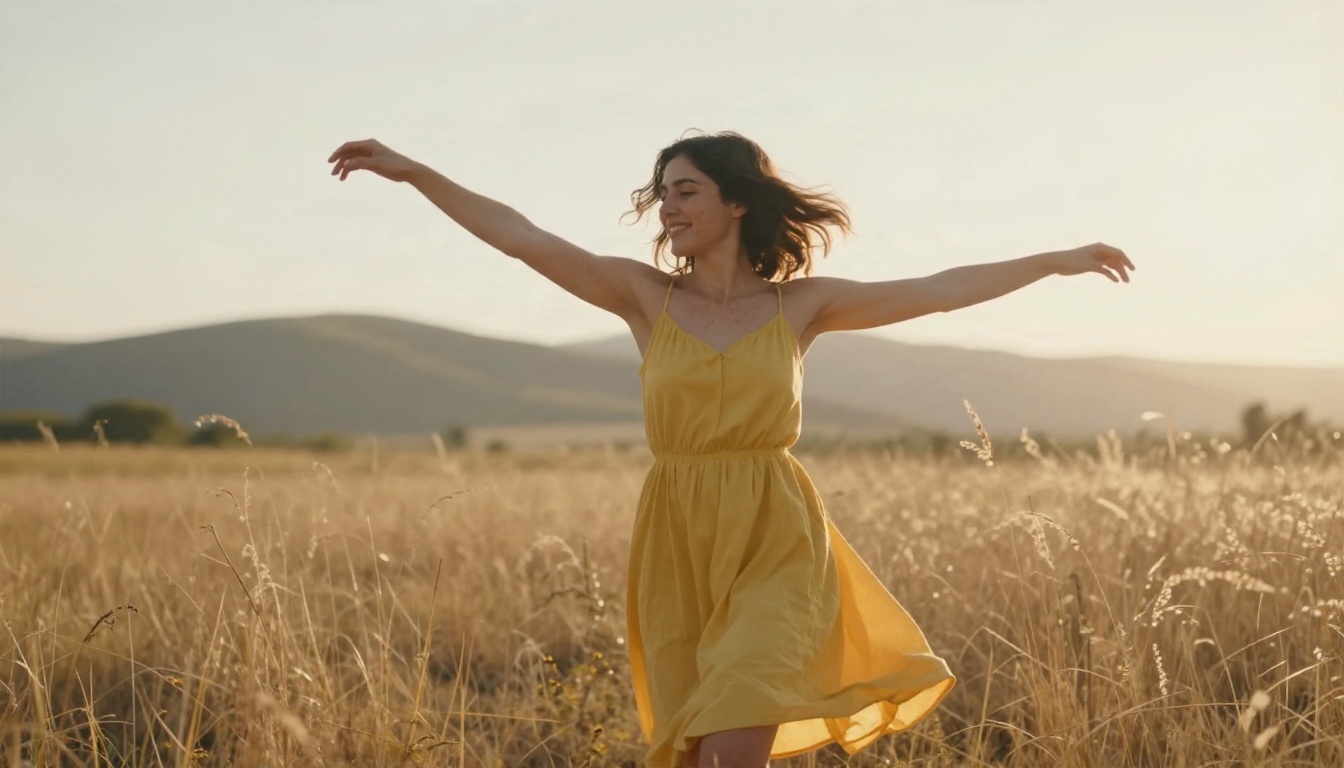
A smiling woman in a yellow sundress dances alone in a field of tall dry grass at golden hour. She opens her arms, spins slowly in place and tilts her head back, hair lifting in the breeze. Medium shot, camera slowly orbits her, warm backlight from the right with gentle lens flare, distant hills blurred.
Why it works: a single dancer, one slow spin, one soft light. It is the easiest prompt in this list and the one most likely to give you a usable result on the first try.
7. Footwork Close Up
Prompt:
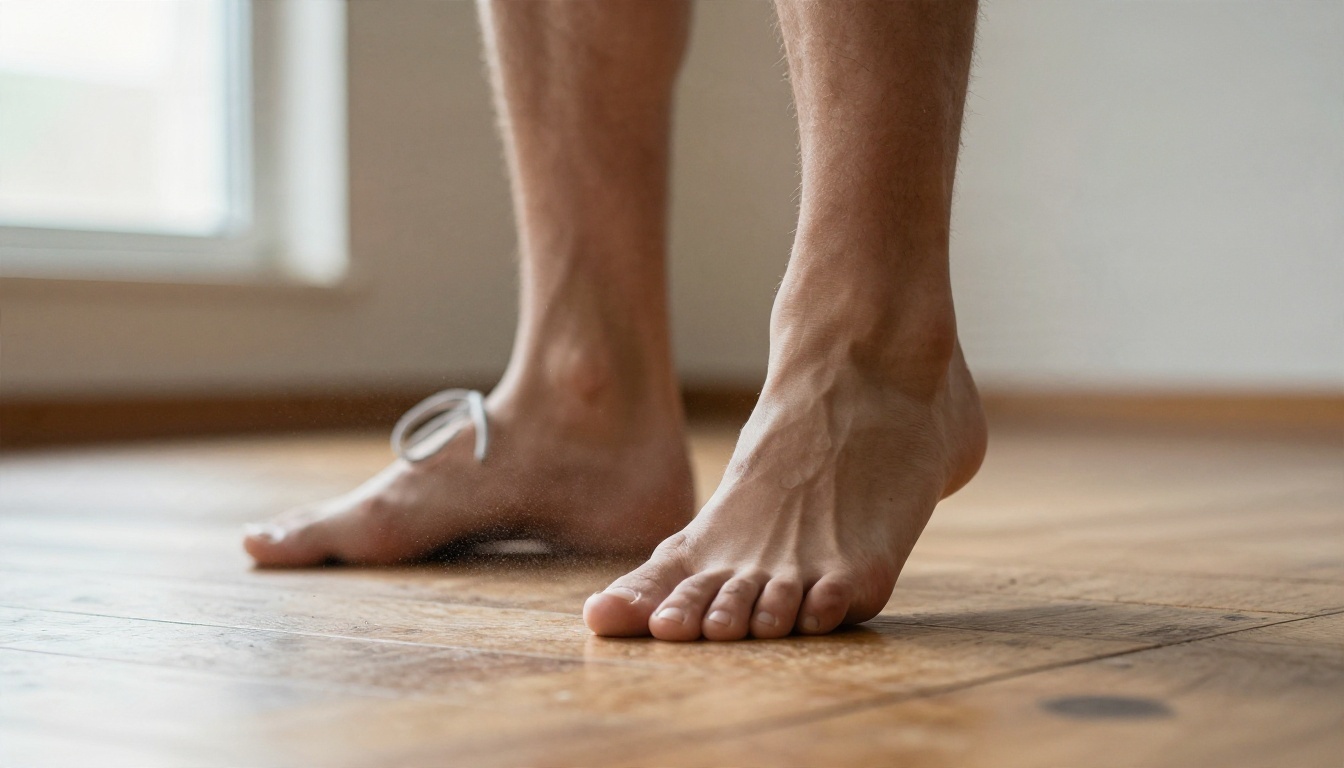
Tight close up of sneakers on a scuffed wooden dance floor. The dancer slides forward, pivots on the ball of the foot and taps twice in rhythm. Camera at floor level, side window light rakes across the boards, a faint dust trail follows the slide. Shallow depth of field, realistic wood grain.
Why it works: cropping out the face removes the biggest source of AI errors. Footwork inserts also make great cutaways between wider shots in your edit.
8. At Home Creator Intro
Prompt:
A young woman in a cozy knit sweater dances in a bright living room, shifting her weight from side to side with a playful shoulder bounce, then points at the camera with a grin. Vertical frame, camera at eye level with a very slow push in, soft daylight from a large window on the left, plants and bookshelves behind her.
Why it works: relaxed, small movements are far more convincing than big ones. This is ideal for a Reel intro or a "get ready with me" clip.
Settings That Suit Reels
Instagram Reels are vertical, so tell your model to respect that. Where the tool offers an aspect ratio option, choose 9:16. Where it does not, start from a vertical source image instead.
| Setting | Recommended | Reason |
|---|
| Aspect ratio | 9:16 | Fills the phone screen with no cropping |
| Clip length | 5 to 10 seconds | Long enough for one move, short enough to stay clean |
| Resolution | 720p or higher | Sharp enough after Instagram compression |
| Audio | Add music in the Instagram editor | Licensed tracks help reach and avoid muting |
| Loop | End on the pose you started with | Seamless repeats keep viewers watching |
Build a Loop on Purpose
Reels replay automatically, so a clip that ends where it begins feels smoother. Add "ends in the same pose it started in" to your prompt. It does not always work, but when it does, the replay feels like part of the choreography.
Match the Beat in Your Editor
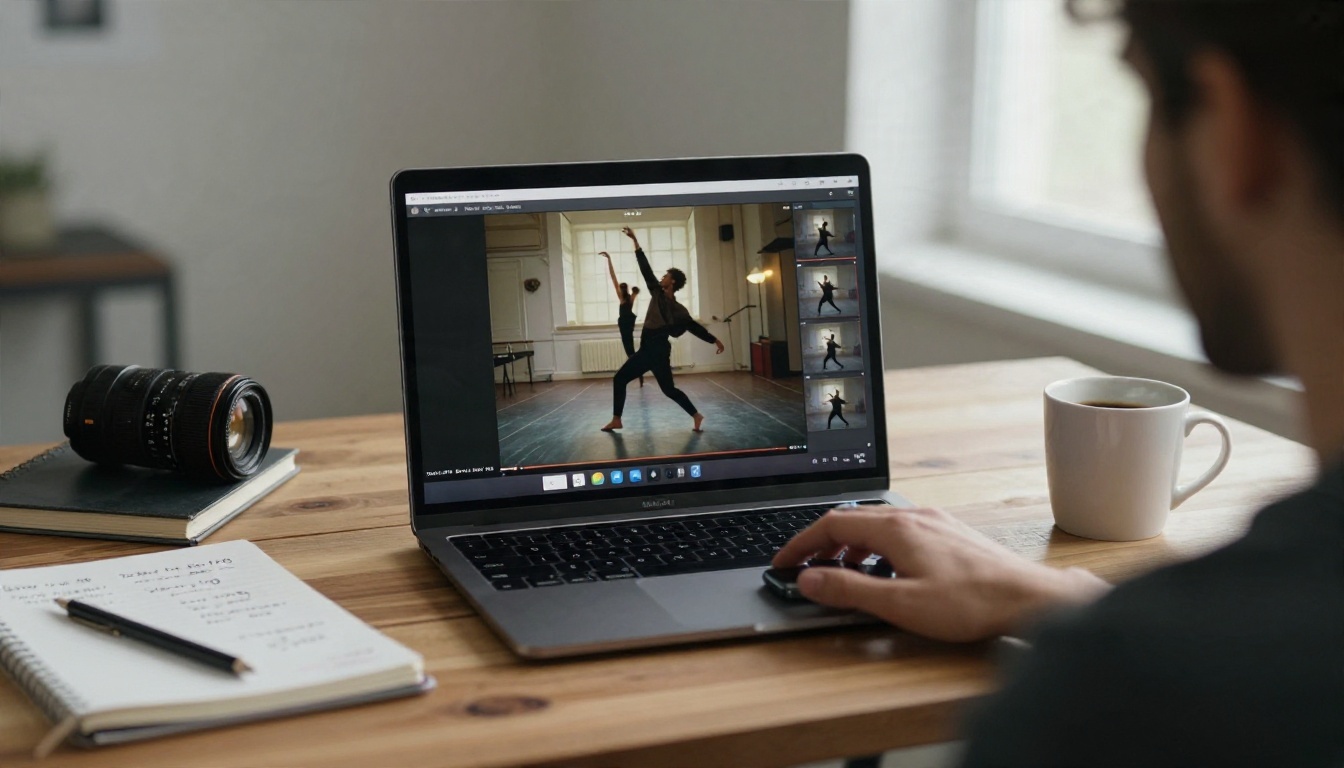
Most video models generate their own audio or none at all. Rather than relying on that, export the silent clip and drop it onto a trending sound inside Instagram. Trim the first half second so the first move lands on the beat. That one trim does more for the polish of a dance Reel than any prompt tweak.
Picking the Right Model
Different models handle dancing in different ways. Here is how the main options on PicassoIA compare for this kind of clip.
| Model | Strength for dance | Best used for |
|---|
| Kling v3 Video | Smooth, natural body motion | Solo dancers and cinematic spins |
| Kling v3 Motion Control | Copies movement from a reference | Making your character follow a real choreography |
| Seedance 2.5 Lite | Free, unlimited, up to 10 seconds | Experimenting with many prompt versions |
| Veo 3.1 Fast | Strong realism and lighting | Polished 1080p clips |
| Wan 2.5 I2V Fast | Quick image to video turnaround | Animating a still portrait |
| Hailuo 2.3 Fast | Expressive motion from photos | Animating a photo of yourself |
| Sora 2 | Synced audio and scene logic | Clips where sound matters |
Text to Video or Image to Video?
If you want full control over how the dancer looks, generate a still image first, then animate it. The image locks in the face, outfit and setting, and the video model only has to add motion. That is why the motion prompts above can be shortened to two sentences when you start from an image. If you just want to test ideas fast, text to video is fine.
💡 Tip: use a free, unlimited model like Seedance 2.5 Lite to test five or six prompt versions, then send your best prompt to a premium model for the final render.
How to Use Kling v3 on PicassoIA
Kling v3 Video is a good starting point for dance because its limb motion stays coherent across the full clip. Here is the process from prompt to finished Reel.
Step 1: Open the Model
Go to the Kling v3 Video page on PicassoIA. You will see a prompt box and the settings for the model.
Step 2: Paste Your Prompt
Copy one of the eight prompts above. Swap in your own outfit, location and move. Keep the sentence order: subject, move, camera, light.
Step 3: Add a Starting Image (Optional)
If you want a consistent character, upload a still image as the first frame. A photo of a dancer in a neutral standing pose works best, because the model then has room to move her into the first step.
Step 4: Choose the Format
Pick a vertical aspect ratio when the option is offered, and the highest resolution your plan allows. Short clips render faster and fail less often, so start with the shortest duration.
Step 5: Generate and Review
Watch the clip with the sound off first. Check hands, feet and the face during the fastest part of the move. If something glitches, change one word in the prompt, not five, and run it again. That is the only way to know which edit helped.
Step 6: Extend With Motion Control
Want your character to perform a real dance routine you recorded on your phone? Use Kling v3 Motion Control. You supply a reference movement video and a character image, and the model transfers the choreography to your character.
Fixing Common Problems
Even good prompts misfire. These are the failures that show up most, and what to change.
| Problem | Likely cause | Fix |
|---|
| Extra or melting fingers | Hands in fast motion | Add "hands relaxed at sides" or keep arms below the shoulders |
| Face changes mid clip | Wide shot with small face | Use a medium shot or start from a reference image |
| Feet slide on the floor | No contact described | Add "each step lands firmly on the floor" |
| Jittery, rushed motion | Too many moves requested | Cut to one move and say "smooth, unhurried" |
| Dancer faces away | No direction given | Add "facing the camera" and describe the turn |
| Clip feels flat | No camera movement | Add a slow push in, orbit or tracking shot |
Lower the Speed, Not the Style
A common instinct is to drop the energy to avoid glitches. Do the opposite for the camera and the opposite for the body: keep the move expressive, but request a "slow, controlled" tempo. Slower motion gives the model more frames per movement and cleaner results. You can speed the clip up in the editor afterward.
Write What You Want, Not What You Fear
"No extra fingers, no distortion, no blur" puts those exact ideas into the prompt. Describe the clean version instead: "natural hands, sharp focus, steady motion." Positive wording nudges the model toward the result you picture.
Make Your First Dance Reel
You now have a formula, eight prompts and a repair table. The fastest way to get better is to run the same prompt three times with a single change and compare the clips. Change the camera move once. Change the light once. Change the outfit once. Within an hour you will know which levers matter for your style.
Open PicassoIA, pick Seedance 2.5 Lite for free experiments or Kling v3 Video for a polished render, paste the golden hour solo spin prompt, and create your first clip today. Post it with a trending sound, watch what the replays do, and then build your next Reel on what you saw. Your best dance prompt is probably one small edit away.


