You decide whether to swipe on someone in a second or two. They do the same to you. That split decision rests on a handful of visible things: your face, your light, your smile, and the space behind you. An AI dating photo rater promises to tell you in seconds which of your pictures will survive that first glance and which ones quietly sink your profile.
Do they work? Partly. A rater is good at spotting problems that can be measured: a face that is too small in the frame, harsh shadows, blur, sunglasses, a messy background. It is much weaker at judging charm, humor and chemistry, because a score cannot capture those. This article breaks down what raters actually check, which profile pictures tend to get more matches, which ones hurt you, and how to fix weak photos with free AI tools before you upload them.
💡 Reality check: no photo guarantees matches. Treat every score as a hint, not a verdict. The patterns below come from how people react to profiles in general, so test them on your own audience.
What an AI Dating Photo Rater Does
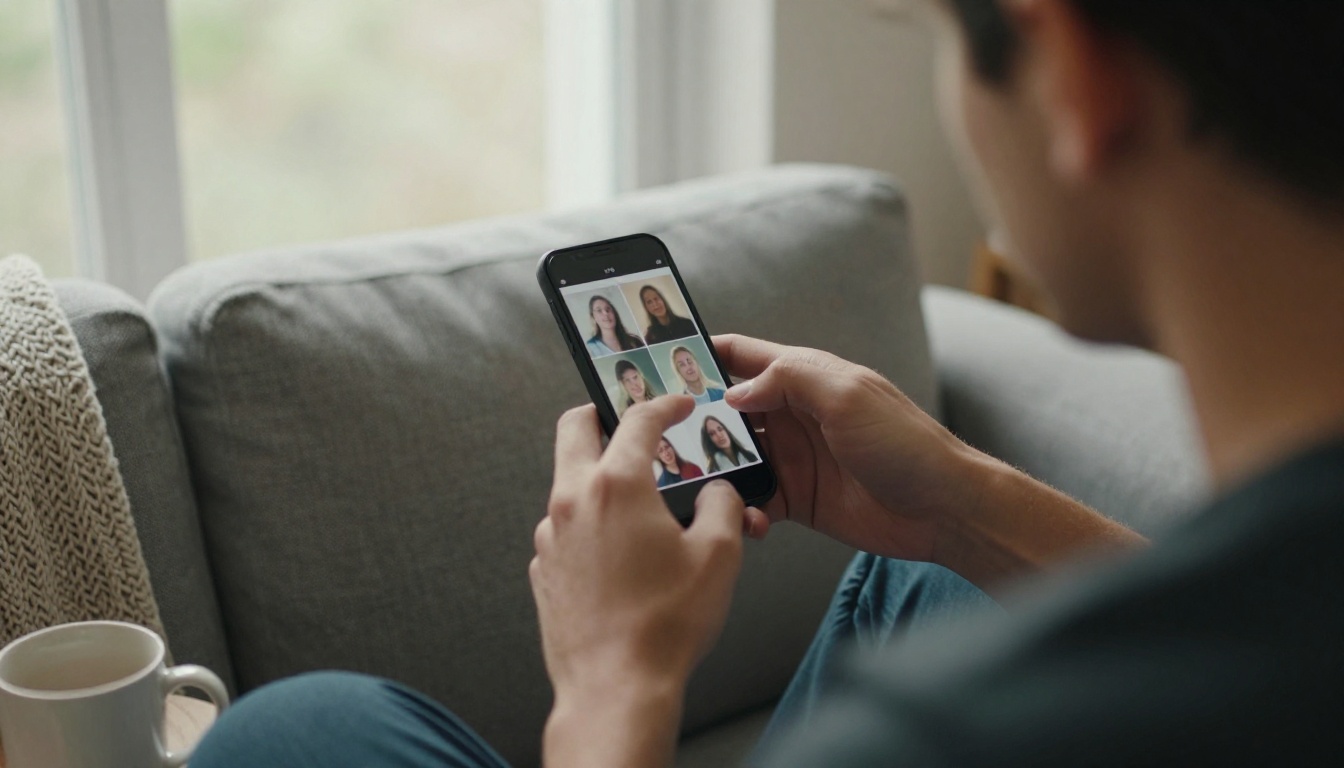
A photo rater takes an image, runs it through computer vision, and returns a score, often with short notes like "face too dark" or "busy background." The formula differs from tool to tool, but most of them look at the same short list of signals. Think of it as a very fast, very literal friend who only comments on what is visible in the pixels.
The Signals It Scores
Here is the checklist most raters follow, with a rough ranking of how much each signal tends to matter. The impact column is a rule of thumb based on how people react to profiles, not a published formula from any app.
| Signal | What the rater checks | Typical impact |
|---|
| Face visibility | Is the face large, centered and free of obstructions? | High |
| Lighting | Even light on the face, no heavy shadows, no blown highlights | High |
| Expression | Natural smile, open eyes, relaxed jaw | High |
| Sharpness | Focus on the eyes, no motion blur, no compression mush | Medium |
| Background | Clean, uncluttered, nothing pulling the eye away from you | Medium |
| Framing | Head and shoulders instead of a tiny figure in the distance | Medium |
| Variety | Different settings, outfits and angles across the set | Medium |
| Filters and edits | Heavy smoothing, color casts, obvious effects | Negative |
Notice what is missing from that list: personality. A rater can tell you that your lead photo is dim. It cannot tell you that the same photo shows the exact grin your friends love.
What It Cannot Know
Every rater has blind spots, and knowing them keeps you from over-trusting a number.
- Your audience. A photo that scores well for a general crowd may not appeal to the specific people you want to meet.
- Context. A rater cannot tell that a blurry candid happens to be the only photo where you look like yourself.
- Bias. Scores are built from training data, and that data often favors conventional looks. If you get a low score on a photo that friends adore, trust your friends.
- App cropping. Each dating app crops differently, so a photo that looks balanced in the rater can lose the top of your head in the app.
Which Profile Pictures Get More Matches
Across dating apps, the same few photo types keep rising to the top. These are patterns, not promises, but they line up with what raters measure and with how people actually swipe.
Lead With a Clear Face Shot
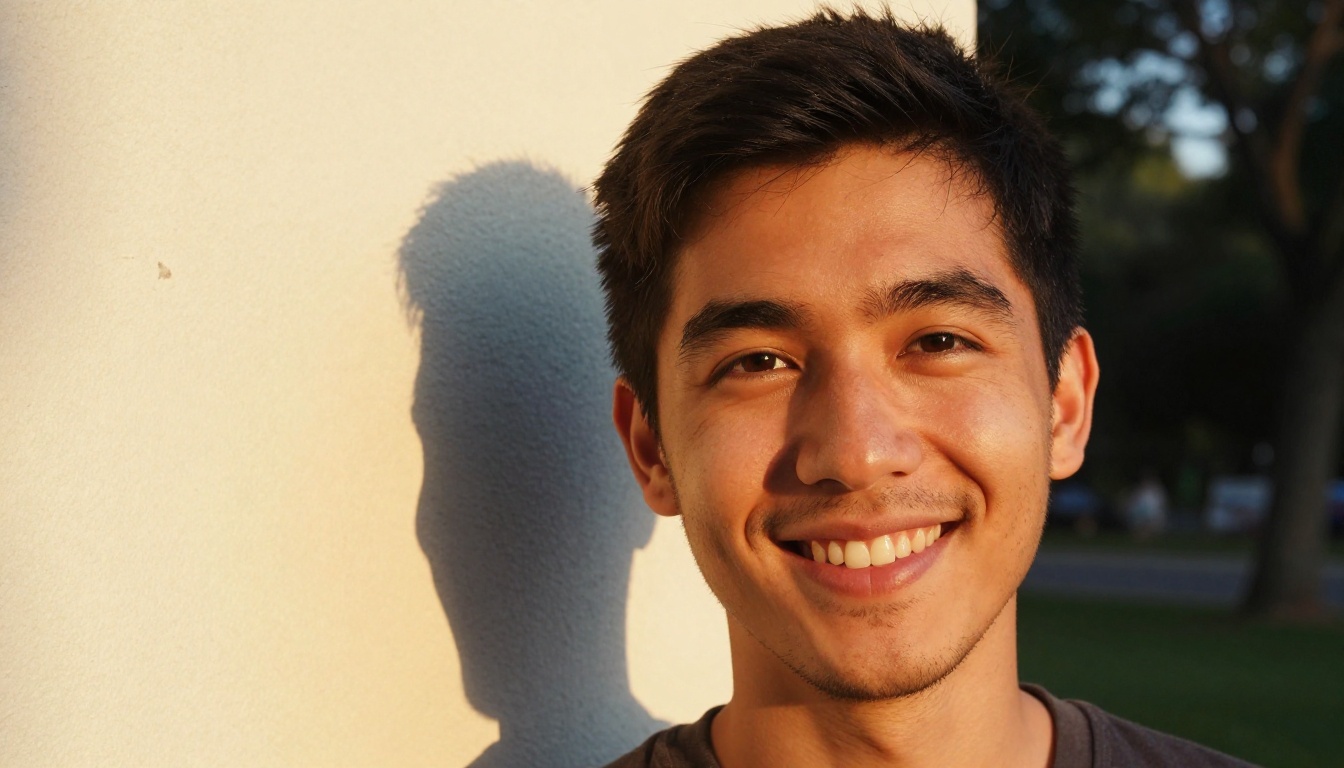
Your first photo has one job: stop the scroll. That means a solo shot where your face fills a good portion of the frame, your eyes are visible, and nothing competes for attention. Golden hour light is the easiest way to get there. Warm, low sun from the side or behind you adds a soft glow to your hair and flatters skin without any editing.
What a strong lead photo usually has:
- You alone, so nobody has to guess which person you are.
- Eyes visible, either at the lens or just past it.
- Natural light, ideally from a window or an hour before sunset.
- Head and shoulders, with the face taking up roughly a third to half of the frame.
- A relaxed expression, not a stiff pose.
Smiles Beat Poses
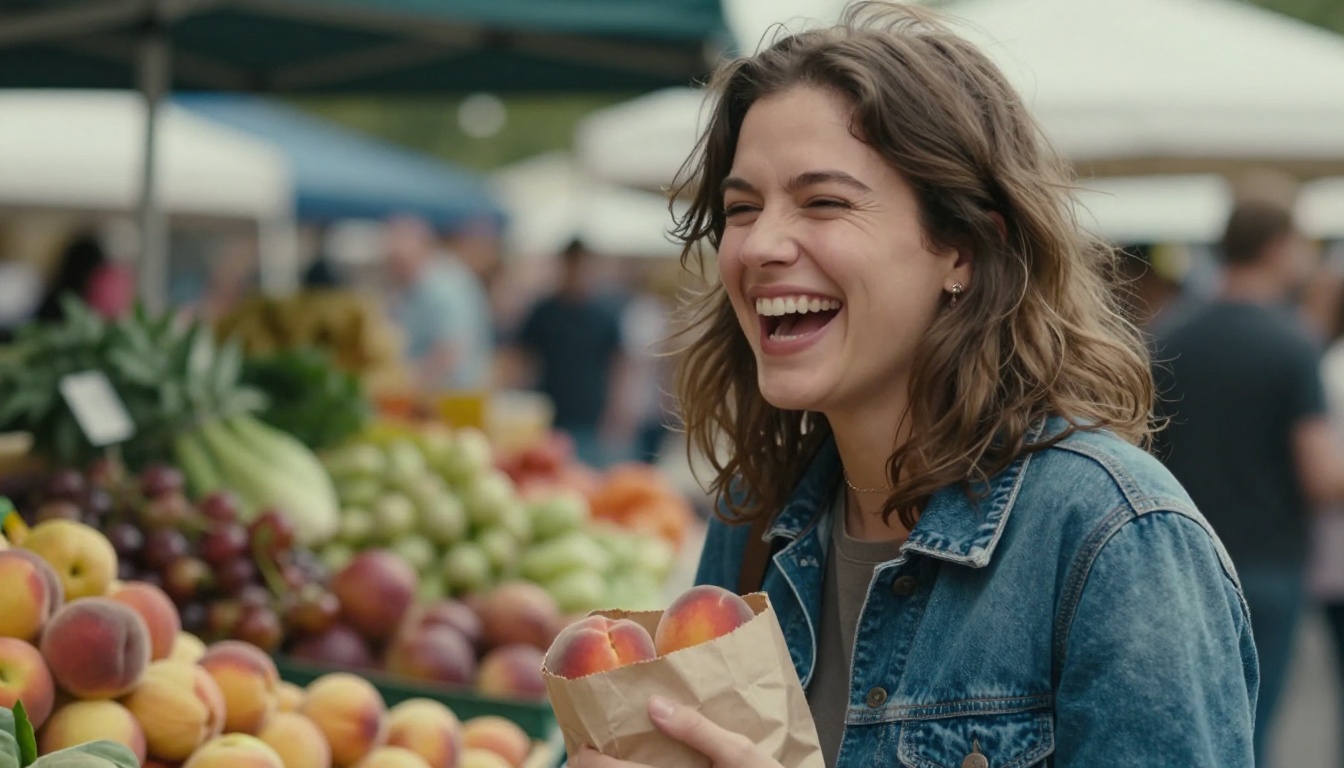
A genuine smile reaches the eyes. You can see it in the small creases at the corners and in the way the cheeks lift. A posed, tight-lipped smile reads as guarded, and a forced grin reads as nervous. Raters pick up on both, and so do people.
The easiest way to get a real smile is to stop trying to smile. Ask a friend to take a burst of shots while you talk, laugh at something they said, or react to your dog. Then pick a frame from the middle of the burst, not the first one, because the first frame is usually the pose and the third or fourth is usually the person.
Backgrounds That Help, Not Hurt
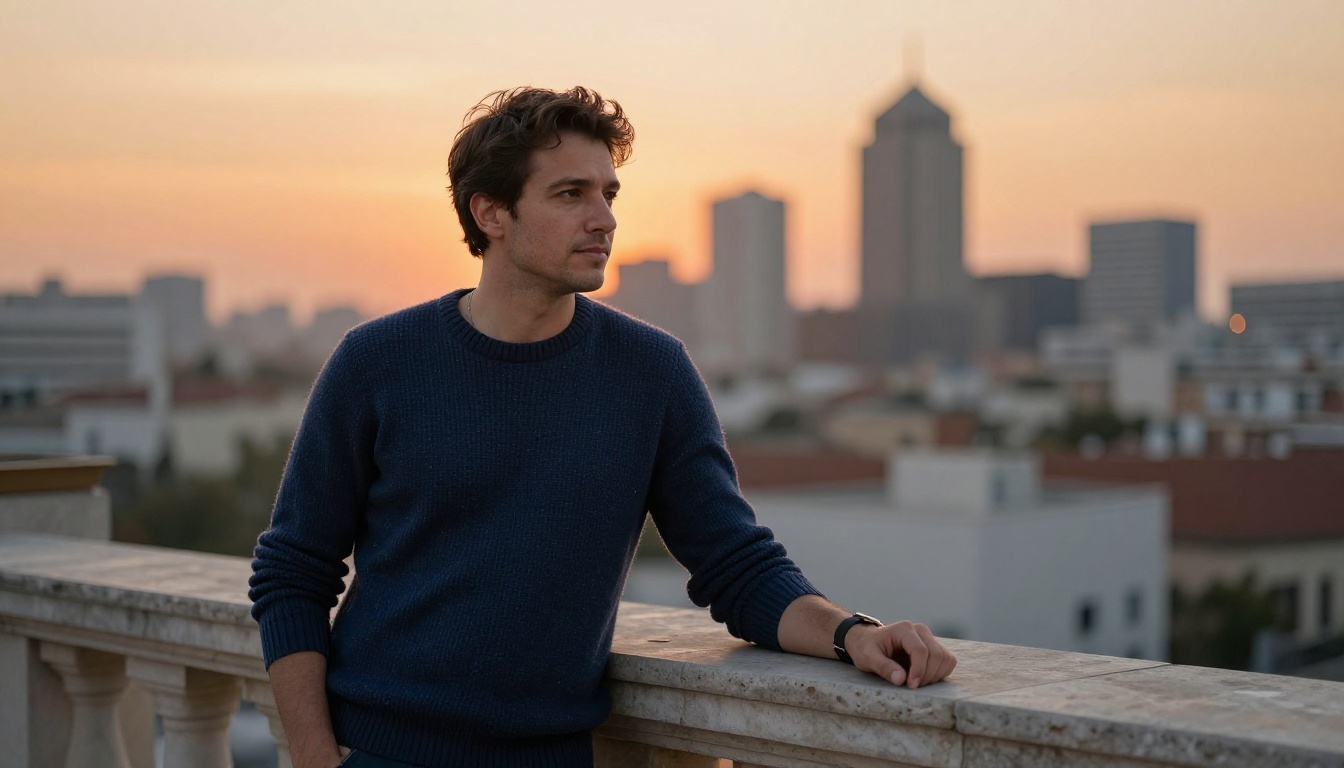
A good background does three things: it stays out of the way, it adds a little context, and it separates you from the scenery. In the rooftop shot above, the skyline is far enough behind the subject that it melts into soft color, so the eye goes straight to the face.
To get that effect with a phone, stand a few steps away from the wall or view behind you, use portrait mode or zoom in slightly, and keep bright windows, signs and busy patterns out of the frame. Clutter is the silent killer here: laundry, a messy shelf, a cropped arm from an old photo. Raters flag it, and viewers feel it even if they cannot say why.
Photos That Quietly Hurt Your Profile
Some photos do damage without anyone telling you. They just lose you swipes.
The Group Photo Trap
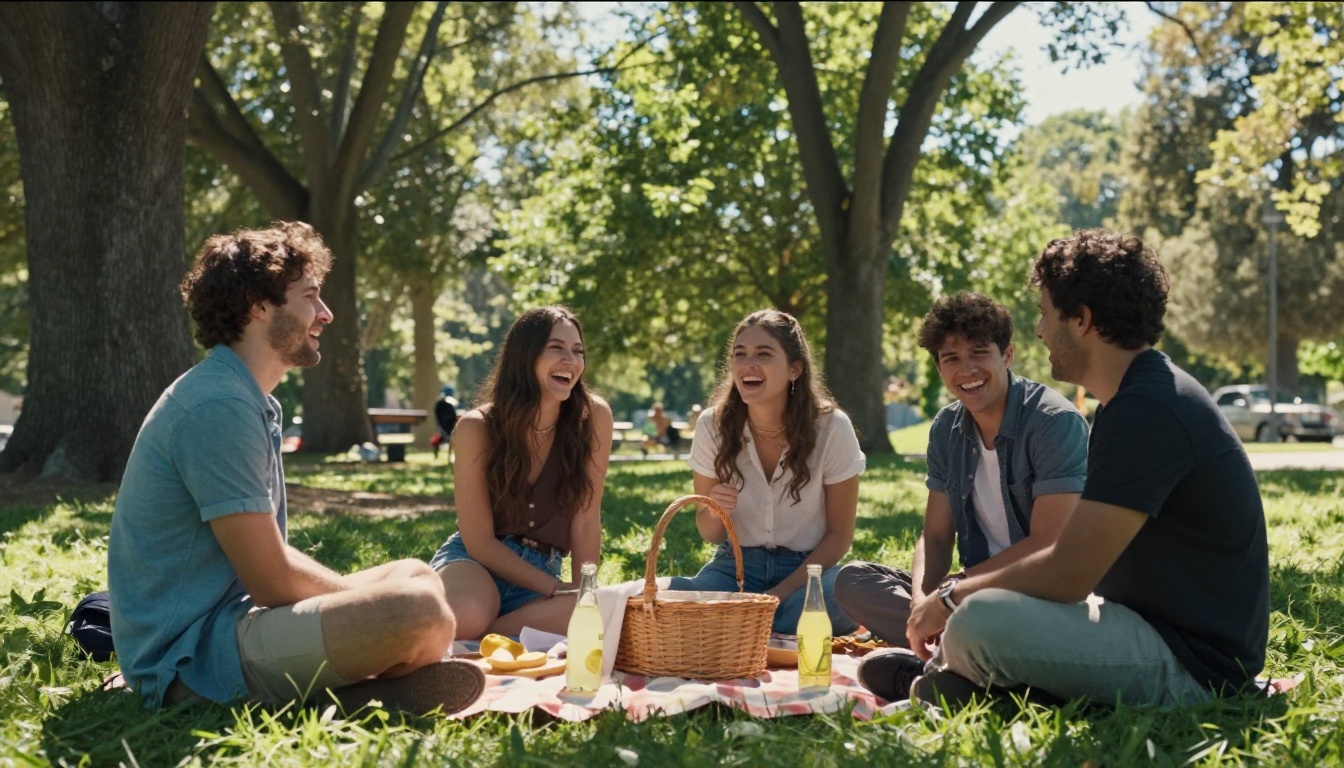
Group photos are great for showing that you have friends and a social life. They are terrible as a first photo. A viewer who has to figure out which person is you, and who might also be wondering whether you are the one in the middle or the one on the end, will usually swipe before solving the puzzle.
Keep group shots for slot four or five, make sure you are easy to spot, and avoid photos where a friend is more attractive than you are in the same frame. It sounds harsh, but viewers compare, and you do not need to hand them a comparison.
Sunglasses, Filters and Old Shots
A few more photo types that tend to backfire:
| Photo type | Why it fails | Better option |
|---|
| Sunglasses in every shot | Hides your eyes, which is where trust starts | One sunglasses photo at most, and never the lead |
| Heavy beauty filters | Smooths skin into plastic and makes matches doubt the rest of the set | Natural light and a light touch of retouching |
| Photos older than a few years | Sets up a gap between the profile and the person at the door | Shoot something new this month |
| Bathroom mirror selfies | Harsh overhead light, cluttered frame, low effort | A friend, a timer or a tripod |
Photos That Add Personality
Once the technical basics are handled by your lead photo, the rest of your set should answer a different question: what would it be like to spend a Saturday with you?
Show One Real Activity
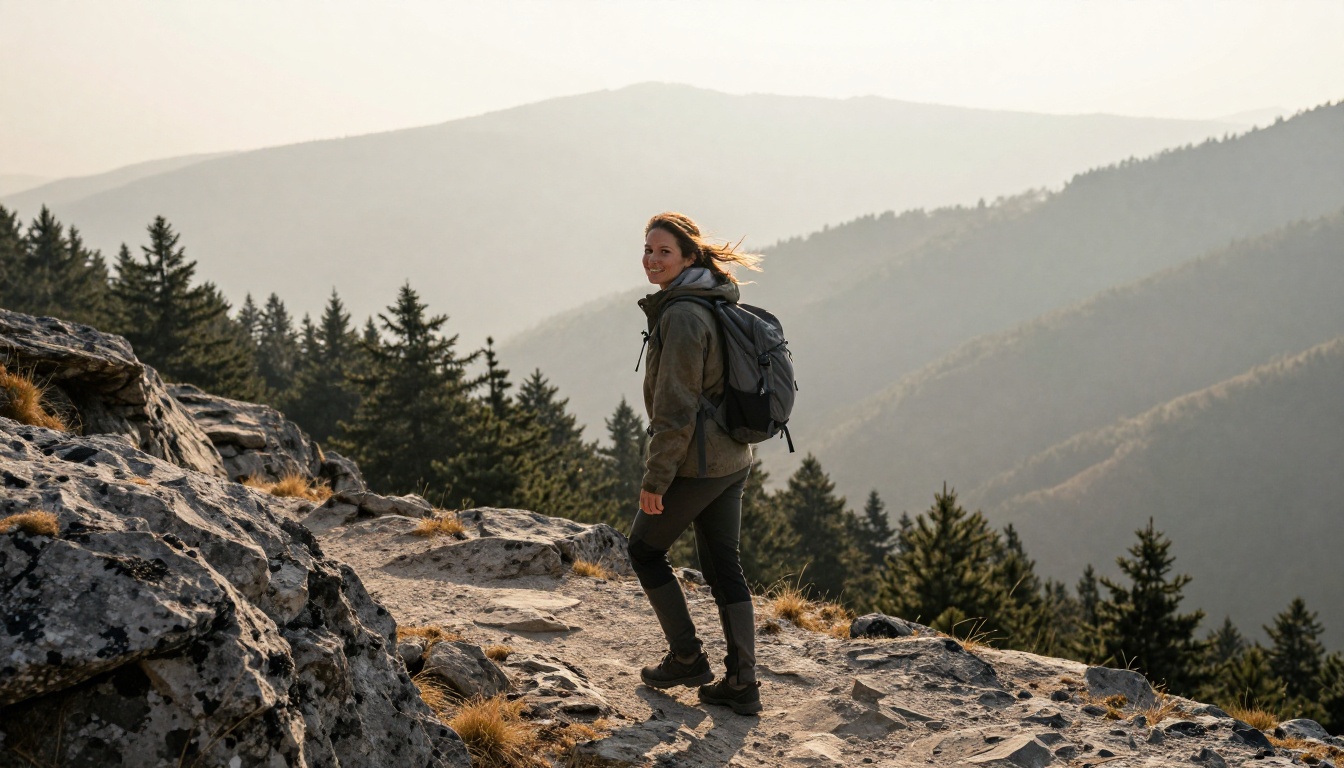
An activity photo gives people something to message you about. Hiking, cooking, climbing, painting, playing guitar, anything that is genuinely part of your week. The important word is genuinely. A photo of you holding a surfboard you have never used attracts the wrong conversation, and the first date makes that obvious.
Frame the activity so you are still easy to see. A wide landscape where you are a tiny dot looks beautiful and scores poorly. Aim for the middle ground: you at medium distance, face turned toward the camera, with the setting visible around you.
Pets as Conversation Starters
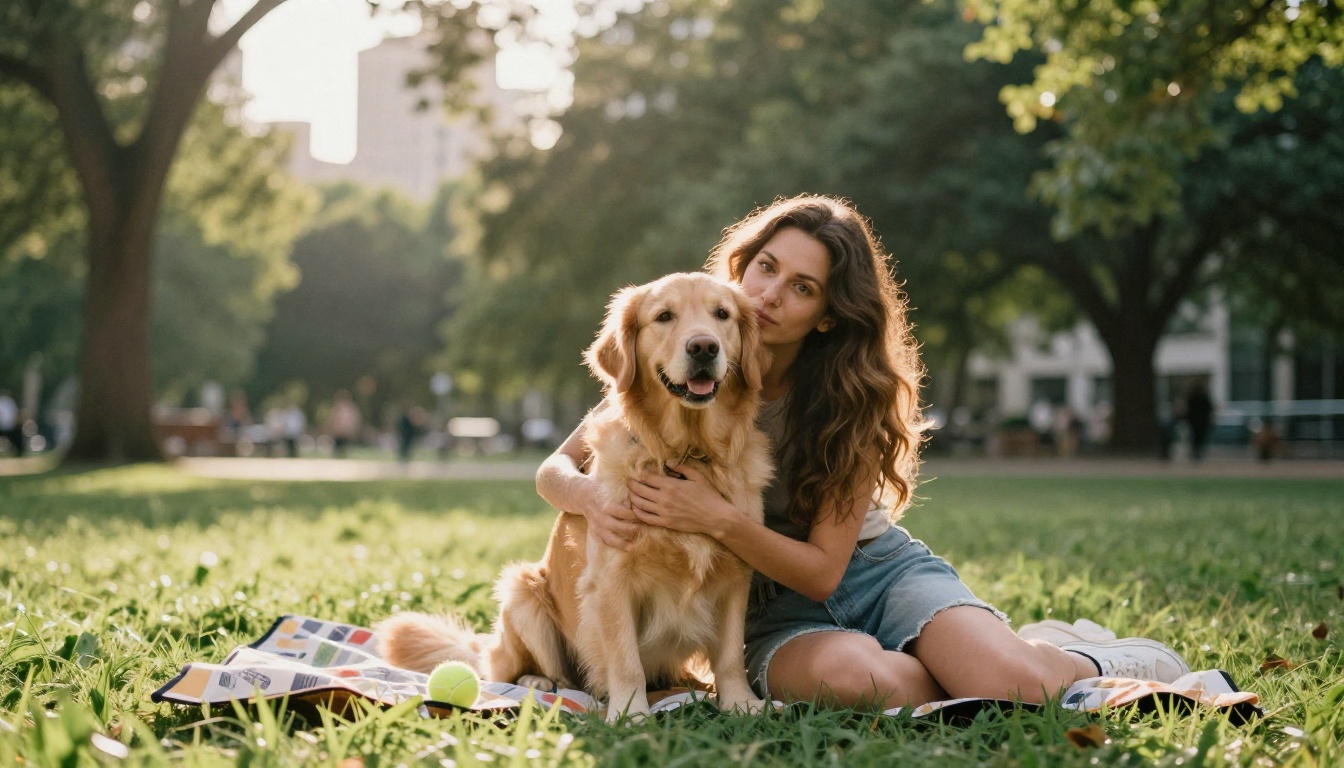
If you have a dog or a cat, use them. A pet photo opens an easy first message ("What's their name?") and shows a softer side. The same rule applies as for groups: make sure you are clearly in the shot, not just the animal. Pet photos work best in the middle of the set, after your face shot has already done its job.
The Full-Body Shot
Include at least one clear, relaxed, standing photo that shows your full figure in a natural pose. Skip the gym mirror and skip extreme angles. A friend taking a photo at chest height on a normal street works better than any trick. The goal is trust: people want to know what they will see when they arrive.
Build a Six-Photo Lineup
You do not need nine photos. Five or six strong ones beat a dozen mixed ones. Here is a simple lineup that answers the main questions a viewer is silently asking.
| Slot | Photo | Its job |
|---|
| 1 | Solo headshot in natural light | Stops the scroll |
| 2 | Relaxed full-body shot | Shows what you look like |
| 3 | One genuine activity | Gives people a reason to message |
| 4 | With friends, easy to spot | Shows your social side |
| 5 | Pet, hobby or travel moment | Opens conversation |
| 6 | A candid laugh | Shows personality |
The order matters. Viewers decide on the first photo, then use the rest to confirm. If your best photo sits in slot four, most people will never see it.
AI cannot give you charisma, but it can fix the technical issues a rater complains about: dim light, a cluttered backdrop, a soft image. Used lightly, that is the same kind of cleanup photographers have always done.
How to Use Image Editor Pro
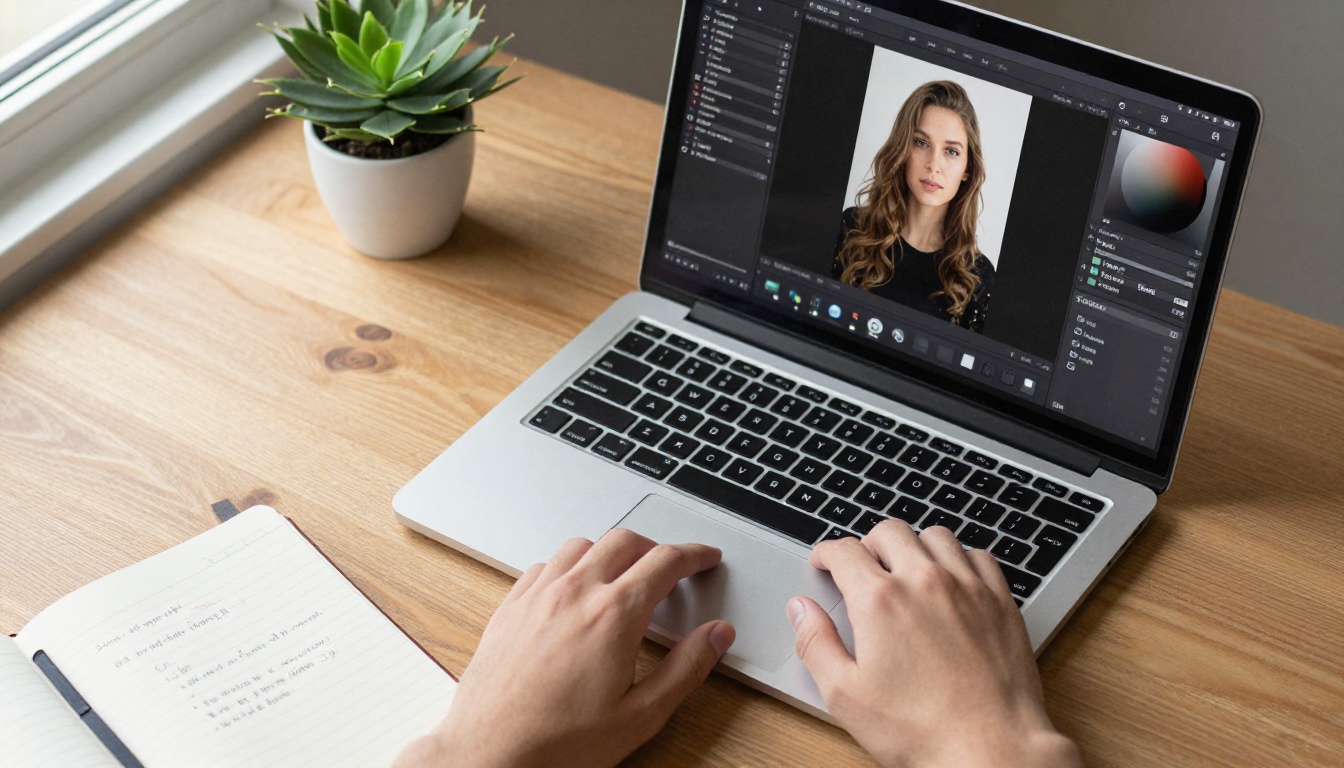
PicassoIA Image Editor Pro edits a photo from a plain-language prompt, and it has no per-edit cap, so you can iterate as many times as you like. Here is a simple workflow for a dating photo.
- Upload your photo. The first image is the primary one. The model accepts up to three reference images, and you can refer to them in your prompt as "image 1", "image 2" and "image 3".
- Describe one change. Be specific and keep the instruction short. For example: "Keep the person in image 1 exactly the same, face and body unchanged. Replace the cluttered background with a plain, softly blurred sunlit wall and add even natural light from the left."
- Pick the aspect ratio. The default,
match_input_image, keeps your original dimensions. For most dating apps, 3:4 is a safe portrait choice.
- Choose the output format. Pick WebP, JPG or PNG. For JPG and WebP you can set the quality from 0 to 100, and the default is 95.
- Generate one or two variations. Set the number of outputs to 1 or 2, compare them side by side, and lock a seed if you want to reproduce a result later.
- Check the face. Zoom in on the eyes, teeth and hairline before you export. If anything looks off, run the edit again with a shorter prompt.
💡 Prompt tip: always add "face and body unchanged" to your prompt. It tells the model to fix the scene, not the person.
Relight and Upscale Portraits
Two more tools are worth trying when the problem is light or resolution:
- Dim or flat light: Qwen Image Edit Plus LoRA Relight relights a scene with AI, which can help rescue a photo shot in a dark room.
- Soft or small photos: Crystal Upscaler is built for portraits and enlarges them up to 4x, which helps when your best shot is low resolution.
Run the relight first, then upscale last, so the extra pixels go into the corrected image.
Where to Stop Editing
Here is the line, and it is worth being strict about. Fixing light, cropping, cleaning up a cluttered background and sharpening a soft image are fair game. Changing your face, your body, your age or the place you pretend to be is not. Those edits may win a match, but they lose the first date, and they are unfair to the person who matched with a profile that does not exist.
A good test: if your match would not recognize you at the café door, you edited too much.
Test Your Photos Like a Pro
A rater gives you an opinion. Your real audience gives you data. Use both.
Run a Simple Photo Test
- Pick one photo to test, usually your lead photo, since it has the most influence.
- Keep everything else the same. Change only one photo at a time, or you will not know what caused the difference.
- Wait three to five days. Include at least one weekend, because usage patterns shift.
- Write down the numbers: likes received, matches, and new conversations.
- Swap in the next candidate and repeat.
Some apps also offer a built-in photo-ranking feature. Treat it as one more data point, not the boss.
Read Your Results Honestly
Small samples are noisy. A single great day does not prove a photo works, and a single bad day does not prove it fails. Look for a consistent gap over several days, and give more weight to conversations than to raw likes. If the rater says one photo is a 9 and your real audience ignores it, believe the audience. If the rater flags a problem you can plainly see, such as blur or a dark face, fix it and test again.
Make Your Next Photo Set
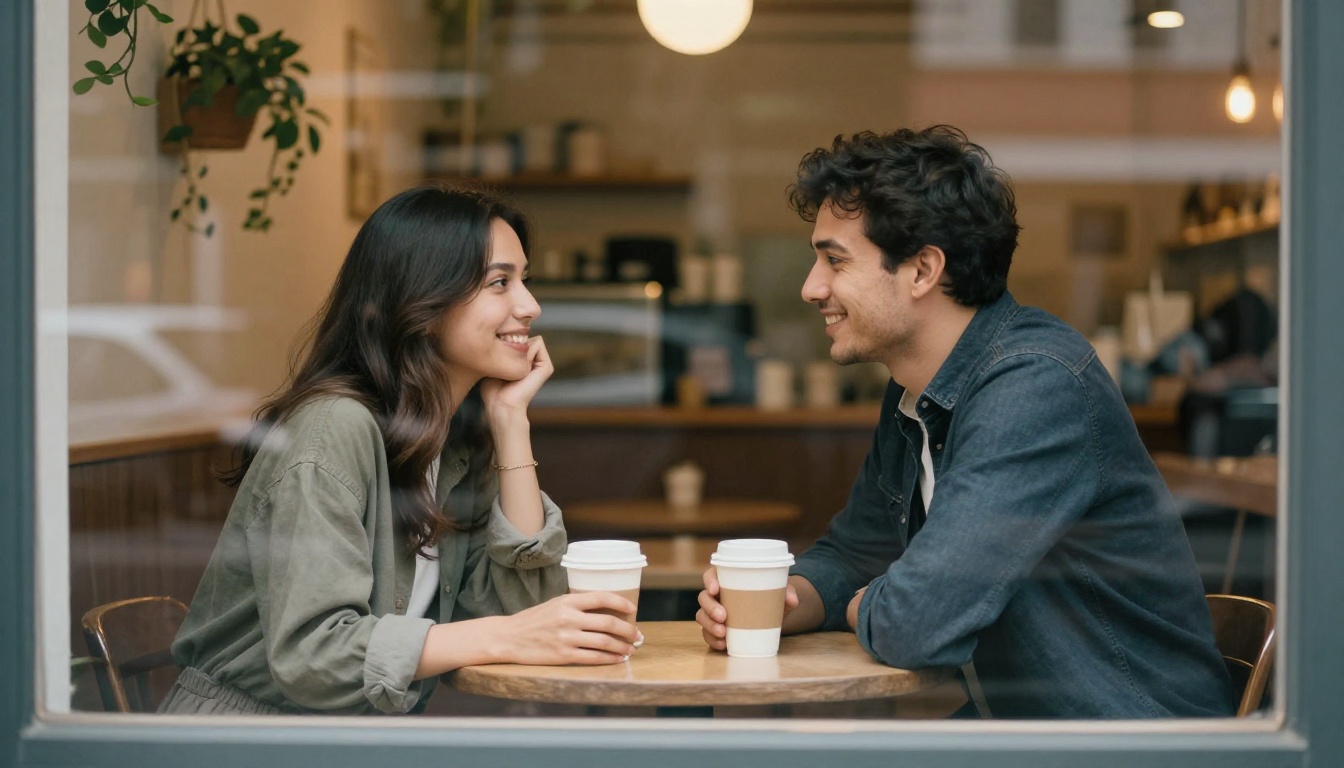
The goal of all this is the moment in the picture above: two people who matched, met, and are glad the photos told the truth. A rater helps you get the lighting and framing right. The rest is you.
Ready to try it on Picasso IA? Open PicassoIA Image Editor Pro, upload your best-but-imperfect photo, and test a few cleanup edits with no limit on attempts. If you are planning a new photo shoot, use Seedream 4.5 to sketch out reference images of the locations, light and outfits you want to try before you pick up the camera. It generates 2K and 4K images from a single text prompt, so you can build a mood board in minutes.
Then book a Saturday morning, ask a friend to take fifty photos, and run the test from the section above. Start with one photo, one change, and see what your real audience says. Browse the full list of models at picassoia.com/en/all-models and make something you are proud to post.


