Your first photo gets a glance, not a read. Someone scrolling on the train decides in the time it takes to blink whether your face looks friendly, whether the light is flattering, and whether you seem like a person worth a coffee. Most camera rolls are full of blurry group shots, sunglasses selfies and cropped wedding photos, so people post whatever is least bad. AI dating photos change that. With the right free generator you can fix harsh lighting, swap a cluttered background for a clean one, test a new haircut before booking it, and build a set of pictures that shows your real face, your city and your hobbies, without paying a photographer for an afternoon.
This article breaks down how the free options work, which photos a strong profile needs, how to write prompts that look like real photography instead of a plastic filter, a step by step tutorial that turns one decent selfie into a clean portrait, and the mistakes that quietly sink profiles. One rule runs through all of it: the goal is a better picture of you, not a picture of someone else.
What AI Dating Photos Really Are
An AI dating photo is any image made or improved with a generative model for use on a dating profile. That sounds like one thing, but it spans three very different workflows, and picking the wrong one is the fastest way to end up with a profile that feels off.
Three Kinds of Tools
Text to image generators build a picture from a written description. You type a scene and get a brand new photo of a person who does not exist. That is useful for mood boards, backgrounds and reference ideas, but it is the wrong tool for a profile photo, because nobody can meet that person.
Photo editors start from your own picture and change one thing: the lighting, the background, the haircut, the sharpness. Your face stays yours. This is where most of the value sits for dating.
Headshot converters are focused editors. You upload one selfie and get a clean, studio style portrait back in seconds.
| Tool type | Input | Best use on a profile | Main risk |
|---|
| Text to image | A written prompt | Mood boards, scene ideas, backdrops | Showing a face that is not yours |
| Photo editor | Your own photo | Lighting, background, haircut tests | Over editing your features |
| Headshot converter | One selfie | A clean lead photo | Looking too corporate |
Where AI Helps and Where It Hurts
AI is excellent at the boring parts of photography: rescuing a dim indoor shot, removing a stranger from the background, sharpening a slightly soft selfie, evening out color and cropping to the right ratio. It is bad at the one thing that matters most, which is being you. Anything that changes your face shape, age, height or body is a gamble, because the person who shows up to the first date will not match the screen.
💡 Quick test: show the edited photo to a friend who has met you. If they hesitate for even a second before saying "that's you", pull the edit back.
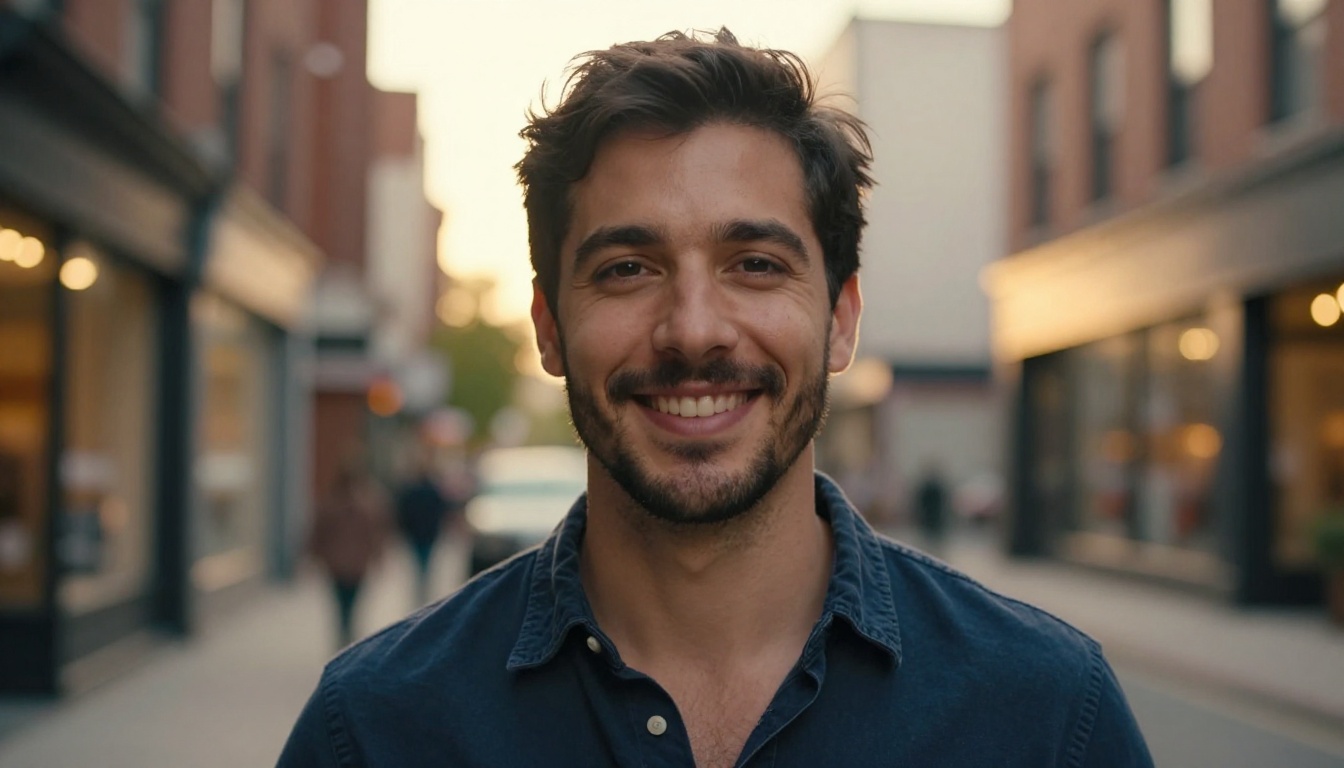
That is the standard worth aiming for: real skin texture, soft directional light, a genuine smile and a background that adds a little context without stealing attention.
Free Generators Worth Trying
Free tools vary a lot, so it helps to sort them by job instead of by hype. PicassoIA hosts dozens of image models, and a handful fit dating photos well.
Text to Image From Scratch
Seedream 4.5 produces 2K and 4K images from a prompt, accepts reference images and downloads without watermarks, which makes it a strong pick for scenery and lifestyle backdrops. P Image is built for speed and generates pictures in under a second, so it suits quick drafts while you test ideas. GPT Image 2 follows long, detailed prompts well, and Flux 2 Klein 9B is listed as a free HD generator for anyone who wants a different look to compare.
Photo Based Editors
These are the ones that keep your face. Professional Headshot turns a single selfie into a clean portrait with a choice of five backgrounds. Change Haircut lets you preview a new style on your own photo before you commit to the salon. Qwen Image Edit Plus LoRA Relight rebuilds the lighting of a scene, which is handy for a shot taken under a harsh ceiling lamp. Qwen Image Edit Plus LoRA Skin handles gentle skin retouching, and Portrait Series turns one photo into several variations of the same portrait.
What Free Usually Costs You
Free usually comes with a catch. The common ones are watermarks, daily limits, lower resolution, long queues and vague data handling. Before you upload a face photo anywhere, check what the platform says about storing and reusing images. On resolution, you do not need 4K: dating apps compress uploads hard, so a sharp 2K file is more than enough.
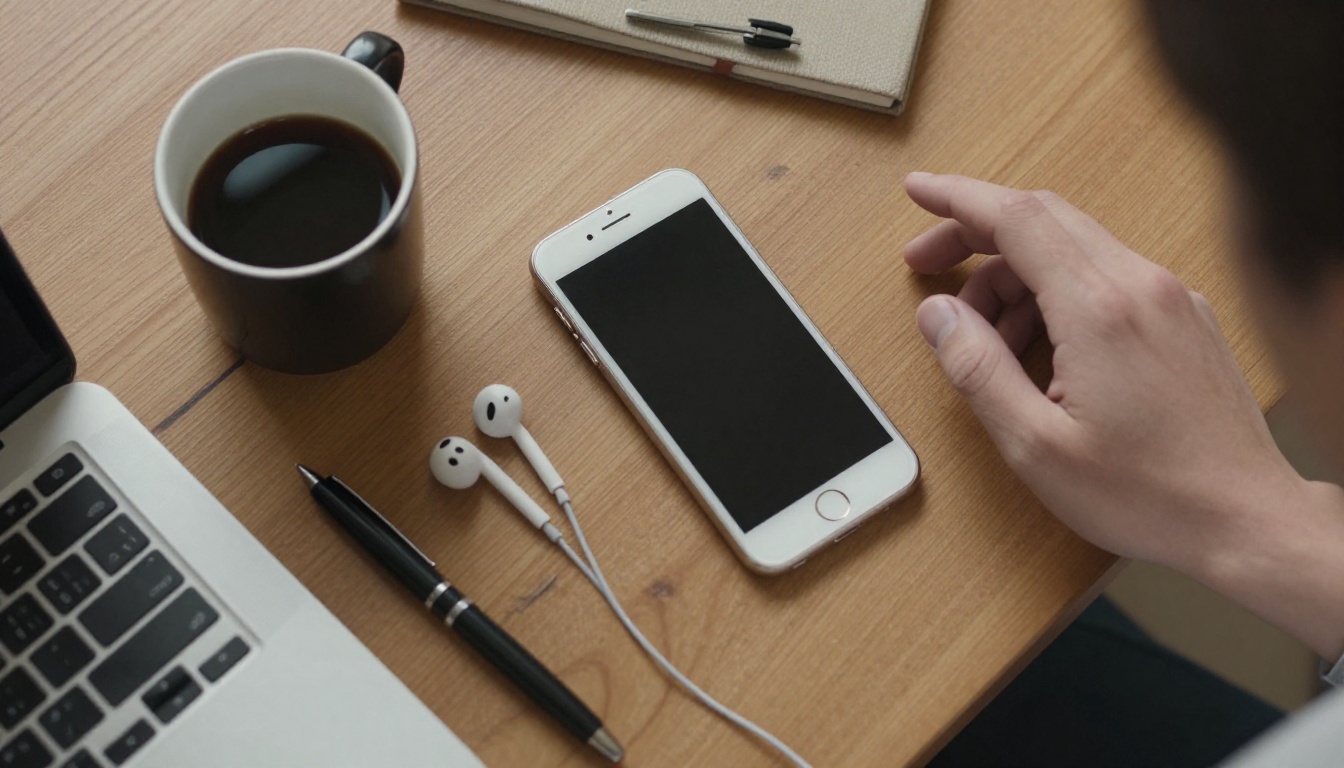
A good free workflow fits in twenty minutes: one phone, one coffee and one solid source selfie.
| Model | Input | Best dating use | Watch out for |
|---|
| Professional Headshot | Your selfie | Clean lead photo | Can look too formal |
| Change Haircut | Your photo | Testing a new style | Keep the result close to real life |
| Relight | Your photo | Fixing harsh or dim light | Heavy changes look staged |
| Seedream 4.5 | Prompt, reference images | Scenery and backdrops | Invented faces without references |
| P Image | Prompt | Fast concept drafts | Drafts, not final profile photos |
Photos Every Profile Needs
A profile is a short story told in five or six pictures, and each one should do a single job. This is the lineup that works.
The Clear Face Shot
This is your lead photo. One person, face fully visible, eyes open, no sunglasses, no hat brim shadowing your forehead, shot in daylight. It is the perfect job for a headshot converter or a relight pass, as long as the result still looks like a photograph and not a studio poster. A relaxed half smile beats a posed grin every time.
The Full Body Photo
People want to know who they are meeting, and a full length shot answers that honestly. Stand in open space, ask a friend to shoot from around chest height so your proportions stay natural, and wear clothes that actually fit. If the light is flat or the background is busy, that is where an edit earns its place.
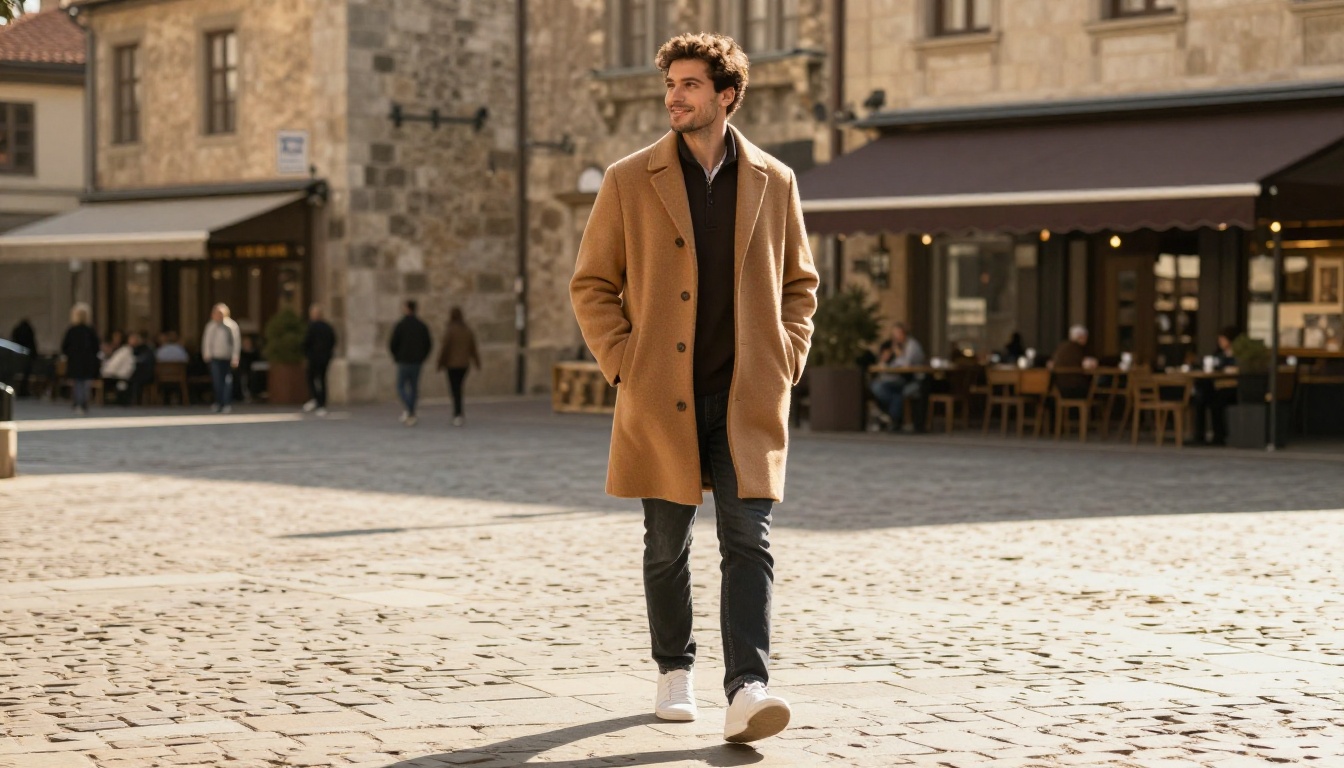
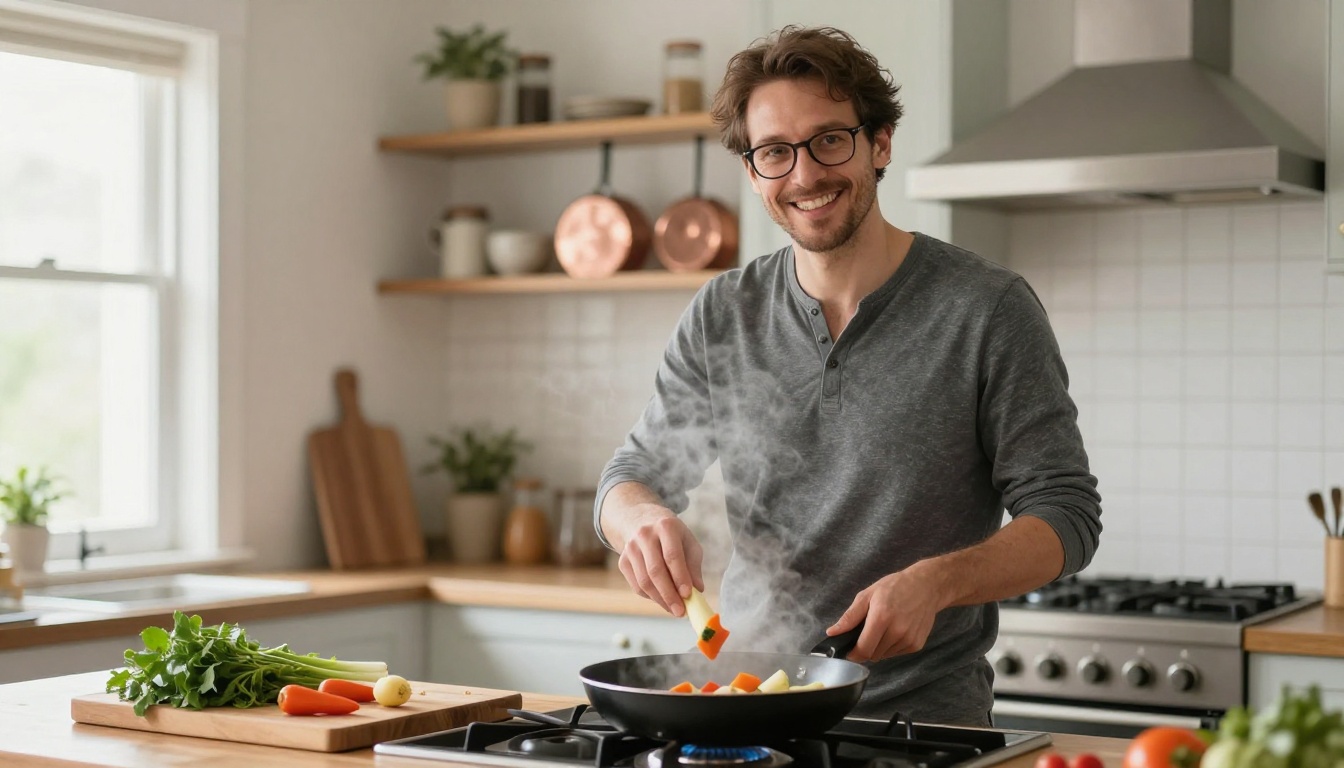
The Activity Photo
Show something you really do: a hike, a climb, a long bike ride. It gives a stranger an easy opening line and tells them what a weekend with you looks like. If your only good shot is dark or grainy, fix the light on the real photo instead of inventing a trip you never took.
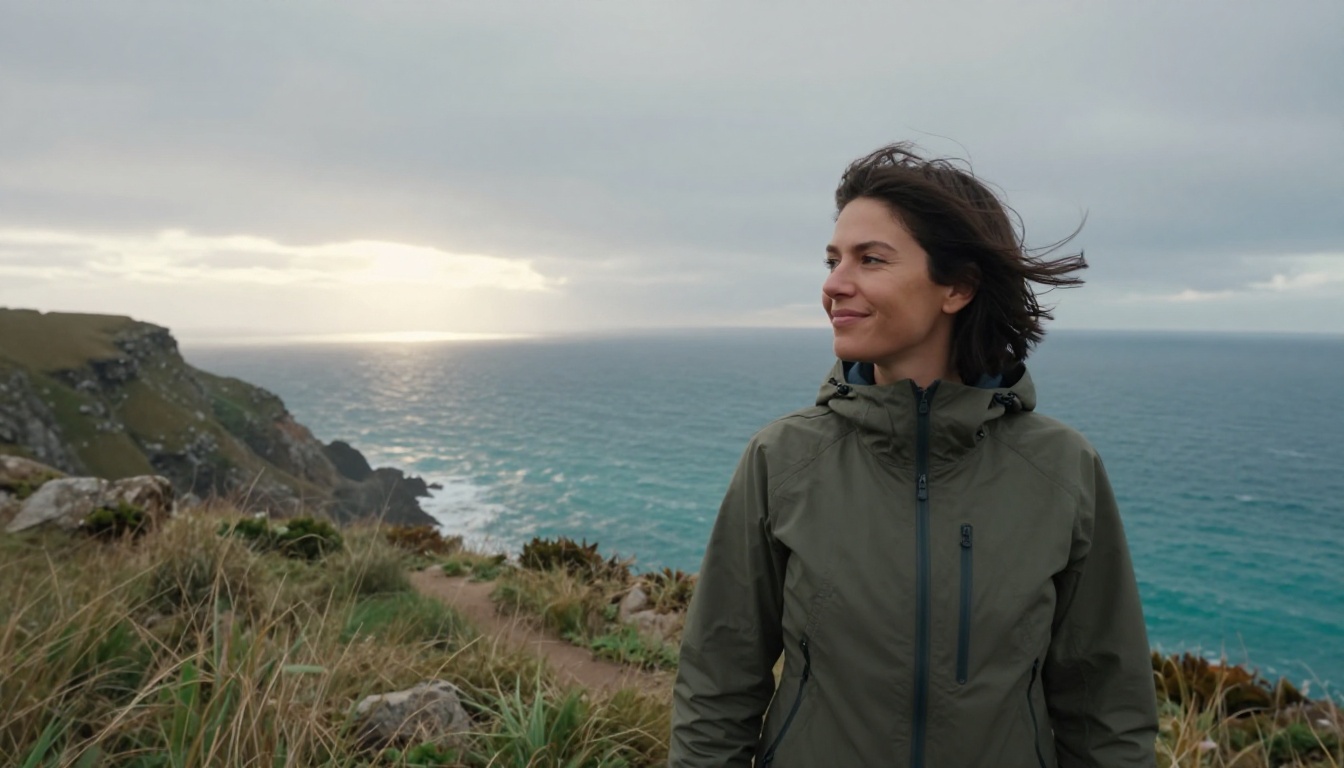
The Social Photo
One picture with friends proves other people enjoy your company. Make sure you are easy to spot, and make sure the others in the frame are fine with it being public. A tight crop on a group shot works well, and a relight pass can balance a mix of warm string lights and a fading evening sky.

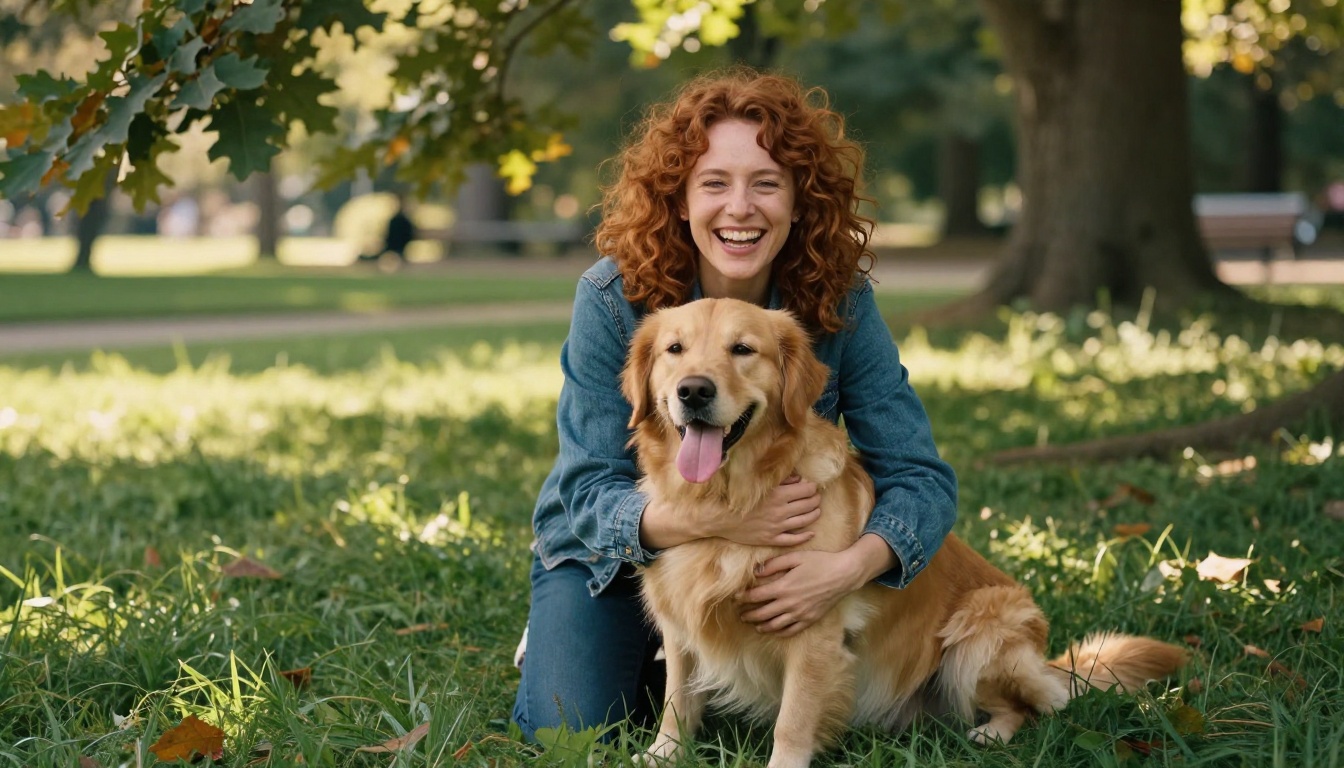
The Pet or Hobby Shot
Dogs, cooking, guitars, climbing gear. These are the photos that trigger replies, because they hand the other person something specific to ask about. Nobody replies to "nice pic", but plenty of people reply to "is that a golden retriever, what's his name?"
Prompts That Look Like Photos
If you use a text to image model for backdrops or scene ideas, the prompt decides everything. Vague prompts produce the smooth, glossy look that people now spot in half a second.
Write Like a Photographer
Describe the shot the way a photographer would brief an assistant: who is in it, what they are doing, where, in what light and with what lens. "Woman at a café table" gives you stock imagery. "A woman in a knit sweater laughing at a café table, morning light from a window on the left, 85mm lens, shallow depth of field, visible skin texture, film grain" gives you something that feels caught rather than staged.
A Simple Prompt Formula
| Part | What to write | Example |
|---|
| Subject and action | Who they are and what they are doing | A man in a navy shirt laughing |
| Setting | A real place with specific details | A quiet brick street with string lights |
| Light | Direction and time of day | Warm golden hour from behind right |
| Camera | Lens and distance | 85mm lens, close portrait |
| Texture | Skin, fabric and grain | Visible pores, soft film grain |
💡 Describe imperfections on purpose. Phrases like "visible pores", "light freckles" and "fine peach fuzz" are the quickest way to push a model away from airbrushed skin.
Words That Ruin Realism
Quality buzzwords such as "flawless", "perfect skin" and "ultra smooth" push the result toward plastic. So do "glowing", "neon" and "fantasy lighting". Skip them. Also keep text out of the picture. Models still garble letters, and a shop sign with nonsense words is an instant giveaway that the image is synthetic.
How to Use Professional Headshot on PicassoIA
Professional Headshot is the quickest route from "decent selfie" to "clean lead photo". The model takes one image of a person and returns a polished portrait, and the example runs on its page finish in roughly six seconds.
Step by Step
- Choose the source photo. Front facing, daylight, face unobstructed, sharp focus. A window selfie from the last few months beats an old studio shot.
- Open the model page and upload the picture in the Input Image field. JPEG, PNG, GIF and WebP files are accepted.
- Pick a background. The options are white, black, neutral, gray and office. Neutral (the default) or gray feel the warmest for dating. White reads as formal, and office looks like a job application.
- Set the gender field to male, female or none. It exists to help the model produce more accurate facial results, so set it to match you.
- Choose the aspect ratio. The model supports 14 presets. A ratio of 4:5 or 1:1 sits nicely in most dating app frames, and "match input image" keeps your original crop.
- Pick the output format. PNG is the default and keeps the most detail. JPG gives a smaller file for upload.
- Run it, then compare. Put the result next to your original. If your face shape, skin tone or smile has drifted, discard it and run again. Note the seed of any version you like so you can reproduce it.
Settings That Matter
| Setting | Recommended for dating | Why |
|---|
| Background | Neutral or gray | Warm instead of corporate |
| Aspect ratio | 4:5 or 1:1 | Fits app frames without awkward crops |
| Output format | PNG first, export JPG after | Detail first, file size later |
| Seed | Write it down when you like a result | Lets you reproduce the exact look |
After the headshot, run one follow up edit at a time. Use Change Haircut to preview a new style, or Relight to warm up the lighting. Stop when it looks like you on a good day.
💡 A studio style headshot works best as one photo in the set. Pair it with candid shots so the profile feels warm instead of reading like a job application.
Mistakes That Cost You Matches
- Plastic skin. Over smoothing erases pores and expression lines, and viewers read it as fake instantly. Leave the texture in.
- A face that does not match you. A slimmer jaw, bigger eyes or a younger look might feel harmless, but it sets up a letdown at the door.
- Six photos, one outfit, one location. Variety shows a life. Change the setting, the outfit and the distance from the camera.
- Stacked filters. An AI edit followed by a beauty filter followed by a preset adds up to a face nobody recognizes.
- A group photo as the lead. Strangers should never have to guess which person is you.
- Old photos. Stay within the last year or two, and update after any big change like a new haircut or a beard.
- Visible artifacts. Warped jewelry, odd fingers and garbled background text give an edit away. Zoom to 100 percent before you post.
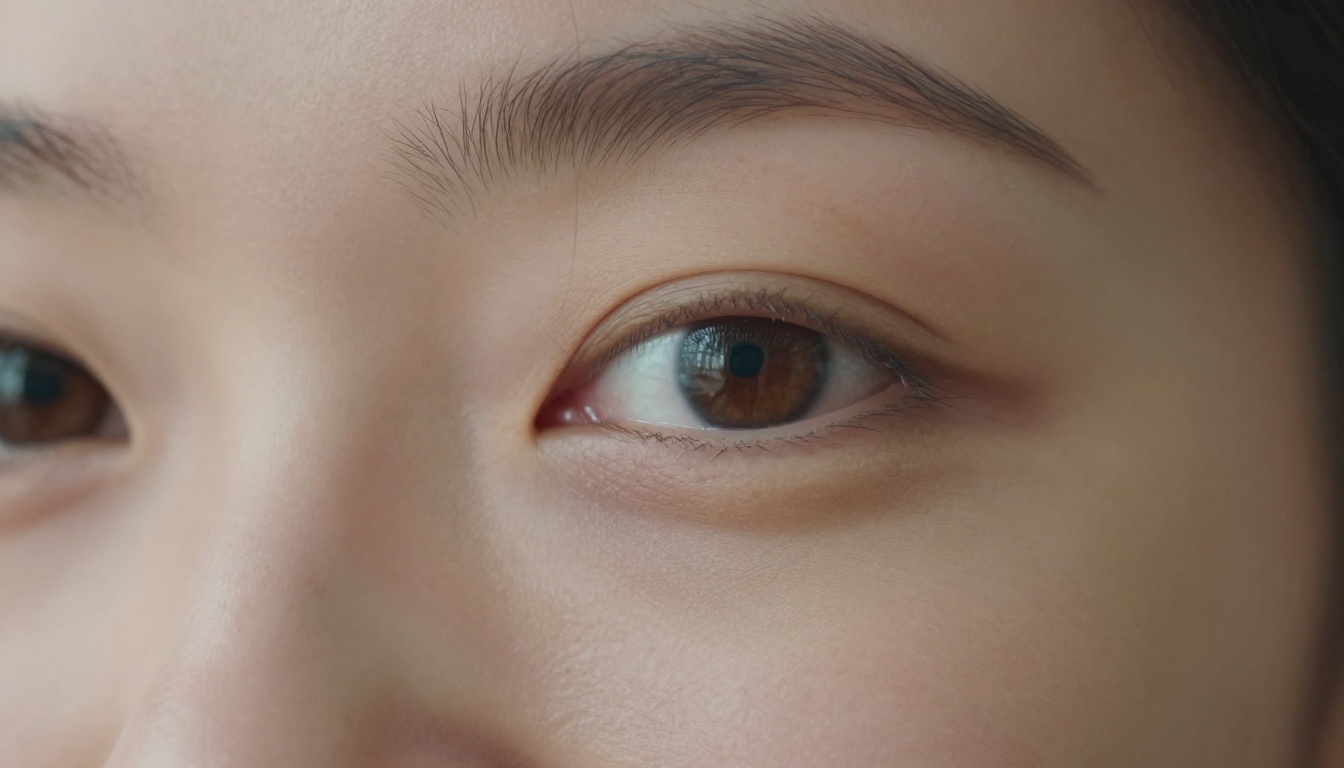
That close-up shows what to protect: pores, freckles, tiny hairs and a hint of texture under the eyes. It reads as a real person, and a real person is exactly who others want to meet.
Keep Your Profile Honest
Many dating apps now offer photo verification, where you take a live selfie that gets compared against your profile pictures. Heavily altered images make that check harder to pass, and even when it passes, the first date still has to match what people saw on screen.
Rules that keep you safe and keep matches real:
- Edit light, background and sharpness. Never your face or body.
- Use text to image only for scenery or reference, never as a stand in for you.
- Do not post a scene as your life if it never happened.
- Consider a short line in your bio if your photos are edited for lighting, so nothing comes as a surprise.
The simplest check is the doorway test: would the person across the table recognize you from across the room?
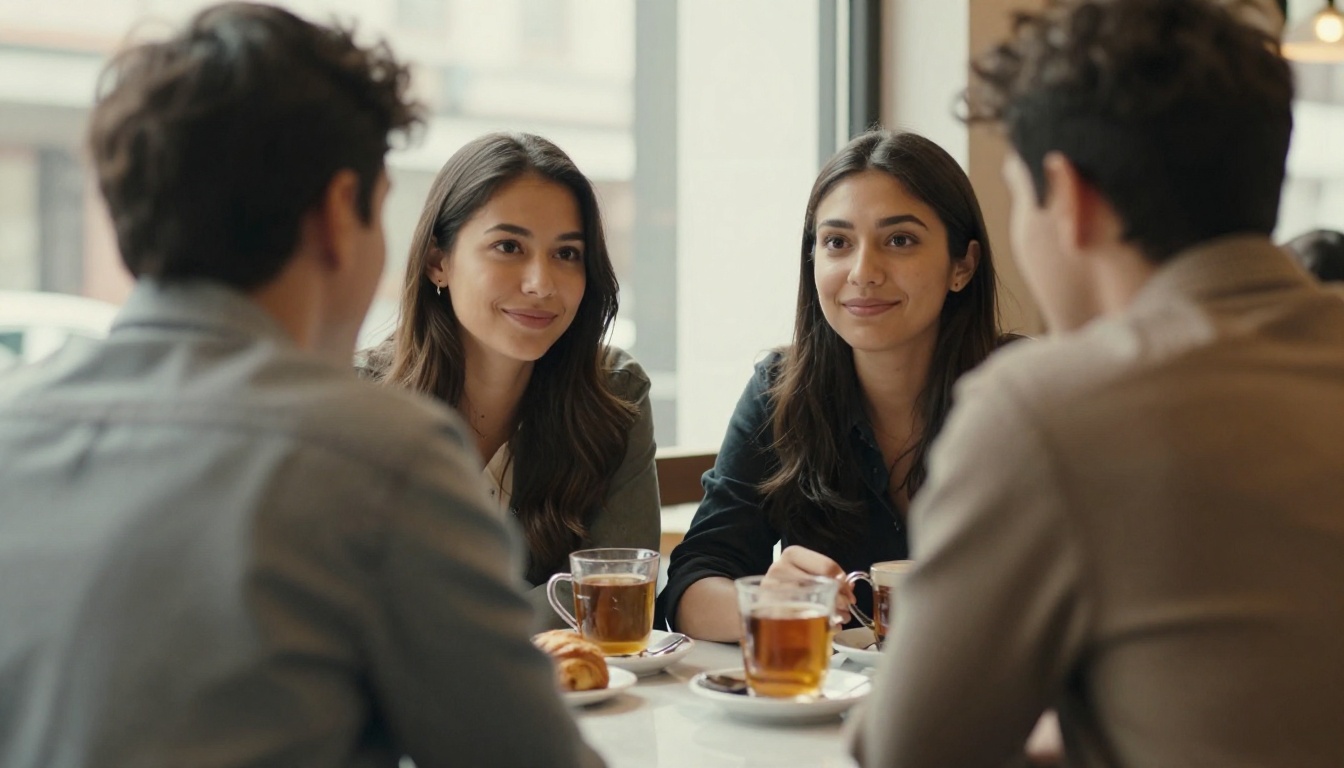
Photos are an invitation to that table. The best AI dating photos make the invitation clearer, they do not change who answers the door.
Build Your Own Photo Set
Pick your best recent selfie, open Professional Headshot on Picasso IA and have a clean lead photo in under a minute. Then preview a new look with Change Haircut, fix the light with Relight, and use Seedream 4.5 to sketch scene ideas for the activity shots you plan to take for real. Start with the free options and see how far one selfie can go. Make a few versions, keep the one your friends recognize in a second, and post it. If you want to try something beyond this list, browse every model at picassoia.com/en/all-models and experiment until your profile looks like the best day you have had this year.


