You open your inbox, see 43 unread messages, and the cursor blinks in an empty reply box. Sound familiar? Most of us lose a surprising chunk of the workday to emails that take two minutes to write but twenty to start. An AI email writer removes that dead time. You give it the situation in a sentence or two, and it hands back a clean draft you can edit and send.
The best part: you don't need a paid subscription to get good results. This article shows how a free AI email writer works, which online generator options are worth trying, how to write subject lines that get opened, and real reply examples you can copy today.

Why Email Still Eats Your Day
Chat apps came and went, yet email is still where contracts get confirmed, invoices get chased, job offers arrive and customers complain. It is slow, formal and permanent, which is exactly why people overthink it.
The Real Cost of a Blank Draft
The writing itself is rarely the problem. The friction comes from three things:
- Tone anxiety. Is this too blunt? Too soft? Will it sound passive-aggressive?
- Structure. Where does the ask go, and how long should the message be?
- Context switching. Every email pulls you out of whatever you were doing.
An AI writer attacks all three at once. It picks a tone, builds a sensible structure, and gives you a first draft in seconds, so your brain switches from "create" to "edit." Editing is far easier than creating from nothing.
What an AI Email Writer Actually Does
Under the hood, an AI email writer is a large language model with instructions. You describe who you're writing to, what you want, and how you want to sound. The model predicts the most useful sequence of words for that situation, based on millions of examples of professional writing it has seen.
It can handle a long list of jobs:
| Task | Example input | What you get |
|---|
| New email | "Ask a vendor for a quote on 200 mugs" | Subject line plus a short request |
| Reply | Paste the received email plus "say yes, propose Tuesday" | A matching-tone response |
| Rewrite | Paste your rough draft plus "make it friendlier" | A polished version |
| Shorten | Paste a long message plus "cut to 80 words" | A tight summary |
| Translate | "Rewrite in formal Spanish" | A native-sounding draft |
| Subject lines | "Give me 10 options for a webinar invite" | A list to A/B test |
💡 Tip: An AI writer is a drafting partner, not an autopilot. The best emails still carry one detail only you know, like a name, a date or a shared joke.
The Free AI Email Writer Online Generator Landscape
Search for a free email generator and you'll find dozens of tools, many of them thin wrappers around the same handful of language models. Some are a simple form with a "Generate" button. Others are browser extensions that sit inside your inbox. The quality gap between them mostly comes from the model underneath.

What to Expect From Free Tools
Free doesn't have to mean bad, but it usually comes with limits. Here is what you'll typically run into:
- Daily caps on the number of generations
- Shorter outputs or a word limit per draft
- Weaker models on the free tier, which means stiffer phrasing
- Sign-up walls before you can copy your text
A general-purpose language model skips most of these problems because you control the prompt. You aren't locked into a template with three dropdowns. You can ask for exactly the voice, length and structure you want.
Models Worth Using for Email
On PicassoIA, you can pick from a range of language models and switch between them depending on the job. Here are the ones that fit email best:
| Model | Best for | Why it works |
|---|
| GPT 5.6 Luna | Quick replies and short messages | Built for fast text replies, so drafts show up almost instantly |
| Claude Sonnet 5 | Longer, nuanced emails | Handles tone and careful phrasing well |
| Gemini 3.5 Flash | High-volume drafting | Fast, good for batches of subject lines |
| Gemini 3 Flash | Replies that need a screenshot read | Chat plus vision, so you can paste an image of a message |
| Llama 2 7B Chat | Simple, free-form questions | Lightweight option for basic drafts |
| Granite 3.1 8B Instruct | Summaries of long threads | Good at condensing and rewriting |
You don't have to commit to one. A practical routine: draft with a fast model, then ask a more careful one to polish the final version.
Subject Lines That Get Opened
The subject line decides whether your email lives or dies. Most people decide in about a second whether to open a message, often from a phone lock screen where only 35 to 45 characters show.
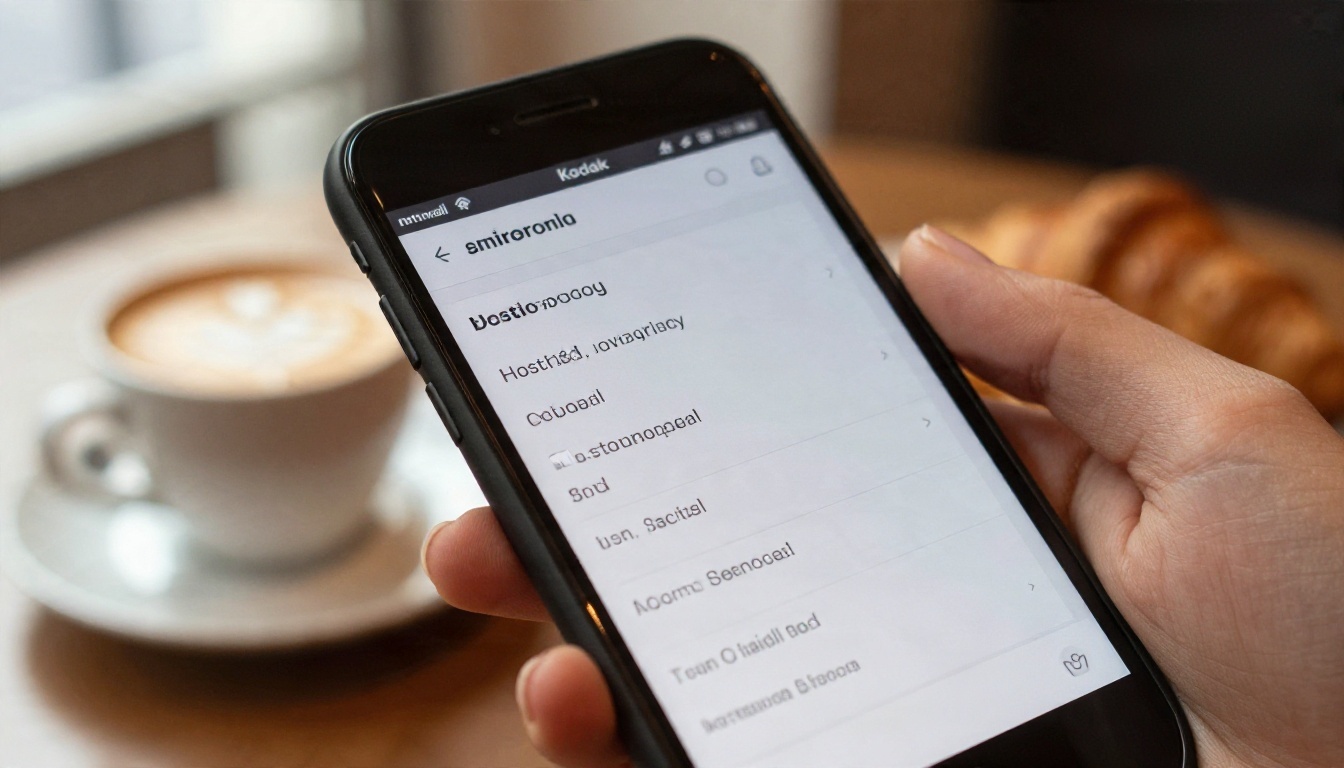
5 Formulas That Work
Ask your AI writer to apply these patterns, and you'll get options fast:
- The specific ask: "Can you approve the Q4 budget by Friday?"
- The benefit: "A faster way to close your month-end books"
- The question: "Still need help with the vendor contract?"
- The personal reference: "Loved your talk at the Denver meetup"
- The deadline: "Last day to confirm your seat"
Each formula puts something concrete up front. Vague lines like "Quick update" or "Following up" get ignored because they promise nothing.
Subject Line Prompts to Copy
Paste these into any language model and swap the brackets:
Write 10 subject lines under 45 characters for an email inviting [audience] to [event]. Mix curiosity, benefit and deadline styles. No clickbait, no all caps.
Give me 5 subject lines for a follow-up to a client who hasn't replied in a week. Tone: polite, direct, no guilt-tripping.
Sample output you might get for a webinar invite:
- "Fix your inbox in 30 minutes"
- "Thursday: live email workshop"
- "Seats left for tomorrow's session"
- "Your free spot is waiting"
- "How 3 teams cut email time in half"
💡 Tip: Ask for subject lines in batches of ten, then pick two and test them. Small differences in wording can change open rates more than people expect.
Reply Examples You Can Reuse
Replies are where an AI email writer pays for itself. You paste the incoming message, add one line of direction, and get a draft that matches the tone of the original.

A Polite Decline
Prompt: "Decline a meeting invite from a vendor. Friendly, firm, 60 words. Leave the door open for next quarter."
Subject: Re: Demo next week
Hi Sam,
Thanks for thinking of us. We're locked into our current setup through the end of the year, so a demo wouldn't be a good use of your time or mine. If anything changes in Q1, I'll reach out.
Appreciate the follow-up, and best of luck with the launch.
Maya
A Follow-Up Nudge
Prompt: "Write a follow-up to an unanswered proposal. Day 7. Short, no pressure, include one clear question."
Subject: Quick question on the proposal
Hi Daniel,
I wanted to check whether you had a chance to review the proposal I sent last Tuesday. If the timing isn't right, no problem at all. Would it help if I sent a shorter one-page version?
Thanks,
Priya
A Customer Complaint Reply
Prompt: "Reply to an angry customer whose order arrived late. Apologize once, offer a 15% refund, explain the next step. Calm and human."
Subject: Re: My order is late
Hi Jordan,
I'm sorry your order arrived late. That's not the experience we want you to have. I've refunded 15% to your original payment method, and you should see it within three business days.
If anything about the order still isn't right, reply here and I'll handle it personally.
Warmly,
Alex, Customer Care
Notice the pattern in all three: one idea per paragraph, a single clear next step, and no filler sentences. That's what you should ask the model for every time.
Real Situations, Real Prompts
Generic prompts give generic emails. The more context you provide, the more the draft sounds like you. Here are three common situations with prompts built for them.
Small Business Owners
When you run a shop, emails come in between customers. You need replies that are quick and warm, not corporate.

Prompt: "I own a ceramics studio. A customer asks if we can make 40 custom mugs by December 12. We can, for $18 each, with a 50% deposit. Write a friendly reply that confirms this and asks for the logo file."
Add details like your lead time, your return policy and your shop's personality ("casual, a bit playful"), and the output stops sounding like a template.
Job Seekers
Job-hunting emails carry real stakes, and many people freeze. An AI writer helps with application messages, follow-ups after interviews, and polite replies to rejections.

Prompt: "Write a 90-word application email for a junior designer role at a furniture company. Mention that I redesigned a local cafe's menu and that I'm available to start in January. Confident, not pushy."
For post-interview notes, give the model one specific moment from the conversation. A line like "I enjoyed hearing how your team tests prototypes with real customers" beats any generic thank-you.
Sales Outreach
Cold emails fail when they are long and self-centered. Ask the model to keep them under 100 words and to start with the reader's problem.

Prompt: "Write a cold email to a logistics manager at a mid-size retailer. Pain point: late deliveries cost them repeat customers. Offer a 15-minute call. Under 90 words, no buzzwords."
💡 Tip: Generate three versions with different openings, then send the one that sounds most like something you'd actually say out loud.
How to Use GPT 5.6 Luna on PicassoIA
For short replies and quick drafts, GPT 5.6 Luna is a solid pick because it is built for speed. Here's a simple workflow:
- Open the model page. Go to the GPT 5.6 Luna page on PicassoIA and open the text input.
- Set the scene in one sentence. Say who you are, who you're writing to, and the goal. Example: "I'm a project manager replying to a client who wants to move the deadline."
- Paste the original email if you're replying. The model copies the tone and picks up names and dates.
- Add constraints. Word count, tone ("warm but firm"), and the exact action you want the reader to take.
- Run it and read the draft. If it is close, ask for a tweak: "Shorter," "Less formal," or "Add a line about the invoice."
- Request a subject line. Follow up with "Give me 5 subject lines for this email under 45 characters."
- Copy, edit and send. Add a personal detail and check the facts.
| Parameter idea | Suggested setting |
|---|
| Length | State a word limit in the prompt (60 to 120 words for most emails) |
| Tone | Name it plainly: "friendly," "formal," "direct" |
| Format | Ask for "subject line, greeting, 2 short paragraphs, sign-off" |
| Iteration | Ask for one change at a time |
When the email is sensitive, like a legal notice, a salary negotiation or a long apology, switch to Claude Sonnet 5, which tends to handle delicate phrasing carefully.
Edit Before You Send
AI drafts are 80 percent there. The last 20 percent is yours, and it is what makes the email feel human.
A 60-Second Edit Checklist
- Names and dates. Read them twice. Models sometimes invent details if you leave gaps.
- First line. Cut any opener that says nothing, such as "I hope this email finds you well."
- The ask. Can the reader tell what you want within five seconds?
- Tone match. Does it sound like you? Swap two or three words for ones you'd really use.
- Length. If a sentence doesn't earn its place, delete it.
3 Common Mistakes
- Pasting private data. Don't paste passwords, financial account numbers or confidential contracts into any online tool. Replace sensitive details with placeholders such as [CLIENT] and [AMOUNT].
- Sending the first draft. The first output is a starting point. One round of "make it more specific" usually improves it a lot.
- Over-polite padding. AI loves phrases like "I would be most grateful if you could kindly." Ask for "plain, direct language" and the draft improves immediately.
💡 Tip: Build your own prompt library. Save the three or four prompts that work for your job in a note, and you'll have a personal email generator that costs nothing.
Write Your Next Email With PicassoIA
A free AI email writer won't replace your judgment, but it removes the part of email that drains you: the blank page. Start with a clear one-sentence brief, ask for a few subject lines, edit the draft with a few personal details, and send. Most routine emails then take less than two minutes.

PicassoIA gives you one place to try different language models side by side, from fast options like GPT 5.6 Luna and Gemini 3.5 Flash to careful writers like Claude Sonnet 5. Pick a message that's been sitting in your drafts, paste the details, and see what you get in ten seconds. Then try the same prompt on a second model and compare.
Beyond text, the platform also offers image, video, voice and music models, so the same account that writes your launch email can also create the visuals for it. Browse everything at picassoia.com/en/all-models and start experimenting today.


