Most people who try AI erotic art hit the same wall within five minutes. The first prompt gets blocked, the second one produces a waxy mannequin with six fingers, and the third looks like a stock photo from 2009. The problem is rarely the idea. It is the generator you picked, the way you wrote the prompt, and a handful of settings nobody tells you about. This article fixes all three. You will see which free tools handle adult glamour and boudoir themes without constant refusals, a prompt formula you can reuse forever, nine real examples with the scenes behind them, and the exact settings that separate a convincing photograph from an obvious fake.
A quick note on scope. Everything here is about suggestive, tasteful, non-explicit imagery: lingerie, silk, bikinis, implied fine-art poses, moody lighting. Think magazine editorial, not adult film. That boundary is not only a safety measure. It is also where AI image models produce their best work, because photographic glamour has decades of reference material behind it.
What AI Erotic Art Actually Means
Suggestive Beats Explicit Every Time
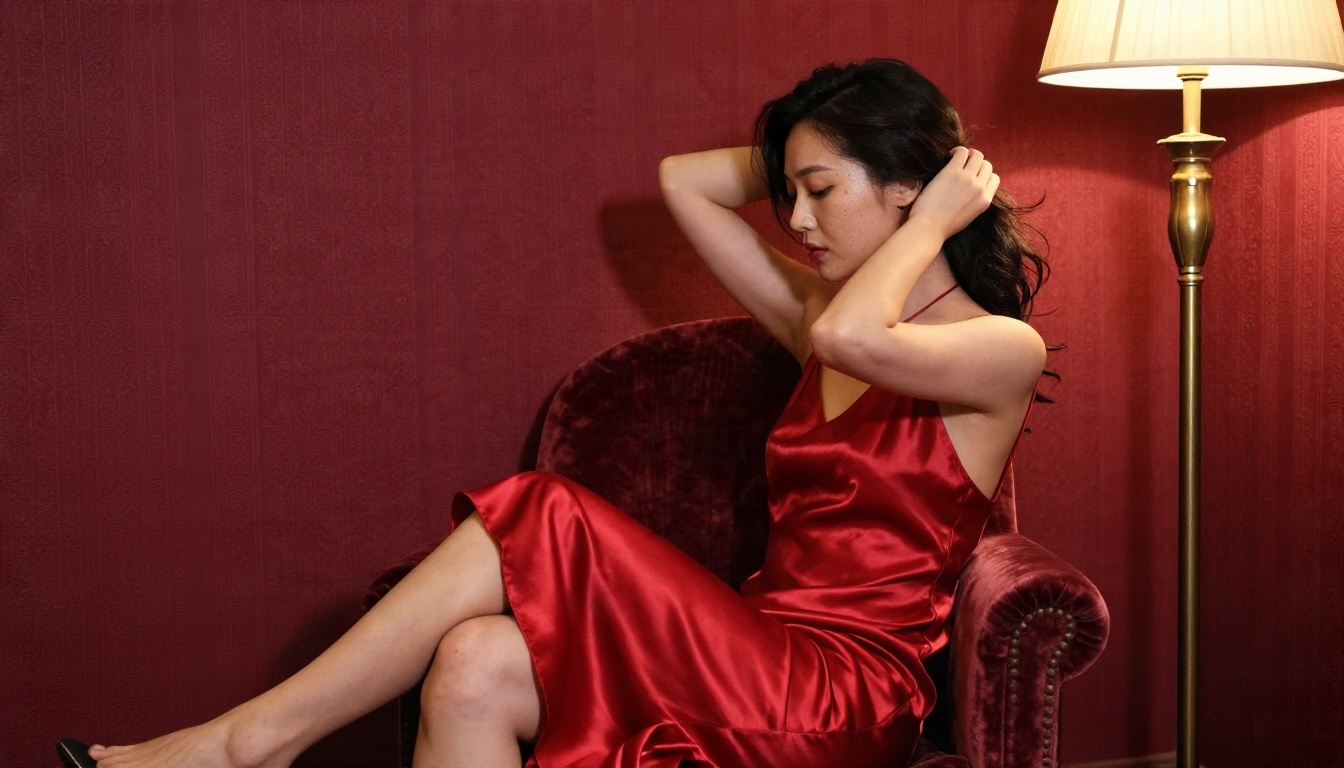
The phrase "erotic art" covers a wide range, but the images that perform best and last longest sit in the suggestive zone. A woman in a satin slip on a velvet chair, lit by one warm lamp, carries more tension than anything literal. Photographers have known this for a century. Boudoir, pin-up, and fine-art figure work all rely on implication: a shoulder, a glance, the fall of a fabric.
AI models respond to that logic too. When you ask for mood, texture, and light, you get richer results than when you pile on explicit keywords. Explicit wording also triggers moderation on most platforms, which wastes your generations.
Why Photorealism Wins
Illustrated and 3D styles tend to drift toward exaggerated anatomy and glossy, over-smoothed skin. Photographic prompts do the opposite. They anchor the model to real cameras, real lenses, and real film stocks, so proportions, shadows, and skin texture stay believable. If you want art that people mistake for an actual editorial shoot, write like a photographer, not like a game artist.
💡 Rule of thumb: name a lens, a light source, and a film look in every prompt. Those three details do more for realism than any "8K masterpiece" filler ever will.
Free Generators Worth Your Time
Not every generator handles adult-leaning themes the same way. Some block anything with the word "lingerie." Others are permissive but produce muddy, low-detail faces. The table below sums up the tools that actually deliver on PicassoIA.
| Tool | Best for | Strength | Watch out for |
|---|
| Seedream 4.5 | Glamour, boudoir, skin realism | Sharp detail, up to 4K, natural skin | Needs specific prompts for best lighting |
| PicassoIA Image Editor Pro | Unlimited runs, edits, outfit swaps | Unlimited generations, fast iteration | Edits work best from a clear source photo |
| Nano Banana Pro | Prompt-faithful scenes, edits | Strong instruction following | Stricter on explicit wording |
| Flux 2 Klein 9B Base LoRA | Styled looks and fine-tuned aesthetics | Flexible style control | Needs a bit of tuning |
| Z Image Turbo | Fast drafts | Speed | Less fine detail than larger models |
| Realistic Vision v5.1 | Classic photoreal portraits | Lifelike faces | Older architecture, shorter prompts work better |
Seedream 4.5 Goes First
If you only try one model, make it Seedream 4.5. It reads long, descriptive prompts well, renders fabric like silk and lace convincingly, and keeps skin texture instead of airbrushing it flat. It also handles the kind of suggestive glamour covered in this article without constant refusals, and results come back quickly. For boudoir, bikini, and evening-wear scenes, it is the strongest starting point in this list.
Image Editor Pro for Unlimited Runs
The real cost of AI art is not money, it is iteration. You rarely nail a scene on the first try. PicassoIA Image Editor Pro removes that pressure with unlimited generations, so you can run twenty variations of a lighting setup without watching a counter. It is also the quickest way to change an outfit, shift a background, or adjust mood on an image you already like. Use Seedream 4.5 to build the scene, then bring it here to refine.
Other Models Worth Testing
Nano Banana Pro follows instructions closely, which helps when your prompt has many parts. Flux 2 Klein 9B Base LoRA is useful when you want a more stylized color palette while staying photographic. Z Image Turbo is the model for rough drafts: test a composition in seconds, then recreate the winner in a stronger model. Realistic Vision v5.1 remains a dependable pick for portrait faces. You can browse every option at picassoia.com/en/all-models.
Prompts That Actually Work
The Five-Part Formula
Strong prompts for this genre follow the same structure. Write them in this order:
- Subject and pose. Who, what they wear, and what they are doing. "Adult woman in a red satin slip dress, legs crossed, tucking hair behind her ear."
- Environment. A specific room or place. "Dim vintage hotel room, burgundy wallpaper, brass floor lamp."
- Light. Direction and quality. "Warm tungsten light from the right, soft shadow falloff on the left."
- Camera. Angle, distance, lens. "Low-angle three-quarter view, 50mm f/1.8."
- Texture and film. What the eye should feel. "Satin sheen, velvet nap, fine skin pores, Kodak Portra 400 grain."
That is the entire trick. Each part removes a guess the model would otherwise make for you, and the guesses are what cause the generic, plastic look.
Nine Prompts You Can Copy
Each of these produced one of the images in this article. Swap the details, keep the structure.
| Scene | Prompt core |
|---|
| Hotel room portrait | Red satin slip dress, velvet armchair, tungsten lamp from the right, 50mm f/1.8, Portra grain |
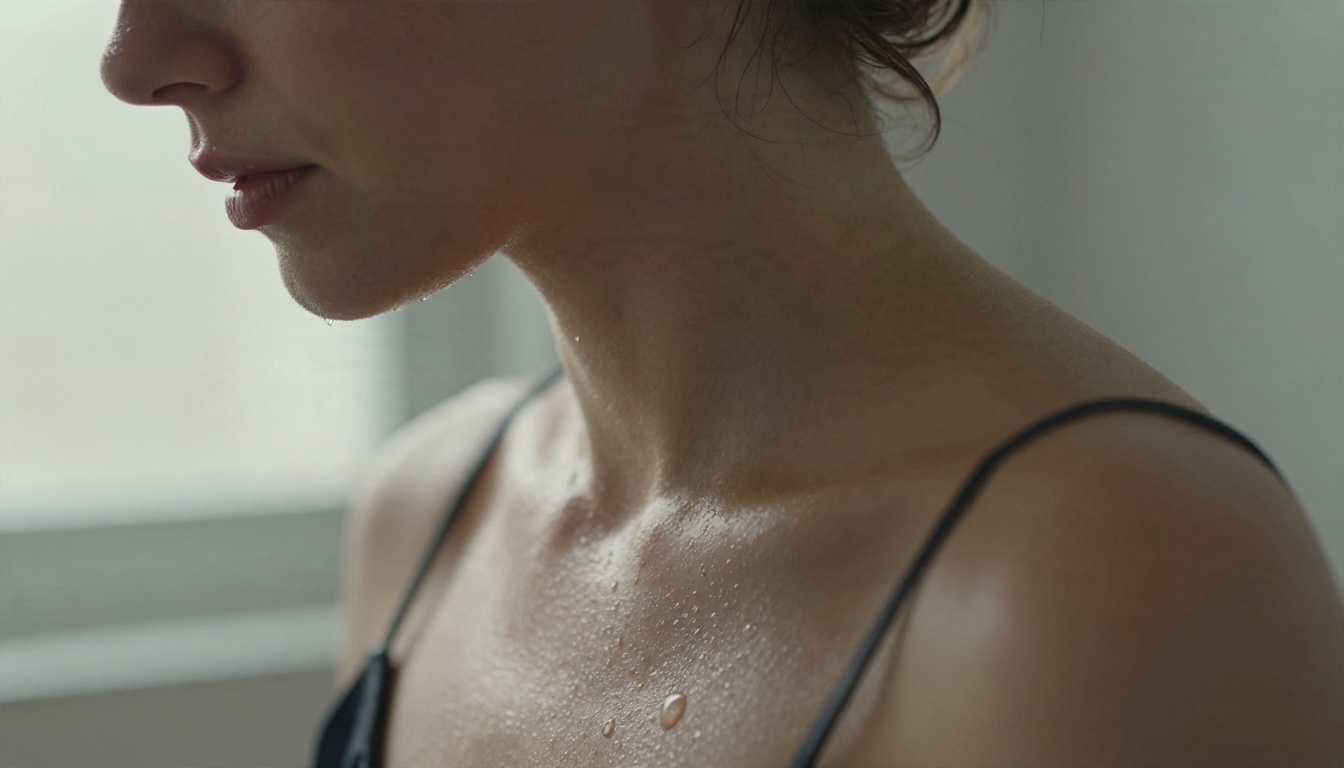
| Bathroom close-up | Profile, eyes closed, dewy freckled skin, frosted window light from the left, 105mm f/2 |
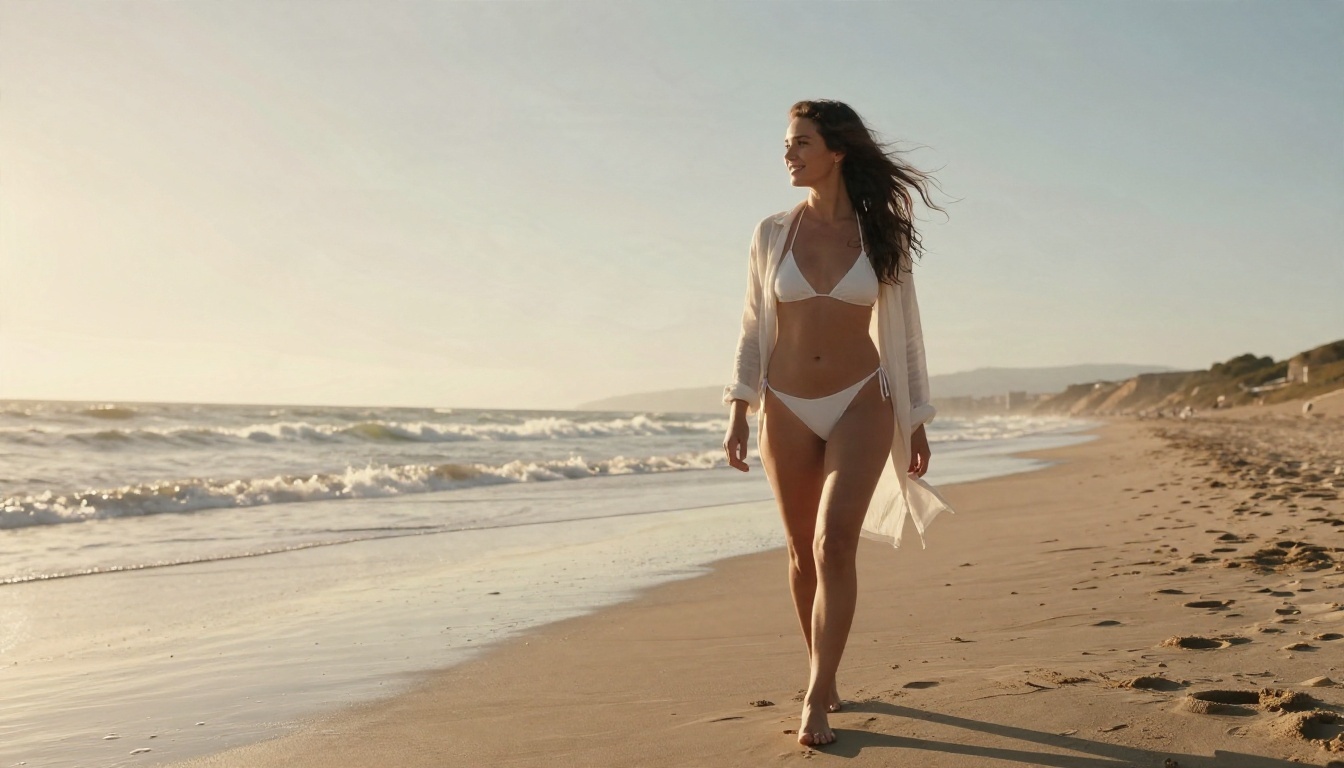
| Beach golden hour | White bikini with sheer linen shirt, backlit low sun, wet sand, 35mm f/2 |
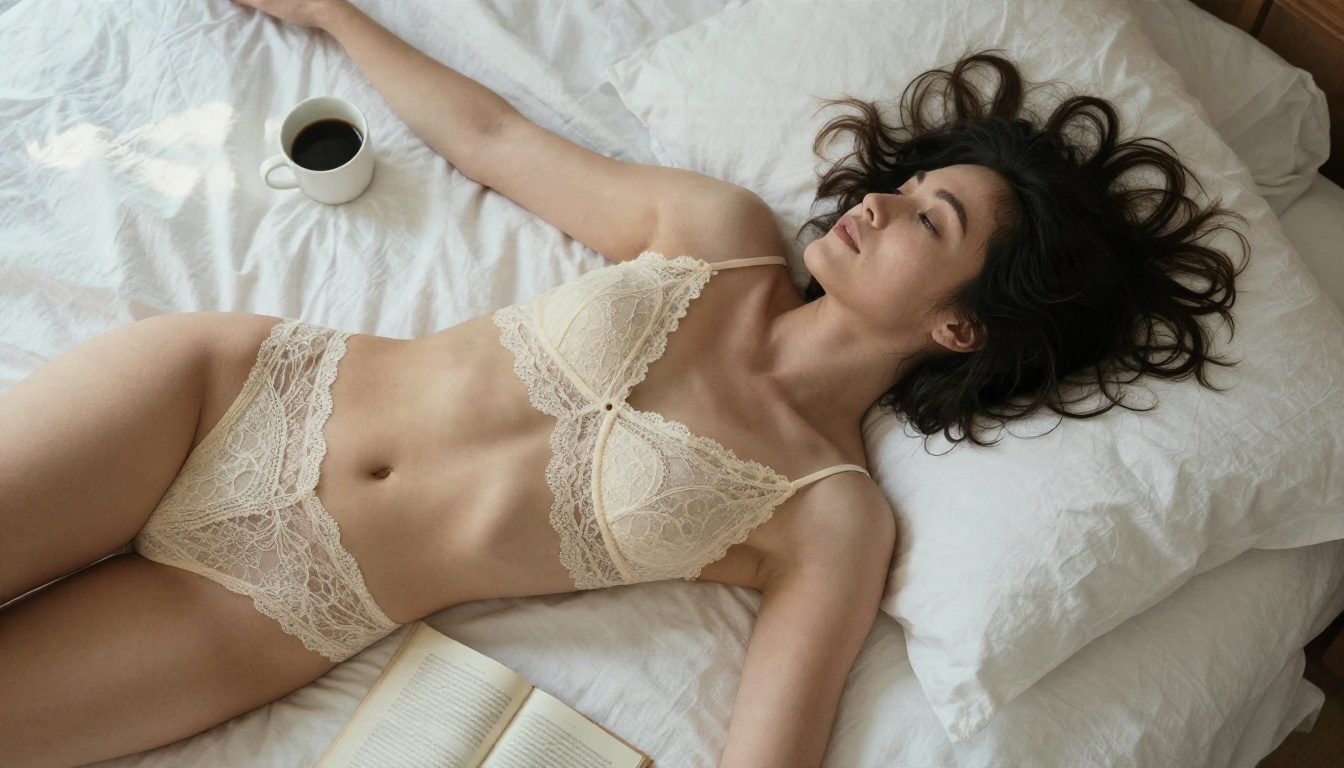
| Overhead boudoir | Cream lace bodysuit on white sheets, top-down, soft window light, 35mm f/2.8 |
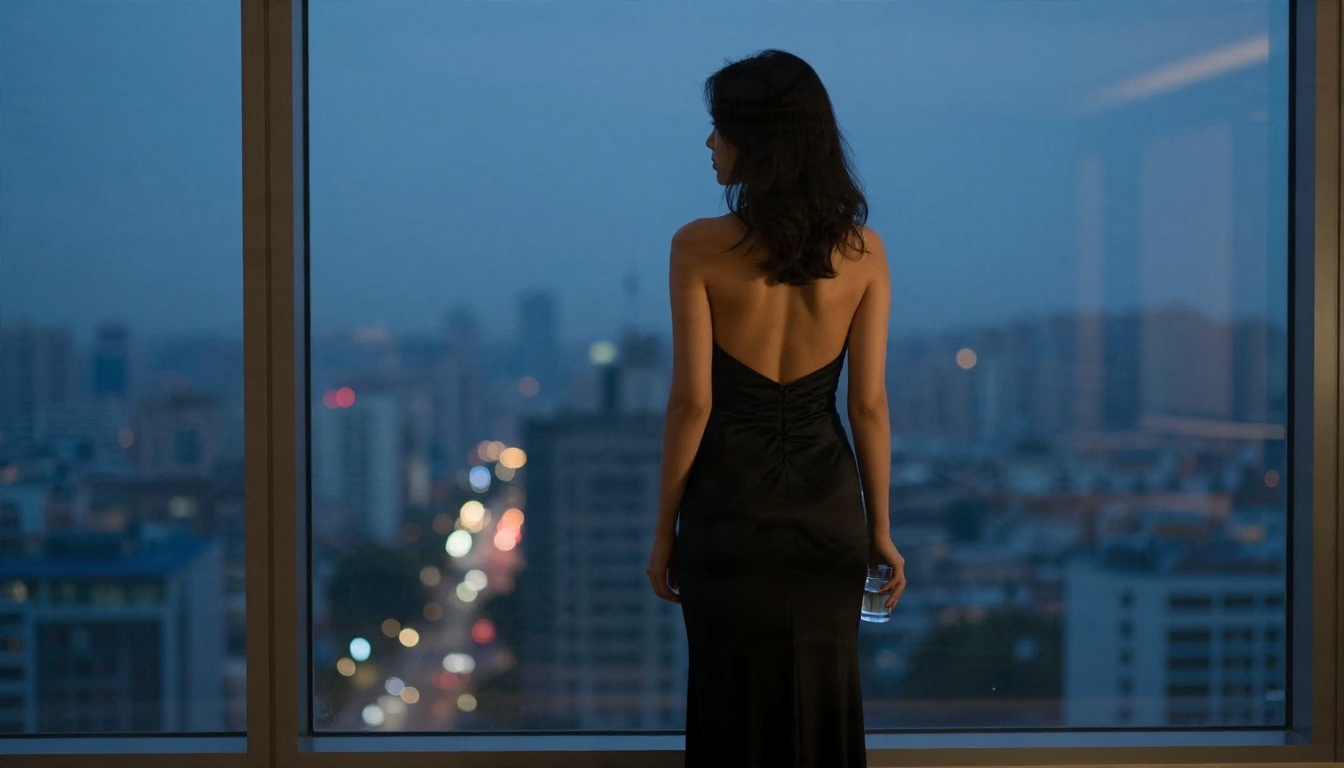
| City dusk | Open-back black gown, floor-to-ceiling window, blue twilight plus warm lamp, 85mm f/1.8 |
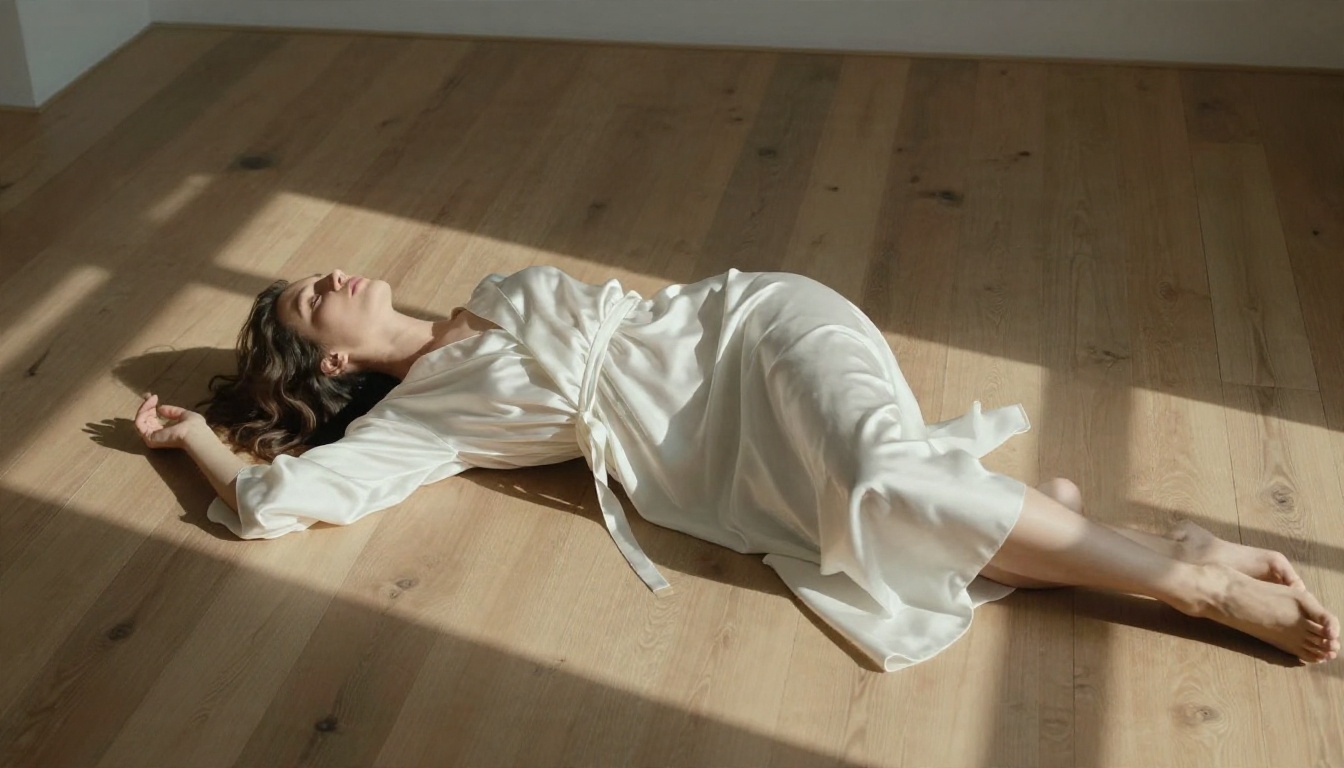
| Fine-art floor pose | White silk robe, wooden studio floor, hard window light, long diagonal shadows |
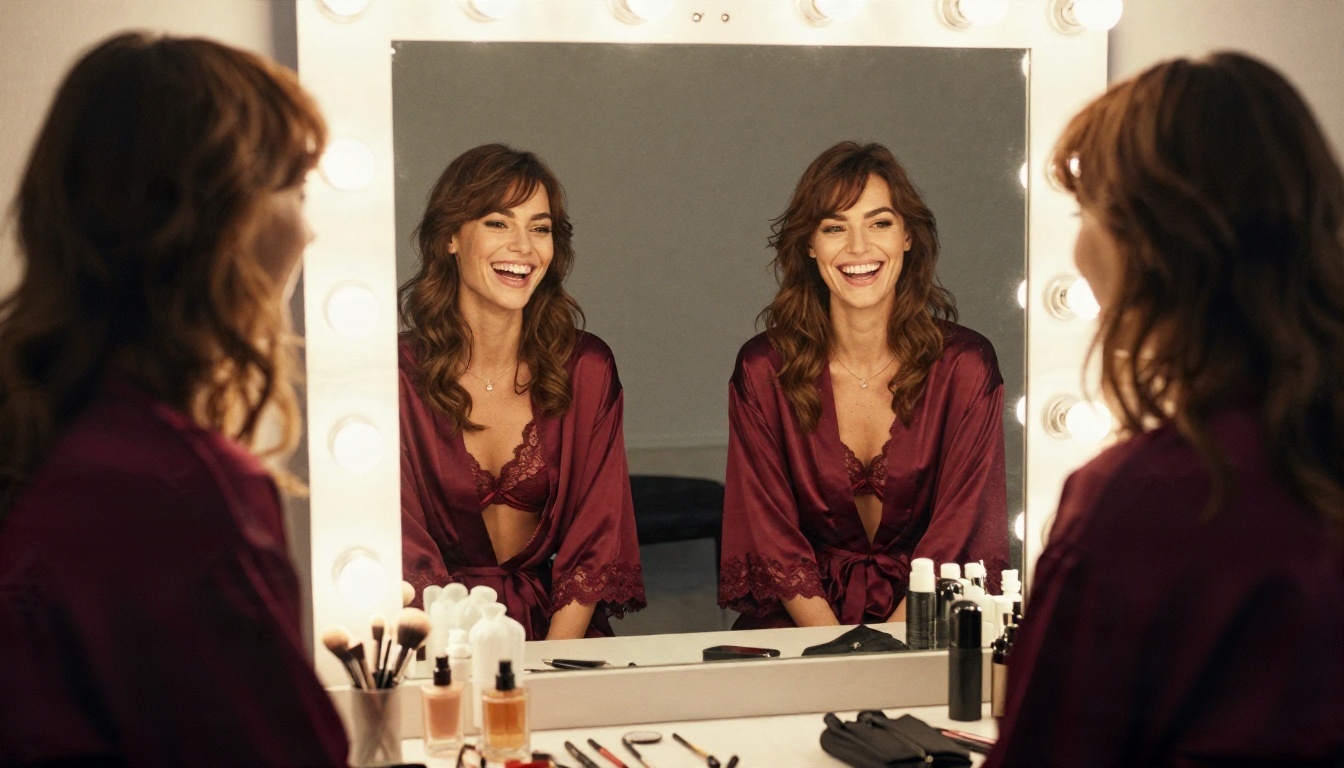
| Dressing room | Two models in burgundy lingerie sets and robes, vanity bulbs, mirror reflection, 35mm f/2 |
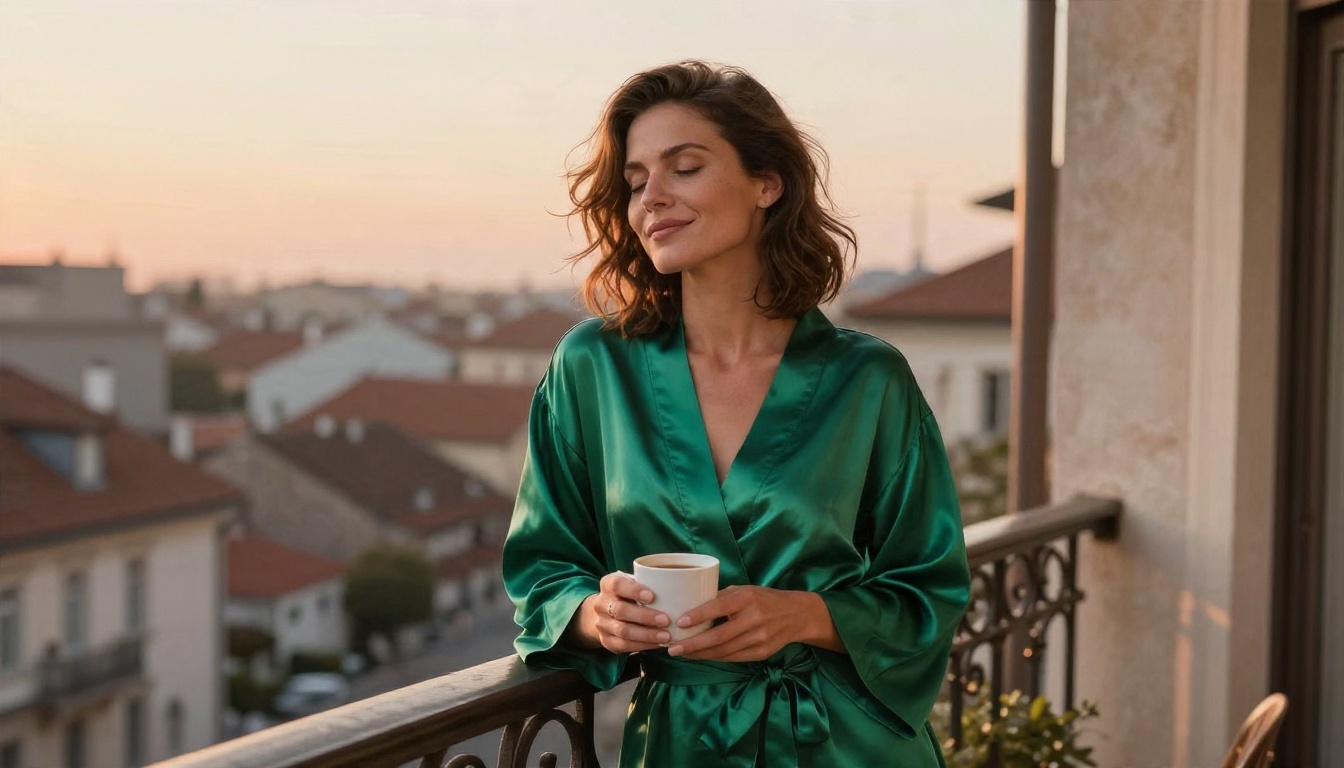
| Balcony morning | Emerald satin robe, sunrise, European rooftops, coffee mug, 50mm f/2 |
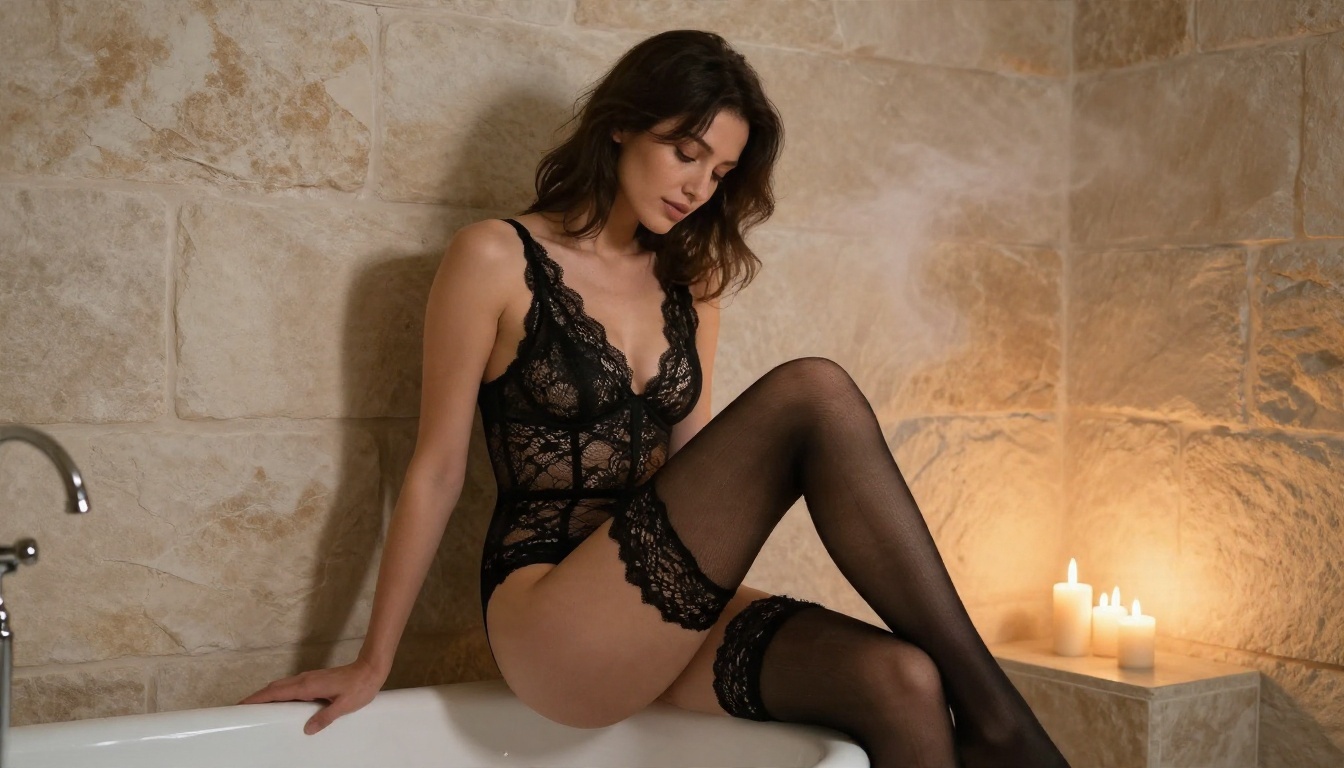
| Candlelit bath | Black lace bodysuit, clawfoot tub, candlelight from below-right, 85mm f/1.4 |
Words That Backfire
Some habits quietly ruin results:
- Quality spam. Strings like "ultra HD, 16K, award-winning, trending" add almost nothing. Replace them with a real lens and a real light source.
- Vague adjectives. "Sexy" and "hot" give the model nothing visual to work with. Describe fabric, posture, and mood instead.
- Explicit terms. They get blocked on most platforms and flatten your results into the same generic pose.
- Conflicting styles. Asking for "photo, oil painting, anime" at once produces mush. Pick one.
- Too many subjects. One or two people per frame stay coherent. Five rarely do.
💡 Try this: if a prompt keeps getting refused, do not rephrase the same request. Change the scene. A robe on a balcony or a gown at a window often lands the same mood without friction.
Settings That Change Everything
Aspect Ratio and Resolution
For editorial glamour, 16:9 gives cinematic breathing room and works for wallpapers and headers. 3:2 feels like a classic camera frame. 2:3 or 3:4 suits a vertical magazine portrait. Pick the ratio before you write the prompt, because composition instructions like "negative space on the left" only make sense with a known frame.
On resolution, start at the default, check the composition, and only then go higher. Seedream 4.5 supports up to 4K, which is worth using for the final pick, not for every test.
Guidance, Steps, and Seed
Exact sliders vary by model, so check each model page, but the logic is consistent:
| Setting | What it does | Practical advice |
|---|
| Guidance (CFG) | How strictly the model follows your text | Mid-range values look natural. Very high values cause burnt contrast and harsh skin |
| Steps | How long the model refines the image | More steps help detail up to a point, then add nothing |
| Seed | The random starting noise | Lock it when you like a composition and want to tweak one detail |
| Batch size | Variations per run | Generate several, then pick, rather than perfecting one |
Negative Prompts and Style Locks
Where a model supports negative prompts, use them to remove what you never want: extra fingers, plastic skin, cartoon look, text, watermark, distorted hands. Where it does not, put the same idea in positive form: "natural skin texture, realistic hands with natural finger positions, true-to-life proportions."
A style lock is a short phrase repeated in every prompt, such as "Kodak Portra 400, fine film grain, natural light only." It keeps a whole series visually consistent, which matters if you are building a gallery or a set of wallpapers.
Example Gallery by Mood
Evening Elegance
The strongest "less is more" images come from clothing that implies rather than shows. An open-back gown at a window, seen from behind, with cool dusk light on one side and warm lamp glow on the other, reads as confident and cinematic. The model only needs a clear light split and a lens to make it work.
Fine-Art Studio Poses
Hard window light on a wooden floor with a flowing white robe gives you sculptural shadows and a gallery feel. Lower the camera to floor level and use a slightly longer focal length to flatten the scene and emphasize shape. If you want implied artistic nudity, fabric and shadow do the work. Keep the framing tasteful and let the light carry the mood.
Candid Backstage Moments
Not every erotic image needs a solo pose. A dressing room with warm vanity bulbs, two models in lingerie and robes laughing at a mirror, feels lived-in and warm. Reflections are difficult for AI, so ask for a medium shot and keep the mirror simple. Candid energy beats stiff posing in almost every case.
Soft Morning Intimacy
A satin robe, a coffee mug, and sunrise on a balcony make the quietest and most relatable scene in the set. Warm pink-gold light from one side, hazy rooftops behind, and a relaxed expression do all the heavy lifting. This is a great template for lifestyle-style glamour.
Candlelit Drama
Low, warm, directional light from a candle turns stone and ceramic into a moody backdrop. Place the camera slightly below the subject for a confident, elevated look, and mention steam or haze for atmosphere. Keep the exposure low and let shadows stay dark.
Fixing Common Problems
Hands, Faces, and Anatomy
Hands fail most often. Fix them in the prompt by giving the hands a simple job (holding a mug, tucking hair, resting on a knee) instead of leaving them undefined. Keep the crop looser than you think you need. If a result is nearly perfect except for one hand, run it through PicassoIA Image Editor Pro and ask for that single correction rather than regenerating the whole image.
Plastic Skin and Flat Light
Waxy skin comes from missing texture cues and over-high guidance. Add "visible pores, subtle freckles, natural sheen, fine flyaway hairs" and lower the guidance a notch. Flat light comes from not specifying direction, so always name where the light comes from and what it does to shadows.
Blocked or Refused Prompts
If a platform refuses your prompt, three fixes work most often. First, swap explicit wording for clothing and mood. Second, change the setting to something less loaded, like a balcony, a studio, or a beach. Third, switch models. Seedream 4.5 and PicassoIA Image Editor Pro are the most forgiving options for suggestive glamour on the platform. Do not use Seedream 5 Lite for this theme, since it blocks adult content.
Rules for Responsible Use
AI erotic art is only worth making when it stays safe and consensual. A few firm rules:
- Adults only. Every subject must be clearly an adult. Never write prompts that suggest youth.
- No real people. Do not generate images of actual individuals, celebrities, or someone you know without their clear permission. Fictional subjects only.
- No deception. Do not present AI images as photos of a real person, and do not use them for harassment or blackmail.
- Respect platform rules. If you publish, check the terms of the site where you post, and label content as AI generated where required.
- Keep it non-explicit. The tasteful approach in this article is easier to share and easier to publish.
💡 If you plan to share your work, mark it as AI generated. Readers appreciate the honesty, and it protects you.
Make Your Own Today
You now have the full workflow: pick Seedream 4.5 to build the scene, write a five-part prompt with subject, environment, light, camera, and texture, lock a seed when something works, and refine without limits in PicassoIA Image Editor Pro. Swap in Nano Banana Pro or Flux 2 Klein 9B Base LoRA when you want a different look, and use Z Image Turbo for fast drafts.
Pick one of the nine prompts above, change the outfit and the room, and run it. Then run it ten more times with different light. That is how you build an eye for this genre. Open Picasso IA, try your first scene now, and browse every available model at picassoia.com/en/all-models when you want to test something new.


