Type a few lines to a character who answers in kind, remembers the scene you set an hour ago, and never gets tired of the story. That is the pull of AI erotic roleplay, and it explains why searches for free chat apps keep climbing. The catch is that the experience varies wildly. Some apps shut the door at the first flirtatious line, others let you in but cap your messages, and a few ask for a card before they say anything interesting. This article lays out what each type of app tends to allow, how to write prompts that set a mood without fighting filters, which limits are real, and how to protect yourself while you play.
💡 Quick note: Everything here assumes adults, fictional characters who are clearly adults, and consent between you and the other people in your life. The examples stay suggestive and non-explicit on purpose.
What AI Erotic Roleplay Actually Is
Text Stories With a Persona
At its core, it is collaborative fiction. You write as one character, a language model writes as another, and the conversation builds a scene turn by turn. The model is not a person and has no feelings about you. It predicts the next plausible line based on your messages, the character description you gave it, and whatever memory the app keeps.
That is why the setup matters more than the model name. A vague opener produces generic replies. A detailed character sheet, a clear setting, and a tone instruction produce something that reads like a novel.
Why People Use It
The reasons are more ordinary than the headlines suggest:
- Fiction practice: writers test romantic dialogue and slow-burn pacing.
- Low pressure flirting: shy users rehearse conversation without judgment.
- Companionship: a persistent character who greets you each evening.
- Curiosity: people simply want to see what the technology does.
- Fantasy that stays private: stories that would never go in a public forum.

Free Chat Apps and What They Allow
Policies shift often, and the review sites that rank for this topic are frequently affiliate driven, so treat any single comparison with caution. The pattern across them is consistent enough to sort apps into three groups.
Mainstream Assistants
General assistants such as ChatGPT, Gemini, and Claude are built for broad audiences. They handle romance, character voice, and fiction well, but they restrict sexual content and tend to be wary of romantic roleplay with a persistent persona, especially around teen accounts. Some providers have introduced age verification for adults, so the rules are moving, but the default stance is cautious.
For slow-burn romance, tension, banter, and "fade to black" scenes, these assistants are often the best writers available. For anything explicit, expect refusals.
Dedicated Companion Apps
Apps such as Character.AI, CrushOn AI, SpicyChat, Candy AI, Muah AI, Chai, and Replika exist specifically for character chat. Their stances differ:
- Character.AI is known for strict filters, even though free chat is generally available and ad supported.
- CrushOn AI is described by reviewers as having fewer content blocks, with daily message limits on the free plan.
- SpicyChat offers generous free messaging according to several reviews, though the spicier content may sit behind a subscription.
- Candy AI, Muah AI, and Chai lean on paid tiers for the adult features, and enforcement of age gates varies.
- Replika is often cited as the cautionary tale: one account says it removed erotic roleplay in early 2023 after regulatory pressure in Italy, which upset many long-term users. Treat that as one report, not settled fact.
The Free Tier Reality Check
Free almost never means unrestricted. Here is how the trade-offs usually look:
| Option type | Typical free offer | Typical catch | Best for |
|---|
| Mainstream assistant | Daily chat access | Sexual content refused | Romance, banter, story drafts |
| Mainstream companion app | Unlimited or near unlimited chat | Strict filters, ads | Casual character chat |
| Adult oriented companion app | Limited daily messages | Paywall for memory, images, voice | Longer private scenes |
| Open weight model run locally | No message cap | Needs a capable computer | Total control over setup |
| Hosted model playground | Free credits or trial | Credits run out | Testing prompts quickly |
💡 Rule of thumb: if an app advertises "no filters" and "free forever" in the same sentence, read the terms before you type anything personal.

Prompts That Set the Scene
A good roleplay prompt behaves like a stage direction. It tells the model who is in the room, what the mood is, and how far the story goes.
The Four Part Opening
Use this skeleton and fill it in with specifics:
- Character: name, age (clearly adult), job, voice, one quirk.
- Setting: place, time of day, weather, objects in the room.
- Tone: slow burn, playful, tender, tense, or witty.
- Rules: pacing, length of replies, and where the story stops.
Here is a template that works well on most chat models:
You are Mara, a 34 year old travel photographer with a dry sense of humor. We are in a rooftop bar in Lisbon at the end of a warm evening. Write in third person, three to five sentences per reply, and let tension build slowly through glances, banter, and small gestures. Keep the scene suggestive but fade to black before anything explicit. If I write (pause), step out of character and check in with me.
Notice the pause word. It gives you a clean exit and keeps the story something you control.

Character Sheets That Hold Up
Models drift. After a few dozen messages, a character can lose their personality and start sounding like a generic assistant. Fight this by writing a compact sheet and repeating it when the voice slips:
- Speech habits: short sentences, teasing questions, a favorite phrase.
- Backstory in two lines: enough to color replies, not enough to bury them.
- Boundaries for the character: what they would never say or do.
- Memory anchors: three facts the model should always remember, such as a nickname, a shared joke, and the location.

Steering Without Breaking the Mood
When a reply goes somewhere you do not want, resist the urge to argue with it. Short out-of-character notes in brackets work better than long complaints:
[Slow down. More description of the room, less action.][Rewrite that reply with more humor and less intensity.][Summarize the story so far in four lines, then continue.]
The summary trick is especially useful. Paste it back at the start of a new chat and you have rebuilt your memory without paying for a premium plan.
The Limits You Will Hit
Content Filters
Filters live at two levels. The model itself has been trained to decline certain requests, and the platform often adds a separate moderation layer that scans messages before or after the model replies. That is why the same prompt can work on one app and fail on another running a similar model underneath.
Rewording a request to get around a filter usually produces worse writing and sometimes violates the platform's terms. A better move is to switch tools, or to write the scene so that the heat lives in implication, which is what good romance fiction has done for a century.
💡 Hard line: no responsible platform allows sexual content involving minors, non-consensual scenarios involving real people, or deepfakes of real individuals. If a tool permits any of that, leave it.
Message Caps and Memory
Free plans trade generosity for friction. The common limits are:
- Daily message caps, often in the dozens or low hundreds.
- Short memory windows, where the character forgets the early scene.
- Slower replies during busy hours for non-paying users.
- Locked extras, such as voice, images, or longer replies.

Policy Changes Overnight
The Replika episode is the lesson here. A character you grew attached to can change personality after an update, a company can tighten rules after a fine or a news story, and a free tier can vanish. Keep a copy of your character sheet and your story summary somewhere you control, so you can rebuild on another platform in ten minutes.
Privacy and Safety Habits
What Not to Share
A chat that feels private is still stored on someone's servers. Assume anything you type could be read by staff, used to train models, or exposed in a breach. A short list of habits keeps the risk low:
- Use a throwaway email and avoid linking your main accounts.
- Never share your real name, address, workplace, or photos of your face.
- Skip identifying details about real friends, partners, or colleagues.
- Check the deletion option and use it if you stop using the app.
- Be wary of payment pages from unfamiliar sites.
Emotional Boundaries
A character who always agrees with you, always has time, and never has a bad day is a pleasant illusion. It can also crowd out real relationships if you let it. Set a rhythm that suits you, such as a few evenings a week, and notice if the chat starts replacing sleep, friends, or work. If it does, step back. There is nothing shameful about stopping.

Moderation Tools for Developers
If you build your own roleplay bot, you will want a safety layer for the content you do not allow. Llama Guard 4 12B is a moderation model built to classify text as safe or unsafe, which makes it useful for screening prompts and replies before they reach a user.
Which Language Model Fits Best
On PicassoIA, you can try a range of chat models for romance, banter, and story drafting. Each one has its own safety behavior, and none of them is a loophole, so expect them to write tension, tenderness, and atmosphere rather than explicit scenes.
Models Worth Testing
A Simple Testing Routine
Give each model the same opening prompt and compare three things:
- Voice: does the character still sound like themselves after ten replies?
- Pacing: does it rush the scene or let tension build?
- Respect for rules: does it keep to your length and tone instructions?
Keep a short note of the winner. The best model for dialogue is not always the best for long descriptions, and swapping mid story with a pasted summary works better than most people expect.

Give Your Characters a Face
Text carries the story, but many people like a visual to go with it: a portrait of the character, a mood image for the scene, or a cover for their saved chat. Images are where PicassoIA fits most naturally.
Seedream 4.5 for Character Portraits
Seedream 4.5 is the first model to try. It produces sharp, photorealistic portraits with natural skin texture, and it handles glamour and suggestive styling, such as lingerie, swimwear, and evening wear, without fuss. Keep your prompts focused on aesthetics: wardrobe, lighting, lens, and mood.
A prompt that works well:
Portrait of a 34 year old travel photographer with dark wavy hair, rooftop bar at dusk, linen shirt unbuttoned at the collar, warm tungsten light from the left, 85mm lens, shallow depth of field, natural skin texture, Kodak Portra 400 film grain.

Image Editor Pro for Unlimited Edits
Once you have a portrait you like, PicassoIA Image Editor Pro lets you adjust it without counting credits. Change the outfit, swap the background from a rooftop to a bedroom, soften the lighting, or fix small details. Because generations are unlimited, you can iterate until the character looks the way you imagined, which matters when you are keeping a consistent look across many scenes.
A simple workflow:
- Generate a base portrait with Seedream 4.5.
- Open it in Image Editor Pro and describe one change at a time.
- Save the versions you like as a small gallery for your character.
- Reuse the same wording in future prompts so the face stays consistent.
💡 Tip: change only one thing per edit. Asking for a new outfit, new background, and new lighting at once tends to drift the face.
Staying Within the Lines
Keep every character clearly adult, never base a portrait on a real person without their consent, and avoid explicit content. The aim is a beautiful, suggestive image that supports your story, not a replacement for it.
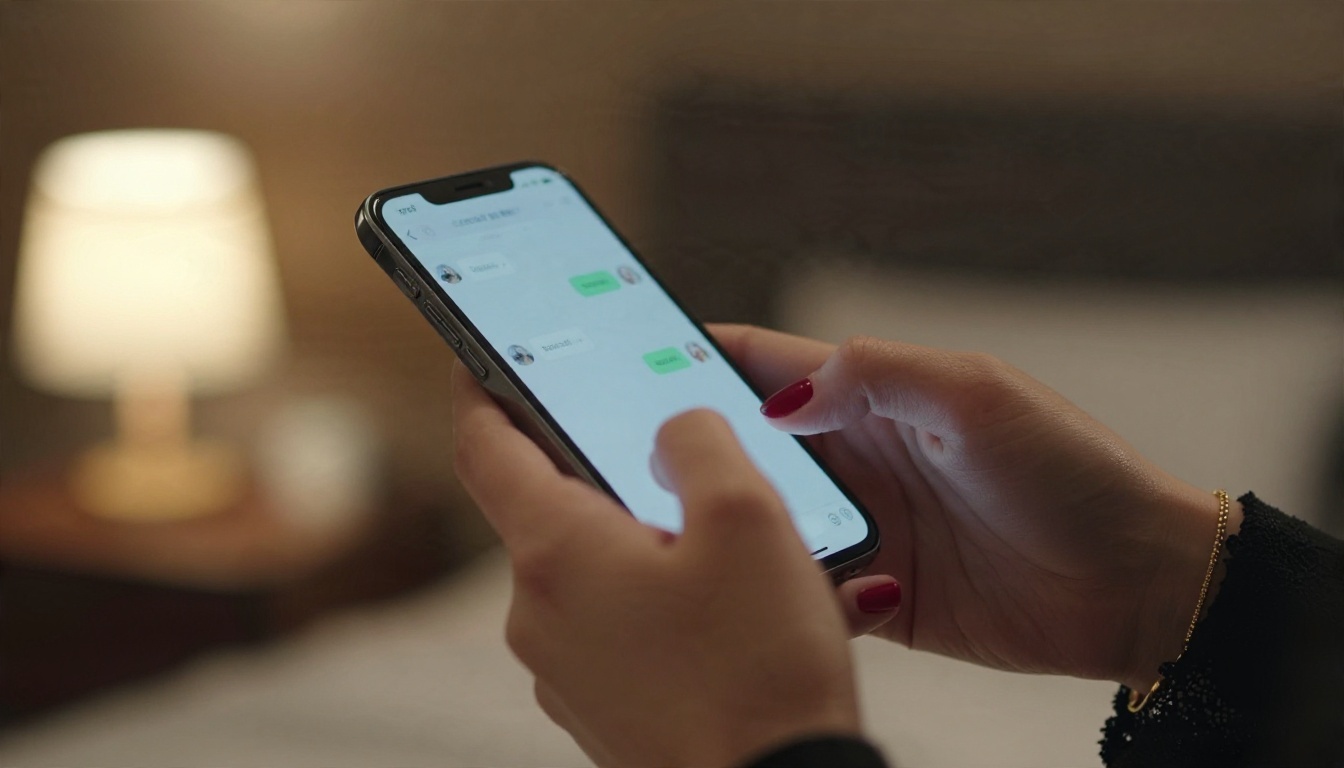
Try It Yourself on PicassoIA
You now have the pieces: apps sorted by how strict they are, a prompt skeleton, a pause word, a privacy checklist, and a short list of models to test. The fastest way to see what works for you is to run a small experiment this week.
- Write a character sheet using the four part opening.
- Test it on two or three chat models from the table above and keep the best replies.
- Make a portrait with Seedream 4.5, then refine it in Image Editor Pro.
- Save your character sheet and story summary so you can move to any platform.
PicassoIA gives you language models and photorealistic image tools in one place, so your characters can have a voice and a face without juggling five different apps. Open picassoia.com/en/all-models, pick a model, and start building the character you have been imagining.


