Most people who search for an AI erotic writer want the same thing: a tool that writes a slow, charged, well-paced scene without a signup wall, a lecture, or a flat paragraph that reads like a product manual. The good news is that language models are now very good at tension, atmosphere, and dialogue. The catch is that results depend far more on your prompt than on which tool you pick. This article shows you which free online options are worth opening, the prompt formulas that produce better sensual fiction, and a few short examples you can adapt. Everything here stays suggestive and tasteful, because that is where AI writing is strongest anyway.
What an AI Erotic Writer Does
An AI erotic writer is not a special kind of software. It is a general language model that you point at adult romance and sensual fiction using a well-built prompt. The model predicts text one piece at a time, so it follows the voice, setting, and pacing you hand it. Give it a vague request and you get generic prose. Give it a point of view, a mood, and a boundary for how far the scene goes, and the writing changes completely.

Where Free Fits In
"Free" can mean three different things online: a model with a free tier, an open model that costs nothing to run, or a trial that runs out after a handful of messages. For fiction, that matters because a good scene takes many rounds of drafting. A tool that cuts you off after five replies is useless for a chapter. Before you commit to any tool, check how many messages you get and whether the context window is long enough to remember your characters.
What Models Will and Won't Write
Mainstream models handle romance, flirtation, chemistry, and sensual scenes well. Most of them decline fully explicit content, and some will soften or fade out a scene on their own. That is a policy choice by each provider, not a flaw in your prompt. This article does not try to get around those limits. It shows you how to get the most atmospheric, emotionally believable writing inside them, which is also what readers remember.
💡 Tip: The most effective erotic fiction is built on anticipation. Models that are told to "write slowly and let the tension build" almost always beat models that are told to "write something steamy."
Free Online Options Compared
PicassoIA hosts a wide range of language models you can chat with directly in the browser. Here is how some of the more useful ones fit sensual and romantic writing. Always check each model page for the current free allowance, since limits change.
| Model | Best for | Writing feel | Speed |
|---|
| GPT 5.6 Luna | Quick drafts and rewrites | Clean, direct, easy to steer | Very fast |
| Claude Sonnet 5 | Voice and subtext | Literary, restrained, emotional | Fast |
| Claude Sonnet 4.6 | Dialogue heavy scenes | Natural, character driven | Fast |
| Gemini 3.5 Flash | Brainstorming premises | Lively, quick, flexible | Very fast |
| Deepseek v3.1 | Long outlines | Plain, structured | Fast |
| Llama 4 Maverick Instruct | Casual chat style fiction | Conversational | Fast |
| Kimi K2.6 | Longer, layered stories | Detailed, patient | Moderate |
Fast Drafters
When you only need a paragraph, an opening line, or ten ways to describe the same glance across a room, speed wins. GPT 5.6 Luna and Gemini 3.5 Flash return text quickly, so you can run five variations in the time it takes a slower model to finish one. Use them for brainstorming, for punching up dialogue, and for fixing a sentence that feels stiff.
Slower, Deeper Writers
For a scene that depends on subtext, such as two people who both know what is about to happen and neither says it, a model with a more literary voice pays off. Claude Sonnet 5 tends to keep emotion in the foreground. If you want a larger step up for long manuscripts, GPT 5.6 Terra is built for longer, production ready text.
💡 Tip: Draft in a fast model, then paste your best paragraph into a more literary model with the instruction "rewrite this with more restraint and better rhythm." Two passes beat one.
Prompts That Actually Work
A weak prompt looks like this: "Write an erotic story." A strong prompt gives the model a job. Think of it as a short brief for a ghostwriter.

The Five Part Prompt
Every good prompt for sensual fiction answers five questions:
- Who: names, ages (always adults), jobs, and one defining trait each.
- Where: a specific place with two or three sensory details.
- Voice: first or third person, past or present tense.
- Mood: slow burn, playful, wistful, forbidden, tender.
- Limit: how far the scene goes, for example "ends at the first kiss" or "fades to black at the bedroom door."
Put those together and you get something like this:
Write 400 words in third person, past tense. Maya, a 34 year old architect, and Daniel, a 36 year old chef, are the last two people at a rooftop party in late September. Mood: slow burn, quietly flirtatious, a little nervous. Use sensory detail: wind, string lights, the smell of rosemary on his hands. Let the scene end at their first kiss and stop there.
Tone Dials
Models respond well to adjectives, but they respond better to ratios. Try telling the model how to split its attention:
| Dial | Low setting | High setting |
|---|
| Dialogue | Mostly narration | Mostly spoken lines |
| Pace | Rapid, scene jumps | Lingering, moment by moment |
| Heat | Warm, romantic | Charged, sensual, suggestive |
| Interior thought | Observed from outside | Deep inside one character's head |
A line such as "70 percent interior thought, 30 percent dialogue, lingering pace, charged but not explicit" gives you far more control than "make it hotter."
Prompt Templates
Copy and adapt these:
- Opening line generator: "Give me 10 opening lines for a forbidden office romance, each under 20 words, each with a different sense leading."
- Rewrite for restraint: "Rewrite the paragraph below so the tension comes from what is not said. Cut adverbs. Keep the same events."
- Dialogue polish: "Make this exchange sound like two tired, funny adults who like each other. No speeches."
- Setting pass: "Add three small physical details to this scene that suggest the room without describing it directly."
Short Examples With Breakdowns
Here are two brief samples in the style a model can produce from the prompts above. Both stay suggestive. Notice what makes them work.
Slow Burn Opening
The rain had stopped an hour ago, but neither of them had mentioned leaving. Elena turned the stem of her glass between two fingers, aware of how quiet the apartment had become, how close his shoulder was to hers on the narrow sofa. "You're staring," she said. "I'm deciding," he answered, and the word hung there, warm and unresolved, until she set her glass down and let the silence stay.
Why it works: The scene runs on an unspoken decision. There is a small physical action (the glass), a spatial detail (shoulders on a narrow sofa), and a line of dialogue that implies far more than it states. Nothing is rushed.
Dialogue Heavy Scene
"You said one drink." "I said one drink here." Priya laughed and pulled her coat tighter against the wind. "That's a loophole." "That's a negotiation." He held the door of the bar open, and the light spilled warm onto the wet pavement between them. "Come on. Ten minutes. If you hate it, I'll buy you a taxi and a very dramatic apology."
Why it works: Banter does the flirting. The reader learns who has the upper hand, who is amused, and who is nervous, all without a single line of description about attraction.
💡 Tip: If your output feels flat, ask the model to "show attraction through behavior, not adjectives." Behavior like lingering, interrupting, and fidgeting beats the word "desire" every time.
Keeping Characters Consistent
The most common complaint about AI fiction is drift: a character who is shy in chapter one is suddenly bold and talkative in chapter three. Models do not remember your story unless you remind them inside the conversation.
Build a Character Sheet
Write a short block of text and paste it at the start of every session:
- Name and age (adults only).
- Speech habits: short sentences, dry humor, never swears, trails off when nervous.
- Wants and fears: one of each.
- Physical habits: touches a ring, tucks hair, crosses arms.
- Relationship status between the characters right now.
Then add a line such as "Stay in these voices. If a line does not sound like them, rewrite it." This one habit does more for consistency than any model upgrade.
Use a Running Summary
Every few thousand words, ask the model: "Summarize the story so far in 150 words, including each character's current mood and what they want." Paste that summary at the top of the next session. It is a cheap way to give any model, even a small free one, a working memory.
Add Pictures to Your Story
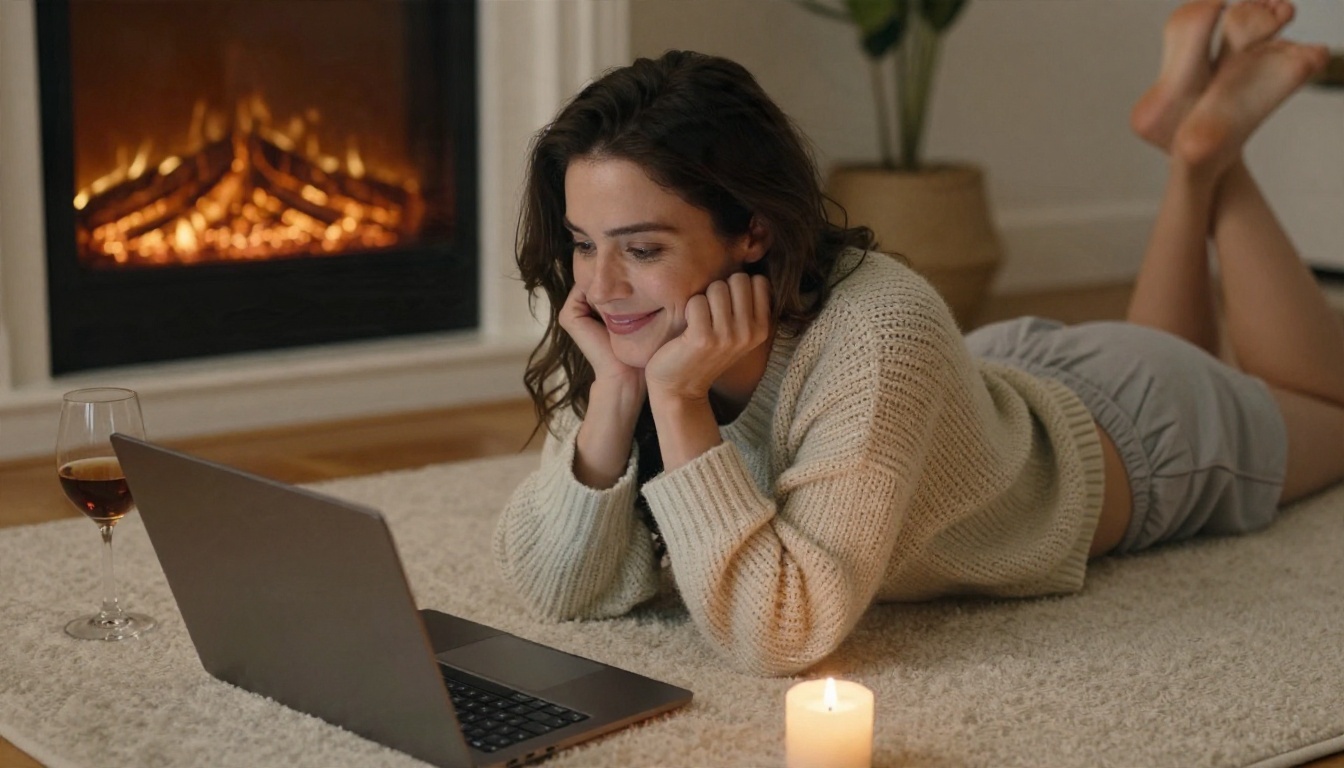
Text alone is only half the pleasure for many readers. A mood image for each chapter, a character portrait, or a cover for your story pulls readers in. PicassoIA lets you create glamour and mood imagery in the same place where you draft your text.

Seedream 4.5 First
Seedream 4.5 is the model to start with for sensual, suggestive, photorealistic portraits. It handles skin texture, fabric, and lighting well, and it is much less restrictive than many mainstream image tools when you are producing glamour content. A simple recipe:
- Open the Seedream 4.5 page.
- Paste a prompt that names the subject, wardrobe, setting, lighting direction, and lens, for example "adult woman in a black satin camisole at a candlelit desk, warm light from the right, 50mm lens, shallow depth of field, film grain."
- Choose a 16:9 ratio for chapter headers or 3:4 for character portraits.
- Generate, then keep the best frame.
💡 Tip: Reuse the same description of your character's hair, face, and wardrobe in every image prompt. It keeps your cast looking like the same people from chapter to chapter.
Image Editor Pro for Edits
When an image is almost right, fix it instead of regenerating. PicassoIA Image Editor Pro offers unlimited generations, so you can adjust wardrobe, background, or lighting as many times as you want without watching a credit counter. It is also useful for turning a rough concept into a finished cover.
For more options, browse the full catalog at picassoia.com/en/all-models.
A Few Ground Rules
Writing adult fiction with AI is easy to do badly. These rules keep your work solid and your accounts in good standing:
- Adults only. Every character is an adult, clearly stated in the prompt. No exceptions.
- Fiction, not real people. Never write sexualized stories about real, named people, and never use a real person's photo as a source for suggestive images.
- Respect each tool's limits. If a model declines, rephrase the scene to be more suggestive and less graphic. Do not try to trick it.
- Keep private things private. Do not paste personal details, real names, or addresses into any chat.
- Label your work. If you publish, mark it as adult fiction and note that AI helped write or illustrate it.
💡 Tip: Content moderation is a feature for the platforms you publish on, too. A story that stays suggestive travels much further than one that gets flagged.
Common Mistakes to Skip
| Mistake | Fix |
|---|
| Asking for "the whole story" in one prompt | Write one scene at a time, 300 to 500 words each |
| Skipping the limit line | Always say where the scene stops |
| Accepting the first draft | Ask for two rewrites with different tones |
| Adjective stuffing | Ask for behavior and sensory detail instead |
| Forgetting the character sheet | Paste it at the start of every session |
Write Your First Scene Today
You already have what you need: a free text model, a five part prompt, and a character sheet. Open one of the language models above, paste the rooftop prompt from earlier, and change the names, the place, and the mood. Then run the same scene through two different models and compare the voices. Once you have a paragraph you like, open Seedream 4.5 to create a matching mood image, polish it in PicassoIA Image Editor Pro, and build your story one chapter at a time. Everything lives in one place at picassoia.com/en/all-models, so start experimenting and see what your first chapter looks like.


