Typing a few lines about a rainy evening, a hotel lobby and two people who cannot stop glancing at each other, then watching a full scene appear in seconds, is the whole appeal of an AI erotica generator. People want sensual stories and glamour pictures without filling in forms, without a counter ticking down their remaining credits, and without a tool that flinches at the word "romance". This article looks at what these generators really do, what "free", "no sign up" and "no limits" tend to mean in practice, and which models on PicassoIA give you the best results for stories and images that stay suggestive, beautiful and tasteful.
💡 Scope note: everything here is for adults, about adult fictional characters, and focused on sensual, non-explicit writing and imagery: boudoir, glamour, swimwear, slow burn tension. No real people, no minors, no hardcore content.
What an AI Erotica Generator Does
An AI erotica generator is not one tool. It is a pairing of two kinds of models that most people use side by side.
Stories on Demand
A large language model writes the text. You give it a setting, two characters, a mood and a pace, and it returns scenes, dialogue and inner monologue. The best results come from treating it like a writing partner: you steer, it drafts, you edit. Slow burn romance, forbidden attraction, second chance love and "stuck in an elevator" setups all work well because the genre lives on tension, not on explicitness.
Images That Match the Mood
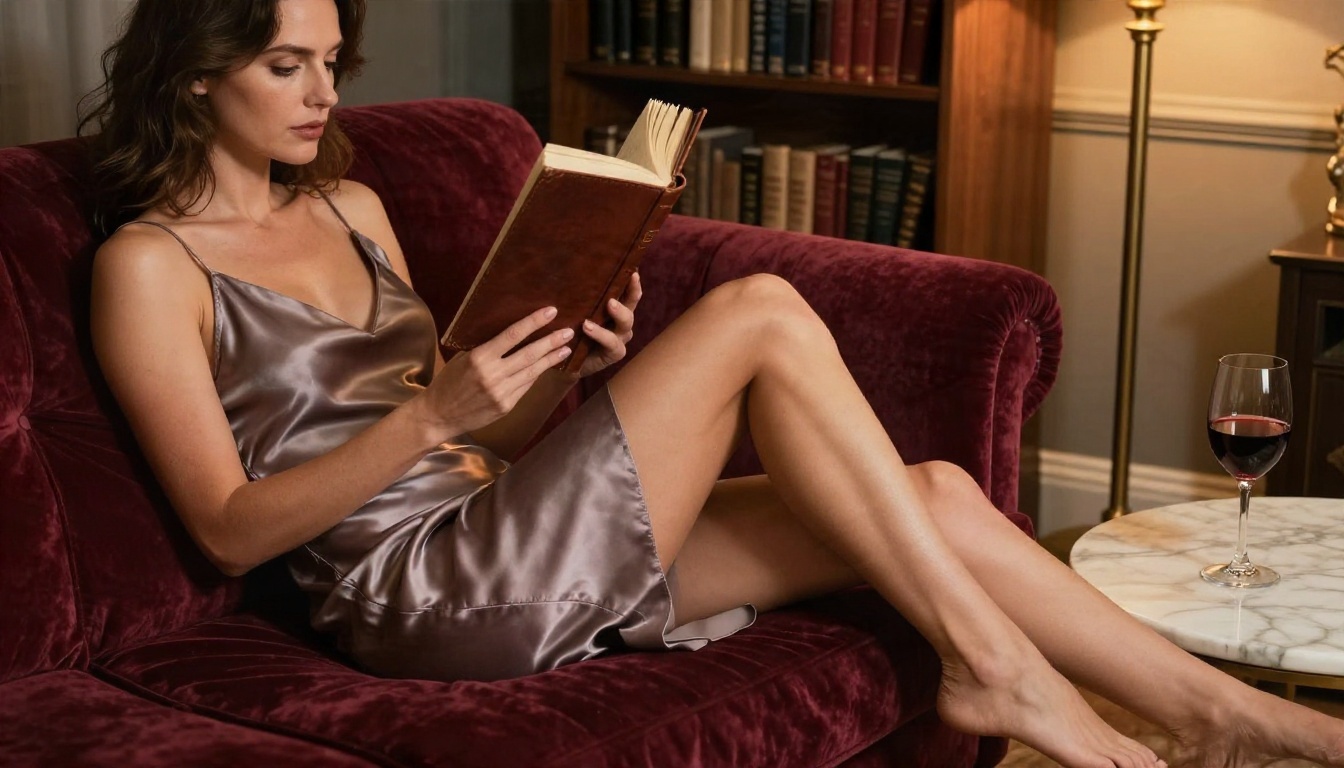
An image model turns a scene into a picture: the robe slipping off a shoulder, the bikini on a sunlit terrace, the red dress at dusk. Modern models handle skin texture, fabric sheen and lens behavior well enough that results look like editorial photography rather than obvious AI art. Pairing a written scene with a matching image is what makes the experience feel like a finished piece instead of a text dump.
| Layer | What it produces | Best for |
|---|
| Language model | Scenes, dialogue, character voice | Slow burn stories, letters, serials |
| Image model | Photorealistic glamour pictures | Covers, scene illustrations, mood boards |
| Image editor | Fixes, outfit and background changes | Polishing a favorite frame |
Free, No Sign Up, No Limits: Fair Claims?
Those three phrases sell a lot of tools, and they deserve a skeptical read.
What "Free" Usually Means
Most "free" generators give you a small daily allowance, add watermarks, or slow your queue until you pay. That is a fair business model, but it is not the same as free. Before you invest an evening building a character, check three things: how many generations you get, whether output is watermarked, and whether the free tier gets worse results than the paid one.
Why Limits Matter for Creators
Erotica and romance writing is iterative. You rarely land the right image on the first try. A good outfit needs three attempts, the lighting needs two, and the expression another few. A tool that caps you at five pictures a day makes that process painful. This is why unlimited generation is the feature worth hunting for, more than any single quality benchmark. On PicassoIA, the PicassoIA Image Editor Pro is built around exactly that idea: unlimited generations, so you can keep refining until the frame feels right.
Sign Up Walls and Privacy
"No sign up" appeals for a simple reason: nobody wants a private creative hobby tied to an account they did not choose to create. Whatever tool you use, read what it asks for before you type anything personal, avoid putting real names or real photos into prompts, and treat anything you generate as something you should store yourself.
💡 Quick test: open a new tool and look at what it asks before the first generation. If you cannot tell what is free, what is capped and what is watermarked within a minute, move on.
Writing Sensual Stories With AI
Text is where most people start, because a story gives every later image a reason to exist.
Picking a Language Model
Different models have different personalities. Some write lush, literary prose. Others are fast and punchy. Each has its own content rules, so the tone you aim for should be romantic, suggestive and atmospheric rather than graphic. These are strong picks on PicassoIA for that kind of writing:
| Model | Strength | Best use |
|---|
| Claude Sonnet 5 | Natural prose, consistent character voice | Long slow burn chapters |
| GPT 5.6 Luna | Fast replies | Quick scene drafts and rewrites |
| Gemini 3.5 Flash | Speed with decent flair | Brainstorming premises and openings |
| Deepseek v3.1 | Strong reasoning, plot logic | Planning story arcs and twists |
| Kimi K2.6 | Long context handling | Keeping a serial consistent across chapters |
A Prompt Formula for Slow Burn
The best erotic fiction is about what almost happens. Give the model that structure:
- Setting: a specific place and time, with sensory details (rain on glass, a hotel bar after midnight).
- Characters: two adults, a few traits each, and what each wants.
- Tension: why they cannot simply act on it (a rival, a rule, a secret).
- Pace: tell the model to hold back, with glances, near touches and unfinished sentences.
- Voice: first person or close third, past or present tense.
A working example: "Write 600 words in close third person. Two adults, a translator and a hotel pianist, meet during a storm that cancels all flights. Slow burn, heavy on atmosphere and subtext, sensual but suggestive, nothing explicit. End on an unanswered question."
Editing the Draft Like a Human
The first output is a draft. Cut repeated adjectives, replace generic words like "electric" and "magnetic" with something specific, and rewrite dialogue so each character sounds different. Ask the model for three alternate endings and keep the one that surprises you.

Creating the Images
Stories are better with a face and a setting. Image quality is where the model you choose really shows.
Seedream 4.5 Comes First
Seedream 4.5 is the model to start with for glamour and boudoir imagery. It handles skin texture, silk and lace, and natural window light with a convincing photographic feel, and it produces sharp, high resolution frames that hold up on a large screen. For the swimwear, lingerie-style and evening-wear looks that this genre leans on, it gives you attractive, polished results with far less prompt wrangling than older models.
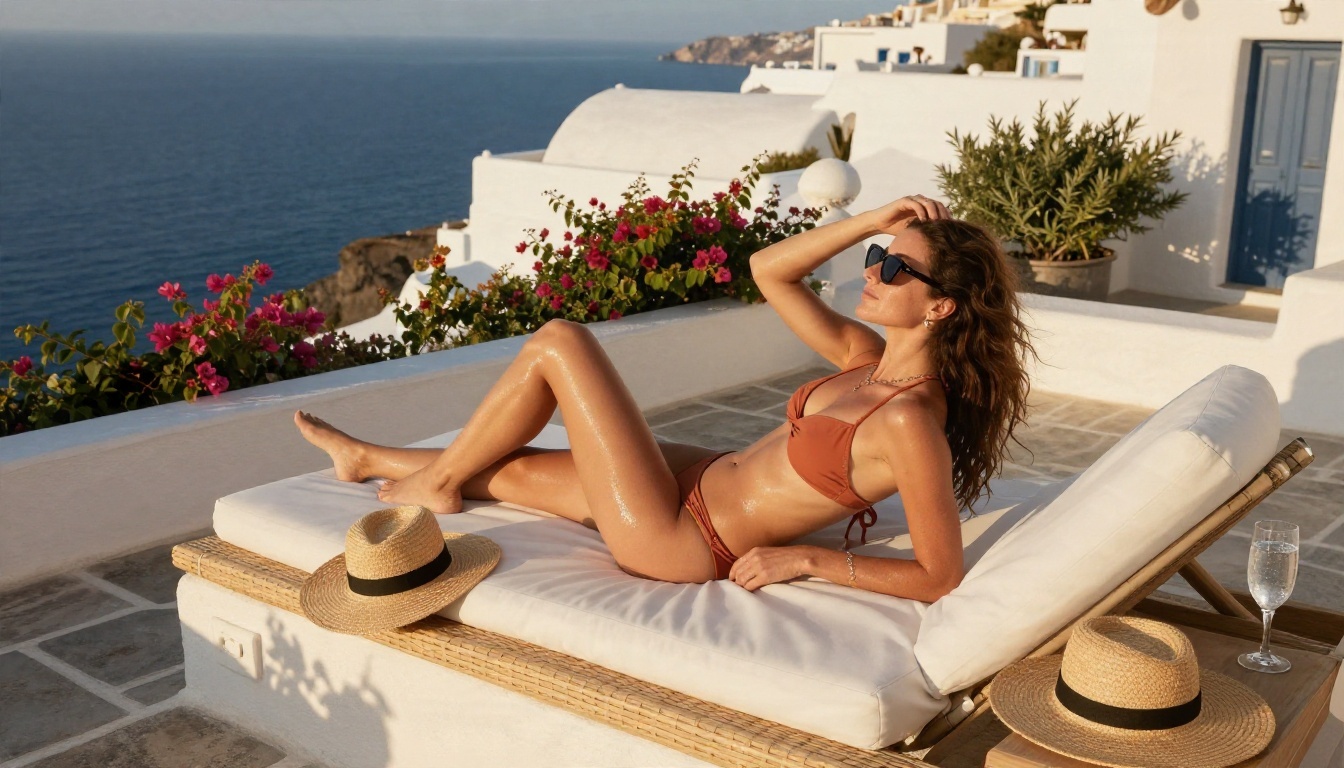
Image Editor Pro for Unlimited Tries
Once Seedream gives you a frame you like, the PicassoIA Image Editor Pro is where you refine it. Because generations are unlimited, you can change the outfit color, swap the background, soften the light or try five different expressions without watching a quota. That freedom to iterate is what separates a pleasant afternoon of creating from a frustrating one.
Other Models Worth Trying
If you want a different look, two more image models on PicassoIA deserve a spot in your rotation:
💡 Reminder: keep prompts focused on aesthetics: fabric, light, pose, mood. Suggestive and beautiful always beats blunt.
From Story to Picture Workflow
Here is the loop that works well for anyone building illustrated stories.
Step 1: Draft the Scene
Write or generate a 400 to 800 word scene with a language model such as Claude Sonnet 5. Pick one moment in it that would make a great photograph.
Step 2: Turn the Moment into a Prompt
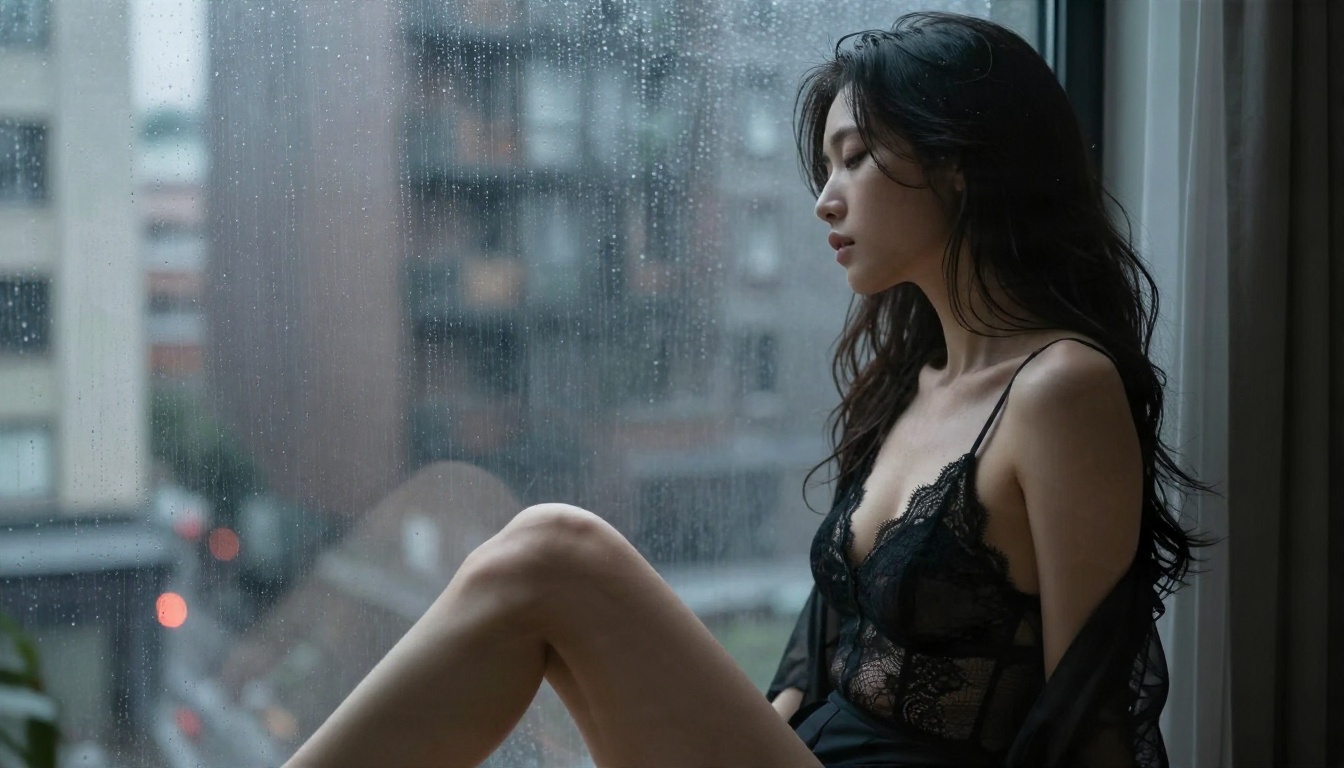
Pull out five things from your text: the subject and pose, the room, the light, the camera angle, and the texture details. For example, from the storm scene above: a woman in a silk robe at a rain-streaked window, dim hotel suite, grey daylight from the left, 85mm lens, eye-level, rain beads on glass, soft film grain.
Step 3: Generate With Seedream 4.5
Paste the prompt into Seedream 4.5, set a 16:9 aspect ratio for scene images or 3:4 for portraits, and run it. Generate several variations so you can pick the best.
Step 4: Polish in Image Editor Pro
Open your favorite frame in the PicassoIA Image Editor Pro. Adjust small things: a different shade of lipstick, a cleaner background, a warmer light. Since there is no cap, keep going until it feels right.
Prompt Library for Glamour Images
Copy these, then change the details to suit your story.
Boudoir Mood
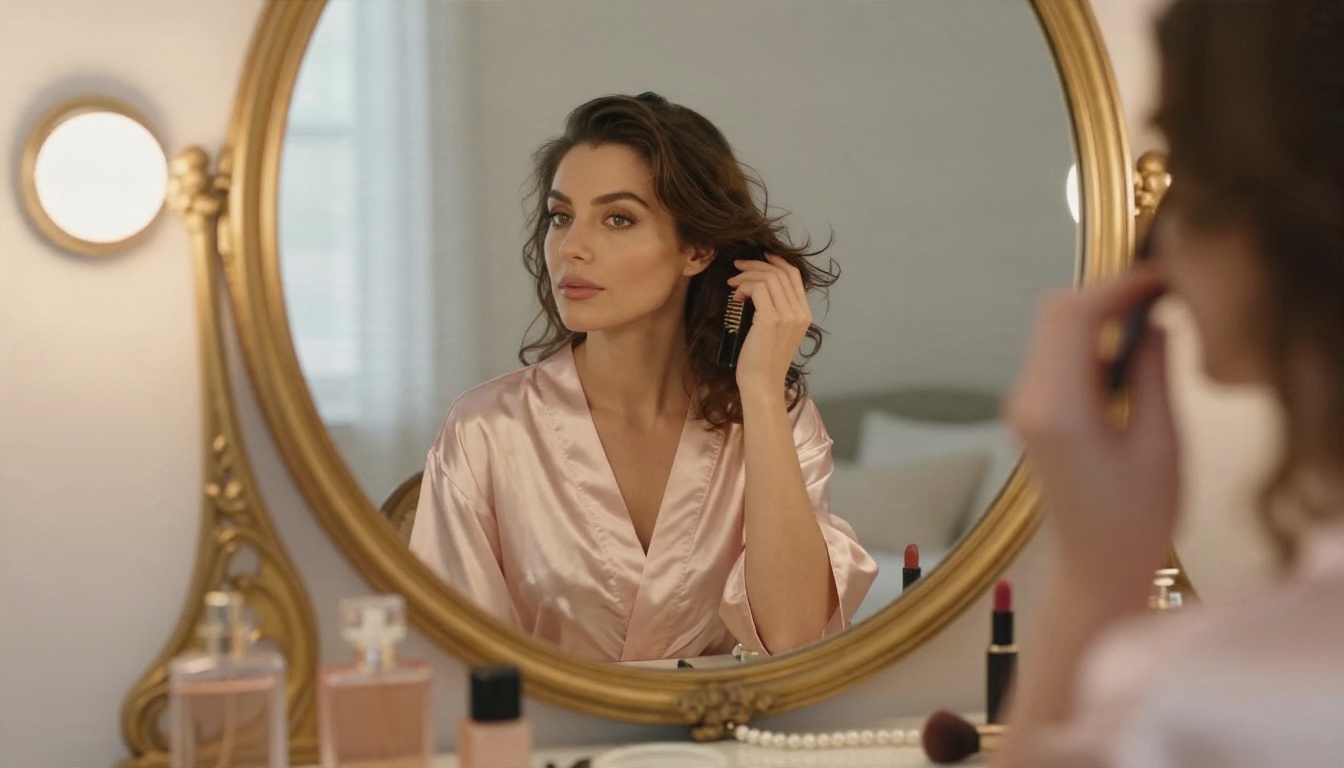
A woman in her late twenties in a pale pink silk robe sitting at a vintage vanity, brushing her hair, reflection in a gold round mirror, soft window light from the left, 70mm f/2, silk sheen, natural skin texture, Kodak Portra 400 grain.
Summer Swimwear Look
A woman in a terracotta bikini on a white daybed at a Mediterranean villa, golden hour sun from the right, shot from above with a 24mm lens, woven cushion texture, sun-kissed skin with a light sheen.
Evening Glamour
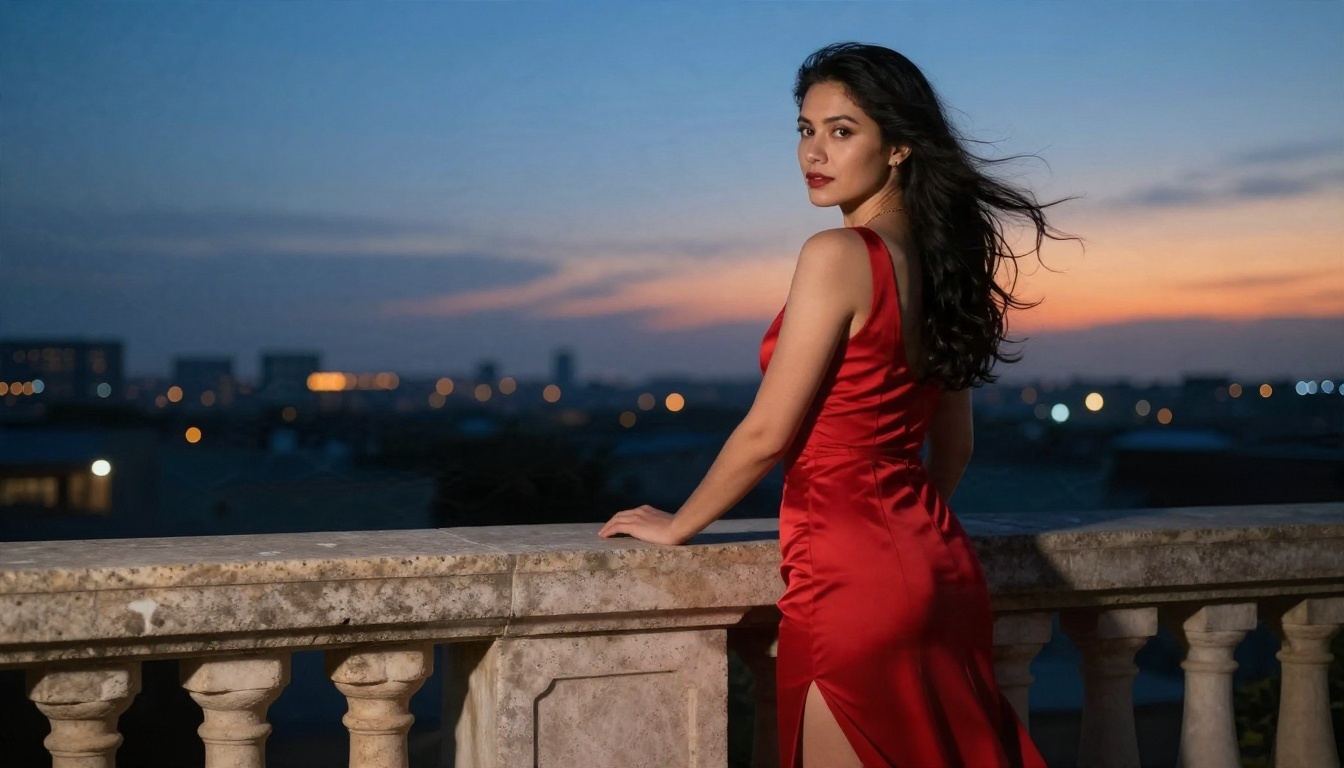
A woman in a fitted red gown on a city balcony at dusk, looking back over her shoulder, orange rim light from behind, soft bokeh skyline, 50mm f/1.4, satin highlights, wind in her hair.
Small Details That Add Mood
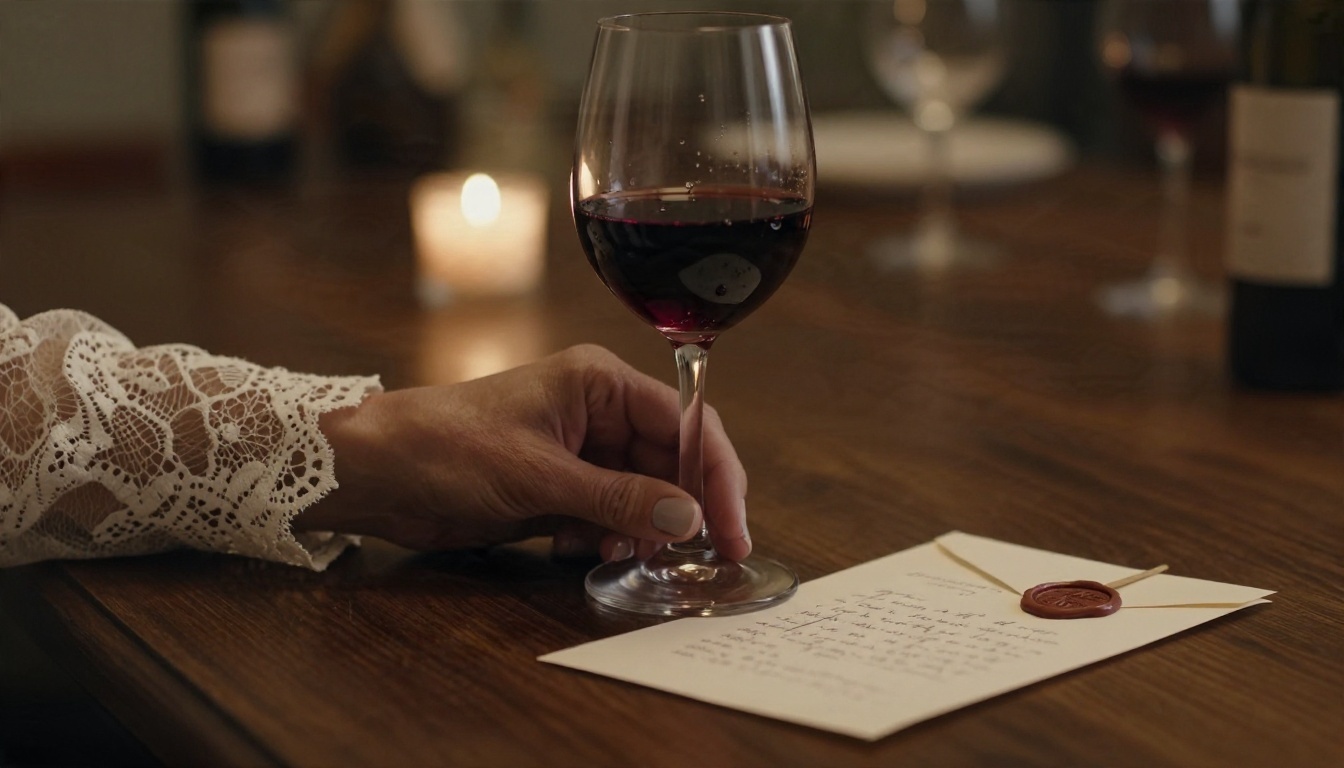
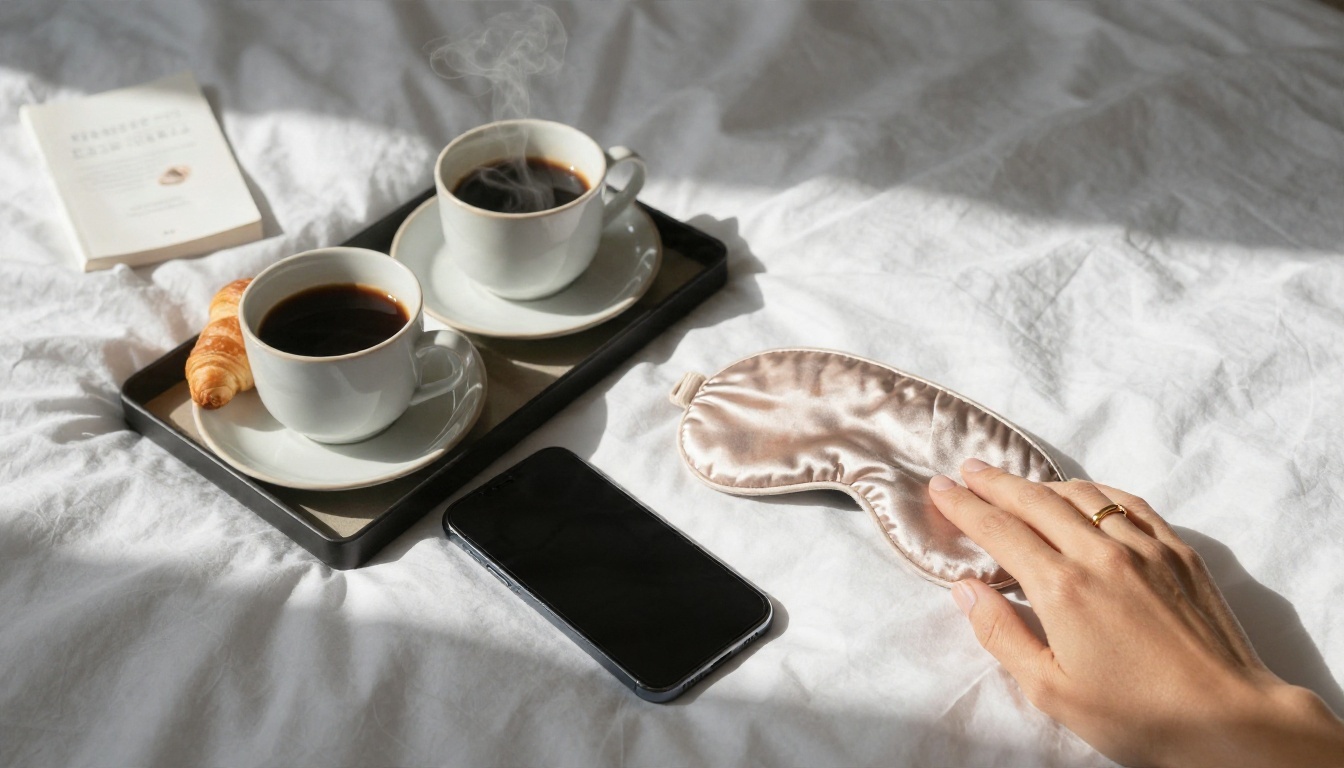
Props sell a scene more than skin does. A wax-sealed letter, a half-finished glass of wine, a silk eye mask, a paperback face down on the sheets: these tell a story without a single word. They also keep an image elegant instead of blunt.
Mistakes That Ruin Results
Prompting Like a Search Bar
"Sexy woman bedroom" gives you a generic result. Replace it with a real scene: who, where, what light, which lens. The more concrete the photography language, the more believable the output.
Skipping the Light
Light decides whether an image looks sensual or flat. Name its direction and quality: low golden sun from the left, warm lamp light with deep shadows, grey rainy daylight. This single change improves almost every generation.
Going Explicit Too Fast
Tension is the genre's engine. Stories and images that show less and suggest more feel more adult, not less. They also stay compatible with the rules most models follow, which means fewer refused generations and less wasted time.
Ignoring Consistency
If you are building a serial, write a short character sheet (age range, hair, build, signature outfit, setting) and paste it at the top of every image prompt. Use Kimi K2.6 or a similar long-context model to keep the story details in one place.
Try It Yourself Today
You do not need a stack of subscriptions to build something good. Pick a premise, draft the first scene with a language model like Claude Sonnet 5 or GPT 5.6 Luna, turn the strongest moment into a prompt, and bring it to life with Seedream 4.5. Then open the PicassoIA Image Editor Pro and keep refining, because unlimited generations mean the only thing stopping you is your own taste.
Start with one story and one image. Change the light, change the outfit, change the ending. Within an hour you will have a small illustrated piece that looks like it came from a glossy magazine and reads like it came from a paperback you could not put down.
Ready to go further? Browse every text and image model at picassoia.com/en/all-models and build your own sensual, photorealistic world on Picasso IA.


