You type a sentence, press a button, and a stranger who never existed looks back at you with pores, stray hairs and a slightly crooked smile. That is what a good AI face generator does today, and the best part is that you often do not need an account, a credit card or a ten minute onboarding to try one. The catch is that "free" and "no sign up" tell you nothing about quality. Some tools give you a believable human in four seconds. Others hand you a waxy mannequin with three ears' worth of earring.
This article sorts out which is which. You will see what free, no sign up generators can realistically do, why faces go wrong, and which prompt details push a result from "obviously fake" to "wait, is that a real photo?". There are copy-ready prompt formulas, a comparison table, a fix list for the most common flaws, and a short rundown of models on PicassoIA that handle faces well.
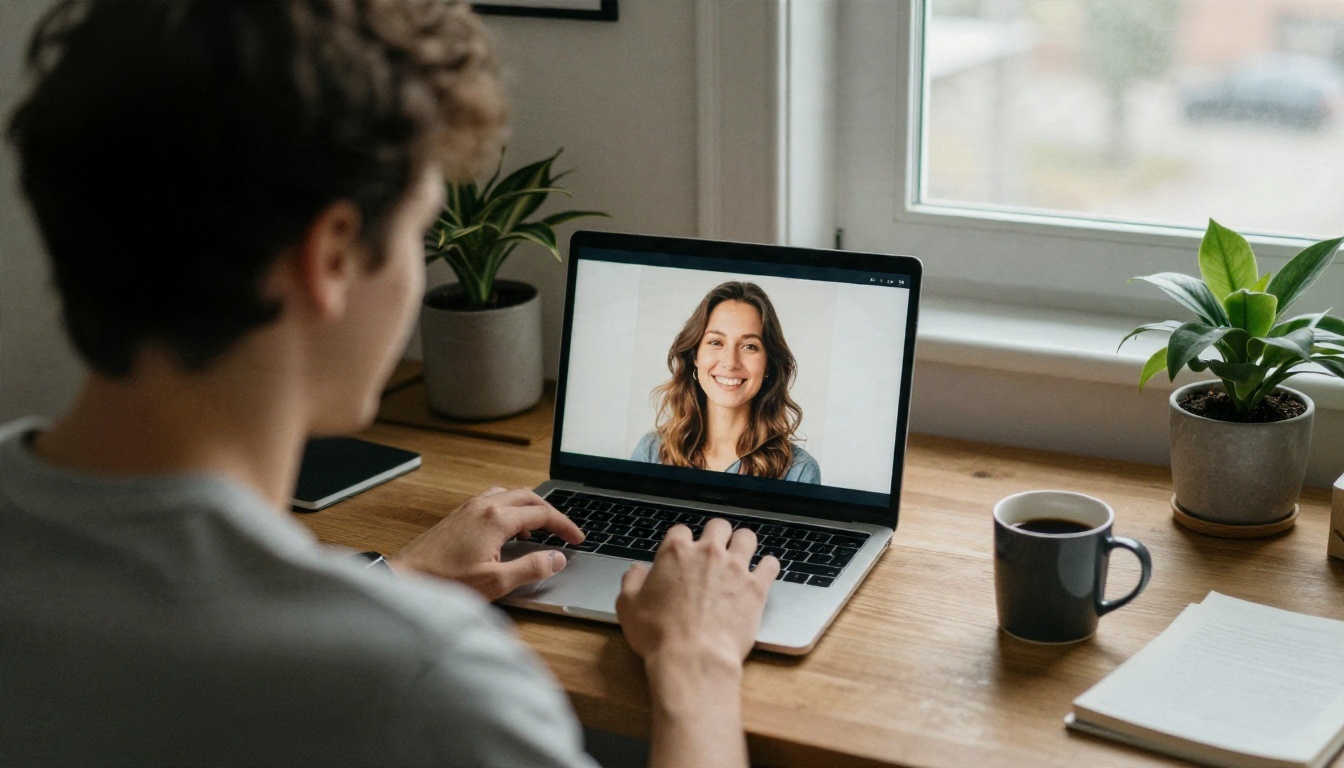
What a Face Generator Really Does
A face generator is a text-to-image model pointed at one very specific job: producing a human head that holds up under close inspection. You describe a person, the model predicts pixels that match your description, and the output is a new face that does not belong to anyone. No source photo is copied, and no real individual is being "looked up".
Generated faces are not stock photos
Every result is built from scratch. That is why the same prompt gives you a different person each time unless you lock the seed. It is also why these faces are popular for mockups, game characters, novel covers, app prototypes and profile placeholders: there is no model release to chase.
Why people want it with no sign up
The appeal is speed. You have an idea at 11 pm, you need a face for a landing page draft, and you do not want another password. Free, no account tools remove friction, and for a quick test that is exactly right.
What "free" usually means in practice
Be realistic about the trade-offs. Free and anonymous tools tend to share a few traits:
- Lower resolution outputs, often 512 or 768 pixels on the long side
- Queues or daily caps, because anonymous traffic is the cheapest to throttle
- Fewer controls, so no seed, no aspect ratio, no negative prompt
- Watermarks or reduced commercial rights on some services
💡 Tip: Before you rely on any output for client work, check the usage terms of the tool you used. A face that looks perfect is still subject to the rules of the service that made it.
Why Most Generated Faces Look Fake
You already know the look. Skin like polished plastic, eyes that are slightly too bright, teeth that merge into one white strip. The cause is rarely a weak model. It is usually a weak prompt, because short prompts push the model toward its statistical average of "beautiful person", and the average of millions of retouched photos is a smooth mannequin.
The over-smoothing problem
When you write "beautiful woman, portrait", the model leans on glamour photography. Glamour photography is retouched. So the output has no pores, no asymmetry and no texture. The fix is not "more beautiful". The fix is asking for the things retouching removes.
Symmetry is a tell
Real faces are lopsided. One eyebrow sits higher, one eye is a little smaller, and a smile pulls harder to one side. Mentioning small asymmetries tells the model to stop mirroring the left half onto the right.
Light gives away the lie
Flat, even lighting hides how a face is built. A face lit from the side shows cheekbone, nose bridge and eye socket depth, and the model has to commit to a believable 3D shape. That is why lighting words matter more than adjectives about beauty.
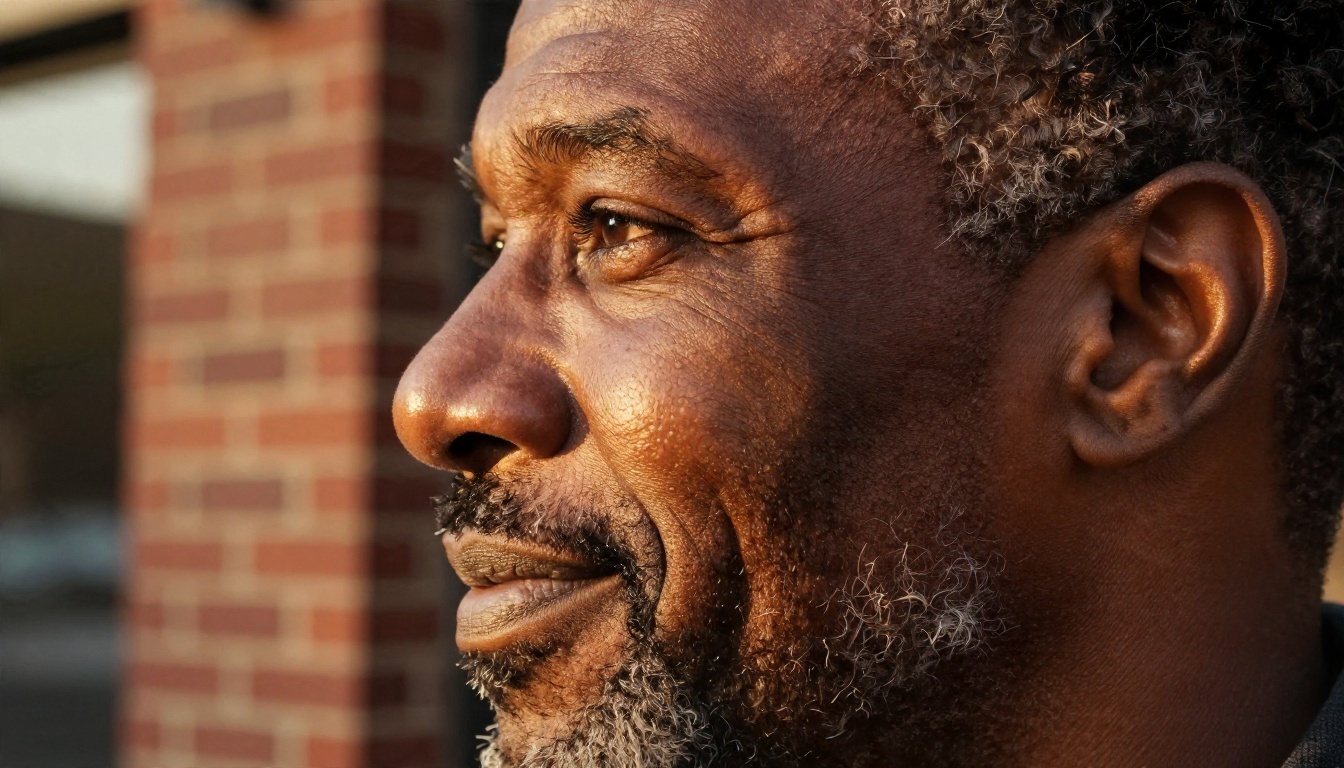
After a lot of trial and error, one structure keeps working across almost every model. Write the prompt in this order and you will get far fewer plastic results.
Subject + age + one imperfection + expression + clothing + setting + light + lens + film look
A tested base prompt
A woman in her early thirties with warm olive skin, light freckles, a tiny mole under the left eye and slightly asymmetrical eyebrows, relaxed half smile, cream linen shirt, sitting by a tall window in a plaster-walled apartment, soft morning light from the left, 85mm f/1.8, shallow depth of field, Kodak Portra 400 film grain, visible skin pores
Each piece does a job. The imperfection breaks the mannequin look. The window light creates shadow structure. The lens controls background blur and perspective. The film stock nudges colour and grain toward a photograph.
Words that help
| Prompt detail | What it fixes | Example wording |
|---|
| Skin texture | Plastic, airbrushed look | "visible pores, fine vellus hair, natural sheen" |
| Imperfections | Perfect symmetry | "faint scar on chin, uneven eyebrows" |
| Light direction | Flat faces | "soft window light from the left" |
| Lens | Wrong perspective | "85mm f/1.8, eye level" |
| Film look | Digital sterility | "Kodak Portra 400, fine grain" |
| Expression | Dead stare | "mid-laugh, eyes slightly squinted" |
Words that hurt
- "Flawless", "perfect skin", "ultra smooth": these invite retouching
- "Hyper detailed 8K masterpiece" stacked three times: it often creates crunchy, over-sharpened skin
- Long lists of celebrity names: unreliable, and a bad idea for other reasons too
Prompts for Different Ages and Looks
Faces are not one genre. A teenager, a forty year old executive and an eighty year old gardener each need different cues. These formulas are short enough to paste and tweak.
Older faces
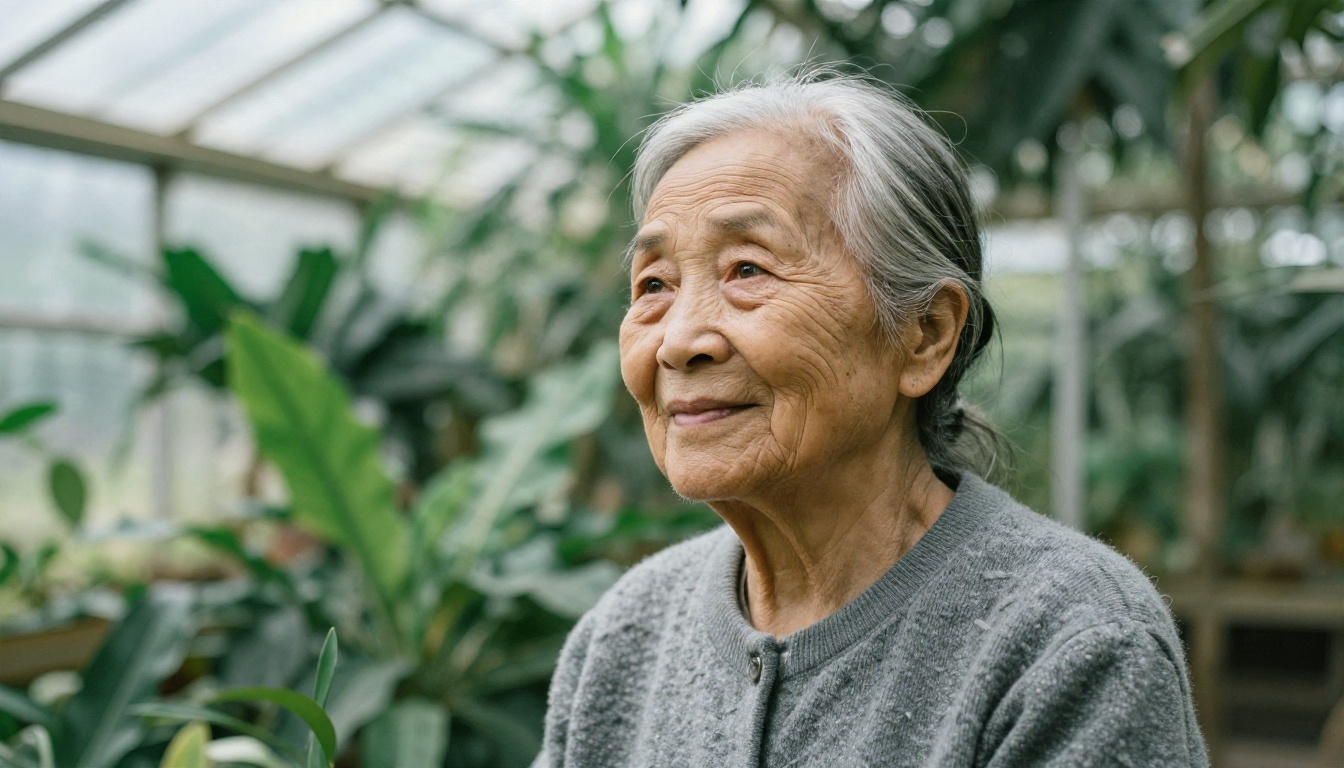
Age is where many models cheat, so push it. Ask for "deep laugh lines, thin skin with age spots, silver hair with uneven thickness, soft grey wool cardigan". Specific wrinkles beat the word "old". Place the person in a setting with soft diffused light, such as a greenhouse or an overcast porch, because harsh sun carves shadows that models often exaggerate.
Young adult lifestyle portraits
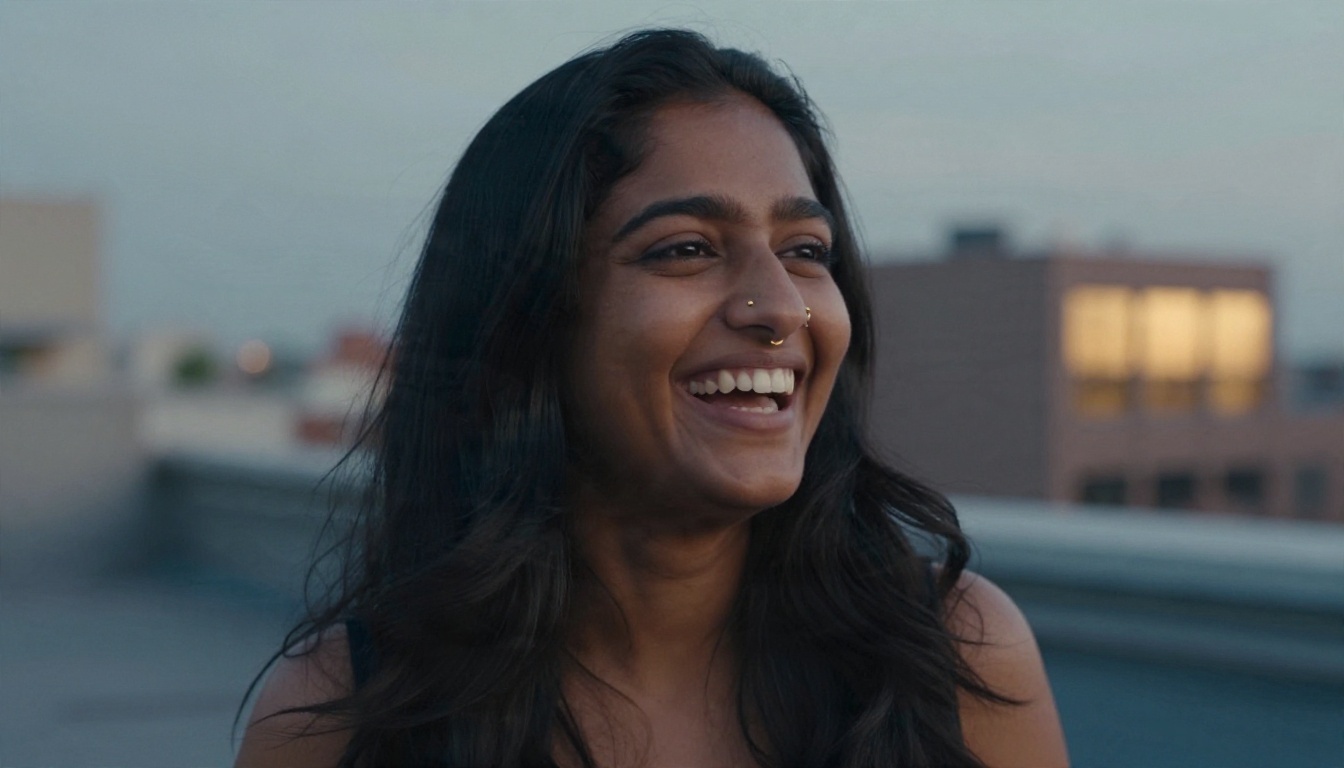
For candid, social media style faces, aim for motion rather than posing. "Laughing naturally while looking slightly off camera, rooftop at blue hour, 50mm f/1.8" gives a very different feel from "smiling at camera". Mention flyaway hairs and visible pores to keep the skin honest.
Professional headshots
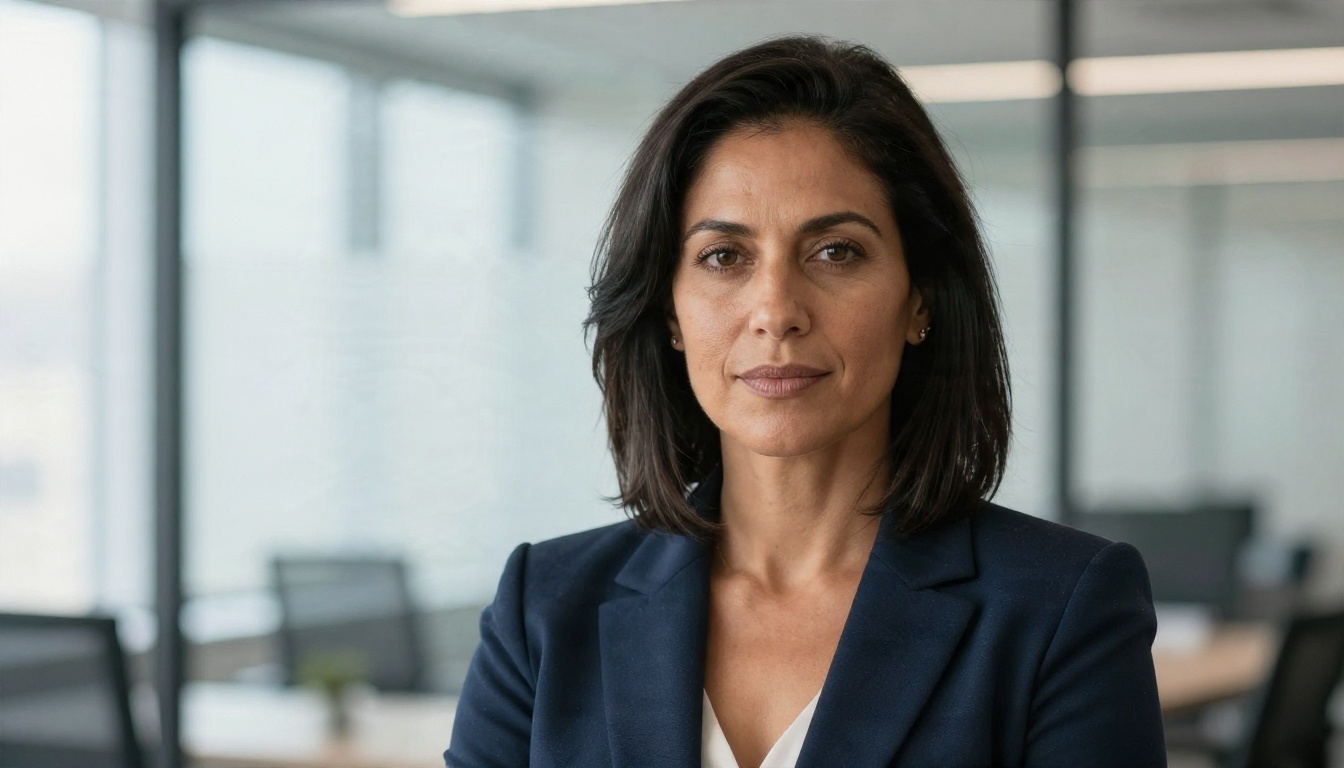
A headshot needs restraint. Use neutral clothing, quiet background and soft frontal window light. "Confident woman in her forties, navy blazer, shoulder-length dark hair, subtle natural makeup, bright modern office blurred behind her, 85mm f/2" produces something you could believably use as a team page placeholder.
Character faces for stories and games
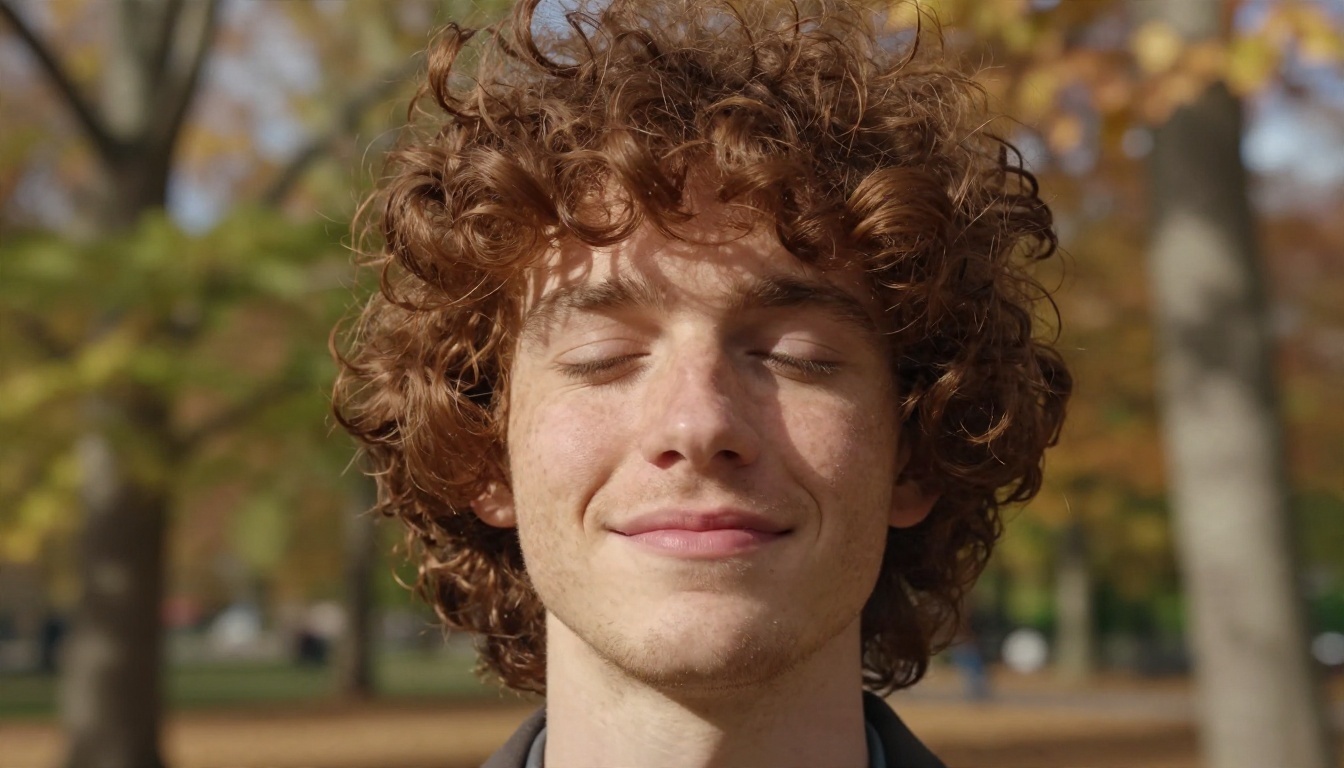
Writers and designers often need a face that matches a description in a manuscript. Be specific about bone structure and distinguishing marks: "narrow jaw, high cheekbones, broken nose healed slightly crooked, short curly red-brown hair, light freckles". Specific marks give the character a memory and keep them recognisable if you generate several scenes.
Fixing the Usual Flaws
Even good prompts miss sometimes. Here is a fast triage list, ordered by how often each problem shows up.
Eyes that look wrong
Mismatched catchlights, glassy irises and uneven pupils are the classic giveaways. Mention one light source only and the model will place a single reflection in each eye. Ask for "natural catchlight from a window" and avoid "glowing eyes" or "piercing eyes", which push saturation too far.
Teeth and mouth
Models love perfect, continuous teeth. If you want a smile, add "slightly uneven teeth" or choose a closed mouth, "lips together, relaxed". Closed mouths remove one of the most common failure points.
Hands near the face
A hand touching a cheek or chin multiplies the risk of extra fingers. Unless the pose matters, leave hands out of the prompt and out of the frame.
Skin that looks airbrushed
Add texture words, drop beauty words and try a film grain reference. If the result is still too smooth, run it through an upscaler that restores detail. Real ESRGAN is a practical choice for taking a small free output and enlarging it up to 4x without making it blurry.
💡 Tip: Generate four or five variations before judging a prompt. One bad roll does not mean the prompt is bad. Look for the pattern across several results, then edit one detail at a time.
Quick fix table
| Problem | Likely cause | Fast fix |
|---|
| Waxy skin | Beauty adjectives | Remove them, add "visible pores" |
| Dead eyes | No expression cue | Add "mid-laugh" or "squinting slightly" |
| Odd teeth | Open smile | Use a closed mouth or "uneven teeth" |
| Cartoon feel | No camera info | Add lens and film stock |
| Blurry result | Low output size | Upscale with Real ESRGAN |
| Same face every time | Prompt too generic | Add age, bone structure, marks |
Models That Handle Faces Best
No sign up tools are handy for a quick test, but when you want more control, a model catalogue is where results jump. These are the options on PicassoIA worth trying for faces, each with a distinct strength.
Photoreal portraits
Nano Banana Pro is a strong place to start for 4K portraits with natural skin. Imagen 4 and Imagen 4 Ultra lean toward clean, believable photographic output with good lighting behaviour. Seedream 4.5 is excellent for crisp, detailed faces at high resolution, and Qwen Image 3 is a solid pick when your prompt is long and descriptive.
Fast drafts
When you are iterating on a prompt, speed matters more than perfection. Flux Schnell returns images in seconds, so you can test five wordings in the time a slower model finishes one. Imagen 4 Fast is another quick option with a polished look.
Editing an existing face
Sometimes the face is right and one detail is wrong. Nano Banana can edit and generate images, which suits small adjustments to expression or clothing. Change Haircut swaps hairstyles on an existing photo without redrawing the whole person.
Custom looks
If you need one consistent character across many images, a LoRA-based model such as Flux 2 Klein 4B Base gives you a base for fine-tuned styles, and P Image Trainer trains a custom LoRA from your own images.
Comparison at a glance
A Simple Workflow That Works
Good faces come from a loop, not a single lucky prompt. This is the routine that saves the most time.
Step 1: Write the base prompt
Use the formula from earlier. Keep it to one or two sentences so you can tell which word caused which change.
Step 2: Generate a batch
Create four to six images. Look at eyes first, then teeth, then hands, then skin. If three out of six fail the same way, the prompt is the cause, not luck.
Step 3: Change one thing
Edit a single detail: the light direction, the lens, the expression. Changing five things at once teaches you nothing.
Step 4: Lock what works
When you find a good face, note the exact wording. If your tool offers a seed, save it. Reusing the same description with small edits to clothing or setting gives you a consistent person across scenes.
Step 5: Upscale and clean up
Finish with an upscale for detail, then a light crop. A tight crop on the eyes and mouth hides small flaws and improves the composition.
Diversity, Consent and Safe Use
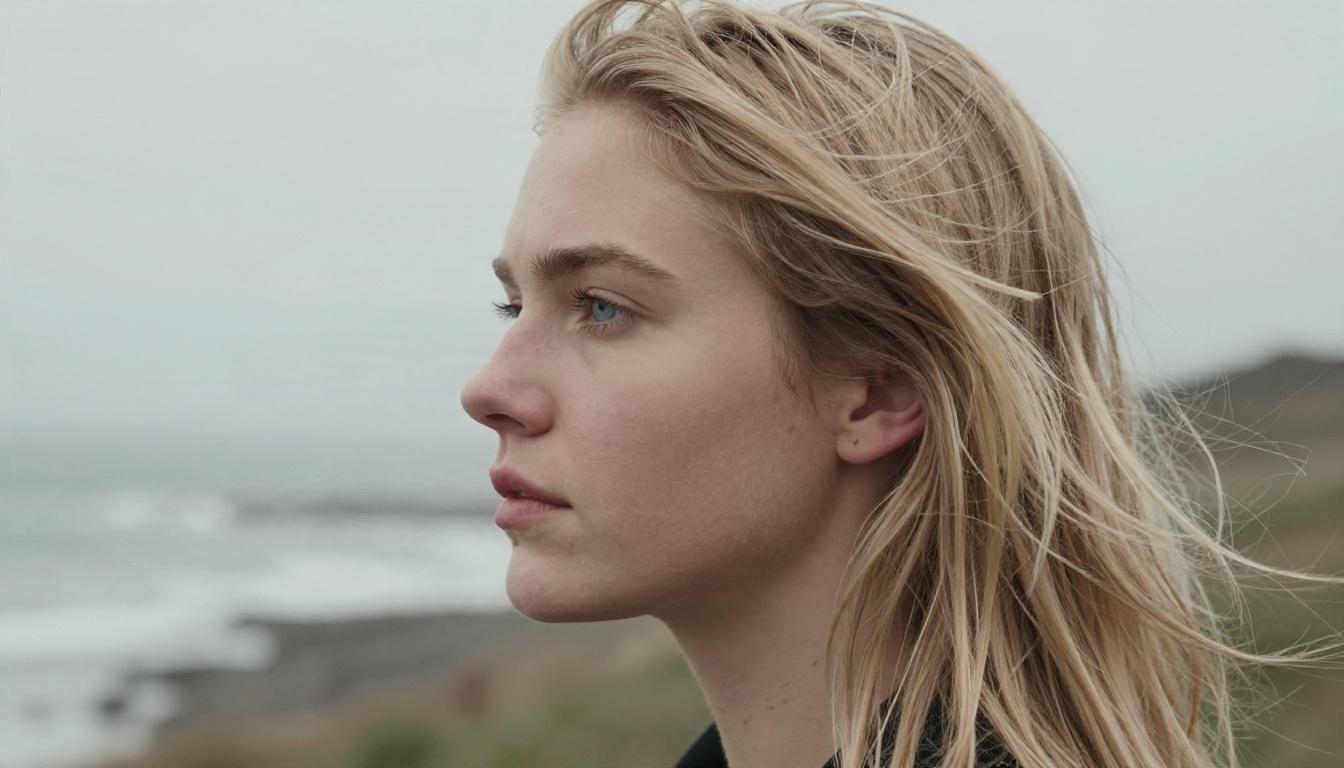
A face generator can produce people of every age, skin tone and background, but only if you ask. Models default toward a narrow range of looks when the prompt is vague, so name the features you want instead of leaving it open.
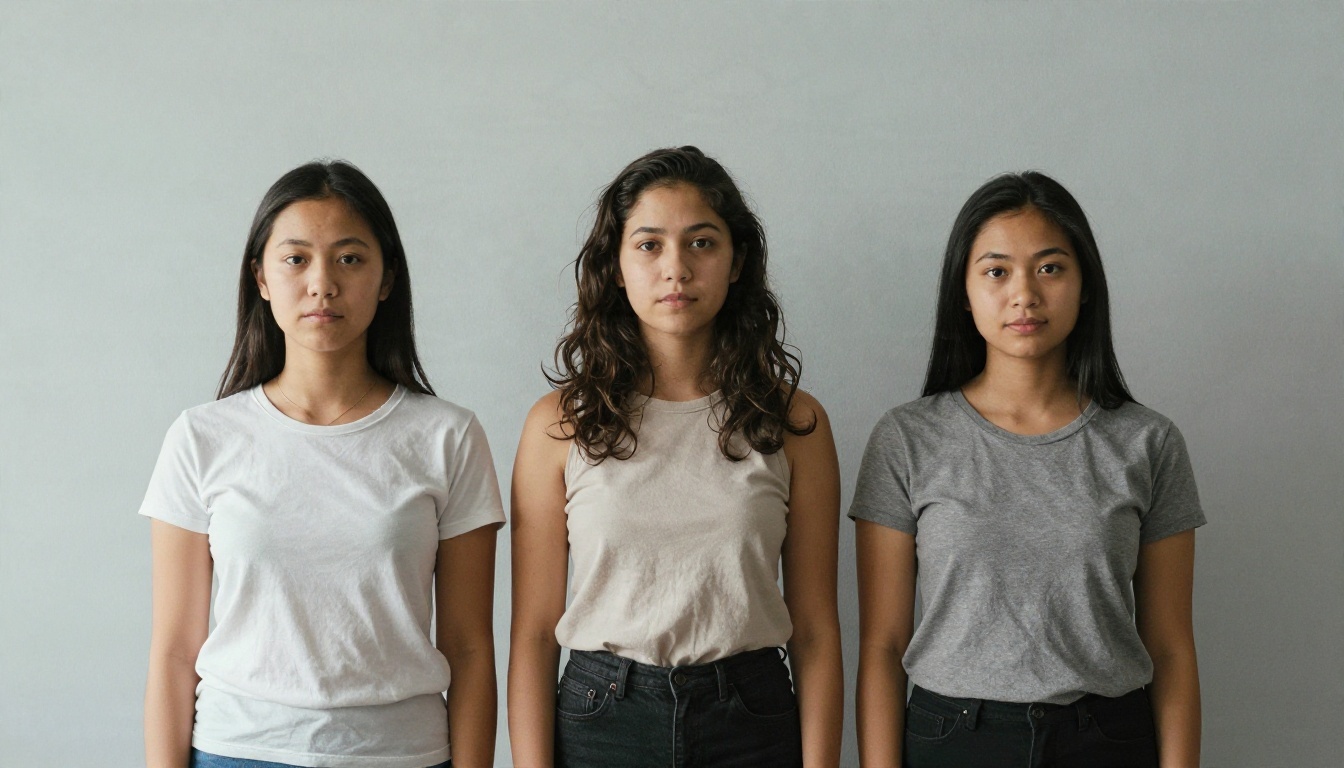
Invented people, not real ones
The safest and most useful use of a face generator is making people who do not exist. Do not prompt for a real person's likeness, do not try to recreate a private individual, and do not present a generated face as a photo of an actual human in news, reviews or testimonials.
Label it when it matters
For anything where trust is involved, such as reviews, case studies or identity related content, say that the image is AI generated. It costs you nothing and protects your credibility.
Keep your own photos private
Free no sign up web tools can store or reuse what you upload. If you want to edit a photo of yourself or someone you know, think about where it goes first, and get the consent of anyone shown.
Make Your Own Faces Today
You now have the three things that matter: a prompt order that avoids plastic skin, a fix list for eyes, teeth and hands, and a short list of models that suit different goals. The fastest way to improve is to run the loop yourself. Pick one person from your imagination, write the formula, generate a batch of five and change one detail at a time.
Head to PicassoIA, open a model like Nano Banana Pro or Seedream 4.5, paste the base prompt from this article and adjust the age, freckles, light and lens until the face feels real. Then try Flux Schnell for quick variations and finish with Real ESRGAN for extra sharpness. The full catalogue is waiting at picassoia.com/en/all-models, so try a few, compare the results and keep the faces that make you stop scrolling.


