Open any stock photo site and you will find the same smiling faces everywhere, attached to a hundred different brands. Now imagine typing one sentence and getting a brand new portrait of a person who has never existed: unique freckles, a slightly crooked smile, real skin texture, and no model release to chase. That is what an AI fake face generator does, and in 2027 the results are good enough that most people cannot tell them from a photograph.
This article walks through how these generators work, which free online options are worth your time, how to produce realistic faces step by step, and the exact prompts that separate a believable portrait from a waxy mannequin. You will also get a short list of mistakes that give fake faces away, plus honest advice on where synthetic portraits belong and where they do not.
What a Fake Face Generator Does
A fake face generator is an image model that creates a human portrait from scratch. It does not copy a real person's photo. Instead, it draws on patterns absorbed from millions of training images (how eyes sit relative to a nose, how light falls on a cheekbone, how hair strands cross a forehead) and assembles a new combination every time you press generate.
GANs versus diffusion models
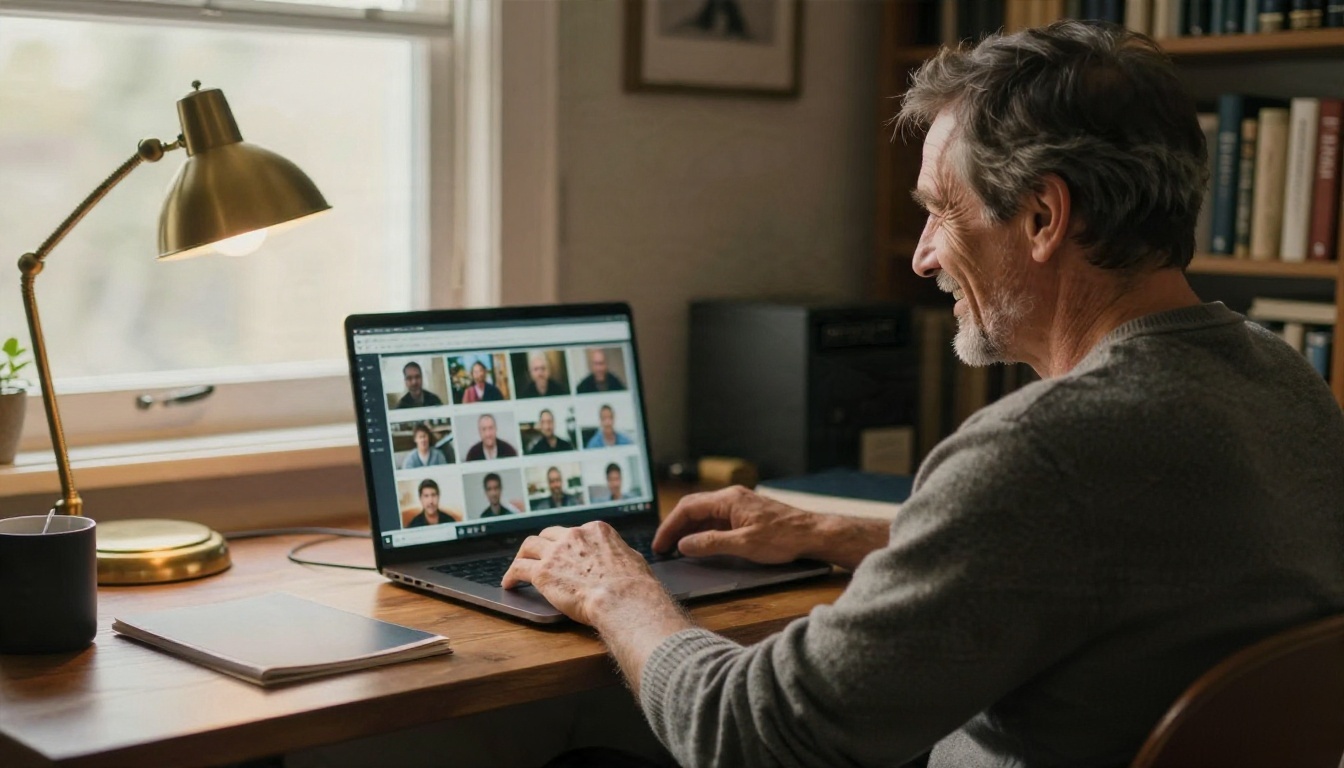
The first wave of "this person does not exist" sites ran on GANs (generative adversarial networks). Two networks competed: one forged faces, the other tried to spot the forgery. The tools like ThisPersonDoesNotExist, built on Nvidia's StyleGAN, produced striking 1024 pixel headshots, but you got zero control. You pressed refresh and took whatever appeared.
Modern generators use diffusion models. They start from noise and refine it toward the image your text describes. That shift matters because you can now say "a 60 year old fisherman with a sunburnt nose, overcast light, 85mm lens" and actually get it. Control, variety and resolution all jumped at once.
Why people want synthetic faces
The demand is practical, not sinister:
- Designers need believable avatars for app mockups and landing pages.
- Writers and game developers want a face for a character before commissioning art.
- Marketers need diverse placeholder testimonials during early drafts.
- Researchers and educators use synthetic faces to test software without exposing real people's data.
- Privacy minded users want a profile picture that is not their own face.
💡 Tip: If your goal is a quick placeholder, speed matters more than perfection. If your goal is a final asset, spend your time on the prompt and the lighting description, not on the model hunt.
"Free" means different things. Some tools give you unlimited generations but low resolution. Others give a handful of daily credits at high quality. Here is how the main routes compare for faces specifically.
Quick comparison
| Tool type | Realism | Control | Typical free limit | Best for |
|---|
| Classic GAN face sites | Good, 1024 px | None, random only | Unlimited refreshes | Quick random avatars |
| Text to image on Seedream 4.5 | Excellent skin and eyes | Full prompt control | Free credits to start | Final quality portraits |
| Z Image Turbo | Very good, fast | Strong prompt control | Fast, cheap iterations | Drafting dozens of faces |
| Nano Banana Pro | Excellent, consistent | Prompt plus edits | Free credits to start | Same face in new scenes |
| Imagen 4 | Clean, photographic | Good prompt control | Free credits to start | Studio style headshots |
| Qwen Image 3 | Photorealistic | Good, handles text well | Free credits to start | Faces with signs or badges |
Free limits to watch
Read the fine print before you build a workflow around any single tool. Three things trip people up:
- Watermarks. Many free tiers stamp a logo on the corner. That ruins a mockup.
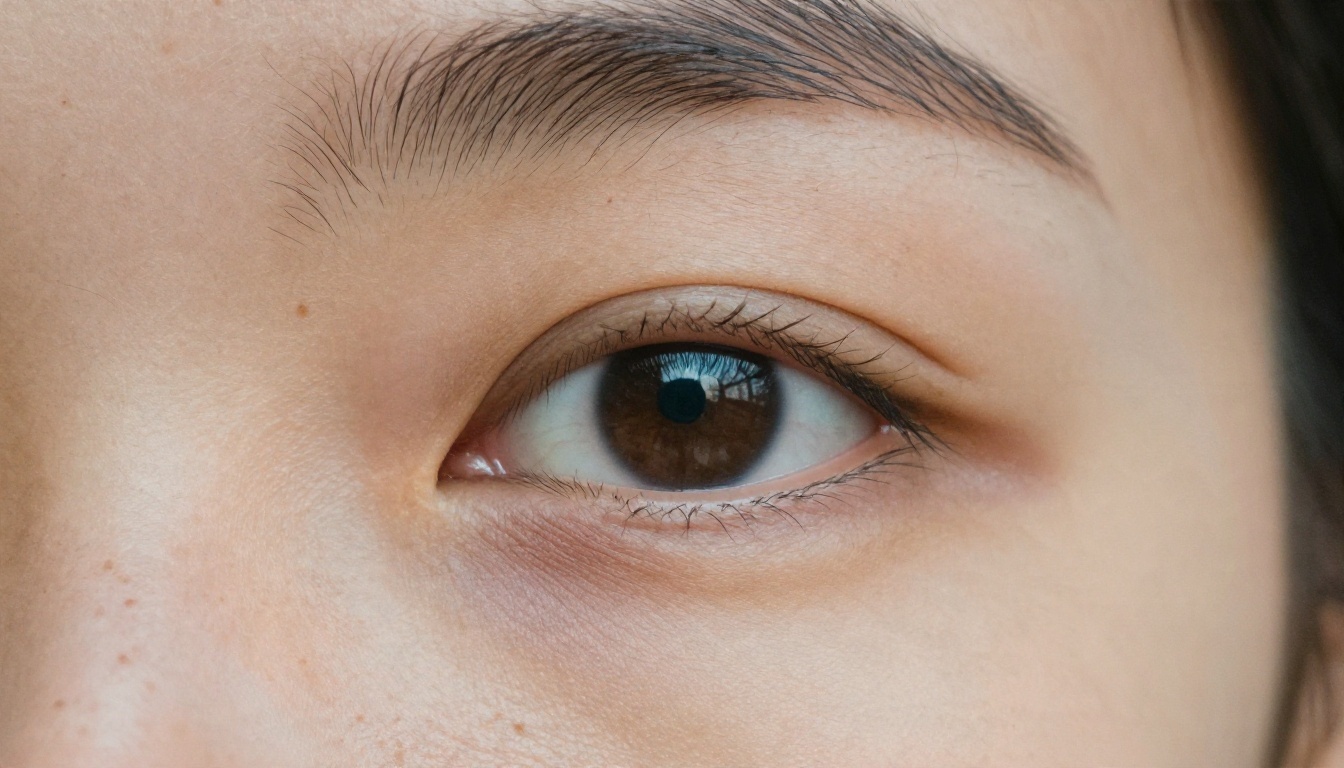
- Resolution caps. A 512 pixel face looks fine in a thumbnail and falls apart on a hero banner. A model that outputs 2K or 4K lets you crop freely.
- Commercial rights. "Free to generate" does not always mean "free to sell on a product page." Check the license of whichever platform you use.
If you generate a good face at low resolution, you can rescue it with Real ESRGAN, which upscales images up to 4x while keeping skin detail intact.
How to Generate Realistic Faces
You do not need a design background. You need a model that understands photography and a prompt that behaves like a photographer's shot list. This workflow uses Seedream 4.5, which handles skin texture and eye detail particularly well, but the same steps work with the other models in the table above.
Step by step workflow
- Open the model page. Go to Seedream 4.5 on PicassoIA and open the prompt box.
- Describe the person first. Age range, ethnicity or heritage if relevant, hair, one or two distinctive features (freckles, a scar, a gap in the teeth).
- Describe the camera second. Lens, aperture, distance and angle. This is what pushes the output from "AI art" toward "photograph."
- Describe the light third. Direction and quality: "soft window light from the left," "overcast daylight," "golden hour backlight."
- Set the aspect ratio. Use 16:9 for banners, 4:5 or 1:1 for profile pictures, 9:16 for stories.
- Generate four to eight versions. Pick the one with the most believable eyes. Eyes decide everything.
- Upscale or edit. Fix small issues with an editing model, then upscale if you need print or hero size.
Parameter tips that matter
- Keep prompts between 40 and 90 words. Too short and the model fills gaps with a generic "beauty" face. Too long and details start to contradict each other.
- Add imperfection on purpose. Words like "uneven eyebrows," "visible pores," "faint under eye shadows" and "flyaway hairs" are the strongest realism signals you have.
- Avoid the word "perfect." It triggers smoothing. You want "natural," "candid" and "unretouched."
- Name a film look. "Kodak Portra 400 grain" nudges color toward believable skin tones and away from oversaturated digital sheen.
💡 Tip: Generate in batches and keep a seed or reference image of the face you like. Models such as Nano Banana Pro and Flux Kontext Fast can then place that same face in a new setting or change an outfit without redrawing the person from zero.
Prompts That Actually Work
A good face prompt reads like a short photo brief. The structure below works across nearly every modern model.
The base prompt formula
[Who] + [Expression and pose] + [Setting] + [Light direction] + [Lens and distance] + [Texture details] + [Film look]
Here is the formula filled in:
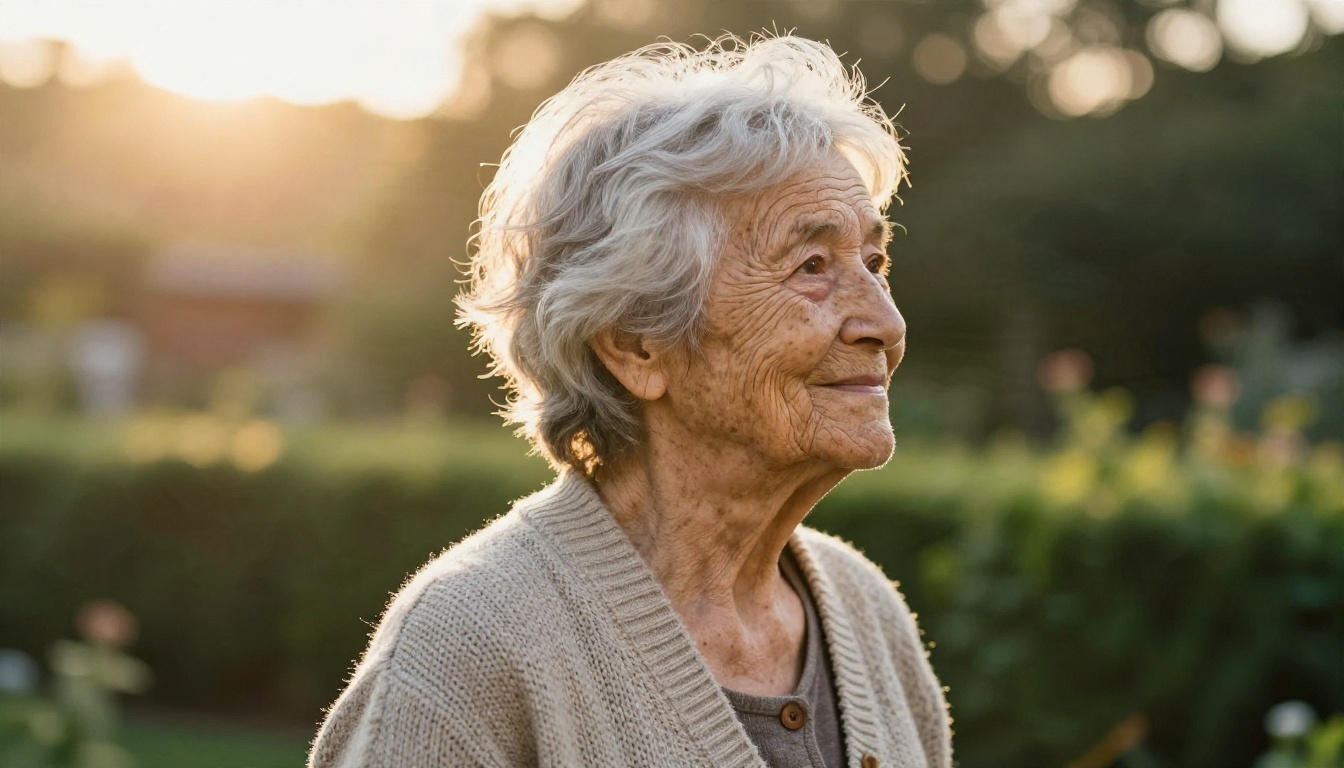
A woman in her late seventies with silver hair and deep smile lines, gentle half smile, side profile, standing in a quiet garden, warm backlit golden hour sunlight forming a soft rim on her hair, 135mm f/2 lens, visible skin creases and age spots, knitted cardigan texture, Kodak Portra 400 film grain, candid documentary feel.
Every clause gives the model a decision it would otherwise guess at. Fewer guesses means fewer generic results.
Ten copy ready prompts
Swap the bracketed parts to build your own set:
- Close-up portrait of a [age] [descriptor] with natural freckles, soft window light from the left, 85mm f/1.8, visible pores, film grain.
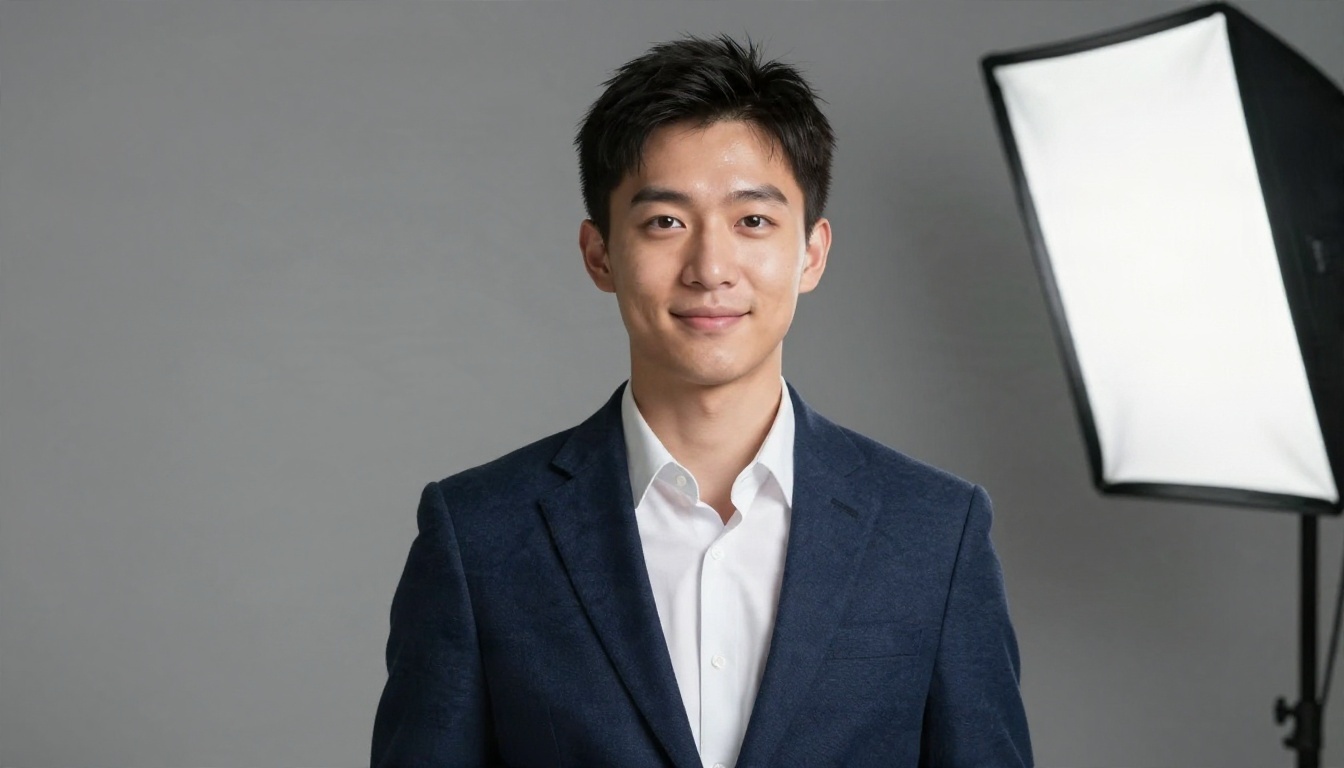
- Corporate headshot of a [age] [descriptor] in a navy blazer, neutral gray backdrop, softbox key light from camera right, 85mm f/2, subtle forehead shine.
- Candid laughing portrait at a cafe table, dappled sunlight through leaves, 50mm f/1.8, windblown hair.
- Teenager sitting on a concrete ledge at dusk, warm sunset backlight, cool sky fill, hoodie texture, 35mm f/2.
- Man in his fifties with salt and pepper stubble, home office, warm side window light, wool sweater, 50mm f/2.
- Extreme close-up of an eye and cheek, overcast daylight, 100mm macro, visible vellus hair.
- Outdoor environmental portrait of a fisherman on a pier, overcast light, weathered skin, rope and wet wood details.
- Young nurse in scrubs at the end of a shift, fluorescent hallway light mixed with window light, tired but warm smile.
- Street portrait of a musician with a guitar case, early evening, shallow depth of field, 50mm f/1.4.
- Medium shot of a person reading at a kitchen table, morning curtains light, ceramic mug, 50mm f/2.
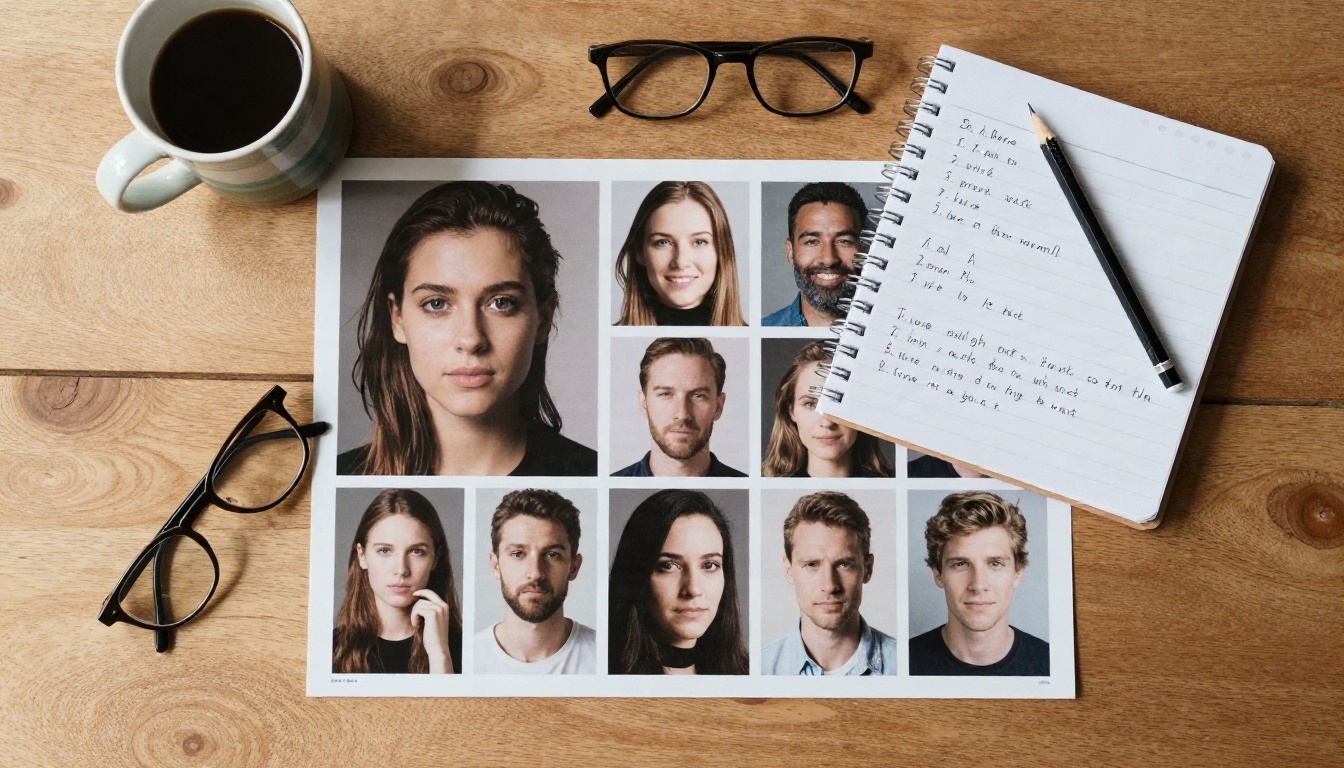
Words that break realism
Some terms quietly wreck a portrait. Avoid these when you want a photograph:
| Avoid | Why it hurts | Use instead |
|---|
| "Perfect skin" | Triggers heavy smoothing | "Natural skin with visible pores" |
| "Beautiful, stunning" | Pushes toward one generic model face | Describe the actual features |
| "Ultra HD, 8K, masterpiece" | Adds a plastic, oversharpened look | Name a lens and a film stock |
| "Glowing" | Creates airbrushed halos | "Soft diffused light" |
| "Symmetrical" | Produces uncanny, mask like faces | "Slightly uneven eyebrows" |
Fixing the Usual Flaws
Even strong models slip. The good news: the same handful of flaws show up again and again, so you can check for them in about ten seconds.
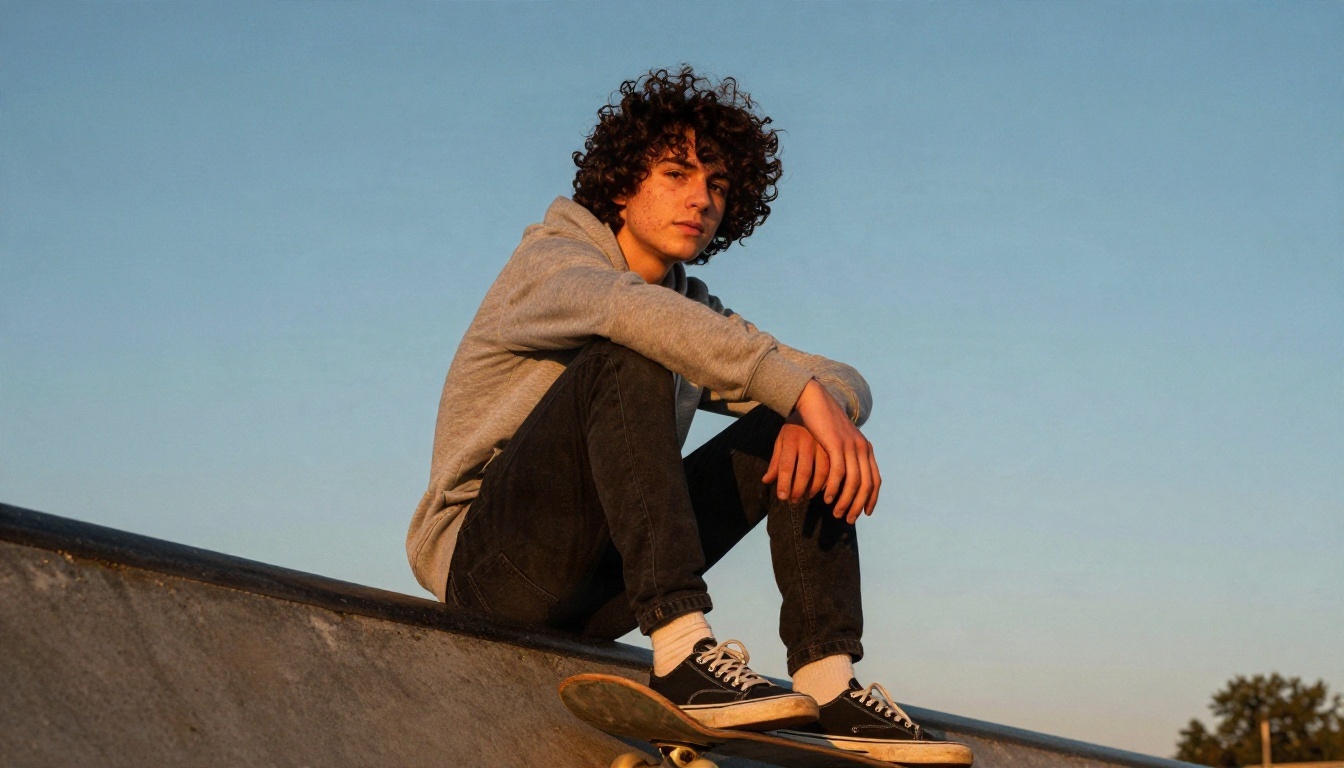
Teeth, ears and earrings
Look at the mouth and the sides of the head first. Common giveaways:
- Teeth that merge into one white strip or have too many rows.
- Ears that do not match in shape or height.
- Earrings that differ left to right, or glasses frames that fade into the temple.
- Hair that melts into the background around the neck.
The quickest fix is to regenerate with a closed mouth smile or a slight smile without visible teeth. If you like everything else, an editing model such as Nano Banana can repair one region while preserving the rest of the face. For hair changes only, Change Haircut swaps the style without touching the features.
Skin that looks plastic
If the face looks airbrushed, the prompt probably asked for it. Remove "flawless" language and add specific, tiny imperfections: a faint scar on the chin, uneven pigment around the nose, a few stray eyebrow hairs. Also move the light. Flat frontal lighting hides texture. A side light at roughly 45 degrees makes pores, creases and stubble show up the way a real lens would capture them.
💡 Tip: Zoom to 200 percent on the eyes before you accept an image. Both pupils should be round and equal, and the catchlight (the little reflection of the window or lamp) should sit in the same position in each eye.
Where Synthetic Faces Are Useful
Not every use case needs a fake face, but several benefit a lot.
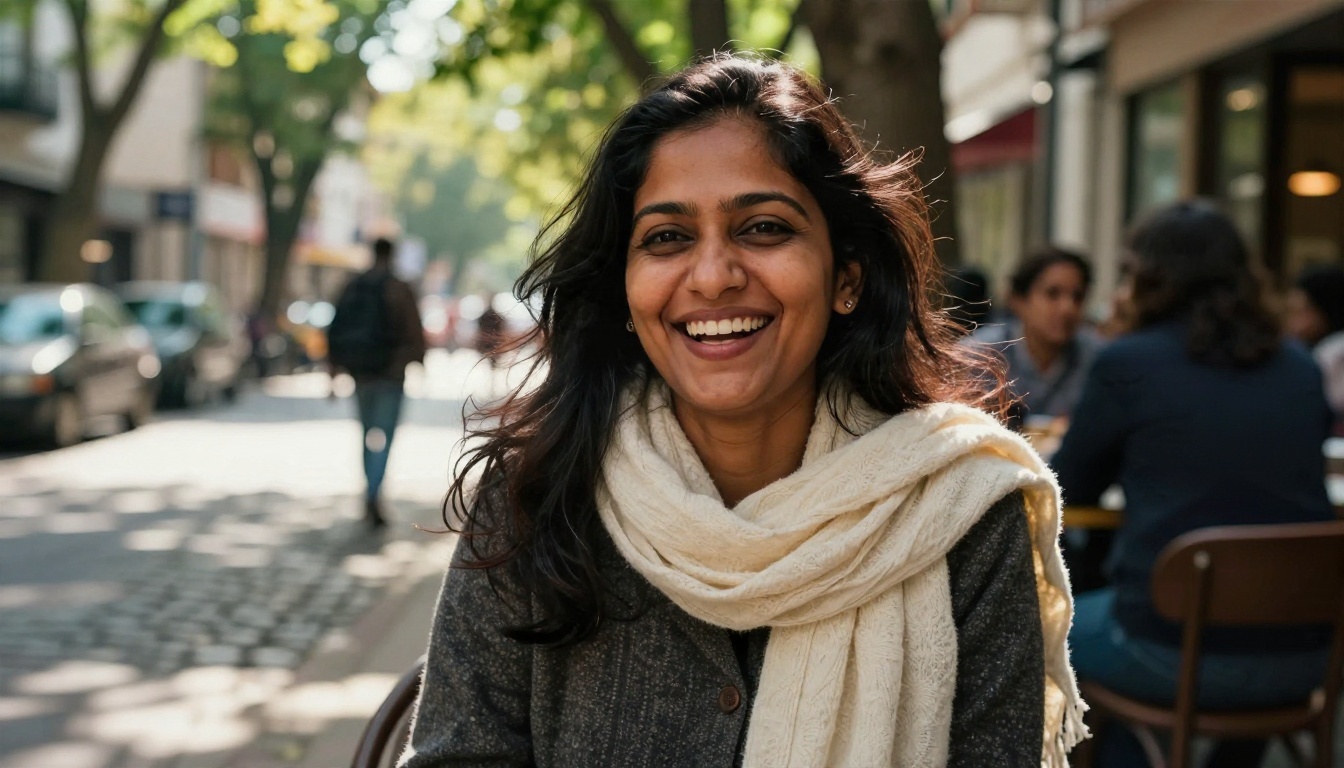
Mockups and design
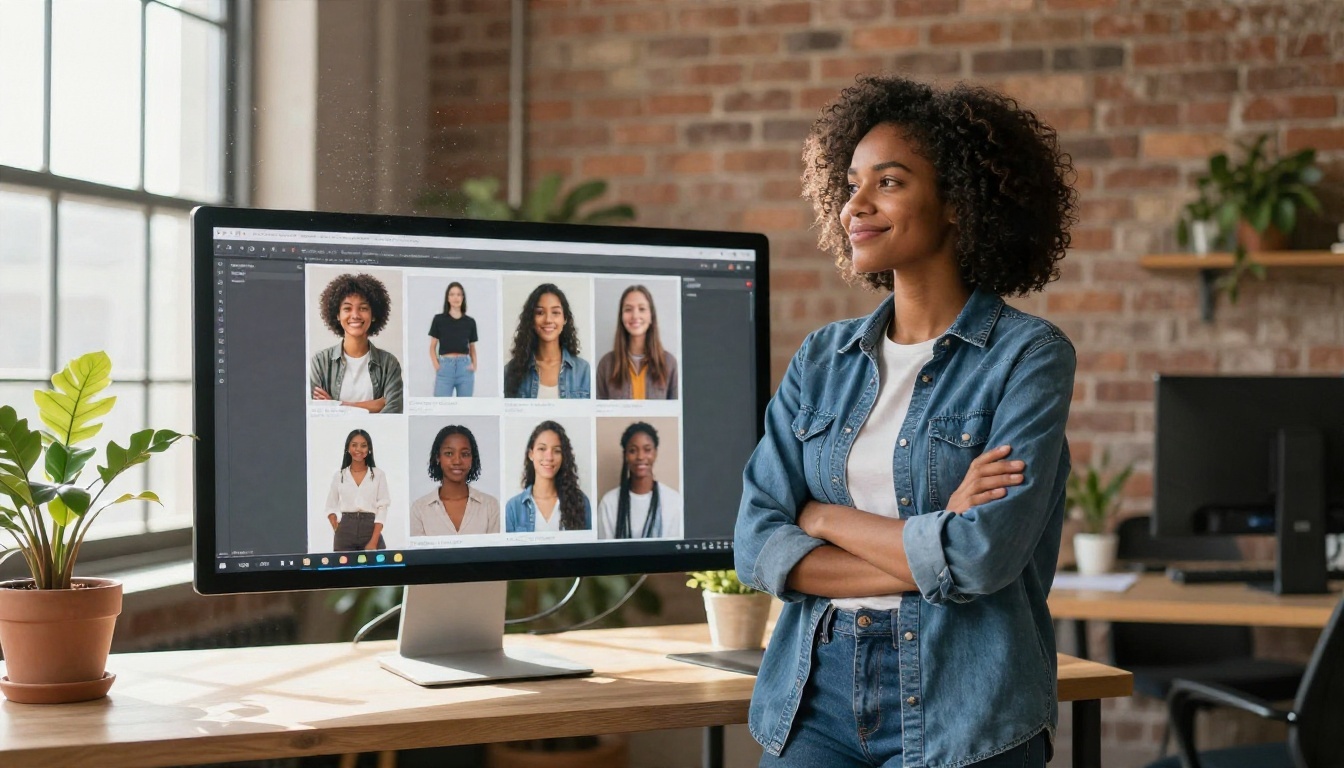
Product designers drop synthetic people into dashboards, onboarding screens and testimonial sections. Because nobody owns the face, there are no model release forms and no risk that a real customer's photo ends up in a pitch deck. Generate a set of twelve faces with varied ages and backgrounds in one session, and you have a reusable library for every prototype that follows.
A tight corporate style also works well for fake team pages in demos. A neutral backdrop, a blazer, soft key light: that single prompt, repeated with different descriptors, produces a consistent set.
Game and fiction characters
Writers often hold a character in their head for months before putting a face on them. Generating a few portraits turns a vague idea into something you can pin above your desk. Because modern models keep a consistent look across edits, you can show the same character younger, older, in rain, or in a different outfit. Tabletop game masters use this for non player characters, and novelists use it to keep eye color and scars consistent between chapters.
Privacy and anonymous profiles
If you want a profile picture that is not your own face, a synthetic portrait protects your identity better than a cropped selfie. It will not trace back to a person's social account. That said, many platforms require you to disclose synthetic profile images, so read their rules before you upload.
Using Fake Faces Responsibly
A realistic fake face is a powerful tool, and a few habits keep it harmless.

Disclosure and consent
Never present a generated face as a real customer, a real employee or a real witness. In ads, reviews and news style content, that is deception, and in many regions it also breaks advertising and consumer protection rules. A simple label such as "AI generated image" removes the problem.
Likewise, do not prompt a model to copy a real person: a neighbor, a coworker, a celebrity. Describing general features is fine. Asking for a specific living person's likeness without their consent is not. Because diffusion models can occasionally produce a face that resembles someone real by coincidence, avoid using a generated face in any context where a resemblance could cause harm.
Fake accounts and scams
Synthetic portraits have been used to build fake social accounts, and that is where trouble starts. Use generated faces for design, fiction, testing and your own privacy. Do not use them to impersonate, defraud or mislead. Platforms are getting better at flagging synthetic profile photos, and accounts built on them get removed.
Spotting fakes yourself
The reverse skill is worth having too. When you check whether a portrait is real, look at:
- Backgrounds, where text, windows and patterns often warp.
- Accessories, such as mismatched earrings or glasses arms that vanish.
- Hair edges, which may blur into the scene.
- Eye reflections, which should match the light in the room.
These checks catch many fakes, though the best images now pass them. Treat the result as a hint, not proof.
Try Making Your Own Faces
The fastest way to understand what a fake face generator can do is to run a few prompts and compare results side by side. Start with a single sentence, then add a lens, a light direction and one imperfect detail. Watch how the portrait shifts from stock photo blandness to something that looks like it was shot on a real street on a real Tuesday.
On Picasso IA you can try several models in one place: Seedream 4.5 for polished portraits, Z Image Turbo for rapid batches, Nano Banana Pro for keeping one face consistent across scenes, and Real ESRGAN to upscale your favorites. Copy one of the ten prompts above, change a single detail, and generate. Then change another detail and generate again. Within a dozen runs you will have a personal library of faces that belong to nobody, and a clear feel for which words make skin look like skin.
Ready to see it? Open any model above, paste a prompt, and create your first face today. Browse the full range of models at picassoia.com/en/all-models.


