Type "a dragon in a forest" into an image generator and you will get a dragon in a forest. It will also look like every other dragon in every other forest: flat purple fog, a vaguely heroic pose, and a painted sheen that screams stock illustration. The gap between that result and an image that makes you stop scrolling is almost never the model. It is the prompt.
This article gives you working AI fantasy art prompts for the three subjects people request most: dragons, forests and castles. Every example is written in photographic language, with lens choices, light direction and surface texture, so the output feels like a frame from a real expedition rather than a concept sketch. You can copy each prompt, change two or three nouns, and get something that belongs to you.
💡 Quick take: Fantasy looks believable when the camera is realistic. Describe the lens, the light and the materials, and the dragon follows.
Why Fantasy Prompts Fail
Most weak fantasy images come from the same three or four habits. Fixing them takes less time than rewriting a prompt from scratch.
The Vague Prompt Problem
Words like "epic", "magical" and "majestic" tell the model about a feeling, not a scene. The model fills the gap with the average of everything it has seen under those words, and the average fantasy image is a glossy, over saturated illustration. If you want a result that looks photographed, replace mood words with physical facts:
- Instead of "magical forest", write "moss covered beech trunks, wet roots across a stream, fog between the trees".
- Instead of "epic dragon", write "red dragon perched on a volcanic cliff, overlapping scales with scarred ridges, steam from its nostrils".
- Instead of "majestic castle", write "weathered grey masonry, ivy on the lower walls, slate roofs on round towers".
The mood arrives on its own once the scene is specific.
Photographic Language Fixes It
Image models were trained on enormous numbers of captioned photographs. When your prompt reads like a photographer's shot note, the model reaches for photographic training data. Add three things to every fantasy prompt:
- A lens and aperture, such as "35mm f/8" or "85mm f/1.8".
- A light direction and quality, such as "low golden light from the left" or "soft overcast from above".
- A film or grain cue, such as "Kodak Portra 400 film grain".
That is it. Those three additions do more than ten adjectives.
Strong fantasy prompts share a structure. Think of it as a checklist you run through before you press generate.

| Building block | What to write | Example phrase |
|---|
| Subject and pose | Who or what, doing what | "a red dragon perched on a cliff, wings half folded" |
| Environment | Where, with three physical details | "jagged volcanic rock, stormy grey sky, drifting ash" |
| Light | Direction, quality, time of day | "harsh side light from the right at dusk" |
| Camera | Angle, lens, aperture | "low angle, 24mm lens at f/4" |
| Texture | Surfaces you want to feel | "rough hide, scarred ridges, wet stone" |
| Film cue | Grain or stock | "Kodak Portra 400, fine film grain" |
Order matters a little. Put the subject first, because most models weigh the opening words more heavily, and put the camera and film cues last as finishing instructions.
💡 Tip: Keep a notes file of phrases that worked. A short library of lighting lines and texture lines saves more time than any single clever prompt.
A Reusable Template
Here is the skeleton used throughout this article:
[Subject, pose], [environment with three physical details], [light direction and quality], [camera angle and lens], [texture details], [film cue], photorealistic.
Swap the first two slots and you can produce an endless range of scenes while the realism stays consistent.
Dragon Prompts That Look Real
Dragons are the hardest fantasy subject to make believable, because viewers have no real reference. The trick is to borrow realism from creatures they do know: reptiles, bats, raptors. Describe scales, skin folds and wing membranes the way a wildlife photographer would.
The Perched Dragon
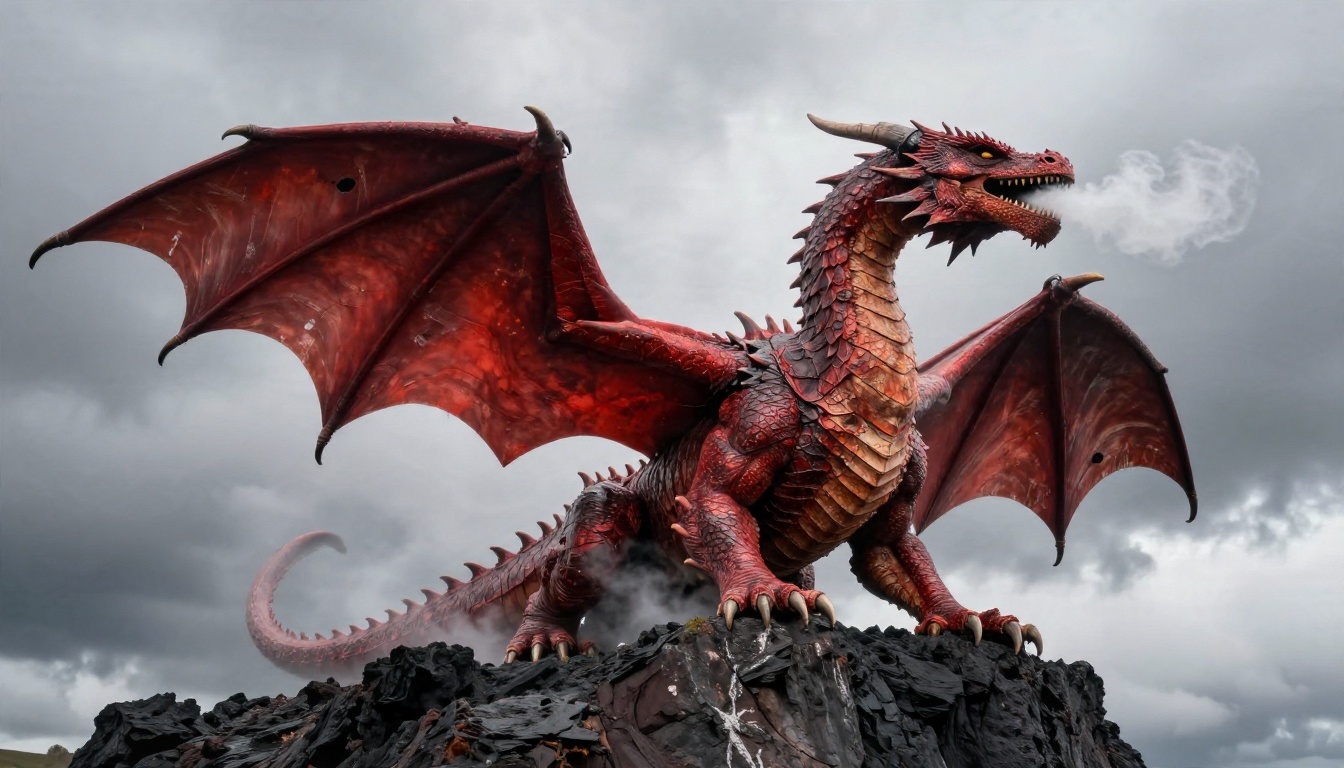
A low camera angle makes any creature feel enormous. Place the lens near the ground, aim upward, and let the sky fill the background.
Prompt to copy:
Low angle raw photograph of a huge red dragon perched on a jagged volcanic cliff, leathery wings half folded, individual overlapping scales with rough textured hide and scarred ridges, steam rising from its nostrils, stormy grey sky behind, harsh side light from the right, 24mm lens at f/4, Kodak Portra 400 film grain, realistic textures.
Why it works: the 24mm lens exaggerates scale, the side light carves shadows into the scales, and the steam gives the animal a living, breathing quality. If the dragon looks too clean, add "dust and ash on the hide".
The Flying Dragon From Above
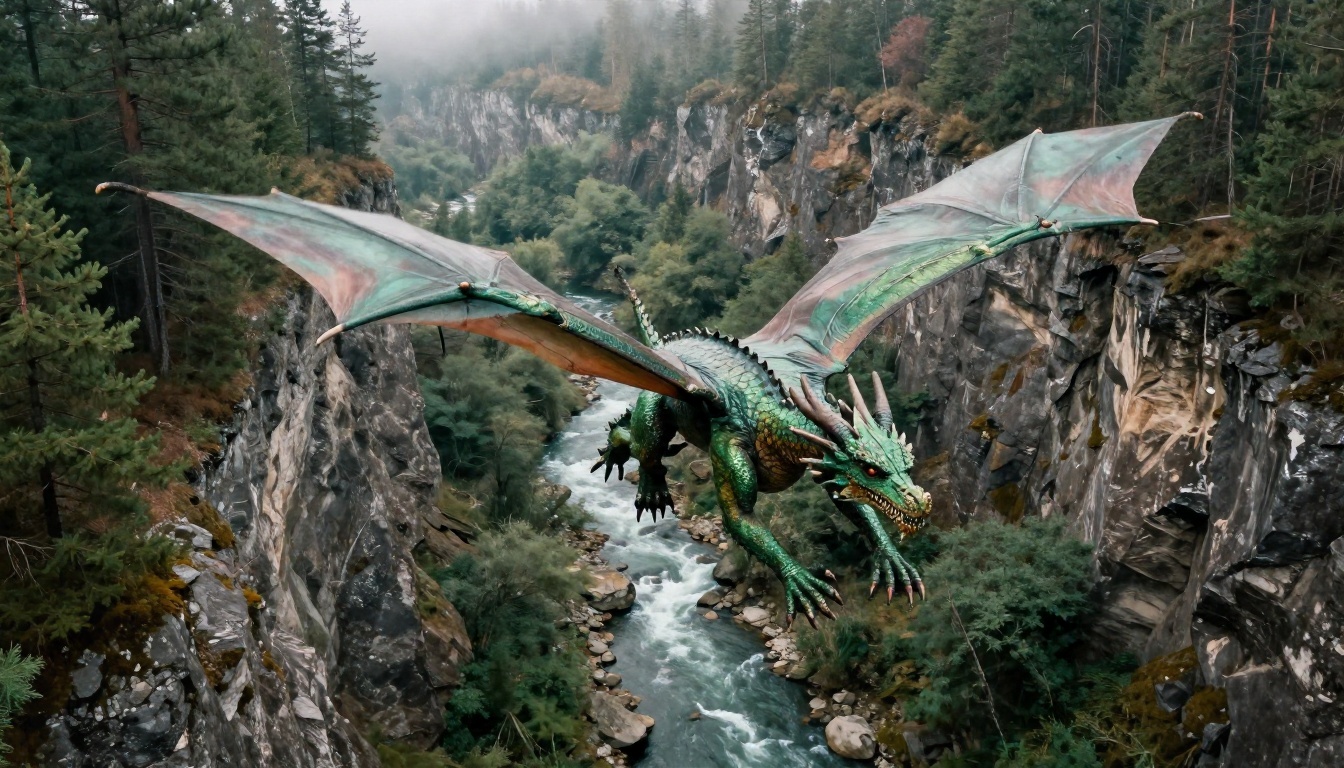
An aerial view solves a classic problem: dragons in flight often look pasted onto the sky. Putting the camera above the creature, with a real landscape beneath it, grounds it in the scene.
Prompt to copy:
Aerial raw photograph looking down on a green and bronze dragon flying over a deep river valley with pine forest and rocky gorge below, wings fully spread with visible membrane veins and tattered edges, soft overcast morning light, mist in the valley, 70mm telephoto lens compression, fine film grain, Kodak Portra 400, realistic scale texture.
A telephoto lens flattens depth, which makes the dragon and the valley feel like parts of one photograph. The tattered wing edges are a small detail that sells age and survival.
The Dragon Portrait
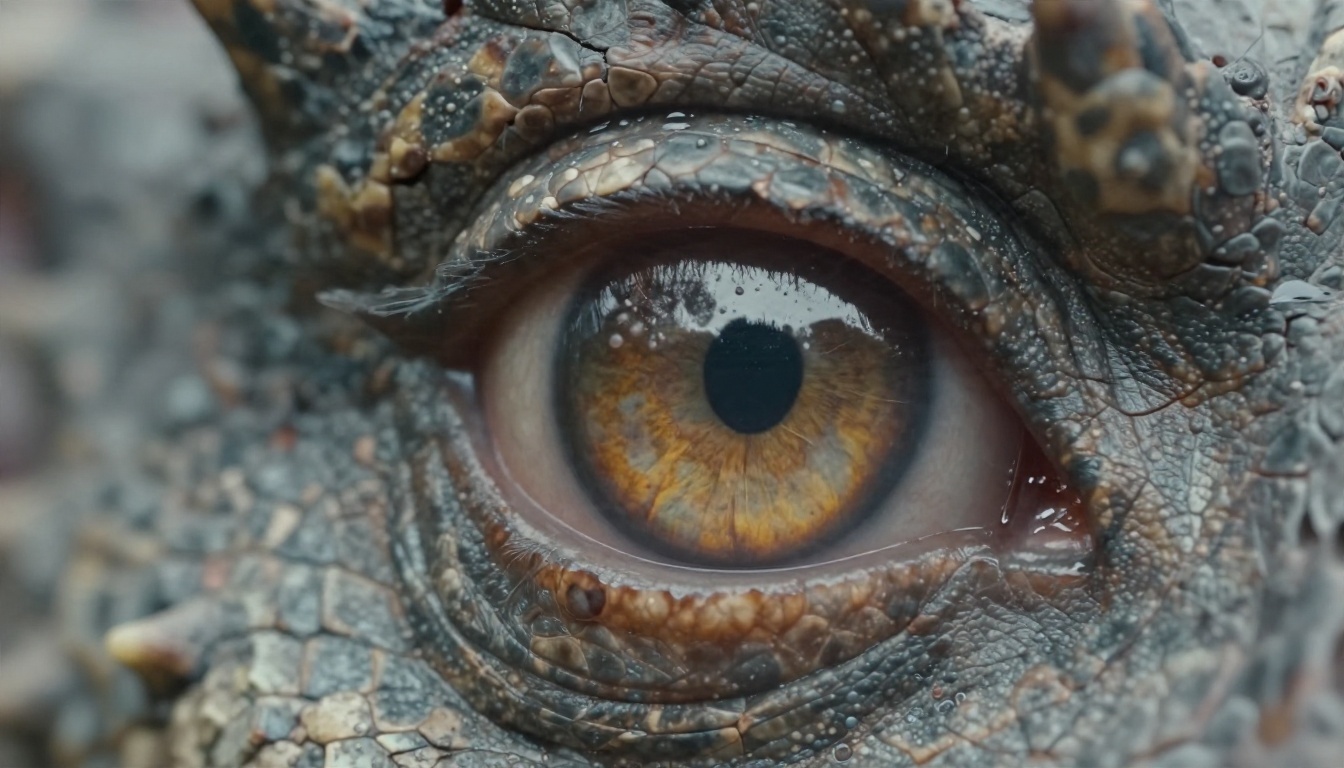
Close ups hide the problem of anatomy and highlight the thing generators do well: surface detail. A dragon's eye, framed like a macro shot of a lizard, delivers intimacy and menace at once.
Prompt to copy:
Close up raw photograph of a dragon's eye and scaled face, amber slit pupil reflecting a grey sky, wrinkled eyelid skin, tiny cracks and pores in the scales, rain droplets on the hide, shallow depth of field, 100mm macro lens at f/2.8, soft diffused overcast light from above, Kodak Portra 400 film grain.
💡 Variation: Change "amber" to "pale green" or "milky white" for an older, blind looking creature. Add "scar across the brow" for personality.
Dragon Prompt Variations at a Glance
| Goal | Change this | To this |
|---|
| Feel older | "smooth scales" | "chipped scales, moss in the creases" |
| Feel bigger | "mid shot" | "low angle with a tiny human in frame" |
| Feel calmer | "storm clouds" | "pale dawn haze, still water" |
| Feel dangerous | "soft light" | "hard backlight, smoke, ember sparks" |
Forest Prompts With Atmosphere
Forests are forgiving. Real forests already look otherworldly, so your job is to exaggerate nature a little rather than invent something unnatural. Giant roots, layered fog and shafts of light will do more than any glowing mushroom.
The Enchanted Woodland
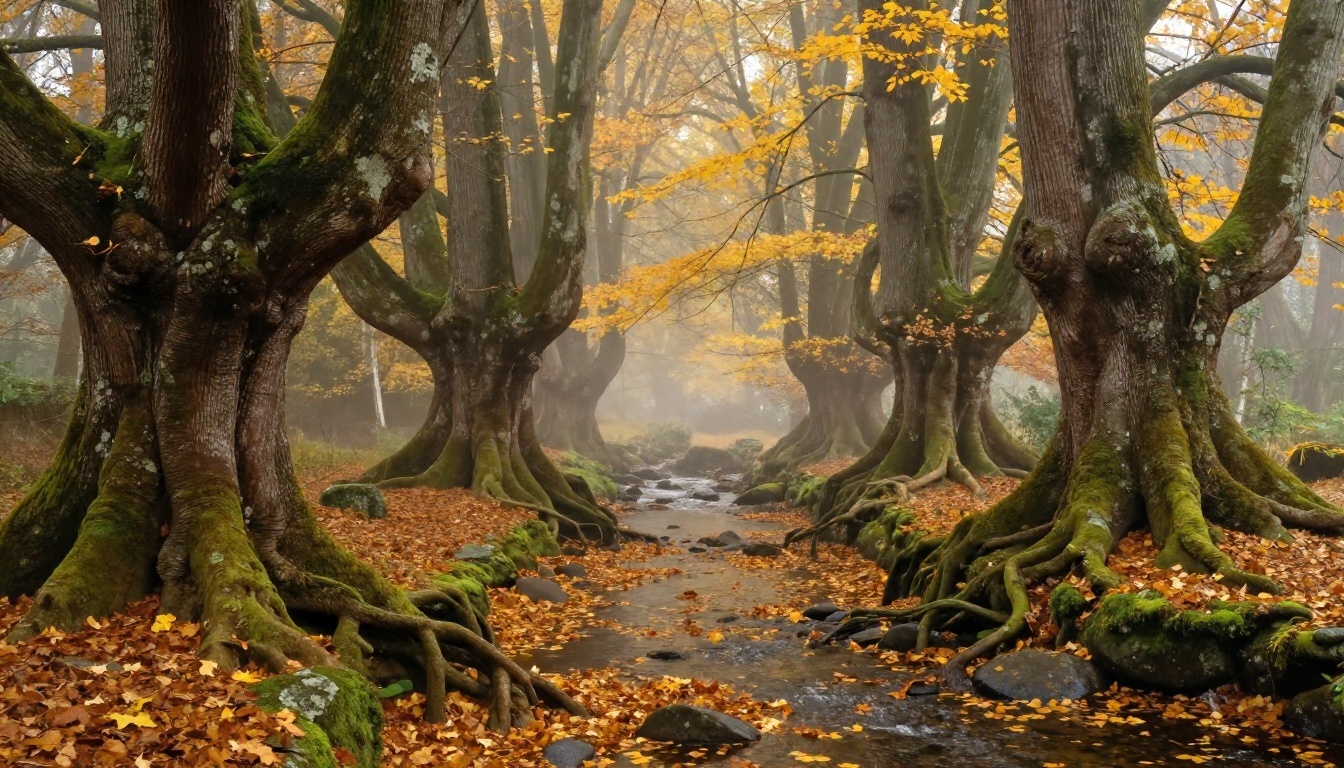
The word "enchanted" is not needed at all. A stream covered in fallen leaves, twisted roots and thick moss already read as magical when the light is right.
Prompt to copy:
Wide raw photograph of an enchanted old growth forest in autumn, giant mossy beech trees with twisted roots covering a stream, fallen golden leaves floating on dark water, soft diffused fog between trunks, shafts of volumetric afternoon light from the right, 24mm lens at f/5.6, deep depth of field, Kodak Portra 400 film grain, wet stone and lichen textures.
Notice the layering: foreground leaves, midground trunks, background fog. Three planes of depth give the eye somewhere to travel.
Some useful swaps for forest prompts:
- Season: "spring bluebells and new green" or "first snow on dark pines".
- Weather: "light drizzle", "rolling ground fog", "dry midday haze".
- Scale cue: "a narrow footpath", "a wooden bridge", "a lone lantern on a branch".
- Age cue: "hollow trunks", "fallen giants covered in fern", "roots wrapped around old stones".
The Forest Inhabitant
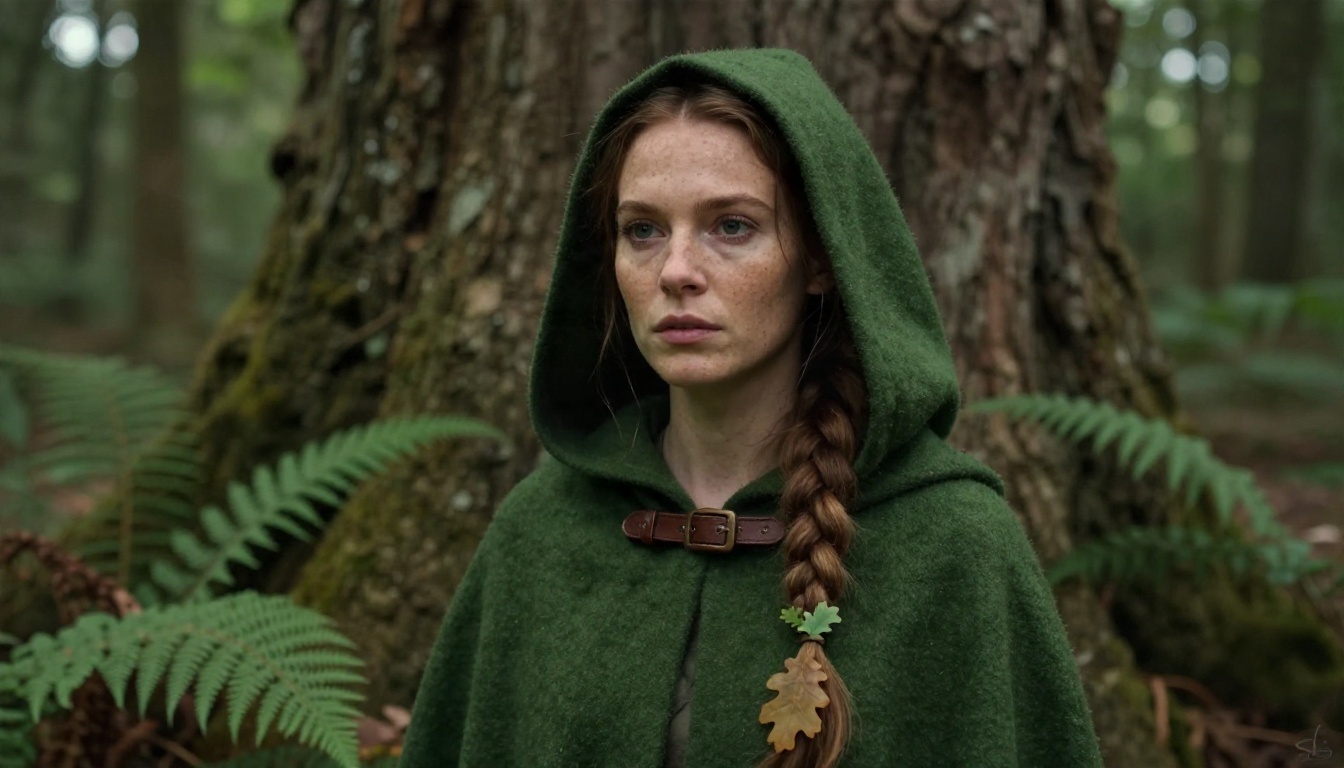
Characters give a forest a story. Keep clothing practical and textured (wool, leather, linen) so the person looks like they belong to the environment instead of a costume party.
Prompt to copy:
Close up raw photograph of a forest ranger woman wearing a hooded green wool cloak with leather straps, standing among ferns beside a huge ancient tree, freckled skin with natural texture, braided hair with small oak leaves, soft diffused light from the left through the canopy, 85mm lens at f/1.8 with creamy background blur, Kodak Portra 400 film grain, realistic fabric weave.
An 85mm lens at f/1.8 is the classic portrait combination. It isolates the subject and melts the trees into soft colour, which keeps the focus on the face and the cloak.
💡 Skin tip: Always include "natural skin texture" or "freckled skin" in portrait prompts. Without it, many models smooth faces into plastic.
Castle Prompts With Weight
A castle in fantasy art usually fails by looking like a toy. Real castles are heavy, stained, repaired and overgrown. Ask for those qualities.
The Castle Exterior
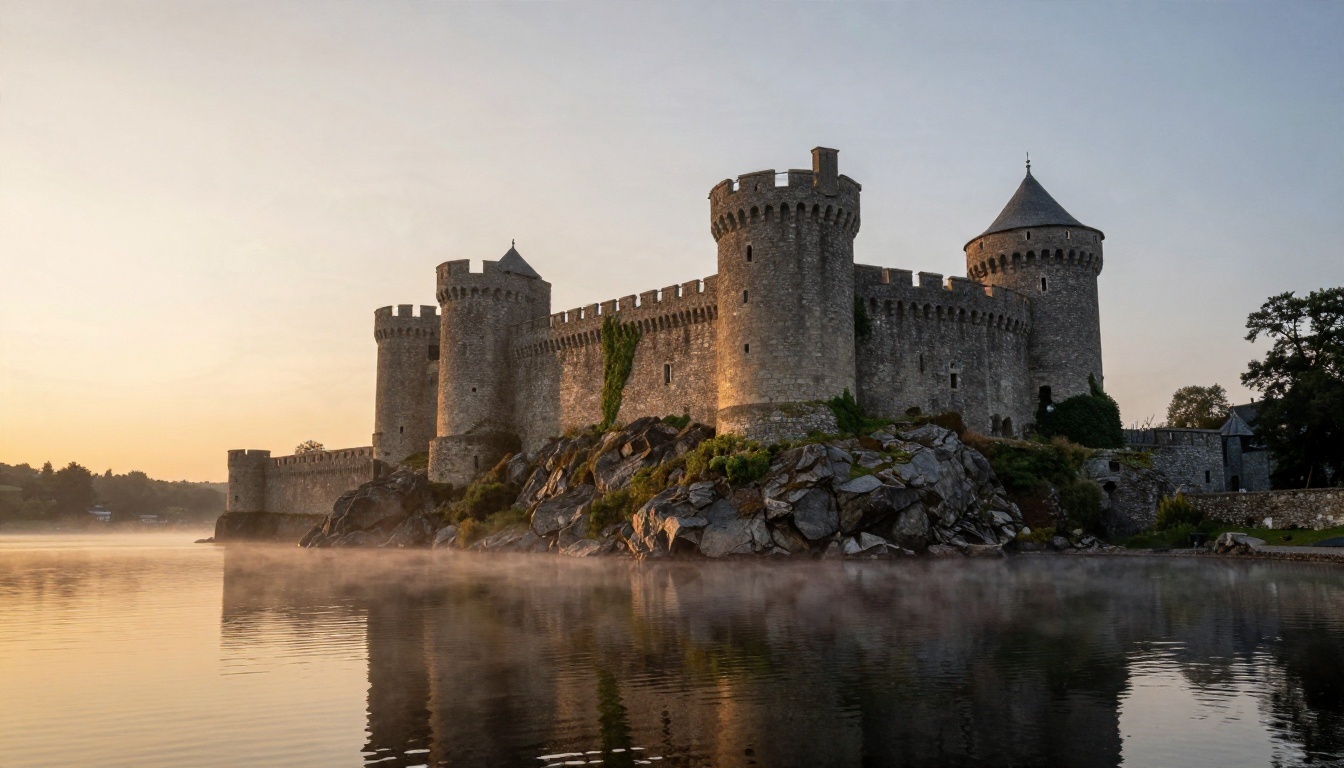
Water is your best friend for castle shots. A calm lake doubles the architecture, adds a reflection, and lets mist rise from the shoreline.
Prompt to copy:
Wide raw photograph of a medieval stone castle on a rocky hill above a calm lake at sunrise, tall round towers with slate roofs, weathered grey masonry with ivy, reflection in still water, low mist along the shore, warm golden light from the left horizon, 35mm lens at f/8, sharp detail, Kodak Portra 400 film grain, realistic stone texture.
Using f/8 keeps the entire castle sharp from the shoreline to the tallest tower. For a moodier version, swap "sunrise" for "blue hour" and add "one lit window".
The Great Hall
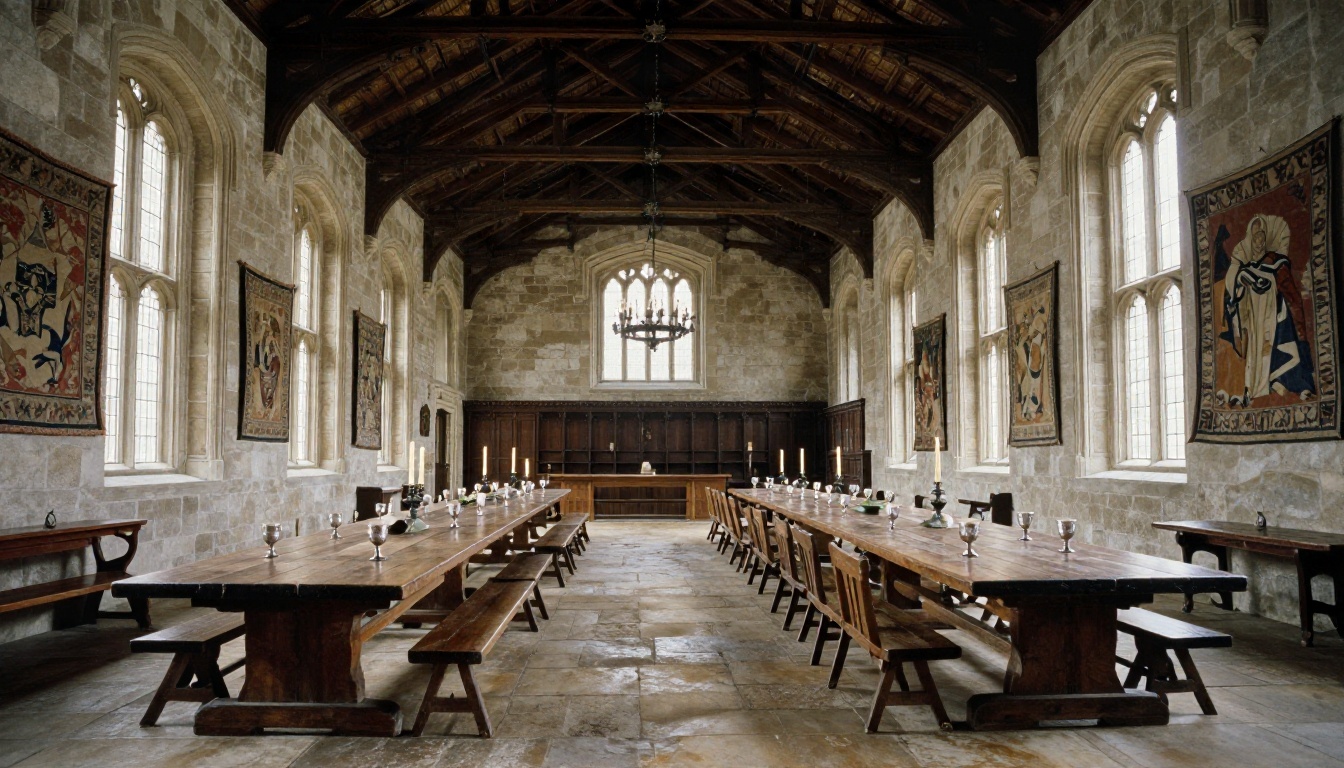
Interiors are where prompts often collapse into generic clutter. The fix is a single dominant light source. Tall windows on one side give the room direction and let dust catch the beams.
Prompt to copy:
Interior raw photograph of a vast castle great hall with towering stone arches, long oak table with pewter goblets and candles, tall arched windows letting in dusty volumetric light from the right, worn flagstone floor, hanging tapestries with aged wool texture, wrought iron chandelier, 16mm wide lens at f/4, low angle, Kodak Portra 400 film grain.
The Knight and the Distant Dragon
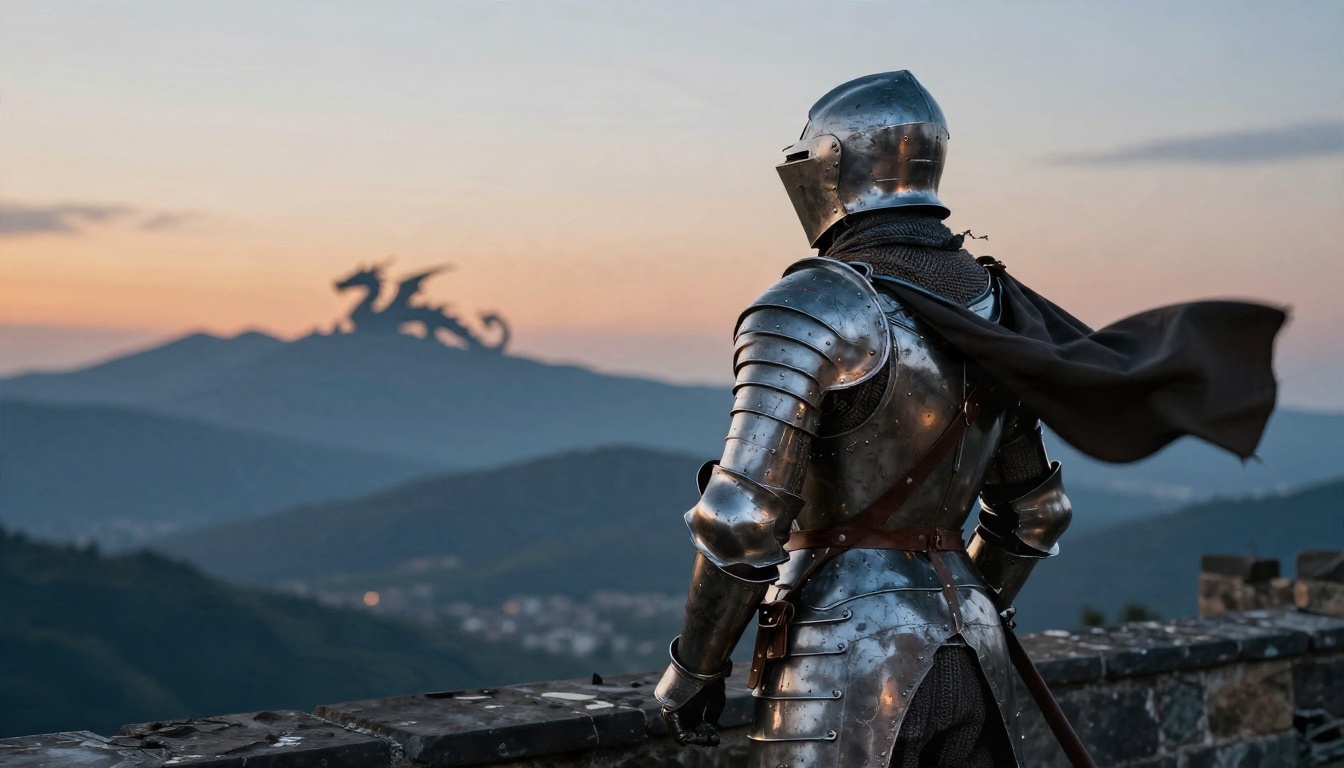
Combining subjects is where AI fantasy art starts to feel like film. The rule: one subject large and sharp, the other small and distant. That hierarchy prevents the model from confusing the composition.
Prompt to copy:
Raw photograph of a knight in battered steel plate armor standing on a castle rampart at dusk looking at a distant dragon silhouette over mountains, scratched metal with real dents and leather straps, cloak moving in the wind, cool blue and orange dusk light from behind, 50mm lens at f/2, medium shot, Kodak Portra 400 film grain, realistic textures.
The words "battered" and "real dents" matter. Pristine armor reads as cosplay, while scratched armor reads as history.
How to Use Seedream 4.5 on PicassoIA
If you want a dependable model for photoreal fantasy scenes, Seedream 4.5 is a strong starting point. It handles long, detailed prompts well and keeps textures such as scales, stone and wool crisp.
Step by Step Setup
- Open the Seedream 4.5 page on PicassoIA.
- Paste one of the prompts above into the prompt box. Start with the dragon portrait if you want a quick test of texture quality.
- Set the aspect ratio to 16:9 for landscapes, castles and flying dragons. Use 3:4 or 2:3 for character portraits.
- Generate, then compare the result against the prompt. Did the light direction land? Did the lens feel right?
- Change one variable at a time: the time of day, the lens, or the creature colour. Single changes teach you what each phrase actually does.
- When you like a result, upscale it with Real ESRGAN for a sharper print or wallpaper.
Other Models Worth Trying
Different models read the same prompt differently, so it pays to test a favourite across a few of them.
| Model | Good for | Notes |
|---|
| Seedream 4.5 | Detailed textures, long prompts | Excellent for scales, stone, fabric |
| Imagen 4 | Natural light, clean realism | Strong with forests and landscapes |
| Nano Banana Pro | Editing, consistent scenes | Useful for adjusting a character or a sky |
| Stable Diffusion 3.5 Large | Stylised and varied looks | Rewards short, clear prompts |
| Qwen Image 3 | Photorealistic people | Great for knights and forest characters |
| Flux 2 Klein 4B Base | Fast iteration | Handy for testing many variations quickly |
💡 Workflow idea: Draft on a fast model, then run your favourite prompt on a high detail model for the final render.
Mix and Match: Prompt Swaps
Once you have a base prompt that works, treat it like a template. These swaps change the whole image while keeping the realism you already built.
Lighting swaps
- "low golden light from the left" for warm, hopeful scenes.
- "cold blue hour light, one warm window" for lonely, quiet scenes.
- "hard backlight through smoke" for tension.
- "flat overcast, no shadows" for gritty, documentary scenes.
Lens swaps
- 16mm to 24mm: huge interiors, towering creatures, dramatic perspective.
- 35mm to 50mm: natural, human eye view for landscapes and rampart scenes.
- 85mm to 100mm: portraits and creature close ups with soft backgrounds.
- 70mm to 200mm: compressed, layered mountain and valley views.
Material swaps
- Stone: "weathered grey masonry", "lichen covered blocks", "soot stained arches".
- Metal: "scratched steel", "oxidised bronze", "dented iron".
- Fabric: "coarse wool weave", "waxed leather", "faded linen".
- Skin and hide: "overlapping scales", "wrinkled leathery membrane", "pores and fine cracks".
Common Mistakes and Quick Fixes
Even with a good formula, a few traps keep returning. Here is a short troubleshooting table.
| Problem | Likely cause | Fix |
|---|
| Image looks like an illustration | No camera language | Add lens, aperture and "film grain" |
| Dragon looks pasted on | No light match | Use the same light direction for subject and background |
| Everything is too clean | No wear described | Add dust, moss, scratches, rain |
| Faces look plastic | Skin not described | Add "natural skin texture, freckles" |
| Castle looks like a toy | No scale cue | Add a tiny person, a boat or a road |
| Colours look neon | Mood words like "magical" | Replace with "muted greens, warm highlights" |
| Composition feels random | Two equal subjects | Make one large and sharp, one small and distant |
A last habit worth building: read your prompt out loud. If it sounds like a photographer describing a shot to an assistant, you are on the right track. If it sounds like a movie trailer, trim the adjectives.
Build Your Own Fantasy World
You now have a formula, a set of tested prompts and a toolbox of swaps for light, lens and material. The best way to make them yours is to start changing things. Take the dragon cliff prompt and move it to a snowy mountain. Put the knight in a forest. Swap the castle lake for a desert ridge at midday.
Open Seedream 4.5 or Imagen 4 on PicassoIA, paste a prompt, and run five variations. Keep a note of what changed, and within an hour you will have a personal set of phrases that no one else has. If you want to try other engines, you can browse the full catalogue at picassoia.com/en/all-models and compare how each one interprets the same dragon.
Your next favourite fantasy image is probably one prompt away.


