You open a tab, type a few lines, and a confident, commanding character answers back in seconds. No email, no password, no five-step onboarding. That is the promise behind AI femdom no sign in tools, and it is the reason this search keeps growing. People want a fast, private way to try adult roleplay chat and stylish visuals without handing over an identity first.
This article walks through what these tools really do, where free chat works and where it falls short, how to write a persona that stays in character, and how to build tasteful, non-explicit image prompts you can reuse. Everything here is for adults, built around consent, and focused on mood, styling and storytelling rather than anything graphic.
💡 Quick take: Chat is easy to find without an account. Good images take a little more care, and that is where a proper image model pays off.
What AI Femdom Actually Means
Femdom is short for female dominance, a style of consensual power-exchange roleplay in which a woman character takes the lead: setting the tone, giving instructions inside the story, and holding the confident, composed position. In an AI setting, it usually shows up in two forms.

Text Chat Roleplay
A language model plays a character. You set the scene, the character responds, and the conversation builds like a short interactive story. The appeal is control: you choose the pace, the tone, and the boundaries, and you can stop whenever you like.
Image Generation
Image models produce the visual side: a woman in a tailored suit, a leather armchair, a dim library, a steady gaze. The most effective images lean on styling and atmosphere, such as lighting, wardrobe and posture, rather than explicit content. That approach also keeps results shareable and avoids filters.
Why People Search for It
| Motivation | What they want | Typical tool |
|---|
| Curiosity | Try it once, no commitment | Free browser chat |
| Storytelling | Long roleplay with a consistent character | Chat with a persona prompt |
| Visual mood boards | Glamour portraits with an authoritative feel | Text to image model |
| Privacy | No profile, no linked email | Tools that skip registration |
Free Chat Without an Account
The phrase "no sign in" covers a wide range of products, and it helps to know what you are actually getting.

How No Sign In Works
Most account-free chat tools run a session in your browser. They keep a short memory of the conversation, usually stored locally or on a temporary server session, and drop it when you close the tab. Some add a daily message limit tied to your device or network instead of an email address.
What You Give Up
Skipping registration is convenient, but there are trade-offs worth expecting:
- Shorter memory. The character may forget details after a few dozen messages.
- Usage caps. Free sessions often end after a set number of replies.
- No saved characters. You paste your persona prompt again every visit.
- Variable quality. Free tiers frequently run smaller models that repeat themselves.
- Content filters. Many tools block adult themes entirely, so results depend on the service.
Privacy Checks Worth Doing
No account does not automatically mean no tracking. Before you type anything personal, run through this short list:
- Read the privacy note on the page. Does it say conversations are stored or used for training?
- Avoid real names, workplaces, addresses or photos of real people.
- Use a private browser window if you do not want local history.
- Treat every chat as potentially retained, even on anonymous tools.
💡 Rule of thumb: If you would not want a line of text to surface later, do not type it into any online service, signed in or not.
Writing the Persona
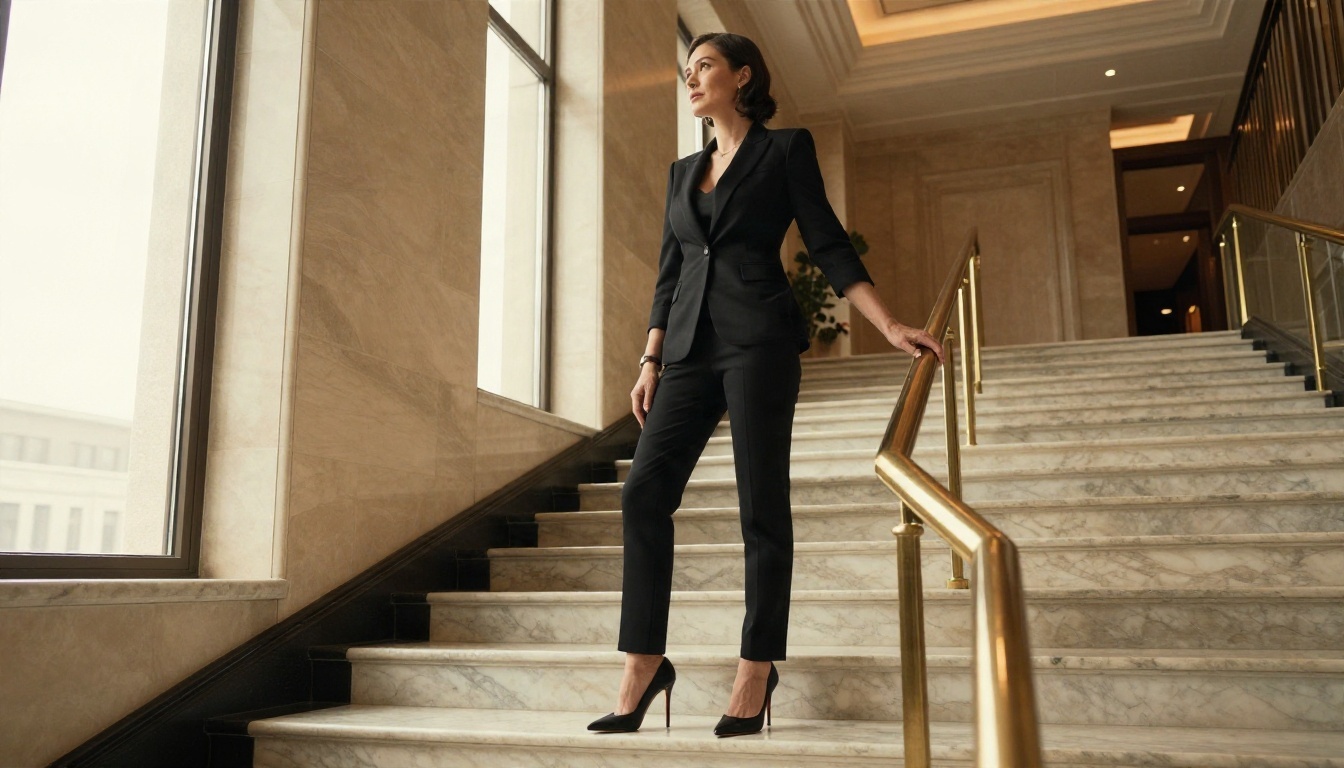
The difference between a flat reply and a convincing character is almost always the setup message. Spend two minutes on it. Mainstream assistants on PicassoIA such as GPT 5.4, Gemini 3.5 Flash and DeepSeek V3.1 are strong at holding a voice, but each model applies its own content rules, so keep your scenes within what the tool allows and focus on tone and storytelling.
Build a Character Sheet
Give the model a short profile before the first line of dialogue:
- Name and role: for example, "Victoria, a poised executive who runs the room."
- Voice: calm, dry, precise, amused rather than loud.
- Setting: a private library, a penthouse, an after-hours office.
- Rules of the scene: adults only, consensual, stays in story, no graphic content.
Control the Tone
Dominance in fiction reads best as confidence, not cruelty. Ask for composed language, short sentences, light teasing and clear structure. Phrases like "speak with quiet authority" and "never raise your voice" produce far better results than "be as harsh as possible."
Set Safe Words and Limits
Good roleplay, with a person or a model, starts with limits. Tell the character up front:
- A stop word that ends the scene immediately.
- Topics that are off the table.
- That the character should check in if the scene shifts in tone.
This keeps the conversation enjoyable and makes it easy to step out whenever you want.
Image Prompts That Work
Visuals are where most people hit a wall. Generic prompts give generic faces. A stronger prompt reads like a photographer's shot list: subject, wardrobe, setting, lighting, lens.
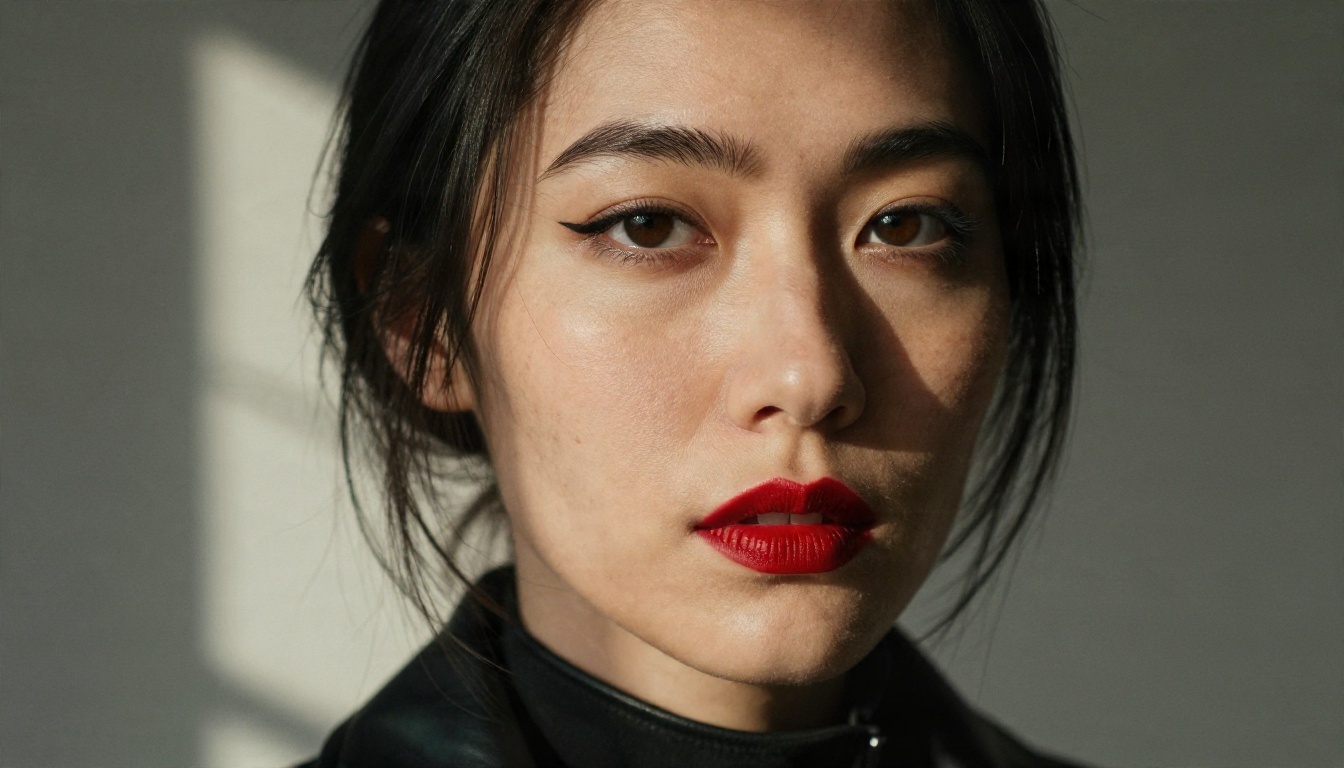
A Reliable Prompt Formula
Use this order and you will get consistent results:
- Subject and pose: "adult woman in her late twenties, seated, legs crossed, chin lifted."
- Wardrobe: "tailored black blazer, satin camisole, leather gloves."
- Environment: "dim private library, oxblood leather armchair, rain on the window."
- Lighting: "warm lamp from the left, soft rim light, deep shadows."
- Camera: "85mm f/1.8, shallow depth of field, Kodak Portra 400 film grain."
Three Prompts to Copy
The Library Portrait
Adult woman in a black tailored blazer seated in a leather wingback chair, calm half-smile, direct gaze, antique brass lamp from the left, dark bookshelves, 85mm f/1.8, film grain, photorealistic.
The Penthouse Window
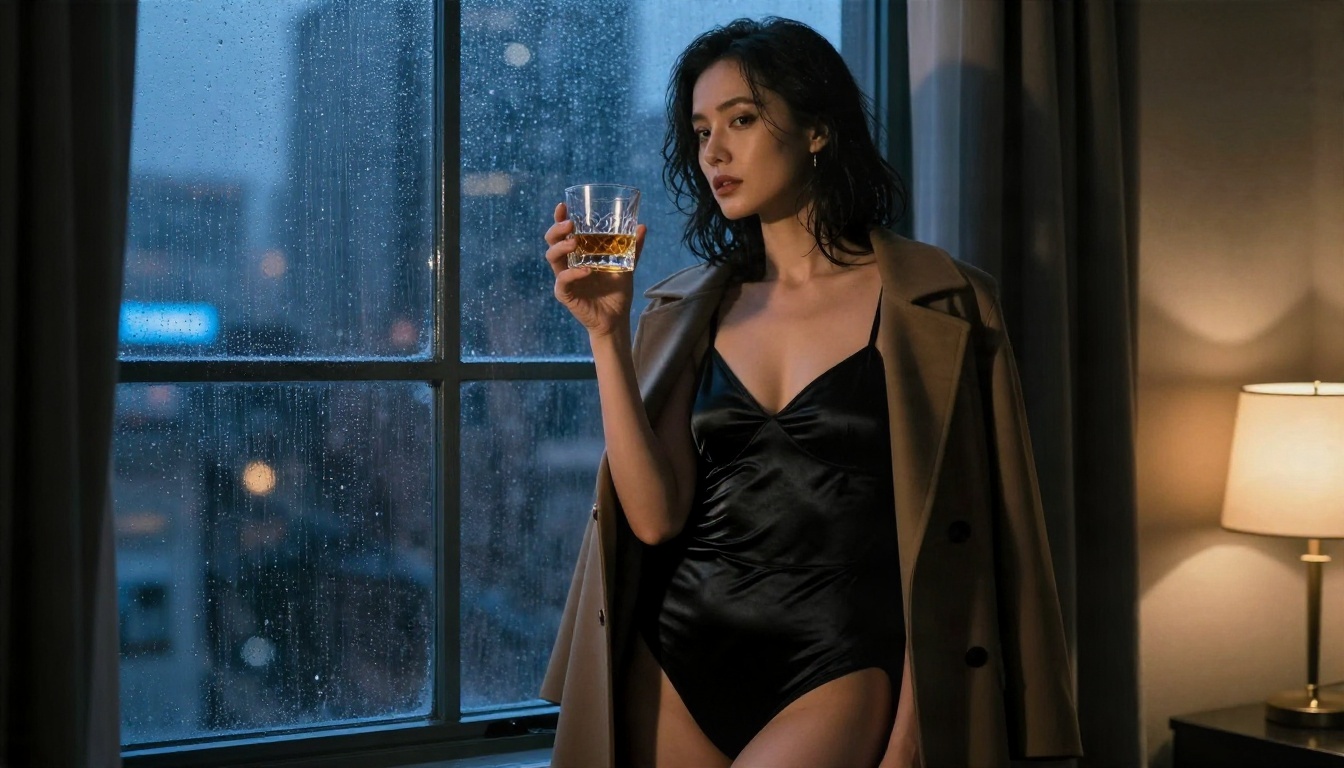
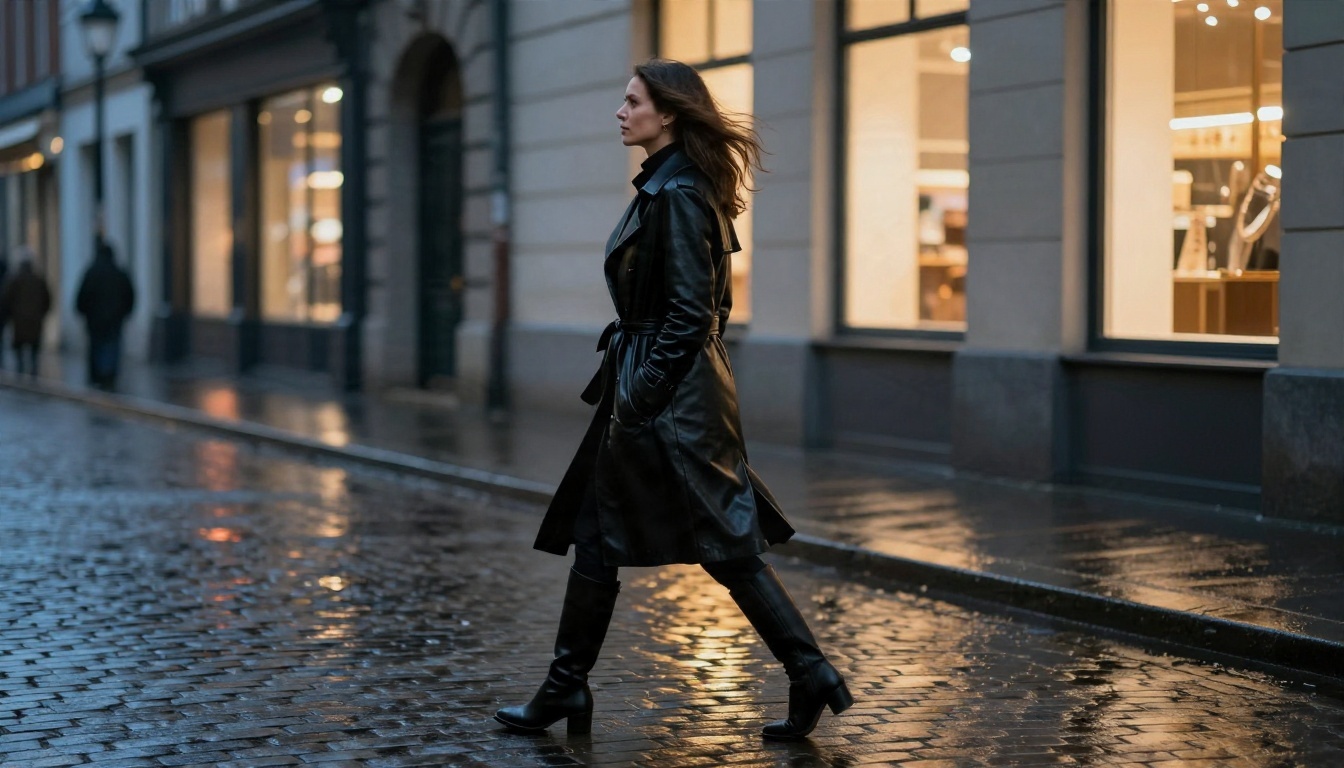
Adult woman in a long dark coat by a rain-streaked penthouse window at dusk, glass in hand, glancing over her shoulder, cool city light mixed with warm lamp glow, 85mm, soft film grain.
The Boardroom
Adult woman in a charcoal suit at the head of a long glass table in an empty office after hours, hands folded, composed stare, skyline behind her, 35mm f/2.8, realistic textures.
Common Prompt Mistakes
| Mistake | Why it hurts | Better approach |
|---|
| Stacking ten adjectives on the face | Produces plastic, identical faces | Describe lighting and texture instead |
| Skipping the camera line | Flat, stock-photo look | Add lens, aperture and film stock |
| Asking for explicit detail | Triggers filters and weaker outputs | Lean on mood, wardrobe and posture |
| Using "digital art" or "3D" | Cartoonish skin | Ask for a photograph with natural grain |
| Forgetting to state adult age | Risks filtered or unusable results | Always write "adult woman" |
💡 Tip: Write the age as "adult woman in her late twenties" or similar in every prompt. It keeps results appropriate and consistent.
How to Use Seedream 4.5 on PicassoIA
For photorealistic glamour with a commanding presence, Seedream 4.5 is the model to start with. It handles skin texture, fabric and lighting very well, and it is comfortable with suggestive, tasteful adult styling. Here is a simple workflow.

Step by Step
- Open the Seedream 4.5 page on PicassoIA.
- Paste one of the prompts above into the prompt box.
- Choose a 16:9 ratio for wide, cinematic scenes, or a portrait ratio for close-ups.
- Generate, then review the result for face, hands and lighting.
- Adjust one thing at a time: wardrobe, light direction or lens, and generate again.
Settings and Tips
- Be specific about light. "Warm lamp from the left with cool window fill on the right" beats "moody lighting."
- Name the film look. Kodak Portra 400 gives warm, natural skin tones.
- Keep one subject. Single-character prompts are cleaner than crowded scenes.
- Iterate in small steps. Change a single phrase per run so you know what caused the difference.
Refine With Image Editor Pro
Once you have a good base image, open PicassoIA Image Editor Pro. It offers unlimited generations, so you can adjust outfits, backgrounds and lighting as many times as you like without counting credits. That freedom is useful when you are polishing a character you want to reuse across a whole set of images.
Online Options Compared
No single tool does everything. Chat, still images and photo editing each have different strengths, and picking the right one saves time.
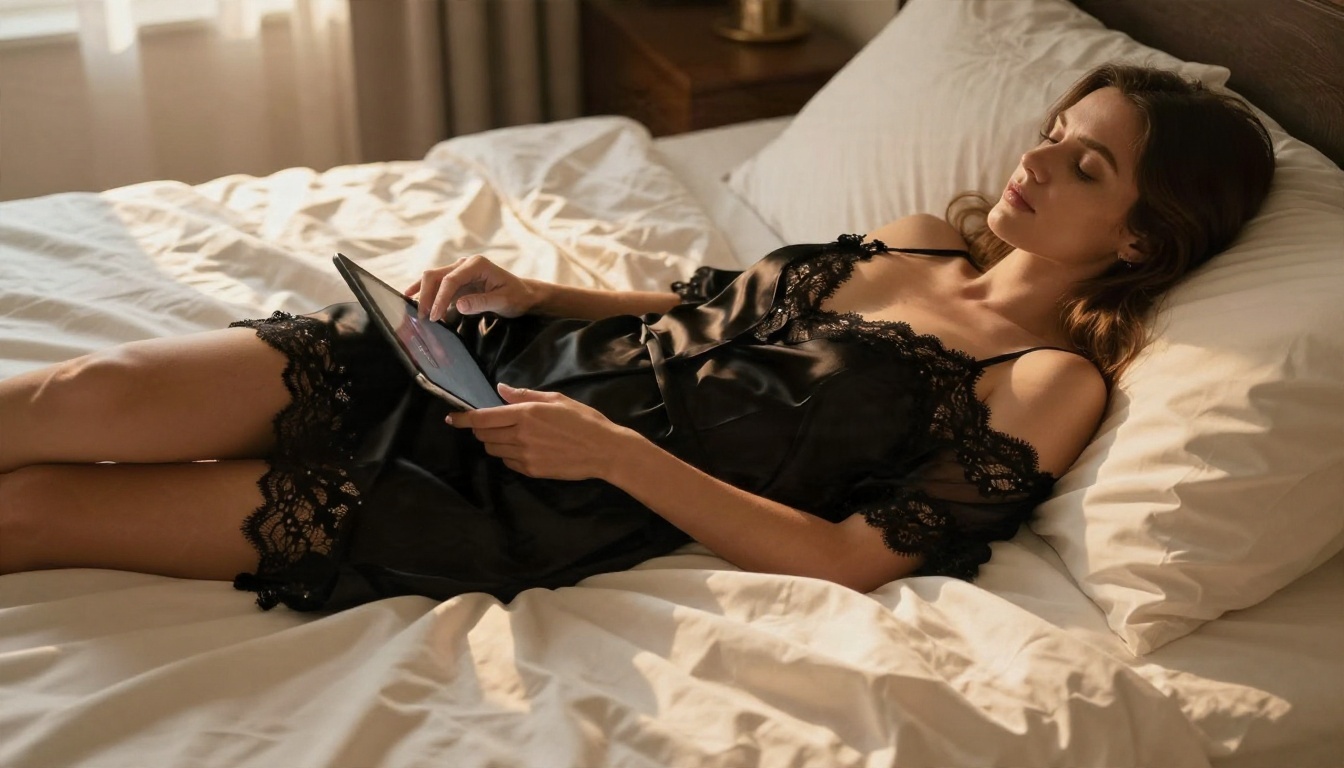
Which Tool Fits Which Goal
Chat First, Images Second
A smooth workflow looks like this: write the character and scene in chat, then lift the best descriptive lines straight into an image prompt. The wardrobe, setting and mood you already described become the prompt, which keeps your visuals matched to the story.
Free Does Not Mean Unlimited
Free anonymous chat usually has a message cap. For visuals, check how many generations you get before any paywall. This is where an unlimited editor earns its place, because a good image often takes five to ten attempts, not one.
Staying Safe and Private
A few habits keep this hobby fun and low-risk, whichever tool you pick.
Keep It Fictional
Build invented characters. Do not use real people's names, faces or likenesses, and never upload photos of someone without their permission. Fictional personas keep the experience clean, and they keep you out of legal and personal trouble.
Adults Only, Always
Every character and every image should depict a clearly adult person. State it in the persona and in the image prompt. If a tool produces something that looks otherwise, discard it and adjust the prompt.
Protect Your Data
- Use a unique email only where an account is unavoidable.
- Skip personal details inside roleplay.
- Close the session and clear local history on shared devices.
- Keep generated images in a private folder, not a synced public one.
Know Your Limits
Roleplay is entertainment. If a scene starts to feel uncomfortable, stop it. A good setup message lets you do that in a single line, and a good tool will respect it.
Make Your Own Images Today
You now have everything you need to build a character, write the scene, and turn that scene into a photograph that looks like it came from a magazine shoot. Start with a short persona, copy one of the prompts above, and run it through Seedream 4.5. Then refine the result in PicassoIA Image Editor Pro, where unlimited generations mean you can keep adjusting until the lighting, wardrobe and expression are exactly right.
If you want more variety, try Nano Banana Pro for fast edits or Qwen Image 3 Pro for a different photographic feel. You can browse every option at picassoia.com/en/all-models. Pick a prompt, change one detail, and see what comes back. The best results usually arrive on the third or fourth try.


