A bake sale flyer used to cost you an evening: a word processor, a clip art cupcake, and a font nobody asked for. Now you type one sentence, wait a few seconds, and get a poster with a real headline, a clear date, and a design that looks like someone with taste made it. That is what a free AI flyer generator gives you: a usable draft in under a minute and a print-ready file in about ten.
This article shows the full process for making an event flyer, a promotional flyer or a social media flyer with text-to-image models. You will see which models handle lettering well, how to write a prompt that returns a clean layout, how to catch the mistakes AI still makes, and how to size the file so it prints sharp on paper. Every model mentioned here can be opened on PicassoIA.
What an AI Flyer Generator Actually Does
An AI flyer generator turns a written description into a finished design. You tell it the event, the mood, the colors and the exact words that belong on the page. A text-to-image model then draws the layout, the lettering, the background and the decorative shapes in a single pass. There is no template gallery to scroll and no grid to drag boxes around on.
Prompt In, Layout Out
Classic flyer makers ask you to pick one of two thousand templates and swap the placeholder text. A generative model works in the opposite direction: your words decide the composition. Ask for "a farmers market flyer with a big tomato illustration, a bold headline at the top and the date at the bottom," and the model arranges those pieces on its own.
The biggest change of the last two years is lettering. Early models produced gibberish that only looked like text. Current models such as GPT Image 2 and Ideogram v4 Quality can place a headline, a date and a short address line on a poster and spell them right most of the time. Most of the time matters, and the proofreading section below deals with it.
Where It Beats Templates
- Speed. A first draft arrives in seconds, and ten variations take a couple of minutes.
- Originality. Nobody else has your exact layout, so your flyer does not look like the twelve others pinned to the same board.
- No design background needed. Spacing, hierarchy and color balance come from the model.
- Low cost per attempt. Trying ten versions costs very little compared with paying a designer for ten rounds of revisions.
That last point is the real reason people search for a free flyer maker. A flyer is a cheap, short-lived object. It should not take a whole afternoon, and it should not need a subscription just to export one file.
Where It Still Falls Short
Long paragraphs, small print, exact brand fonts and pixel-perfect logos remain weak spots. If your flyer needs a legal disclaimer, a phone number you cannot afford to get wrong, or a QR code that has to scan, add those in a basic editor after generation. Let the model produce the visual and finish the details yourself.
💡 Rule of thumb: keep the words inside the image under 25. One headline, one date, one place, one call to action. Everything else belongs on your website or in the post caption.
Pick the Right Model for Flyers
Not every image model handles typography the same way, so test two of them on the same prompt before you commit. This table lists the ones worth trying first.
| Model | Strength | Try it for |
|---|
| GPT Image 2 | Readable text inside images, long prompts, transparent backgrounds | Event flyers with a headline and details |
| Ideogram v4 Quality | Photorealistic and graphic designs, built-in prompt refinement | Bold posters with stylized lettering |
| Ideogram v4 Balanced | The balanced setting of the same v4 line | Faster test drafts before the final render |
| Recraft v4.1 Pro | Print-ready images at 2K | Polished layouts headed for the printer |
| Seedream 5 Pro | Sharp 2K images | Photo-led flyers with a short headline |
| Qwen Image 3 Pro | Another engine to compare against | A second opinion when the text comes out wrong |
Best Picks for Text-Heavy Flyers
For a flyer with a headline plus three or four lines of detail, start with GPT Image 2. Its model page describes clean text rendering inside images, plus control over background, aspect ratio and quality. Ideogram v4 Quality is the strongest alternative when you want bolder, more graphic lettering, and it accepts either a plain-language prompt or a structured JSON prompt when you need tighter control.
If one model keeps misspelling a word, do not fight it for ten rounds. Paste the same prompt into a second model. Different engines fail on different words.
When Vector Art or Photos Win
If your flyer is built from icons, shapes and flat color, Recraft v4.1 SVG generates scalable vector art that stays sharp at any print size. If the flyer lives or dies on a mouth-watering food shot or a house exterior, a photo-first model such as Seedream 5 Pro gives the image more punch, and you keep the headline short.

Use GPT Image 2 on PicassoIA
GPT Image 2 offers portrait ratios, reads long prompts carefully and places words inside the image, which makes it a sensible first stop for any event flyer. Here is the exact route.
Five Steps From Prompt to Flyer
- Open the GPT Image 2 page on PicassoIA.
- Write your prompt with the formula in the next section. Put every word that must appear on the flyer inside straight quotes.
- Set the aspect ratio to 2:3 for a portrait flyer.
- Set number of images to 4 and quality to medium, so you can compare four layouts at once.
- Generate, pick the strongest layout, then upload it as an input image and ask for the changes you want at high quality. Download as PNG when it is final.
Settings Worth Changing
| Setting | What to pick | Why |
|---|
| Aspect ratio | 2:3 portrait, 3:2 landscape, 1:1 square | Matches a standard flyer, a handout or a social post |
| Quality | Medium for drafts, high for the final | Saves time while you compare layouts |
| Number of images | 4 (the model allows up to 10) | Enough variety without clutter |
| Background | Opaque for flyers, transparent for logos | Lets you drop a logo onto any design |
| Output format | PNG for printing | Avoids compression artifacts on small text |
| Input images | Your own photo or an earlier draft | Edits an existing design instead of starting over |
💡 Tip: upload a draft and write "Keep everything identical, change only the date line to June 14." Targeted edits like this often work in one pass. If the letters shift, generate a fresh set instead.
Prompts That Return Clean Layouts
A flyer prompt is not a poem. It is a short brief with exact words in it. The more specific the layout, the fewer rerolls you need.
The Five-Part Prompt Formula
- Format. "Vertical event flyer, 2:3 portrait."
- Exact words. Put each text line in quotes: headline, date, place.
- Main visual. Pick one subject, such as a basket of tomatoes or a latte.
- Palette and style. Name two or three colors and one style.
- Layout. Say where the text sits and ask for generous empty margins.
Brand colors deserve a note. Name them in plain words plus a mood: "deep forest green and warm cream" works better than "our brand colors." A hex code next to the color name sometimes helps, but check the result against your logo by eye before you print.
Three Prompts You Can Copy
Farmers market
Vertical event flyer, 2:3 portrait. Large bold headline "SATURDAY MARKET" at the top in warm red serif letters. A hand-painted style basket of tomatoes and sunflowers in the center. Small line at the bottom: "9 AM to 2 PM, Oak Street Park". Cream paper background, flat print design, wide empty margins.
Grand opening
Poster style flyer, 2:3 portrait. Headline "NOW OPEN" in thick white sans serif letters on a deep green background. A clean photographic close-up of a latte with heart-shaped foam in the lower half. Small text under the headline: "Free coffee on Friday". Minimal, balanced, lots of space around the text.
Garage sale
Bright yard sale flyer, 2:3 portrait. Big yellow headline "GARAGE SALE" with a thick black outline at the top. Flat icons of a lamp, a bicycle and a chair in a row. Bottom line: "Sunday, 8 AM, 14 Maple Lane". Sky blue background, simple and readable from three meters away.
What to leave out matters as much as what to include. Skip paragraphs of copy, more than three fonts, long web addresses, QR codes and vague requests like "lots of small details." Each one raises the odds of garbled letters.
Fix Text, Size and Print Quality
The first render is a draft. A few minutes of cleanup is the difference between a flyer that looks good on screen and one that looks good in someone's hand.
Proofread Every Single Character
Check dates, phone digits and the spelling of every name against your source. Read the text aloud once. Then read each name letter by letter, backwards if you have to. AI lettering fails in small ways: a swapped digit, a doubled letter, a word that is almost right.
When one word is wrong, upload the image to PicassoIA Image Editor Pro or to GPT Image 2 as an input image and ask for that single change. When the text must be exact, use the hybrid route: prompt for a design with the top third left empty, then type the headline and details yourself in any basic editor.
Sizes and Pixel Counts
Print needs far more pixels than a screen. Here are the common formats at 300 DPI.
| Format | Physical size | Pixels at 300 DPI |
|---|
| US Letter | 8.5 × 11 in | 2550 × 3300 |
| A4 | 210 × 297 mm | 2480 × 3508 |
| Half Letter | 5.5 × 8.5 in | 1650 × 2550 |
| A5 | 148 × 210 mm | 1748 × 2480 |
| Instagram portrait post | Screen only | 1080 × 1350 |
| Story or Reel frame | Screen only | 1080 × 1920 |
If your printer asks for bleed, add 0.125 in (3 mm) on every side, and keep all important text at least 0.25 in inside the trim line. Ask the AI for "wide empty margins" and you will rarely cut a letter off.
Upscale and Cut Out Logos
A 2:3 render at 1024 × 1536 pixels is too small for a Letter print at 300 DPI. Run it through an upscaler first. Real-ESRGAN handles a 4x enlargement, Topaz Image Upscale goes up to 6x, and Clarity Pro Upscaler suits photographic detail. A 4x result from 1024 × 1536 gives 4096 × 6144 pixels, enough for Letter or A4 with room to crop. Zoom to 100% afterward and check the edges of the smallest letters.
For logos, generate the mark on a transparent background in GPT Image 2, or run an existing logo through Remove Background. The logo then sits on the flyer without a white box around it.
Flyers for Real Situations
The same workflow adapts to very different jobs. These three come up most often.
Bakeries and Cafes
A counter flyer has about three seconds to work. Use one hero photo, one offer and one end date. A deadline gives the reader a reason to act this week instead of someday. Print on Half Letter or A5 so the stack fits next to the register.
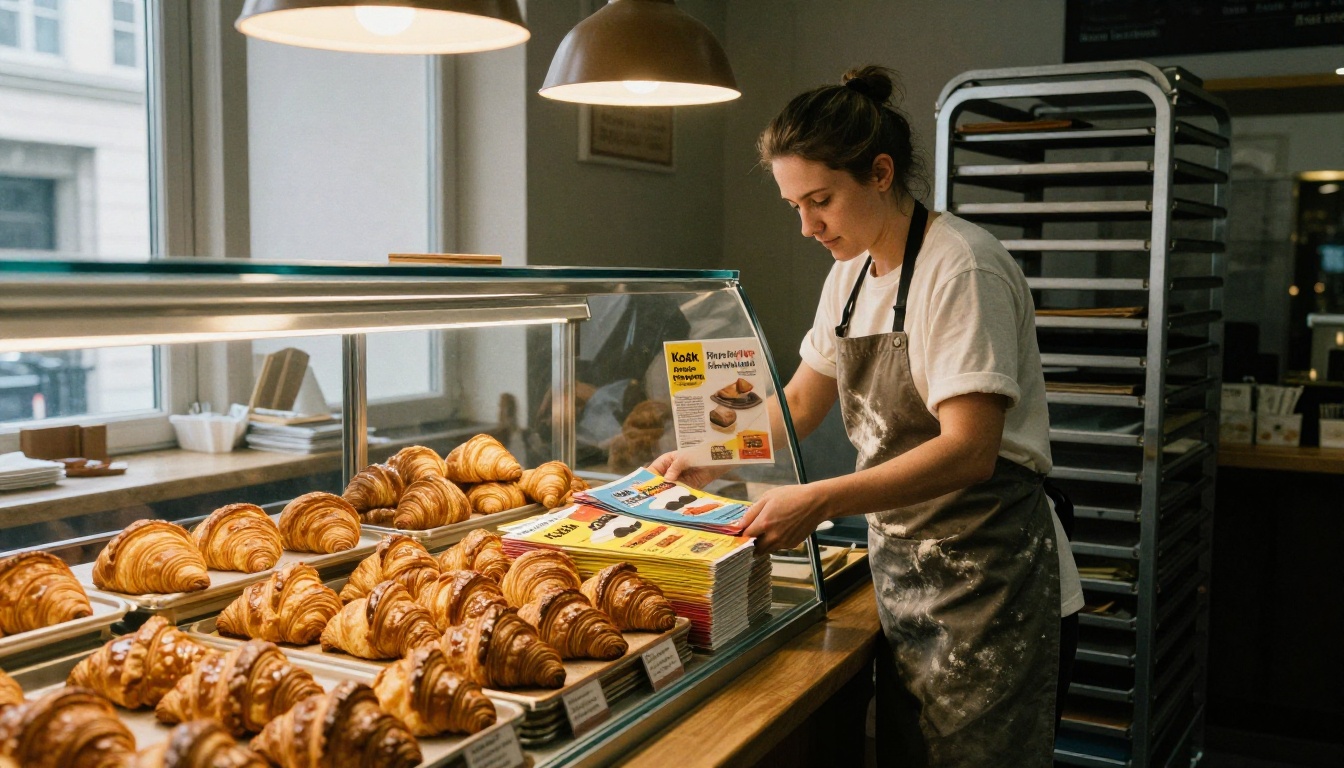
A prompt such as "Poster style flyer, close-up of a golden croissant, headline 'FRESH AT 7 AM', small line 'Free coffee with any pastry until Sunday'" gives you a clean starting point for a photo-led design.
Photo-led flyers also repurpose well. Crop the same render to 1080 × 1350 for an Instagram post, then to 1080 × 1920 for a Story, so one prompt feeds the poster in the window, the counter handout and the social feed.
Open Houses and Listings
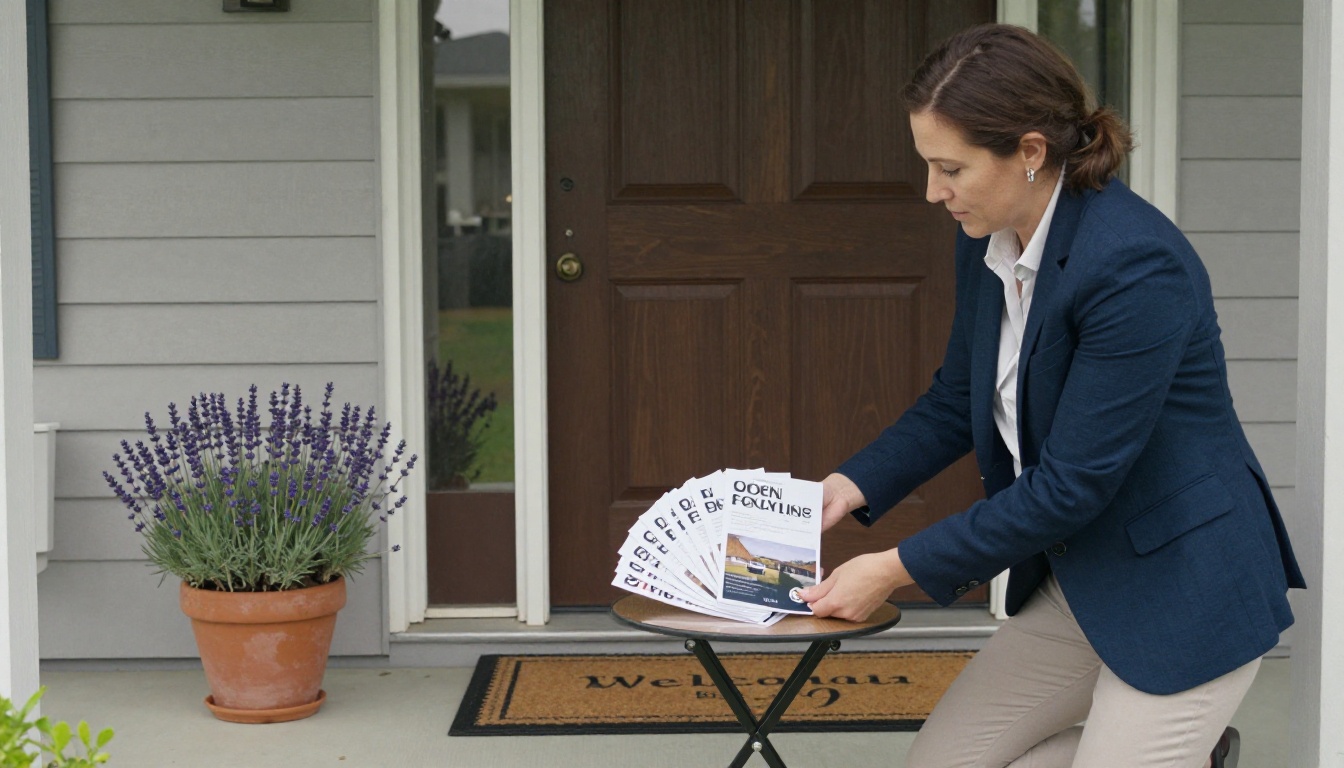
Never generate the house itself. Buyers will compare the flyer with the real property, and a made-up facade creates distrust fast. Upload your own listing photo as an input image and build the layout around it. Keep the address, the open hours and the agent's contact line short, then verify every digit before printing.
Community and Nonprofit Events
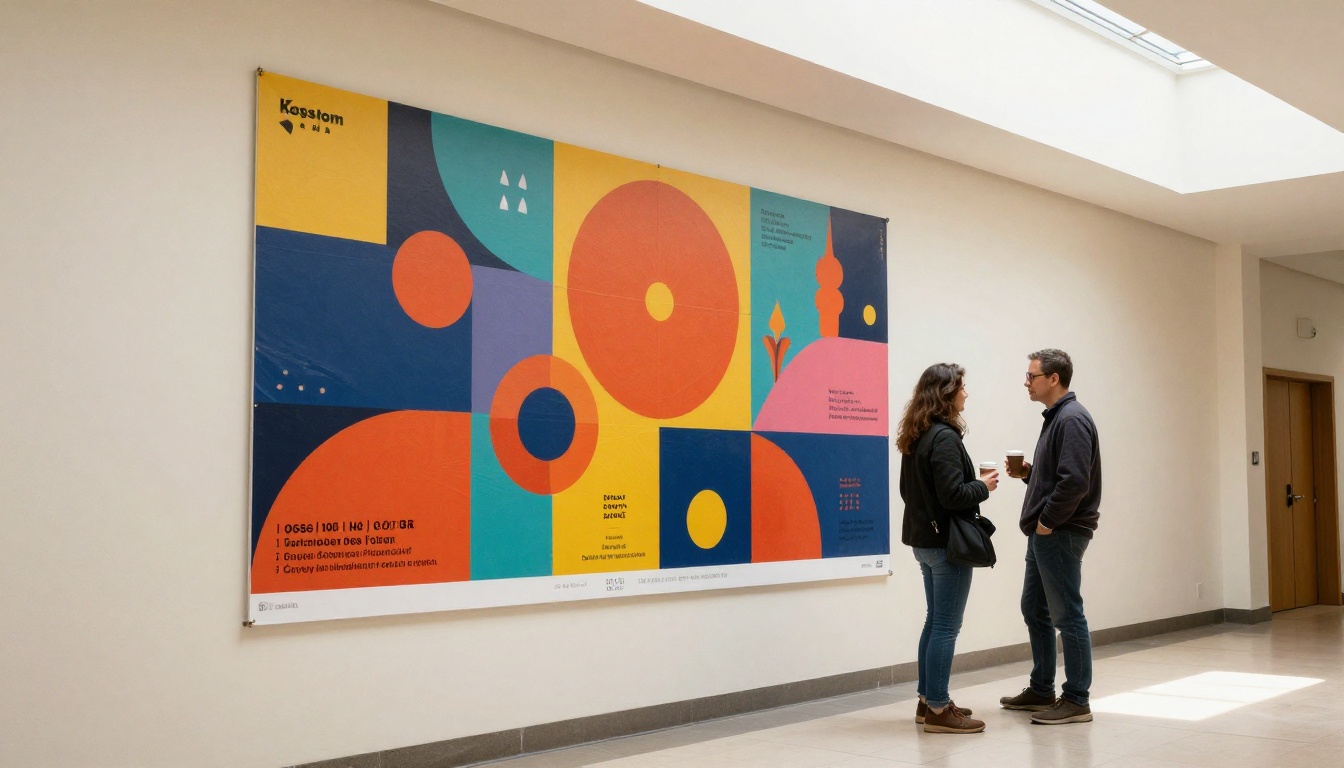
Events with volunteers need type that reads from two meters away, strong contrast, and exactly one way to get more information. Choose a bold headline, a single date and a single URL or phone number.
Printing is only half the job. A stack in a drawer does nothing, so plan where each copy goes: bulletin boards, shop counters, school entrances, and hands on a busy sidewalk.
Each route fits a different level of risk. Pick by what happens if the flyer is slightly off.
| AI flyer generator | Template flyer maker | Freelance designer |
|---|
| First draft | Seconds | Minutes | Days |
| Originality | High | Low, others use the same templates | High |
| Text accuracy | Good, needs proofreading | Exact | Exact |
| Cost per flyer | Low | Low, sometimes a subscription | Highest |
| Best for | One-off events, quick tests | Matching sets with fixed brand fonts | Brand launches, large print runs |
For a bake sale, a yard sale or a school fundraiser, the generator wins on speed and originality. For a brand launch with strict fonts and a big print order, a designer is still the safer call. Many teams land in the middle: the AI produces the visual, and a person sets the final text.
Make Your First Flyer Today
You now have the whole chain: pick a model, write a short brief with exact words in quotes, generate four layouts, proofread, upscale and print. None of it needs design software or a design degree.
Open GPT Image 2 on PicassoIA, paste one of the three prompts above, and change the headline to your own event. Then run the same prompt in Ideogram v4 Quality and compare. The two results will look nothing alike, and one of them will be the flyer you pin to the board. Browse the rest of the catalog on the PicassoIA models page and see what other formats you can build, from event posters to social media flyers.


