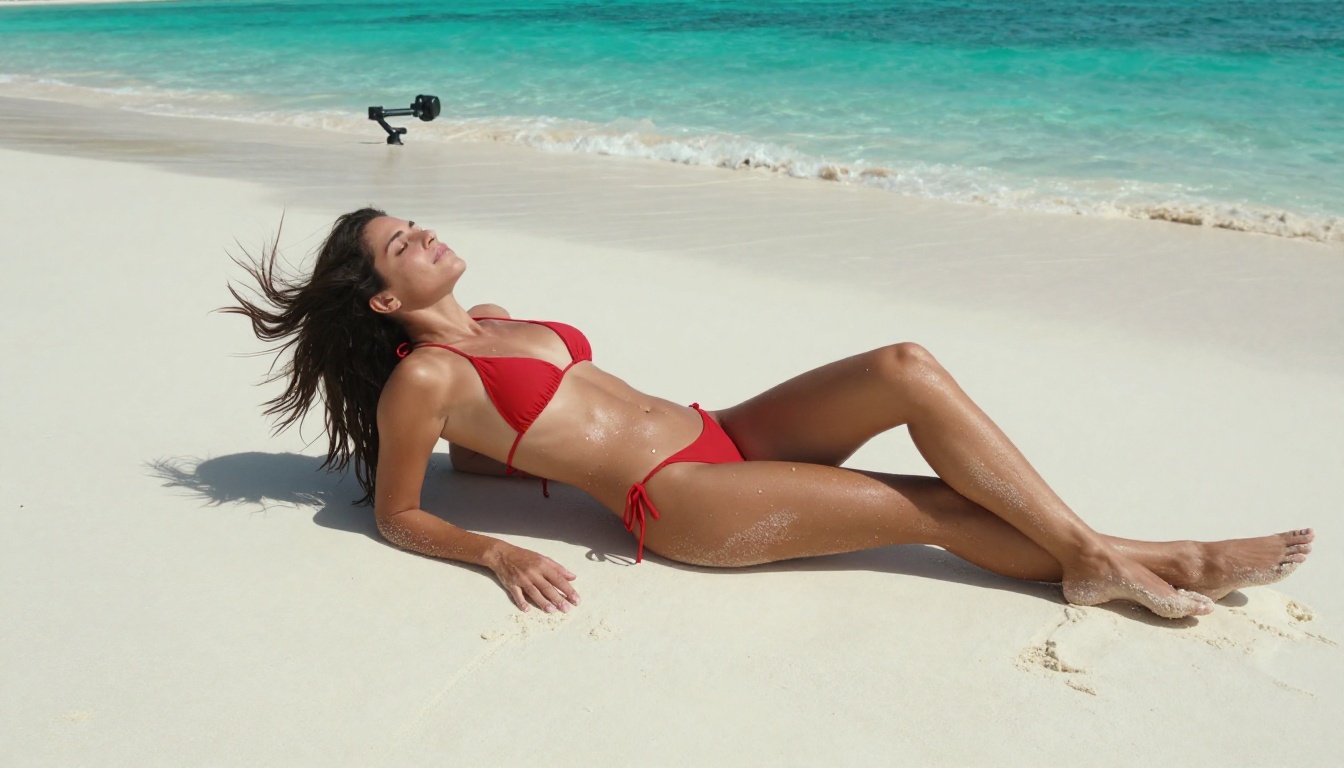
The adult content space was one of the first industries to fully adopt AI image and video tools, and for good reason: the demand is enormous, the creative possibilities are endless, and the technology has caught up to the point where generated images are genuinely indistinguishable from photography. Whether you want photorealistic glamour shots, artistic boudoir imagery, or AI-assisted video with sensual aesthetics, there has never been a better time to tap into these tools. This article breaks down the best +18 AI image and video tools available right now, what makes each one stand out, and exactly how to use them.
Why AI Changed Adult Content Forever
From Pixels to Photorealism
Not long ago, AI-generated imagery was immediately obvious. Hands had six fingers. Skin looked plastic. Eyes stared into the void. Those days are over. Models like Flux 1.1 Pro Ultra and Realistic Vision v5.1 now produce images with pore-level skin detail, natural lighting interactions, and anatomically correct proportions that rival professional photography.
This is not just an incremental improvement. It is a complete transformation of what independent creators can produce without expensive camera equipment, lighting rigs, or professional models. A well-crafted text prompt can now generate an 8K-equivalent photorealistic portrait in seconds.
The Quality Leap Nobody Expected
The jump happened fast. In 2023, getting a decent human face from AI required significant prompt engineering and a lot of luck. By 2025, models like Flux 2 Pro produce cinematic results from relatively short descriptions. The gap between commercial photography and AI generation has closed to the point where the distinction matters primarily to specialists.
For adult content creators, this means unprecedented creative freedom. There are no location permits, no scheduling conflicts, and no talent fees. The only limits are your imagination and the guidelines of the platform you use.
💡 Note: Always verify that your chosen AI platform explicitly permits adult or NSFW content generation before uploading or publishing. Policies vary significantly between services.
What Separates a Good NSFW AI Platform
Not every AI image platform allows adult content. Among those that do, quality varies enormously. The factors that matter most are:
- Model selection: Does the platform offer multiple photorealistic models, or just one?
- Prompt flexibility: Can you describe specific wardrobe, lighting, and poses without the prompt being filtered?
- Output resolution: High-resolution output is non-negotiable for adult content that looks professional
- Upscaling tools: Built-in upscaling that understands skin and fabric textures separates professional results from amateur ones
- Video support: The best platforms let you go from still image to animated video within the same interface
PicassoIA offers 91 text-to-image models, 87 text-to-video models, and dedicated upscaling tools, making it one of the most complete single-platform solutions for adult AI creation.
Best AI Models for +18 Image Generation
Flux 1.1 Pro Ultra: The Photorealism Leader
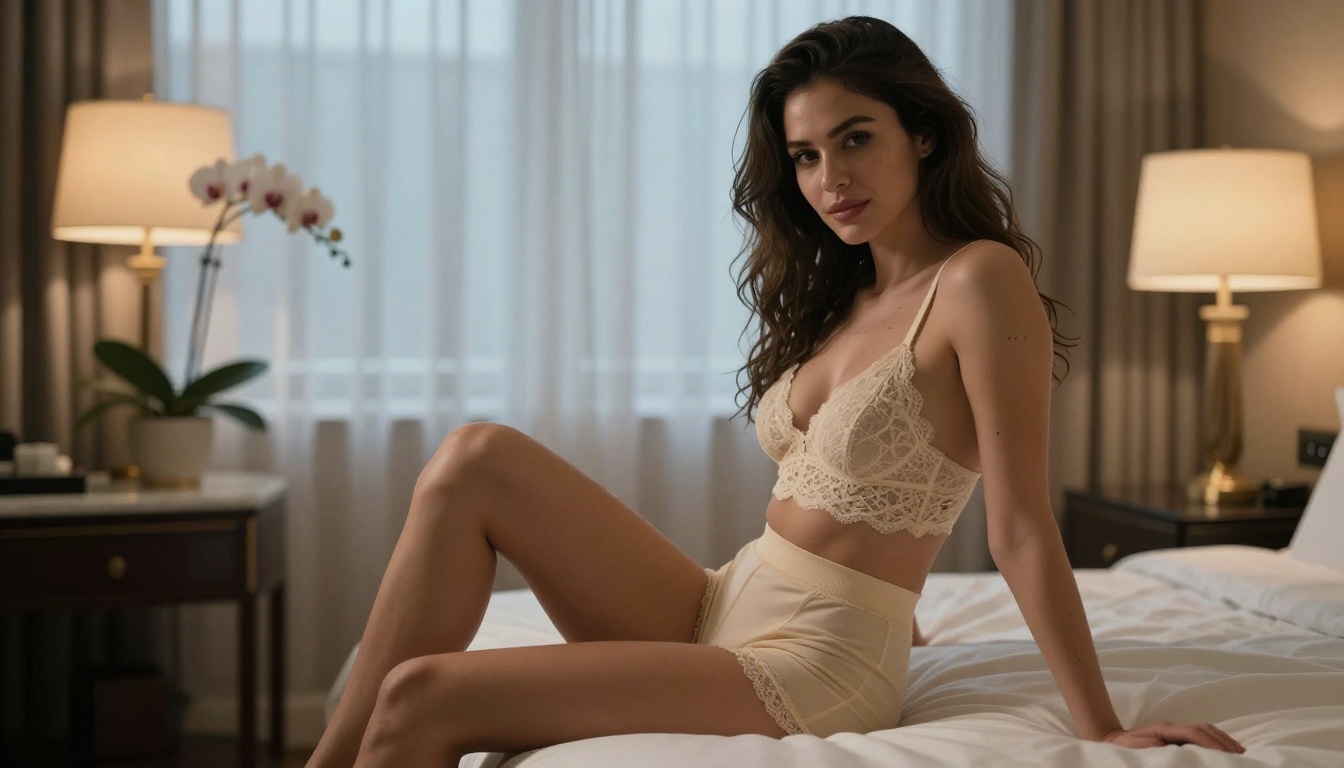
Flux 1.1 Pro Ultra from Black Forest Labs sits at the top of the stack for realistic human imagery. It handles skin texture, hair, and lighting with a level of fidelity that was impossible just 18 months ago. For adult creators, the critical advantage is that it renders human anatomy convincingly across a wide range of poses and lighting conditions.
Best for: High-fidelity portrait work, glamour photography, fashion-adjacent adult imagery
Strengths:
- Photorealistic skin texture with pore and fine hair detail
- Consistent anatomical proportions across complex poses
- Excellent rendering of fabric, lace, and surface materials
- Strong response to lighting descriptors in prompts
- Maintains visual coherence in both close-ups and full-body shots
The raw style flag is your best friend with this model. Adding --style raw to prompts strips away any stylized processing and pushes the output toward pure photographic fidelity.
Realistic Vision v5.1: The Consistent Performer
Realistic Vision v5.1 has been a staple in the adult AI community for its reliable human figure rendering. It does not always hit the ceiling of Flux's quality, but it delivers consistent results across a wide range of prompts without the same level of engineering required.
This model is particularly good at rendering body proportions naturally, which matters enormously when creating adult content where anatomical accuracy is part of the appeal. It also handles skin tone variations better than many competing models, producing results that feel ethnically diverse without prompting.
SDXL: The Versatility Workhorse
SDXL remains one of the most flexible base models available. While it requires more prompt refinement than Flux-family models for photorealism, the massive ecosystem of fine-tuned versions and LoRA add-ons makes it extremely powerful for specialized adult content styles.
Pair it with SDXL Lightning 4Step for fast iteration, or use SDXL Multi ControlNet LoRA for precise pose control when you need the subject in a specific position.
Stable Diffusion 3.5 Large: The Detail Specialist
Stable Diffusion 3.5 Large from Stability AI brings strong compositional awareness to the table. It excels when you want to describe a specific scene with multiple elements: a woman in a particular setting, with defined lighting, specific wardrobe, and environmental context. The model interprets complex prompts more faithfully than older SD versions.
For adult imagery with high creative specificity, this is a strong choice. It handles translucent fabrics, wet surfaces, and complex multi-source lighting scenarios better than most alternatives at this tier.
How to Use Flux 1.1 Pro Ultra on PicassoIA
Flux 1.1 Pro Ultra is available directly on PicassoIA. Here is exactly how to get the best results for adult content creation:
Step 1: Access the model
Navigate to Flux 1.1 Pro Ultra on PicassoIA and open the generation interface.
Step 2: Write a layered prompt
Structure your prompts in four layers:
- Subject: Who they are, what they are wearing, their pose
- Environment: Where they are, what is in the background
- Lighting: Direction, quality, color temperature
- Technical: Camera type, lens focal length, film grain
Example: "Beautiful woman in white lace lingerie, sitting on edge of bed in luxury hotel suite, warm bedside lamp casting honey-toned light from the left, Nikon Z9 85mm f/1.2, Kodak Portra 400 grain, photorealistic, RAW 8K"
Step 3: Set aspect ratio
For adult content, 2:3 (portrait) works well for full-body shots. Use 16:9 for environmental wide shots, and 1:1 for close-up portrait crops.
Step 4: Add the raw style parameter
Append --style raw to your prompt. This suppresses stylistic processing and maximizes photographic realism in the output.
Step 5: Upscale the result
After generation, run the output through Real-ESRGAN or Crystal Upscaler to push the resolution further and sharpen fine details like hair and skin texture.
💡 Prompt tip: Lighting description is the single most impactful element of a photorealistic adult AI prompt. "Soft diffused window light from the left" will always outperform generic terms like "good lighting."
Best AI Video Models for Adult Creators
Still images are powerful, but video is where the next generation of adult AI content lives. The gap between text-to-video quality and professionally shot footage has closed dramatically in 2024 and 2025.
Kling v3 Video: Motion Fidelity Leader
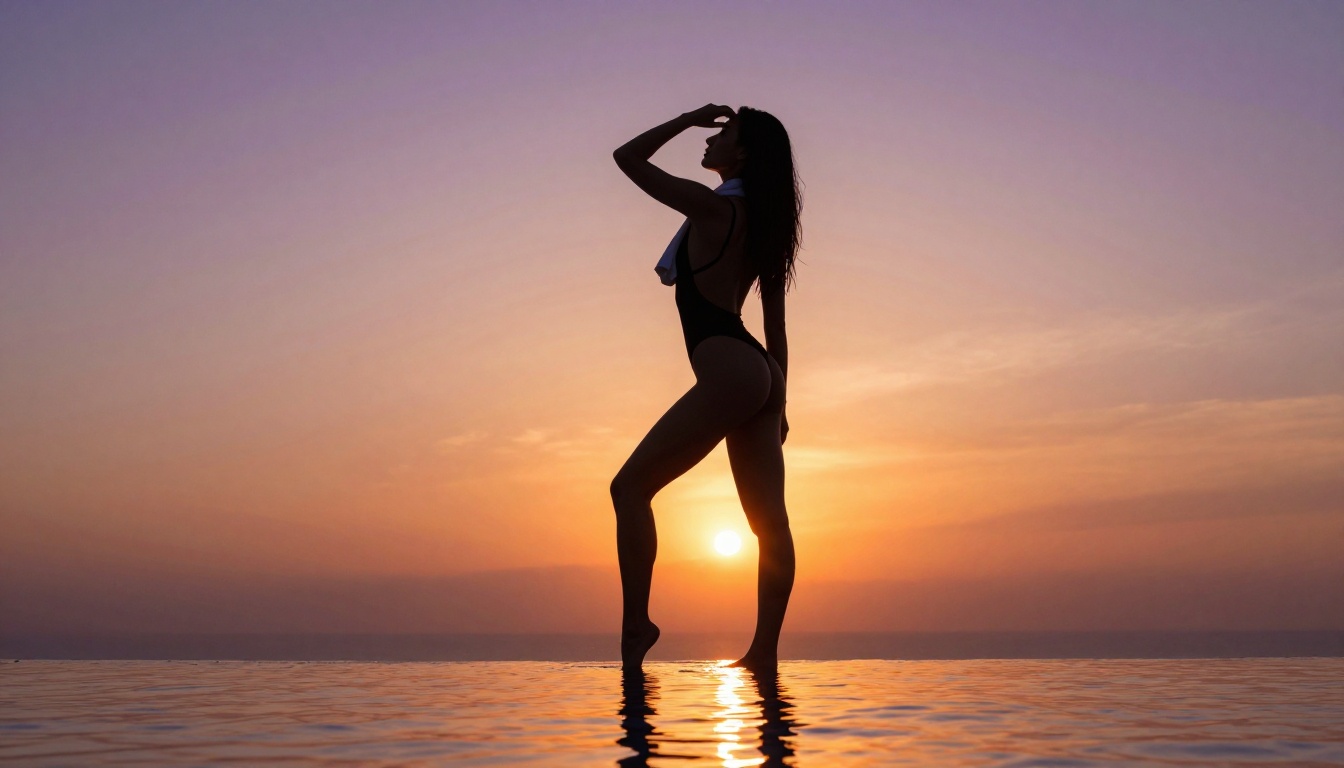
Kling v3 Video from Kwai has rapidly become the go-to model for realistic human motion in AI video. It renders body movement with natural weight and momentum, which is critical for adult content where artificial-looking motion immediately breaks immersion.
The model accepts both text prompts and image inputs, meaning you can first generate a perfect still image with Flux and then animate it with Kling for maximum control over the final result.
Top features:
- Natural human motion physics and weight
- Consistent character appearance across all frames
- Strong handling of fabric and hair movement
- Image-to-video input for precise character control
Wan 2.6 I2V: The Image-to-Video Specialist
Wan 2.6 I2V specializes in animating still images, making it the ideal second step after generating a photorealistic image. Upload your AI-generated portrait, describe the motion you want, and the model produces a short video clip that brings the character to life while maintaining visual consistency with the source image.
The image-to-video workflow is superior for adult content because it lets you perfect the aesthetics in the still image phase before committing to animation. You control exactly how the character looks before a single frame is rendered.
Sora-2: Cinematic Quality at Scale
Sora-2 from OpenAI brings cinematic-grade video generation to the consumer level. For adult creators who want premium, high-production-value output, Sora-2 delivers consistent lighting, camera movement, and subject rendering at a level above most competitors. The text-to-video fidelity is exceptional, with the model showing a clear understanding of camera placement, depth of field, and scene composition.
Prompting for Better Adult AI Results
Getting mediocre results from an excellent model is the most common frustration for new adult AI creators. The model is almost never the problem. The prompt is.
Describe Light First
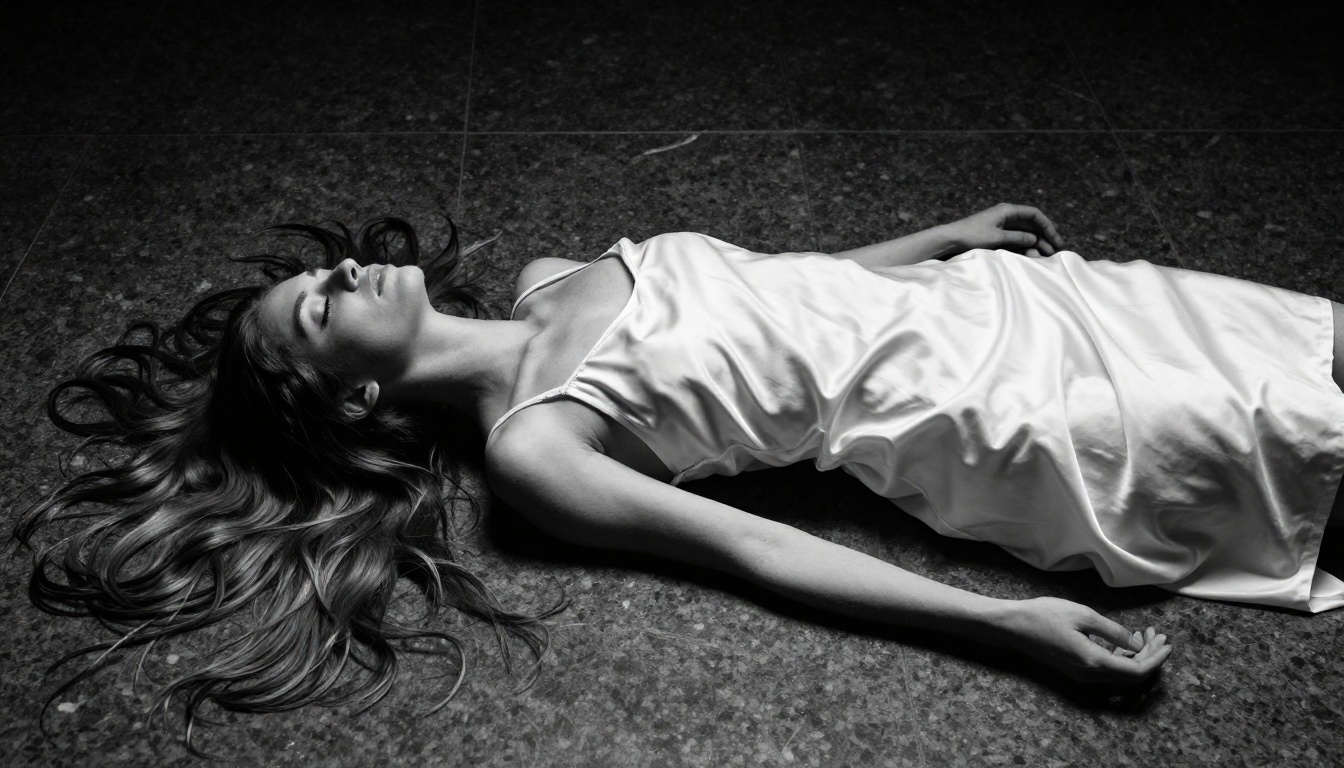
Every professional photographer knows that photography is fundamentally about light. The same principle applies to AI image generation. Before describing your subject, establish the lighting:
- "Warm volumetric window light from the upper left..."
- "Single hard key light from the right, deep shadows..."
- "Golden hour backlight creating a luminous rim around the silhouette..."
These descriptors anchor the mood of the entire image before the model renders the subject. Without them, the model fills in generic, flat lighting that drains realism from the output.
Camera Lens Matters
AI models trained on photographic data respond strongly to camera and lens specifications:
- 85mm f/1.2: Tight portrait, extremely blurred background, intimate feel
- 24mm f/1.4: Environmental portrait, some depth visible, wider context
- 200mm f/2.8: Compressed perspective, isolated subject, editorial quality
- 50mm f/1.8: Natural perspective, slightly blurred background, versatile
Adding these to your prompts signals the model to structure the composition the way a professional photographer would, rather than generating a flat, undifferentiated scene.
Film Stock References
💡 Advanced tip: Mention specific film stocks like "Kodak Portra 400," "Fuji 400H," or "Ilford HP5" to add realistic grain and color science to generated images. These references push the model toward analog-photography aesthetics that read as more naturalistic than clean digital renders.
Wardrobe Specificity
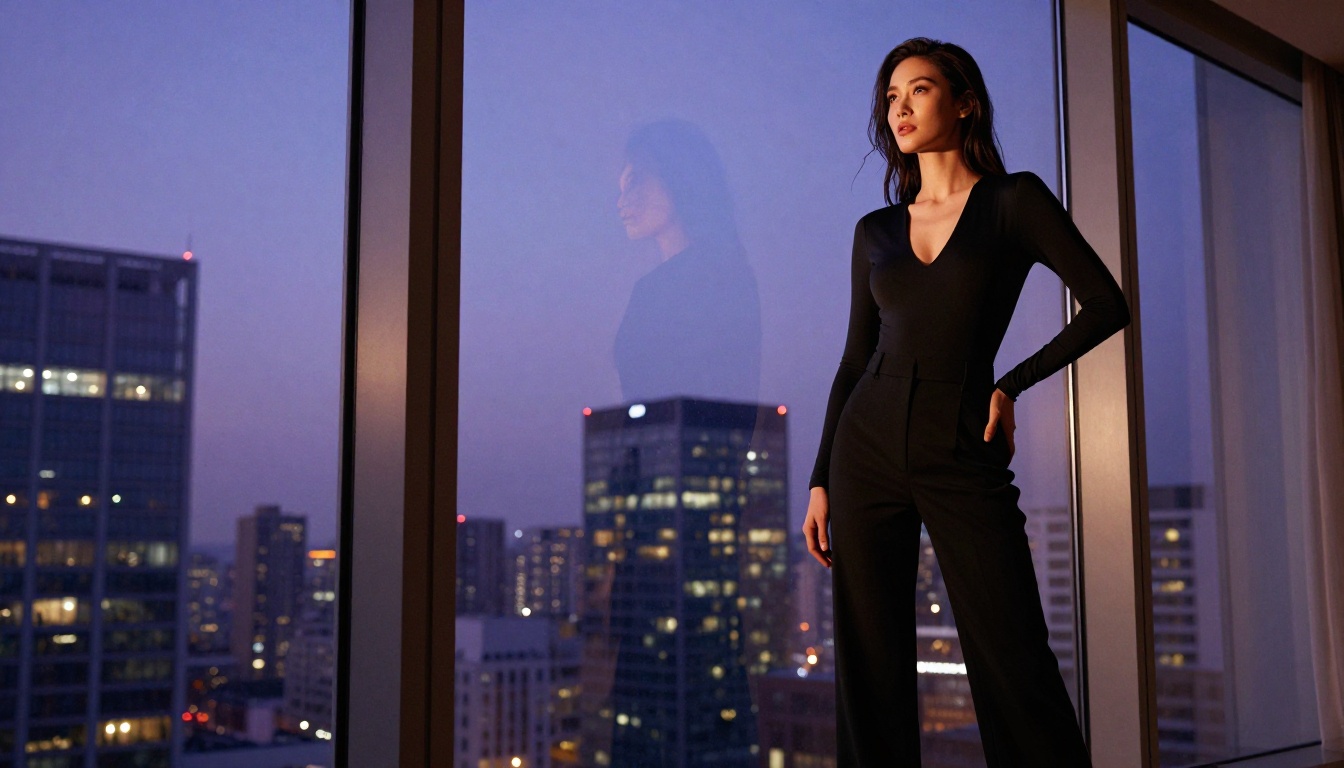
Vague clothing descriptions produce vague results. Replace "lingerie" with "ivory lace triangle bralette with scalloped edge trim." Replace "swimsuit" with "high-cut black one-piece with a plunging front neckline." The more specific the material, cut, and color, the more precise the output.
The same principle applies to environment, background props, and accessories. Specificity always wins in AI prompting.
Upscaling Changes Everything
Even the best AI image generators have resolution limits, and the real quality difference between AI art and professional photography often comes down to detail density. Upscaling tools close that gap dramatically.
Real-ESRGAN: The Community Standard
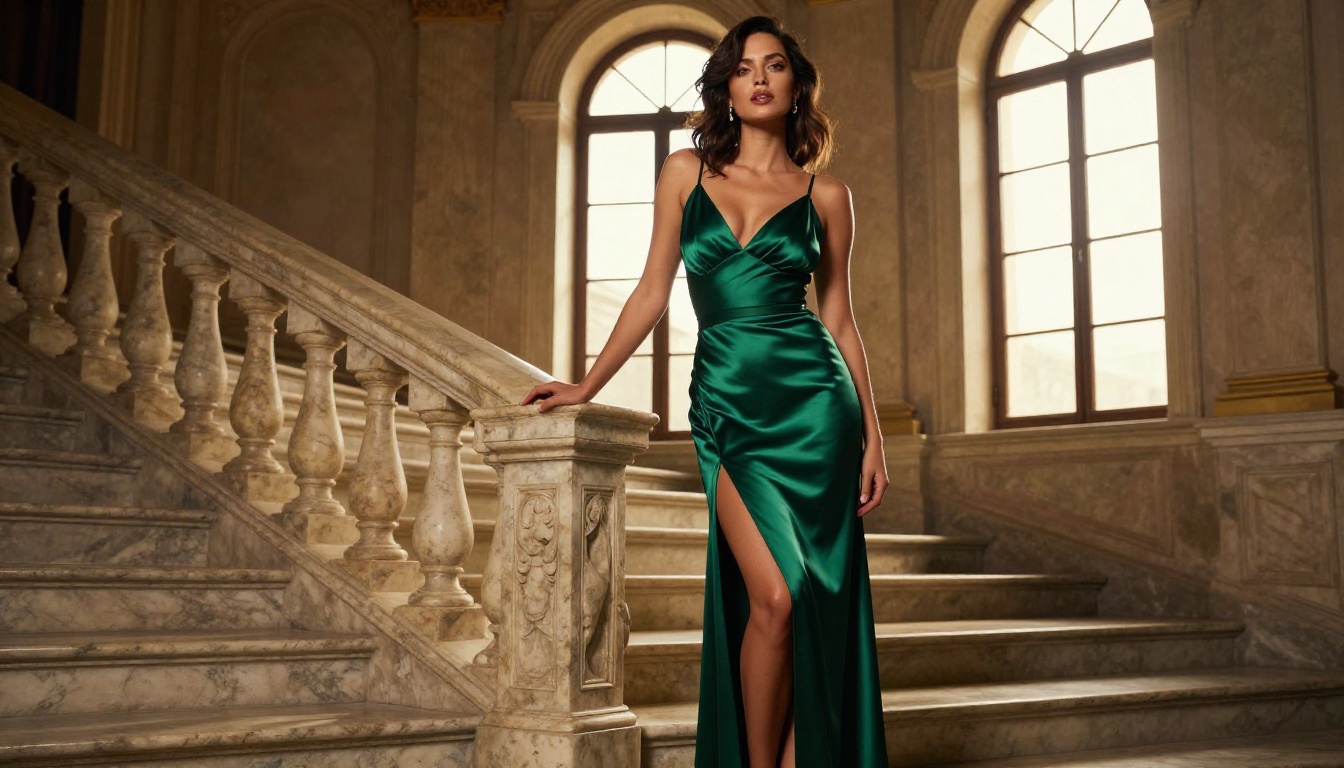
Real-ESRGAN from NightmareAI is the most widely used upscaling tool in the AI art community. It includes a face restoration mode that specifically sharpens facial features, which is particularly valuable for portrait-heavy adult content. The 4x upscale option takes a 512px image to near-2K quality with significant detail improvement.
Crystal Upscaler for Portraits
Crystal Upscaler is optimized specifically for photorealistic content and handles skin texture with more finesse than general-purpose upscalers. If your primary output is portrait photography or body-centric adult imagery, this is the sharpest upscaling option available on the platform.
Topaz Image Upscale for Professional Output
Topaz Image Upscale from Topaz Labs brings professional-grade upscaling. Topaz has been used by photographers and video professionals for years, and its AI models understand photographic content in a way that generic upscalers do not. For output destined for print, large-format display, or high-resolution publishing, this is the right choice.
You can also try Recraft Crisp Upscale for sharp, detail-preserving upscaling, or Recraft Creative Upscale when you want the upscaler to add interpretive detail rather than just sharpen existing pixels.
Serious adult AI creators do not rely on a single tool. The full workflow typically involves multiple specialized models working together.
Beyond Static Images
The capabilities available for adult AI creators go far beyond basic image generation:
Image Editing:
- Inpainting lets you fix specific areas of an image without regenerating the entire scene. Generated an otherwise perfect image but the hand looks wrong? Inpaint just the hand.
- Outpainting extends the canvas of an existing image, useful for going from a portrait crop to an environmental wide shot
- Object Replacement allows specific elements, clothing, props, and backgrounds to be swapped without redoing the whole generation
Video Production:
Audio Layer:
- Text to Speech adds a voice component to adult AI video content without recording anything
- AI Music Generation creates ambient or atmospheric soundtracks without licensing concerns
Fast Iteration Workflow
For creators who need volume without sacrificing quality, the fast-model stack works like this:
- Draft: Flux Schnell for rapid concept iteration at speed
- Refine: Flux 2 Pro for the final high-quality version
- Upscale: Real-ESRGAN for a resolution boost
- Animate (optional): Wan 2.2 I2V Fast for quick video output
This workflow moves from concept to finished adult content in a fraction of the time any traditional production pipeline requires.
Less-Known Models Worth Testing
DreamShaper XL Turbo
DreamShaper XL Turbo occupies a sweet spot between raw photorealism and stylized attractiveness. It renders human subjects with a slightly idealized quality that works well for adult content that does not need to pass for photography but wants more polish than illustration. Fast generation times make it ideal for rapid prototyping.
Ideogram V3 Quality
Ideogram V3 Quality brings strong compositional intelligence. While it is not the obvious choice for photorealistic adult content, it handles complex scene descriptions, multiple subjects, and specific environmental contexts with impressive accuracy. Worth using when the creative setup is complex and you need the model to follow precise spatial instructions.
GPT Image 1.5
GPT Image 1.5 from OpenAI brings instruction-following precision that rivals any model in the text-to-image space. When you describe a specific scene in natural language, it interprets the description more literally than most competing models. This makes it powerful for creators who want precise control over what appears in each frame, particularly for scenes with specific wardrobe and environmental details.
Try It Right Now
The tools in this article represent the current ceiling of what AI can produce for adult content. The photorealism of Flux 1.1 Pro Ultra, the motion quality of Kling v3 Video, and the sharpening precision of Crystal Upscaler together form a production pipeline that was simply not accessible to independent creators two years ago.
PicassoIA brings all of these models together in a single platform, so you do not need to juggle multiple services, APIs, or local installations. You can run the entire workflow, from initial concept to final upscaled output, without leaving the platform.
The creative possibilities are genuinely open-ended. Pick a model, write a detailed prompt, and see what comes back. The first result might not be perfect, but that is what iteration is for. Try describing your lighting setup before your subject. Experiment with specific film stocks and lens focal lengths. Use the image-to-video pipeline to animate your best stills.
Every serious adult AI creator started with a single generation. Yours is one prompt away.


