image generatortext to imagetrends and inspirationtips and educationfluxnsfwfree
AI for Adults (+18): Unlimited NSFW AI Tools You Can Use for Free
Explore PicassoIA's open-source AI models designed for adult creators seeking uncensored creative freedom. Learn how to use p-image-edit, wan-2.2-image, and wan-2.2-i2v-fast for unlimited NSFW content generation without restrictive filters or censorship.
Creative freedom shouldn't have boundaries. For serious artists, creators, and professionals working with adult content, finding AI tools that respect artistic vision without restrictive filters can be challenging. Mainstream platforms often impose content limitations that stifle genuine creative expression.
💡 Creative Liberty: Open-source models on PicassoIA offer unfiltered creative control, allowing artists to explore themes and concepts without artificial restrictions.
The Challenge of Mainstream AI Platforms
Most popular AI image and video generation services implement strict content policies that limit artistic exploration. These platforms frequently:
⚠️ Important: Many artists find themselves constrained by platforms that prioritize corporate policies over artistic integrity.
Why Content Filters Limit Artistic Growth
Artistic development requires the freedom to explore diverse subjects and techniques. When platforms impose restrictions:
Anatomy studies become limited for art students
Creative concepts face unnecessary barriers
Professional projects encounter arbitrary limitations
Artistic innovation suffers from artificial constraints
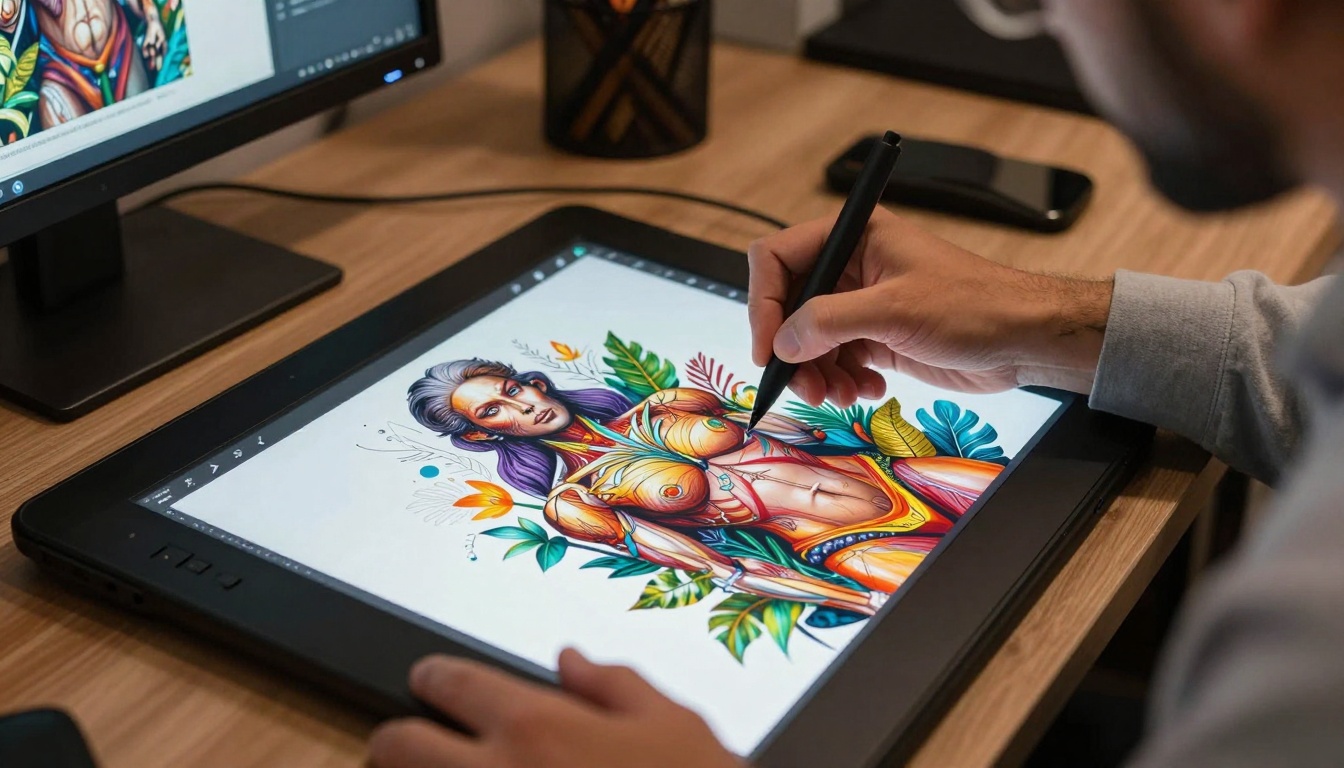
Digital artists need tools that respect their creative vision without imposing unnecessary restrictions.
PicassoIA's Open-Source Advantage
PicassoIA stands apart by embracing open-source AI models that give creators genuine creative control. Unlike proprietary platforms with restrictive policies, PicassoIA offers:
Transparent model access without hidden filters
Community-driven development focused on creator needs
Flexible parameters for precise artistic control
No arbitrary content restrictions on artistic expression
Key Benefits for Adult Creators
Feature
PicassoIA Advantage
Traditional Platforms
Content Freedom
Unrestricted creative control
Artificial limitations
Model Transparency
Open-source access
Proprietary restrictions
Artistic Integrity
Respects creator vision
Corporate policies prioritized
Technical Control
Full parameter access
Limited customization
✨ Quick Win: PicassoIA's open-source approach means you work with tools designed by creators, for creators.
Best Models for NSFW AI Generation on PicassoIA
PicassoIA offers several powerful open-source models specifically designed for unrestricted content creation. These tools provide the technical sophistication and creative freedom serious artists require.
1. p-image-edit: Advanced Image Transformation
p-image-edit revolutionizes how artists work with existing images. This model excels at:
Rapid image editing in under a second
Multi-image processing for complex projects
Precise transformations with detailed control
Professional-grade results for production workflows
📌 Professional Use: p-image-edit handles everything from subtle enhancements to complete visual transformations with exceptional precision.
2. wan-2.2-image: Cinematic Image Generation
wan-2.2-image creates stunning 2-megapixel cinematic visuals in seconds. This model delivers:
High-quality cinematic images from text descriptions
Multiple aspect ratios for any project format
Fast generation times (3-4 seconds typically)
Flexible output formats (JPG, PNG, WEBP)
See how static images transform into dynamic creative concepts.
3. Wan 2.2 I2v Fast: Dynamic Video Creation
Wan 2.2 I2v Fast transforms static images into dynamic video content with remarkable efficiency. Key capabilities include:
Image-to-video conversion in seconds
Customizable video length and frame rates
480p and 720p resolution options
Cost-effective processing for frequent use
Understanding Open-Source Model Benefits
Open-source AI models on PicassoIA provide distinct advantages for serious creators:
Technical Transparency
Complete model documentation available
Community development and improvements
No hidden algorithms or secret restrictions
Developer access for customization
Creative Control Parameters
Parameter Type
Control Level
Artistic Impact
Prompt Specificity
High precision
Exact creative results
Aspect Ratio
Full customization
Perfect composition
Output Quality
Adjustable settings
Professional standards
Safety Controls
Optional disable
Unfiltered creation
🎨 Artistic Freedom: With open-source models, you control every aspect of the creative process from conception to final output.
Practical Applications for Creators
Professional artists benefit from unrestricted AI tools in multiple ways:
Artistic Development
Anatomy studies with accurate references
Figure drawing practice without limitations
Concept art development for mature themes
Style exploration across diverse subjects
Professional Projects
Client work requiring specific content
Educational materials for art instruction
Creative portfolio development
Artistic research and experimentation
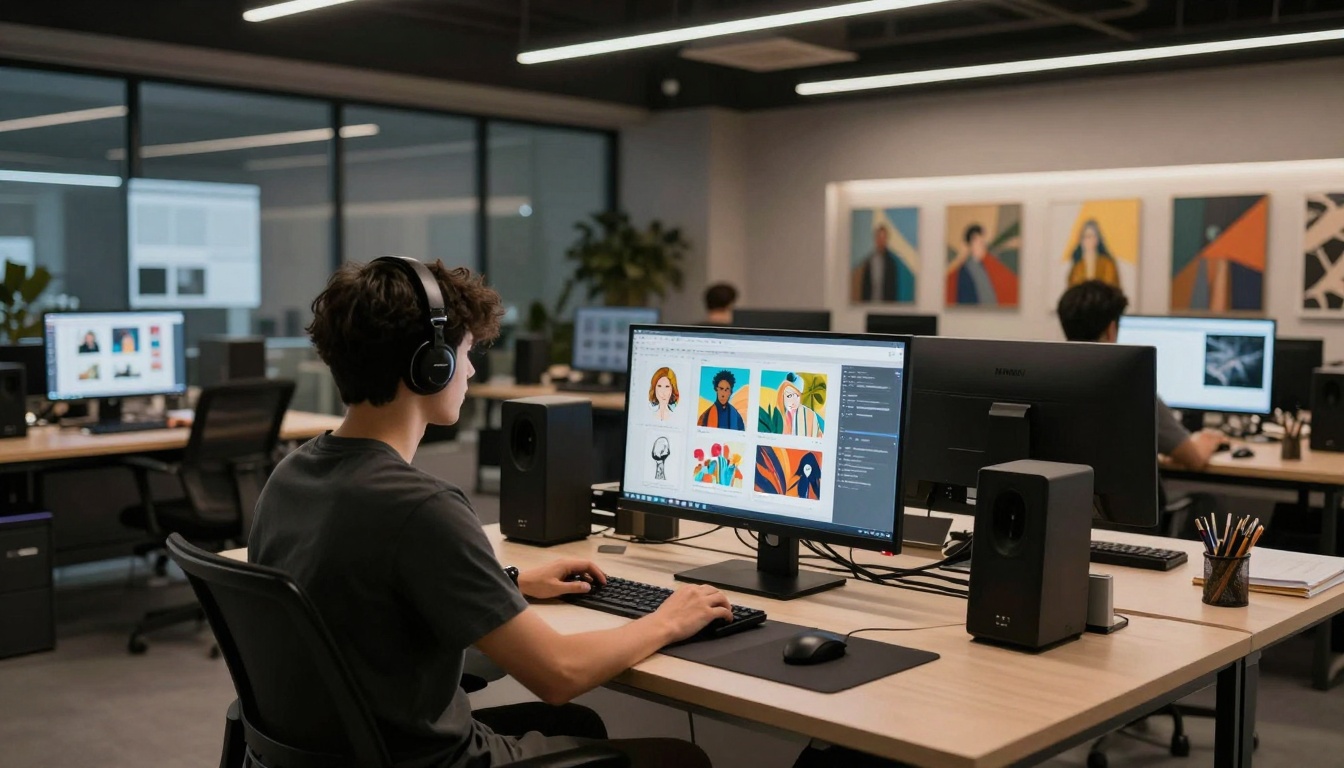
Professional creators need tools that match their workspace sophistication.
Privacy and Ethical Considerations
Responsible creation remains essential even with unlimited tools. PicassoIA's approach balances:
Creator autonomy with personal responsibility
Open access with community standards
Technical freedom with ethical guidelines
Artistic expression with professional conduct
⚠️ Responsible Creation: Unlimited tools come with the responsibility to create content that respects artistic integrity and professional standards.
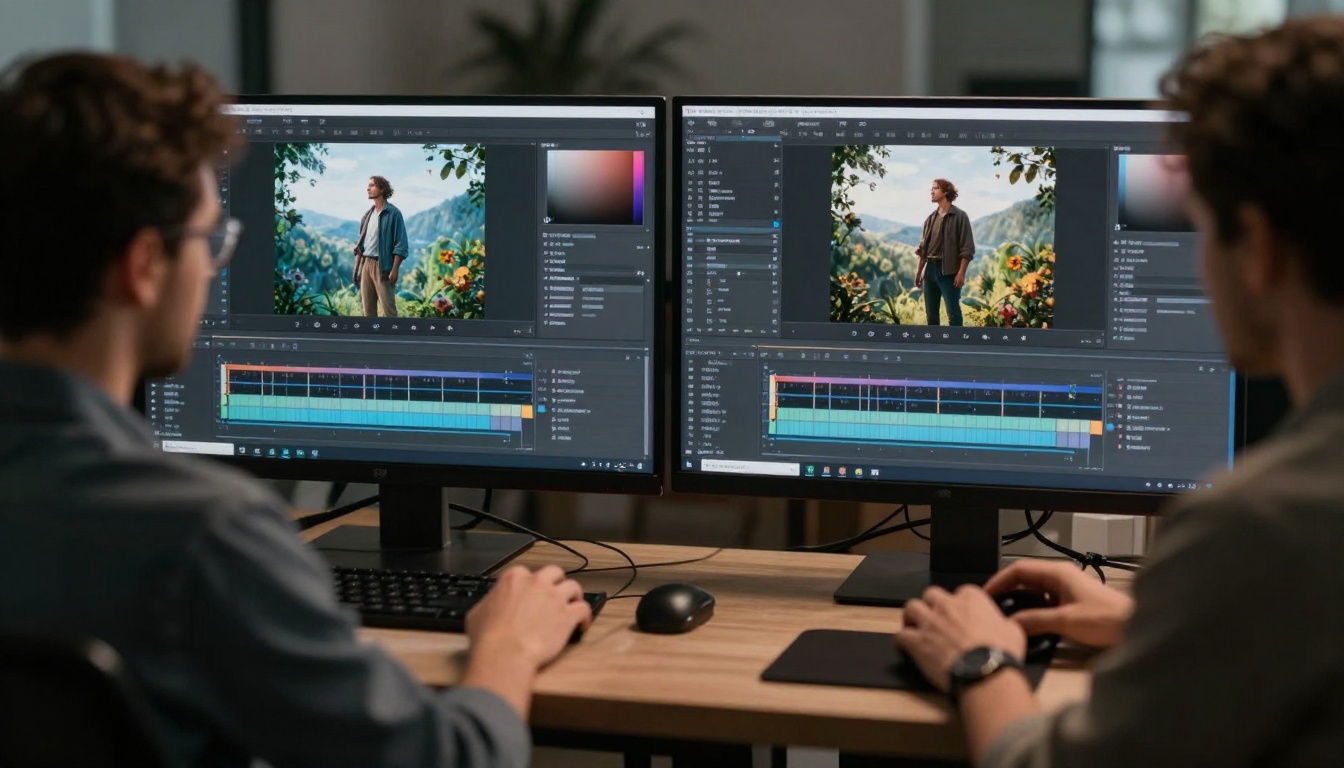
Collaborative creativity thrives when tools respect artistic vision.
Practical NSFW Content Creation: Step-by-Step Guide with Examples
Creating tasteful NSFW content without explicit imagery requires careful prompt engineering and artistic judgment. Here's a comprehensive guide to generating attractive, non-explicit content using PicassoIA's open-source models.
Step 1: Define Your Artistic Vision
Before generating content, clearly define what you want to create. For tasteful NSFW content, consider these categories:
Beach and swimwear photography
Fashion and lifestyle portraits
Artistic figure studies
Romantic or sensual scenes
Elegant boudoir-style photography
🎨 Artistic Approach: Focus on beauty, elegance, and artistic composition rather than explicit content. Quality photography principles apply here.
Step 2: Crafting Effective Prompts
Effective prompts for tasteful NSFW content include specific details about:
Setting and environment (beach, studio, garden, etc.)
Lighting and mood (golden hour, soft lighting, cinematic)
Pose and composition (elegant, natural, artistic)
Style and aesthetic (photorealistic, fashion photography, artistic)
Clothing and accessories (specific descriptions)
Step 3: Example Prompts and Results
Here are 5 practical examples of prompts that create attractive, non-explicit content:
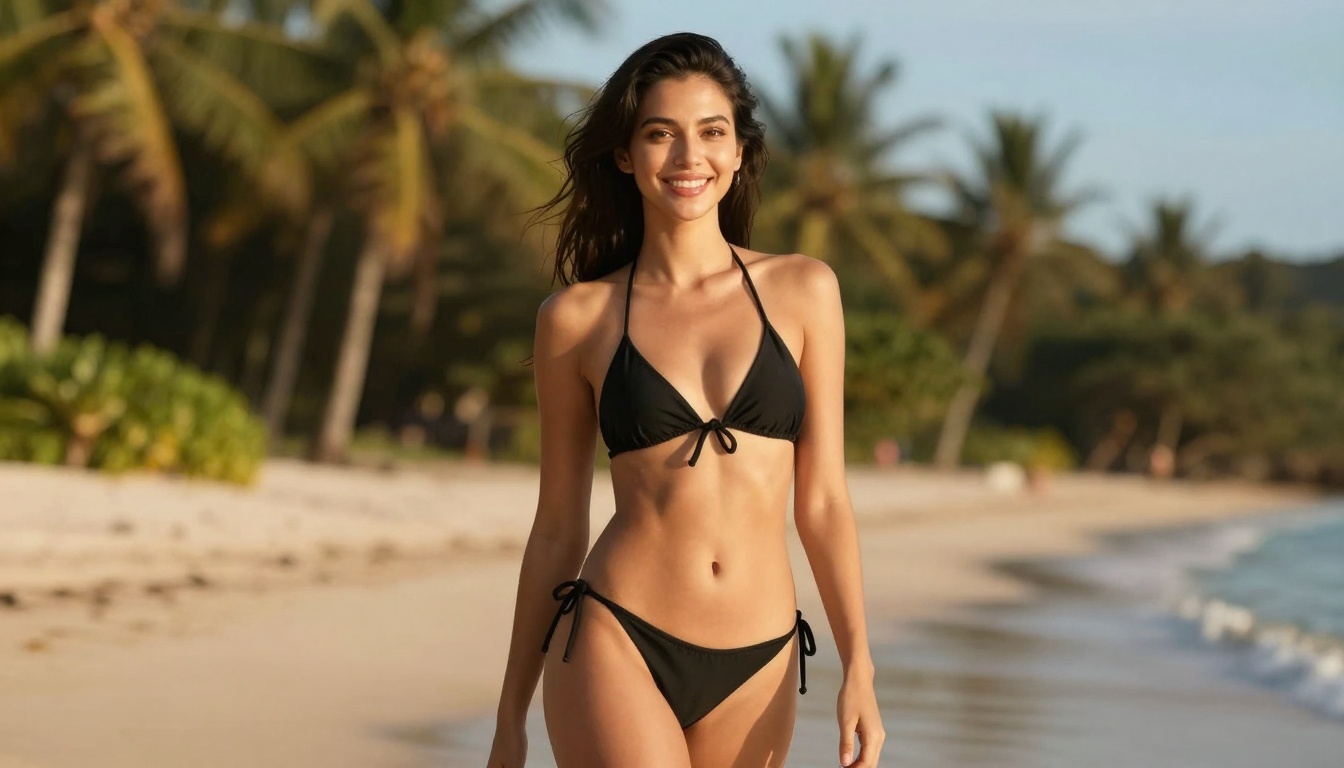
Example 1: Beach Photography
An attractive woman in a stylish bikini posing at a beautiful tropical beach during golden hour, smiling naturally, cinematic lighting, photorealistic, 8k, high detail, vibrant colors, joyful atmosphere, professional photography style, tasteful and elegant composition
This prompt creates elegant beach photography with natural beauty and professional composition.
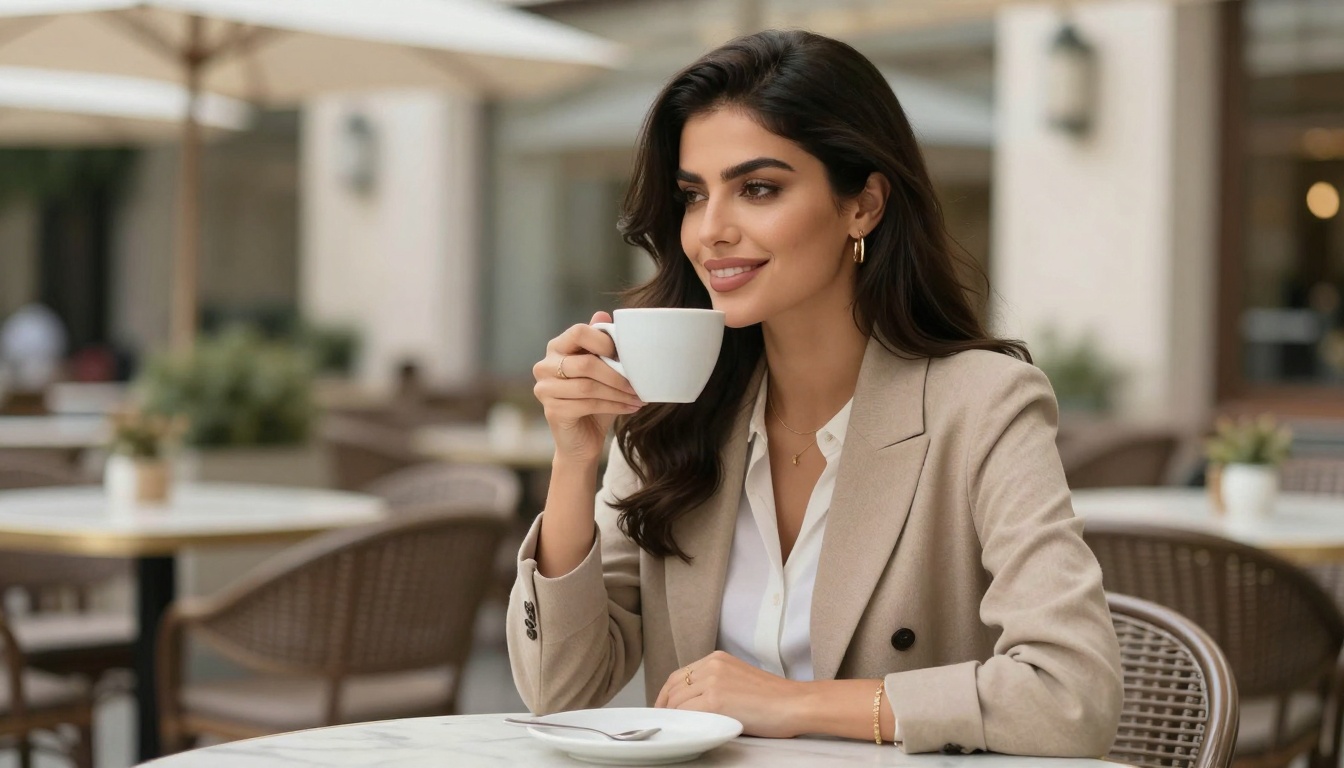
Example 2: Casual Lifestyle Portrait
A beautiful woman in fashionable casual wear sitting at a cafe terrace, enjoying coffee, natural smile, soft daylight, photorealistic, 8k, high detail, elegant composition, professional lifestyle photography, tasteful and classy
Lifestyle photography focuses on natural beauty in everyday settings with sophisticated style.
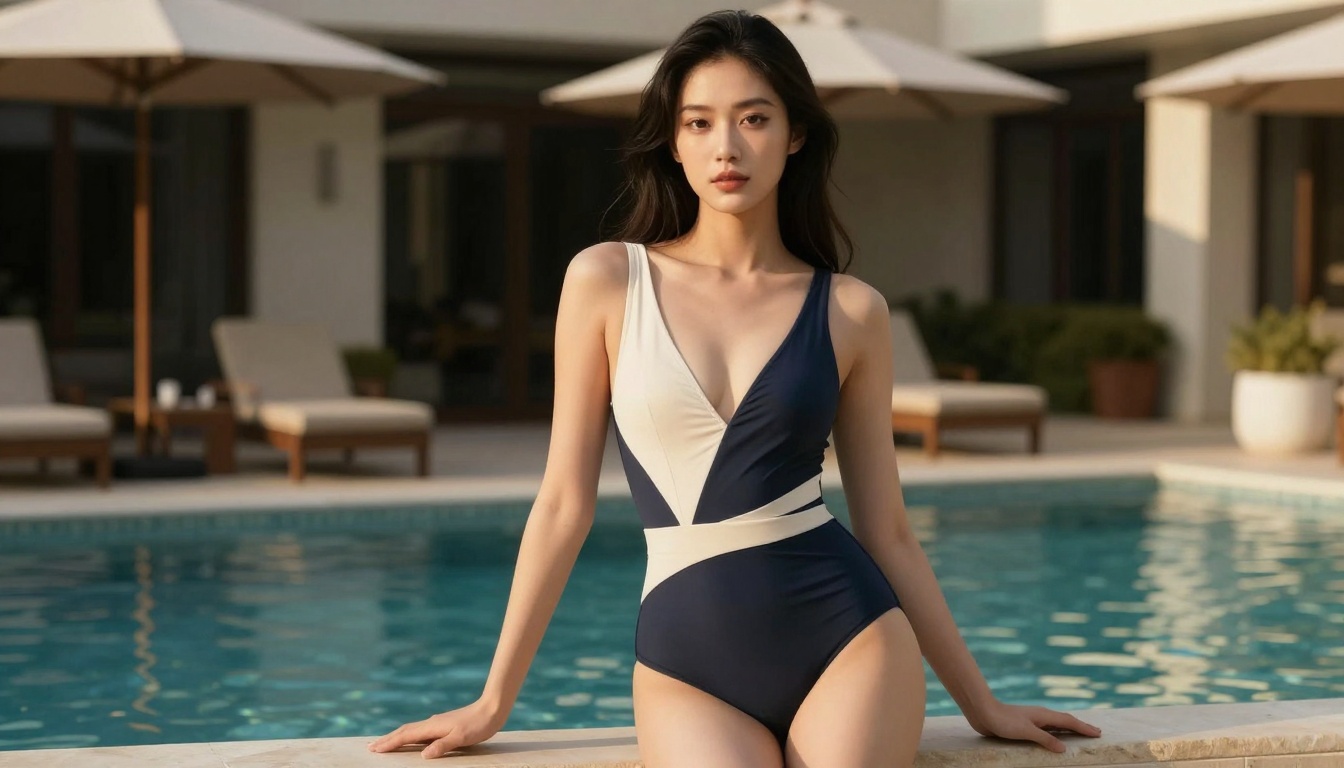
Example 3: Poolside Elegance
An attractive woman in a stylish one-piece swimsuit by a luxurious poolside, elegant pose, golden hour lighting, cinematic composition, photorealistic, 8k, high detail, sophisticated atmosphere, professional photography
Poolside settings offer sophisticated swimwear photography with elegant surroundings.
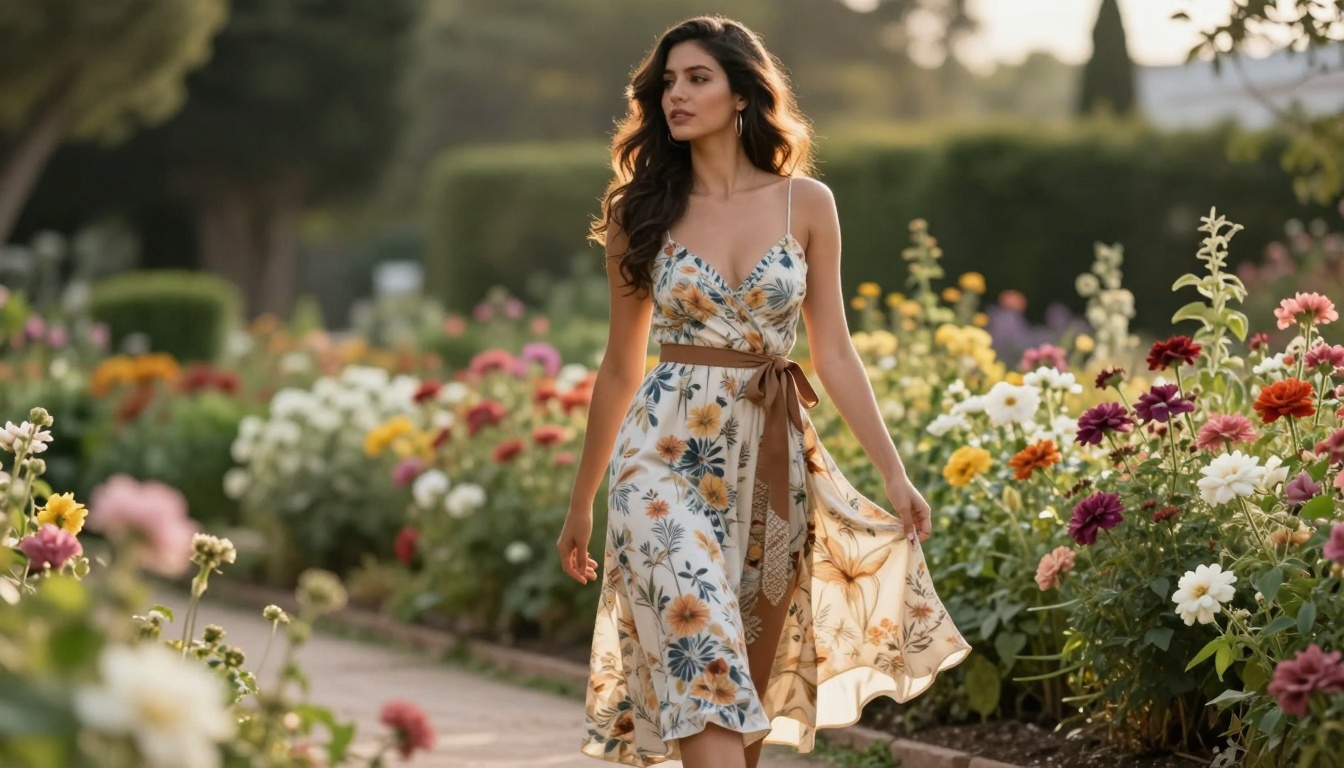
Example 4: Garden Romance
A gorgeous woman in elegant summer dress walking through a flower garden, natural beauty, soft afternoon light, photorealistic, 8k, high detail, romantic atmosphere, tasteful fashion photography, graceful composition
Romantic garden settings create beautiful, tasteful imagery with natural elegance.
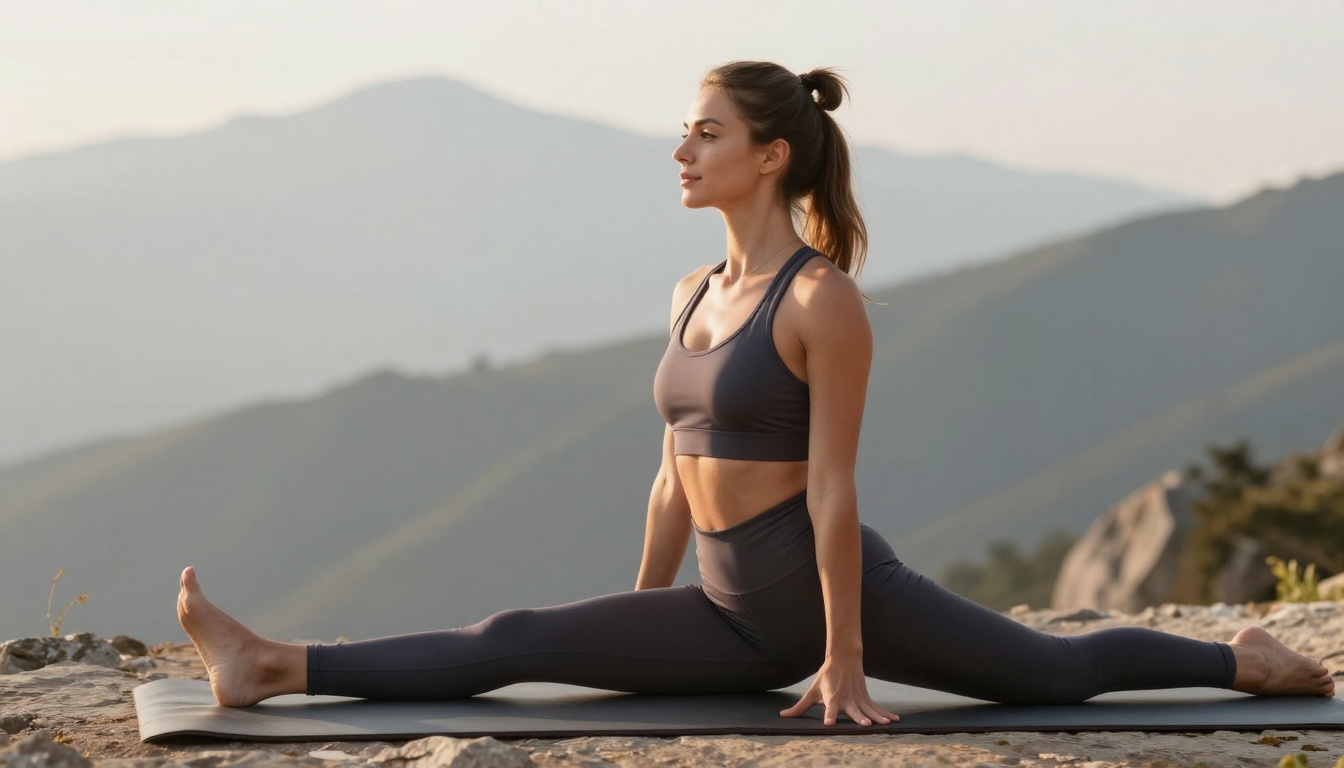
Example 5: Active Lifestyle
A beautiful woman in stylish activewear doing yoga at a scenic mountain viewpoint, peaceful expression, morning light, photorealistic, 8k, high detail, healthy lifestyle atmosphere, professional fitness photography, tasteful and inspiring
Active lifestyle photography emphasizes health, beauty, and natural settings.
Step 4: Advanced Prompt Techniques
Enhance your results with these advanced techniques:
Adding Cinematic Elements
Add "cinematic lighting, shallow depth of field, professional photography, 8k resolution" to any prompt for immediate quality improvement.
Controlling Composition
Specify "full body shot, three-quarter portrait, close-up portrait" to control framing and composition.
Setting the Mood
Use mood descriptors: "joyful atmosphere, romantic mood, sophisticated elegance, natural beauty" to guide emotional tone.
Step 5: Editing and Refinement with p-image-edit
Use p-image-edit to enhance your generated images:
Upload your generated image as the primary image
Add reference images for style inspiration
Craft editing prompts like:
"Enhance skin tones, improve lighting contrast, add cinematic color grading, refine details for professional quality"
Adjust parameters for optimal results
Generate refined versions with improved quality
💡 Pro Tip: Use p-image-edit to transform good images into exceptional ones with professional polish.
Step 6: Creating Video Content
Transform static images into dynamic videos with Wan 2.2 I2v Fast:
Select your best generated image
Create motion prompts:
"Gentle breeze through hair, subtle natural movement, cinematic camera pan, elegant motion"
Configure video parameters (duration, resolution, frame rate)
Generate tasteful animated content from static images
Prompt Engineering Best Practices
Element
Best Practice
Example
Subject Description
Be specific but tasteful
"attractive woman" not explicit terms
Setting
Create beautiful environments
"tropical beach, luxury poolside"
Lighting
Use professional terms
"golden hour, cinematic lighting"
Composition
Artistic framing
"elegant pose, natural smile"
Style
Professional aesthetics
"fashion photography, photorealistic"
Safety and Quality Considerations
Even with unrestricted tools, maintain quality standards:
Focus on artistic merit and composition
Prioritize tasteful aesthetics over explicitness
Respect artistic integrity in all creations
Create content you'd be proud to show professionally
⚠️ Quality Over Explicitness: The most compelling NSFW content often relies on suggestion, elegance, and artistic quality rather than explicit imagery.
Common Mistakes to Avoid
Avoid these pitfalls when creating tasteful NSFW content:
❌ Overly explicit language in prompts
❌ Poor composition and framing
❌ Unprofessional lighting descriptions
❌ Generic, vague prompts
❌ Ignoring artistic principles
✅ Instead focus on:
✅ Detailed, artistic descriptions
✅ Professional photography terms
✅ Beautiful settings and environments
✅ Elegant composition and framing
✅ Quality lighting and mood
Building Your Creative Workflow
Develop a consistent workflow for quality results:
Initial Generation → Create base images with wan-2.2-image
Editing & Refinement → Enhance with p-image-edit
Animation → Add motion with Wan 2.2 I2v Fast
Final Polish → Review and refine for perfection
Next Steps for Creators
Begin experimenting with these techniques:
Start with Example 1 (beach photography)
Modify prompts to match your artistic vision
Experiment with different settings and styles
Develop your signature aesthetic and approach
Share successful prompt templates with the community
✨ Creative Journey: The most satisfying creations come from developing your unique artistic voice within the framework of tasteful, quality content creation.
How to Use p-image-edit on PicassoIA
Step 1: Navigate to the Model
Visit the p-image-edit page on PicassoIA to access this powerful editing tool.
The intuitive interface makes advanced editing accessible to all skill levels.
Step 2: Prepare Your Images
Upload reference images you want to edit or transform. For editing tasks:
Primary image as the first upload
Reference images for style or elements
Multiple images for complex compositions
Clear organization for best results
💡 Pro Tip: Organize images logically—the first image serves as your primary editing canvas.
Step 3: Craft Your Prompt
Describe your edit with specific, clear language:
"Transform image 1 into a cinematic portrait with dramatic lighting, enhance details, and adjust colors to warm golden tones."
Effective prompt elements:
Clear instructions for the main image
Specific style requests (cinematic, realistic, artistic)
Professional portfolios benefit from diverse, unrestricted creative tools.
Advanced Creative Techniques
Multi-Model Workflows
Combine models for sophisticated projects:
Generate base images with wan-2.2-image
Edit and enhance with p-image-edit
Animate results with Wan 2.2 I2v Fast
Refine final output with additional edits
Prompt Optimization Strategies
Effective prompting for unrestricted content:
Detailed descriptions of subjects and styles
Specific lighting and composition requests
Artistic terminology for professional results
Reference elements from multiple sources
🚀 Professional Results: Combine detailed prompts with technical parameter adjustments for consistently high-quality output.
Community and Resources
PicassoIA's open-source community offers valuable resources:
Model documentation and technical guides
User forums for technique sharing
Development updates and improvements
Creative examples and inspiration
Staying Current
Regular engagement with the PicassoIA community helps:
Learn new techniques from experienced creators
Share successful workflows and prompt templates
Contribute to model improvements through feedback
Discover creative applications you haven't considered
Conclusion: Unlimited Creative Potential
PicassoIA's open-source models represent a significant advancement for creators seeking genuine artistic freedom. With tools like p-image-edit, wan-2.2-image, and Wan 2.2 I2v Fast, artists gain:
Unrestricted creative control over their work
Professional-grade tools without artificial limitations
Technical sophistication matching artistic vision
Community support from fellow creators
✨ Final Thought: True artistic freedom requires tools that respect the creator's vision without imposing arbitrary restrictions. PicassoIA delivers exactly that.
Begin your journey with unlimited creative tools today. Explore these powerful models on PicassoIA and discover what you can create when boundaries disappear and artistic vision takes complete control.