The demand for AI video tools that don't put a ceiling on your creativity has never been higher. In 2027, a handful of models have pulled ahead of the pack, specifically because they give adult creators the freedom to work without hitting a wall every time they try something bold. Mainstream platforms have responded to regulatory pressure by tightening content policies to the point of absurdity. Ask for anything remotely mature and you'll get a refusal, a distorted output, or a vague error message with no explanation. This breakdown covers the three most capable uncensored AI video generators available right now, what makes each one exceptional, and how to start using them today.
Why Creative Freedom in AI Video Matters
The AI video space has grown fast, but it hasn't grown evenly. While the raw technical capability of these models has advanced dramatically, the creative latitude offered to adult users has actually shrunk on most major platforms. Safety classifiers sit on top of base models, quietly warping outputs, refusing prompts, and degrading the results any time they detect content that falls outside a narrow comfort zone.
For adult creators, this is more than an inconvenience. It's a fundamental block on what you're able to produce. Filmmakers, visual storytellers, adult content producers, and artists working at the edge of acceptable subject matter are all hit by these restrictions in ways that make professional-quality output nearly impossible on mainstream tools.
The Content Filter Problem
Most AI video generators operate with a layered filtering system. There's the base model, trained on diverse internet data. On top of that sits a fine-tuning layer that shapes the model's behavior toward "appropriate" outputs. Then a real-time safety classifier runs over every generation before you ever see the result. By the time your prompt gets processed, three different systems have already decided what you're allowed to see.
The irony is that these systems don't actually improve the outputs. They just limit them. A model that's been aggressively safety-tuned doesn't produce better video. It produces restricted video, often with distorted anatomy, odd facial expressions, and motion artifacts that happen precisely because the model is fighting its own internal prompt.
The three models in this article bypass this problem in different ways. Two of them are openly designed with minimal content restrictions. One achieves creative freedom through architectural choices that were made before safety tuning became standard practice. All three produce results that look filmed, not generated.
What "Uncensored" Really Means in Practice
It's worth being precise about this. "Uncensored" in AI video does not automatically mean explicit. It means the model renders what you actually describe, without warping the output or refusing based on keyword triggers in your prompt. An uncensored model generates intimate, sensual, or artistically mature content without the jerky distorted results you get when a safety system fights the prompt mid-generation.
The three models below produce results that are visually coherent, anatomically accurate, and artistically credible. That is what adult creators need, and that is what these models deliver. They are not reckless tools. They are professional-grade models that respect the full scope of human visual expression.
How We Chose These 3 Models
Not every "uncensored" video model is worth your time. A large portion of open-source models that claim full freedom produce results that look like a stress test for uncanny valley theory: blurry faces, morphing bodies, and motion that defies basic physics. The label "uncensored" is meaningless if the output is unusable.
The Criteria We Used
We evaluated models across four axes. Every model on this list had to perform well on all four, not just the ones where it's naturally strong.
| Criterion | Why It Matters |
|---|
| Visual fidelity | Does the output look photorealistic at 720p or higher? |
| Motion coherence | Do subjects move naturally without distortion across frames? |
| Prompt adherence | Does the model render what you described, not what it decides is safer? |
| Content tolerance | How much mature artistic latitude does the model actually allow? |
Speed was also considered, but as a secondary factor. A fast blurry video is still a blurry video. The models that made this list had to earn their place through output quality first.
#1 Kling v3 by Kwai
Kling v3 is the clear number one for adult content creation in 2027. Kwai's latest generation model has become the first choice for creators who need cinematic output quality combined with genuine flexibility in what the model will generate.
The jump from Kling v2 to v3 was substantial across every dimension. Motion quality improved sharply, face consistency across frames tightened considerably, and the model's tolerance for mature, suggestive, and artistically complex content became one of its defining features for adult creators.
What Sets It Apart
Kling v3 processes motion at a significantly higher detail level than most competitors. This matters for adult content specifically because subtle gestures, fabric movement, and body dynamics all require dense temporal modeling. When a cheaper model generates someone moving across a room, the motion looks mechanical and synthetic. With Kling v3, it looks filmed.
Key technical capabilities that matter for adult creators:
- Native 1080p output at standard generation settings, the highest resolution in this category
- 10-second clips at full resolution, long enough for complete scenes
- High prompt adherence on detailed, descriptive scene prompts
- Minimal content warping on sensitive or suggestive subject matter
- Kling v3 Omni Video variant accepts both text and image inputs for hybrid workflows
- Kling v3 Motion Control for precise frame-level movement direction
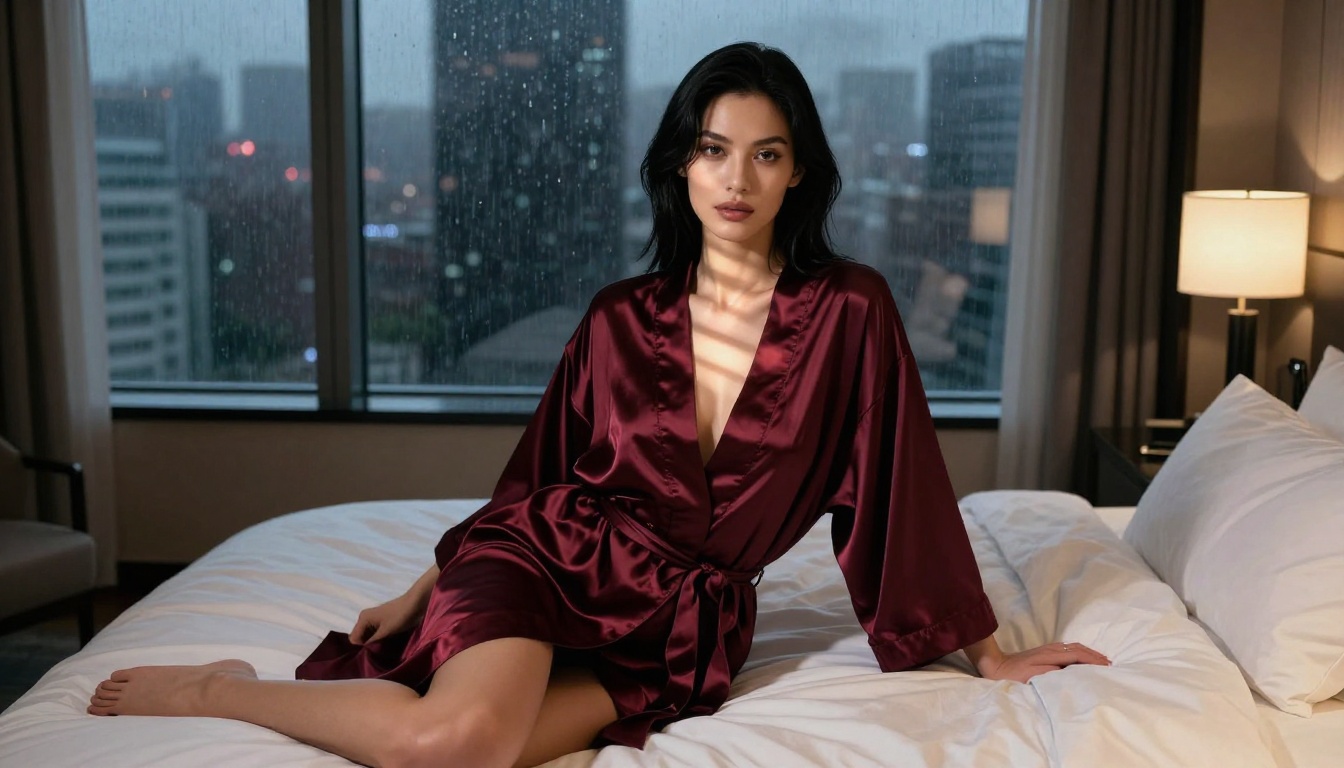
Tip: Kling v3 responds best to scene-based prompts written like a cinematographer's shot list. Instead of describing a person's appearance in isolation, describe the full scene: the lighting source and direction, the camera angle and lens, the environment, and the action happening within it. The more cinematic your prompt language, the more cinematic the output.
Real Output Quality
In direct comparisons against Seedance 2.0 and Veo 3 on adult-oriented prompts, Kling v3 consistently produced smoother motion, better face consistency, and more accurate adherence to the creative intent of the prompt. Veo 3 has higher peak quality on safe, general-audience content but applies heavier filtering on anything remotely mature. Seedance 2.0 is excellent for narrative video with native audio generation but is less tolerant of mature artistic content by default.
Kling v3 occupies a unique position in the market: top-tier visual output quality with significantly more creative latitude than either of its closest rivals.
How to Use Kling v3 on PicassoIA
PicassoIA gives you direct access to Kling v3 without the content restrictions baked into Kwai's own consumer-facing platform. Here's how to get consistent results:
- Write a scene prompt, not a character description. Lead with the environment and camera setup before describing the subject. "A warmly lit bedroom at night, shot on 50mm f/1.4, soft side light from a bedside lamp" gives the model a production context before you introduce your subject.
- Specify lighting explicitly. "Soft volumetric light from the left" produces dramatically better results than no lighting instruction. The model uses lighting cues as a quality anchor.
- Set duration to 5 or 10 seconds. Longer clips are available but require more generation time. Start with 5-second previews to validate the scene before committing to longer renders.
- Use the Kling v3 Motion Control variant if you need precise control over how subjects move within the frame.
- Iterate fast. Generate a short preview, refine the prompt based on what you see, then generate the full clip once the scene composition looks right.
#2 WAN 2.6 by Wan-Video
WAN 2.6 T2V is the open-source champion in this category. Built on a large transformer architecture and trained on a broad, diverse dataset, it was designed without the restrictive fine-tuning that hobbles most commercial models. The 2.6 release added significant improvements to skin rendering, fabric simulation, and the model's capacity to handle mature subject matter without producing distorted or incoherent frames.
Open Source, Unrestricted
The core reason WAN 2.6 performs so well for adult creators is architectural. It was not trained with the kind of aggressive content safety fine-tuning that most closed commercial models carry. The result is a model that renders what you ask with remarkable faithfulness.
This does not mean it produces explicit content by default. It means the model does not fight your prompt. Sensual scenes render with naturalistic accuracy. Intimate moments come out with the coherent visual quality that safety-tuned models typically destroy. The model trusts your prompt rather than second-guessing it.
What WAN 2.6 T2V and WAN 2.6 I2V offer adult creators:
- Full text-to-video and image-to-video workflows from a single model family
- Up to 720p resolution with strong temporal consistency across frames
- Minimal prompt refusals compared to any closed commercial model
- Strong naturalistic style that favors photorealistic, editorial aesthetics
- Accessible through PicassoIA without API setup or local hardware requirements
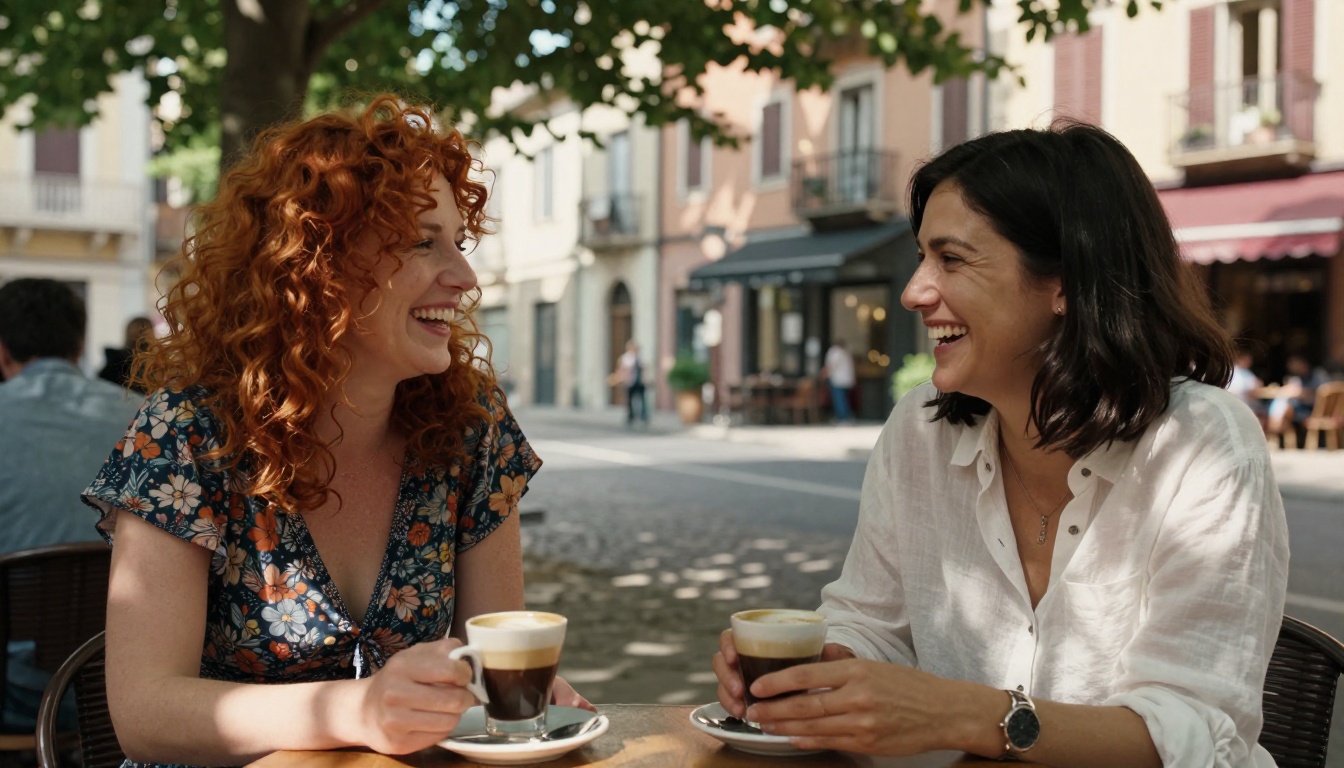
Tip: WAN 2.6 responds exceptionally well to cinematographic language embedded in prompts. Use terms like "shallow depth of field," "rack focus," "handheld camera," and "dolly shot" to get results that feel deliberately composed rather than synthetically generated. The model understands and applies production terminology accurately.
Getting the Best Results
WAN 2.6 has a clear visual preference: it leans cinematic, naturalistic, and documentary in its output style. Forcing it toward styles it wasn't designed for produces weaker results. Lean into its strengths and the outputs are exceptional.
Where WAN 2.6 excels:
- Long, slow camera movements through intimate scenes
- Naturalistic lighting rendered with real-world accuracy
- Human subjects in realistic, recognizable environments
- Close-up to medium shot compositions with shallow focus
Where it struggles:
- Fast cutting or high-motion action sequences
- Stylized or illustrated aesthetics
- Very long clips over 8 seconds
The WAN 2.6 I2V (image-to-video) variant is particularly powerful for adult content workflows. It lets you begin from a generated still image, something you've crafted with exactly the right lighting, subject, and composition, and then animate it forward. The visual fidelity of the starting frame carries through the generation, giving you substantially more control over the final look than pure text-to-video allows. For creators who want to precisely define how their content looks before committing to video generation, this image-to-video approach is the most efficient workflow available.
#3 Hailuo 2.3 by MiniMax
Hailuo 2.3 is MiniMax's flagship and arguably the most photorealistic video model available for adult content in 2027. It was built with a different priority than Kling or WAN. Instead of maximizing flexibility or open-source accessibility, it maximizes visual authenticity at the human scale.
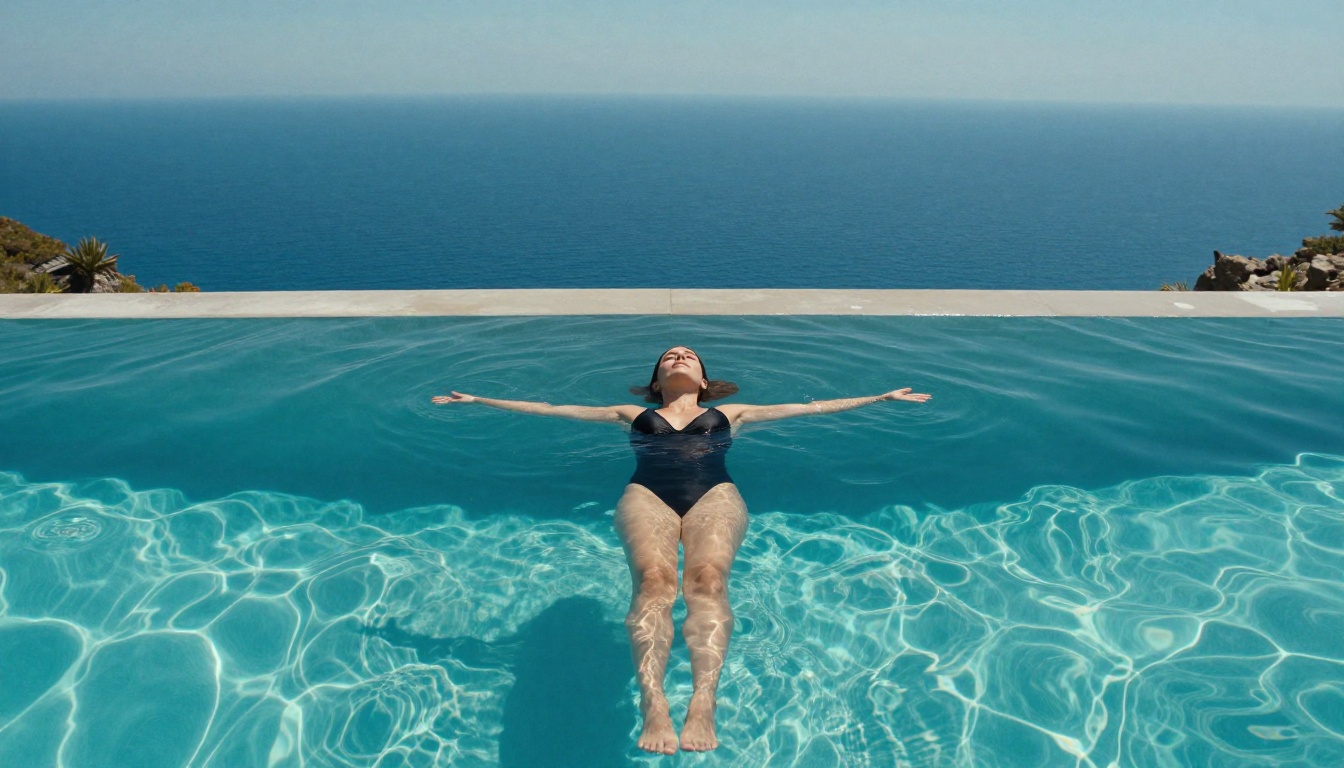
The result is video output that genuinely looks filmed on a professional camera. Skin, hair, and fabric all move with the kind of micro-detail that most models skip entirely because simulating it accurately requires expensive compute. This makes Hailuo 2.3 the best choice when your priority is believable human subjects in intimate, sensual, or artistically mature scenes.
Photorealistic at Speed
Hailuo 2.3 generates fast relative to its output quality. At 720p it produces 5-second clips in roughly 60 to 90 seconds on standard platform infrastructure, making it practical for iterative workflows where you need to test multiple variations of a scene before committing to the final version.
What makes it exceptional for adult creators specifically:
- Best-in-class skin rendering with authentic micro-texture, natural sheen, and realistic pore-level detail
- Accurate hair dynamics that move with weight and gravity rather than as a rigid mask
- Fabric simulation that responds to body movement with real-world fidelity
- Strong anatomical coherence across frames, essential for close-up intimate scenes
- Hailuo 2.3 Fast variant for rapid prototyping at reduced render time
- High tolerance for suggestive, sensual, and mature artistic content
The Speed vs. Detail Trade-off
The main trade-off with Hailuo 2.3 is temporal consistency on very long clips. It performs at its absolute best between 3 and 7 seconds. Push it to 10 seconds and minor inconsistencies in the subject's appearance start to appear across frames. Subtle changes in facial structure or hair position that can break the visual continuity of longer scenes.
For most adult content workflows, this limitation is largely irrelevant. Short clips that cut together are the standard production format, and Hailuo 2.3 Fast lets you generate multiple 5-second takes rapidly until you capture exactly what you need.
The practical workflow with Hailuo 2.3 is: generate three or four 5-second clips of the same scene with slight prompt variations, select the strongest, and use it as your final asset. The generation speed makes this iteration cycle genuinely fast, and the visual quality of the output justifies the approach.
Side-by-Side Breakdown
Here's how the three models compare directly on the metrics that matter most for adult content creation:
| Model | Max Resolution | Motion Quality | Content Tolerance | Best For |
|---|
| Kling v3 | 1080p | Excellent | High | Cinematic scenes, longer clips, full-scene compositions |
| WAN 2.6 | 720p | Very Good | Very High | Naturalistic style, image-to-video workflows, editorial aesthetics |
| Hailuo 2.3 | 720p | Excellent | High | Photorealism, skin and fabric detail, close-up human subjects |
None of these is objectively the best choice for every project. The right model depends entirely on what you're making. For a full cinematic scene, use Kling v3. For editorial or documentary-style content where visual naturalism is the priority, WAN 2.6. For close-up photorealistic shots where skin and texture detail are critical, Hailuo 2.3 is the clear answer.
Experienced creators typically have all three in rotation, selecting between them based on the specific requirements of each clip rather than committing to a single model for every project.
4 Other Models Worth Knowing
These didn't make the top three but are worth understanding if you work in this space regularly and need specialized capabilities.
Seedance 2.0 by ByteDance is exceptional for narrative video with native audio generation baked in. Content tolerance is moderate, well suited for implied rather than explicit maturity, and the audio synchronization capabilities make it uniquely powerful for content that needs synchronized ambient sound or environmental audio.
PixVerse v5.6 offers strong stylistic range and faster generation than most models at its quality tier. It handles suggestive content better than most consumer tools and is worth using when you need rapid turnaround on a large volume of clips.
LTX 2.3 Pro from Lightricks runs at near-real-time generation speeds on standard hardware, making it ideal for concept testing and rapid prototyping before committing to a higher-quality render on Kling or Hailuo. Lower peak visual quality, but unmatched for fast iteration.
Kling v3 Motion Control is technically part of the Kling v3 family but deserves a separate mention. If you need to transfer specific motion patterns onto subjects in your videos, this variant gives you frame-level control that standard text-to-video simply cannot match. It's the tool to reach for when you need a specific gesture or movement to happen in exactly the right way.
Start Creating With These Models
If you've been working around content filters, settling for distorted outputs, or rebuilding your prompts repeatedly to avoid triggering safety classifiers, these three models solve the problem directly.
Kling v3, WAN 2.6, and Hailuo 2.3 are all available through PicassoIA's platform alongside more than 85 other video models, all accessible in one place without switching between services, managing API keys, or running local inference on your own hardware.
The platform also gives you access to image generation, face swap tools, super resolution upscaling for post-processing your best clips, and lipsync capabilities, all of which pair naturally with video generation for professional adult content workflows. Creating high-quality AI video in 2027 is not about finding one perfect model. It's about having the right set of tools and knowing which one to reach for on a specific project.
For your first serious project, start with Kling v3. Write a detailed scene-based prompt, specify your lighting, and generate a 5-second preview. The output quality will show you immediately why it has become the standard choice for professional adult AI video creation in 2027.