Every couple deserves a stunning wedding video, but not every couple can spend $3,000 to $8,000 hiring a professional videographer and editor. AI for couples making wedding videos has reached a point in 2027 where the results genuinely compete with professional work, especially for highlight reels, anniversary films, and social media content. This is not about replacing the emotional rawness of real footage. It is about giving every couple, regardless of budget, the tools to turn their memories into something cinematic, lasting, and deeply personal.
What AI Actually Does for Wedding Videos
Most couples assume AI video tools just "add effects." That undersells what these models can do today.
From still photo to moving film
The most powerful use case for couples is photo animation. You probably have hundreds of wedding photos and very little video footage. AI image-to-video models can take a single still and produce 5-10 seconds of subtle, realistic motion: the bride's veil lifting in a breeze, the couple swaying slightly, candlelight flickering in the background, guests blurring into warm bokeh.
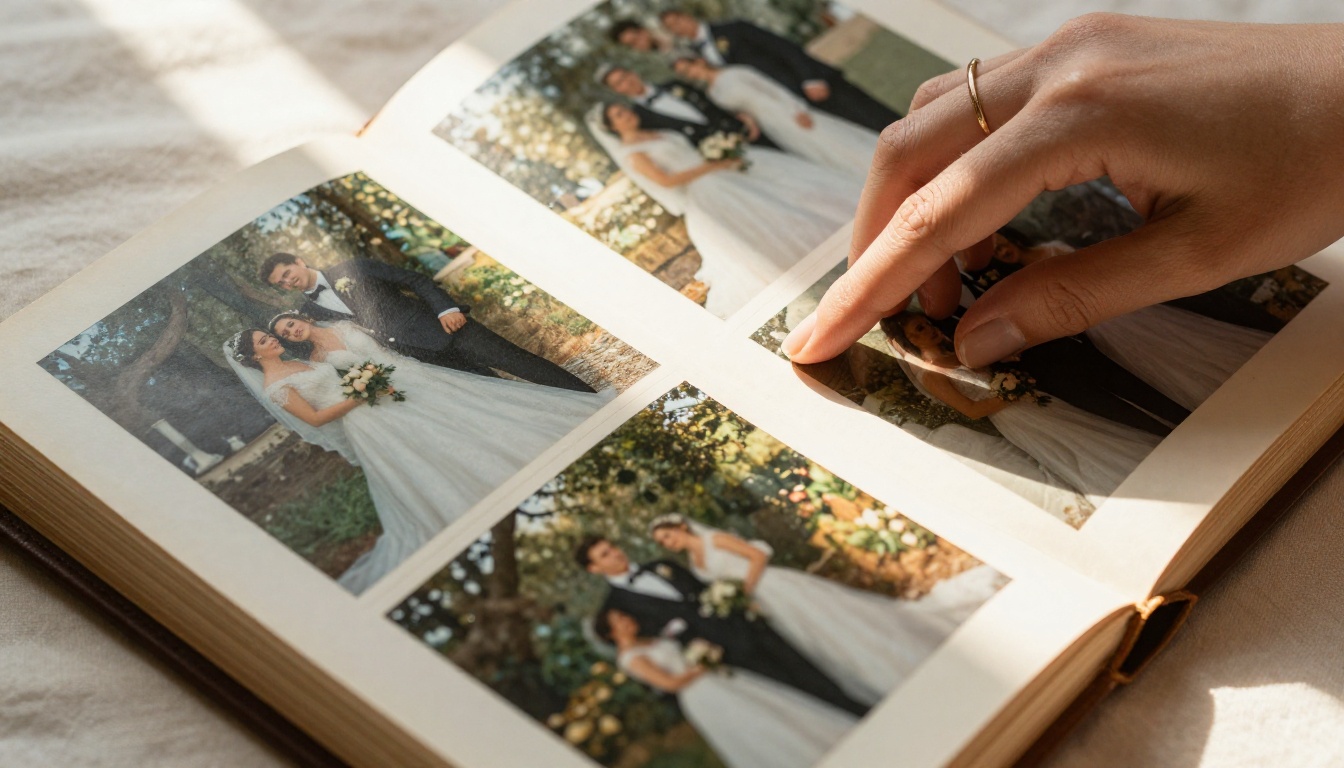
Wan 2.7 I2V is one of the strongest models for this. Upload your wedding photo, write a prompt describing the desired motion, and it outputs a short clip in 720p or 1080p. The motion stays grounded in reality: no cartoon effects, no distorted faces, just natural gentle movement that makes a still photo feel alive.
💡 Tip: Use portrait-style photos with simple backgrounds for the cleanest animation results. Busy group shots with many faces tend to produce less stable output.
Generating new cinematic scenes
Beyond animating existing photos, text-to-video models let you generate entirely new wedding scenes from a written description. Imagine a slow aerial pull-back over your venue at golden hour, a close-up of your rings against a bed of roses, or a candlelit corridor leading to the reception hall. If you did not capture it on the day, you can now create it.
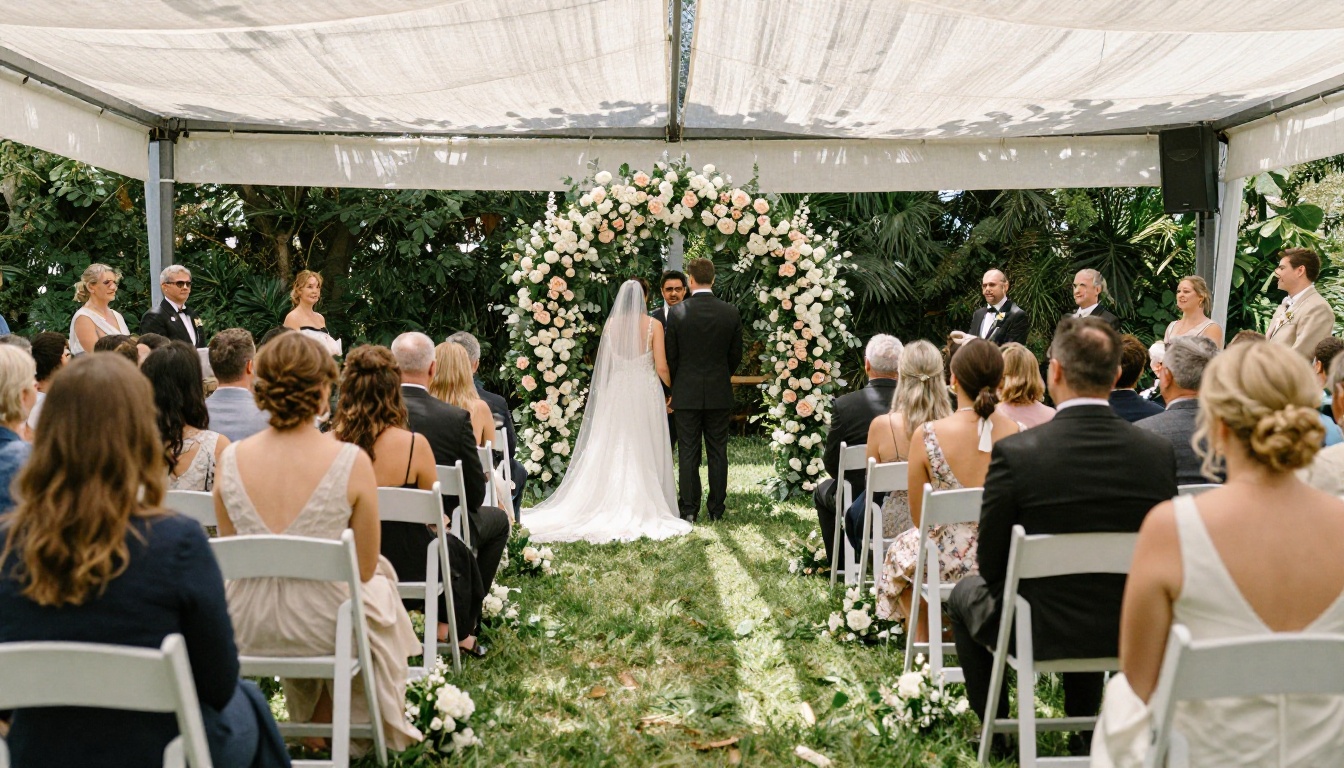
Kling v3 Video produces some of the most cinematic text-to-video results available. Its motion handling, color science, and face stability make it well suited for romantic and emotional content. For aerial-style establishing shots or slow sweeping venue scenes, it performs consistently above other models.
AI video with native audio
One of the most significant recent developments is AI video models that generate synchronized ambient sound alongside the video itself. Seedance 1.5 Pro generates video with built-in audio, meaning your outdoor garden ceremony clip can come with birds, wind, and soft crowd murmur already baked in. Veo 3 does the same at high quality, producing video plus synchronized audio simultaneously from a text prompt. For couples assembling a highlight reel without a full editing suite, this dramatically reduces post-production work.
The Best AI Models for Wedding Video Content
Not all text-to-video models handle wedding content the same way. Here is how the top performers compare:
| Model | Best For | Resolution | Standout Trait |
|---|
| Kling v3 Video | Cinematic new scenes | 1080p | Superior face and emotion |
| Wan 2.7 I2V | Animating still photos | 1080p | Identity preservation |
| Seedance 1.5 Pro | Scenes with built-in audio | 1080p | Native audio generation |
| LTX 2 Pro | Maximum quality output | 4K | Native 4K generation |
| Kling v2.6 | Romantic close-up clips | 1080p | Warm cinematic color |
| Hailuo 02 | Fast generation at 1080p | 1080p | Speed and sharpness |
| Veo 3 | Audio-synced video | 1080p | Built-in native audio |
| Pixverse v4.5 | Creative motion variety | 1080p | Effects and stylized clips |
Kling v3 Video: the cinematic choice
Kling v3 Video is the model to reach for when quality matters most. It handles human emotion naturally, meaning couples interacting, looking at each other, and walking together all come out with real weight and presence rather than the uncanny stiffness of older models. It also excels at slow-motion interpretations, romantic soft focus, and physically grounded fabric movement.
For wedding use: describe the scene in detail, specify lighting (golden hour, candlelight, soft overcast), and include camera movement instructions like "slow push-in" or "gentle pan left."
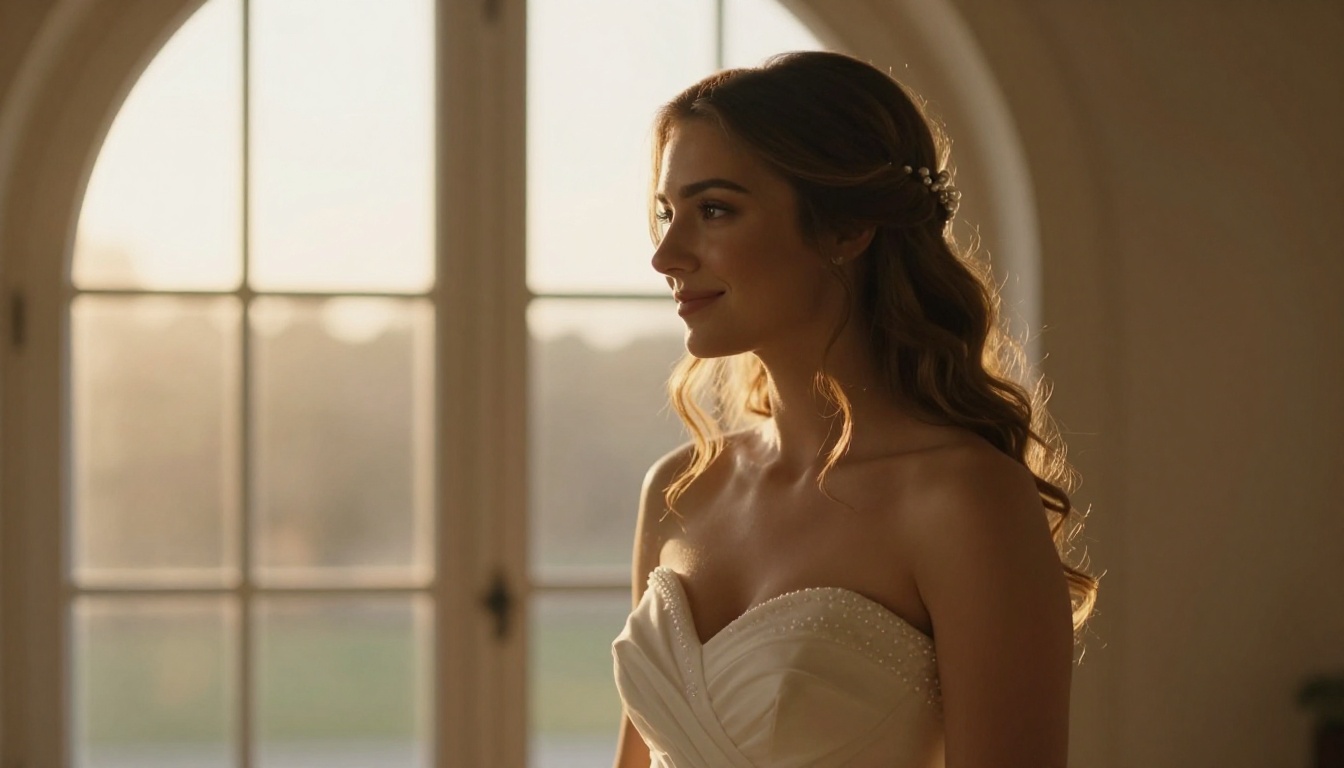
Wan 2.7 I2V: bring your photos to life
Wan 2.7 I2V is specifically built to animate a source image while preserving the subject's appearance. This is the safest model for animating actual photos of you and your partner because it maintains facial identity better than text-only generation.
What it does well:
- Subtle ambient motion on portraits: hair, veil, and background bokeh shift
- Walking sequences from a static couple photo
- Parallax depth effects on wide ceremony shots
- Clothing and fabric movement that looks physically real
How to Animate Your Wedding Photos Step by Step
This is the most practical workflow for most couples. You already have high-quality photos from your photographer. Here is how to turn them into usable video clips.

Step 1: Select your best photos
Choose 8-12 photos with variety in subject and composition:
- At least 2 portraits (bride solo, groom solo, or both together)
- 2-3 couple shots (ceremony moment, reception, candid)
- 2-3 detail shots (rings, bouquet, venue details)
- 1-2 wide establishing shots (ceremony space, reception hall)
Step 2: Open Wan 2.7 I2V on PicassoIA
Navigate to Wan 2.7 I2V. Upload your selected photo in the image input field. The model accepts standard JPG and PNG at up to 4K input resolution.
Step 3: Write your motion prompt
This is where most couples underperform. A weak prompt produces generic motion. A strong prompt produces exactly the clip you imagined.
| Weak Prompt | Strong Prompt |
|---|
| "make it move" | "bride's veil lifts gently in a soft breeze, hair shifts slightly left, warm sunlight dims slowly, camera holds still at eye level" |
| "animate this" | "couple walks slowly toward camera, bokeh background softly shifts in depth, warm candlelight flickers at the edges" |
| "add motion" | "slow zoom into the ring box, bokeh roses soften further, morning light brightens from the left, serene and still" |
Step 4: Set duration and resolution
Use 5-8 seconds per clip. This gives you enough footage to cut to music without the motion becoming unnatural or repetitive. Choose 1080p output for final quality.
Step 5: Download and sequence
Download each clip and arrange them in any video editor. CapCut, DaVinci Resolve, and most smartphone editing apps handle this well. Add music, titles, and crossfade transitions between clips.
💡 Tip: Generate 2-3 variations of each photo using slightly different prompts. Small wording changes produce noticeably different motion results. Pick the strongest from each batch.
Writing Prompts That Actually Work
The biggest factor in AI video quality is the prompt. Wedding video prompts follow a specific structure that consistently outperforms generic descriptions.
The winning formula:
[Subject + state] + [specific motion] + [lighting behavior] + [camera behavior] + [atmosphere]
Prompts that work for weddings:
- "Bride standing in cathedral window light, veil drifting softly left in a gentle breeze, warm golden light intensifies slowly, camera holds steady at eye level, peaceful and romantic atmosphere"
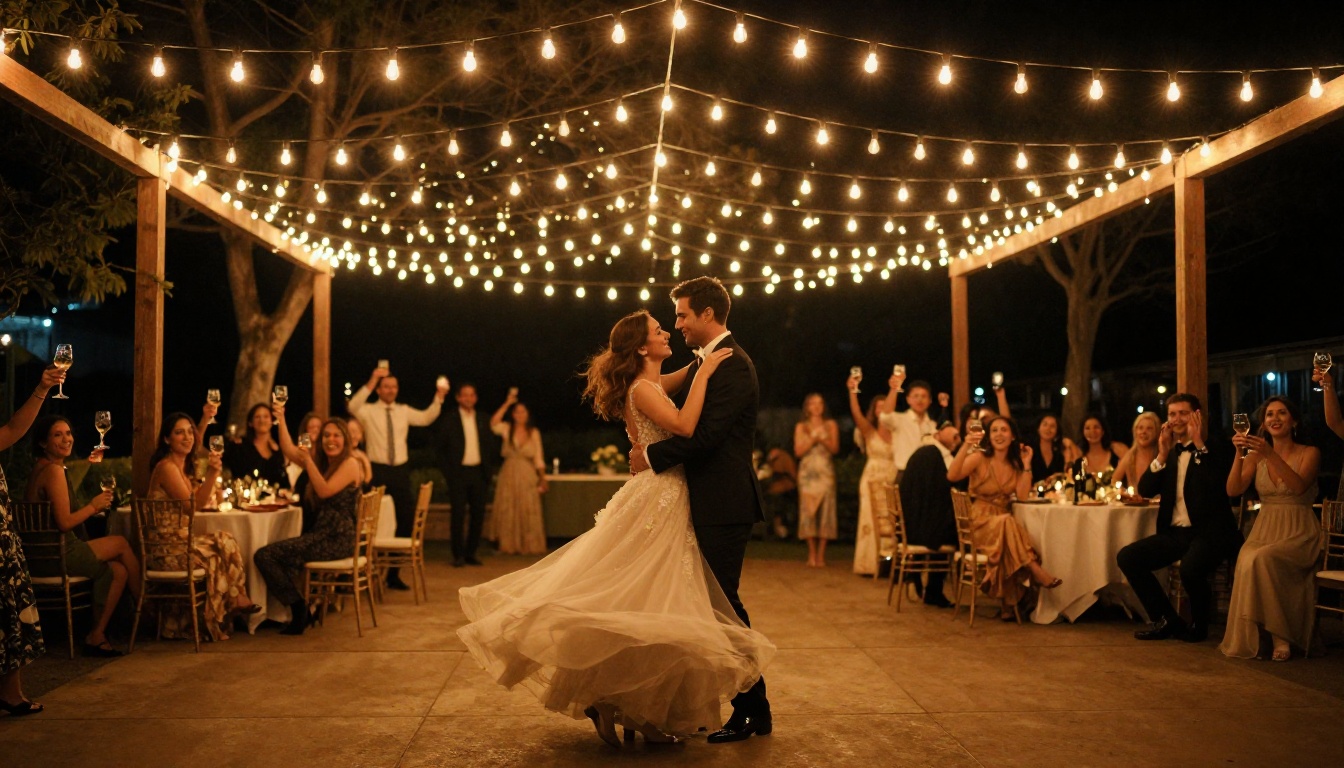
- "Couple sharing first dance under string lights, bodies swaying slowly together, warm amber bokeh orbs drift softly in background, camera slowly pulls back to reveal guests watching, intimate cinematic mood"
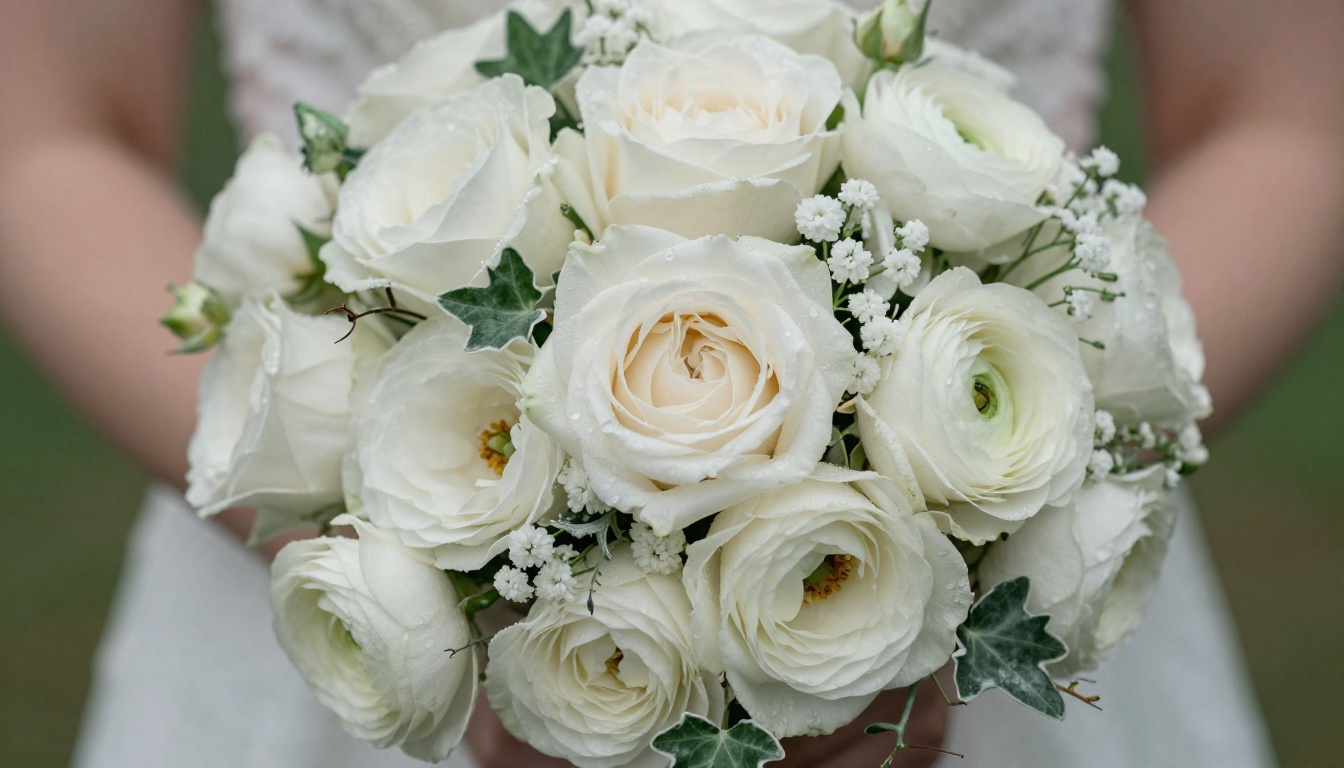
- "White rose bouquet held in gloved hands, petals catching morning dew, single water droplet slides down a petal, soft overcast light, extreme close-up, macro depth of field, serene and still"
Kling v2.6 for romantic close-ups
Kling v2.6 handles warm-toned romantic content particularly well. Its color output naturally skews toward golden and amber palettes that make wedding footage feel timeless. For motion control over specific camera paths, Kling v2.6 Motion Control lets you specify exact camera trajectory, which is useful for the cinematic slow-push-in effect on portrait shots.
Use Kling v2.6 specifically for:
- First look moments and reactions
- Vow exchange close-ups
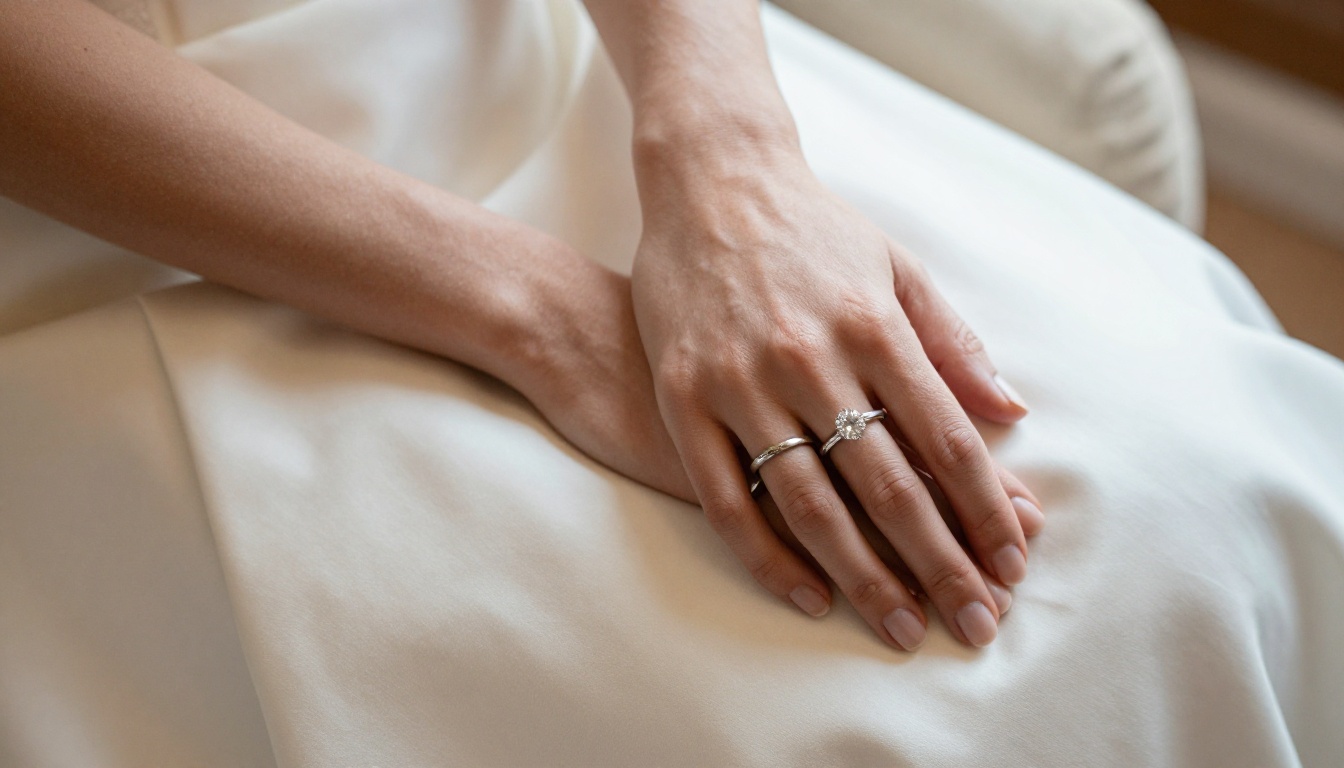
- Ring detail reveals
- Candlelit reception scenes
Adding a Soundtrack to Your Wedding Video
A wedding highlight reel without music is just a slideshow. AI music generation on PicassoIA lets you create a custom original score that fits the exact emotional arc of your film. Describe the mood and instrumentation you want: "romantic orchestral strings with a slow piano melody, building to an emotional climax at 1:30, soft fade out" and a usable original track is ready in seconds, with no licensing restrictions.
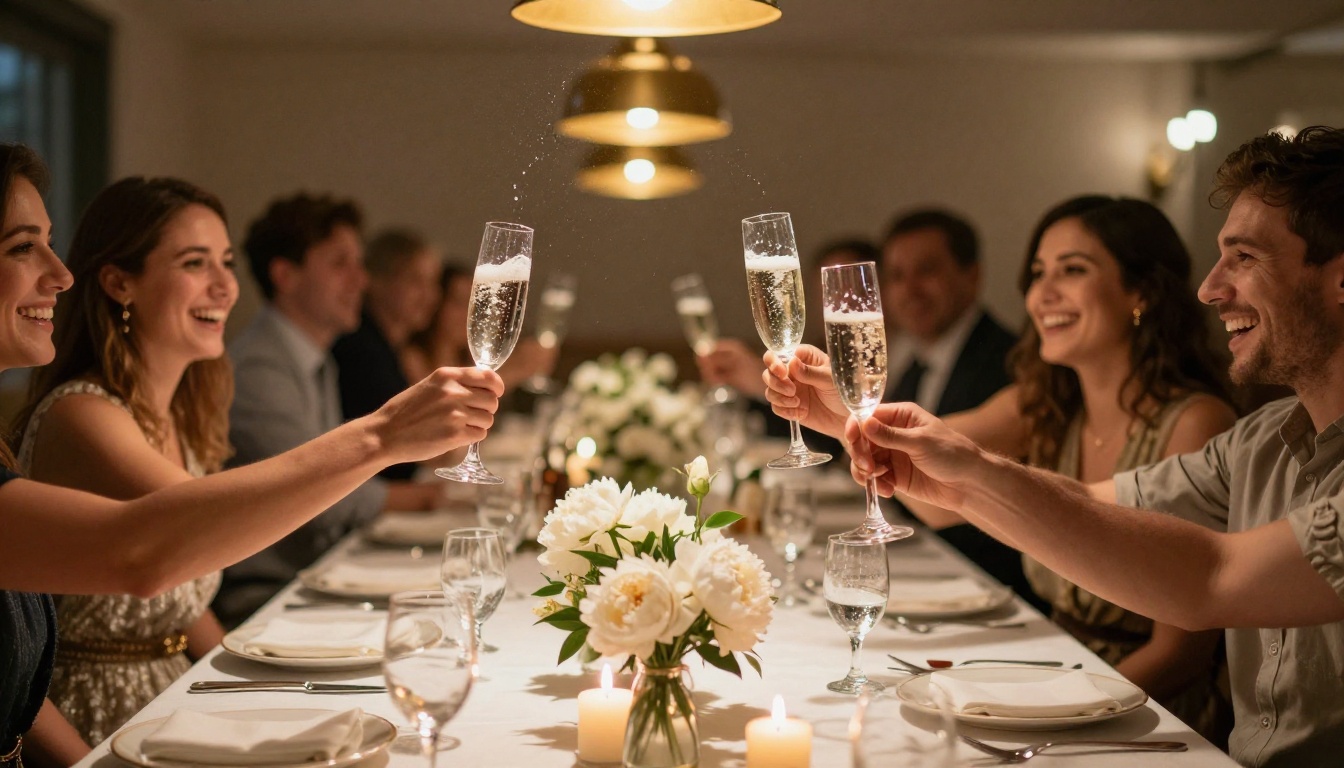
For couples who want to include personalized voice messages, vow readings, or a spoken dedication, the Lipsync tools can synchronize a pre-recorded audio clip to a video of either partner speaking directly to camera. This creates an incredibly personal element in anniversary films and tribute edits that no stock music track can replicate.
Kling Avatar v2 for talking portraits
Kling Avatar v2 can animate a photo of any person into a speaking or reacting video. Combined with a short recorded audio message, this creates powerful memorial or tribute segments within a wedding film: a message from a grandparent who could not attend, a surprise spoken tribute from the maid of honor, or a personalized video message from the couple to their guests playing on a screen at the reception.
Polishing and Upscaling Your Final Output
Raw AI video output sometimes needs refining. PicassoIA's AI Video Enhancement tools let you upscale clips from 480p or 720p to 1080p or 4K, stabilize shaky motion, and restore footage with noise or compression artifacts.
For couples with older wedding footage on DVDs or degraded recordings, the Super Resolution models (upscale 2x-4x) and Deoldify Video colorizer can restore and modernize footage that would otherwise look unwatchable on a modern screen. This is one of the most emotional use cases available: restoring a parent's or grandparent's original wedding footage as a meaningful anniversary gift.
LTX 2 Pro for 4K output
When you need the absolute sharpest output, LTX 2 Pro generates native 4K video from text prompts. Use this for the most important clips in your film: the opening title sequence, the ceremony walk, or the final embrace you want to display on a large screen at an anniversary party or family gathering.
3 Common Mistakes Couples Make
Prompts that are too short
Single-line prompts produce average output. The models respond to detail. Every element you specify, lighting angle, fabric texture, camera movement direction, and atmospheric mood, gives the model more to work with and produces more targeted results. Aim for 40-60 words in every prompt and include specific lighting conditions and camera behavior.
Skipping the polishing step
Many couples generate clips, edit them together, and call it done. Running your clips through AI Video Enhancement first, particularly stabilization and super resolution upscaling, makes a visible difference in how professional the final reel looks. It takes 10 minutes per project and raises the quality floor meaningfully across every clip.
Mixing too many visual styles
Hailuo 02, Kling v3 Video, and Wan 2.7 I2V each have slightly different color science and motion characteristics. Using all three in the same film without color grading creates a jarring, inconsistent look. Pick 1-2 models per project and color-match in post for a cohesive final result that feels like one unified film.
A Full Wedding Highlight Reel Structure
Here is a proven structure for a 3-5 minute wedding highlight reel assembled entirely with AI video tools:
- Opening (0:00-0:30): Venue establishing shot generated with Kling v3 Video or Wan 2.7 T2V. Optional title card with names and date.
- Preparation (0:30-1:00): Animated detail shots: rings, dress, bouquet, shoes, table settings.
- Ceremony (1:00-2:00): Core ceremony moments animated from photos. Vow exchange audio if available.
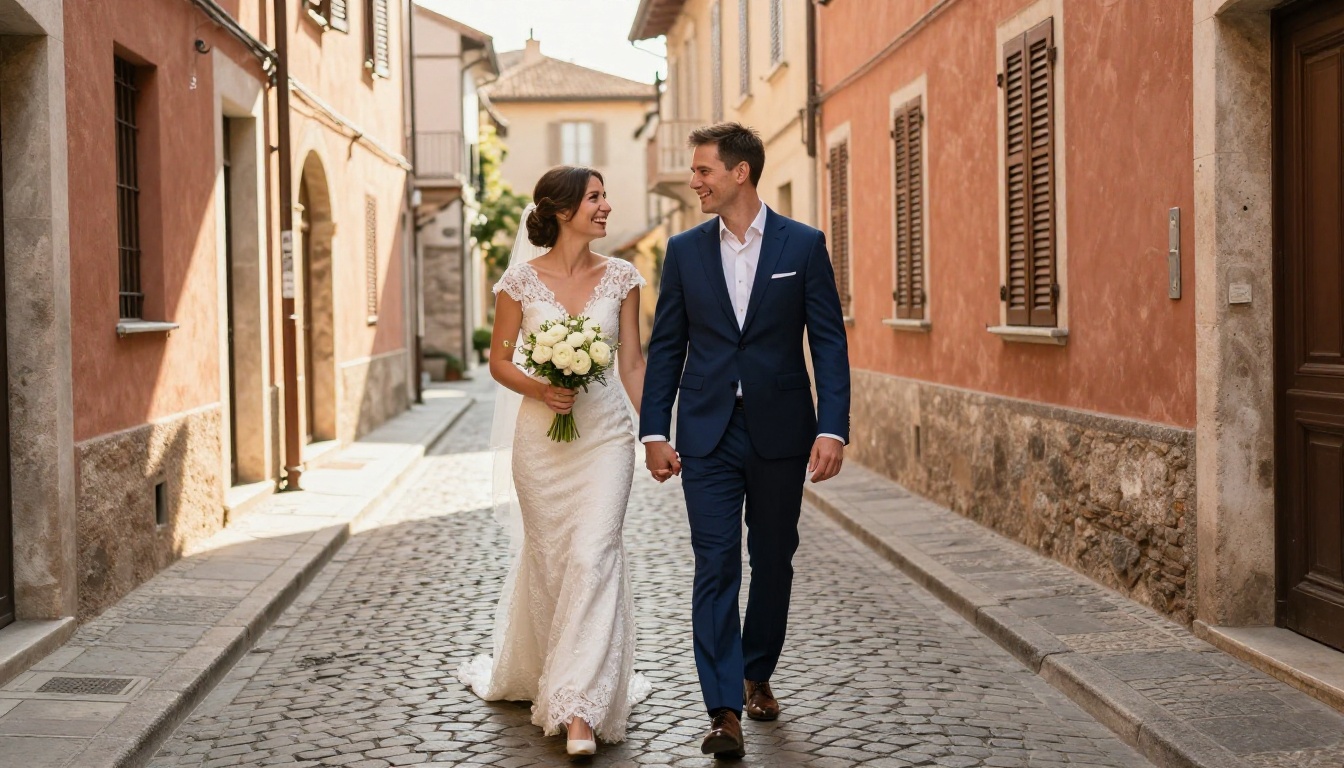
- First Look and Portraits (2:00-2:45): Close-up portrait animations from Wan 2.7 I2V, walking shots from Kling v2.6.
- Reception (2:45-3:45): First dance clip, speech moments, candid guest interactions.
- Closing (3:45-4:30): Wide venue shot fading to black, final title card with names and date.
💡 Tip: Use Seedance 1.5 Pro for the reception section specifically. Its built-in audio generation means crowd noise, ambient music, and celebratory sounds arrive with the clip itself, cutting post-production time significantly.
Start Making Your Own Wedding Film
AI for couples making wedding videos has removed the two biggest barriers: cost and technical skill. You do not need Adobe Premiere, a drone, a cinematographer, or a five-figure budget. You need your wedding photos, an hour of focused time, and access to the right models.
Every model featured in this article, including Kling v3 Video, Wan 2.7 I2V, Seedance 1.5 Pro, LTX 2 Pro, Kling v2.6, Hailuo 02, and Veo 3, is available directly on PicassoIA. No installations, no subscriptions to ten different services, no complex local workflows.
Pick a photo. Write a prompt. Watch your wedding memory come to life.


