A small brand needs roughly a dozen fresh assets every week: product photos, a few ad variations, two or three short videos, a voiceover or two. Hiring a photographer, a videographer and a voice actor for that pace is out of reach for most teams. That gap is exactly where AI for marketing and content creation has settled in. Not as a gimmick, but as a quiet production line that turns a written brief into usable images, clips and audio in minutes.
This article walks through what works today, which models fit which job, what "free" really means, and a workflow you can repeat every Monday morning.
Why Marketers Switch to AI
The Time Problem
Most marketing teams do not lack ideas. They lack hours. A single product launch can demand a hero image, six social crops, a teaser clip, a landing page visual and a narrated explainer. Each of those used to be a separate booking, a separate invoice and a separate round of feedback.

Generative tools collapse that chain. You write one clear paragraph describing the scene, the mood and the audience, and you get a first draft before your coffee cools. The draft is rarely perfect, but a good draft you can react to is worth far more than a blank page.
What Actually Changed
Two years ago, AI images had warped hands and melted text, and AI video looked like a slideshow in a blender. Today the best models produce sharp, believable photography, smooth motion with synchronized sound, and voices that breathe between sentences. The difference is not subtle. A viewer scrolling past your ad will not stop to wonder how it was made.
💡 Tip: Treat AI output as a first cut, not a final file. The teams getting the best results generate several options, pick one, and polish it with a small edit.
Images That Sell Products
Product Shots Without a Studio
Product photography is where AI pays for itself fastest. A bottle of serum on a travertine pedestal, a mug on a linen table, a sneaker on wet cobblestones: each used to mean a location, props and a lighting kit. Now it means a prompt.

The trick is to write prompts like a photographer, not like a poet. Name the lens, the light direction, the surface and the mood. "Soft window light from the left, 100mm macro, shallow depth of field, beige seamless backdrop" gives the model far more to work with than "beautiful product photo".
Models such as Seedream 4.5 handle fine texture, glass reflections and clean composition very well, which is what product shots demand. Nano Banana Pro is a strong choice when you want to edit an existing photo, for example swapping a background while keeping the product untouched.
Social Posts and Ad Variations
Ad testing is a numbers game. The more variations you run, the faster you find the angle that converts. AI makes variation cheap: same product, five backdrops, three color moods, two crops.
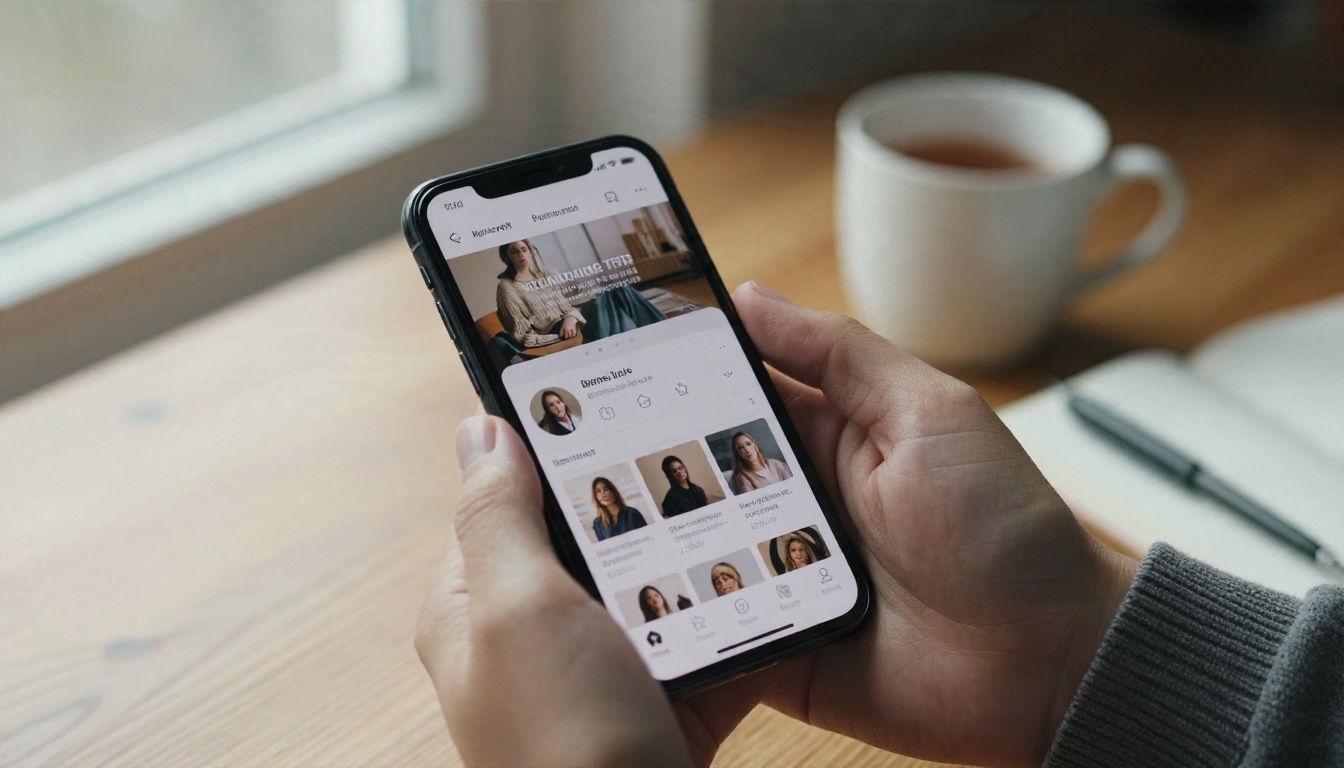
A few practical habits help:
- Lock your brand palette in the prompt by naming two or three colors in plain words, such as "warm terracotta and cream".
- Keep a prompt library in a shared doc. When a prompt works, save it with the result.
- Generate wide, crop later. A 16:9 image can become a square, a story and a banner with simple crops.
- Avoid baked-in text. Add headlines in your design tool where you control spelling and fonts.
Picking the Right Image Model
You do not need every model. You need two or three you trust. Here is a quick comparison to start from.
| Model | Best for | Speed | Notes |
|---|
| Seedream 4.5 | Sharp 4K product and lifestyle shots | Medium | Strong textures and clean layouts |
| Nano Banana Pro | Editing existing photos, consistent subjects | Medium | Good for iterating on one image |
| Flux Schnell | Fast drafts and mood boards | Very fast | Ideal for testing ideas cheaply |
| Nano Banana 2 Lite | Quick everyday visuals | Fast | A light option for high volume |
Short Videos for Every Channel
From Still to Motion
Video is where attention lives, and it is also where budgets used to disappear. A five second clip of steam rising from a croissant tray, shot properly, once meant a crew. Text to video models now produce that clip from a sentence, and many add native audio so you get ambient sound for free.

Write video prompts chronologically. Say what the subject is doing at the start, what changes, and how the camera moves. "A baker slides a tray onto the counter, steam rises, slow dolly in, warm morning light" works better than a list of adjectives.
For cinematic motion and polished camera work, Kling v3 Video is a dependable pick. If you want sound generated alongside the picture, Veo 3.1 Fast and Veo 3.1 Lite are built for that.
Video Models Compared
| Model | Strength | Good marketing use |
|---|
| Kling v3 Video | Cinematic motion, realistic physics | Brand films, hero clips |
| Veo 3.1 Fast | Quick turnaround with audio | Social teasers, product reveals |
| Wan 2.5 T2V Fast | Speed and low cost per clip | Testing many concepts |
| LTX 2.5 Fast | High resolution output in seconds | Ads that need crisp detail |
If you already have a strong still image, an image to video model such as Wan 2.5 I2V Fast can animate it, keeping the look you already approved.
💡 Tip: Make a short vertical clip first. If the opening two seconds do not hold attention, no amount of polish later will save it.
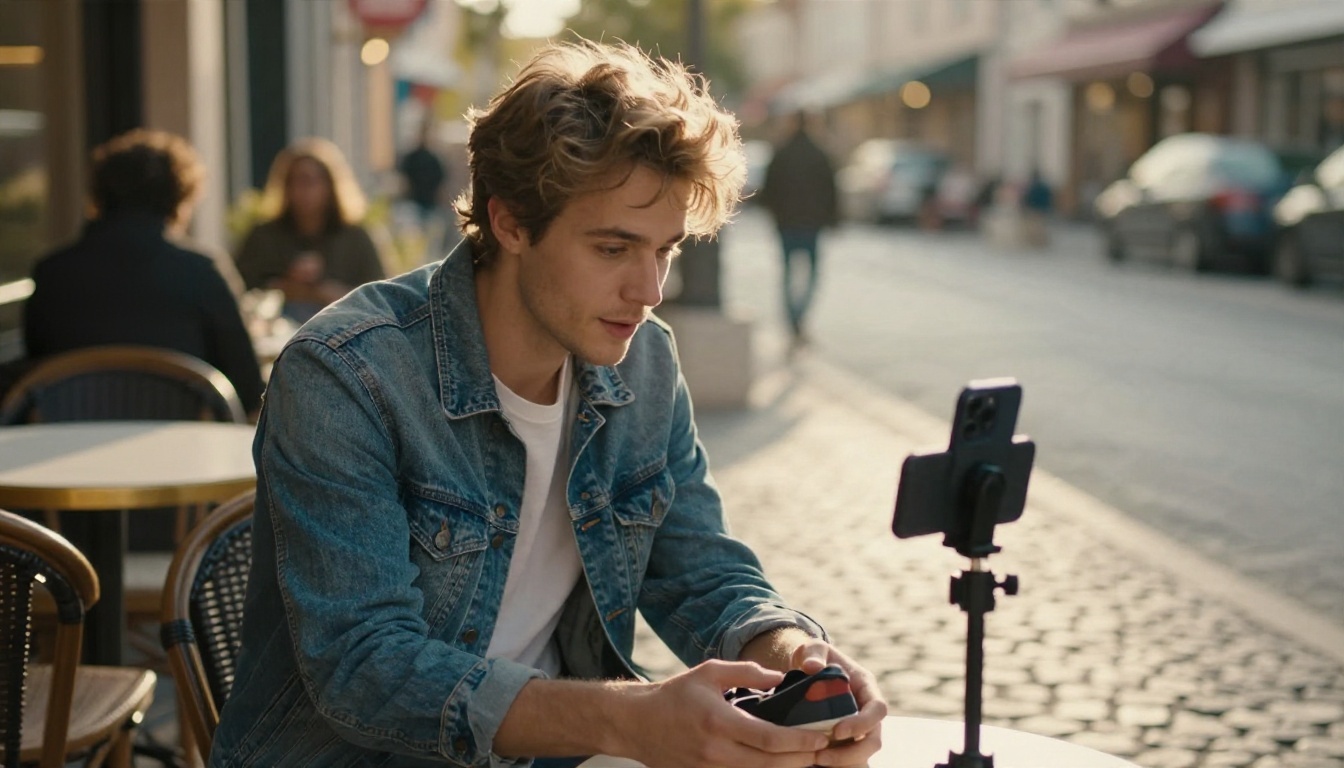
Voiceovers Without a Booth
Choosing a Voice Model
A good voiceover changes how a viewer trusts your message. Text to speech used to sound like a train announcement. Current models add pacing, emphasis and warmth, and many handle dozens of languages.
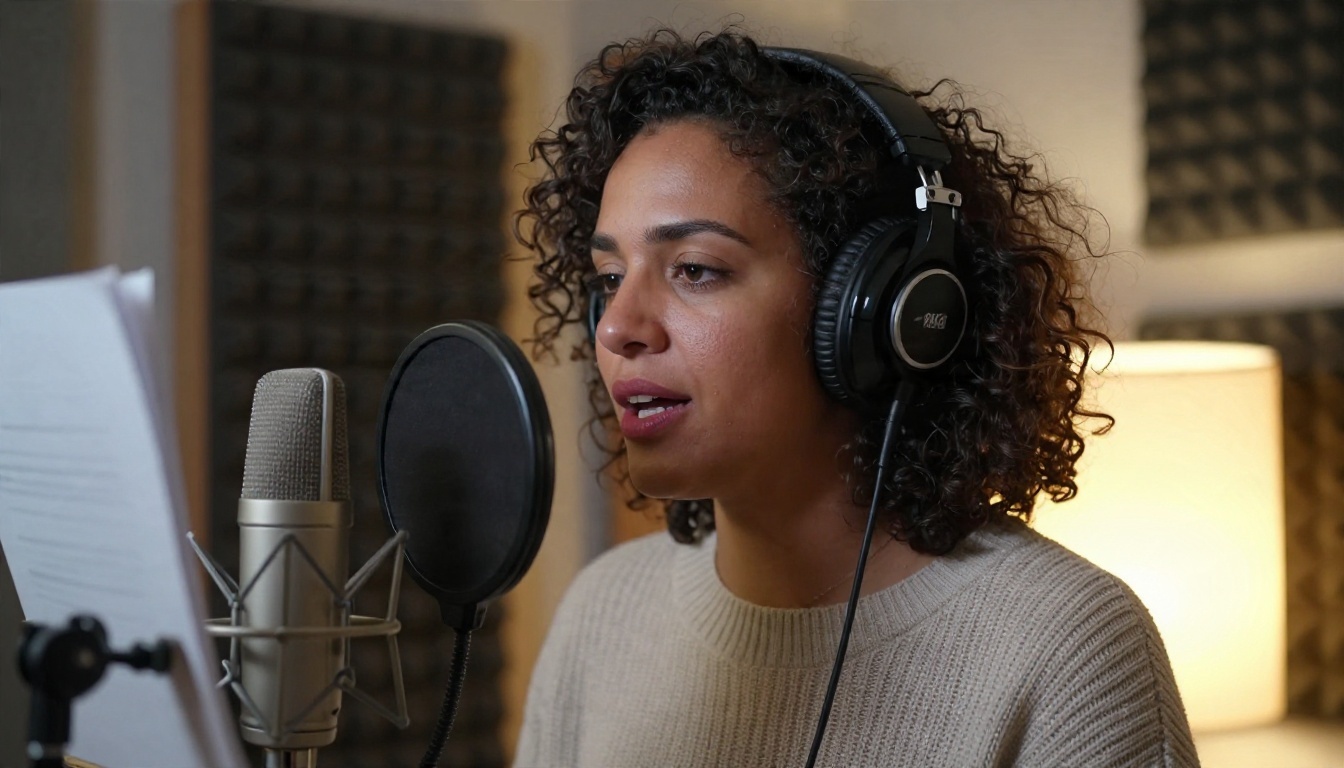
Here is how the main options line up:
Write your script for the ear, not the eye. Short sentences, contractions, a pause where you would breathe. Read it aloud once before you generate. If you stumble, the model will too.
Dubbing for New Markets
Once you have a video that performs, the cheapest growth move is often translation. The Dubbing model translates spoken video into dozens of languages while keeping the original rhythm. A single English explainer can become Spanish, Portuguese and French versions in an afternoon. If you want a custom soundtrack to sit under it, Music composes tracks from a text prompt.
What a Real Workflow Looks Like
Tools matter less than sequence. Here is a simple order of operations that keeps a small team from drowning in files.

- Write the brief. One paragraph: audience, offer, tone, three must-have visuals.
- Draft images fast. Use a speed model to produce twenty rough options.
- Pick and refine. Take the best three into a higher quality model for final renders.
- Animate the winners. Turn the strongest stills into five second clips.
- Add voice. Generate narration, then check it against the video timing.
- Review as a team. Print or pin the finalists. People spot problems on a wall that they miss on a screen.

The review step matters more than it sounds. AI will happily produce a beautiful image with a subtle error: an extra finger, a logo that does not exist, a product shape slightly off. A human pass catches those before a customer does.
Free Options That Work
What Free Really Gives You
"Free" in AI tools usually means one of three things: a limited number of daily generations, lower resolution output, or access to lighter models only. None of these is a trap. They are a fair way to test whether a tool fits your work before you commit budget.
On PicassoIA, you can try many of the models above, and some, like Nano Banana Pro, are described on their pages as available to try free. Limits change over time, so check the model page for the current allowance before you plan a campaign around it.

A Zero Budget Weekly Workflow
If you are a solo founder or freelancer, this rhythm fits inside free allowances:
- Monday: draft twenty image ideas with Flux Schnell, since fast models stretch your allowance furthest.
- Tuesday: refine the best three with Seedream 4.5.
- Wednesday: animate one image into a short clip.
- Thursday: record narration with a text to speech model and sync it to the clip.
- Friday: schedule everything and note which prompts worked.
| Task | Model type | Tip for stretching free usage |
|---|
| Idea drafts | Fast text to image | Generate small, upscale only winners |
| Final visuals | High quality text to image | Write one strong prompt instead of ten weak ones |
| Motion | Image to video | Animate only your best still |
| Voice | Text to speech | Finalize the script before generating audio |
How to Use Seedream 4.5 on PicassoIA
Seedream 4.5 is a good first stop for marketing visuals because it holds fine detail and keeps composition tidy. Here is the process.
- Open the model page. Go to the Seedream 4.5 page in the text to image collection on PicassoIA.
- Write a photographer style prompt. Include the subject, the setting, the light direction, the lens and the mood. Example: "A ceramic coffee mug on a linen tablecloth, soft morning window light from the left, 85mm lens, shallow depth of field, warm tones".
- Set the aspect ratio. Choose 16:9 for banners and video thumbnails, or 1:1 and 9:16 for feeds and stories.
- Generate and compare. Run the prompt two or three times. Small prompt changes can shift the result noticeably.
- Adjust one variable at a time. If the light is wrong, change only the light. Changing everything makes it impossible to see what helped.
- Save the winner and the prompt. Store both in your shared library for the next campaign.
💡 Tip: For anything with people in it, add specifics like "natural skin texture" and "candid expression". It pushes the output away from the over-smoothed look that readers recognize instantly.
4 Mistakes That Waste Credits
1. Vague prompts. "Nice ad image" gives the model nothing to aim at. Be specific about subject, light and lens.
2. Chasing perfection in one run. Generate in batches, pick the best, then refine. It is cheaper than endless single attempts.
3. Putting text inside the image. Models still make spelling slips. Add headlines in your editor.
4. Skipping the brand check. Colors drift, logos invent themselves, products change shape. Review every asset against your real product before publishing.
There is also a quieter mistake: publishing AI content without telling your audience when it matters. If a product image is a rendering of something that does not exist yet, say so. Trust is worth more than one saved click.
Make Your First Campaign Today
You do not need a big plan. Pick one product, one audience and one channel. Write a clear paragraph, generate a handful of images, animate your favorite, add a voiceover, and see how it performs against what you would have made by hand.
Picasso IA puts image, video and voice models in one place, so you can move from a draft photo to a narrated clip without switching tools. Start with a fast model for ideas, move to Seedream 4.5 for polish, then try Kling v3 Video for motion and Speech 2.8 HD for the voice. When you want to see what else is available, browse the full catalog at picassoia.com/en/all-models and experiment with a model you have not tried yet. Your next batch of marketing assets is a few good prompts away.


