Most campaigns die in the first hour. Someone opens a blank document, stares at it, and ends up recycling last quarter's idea with a new color palette. AI fixes exactly that hour. A good language model gives you thirty angles in a minute, an image model turns the best three into photographs you can test, and you spend your real energy on judgment instead of staring at a cursor.
This article shows how that works in practice: the kinds of ideas AI produces well, the prompts that get usable results, the ad visuals you can generate without a photoshoot, and what the whole setup costs per month. Everything here is written for people who actually have to ship a campaign, not just talk about one.
What AI Does Well in Campaigns
AI is not a creative director. It is a very fast, very well-read intern who never gets tired of revisions. Once you accept that framing, you stop expecting magic and start getting results.
Speed on First Drafts
A language model like GPT 5.6 Terra or Claude Sonnet 5 can turn a three-line brief into twenty campaign angles, ten headline variations per angle, and a rough channel plan, all in a single sitting. That used to be a half-day workshop. The output will not all be good. Roughly one in five ideas is worth keeping, and that ratio is fine, because rejecting a bad idea costs you two seconds.

Where Humans Still Decide
AI does not know your customers' mood on a rainy Monday. It does not know that your last discount taught buyers to wait for sales, or that your founder hates puns. Those facts live in your head and your data. Feed them into the prompt, and the output improves sharply. Leave them out, and you get generic copy that sounds like every other brand.
💡 Rule of thumb: let AI generate volume, let people choose direction. If you flip that order, you will ship average work faster.
12 Campaign Idea Examples
Below are concrete directions a model can produce from a short brief. They are grouped by the type of business so you can borrow the structure even if your product is different.
Ideas for Local Shops
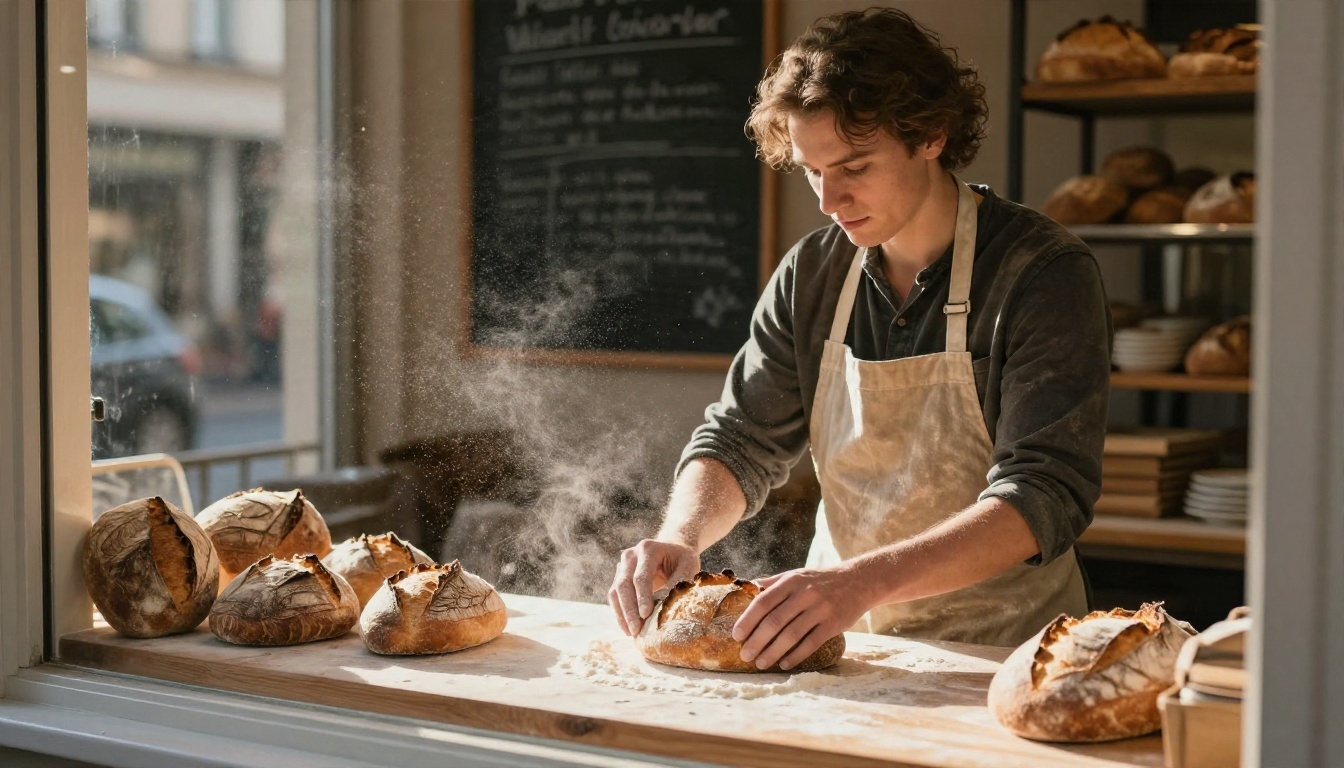
A neighborhood bakery gave a model this brief: "Independent sourdough bakery, 40 regular customers a day, wants more weekday morning traffic, budget under $300." Three of the ideas that came back were worth testing:
- The 7 a.m. Loaf Club. A punch card where the fifth weekday loaf before 8 a.m. is free, promoted with short behind-the-counter clips.
- Flour Dust Fridays. A weekly post showing one loaf from dough to oven, with a "reserve it" reply for followers.
- Neighbor Swap Boards. Partnering with the nearby coffee cart so each hands out the other's sample card.
Ideas for Product Launches
For a new running shoe, the model proposed angles built around a single human moment instead of specs:
- The first cold run of autumn. Visuals of wet pavement, breath in the air, and the shoe grip as the hero.
- Ten kilometers, ten strangers. Customers describe one run each in a sentence, turned into a carousel.
- The 6 a.m. receipt. A countdown campaign to launch day, using sunrise photography every morning.
- Old pair, new route. A trade-in message that celebrates worn shoes instead of replacing them.
Ideas for Creator-Led Work
Creators and personal brands need repeatable formats more than one-off stunts. Useful outputs here included:
- A weekly "behind the frame" series showing one photo and the decision behind it.
- Audience-sourced briefs, where followers vote on the next shoot location.
- A 30-day constraint challenge, such as one lens, one color, one street.
- Gear-free tutorials aimed at people who only own a phone.
- A "worst take, best take" format that shows a failed shot next to the final.
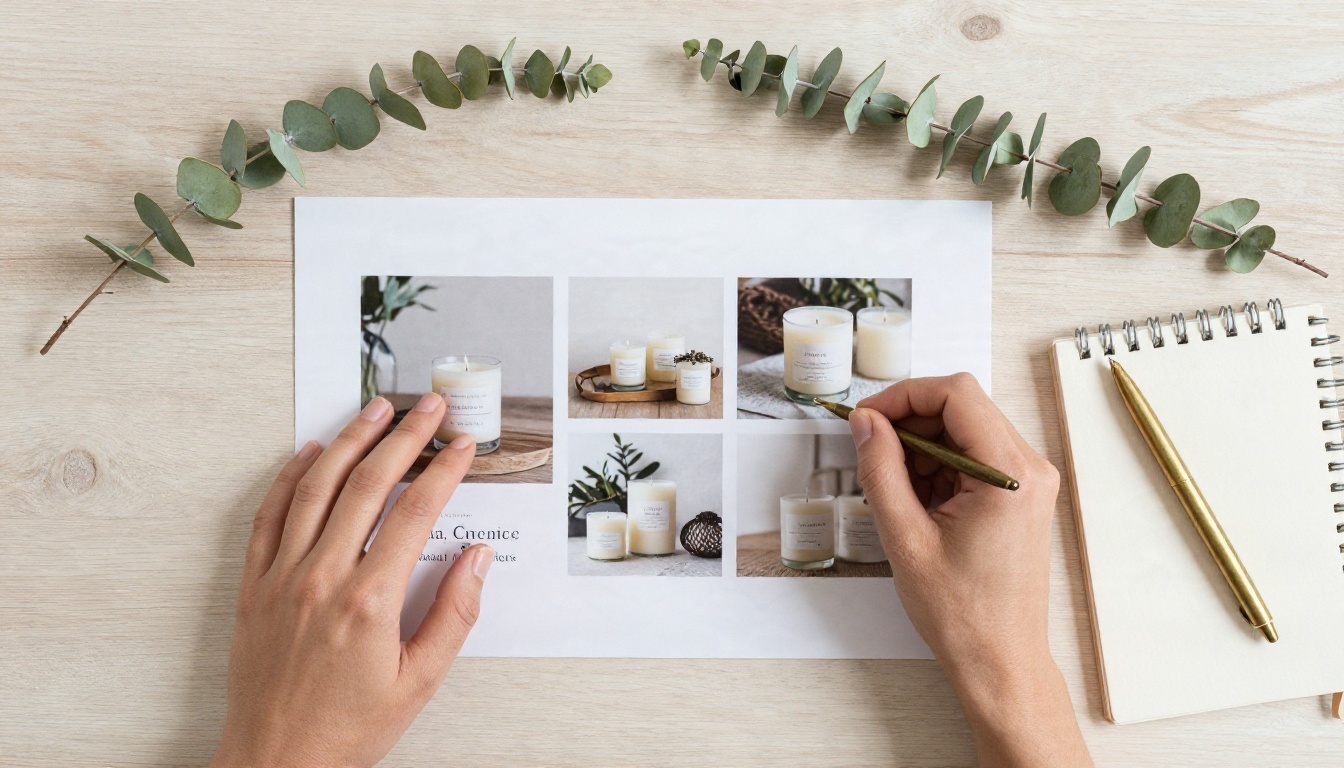
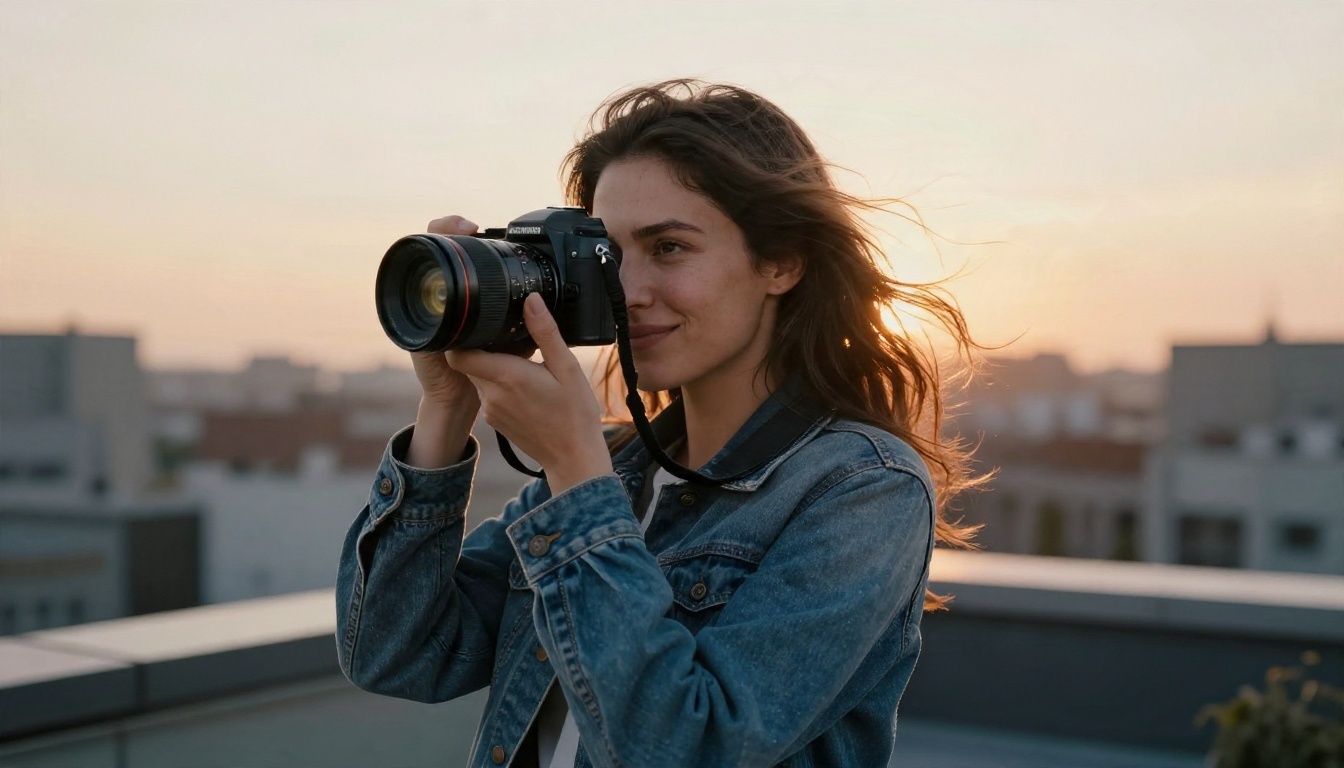
💡 Print your favorite three concepts and lay them on a desk, like the photo above. Ideas that look weak on paper rarely survive on a feed either.
Prompts That Produce Usable Ideas
The difference between a useless answer and a sharp one is almost always the prompt. Vague in, vague out. Here are three templates that consistently work with models such as Gemini 3.1 Pro, GPT 5.6 Luna and Claude Sonnet 4.6.
The Brief Prompt
"Act as a senior campaign strategist. Product: [what it is]. Customer: [who, age range, situation]. Goal: [one measurable outcome]. Budget: [amount]. Channels: [list]. Tone: [three adjectives]. Give me 10 campaign concepts. For each, write a one-line hook, the core emotion, and the cheapest way to test it in one week."
The "cheapest way to test" line is the secret. It forces the model to think like someone with a limited budget, which is how most of us work.
The Angle Expander
"Here is a campaign concept: [paste]. Rewrite it from five different angles: fear of missing out, social proof, humor, practicality, and nostalgia. Keep each under 40 words and name the audience it suits best."
Use this after you have picked a winner. It produces the variations you need for split testing without drifting away from the original idea.
The Objection Prompt
"List the seven most common reasons someone would not buy [product]. For each, write a two-sentence ad that answers the objection without sounding defensive."
This one turns resistance into content. A skincare brand using it found that "I don't know if it suits sensitive skin" was the most common hesitation, and built an entire patch-test campaign around it.
| Prompt type | Best used for | Typical output | Time to review |
|---|
| Brief Prompt | Starting a new campaign | 10 concepts with hooks | 10 minutes |
| Angle Expander | Split testing a chosen idea | 5 tonal variations | 5 minutes |
| Objection Prompt | Conversion and retargeting ads | 7 short answers | 8 minutes |
Ad Visuals With AI Image Models
Once the concept is chosen, the visual decides whether anyone stops scrolling. Photorealistic image models now produce product scenes, lifestyle moments and backgrounds that hold up at ad sizes, which makes quick concept testing cheap.
Product Shots That Sell
A product on a clean, believable surface with directional light is the backbone of most ads. Prompt specifics matter: name the surface material, the light direction, the lens, and the mood. A line like "white running shoes on wet pavement at dawn, low angle, 24mm lens, golden rim light from behind" gives a model far more to work with than "shoes outside."
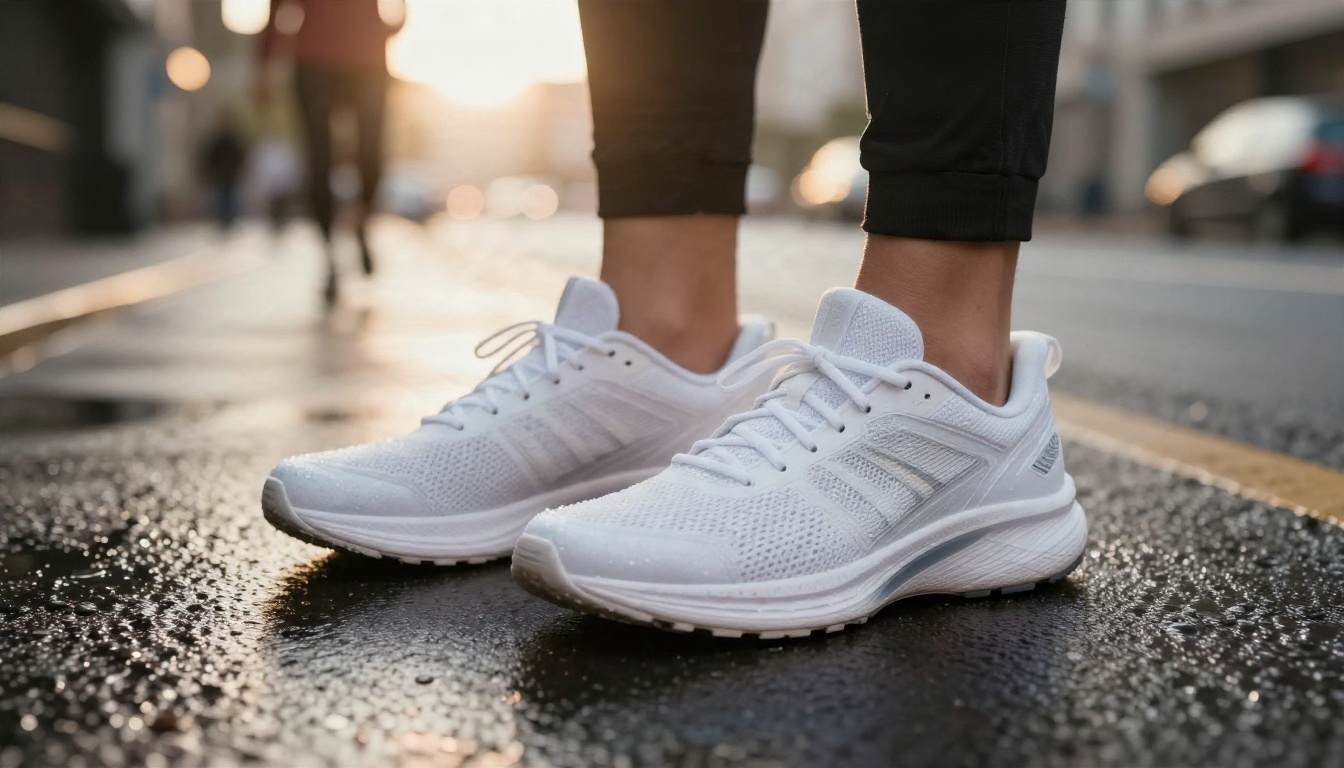
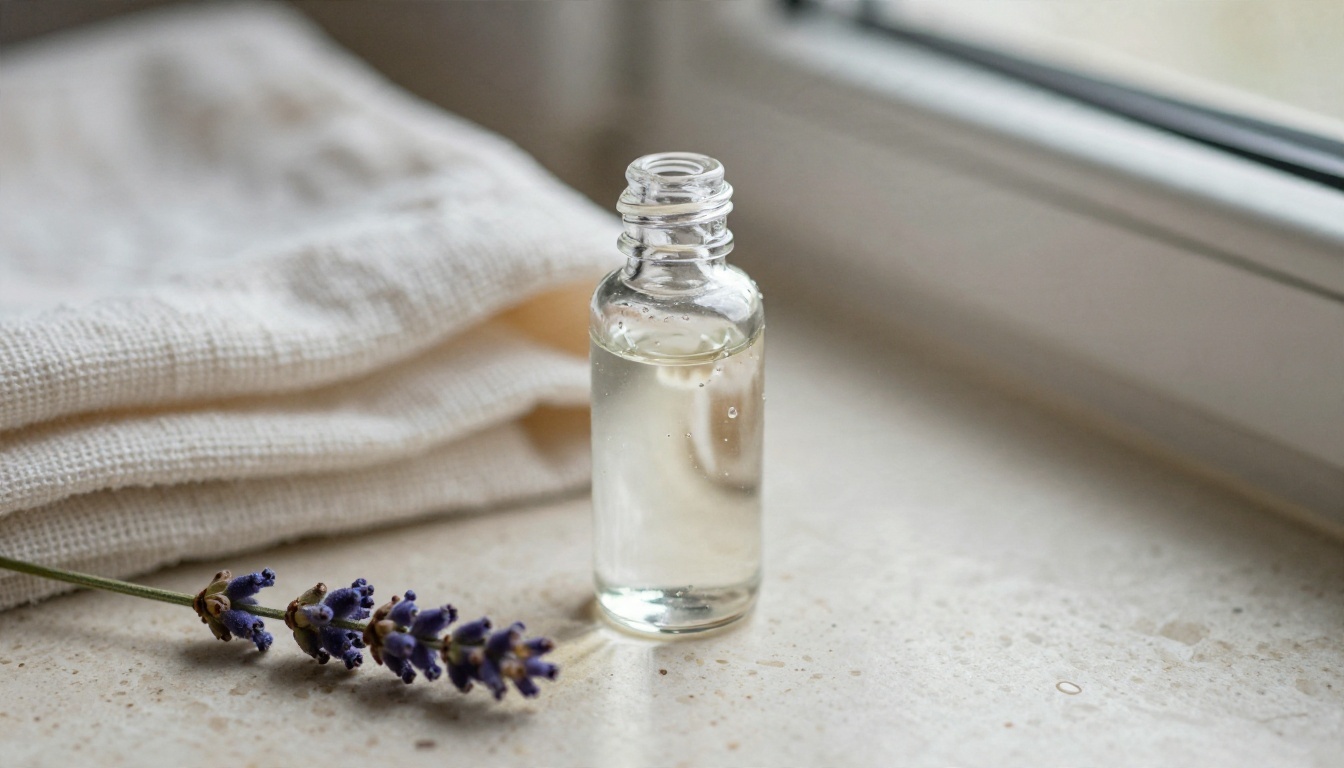
Close-ups work just as well for beauty and wellness products, where texture sells the item. Glass reflections, water droplets and stone surfaces are things modern models render convincingly.
Lifestyle Scenes Without a Shoot
Lifestyle imagery is where small brands normally run out of money, because it needs models, locations and permits. Image models let you test the concept before you commit to any of that. A candid moment at a sunny cafe table, for example, can be drafted in seconds, shown to your team, and only then taken to a real shoot if the idea earns it.

💡 Be honest with your audience and your platforms. If an image shows a product in a situation, make sure the product itself looks like the real item customers will receive.
Picking the Right Model
Different models have different strengths. This table is a starting point, not a rule.
| Model | Strength | Good for |
|---|
| Nano Banana Pro | High resolution, strong prompt following | Hero ad visuals |
| Seedream 4.5 | Sharp detail, 4K output | Product and lifestyle scenes |
| GPT Image 2 | Reads long, detailed prompts well | Complex scenes with several objects |
| Qwen Image 3 Pro | Photorealistic people and textures | Portraits and creator content |
| PicassoIA Image Editor Pro | Unlimited edits to existing photos | Swapping backgrounds, fixing details |
If you already have a product photo, an editor is often better than starting from scratch. Upload the real item and change the scene around it. That keeps the product accurate while the setting changes.
How to Use Nano Banana Pro on PicassoIA
Nano Banana Pro is a strong default for ad visuals because it follows detailed instructions closely and outputs at high resolution. Here is a simple workflow.
Step by Step
- Open the model page. Go to the Nano Banana Pro page on PicassoIA and find the prompt box.
- Write the scene in one paragraph. Include the subject, the setting, the light direction, the lens and the mood. Aim for 50 to 75 words.
- Set the aspect ratio. Use 16:9 for banners and video thumbnails, 1:1 or 4:5 for feed posts, and 9:16 for stories.
- Generate, then compare. Create a few versions and pick the one that matches your concept, not the one that looks flashiest.
- Refine with small edits. Change one thing at a time, such as the time of day or the surface, so you know what caused each difference.
- Save a prompt library. Keep the wording that worked so the next campaign starts from a proven base.
Prompt Tips That Save Time
- Name the light. "Soft window light from the left" beats "nice lighting."
- Name the lens. "85mm, shallow depth of field" gives portraits a natural look.
- Mention texture. Linen, brushed metal, stone, flour dust. Texture makes images feel real.
- Skip text in the image. Add headlines in your design tool afterward, where you control the font and spelling.
The Real Cost of AI Marketing
Prices change often and sources do not always agree, so treat these figures as ballpark numbers and check each vendor before you budget.
Subscription Costs
The main general-purpose assistants from OpenAI, Anthropic and Google sit at roughly $20 per month for an individual paid plan. Canva Pro is commonly quoted around $15 per month. Dedicated marketing writing tools such as Jasper land higher, with plans often quoted between $39 and $69 per month depending on billing period. Many marketers now question whether a standalone copy tool is worth that premium when a general assistant handles similar work, although teams that need strict brand voice controls may still prefer one.
What a Small Team Spends
| Setup | Typical stack | Rough monthly cost |
|---|
| Solo marketer | One AI assistant plus a design tool | About $35 |
| Team of 1 to 3 | Assistant, design tool, one SEO tool | About $50 to $150 |
| Brand with strict voice rules | Dedicated writing tool plus assistant | $100 and up |
| Image-heavy campaigns | Pay-per-use image models on a platform | Varies with volume |

Hidden Costs Worth Counting
The subscription is rarely the expensive part. Count these too:
- Review time. Every AI output needs a human read. Budget about as much time for editing as you saved in drafting.
- Paid media. A great idea still needs ad spend to reach people.
- Tool overlap. Three subscriptions that all write headlines is waste. Pick one writing model and one image route.
- Reshoots. If an AI visual misrepresents the product, the refund rate pays for it.
💡 Compare cost per tested idea, not cost per tool. If a $20 plan helps you test fifteen concepts in a week, it is cheaper than one afternoon in a conference room.
Mistakes That Waste Budget
Even with good tools, campaigns stumble in predictable ways. These three show up again and again.
Skipping the Test
AI makes it tempting to ship the first polished-looking result. Don't. Run two or three versions against each other with a small budget for a few days. The winner is often not the one the team liked.
Copying the Average
Models are trained on what already exists, so unguided output drifts toward the average. Counter this by adding specific details from your own business: a real customer quote, a true founder story, a local landmark. Specifics are what make a campaign feel like yours.
Ignoring the Team Review
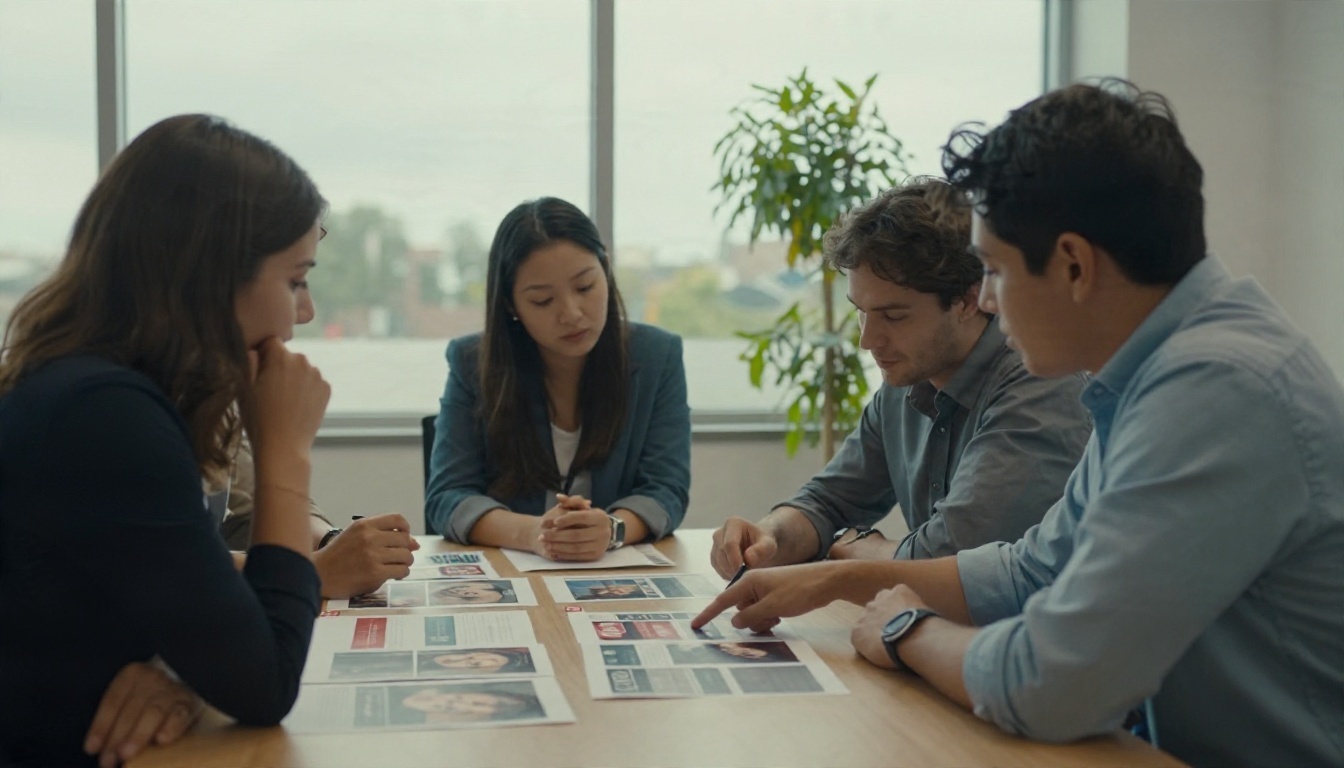
Anyone can generate a hundred assets. Deciding which five to publish is the hard part, and it works best with more than one pair of eyes. Put the printed options on a table, like the team in the photo below, and let people argue.
A One-Afternoon Campaign Plan
Here is a schedule you can follow this week, using nothing more than a language model and an image model.
- Hour one: brief. Write the brief with your real numbers, audience and budget. Run the Brief Prompt and shortlist three concepts.
- Hour two: angles. Run the Angle Expander on your top pick and choose two tones to test.
- Hour three: visuals. Generate three image options per tone with Seedream 4.5 or Nano Banana Pro, then fix details in PicassoIA Image Editor Pro.
- Hour four: schedule. Set up two small test ads, define one success number, and decide in advance when you will stop the loser.
If you also need short-form clips from your stills, Kling v3 Video can animate an image into motion for stories and reels.
Try Your Own Campaign Visuals
The fastest way to see whether this works for your brand is to run it once. Pick one product, write one 60-word scene description, and generate it on PicassoIA. Then ask a language model for five hooks to go with it. You will have a testable ad concept before your coffee goes cold.
Browse the full catalog of image, video and language models at picassoia.com/en/all-models, pick two that fit your budget, and build your next campaign draft today. Experiment with different light, lenses and surfaces, save the prompts that work, and keep the best ones as your brand's visual recipe book.


