Most real estate agents do not lose listings because they lack skill. They lose time. Photos need editing, descriptions need writing, three social platforms want fresh posts, and the ad budget needs a new creative every week. AI for real estate marketing now handles a big share of that grind, and the agents who use it well publish more, test more and still have evenings free.
This article shows what actually works: the social posts, the ads, the staged photos, real prompt examples you can copy today, and the free tools that make it cheap to start. No hype, no vague promises, just a working process.
Why AI Fits Real Estate Marketing
Real estate content is repetitive by nature. Every listing has the same building blocks: a headline, a description, a set of photos, a call to action, a few platform formats. That structure is exactly what language and image models are good at.

What AI Does Well
Three jobs stand out in the market right now:
- Writing: listing descriptions, captions, email subject lines, open house invites.
- Image work: virtual staging, sky and lawn fixes, decluttering, ad backgrounds.
- Repurposing: turning one listing into ten posts, each shaped for a different platform and audience.
Vendor reports claim that a large share of active agents now use at least one AI tool in their marketing. Treat that figure as a marketing claim rather than a hard statistic, but the direction is clear: it has become normal, not experimental.
What AI Still Gets Wrong
AI does not know your market. It will happily call a 1960s ranch "a modern masterpiece" if your prompt is lazy. It also invents details, such as a "newly renovated kitchen" that was last updated in 2009. Every output needs a human read before it goes live, especially anything that touches square footage, school districts or renovation claims.
💡 Rule of thumb: let AI draft, let a person approve. In real estate, a wrong detail is not just an embarrassing post, it can become a compliance problem.
Speed Versus Taste
AI is fast, but taste is still yours. The agents who stand out feed their own voice into the process: a short style note, two or three past posts that performed well, and a clear picture of the buyer they want. That small effort is what separates a post that sounds like a brochure from one that sounds like a neighbor who knows the street.
Social Posts That Sell Homes
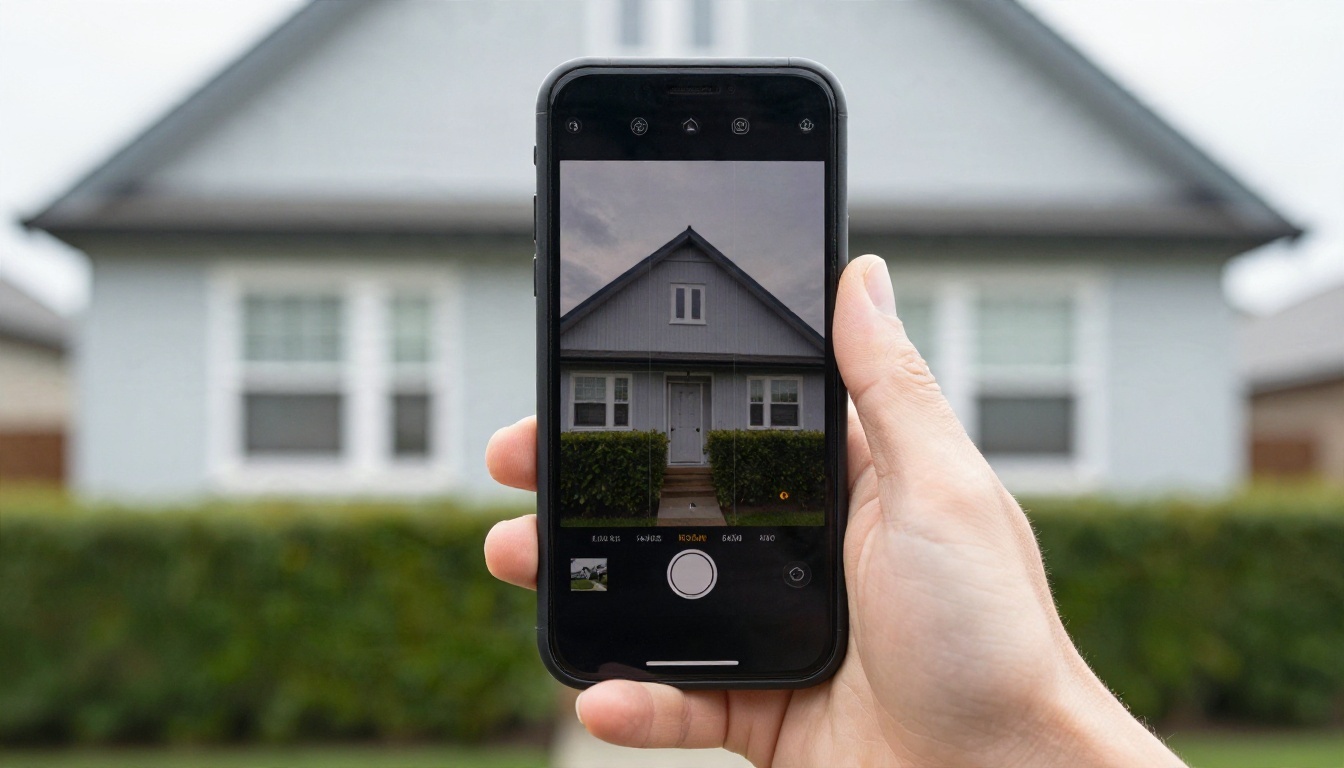
Social media rewards consistency, and consistency is where most agents fall apart. A language model can plan a full month of posts in a few minutes, as long as you give it real inputs.
Pick the Right Model for Copy
For captions and listing text, a strong general model is enough. On PicassoIA you can run Claude Sonnet 5 for longer, more careful writing, GPT 5.6 Luna for quick replies and short captions, and Gemini 3.5 Flash when you want speed on bulk variations. Try the same prompt on two of them. The difference in tone is often bigger than people expect.
A Post Formula That Works
Good real estate posts follow a simple pattern:
- Hook in the first line: a surprising detail, not "Just listed!"
- One strong fact: lot size, walkability, a south-facing garden.
- One feeling: what a Saturday morning in this house looks like.
- One action: book a visit, send a message, save the post.
Here is a prompt that produces that structure:
"Write three Instagram captions for a 3 bedroom craftsman home with a covered porch, big maple trees and a walkable coffee shop two blocks away. Tone: warm, local, no clichés. Under 60 words each. End each with a different call to action. Do not use the words 'stunning' or 'dream home'."
The last line matters. Banning two or three overused phrases forces the model into fresher language.
A Simple Weekly Content Mix
| Day | Post type | What AI drafts |
|---|
| Monday | New listing teaser | Caption plus three hook options |
| Wednesday | Neighborhood spotlight | Short story about a local spot |
| Thursday | Buyer tip | Carousel outline, five slides |
| Saturday | Open house reminder | Caption, story text, hashtag set |
| Sunday | Just sold | Thank you note with a market detail |
Five posts a week sounds heavy by hand. With AI drafting and you editing, it is about an hour.
Ads Built From Listing Data
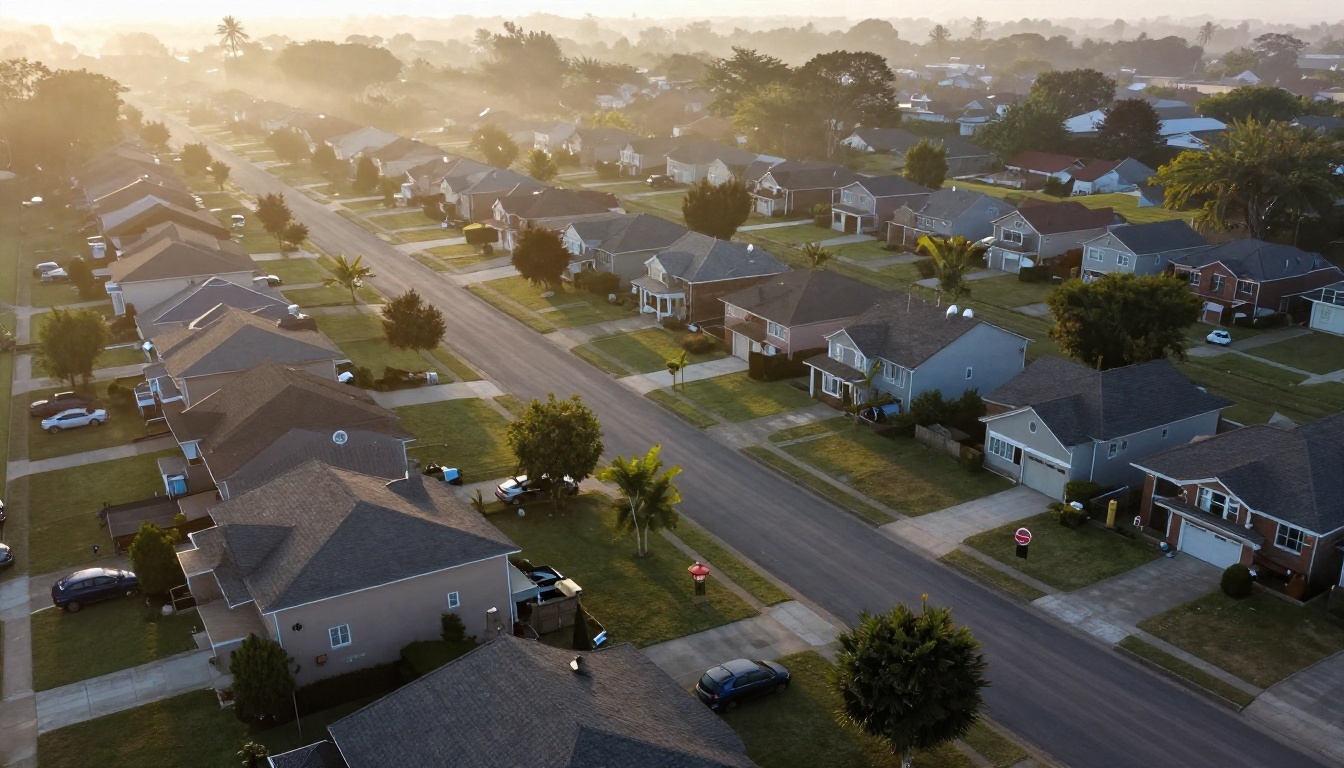
Paid ads punish vague creative. The best-performing real estate ads tend to be specific: a price, a neighborhood, one photo that makes you stop scrolling.
Turn One Listing Into Ten Ads
Feed a model the facts: price, beds, baths, square footage, three standout features and the buyer you want. Then ask for variations by angle rather than by wording:
- Lifestyle angle: "Walk to the farmers market on Saturday."
- Value angle: "More space than the condos nearby, same price per month."
- Commute angle: "Eleven minutes to downtown, zero highway stress."
- Investor angle: "Rental comps nearby average strong occupancy."
Run all four against a small budget for a few days and keep the winner. This is the cheapest market research an agent can buy.
Generate Ad Visuals Without a Photoshoot
When the listing photos are weak, or you are promoting a neighborhood rather than a house, image models fill the gap. Nano Banana Pro handles clean, realistic scenes and edits to existing photos. Seedream 4.5 is strong on detailed 4K architecture and lighting. GPT Image 2 is useful when you need a layout with a little text built in.
💡 Keep it honest: use generated images for lifestyle and neighborhood mood, never as a substitute for photos of the actual property in a listing ad.
Ad Copy Limits to Respect
Each platform has its own character limits, and housing ads have special rules about targeting. In the United States, housing ads cannot target by protected characteristics, and the major ad platforms enforce this with restricted targeting options. Let AI write the copy, but set audiences yourself and check current platform policy before you launch.
Virtual Staging and Listing Photos
Staging is where AI saves the most money. Sources in the industry put traditional staging at roughly $1,500 to $4,000 per listing, while AI staging usually costs a few dollars per image or a small monthly fee. Those are vendor numbers, so your real savings will vary, but the gap is large enough to matter.

Empty Room to Furnished Room
The workflow is simple. Upload a clear, well-lit photo of the empty room, then describe the furniture style you want: "Scandinavian living room, cream linen sofa, round oak coffee table, jute rug, one green armchair, keep the windows, floor and walls unchanged." Editing-capable models such as Nano Banana are designed for exactly this kind of instruction.
The line about leaving windows, floors and walls unchanged is critical. Without it, models like to "improve" the room, and an improved room is a misleading room.
Fix the Photos You Already Have
Not every photo needs staging. Some just need rescue:
- Replace a gray sky with a soft blue one.
- Remove a trash bin, a hose or a parked car.
- Brighten a dark hallway without making it look fake.
- Upscale a small phone photo for print using Real ESRGAN.

Disclosure Rules Are Not Optional
Many MLS boards and local regulators expect staged or altered photos to be labeled. The safest habit is a short caption on every edited image: "Virtually staged" or "Digitally edited." Check your local MLS rules, because they differ by region, and keep the original unedited photo available on request. Buyers who feel tricked at the showing do not come back, and they tell people.
Real Examples You Can Copy
Theory is cheap. Here are four examples that show the full loop from prompt to result.
Example 1: The Neighborhood Post
Goal: a post that sells the street, not just the house.
Prompt: "Write a 50 word Instagram caption about living on a tree-lined street where neighbors wave from their porches. Mention the Saturday farmers market. Tone: friendly, specific, no exclamation marks."
Why it works: it sells belonging. Buyers search for a life, then for a floor plan.
Example 2: The Open House Sequence
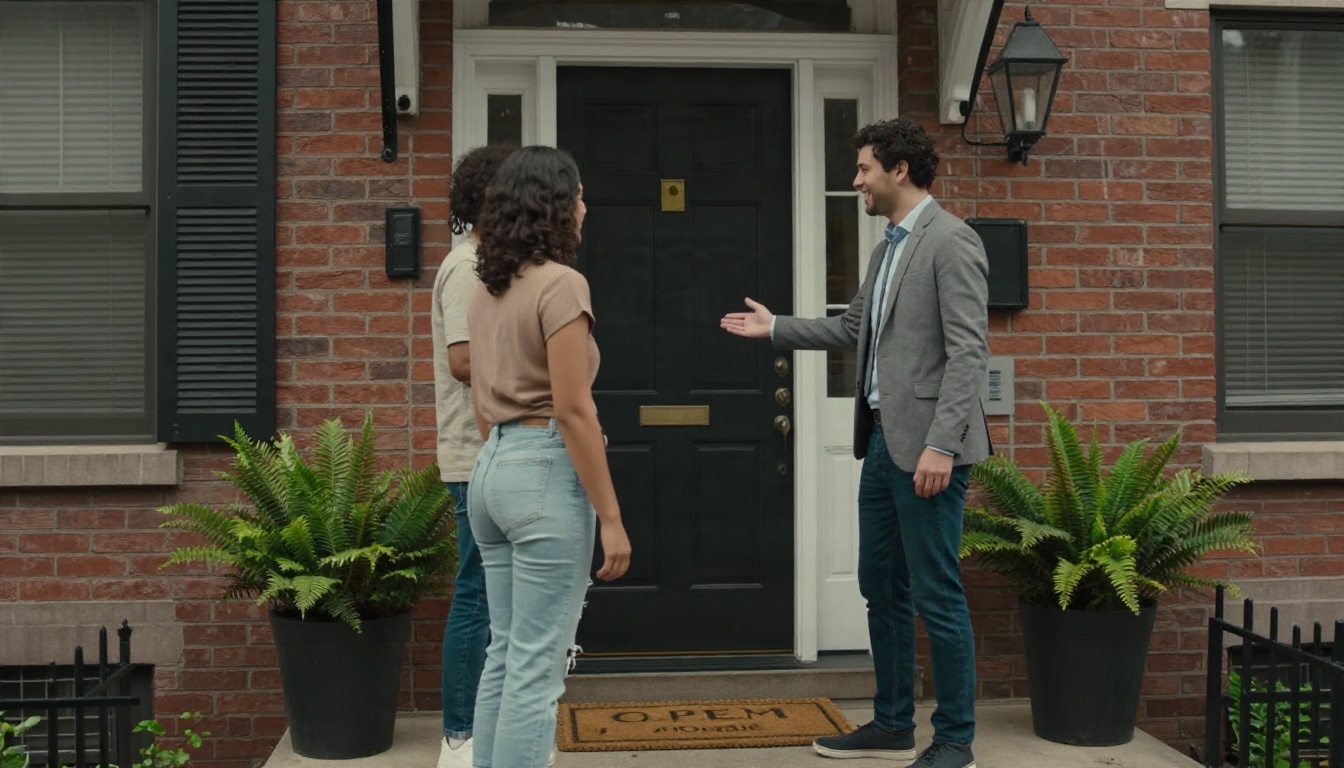
Goal: fill the Sunday open house.
Prompt: "Create a three message sequence for an open house on Sunday from 1 to 3 PM at a brick townhouse. Message one on Thursday, message two on Saturday, message three on Sunday morning. Each under 30 words, each with a different reason to come."
Why it works: three short, different reasons beat one long invitation.
Example 3: The Listing Description Rewrite
Goal: fix a dull description.
Prompt: "Rewrite this listing description so the first sentence names the best feature. Remove the words 'charming' and 'must see.' Keep every factual detail exactly as written. Flag any claim that sounds unverifiable."
Why it works: the final instruction turns the model into a fact checker, which catches the exaggerations before a buyer does.
Example 4: The Image Prompt for an Ad Background
Prompt: "Realistic twilight photograph of a contemporary home with warm lit windows, stone and timber cladding, calm pool in the foreground, no people, no text, 16:9."

Why it works: twilight shots signal a premium property and leave clean space on one side for your headline and price.
You do not need a large software budget. A basic free setup covers most of what a solo agent needs.

A Practical Free Stack
Free tiers and limits change often, so check each tool's current allowance before you plan a whole campaign around it.
Mistakes to Avoid
Agents who struggle with AI usually make the same four mistakes:
- Publishing raw output. Always edit. Generic text is easy to spot.
- Skipping disclosure. Label staged and edited images.
- Using one prompt for everything. A luxury condo and a starter home need different voices.
- Ignoring results. Track which posts and ads bring calls, and feed that back into your next prompt.
Build a Prompt Library
Save every prompt that worked in a simple document, grouped by task: listings, social, ads, emails, image edits. Within a month you will have a personal toolkit that makes the next listing take a fraction of the time. Add a short style note at the top, such as "Tone: warm, direct, local. No clichés," and paste it into every new prompt.
How to Use Nano Banana Pro on PicassoIA
For agents who want one image tool that handles both fresh scenes and photo edits, Nano Banana Pro is a solid place to start. Here is a simple process for creating an ad visual or staging a room.

Step by Step
- Open the model page on PicassoIA and sign in.
- Choose your input. For a fresh scene, start with text only. For staging or edits, upload your original photo.
- Write a specific prompt. Name the room, the furniture style, the light and what must stay unchanged.
- Set the aspect ratio. Use 16:9 for website banners and ads, 4:5 or 1:1 for feed posts.
- Generate two or three versions and pick the one that looks most natural.
- Check the details. Look at the windows, floor lines, shadows and any text. Reject images that change the structure of the room.
- Upscale if needed. Run the winner through Real ESRGAN for print or large display.
- Label it. Add "Virtually staged" or "Digitally edited" to the caption.
Prompt Tips That Save Time
- Describe light first: "soft morning light from the right."
- Name materials: "oak floor, linen sofa, matte black window frames."
- Add a constraint: "do not change walls, windows or floor."
- Keep text out of the image and add it later in your design tool, which keeps the lettering sharp.
💡 Quick test: generate the same room in two models, for example Nano Banana Pro and Seedream 4.5. Keep whichever one respects your room layout better, then use it as your default.
Add Video Later
Once your photos and captions are ready, a short walk-through filmed on your phone still beats most generated clips for trust. Use AI to write the script and the on-screen captions, then film the real rooms yourself. Buyers want to see the real house.
Try It on Your Next Listing
You do not need to rebuild your whole marketing routine. Pick one listing and run a small test this week:
- Write five social captions with a language model, then edit each one in your own voice.
- Generate one ad background and one staged room, and label them clearly.
- Run two ad angles with a small budget for three days.
- Save the best prompts to your library.
That is a full campaign in an afternoon, not a week. The agents getting the most out of AI are not the ones with the fanciest tools. They are the ones who test small, edit honestly and keep their own voice in the final post.
Ready to try it? Open Nano Banana Pro on PicassoIA, upload a photo from your latest listing and stage your first room. If you want to see what else is available, browse every model at picassoia.com/en/all-models and build your own mix of writing, image and editing tools.


