A buyer scrolling through listings gives you about three seconds. A flat photo of a living room earns a glance. A slow push-in through that same room earns a pause, and a pause is where interest starts. That gap is why agents, photographers and small brokerages are feeding listing photos into AI video models instead of booking a videographer for every property.
The promise sounds simple: upload a photo, get a camera move, post the clip. The reality is more mixed. Some free options are genuinely useful. Others hide watermarks, block your own uploads or cap you at a resolution that looks soft on a phone. This article shows what works, what the free tiers really allow, where AI still fails on property footage, and a repeatable workflow you can run on your next listing.
How Photo to Tour Video Works
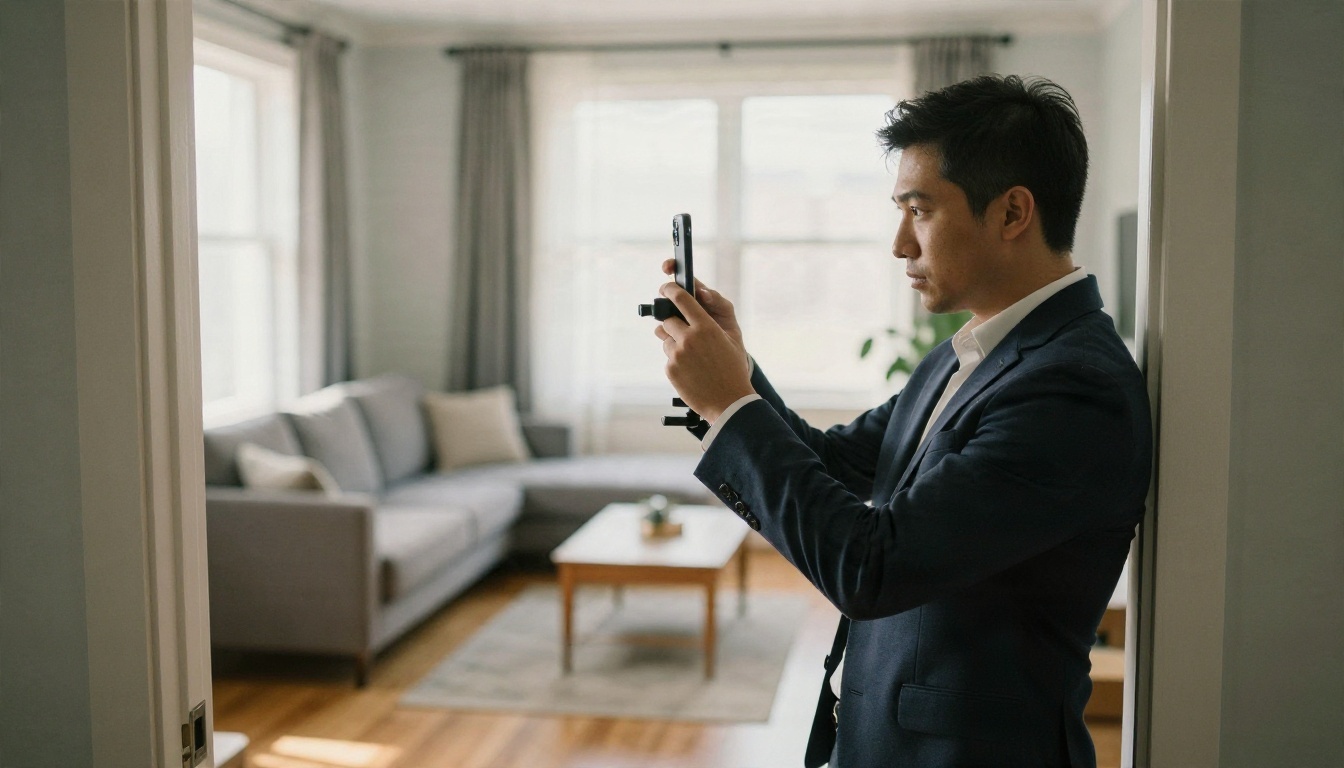
One photo in, five seconds out
Image to video models take a single still as the first frame and predict how the scene would move. For a room, that usually means a gentle dolly forward, a lateral slide, or a slow pan across the space. The model invents the in-between frames, including parallax on furniture and shifting light on the floor.
Current models such as Kling v3 Video, Wan 2.5 I2V and Hailuo 2.3 Fast handle this well when the source photo is sharp, well lit and shot with a normal lens. Each clip is short, usually five to ten seconds, so a full tour is a sequence of clips, not a single generation.
Why property suits this format
Real estate photos are close to ideal input. Rooms are static, lighting is controlled, lines are straight and the agent already owns a set of 20 to 40 professional images per listing. Compared with animating a portrait or a busy street, a living room gives the model very little that can go wrong. Smooth, slow, architectural motion is exactly what these models do best.
💡 Tip: The photo you start from decides 80 percent of the result. A crisp, level, well exposed image animates cleanly. A tilted or dark one produces a tilted, dark video.
What Free Options Really Give You

"Free" covers very different things in this market. Before you build a process around a tool, check which kind of free you are dealing with.
Free tiers of listing video apps
Dedicated real estate video apps often let you make a handful of videos at no cost, sometimes the first three, sometimes one per month. The catch is usually one of these: a visible watermark, a weekly export cap, a lower output resolution such as 480p or 720p with 1080p reserved for paid plans, or a short maximum length. Paid plans from specialist platforms commonly start around 49 dollars a month, which is reasonable for a team, but not for an agent testing the idea.
One more catch matters a lot for this topic. Some free plans do not let you upload your own property photos for animation at all. They only let you try stock samples. If the entire point is to animate your listing images, test that on day one, before you commit time.
Free generators with real models
General purpose generators work differently. You are not buying a real estate product, you are using a video model directly. On PicassoIA, Seedance 2.5 Lite is listed as a free and unlimited generator with clips up to ten seconds, which makes it a natural place to test motion ideas for room photos. For polished results you can step up to Seedance 2.5, Veo 3.1 Fast or Kling v3 Video.
The trade-off: you get raw clips, not a finished tour. No automatic branding, no template, no MLS-ready export. You assemble the sequence yourself, which takes a little more time but costs far less and gives you full control over what the camera does.
Side by side
| Option | What you get | Typical catch |
|---|
| Listing app, free trial | A few finished tour videos from templates | Watermark, export caps, 480p or 720p output |
| Listing app, free plan | Sample projects, basic editor | May block uploading your own photos |
| Listing app, paid | Branding, automation, bulk exports | Roughly 49 dollars a month and up |
| General AI video model | Direct image to video from your photo | Short clips, you assemble the tour |
| Free unlimited model tier | Many test generations at no cost | Quality varies, motion needs prompt tuning |
The Limits Nobody Mentions
Duration and resolution
Most image to video models output five to ten seconds per generation. A 60 second walkthrough therefore means eight to twelve clips. Resolution varies by model and plan. A clip that looks fine on a phone feed can look soft on a large listing page, so decide where the video will live before you pick a tier.
If a clip comes out slightly soft, run it through Real ESRGAN Video to upscale it, and use Real ESRGAN on the source still before animating when the original photo is small.
Hallucinated architecture
This is the biggest risk. A model that predicts what lies beyond the edge of the frame can invent things: an extra window, a doorway that was never there, a staircase that bends differently, a kitchen island that grows. In a pure entertainment video that is a quirk. In a property listing it is a misrepresentation, and a buyer who arrives expecting a second window will not be happy.
Common failure points:
- Edge of frame: forward camera moves reveal areas the photo never showed.
- Straight lines: door frames, countertops and balustrades can wobble or bend mid-clip.
- Fixtures and furniture: chairs may merge, lamps may change shape, patterns may crawl.
- Scale: rooms can appear larger than they are as the camera moves.
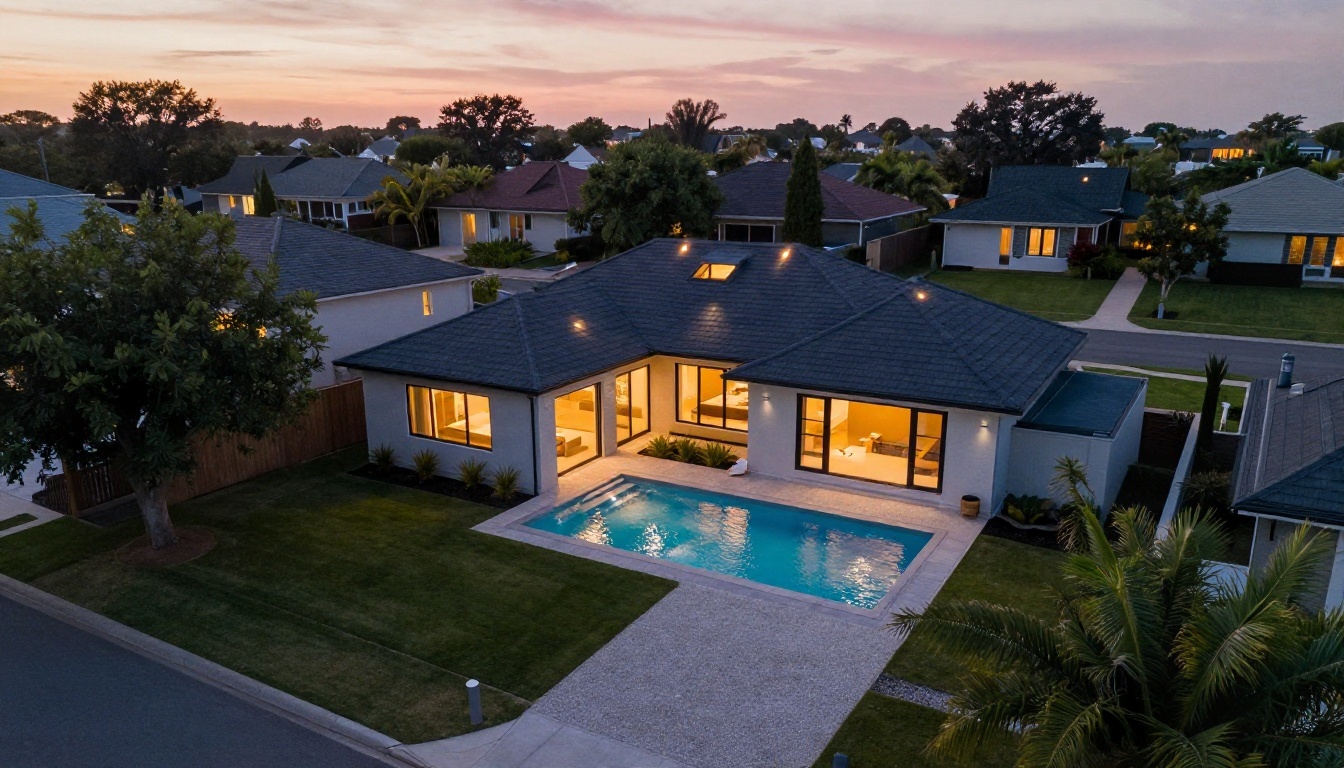
- Aerial shots: an animated drone-style view of a house and its plot can alter boundaries, trees or neighboring buildings.
Disclosure and MLS rules
Rules about altered imagery are tightening. California's AB 723 and many local MLS policies require disclosure when marketing images have been digitally changed in ways that could mislead. I have not checked every region's wording, so read your own MLS rules and state requirements before posting. A short line such as "Video generated from listing photos, camera motion simulated" is cheap protection.
💡 Rule of thumb: If the clip shows something the buyer cannot see in person, do not post it. Slow, subtle motion that stays inside the photo is safe. Large camera moves that invent space are not.
A Workflow That Holds Up
Pick the right photos
Start with the 8 to 12 strongest images from the listing. Prefer shots taken from a corner or doorway with a clear depth of field: a wide living room, a kitchen with an island, a bedroom with a window, a bathroom detail, a terrace. Skip anything cluttered, tilted or heavily wide angle distorted. Wide lens distortion becomes much more visible once things start moving.
Clean and upscale before animating
Fix problems in the still, not in the video. Remove a stray cable, a trash can or a personal photo on the wall using an image editor such as Nano Banana, which handles targeted edits well. Then upscale small images with Real ESRGAN. A clean 2K input produces visibly better motion than a compressed web thumbnail.
Stage empty rooms honestly
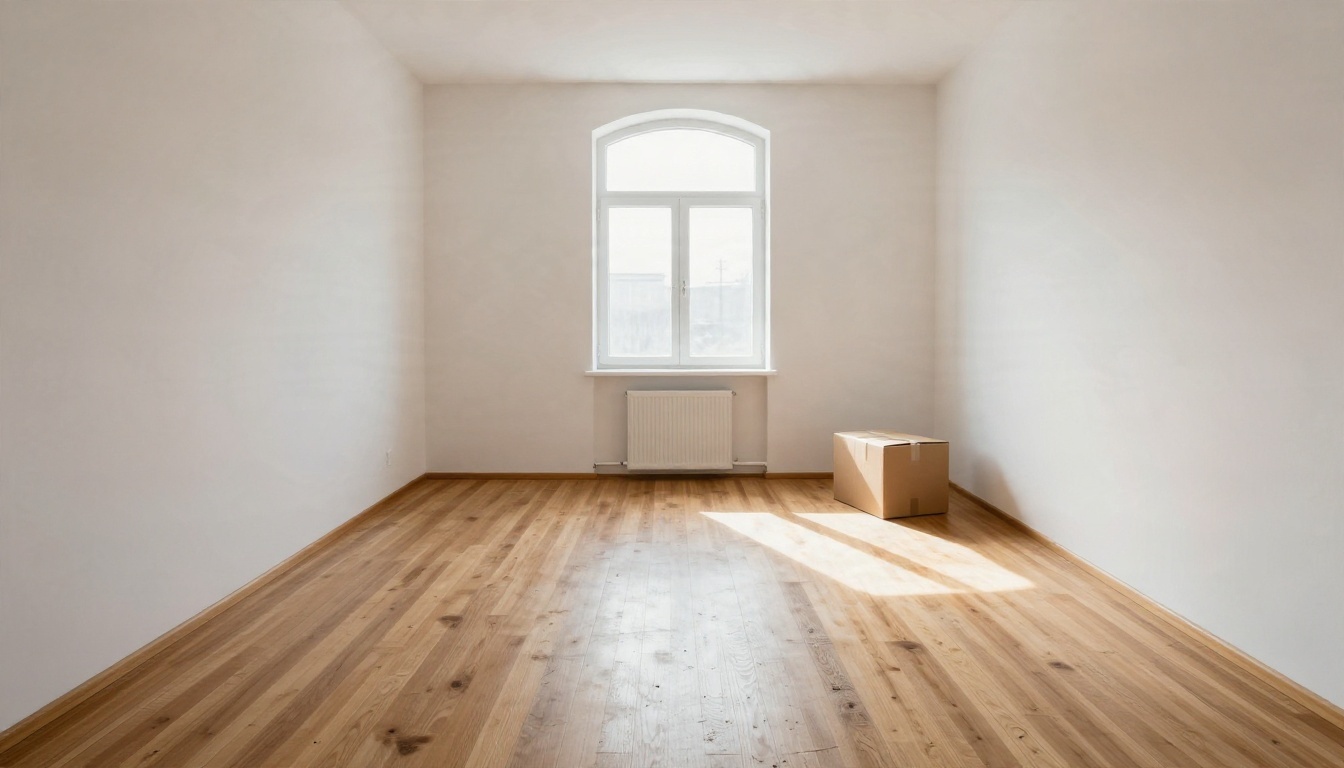
Empty rooms are hard to sell and hard to animate. A virtual staging pass, adding a sofa, rug and a plant, gives the video model more to work with and gives buyers a sense of scale. Use Nano Banana Pro or Seedream 4.5 for the staged still, keep the furniture proportionate to the room and disclose that the images are staged. Honest staging sells. Oversized furniture in a small room leads to disappointed viewings.
How to Use Wan 2.5 I2V on PicassoIA
Wan 2.5 I2V is a solid first choice for room photos: it respects the source image and produces calm, believable motion. If you want faster test runs, Wan 2.5 I2V Fast uses the same idea with quicker turnaround, and Wan 2.7 I2V is the newer option to compare against.
- Open the model page. Go to the Wan 2.5 I2V page on PicassoIA and sign in.
- Upload your listing photo. Use a sharp, level image of one room. Landscape orientation matches most listing sites.
- Write a motion prompt. Describe only the camera and the light, for example: "Slow dolly forward through the living room, steady camera, soft sunlight moving across the wooden floor, curtains barely moving, no people." Do not describe new objects.
- Choose resolution and duration. Pick the highest resolution your plan allows and start with the shortest duration. Short clips drift less.
- Generate and review. Watch the clip twice. First for beauty, then for errors: bending lines, new windows, objects that merge or vanish.
- Re-run if needed. Change only one thing per attempt, either the prompt wording or the motion strength, so you can see what helps.
- Download and name the clip. Name files by room, such as "01-living", "02-kitchen", so assembly is fast.
💡 Tip: Two seconds of motion that looks natural beats five seconds that looks clever. You can always trim a good clip, but you cannot fix a bad one.
Prompts That Work for Each Room
Every room type needs a slightly different camera move. These prompt patterns keep motion gentle and inside the frame.
Kitchens and bathrooms
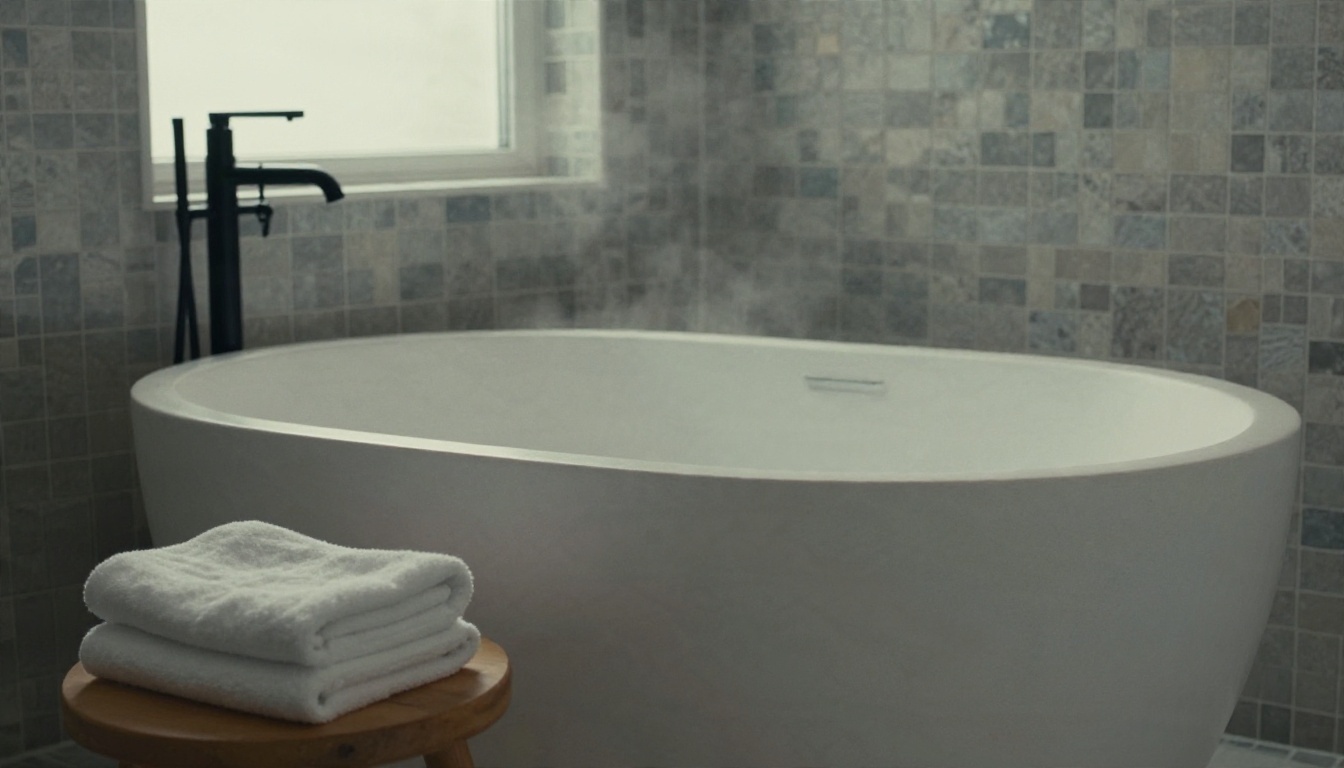
Detail rooms reward small moves. Try a lateral slide along the counter or a slow push toward the tub, with a note on light: "Camera glides slowly to the right along the marble island, soft morning window light, gentle reflections on the stone, steady and smooth." Avoid steam, running water or people unless the source photo already includes them, because liquid is where models invent the most.
Bedrooms and living rooms
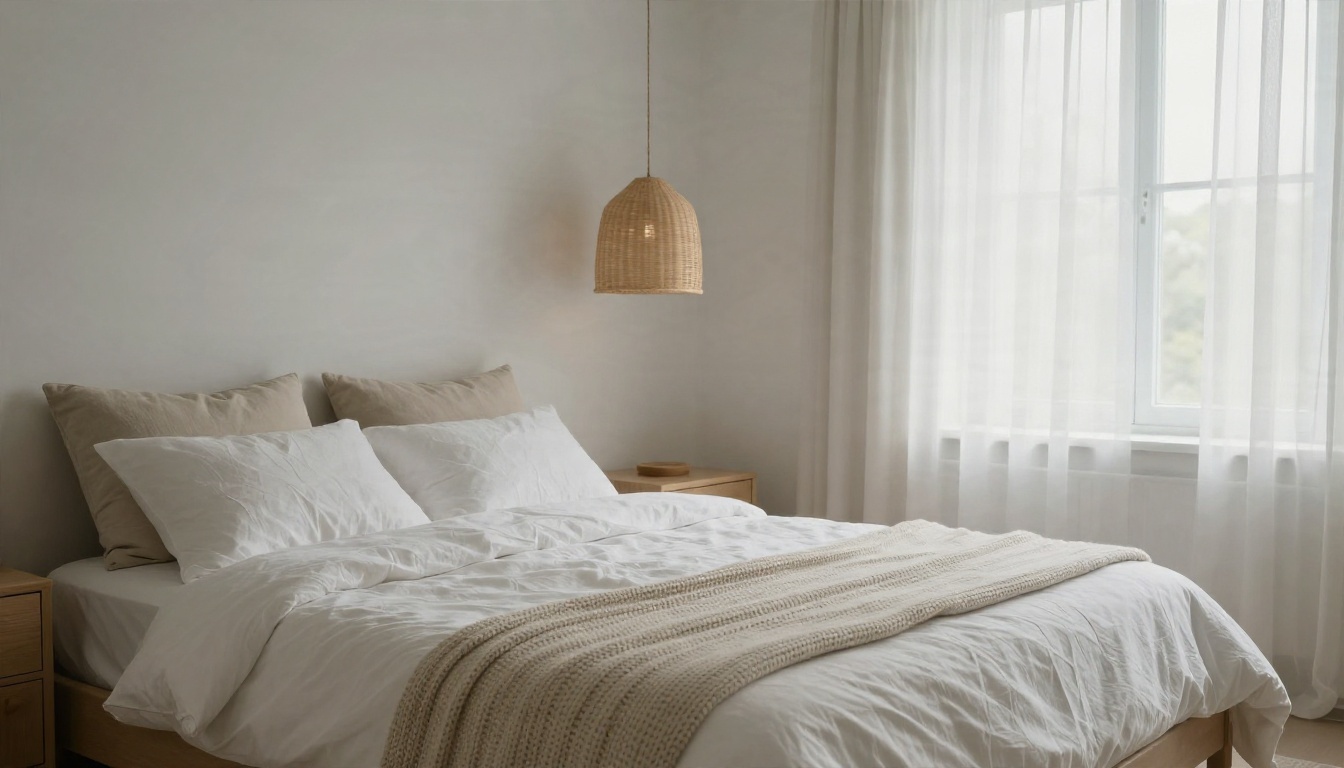
Wide rooms handle a forward dolly well. "Slow dolly in from the doorway toward the window, curtains sway very slightly, warm daylight shifts across the floor, camera stays level." Mention that the camera stays level. It reduces the wobble that makes buyers feel seasick.
Exteriors and terraces
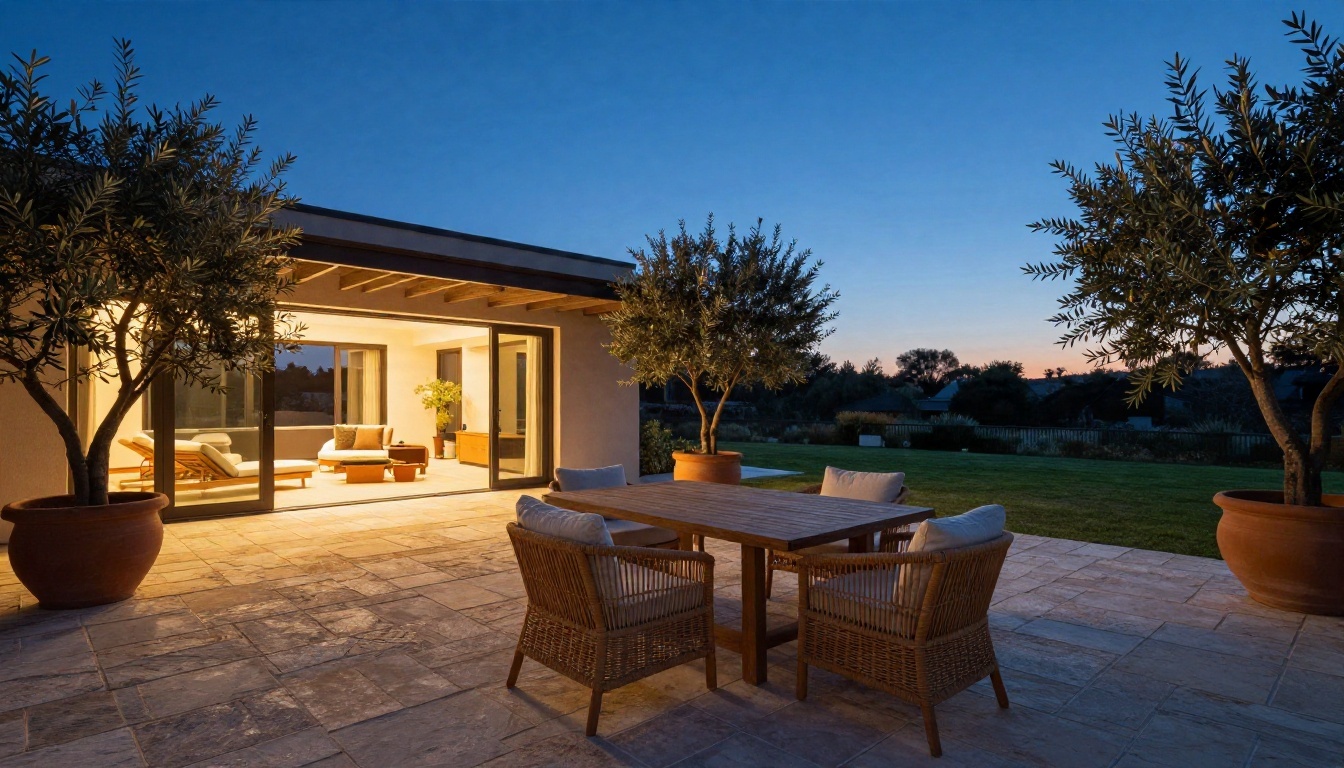
Exterior clips are the most appealing and the most dangerous. A twilight terrace with warm lamps looks wonderful when the camera drifts forward slowly. A sweeping aerial move that reveals the whole plot is where the model starts to invent hedges, roads and neighbors. Keep exterior moves short, keep the horizon level and compare the clip with the original photo before posting.
Prompt cheat sheet
| Room | Camera move | Light cue |
|---|
| Living room | Slow dolly in from the doorway | Sun shifting across the floor |
| Kitchen | Lateral slide along the island | Soft morning window light |
| Bedroom | Gentle push toward the window | Overcast daylight, curtains moving slightly |
| Bathroom | Slow tilt from tub to tap | Frosted window glow, no steam |
| Terrace | Short forward drift, level horizon | Warm lamps at dusk |
| Exterior | Subtle orbit of five degrees or less | Golden hour, still trees |
Stitching Clips Into a Full Tour
Order and pacing
A good tour follows how a buyer would walk the property: exterior, entrance, living space, kitchen, bedrooms, bathroom, outdoor area, then back to the exterior. Keep every clip between two and four seconds in the edit. Quick cuts between calm moves feel confident. Long single clips feel slow and expose flaws.
Sound and polish
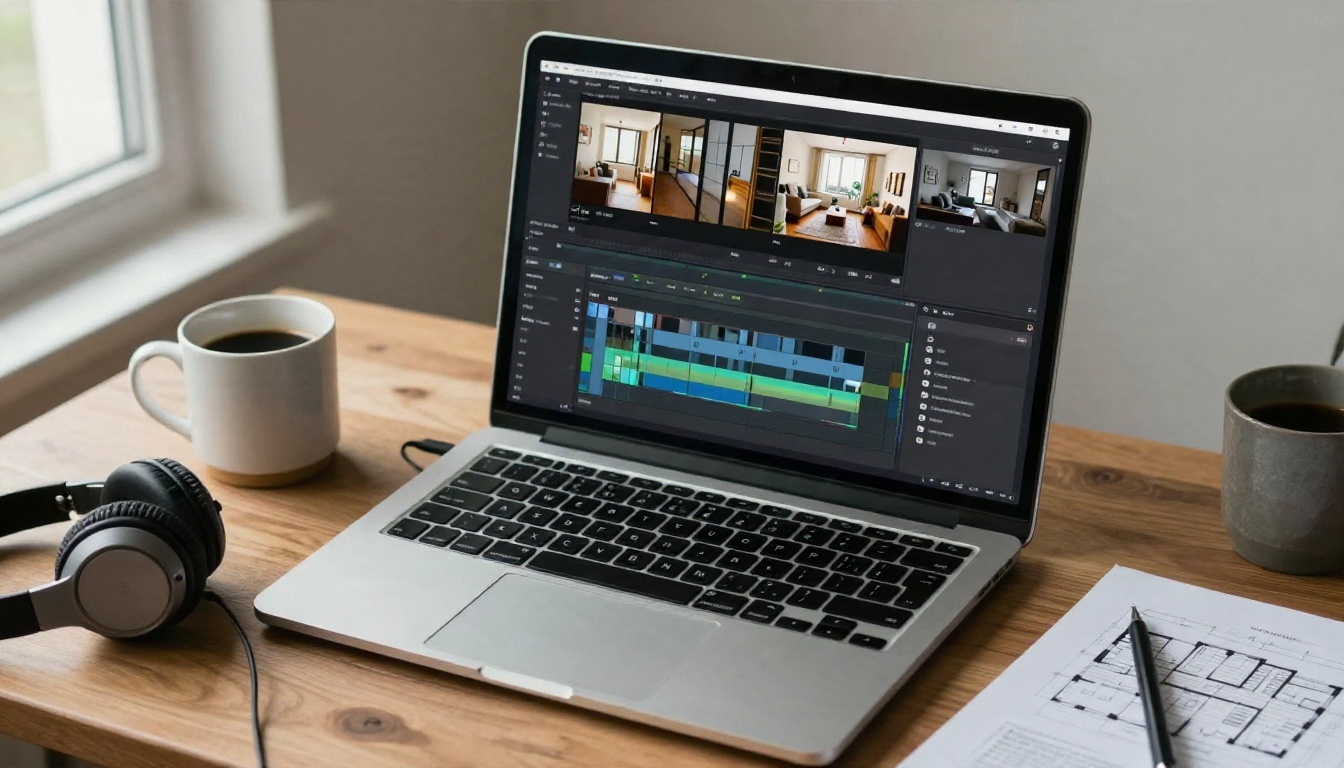
Most clips look better with a soft, steady music bed and a short voiceover that names the neighborhood, the number of bedrooms and the price. PicassoIA also offers text to speech for voiceover and AI music generation for a royalty-conscious background track, so the whole assembly can stay in one place. If the tour needs a model with native audio such as ambient room sound, Veo 3.1 Lite is worth testing.
Fast checklist before posting
- Every clip matches a real photo in the listing.
- No invented windows, doors or rooms.
- Straight lines stay straight.
- Resolution is sharp on a phone and a laptop.
- A disclosure line is in the caption or description.
- Branding and contact details are added in the editor, not inside generated frames.
When AI Beats a Videographer, and When It Does Not
AI wins when speed and volume matter. A new listing can have a social clip within an hour of the photo shoot, rental units can get fresh clips each season, and agents can test five styles for the same home at almost no cost. It is also the only realistic option for properties where a video crew simply does not fit the budget.
A videographer still wins on high-end listings, on homes where layout and flow are the selling point, and anywhere buyers expect to judge spatial relationships. Real footage proves how rooms connect. AI clips imply it. A smart approach combines both: real footage for the hero tour, AI clips for short social teasers built from the same photos.
For teams comparing costs, the math is simple. A single professional video shoot often costs several hundred dollars. A few hours of testing with free models costs nothing, and the worst case is a clip you do not use. Start with free generation, find the motion style your market responds to, and only then decide whether a paid listing platform adds enough value to justify the monthly fee.
Try It on Your Next Listing
Pick three photos from your current listing: a living room, a kitchen and an exterior. Run each through Wan 2.5 I2V with a calm, level camera prompt, then test the same photos in Seedance 2.5 Lite and Kling v3 Video to see which motion feels most natural for your property type. In an afternoon you will know what the technology can do for your listings, where it needs a human eye, and how much of your video workflow it can replace.
Ready to build your own clips? Open PicassoIA, upload a listing photo and try a first test. You can browse every image, video and editing model at picassoia.com/en/all-models.


