Most small business owners do not have a "tech problem." They have a time problem. You open at 7, answer messages at lunch, post on social media at 10 p.m., and somehow the invoices still pile up. That is exactly where AI for small business ideas start to make sense: not as a robot that runs your shop, but as a very fast assistant that writes the first draft, sorts the messy list, and makes the product photo look like you hired a studio.
This article is built around things you can actually do. You will find concrete examples by business type, a table of free tools to try first, prompts you can paste straight into a chat window, and a short tutorial for creating product visuals. No theory lectures. If a section does not save you time or money, it is not here.
💡 Quick rule before you read on: pick one task that drains you every week. Fix that one with AI. Ignore the other 40 ideas until it works.
Why Small Businesses Use AI Now
Five years ago, a good writing assistant or image generator needed a budget and a technical person. Today, a florist with a phone can draft a week of posts in ten minutes and generate a clean product backdrop before lunch. The tools got cheaper, faster and far easier to talk to. You type what you want in plain language, and you get something back.
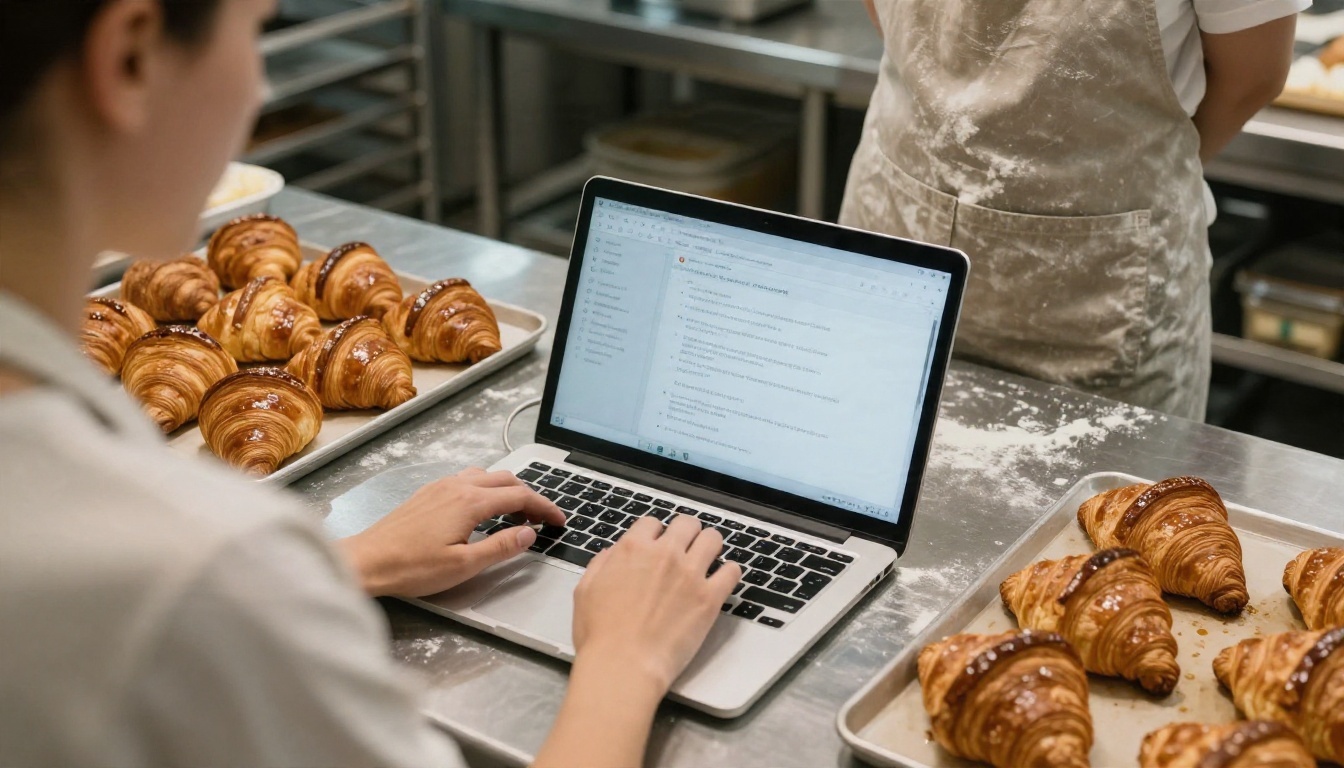
Where the Hours Actually Go
Before choosing a tool, look at where your week disappears. For most owners it is the same short list:
- Writing: social posts, product descriptions, newsletters, replies to customers.
- Visuals: product photos, menu boards, flyers, thumbnails.
- Admin: summarizing long emails, drafting quotes, organizing notes.
- Planning: pricing, promotions, seasonal calendars, hiring ads.
Every item on that list is something a language model or image model can start for you. Notice the word start. AI gives you a draft in seconds. You still bring the taste, the facts and the final decision.
What AI Does Well (and Badly)
| Task | AI is good at | AI is bad at |
|---|
| Writing | Fast first drafts, rewording, tone changes | Knowing your real prices, hours or policies |
| Images | Backgrounds, mood shots, social visuals | Exact product details like your real logo |
| Planning | Brainstorming, checklists, content calendars | Local rules, taxes, legal advice |
| Support | Drafting polite, consistent replies | Handling angry or unusual cases alone |
Treat AI like a bright intern on day one. Quick, willing, occasionally wrong. You check the work.
12 AI Ideas You Can Try This Week
Here are the ideas grouped by the problem they solve. You do not need all of them.
Marketing and Social Posts
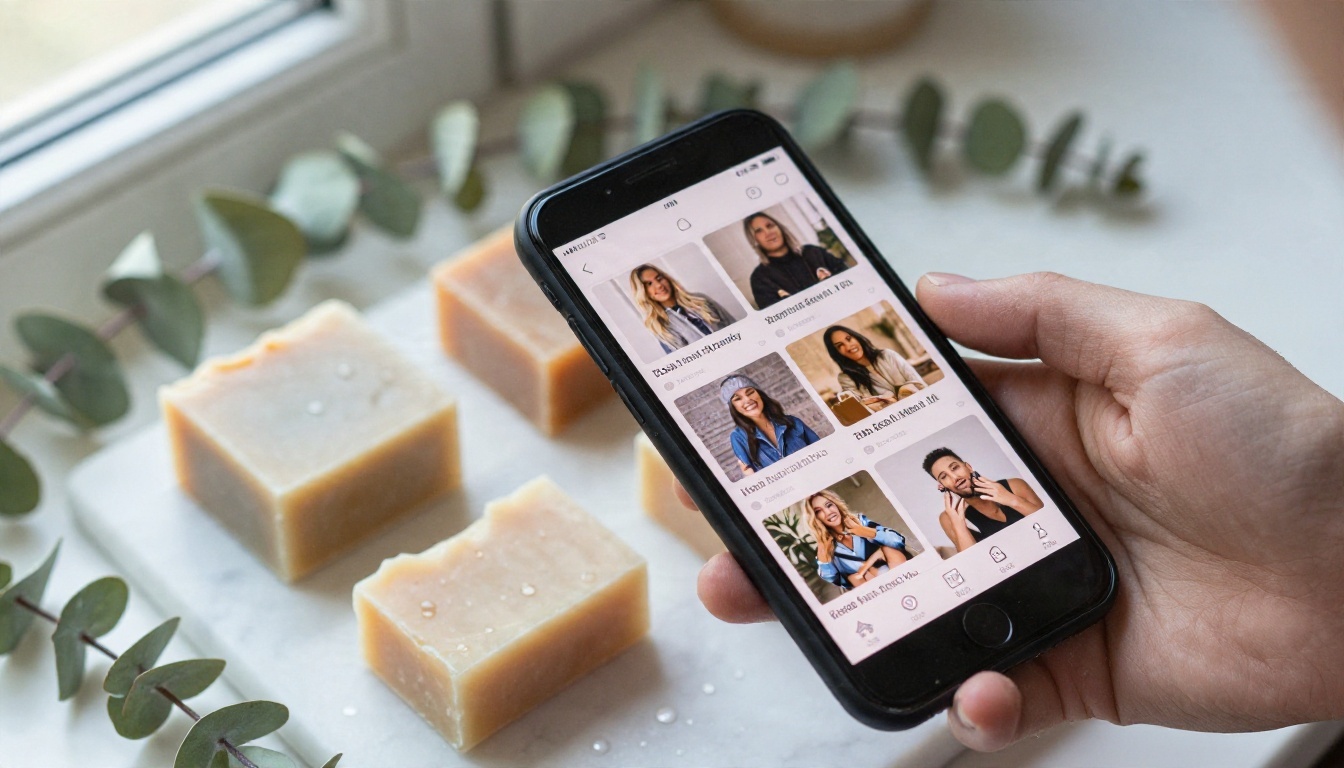
- A 30 day content calendar. Give a language model your business type, your audience and three things you sell. Ask for a month of post ideas with a hook for each one.
- Caption variations. Paste one caption and ask for five versions: playful, direct, short, story style, and one with a question.
- Product descriptions in your voice. Paste two descriptions you already like. Ask the model to write ten more that sound the same.
- Seasonal promotions. Ask for promo ideas around holidays, slow weeks and local events, with a rough effort rating for each.
For text work, a fast model such as GPT 5.6 Luna is plenty for captions and short replies. For longer pieces like newsletters or website pages, Claude Sonnet 5 handles structure and tone well.
Customer Support and Email
- Reply templates. Collect your ten most common customer questions. Have AI draft a friendly, accurate answer for each, then edit once and save them.
- Review summaries. Paste 30 customer reviews into a model and ask for the three most repeated complaints and the three most repeated compliments. This is a free market research session.
- Email cleanup. Paste a rushed, slightly grumpy draft and ask for a calm, professional version that keeps the same message.
- Meeting and call notes. Turn messy notes into a short list of decisions and next steps.
💡 Tip: never paste private customer data like full card numbers or passwords into any chat tool. Remove names and personal details first.
Product Photos and Visuals
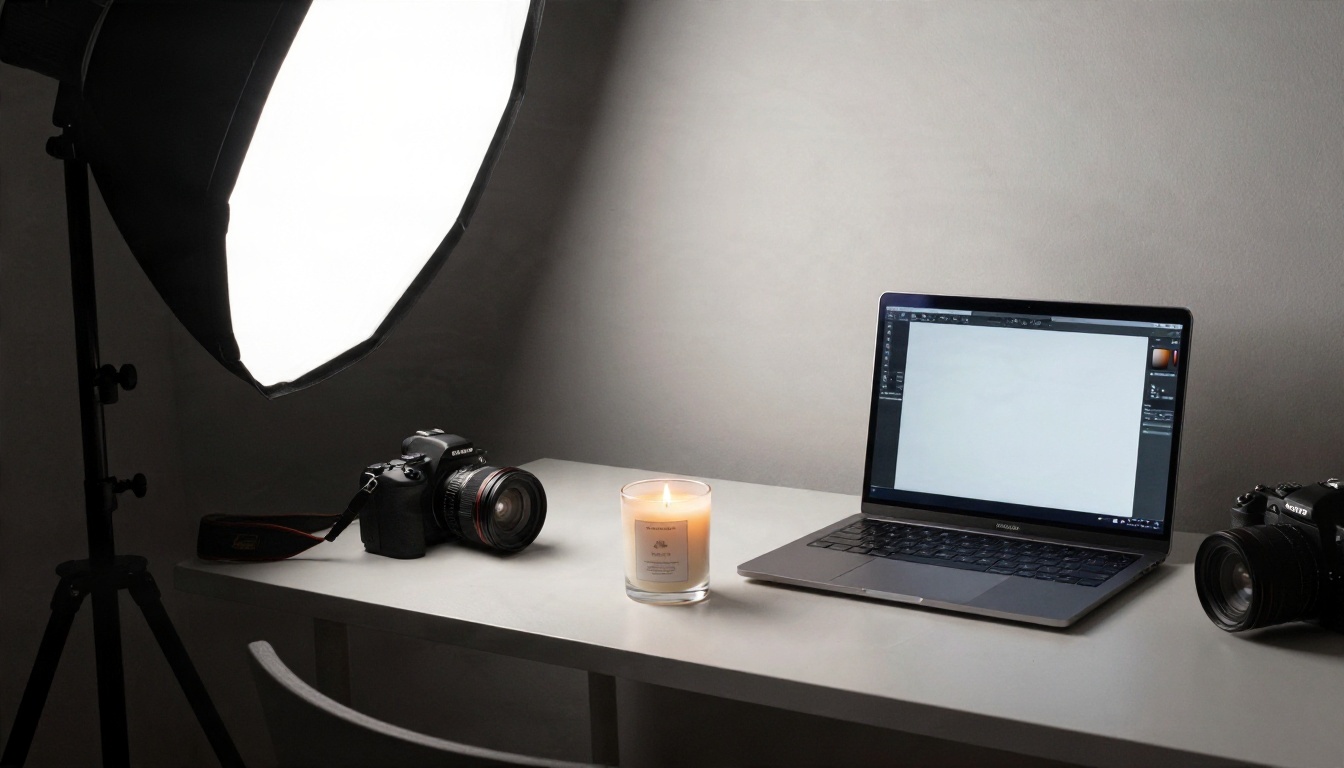
- Clean product backgrounds. Photograph your product on a plain surface, then cut out the background with Remove Background and drop it onto any scene you like. Product Cutout is built for exactly this kind of ecommerce image.
- Lifestyle mood images. Create a warm kitchen counter, a rustic wooden table or a sunny window shelf for social posts using Seedream 4.5.
- Quick edits. Remove a stray cable, change a wall color or expand the canvas for a banner with PicassoIA Image Editor Pro.
Menus, Pricing and Planning
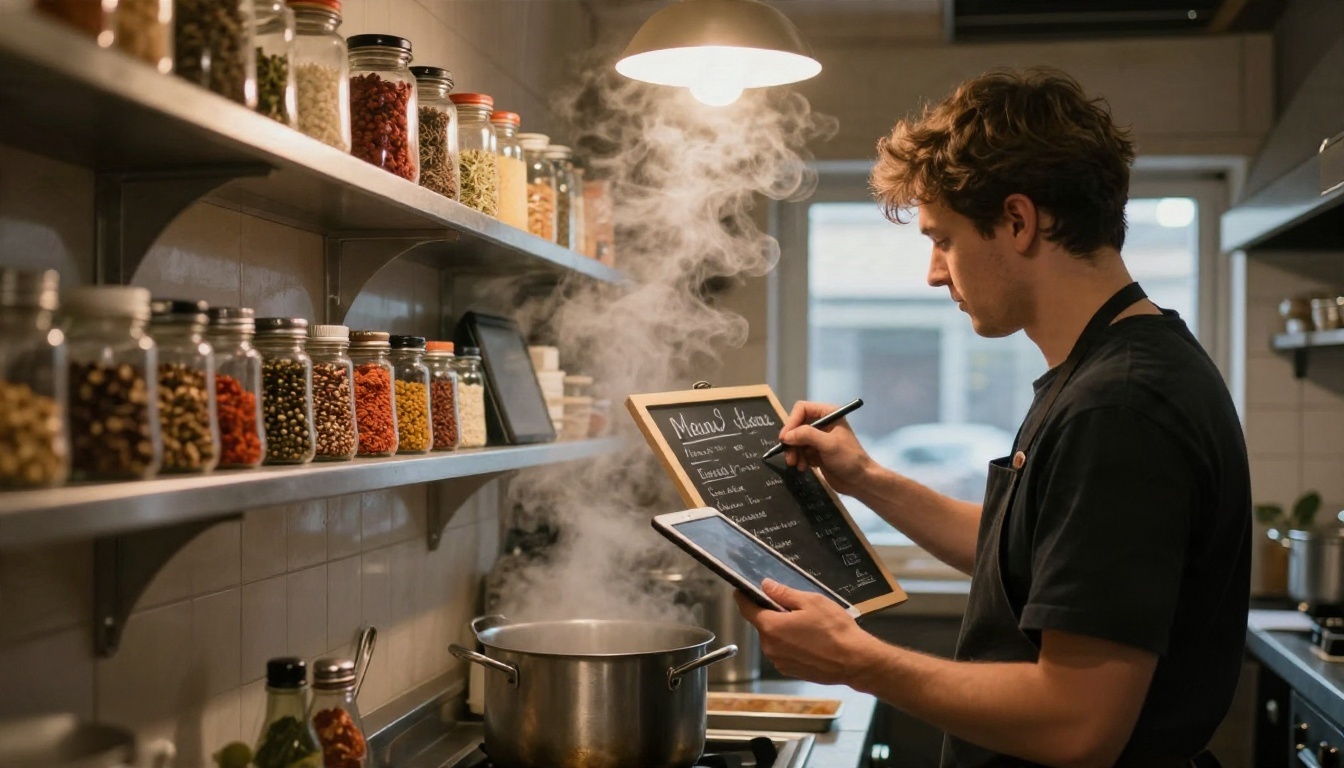
- Menu and price testing. Share your costs, your portion sizes and your local competitors' typical prices. Ask for three pricing scenarios with the pros and cons of each. The model will not know your real numbers, so feed them in.
You can also ask for a prep checklist, a staff schedule draft, a hiring ad, or a short script for a phone greeting. These are small wins that add up.
"Free" usually means free to try, with limits. That is fine. Your goal is to test whether a task is worth automating before you pay for anything.
Text and Chat Models
You do not need to subscribe to five things. One good language model covers most written tasks. Here are solid options to test side by side:
| Model | Best use for a small business |
|---|
| GPT 5.6 Luna | Fast replies, captions, short emails |
| Claude Sonnet 5 | Longer writing, policy pages, careful rewrites |
| Gemini 3.5 Flash | Quick chat, brainstorming, reading images |
| Qwen3.7-Plus | Text plus image interpretation, such as reading a photo of a handwritten list |
| Granite 4.1 8B | A lightweight free option for chat and simple drafts |
Run the same prompt through two of them. You will quickly see which voice matches your brand. One often sounds more natural for your customers than the other.
Image Tools
For visuals, three jobs come up again and again: generate a scene, edit a photo you already have, and remove a background.
Prompts to Copy and Paste
A good prompt has four parts: who you are, what you need, the details, and the format you want back. Fill in the brackets and paste.
Prompt for Marketing
"I run a [type of business] in [city]. My customers are [description]. Write 10 Instagram post ideas for next month. Each idea needs a one line hook, a short caption under 40 words, and a suggested photo. Tone: friendly and direct, no slang."
Variation: add "Avoid anything that sounds like an ad" if your first results feel stiff.
Prompt for Support Replies
"You are a customer service assistant for [business name]. Our return policy is: [paste policy]. Write a polite reply to this message: [paste message]. Keep it under 90 words and do not promise anything outside the policy."
That last sentence matters. Without it, models sometimes invent generous offers you never made.
Prompt for Product Images
"A [product] on a rustic oak table, soft morning window light from the left, shallow depth of field, natural textures, warm film color, no text, shot on a 50mm lens."
Photographic words like lens, lighting direction and texture push the result toward a believable photo instead of a glossy cartoon. Always say no text unless you need a word, since generated lettering can come out garbled.
Prompt for Reviews and Feedback
"Here are 30 customer reviews: [paste]. List the three most common complaints, the three most common compliments, and one change I could make this month that would fix the biggest complaint."
How to Use Seedream 4.5 on PicassoIA
If you want branded scene images without a photo shoot, this is a simple workflow with Seedream 4.5.
- Open the model page on PicassoIA and find the prompt box.
- Write the scene, not the product. Describe the surface, the light and the mood. Example: "A marble counter near a sunny window, eucalyptus sprigs, soft shadows, empty space on the right."
- Leave space for your product. Asking for "empty space in the center" gives you a backdrop you can place a real product photo on later.
- Set a 16:9 or square ratio depending on where the image will live: wide for website banners, square for feeds.
- Generate a few versions and keep the one that looks least "AI." Real textures and natural light usually win.
- Polish it. Use PicassoIA Image Editor Pro to fix small details, or Remove Background to place your real product cutout on top.
💡 Parameter tip: if a result looks too busy, shorten your prompt. Three strong details beat ten vague ones.
Real Examples by Business Type
Here is what these ideas look like in the real world. Names are generic, the situations are common.
| Business | Task handed to AI | Time saved per week (typical) |
|---|
| Bakery | Daily special captions, allergy info wording | 2 to 3 hours |
| Florist | Price tags, seasonal post ideas, bouquet backdrops | 2 hours |
| Online leather shop | Product descriptions, background cleanup | 4 hours |
| Soap maker | Content calendar, lifestyle images | 3 hours |
| Consultant | Email drafts, proposal outlines | 3 to 5 hours |
These are rough, honest estimates, not guarantees. Your numbers depend on how much you already do by hand.
Cafés and Bakeries
A café owner can ask a language model for "five ways to describe a seasonal pumpkin loaf without using the word cozy," then pick the best one for the chalkboard. The same owner can generate a warm counter backdrop for the weekly newsletter header. Total effort: fifteen minutes.
Retail and Florists
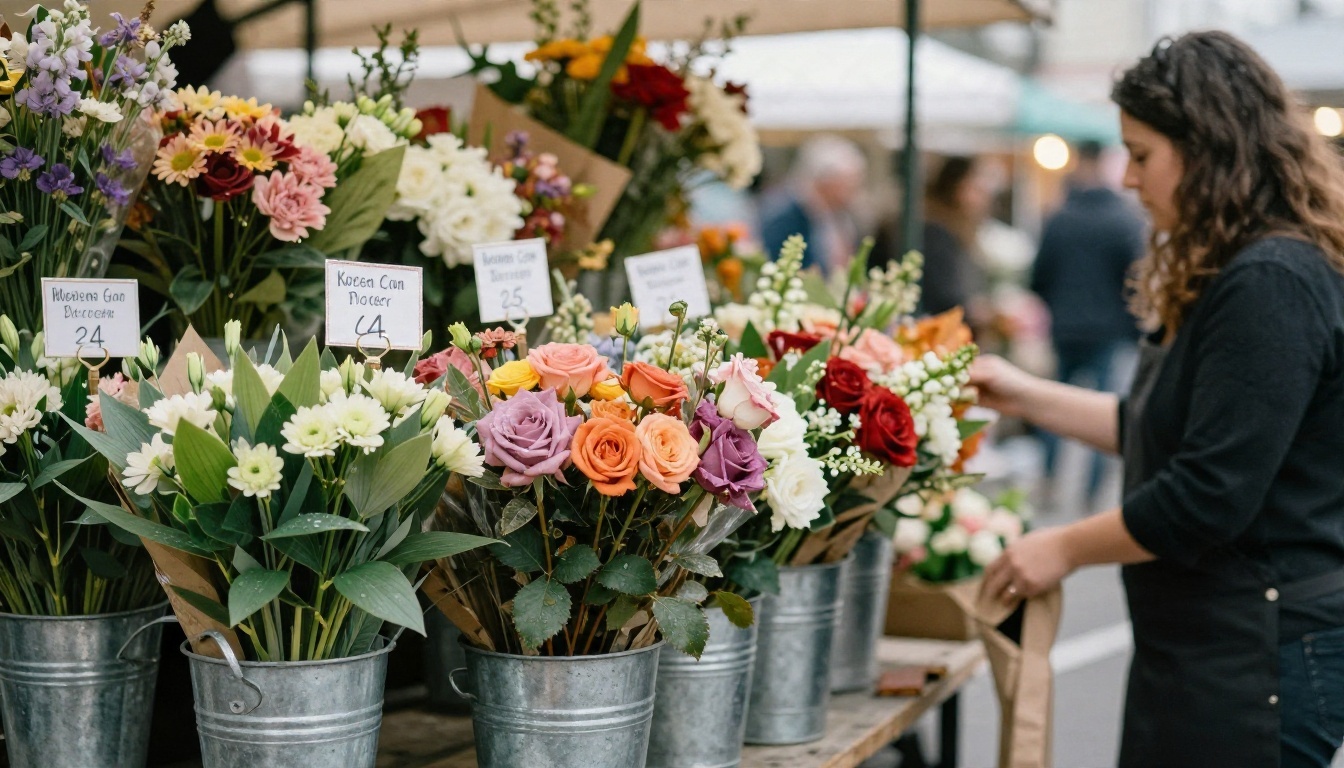
Retail runs on visuals and pricing. A florist can test price points for three bouquet sizes, then write short, specific tags. Instead of "beautiful flowers," the tag says "peonies, ranunculus and eucalyptus, wrapped in kraft paper." Specific wording sells better, and AI is good at producing specific options quickly.
Freelancers and Consultants

For service businesses the biggest win is usually communication. Paste a client's rambling email and ask for a three bullet summary of what they want. Then ask for a reply that confirms scope, timeline and price. You will still read and edit it, but you skip the blank page.
Mistakes That Waste Your Time
Most disappointing results come from the same handful of habits.
Vague Prompts, Vague Results
"Write a post about my shop" returns something bland. "Write a 40 word post for a Saturday market stall selling peonies at 12 dollars a bunch, friendly tone, one question at the end" returns something usable. The more real detail you give, the less editing you do.
Trusting Facts Blindly
Models can state wrong prices, invent policies or make up statistics. Anything with a number, a date, a legal point or a health claim needs your own check. This matters most for food allergens, refunds and anything touching taxes.
Using AI Images as Fake Proof
Generated scenes are fine for mood and backgrounds. Do not present a generated image as a real photo of your actual product if customers will rely on it. Show the real item, and use AI for the setting around it. Honest visuals keep refunds low and trust high.
Tool Hopping
Signing up for twelve tools and using none of them is common. Pick one text model and one image tool. Use them for a month. Then decide if you need more.
Pick One Task and Start Today
You do not need a strategy document. You need one repetitive task and fifteen minutes. Here is a simple plan:
- Today: paste your ten most common customer questions into a language model and ask for draft replies.
- Tomorrow: generate three background images for your next three posts.
- This week: write your content calendar for the month and schedule it.
- Next week: compare how many hours you saved, and decide what to try next.
If you sell something you can photograph, start with visuals. Open Seedream 4.5 on PicassoIA, describe the scene your product belongs in, and see what comes back. Then try Nano Banana for edits, or ask Claude Sonnet 5 to write the caption that goes with it.
Experiment with your own prompts, swap in your own products, and keep the versions that feel like your brand. When you want to see every model available for text, images and more, browse picassoia.com/en/all-models and pick the one that fits your next task.


